Updated Nov 21, 2026, from what MacPip lists today.
Short answer
MacPip lists 8 free clipboard and text apps for Mac, and MacPip has checked none of them yet.All of them have a free version.6 of them sell a one-time license.1 of them is sold by subscription.There is no single best free clipboard manager for everyone, so MacPip does not rank them.If you want it free, start with PasteNote.
Checked apps come first, newest check first. Never ordered by payment.
What these 8 apps offer, by their listings. An app can offer several, so the bars do not add up to 8.
Free version8 of 8
Pay once6 of 8
Subscription1 of 8
Native to Apple silicon6 of 8
Open source1 of 8
Works offline2 of 8
Checked0 of 8
One-time price in US dollars, as each listing states it, lowest first. 3 apps have no plain dollar one-time price and are left out. Launch prices count where the listing says so.
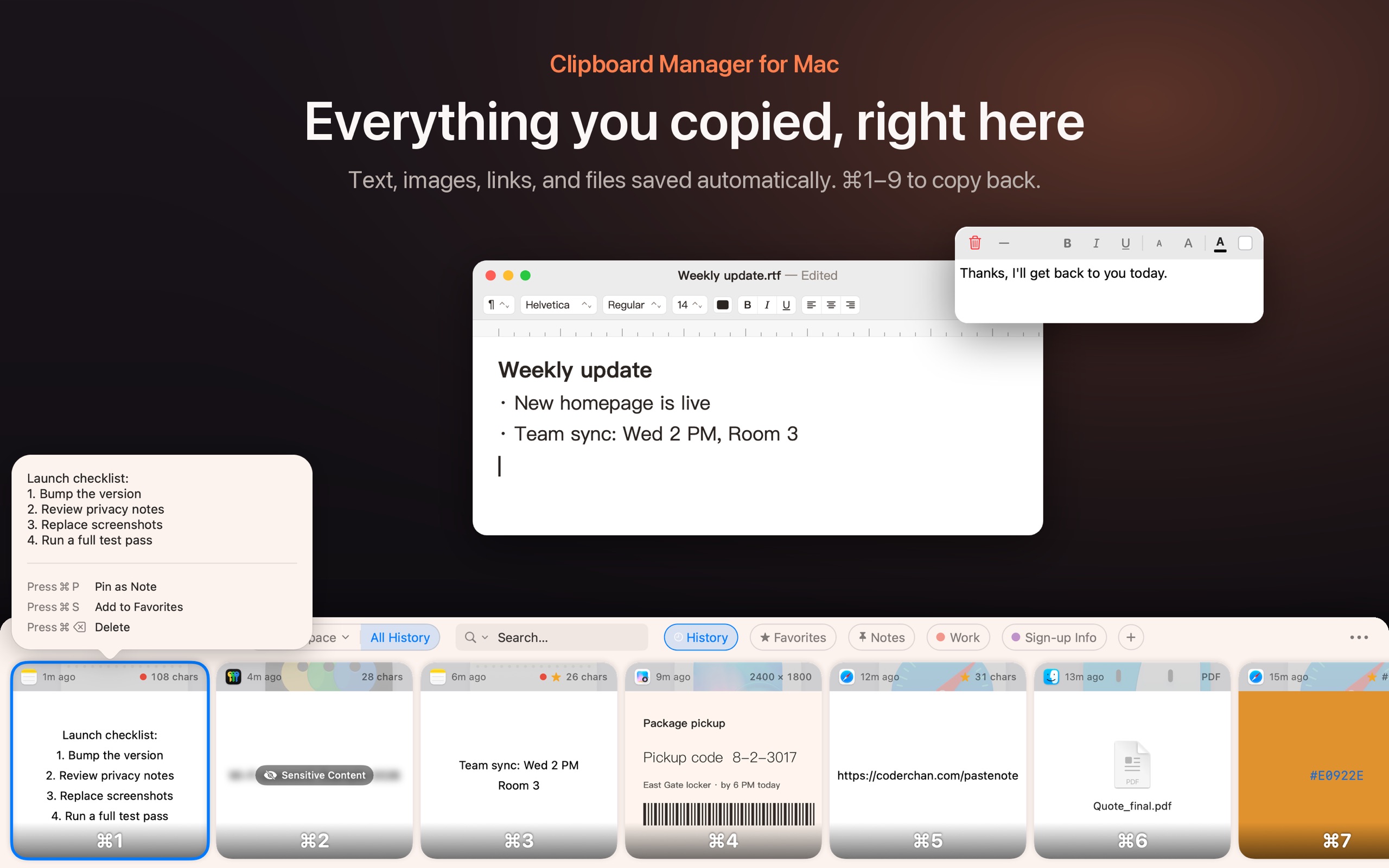
From its maker: Find copied text, images, links, and files in your Mac clipboard history. Search for words inside screenshots, organize clips in folders, and pin a note to your desktop.
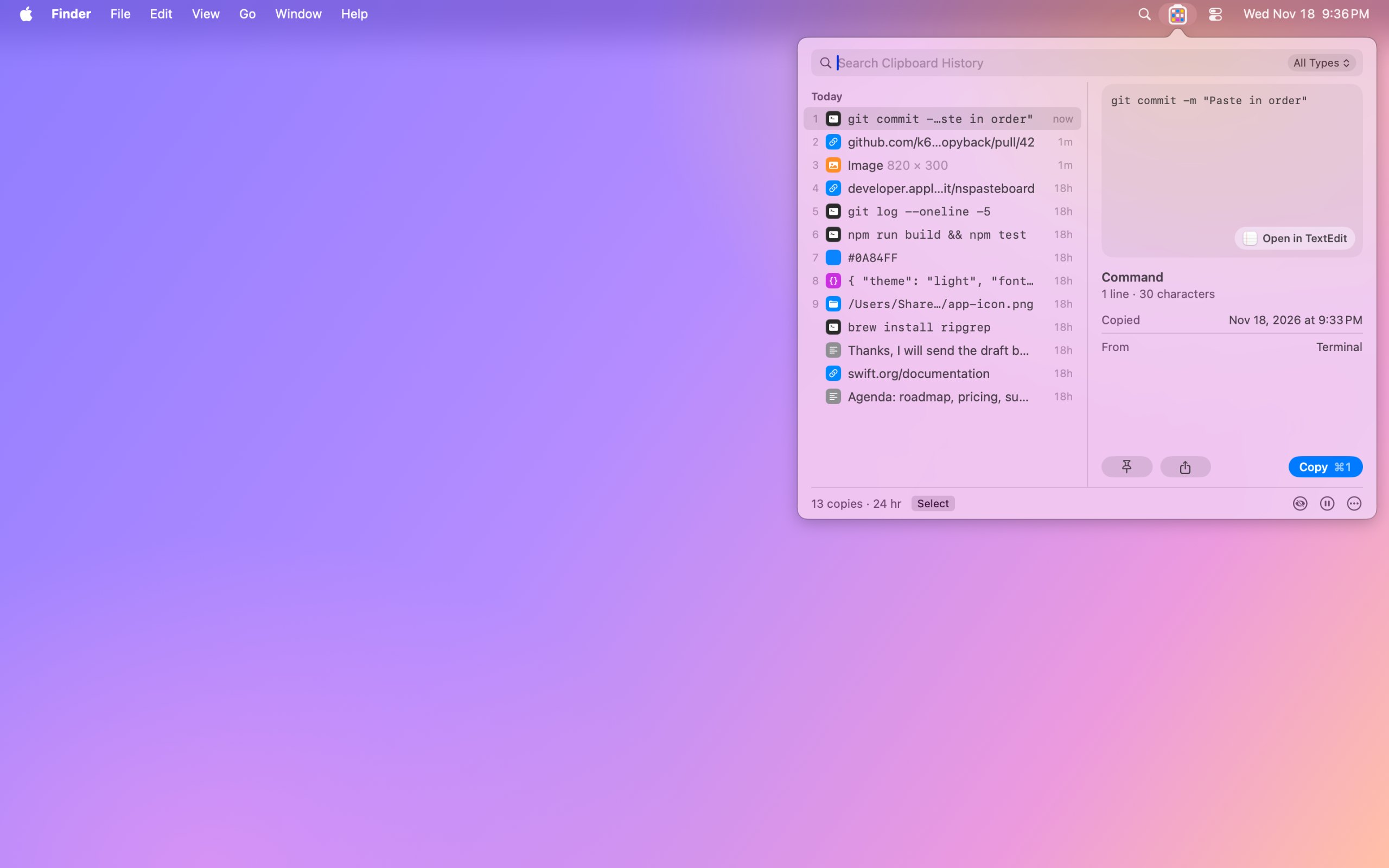
From its maker: Copyback shows your last nine copies in the menu bar, one colored cell each, and keeps your clipboard history encrypted on your Mac. Search text, links, code and even the words in screenshots.
From its maker: Press ⇧⌘V to open your clipboard history at the bottom of the screen. Browse what you copied as cards, search by text or title, save clips you reuse in Pinboards, and preview them with Quick Look.
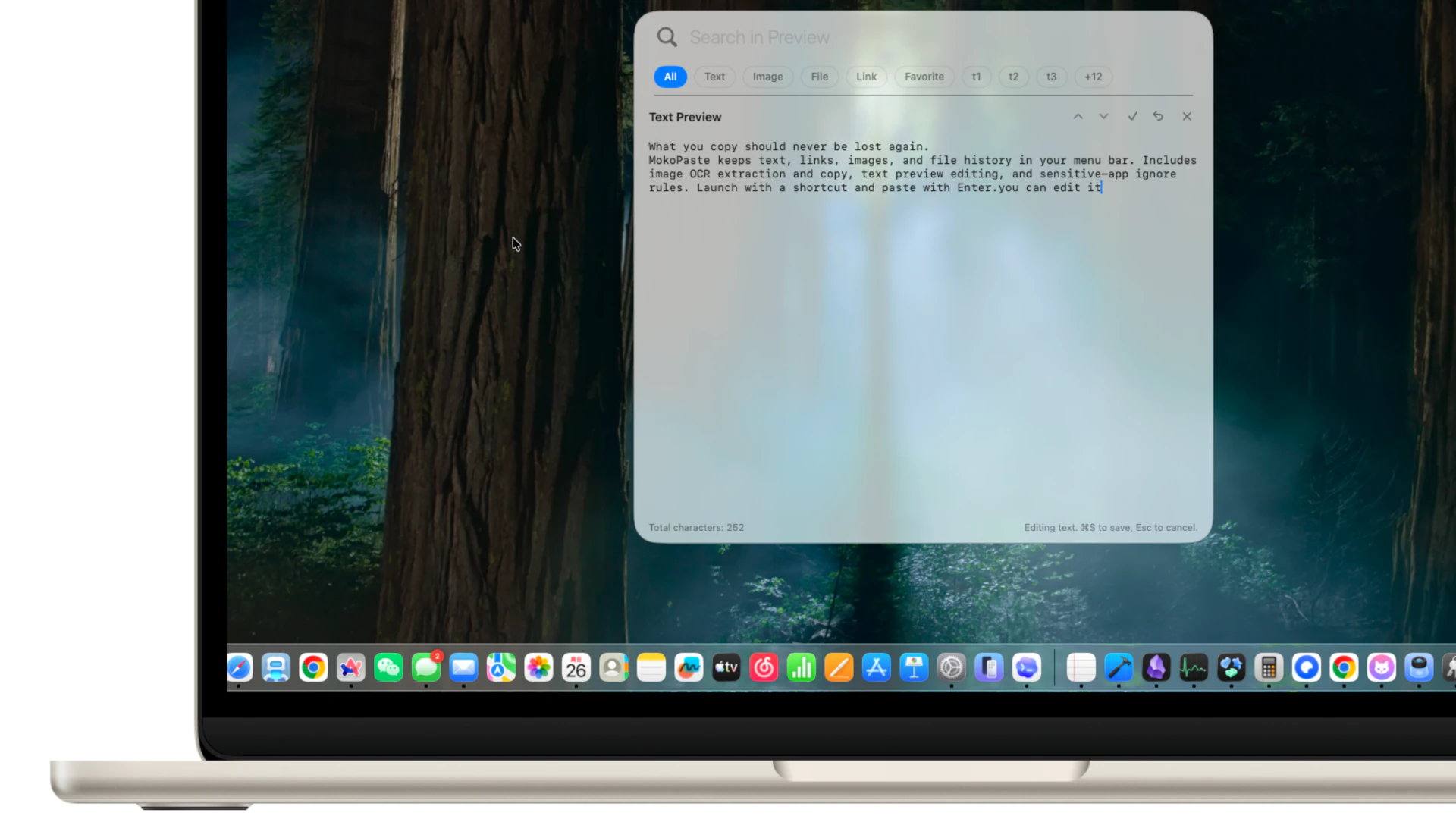
From its maker: MokoPaste is a native clipboard manager for macOS. Keep and search text, links, images, and file history, organize clips with tags and favorites, and paste multiple items in sequence.
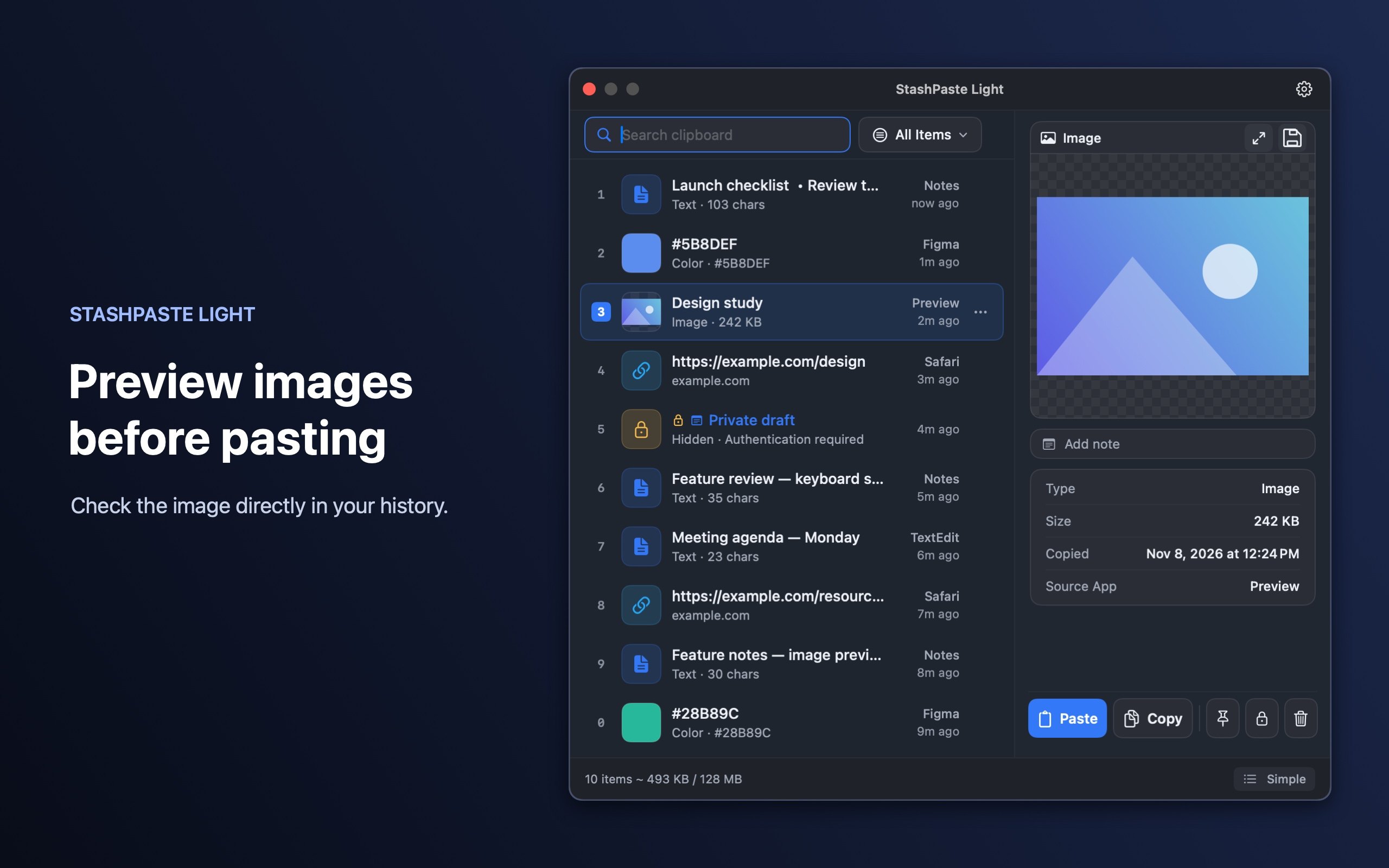
From its maker: Free session clipboard history for Apple Silicon and Intel Macs with macOS 13+. Search, pin and annotate supported items in StashPaste Light.
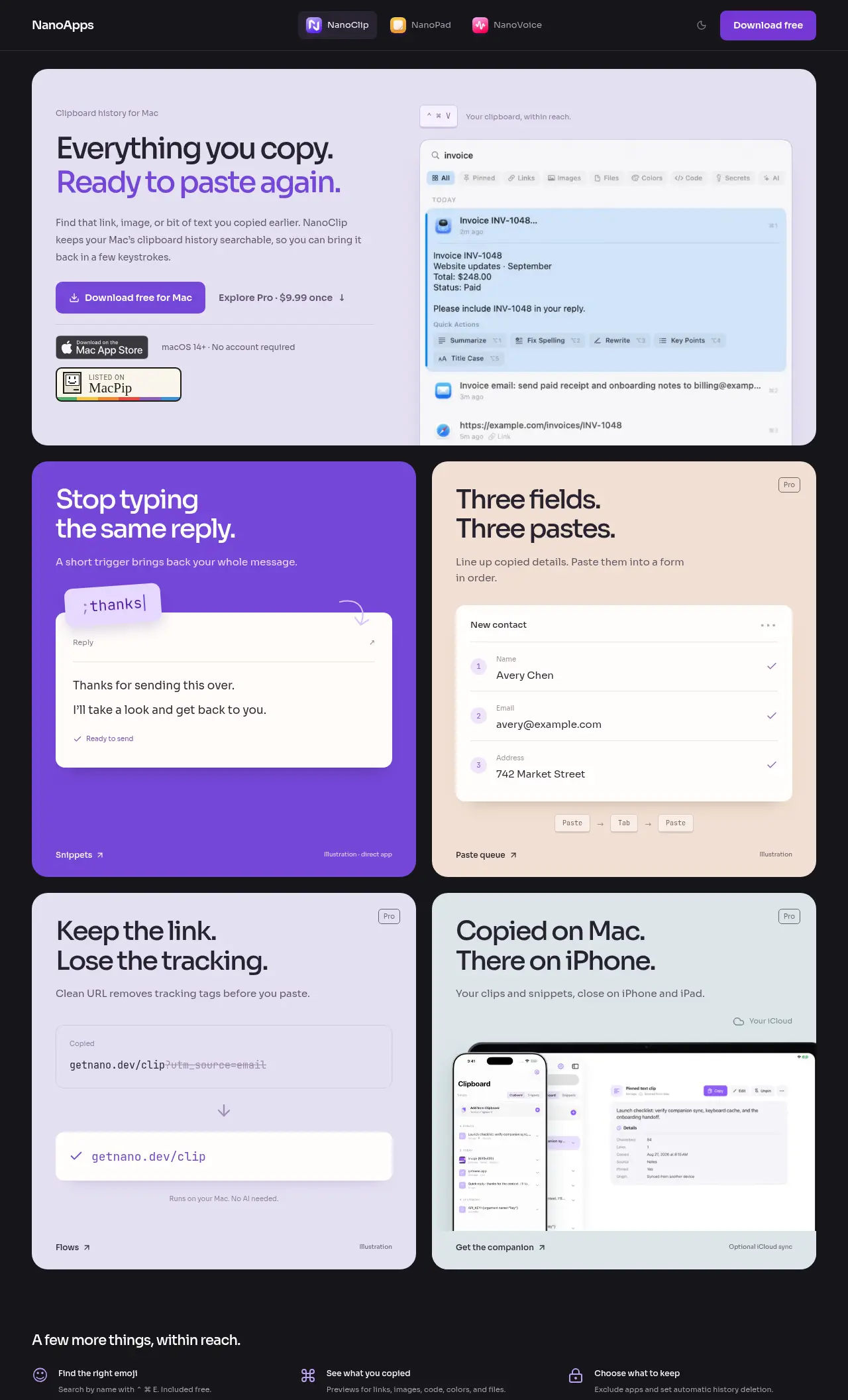
From its maker: NanoClip is a clipboard manager for Mac users who want to easily find and reuse copied content. It's especially helpful for those who type the same replies or fill out forms frequently.
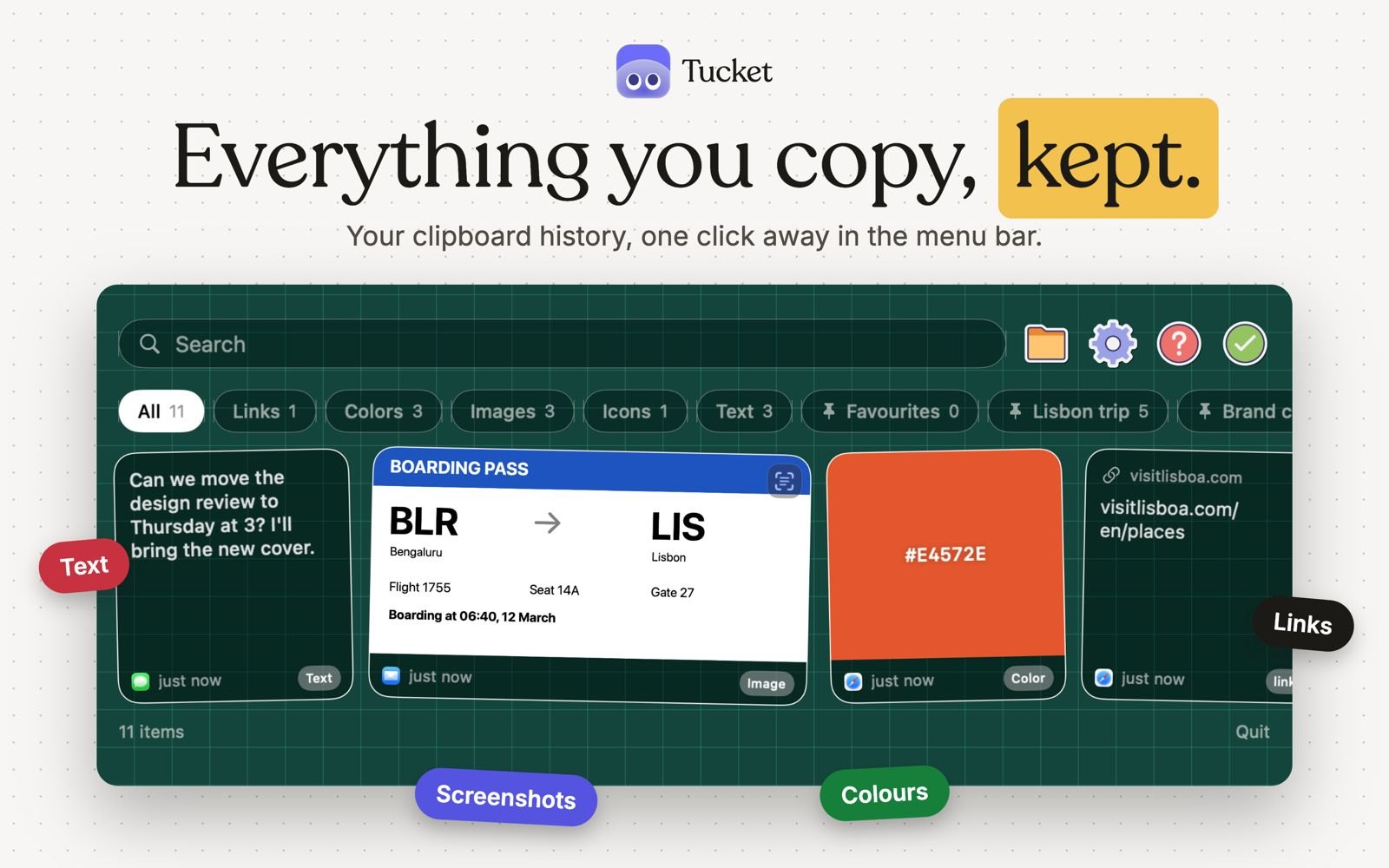
Tucket is a clipboard manager that lives in the notch. It keeps every copy on your Mac, sorts clips by type as you copy them, makes screenshots searchable by the text inside them, and blocks sensitive data before it is stored. It runs on Apple silicon and needs macOS 14 Sonoma or later.
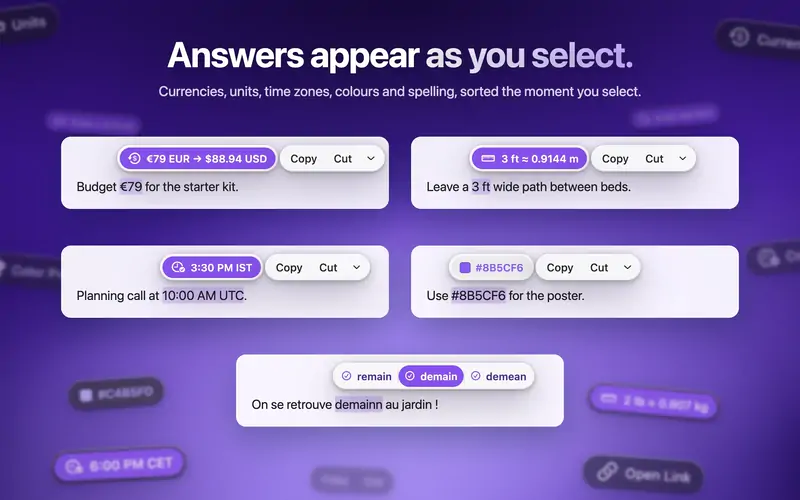
ActionClip puts a small action menu beside text you select: copy, rewrite, translate, search or run a saved workflow. You can describe a new action and it builds one using AI prompts, JavaScript, AppleScript or shell commands. Free for 30 actions a day, with lifetime licenses from $12. It is a native Swift app for Apple silicon with macOS 15 or later.
Look for how much history it keeps, whether it can skip password managers, and whether the history stays on your Mac.
Questions
What is the best free clipboard manager for Mac?
There is no single best one for everyone. MacPip lists 8: PasteNote, Copyback, Clipbara, MokoPaste, StashPaste Light, NanoClip, Tucket, ActionClip. If you want it free, look at PasteNote. If you would rather pay once than subscribe, look at Copyback. If you want it to run natively on Apple silicon, look at Clipbara. If you need it to work offline, as its maker says it does, look at StashPaste Light. If you want open source code, look at Clipbara.
Which free clipboard and text apps run natively on Apple silicon?
By their makers' word or by our check: Copyback, Clipbara, StashPaste Light, NanoClip, Tucket, ActionClip.
Which free clipboard and text apps has MacPip checked?
None yet. They say Check pending until they are checked.
How does MacPip order these apps?
Checked apps come first, newest check first, then the rest by when they were added. Payment never changes the order, and sponsored rows are labeled and kept apart.