SponsorSign inSubmit
Best of MacPip

Best one-time purchase clipboard and text apps for Mac

Updated Nov 10, 2026, from what MacPip lists today.

Short answer

MacPip lists 8 one-time purchase clipboard and text apps for Mac, and a person has checked 2 of them.2 of them have a free version.All of them sell a one-time license.1 of them is paid by subscription.There is no single best one-time purchase clipboard manager for everyone, so MacPip does not rank them.If you would rather pay once than subscribe, start with Droppy.

Apps a person checked come first, newest check first. Never ordered by payment.

What these 8 apps offer, by their listings. An app can offer several, so the bars do not add up to 8.
Free version2 of 8
Pay once8 of 8
Subscription1 of 8
Native to Apple silicon7 of 8
Open source0 of 8
Works offline4 of 8
Checked by a person2 of 8
One-time price in US dollars, as each listing states it, lowest first. Launch prices count where the listing says so.
TypeNod$9.90
Droppy$9.99
dofu$9.99
Reel$11.99

Compared

AppWhat it doesPriceFree or paidApple siliconOpen sourceMade byChecked
DroppyA Dynamic Island, File Tray and clipboard history for your Mac$9.99 once for 2 Macs, 3-day free trialOne-timeYes, and Intel, its maker saysNoJordy SpruitNov 8
ReelClipboard manager for Mac: search, pin and paste anything you copied$11.99 once (2 Macs $19.99)One-timeNot statedNoCanonForge AppsNov 3
dofuA private drawer at the top of your Mac for the addresses, tax IDs, bank details and scans$9.99 once (launch), then $19.99One-timeYes, Apple silicon only, its maker saysNoNot statedPending
GhosthandAn auto typer for Mac that types your pasted text like a person and waits for saves$10 onceOne-timeYes, and Intel, its maker saysNoNot statedPending
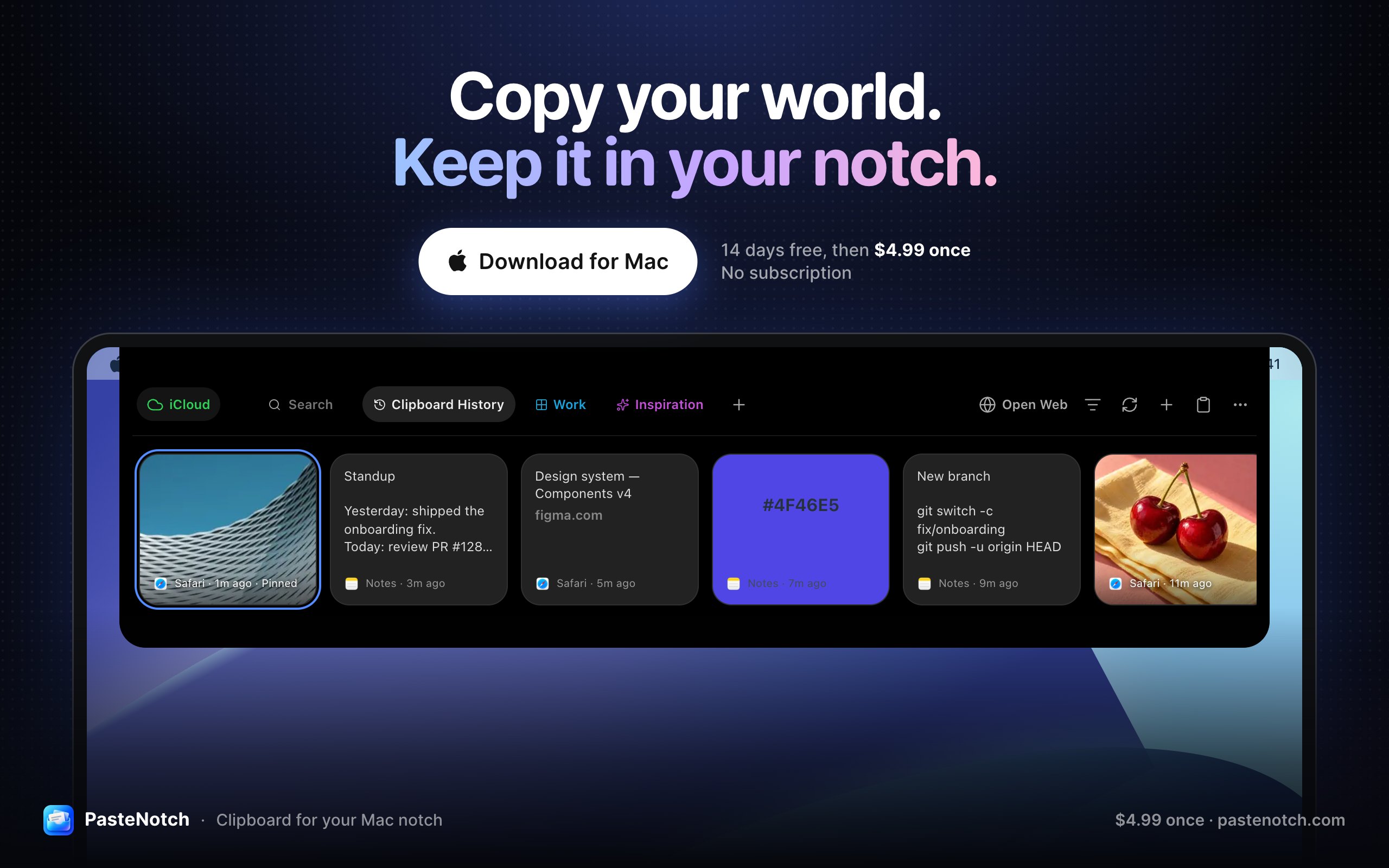
PasteNotchClipboard history, right in your Mac’s notch$4.99 once; Cloud $4.99/mo; 14-day trialOne-timeSubscriptionYes, and Intel, its maker saysNoVladimir BabicPending
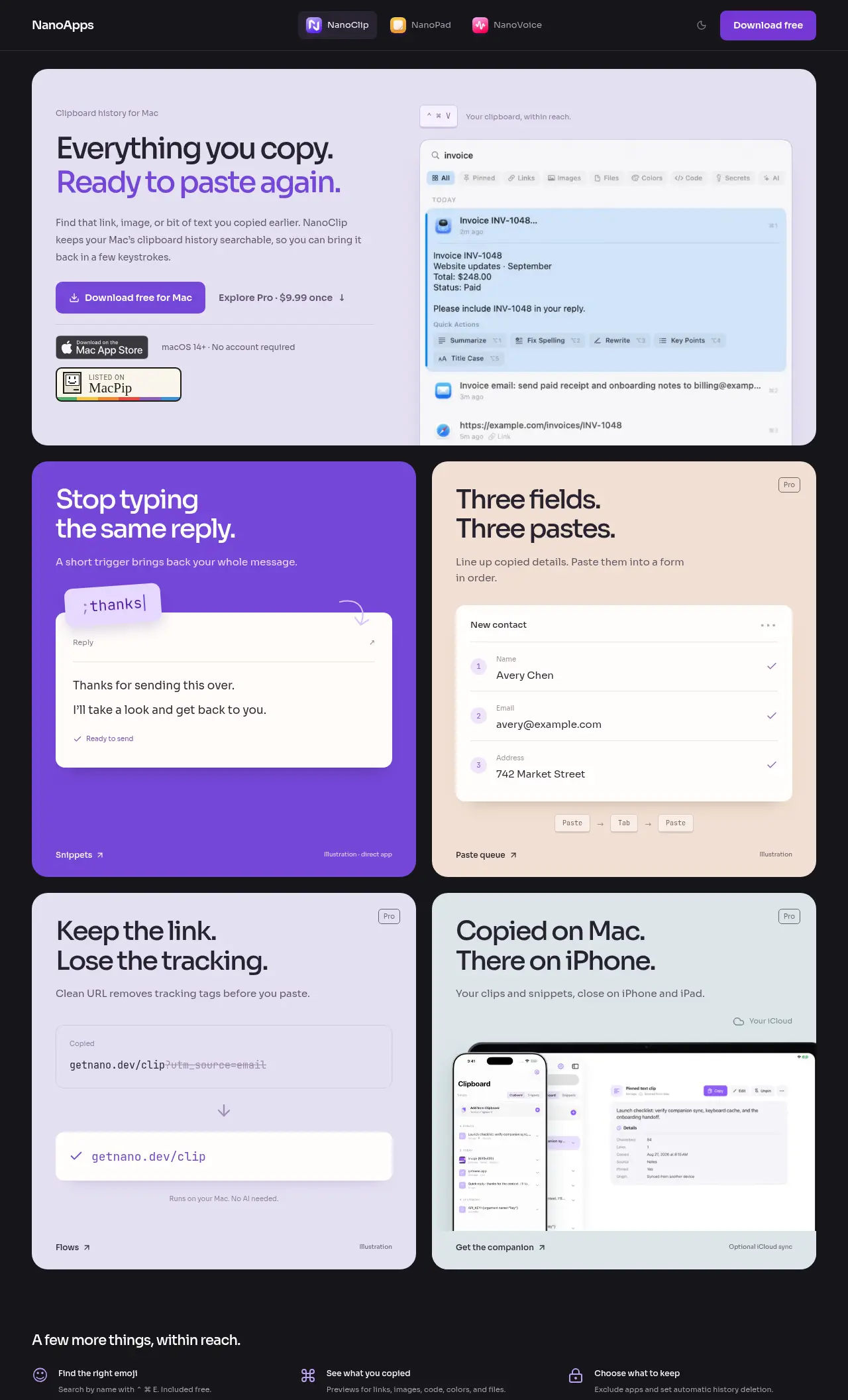
NanoClipA keyboard-first clipboard manager with searchable history and AI FlowsFree, Pro $9.99 onceFree versionOne-timeYes, and Intel, its maker saysNoDigital ToysPending
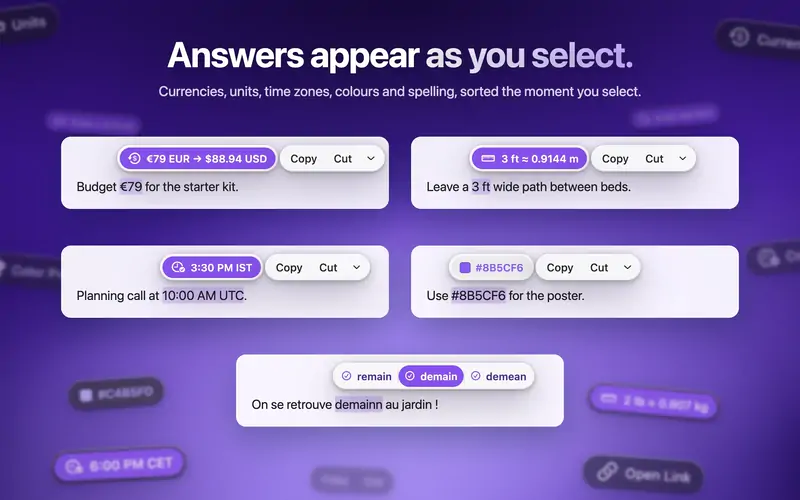
ActionClipTurn selected text into actions and create your own Mac workflowsFree, Pro from $12 onceFree versionOne-timeYes, Apple silicon only, its maker saysNoAdvait VaidyaPending
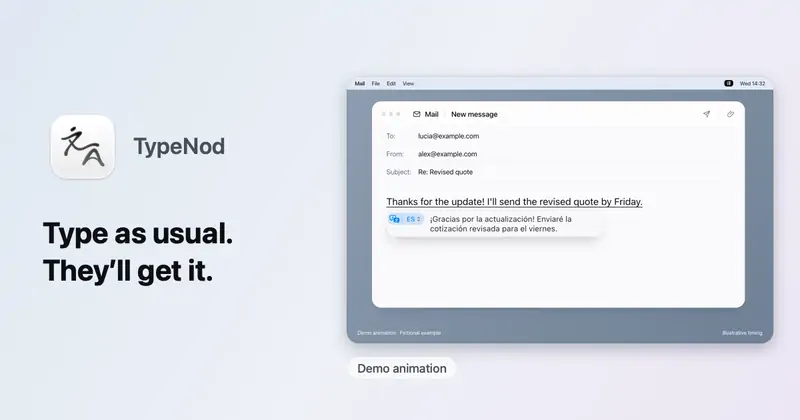
TypeNodPreview on-device translations as you type, then confirm insertion on MacUS$9.90 lifetime, tax incl.; no trialOne-timeYes, and Intel, its maker saysNoSELFARK LTDPending

The apps, one by one

Droppy app icon

Droppy

A Dynamic Island, File Tray and clipboard history for your Mac

Pay onceApple siliconChecked Nov 8
Droppy on a Mac

From its maker: Droppy brings files, clipboard history and everyday controls to your Mac's notch or a floating Dynamic Island. Gather files in the File Tray, find text, links, images and files you copied, control music and arrange shelf widgets for your daily tools.

Price
$9.99 once for 2 Macs, 3-day free trial
Needs
macOS 14 Sonoma or later

Droppy on MacPip More notch apps

Reel app icon

Reel

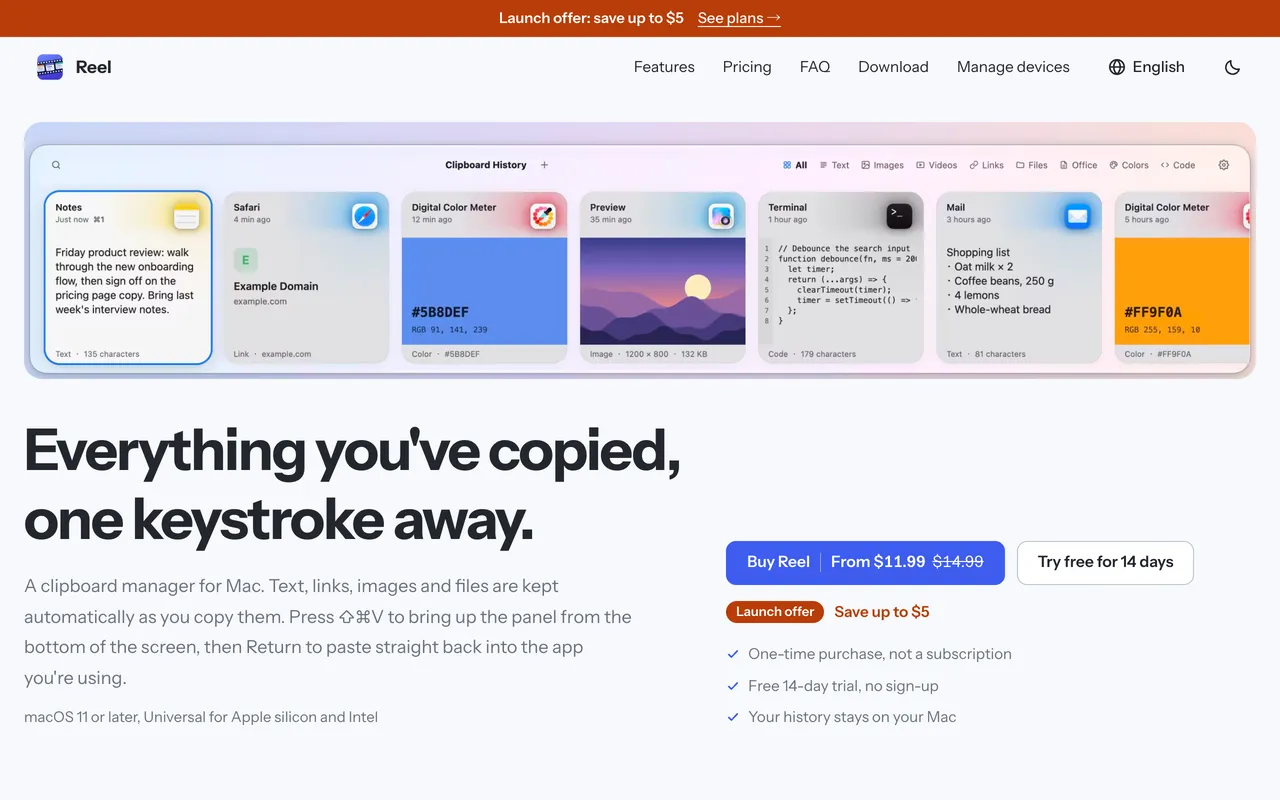
Clipboard manager for Mac: search, pin and paste anything you copied

Pay onceChecked Nov 3
Reel on a Mac

Reel is a classic clipboard manager done carefully. Press Shift-Command-V, find what you copied, hit Return and it pastes into the app you were in. It keeps text, links, code, colors, images and files, with search, pinboards for snippets and previews. It is $11.99 once for 1 Mac at its launch price, with a 14-day trial, and needs macOS 11 or later.

Price
$11.99 once (2 Macs $19.99)
Needs
macOS 11 or later
Its maker says it replaces
Paste, Maccy, Raycast clipboard history

Reel on MacPip More clipboard and text apps

dofu app icon

dofu

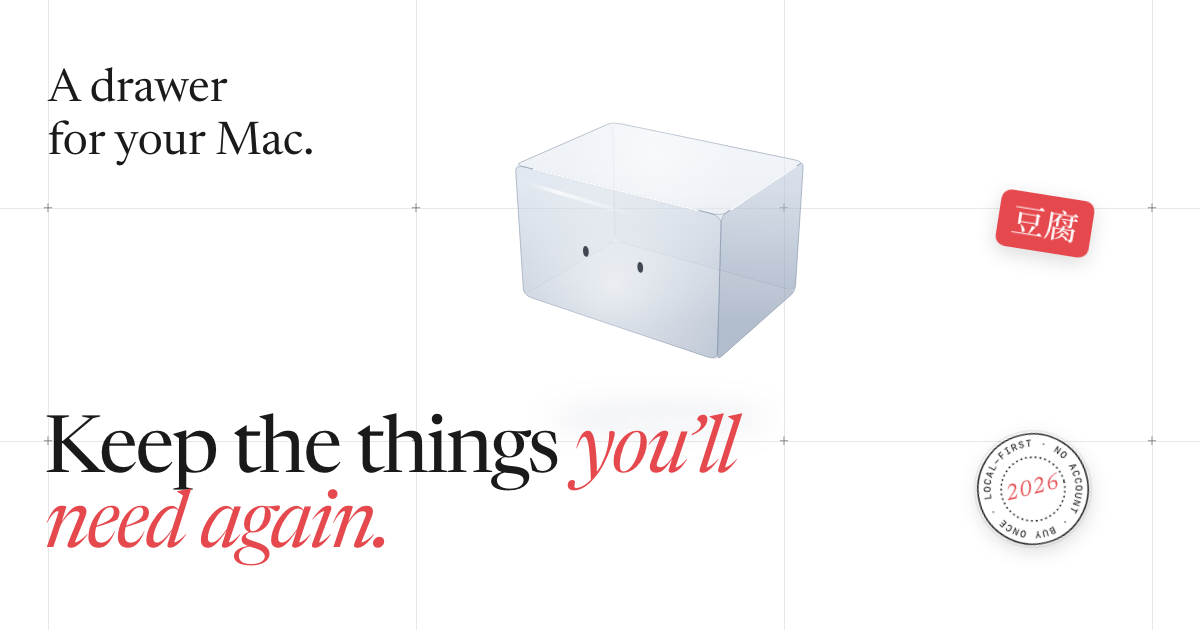
A private drawer at the top of your Mac for the addresses, tax IDs, bank details and scans

Pay onceApple siliconWorks offline
dofu on a Mac

From its maker: A private drawer at the top of your Mac for the addresses, tax IDs, bank details and scans you keep looking for.

Price
$9.99 once (launch), then $19.99
Needs
macOS 26 Tahoe or later

dofu on MacPip More productivity apps

Ghosthand app icon

Ghosthand

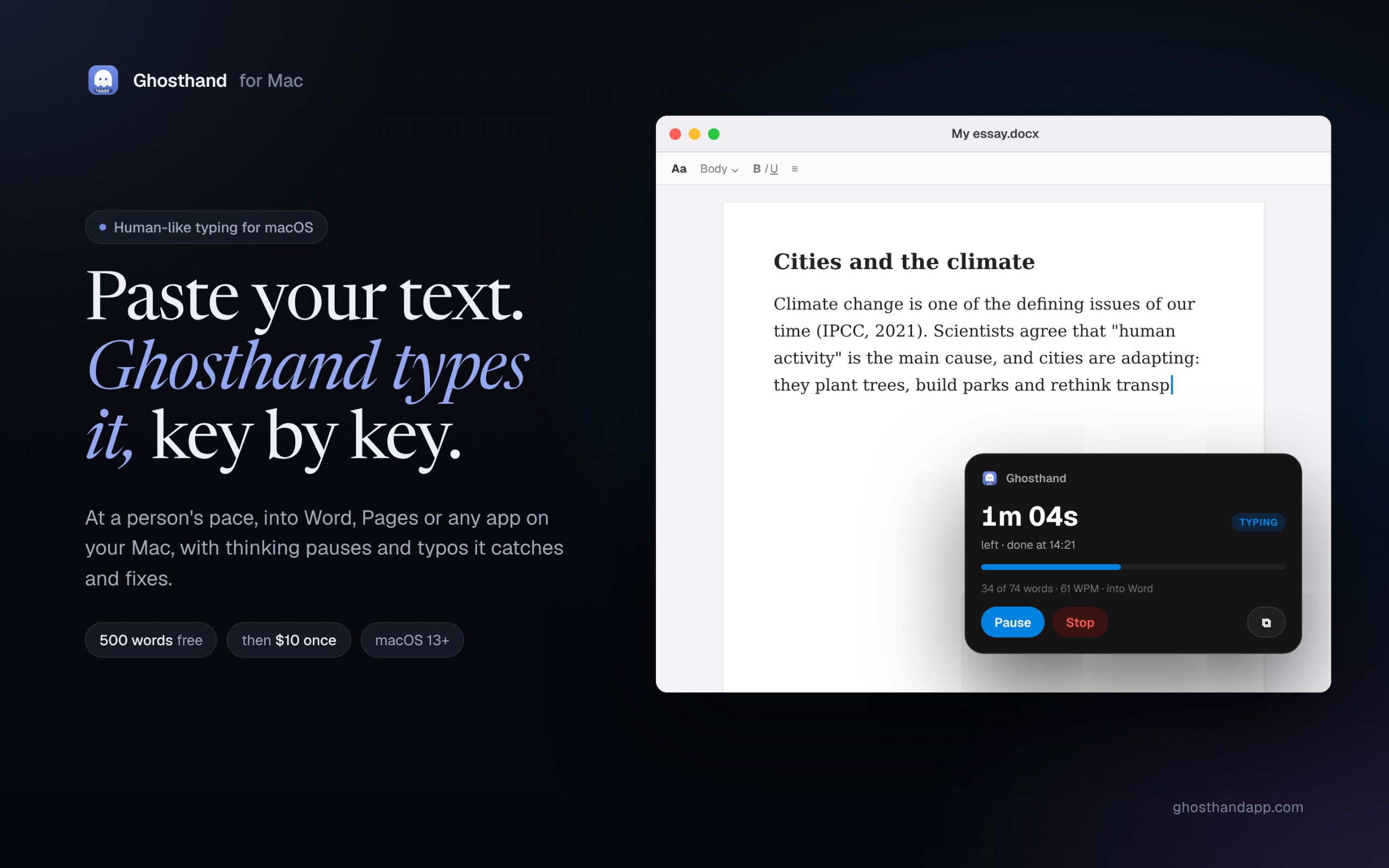
An auto typer for Mac that types your pasted text like a person and waits for saves

Pay onceApple siliconWorks offline
Ghosthand on a Mac

From its maker: An auto typer for Mac that types your pasted text like a person into Microsoft Word, Pages, Google Docs and any app: human speed, thinking pauses, corrected typos.

Price
$10 once
Needs
macOS 13 Ventura or later

Ghosthand on MacPip More productivity apps

PasteNotch app icon

PasteNotch

Clipboard history, right in your Mac’s notch

Pay onceSubscriptionApple siliconWorks offline
PasteNotch on a Mac

From its maker: PasteNotch keeps the things you copy within reach, so you can find them again without digging through windows. - Search copied text, links, images and files.

Price
$4.99 once; Cloud $4.99/mo; 14-day trial
Needs
macOS 14 Sonoma or later
Its maker says it replaces
Paste, Maccy, CopyClip

PasteNotch on MacPip More clipboard and text apps

NanoClip app icon

NanoClip

A keyboard-first clipboard manager with searchable history and AI Flows

Free versionPay onceApple siliconWorks offline
NanoClip on a Mac

From its maker: NanoClip is a clipboard manager for Mac users who want to easily find and reuse copied content. It's especially helpful for those who type the same replies or fill out forms frequently.

Deal
25% off
Price
Free, Pro $9.99 once
Needs
macOS 14 Sonoma or later
Its maker says it replaces
maccy

NanoClip on MacPip More productivity apps

ActionClip app icon

ActionClip

Turn selected text into actions and create your own Mac workflows

Free versionPay onceApple silicon
ActionClip on a Mac

ActionClip puts a small action menu beside text you select: copy, rewrite, translate, search or run a saved workflow. You can describe a new action and it builds one using AI prompts, JavaScript, AppleScript or shell commands. Free for 30 actions a day, with lifetime licenses from $12. It is a native Swift app for Apple silicon with macOS 15 or later.

Price
Free, Pro from $12 once
Needs
macOS 15 Sequoia or later
Its maker says it replaces
PopClip

ActionClip on MacPip More clipboard and text apps

TypeNod app icon

TypeNod

Preview on-device translations as you type, then confirm insertion on Mac

Pay onceApple silicon
TypeNod on a Mac

TypeNod is an input method that previews an on-device translation as you type in Pinyin, English, Spanish or French, then inserts it when you confirm. Typed text is not uploaded and the clipboard is not read. It is $9.90 for a lifetime license on every Mac you use, with a 30-day refund and no trial. It needs macOS 26 or later.

Price
US$9.90 lifetime, tax incl.; no trial
Needs
macOS 26 Tahoe or later

TypeNod on MacPip More clipboard and text apps

Which one to pick

What to look for

Look for how much history it keeps, whether it can skip password managers, and whether the history stays on your Mac.

Questions

What is the best one-time purchase clipboard manager for Mac?

There is no single best one for everyone. MacPip lists 8: Droppy, Reel, dofu, Ghosthand, PasteNotch, NanoClip, ActionClip, TypeNod. If you would rather pay once than subscribe, look at Droppy. If you want it to run natively on Apple silicon, look at Droppy.

Which one-time purchase clipboard and text apps run natively on Apple silicon?

By their makers' word or by our check: Droppy, dofu, Ghosthand, PasteNotch, NanoClip, ActionClip, TypeNod.

Which one-time purchase clipboard and text apps has a person checked?

Each has a dated report on its page: Droppy, Reel.

How does MacPip order these apps?

Apps a person has checked come first, newest check first, then the rest by when they were added. Payment never changes the order, and sponsored rows are labeled and kept apart.

Related