MacPip lists 8 free photo apps for Mac, and MacPip has checked 2 of them.모두 무료 버전이 있어요.그중 2개는 한 번 결제하는 라이선스를 판매해요.그중 2개는 구독으로 판매돼요.There is no single best free photo app for everyone, so MacPip does not rank them.무료를 원한다면 이것부터 보세요: GearDex.
확인된 앱이 먼저 나오고, 최근에 확인한 앱이 앞에 와요. 결제로 순서를 정하지 않아요.
등록 정보 기준으로 본 앱 8개의 특징이에요. 한 앱이 여러 개에 해당할 수 있어서 막대를 모두 더해도 8개가 되지 않아요.
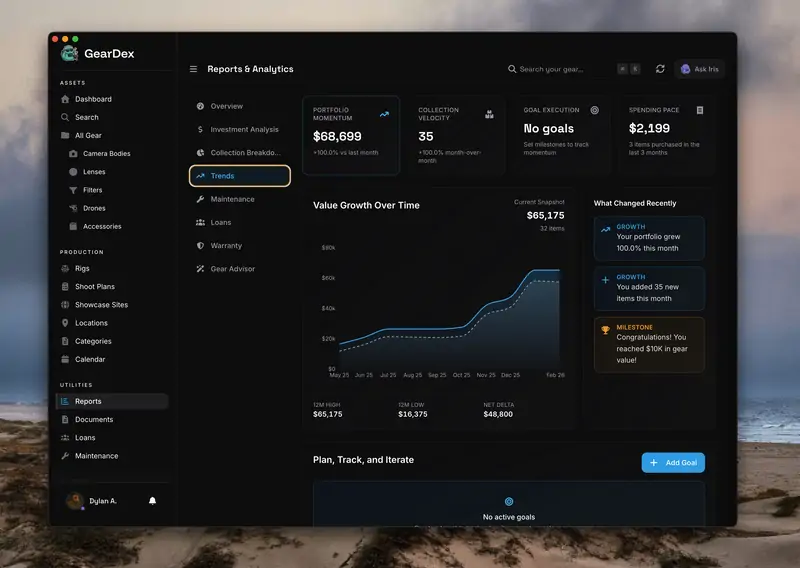
메이커의 말: GearDex is a camera gear inventory and business app for photographers and studios. Every item holds brand, model, serial, photos, price, value, condition and location.
메이커의 말: A lightweight, free and open-source image viewer for Mac. Double-click a photo and flip through the whole folder with the arrow keys, zoom to 100% under the cursor, and rate or tag as you go.
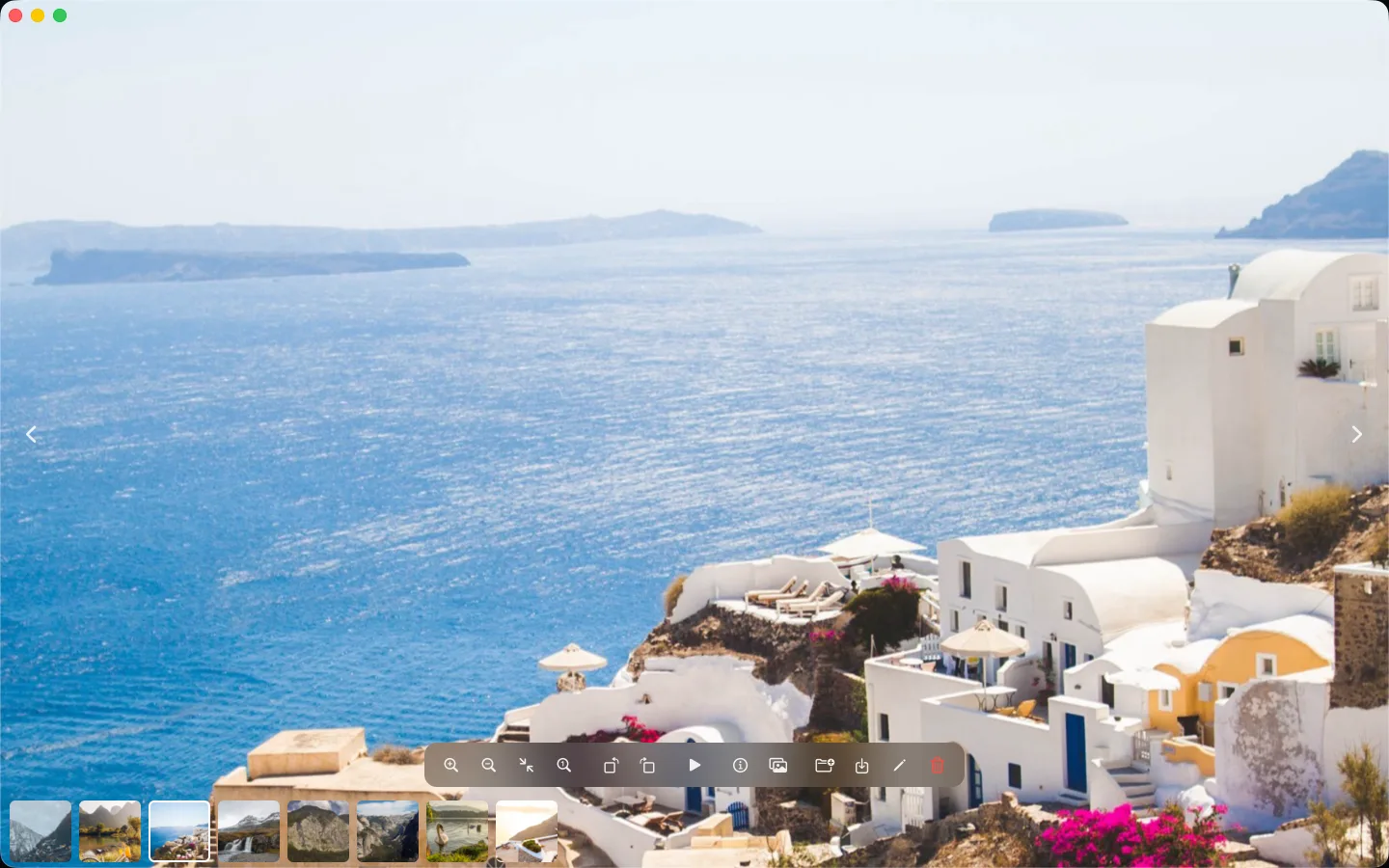
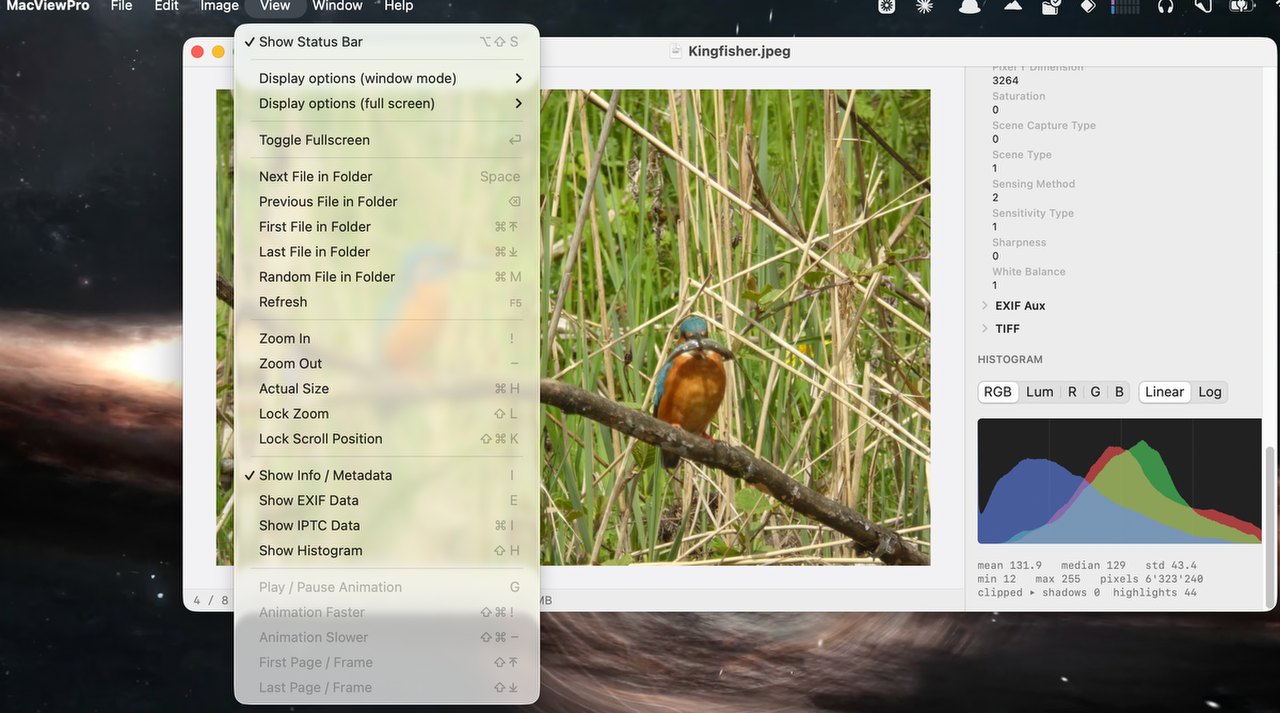
메이커의 말: A free, native macOS image viewer inspired by IrfanView. Fast folder browsing, exact pixel zoom, IrfanView-style keyboard shortcuts, private local editing, and broad format support including JPEG, PNG, HEIC, WebP, AVIF, PSD, PDF, and RAW.
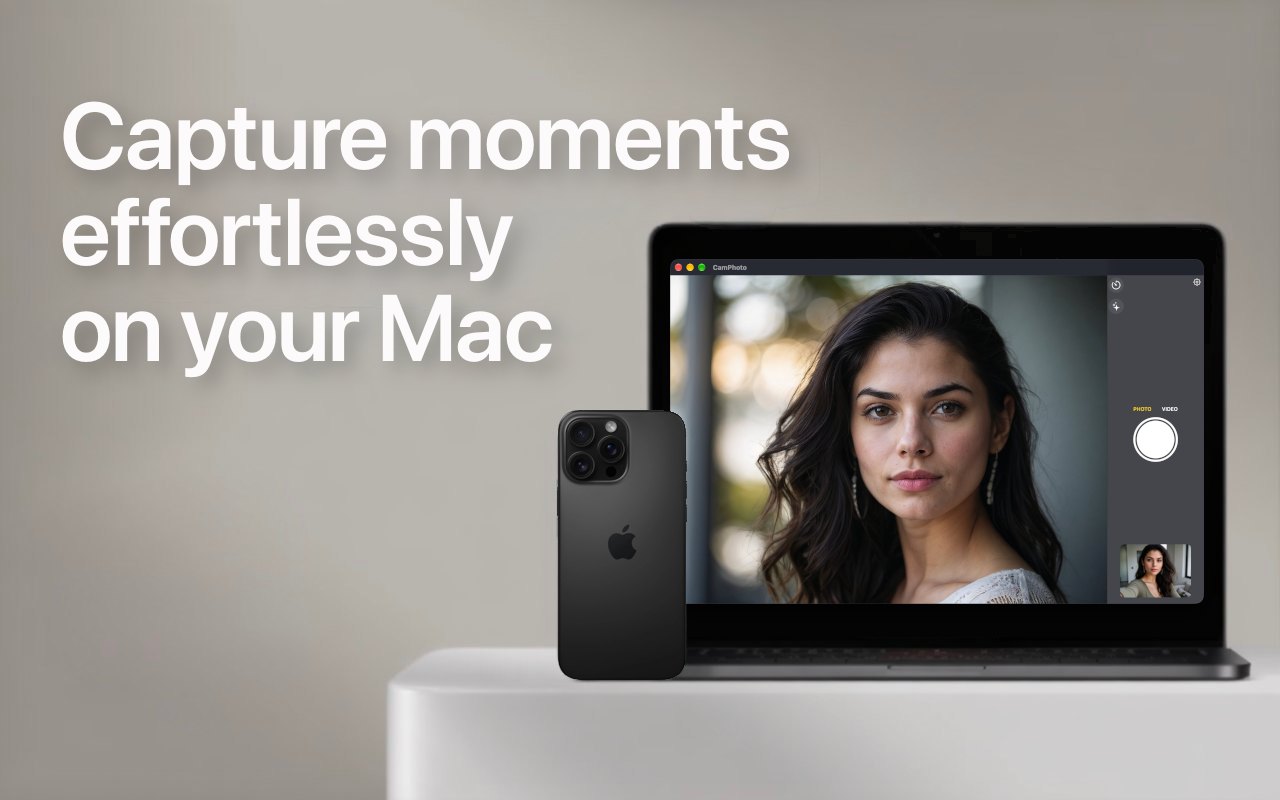
메이커의 말: CamPhoto is the complete webcam solution for your Mac. Take photos and videos with your webcam or your iPhone, fast, in top quality, and with no subscriptions.
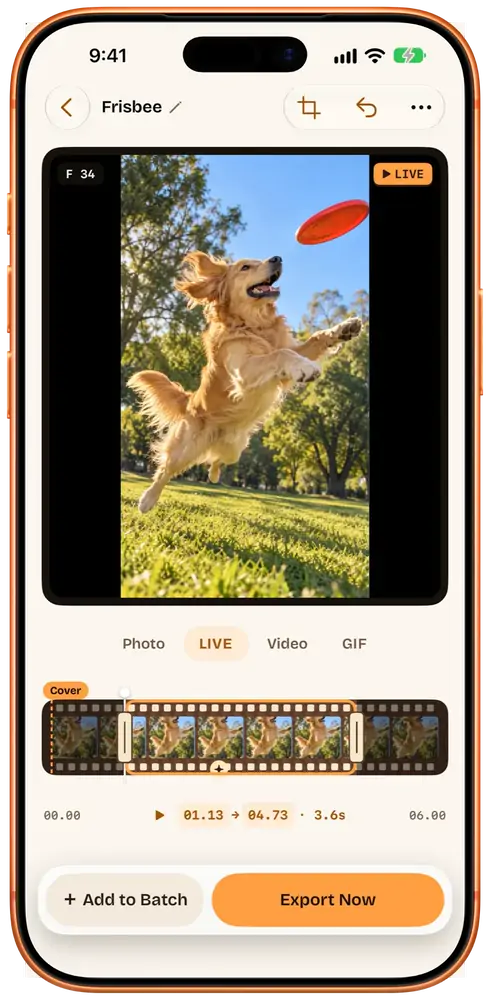
메이커의 말: Shoot video at concerts and on trips, then pick the moments later. Beavery turns any part of a video into a Live Photo, a GIF or a full-quality photo, keeping HDR, sound and the original date and place.
Look for whether it works with your Photos library or with folders, RAW support, and whether edits are non-destructive.
질문
What is the best free photo app for Mac?
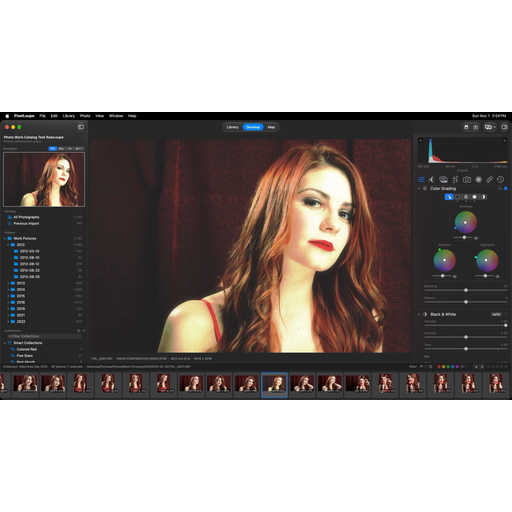
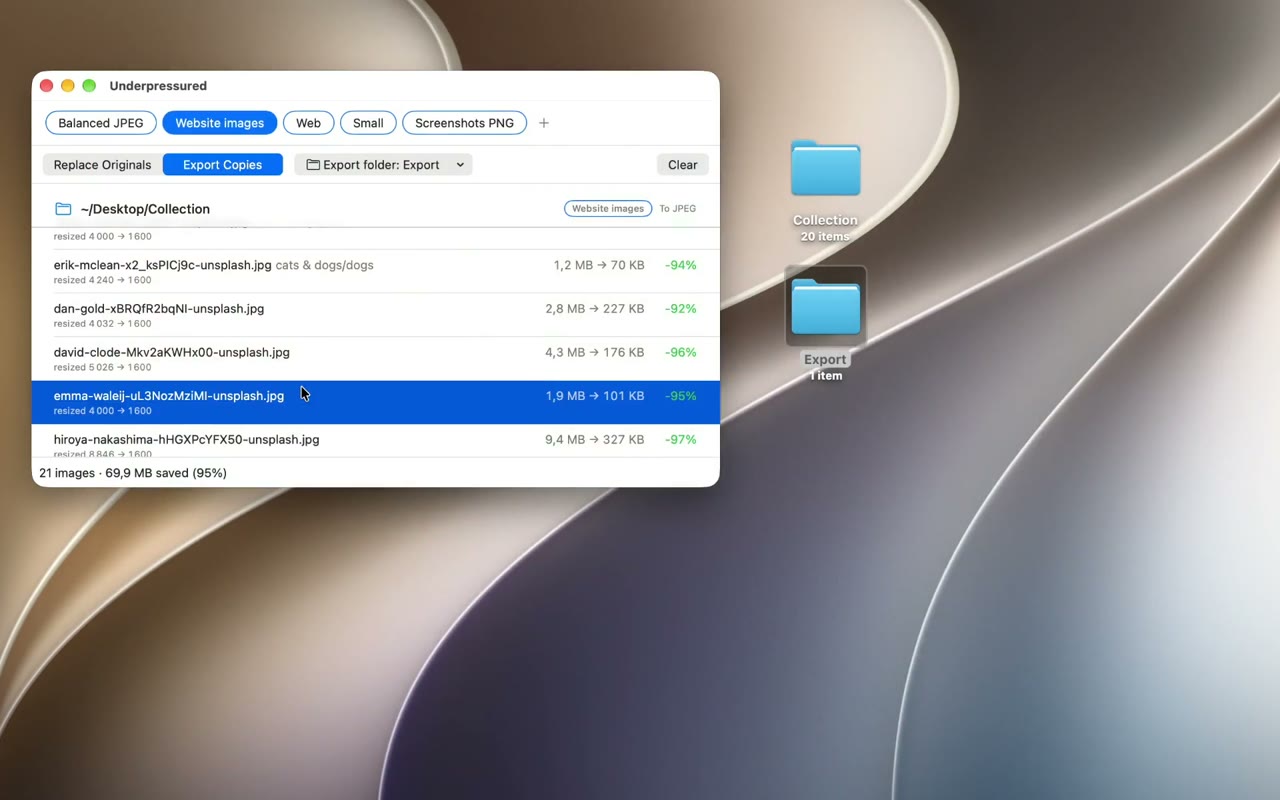
There is no single best one for everyone. MacPip lists 8: GearDex, PixelLoupe, Flipic Lens, Underpressured, MacViewPro, CamPhoto, Featherview, Beavery. If you want it free, look at GearDex.
Which free photo apps run natively on Apple silicon?
메이커의 설명 또는 우리의 확인에 따른 앱: Flipic Lens, Underpressured, MacViewPro, Featherview, Beavery.
Which free photo apps has MacPip checked?
각 앱 페이지에 날짜가 적힌 리포트가 있어요: GearDex, PixelLoupe.
MacPip은 이 앱들을 어떻게 정렬하나요?
확인된 앱이 먼저 나오고, 최근에 확인한 앱이 앞에 오며, 나머지는 추가된 순서예요. 결제는 순서를 절대 바꾸지 않고, 스폰서 줄은 표시를 붙여 따로 둬요.

 만든 사람: Dylan Andersen웹사이트X에서