Najlepsze darmowe aplikacje z kategorii „Dyktowanie i transkrypcja” na Mac
Zaktualizowano 13 lis 2026, na podstawie tego, co MacPip ma dziś w katalogu.
Krótka odpowiedź
MacPip lists 8 free dictation and transcription apps for Mac, and MacPip has checked 1 of them.Wszystkie mają darmową wersję.Z licencją jednorazową: 3.Sprzedawane w abonamencie: 4.There is no single best free dictation app for everyone, so MacPip does not rank them.Jeśli chcesz darmową, zacznij od Vocena.
Najpierw sprawdzone aplikacje, od najnowszego sprawdzenia. Nigdy według płatności.
Co oferują te aplikacje (8) według ich wpisów. Aplikacja może oferować kilka rzeczy, więc słupki nie sumują się do 8.
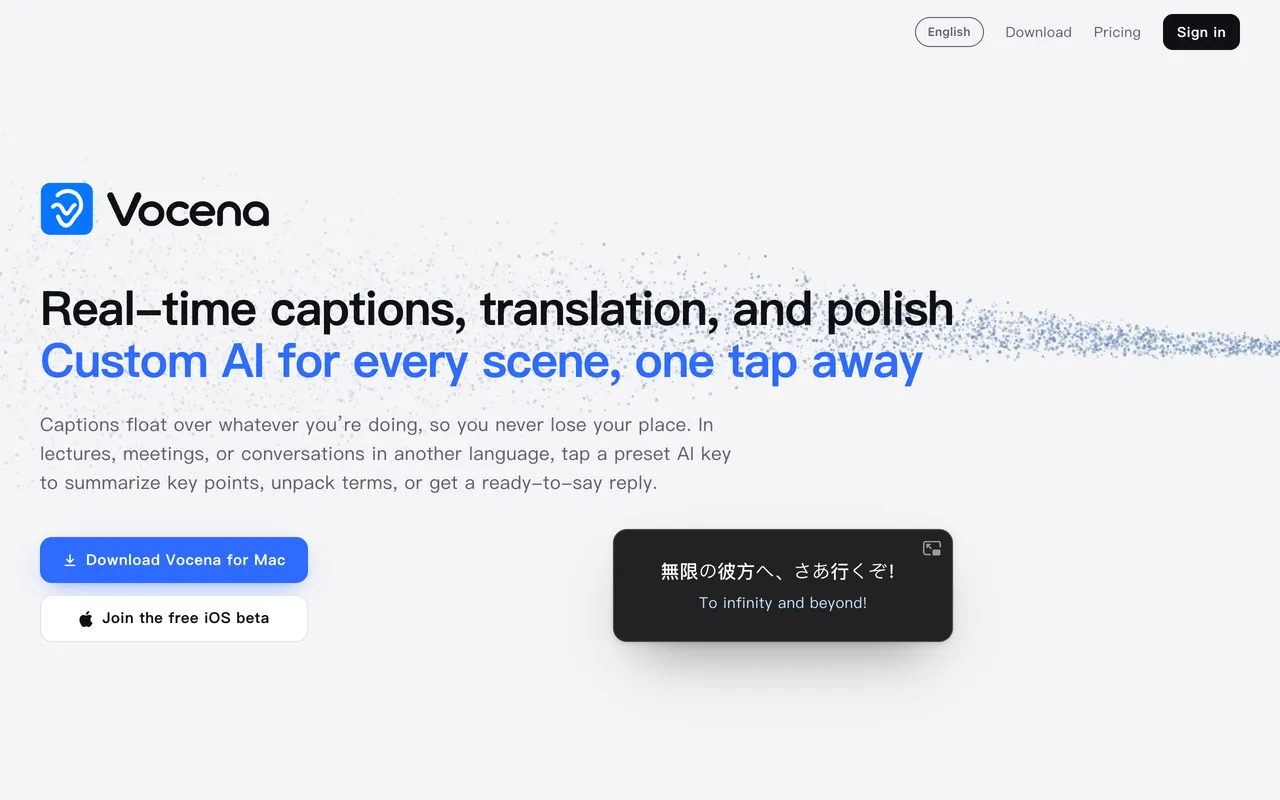
Od twórcy: Live captions for any sound your Mac plays or hears, with translation under each line. Captions are free with no time limit; translation is a one-time unlock.
Cena
Free, Plus Lifetime $29.99 once
Wymaga
macOS 15.5 lub nowszy
Według twórcy zastępuje
MacWhisper, Otter.ai, Notta, Apple Live Captions, Ava
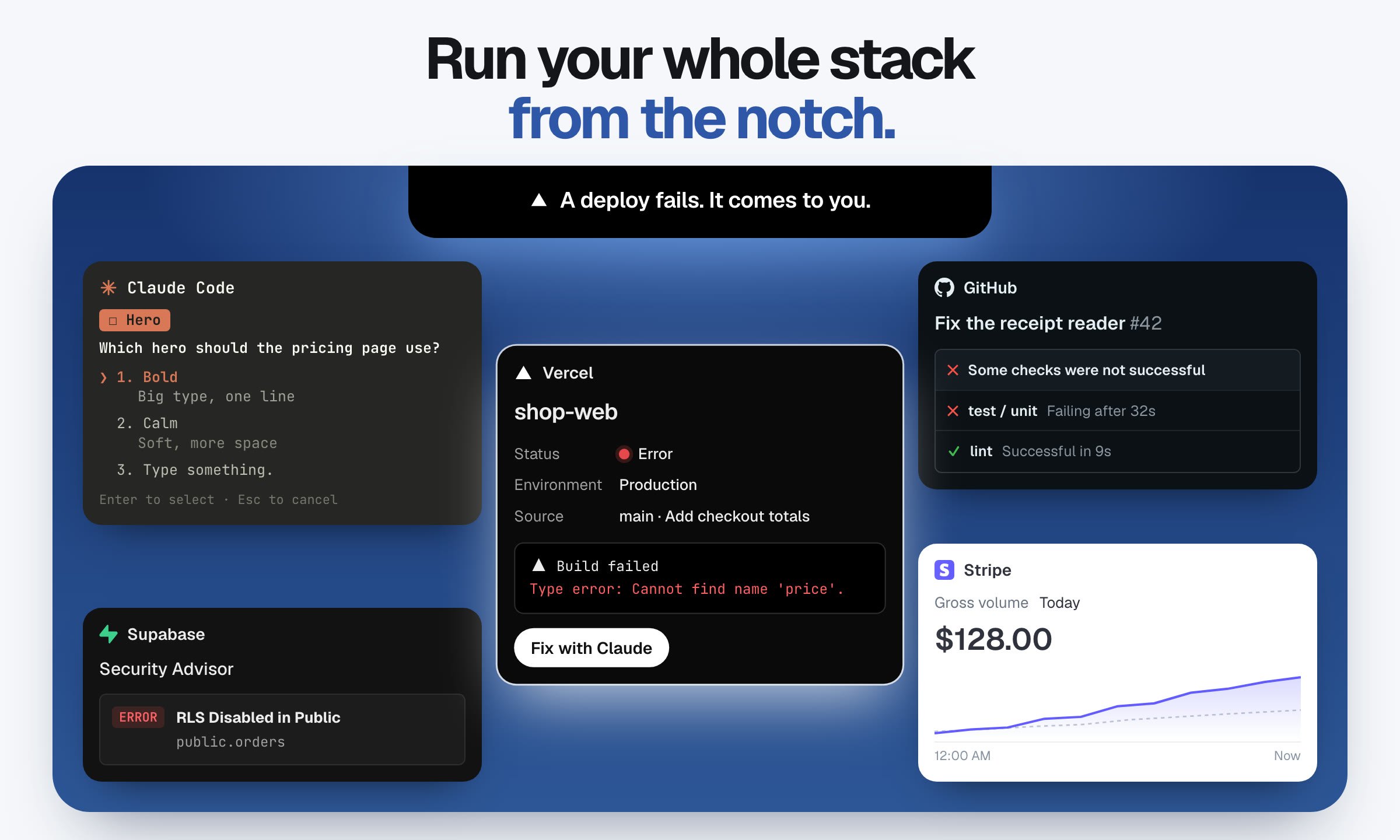
Od twórcy: When a Claude Code or Codex agent needs you, Yappr shows its question in your Mac's notch, so you can answer with a click or your voice without leaving what you're doing. Rings show at a glance who is working, who is done and who is waiting.
Od twórcy: Press-and-hold dictation for macOS that shows you the text before it types it. Transcription runs on Apple's on-device models, so your voice never leaves the Mac and it works with no network.
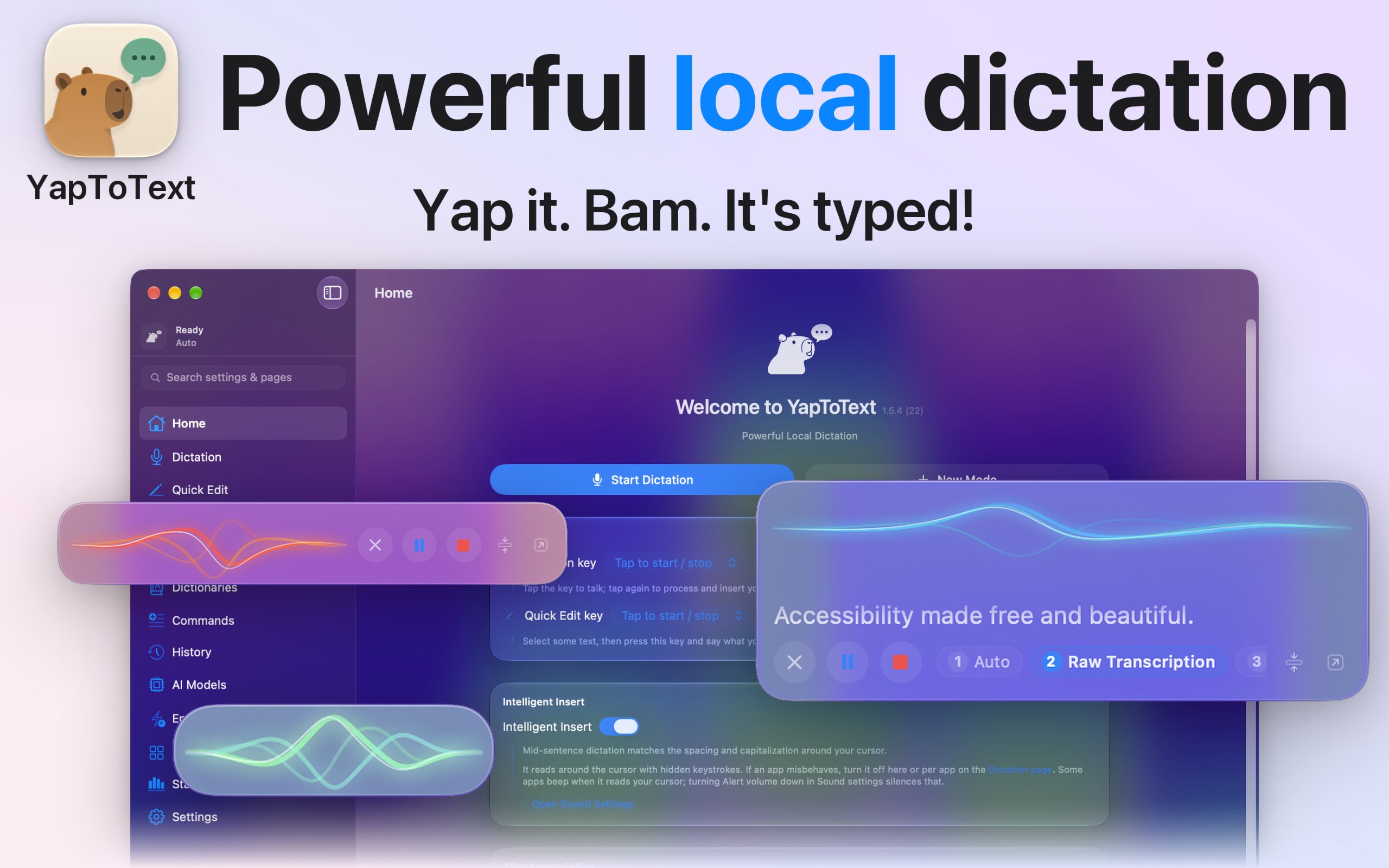
Od twórcy: I dictate everything I write, because typing is hard for me, so I built YapToText to be the dictation app I wanted to use all day. Press one key, talk, and your words land where your cursor is, in any app.
Cena
Free, optional tip jar
Wymaga
macOS 14 Sonoma lub nowszy
Według twórcy zastępuje
Wispr Flow, superwhisper, MacWhisper, VoiceInk, Apple Dictation, Dragon, Aqua Voice, Spokenly, Willow Voice, Typeless
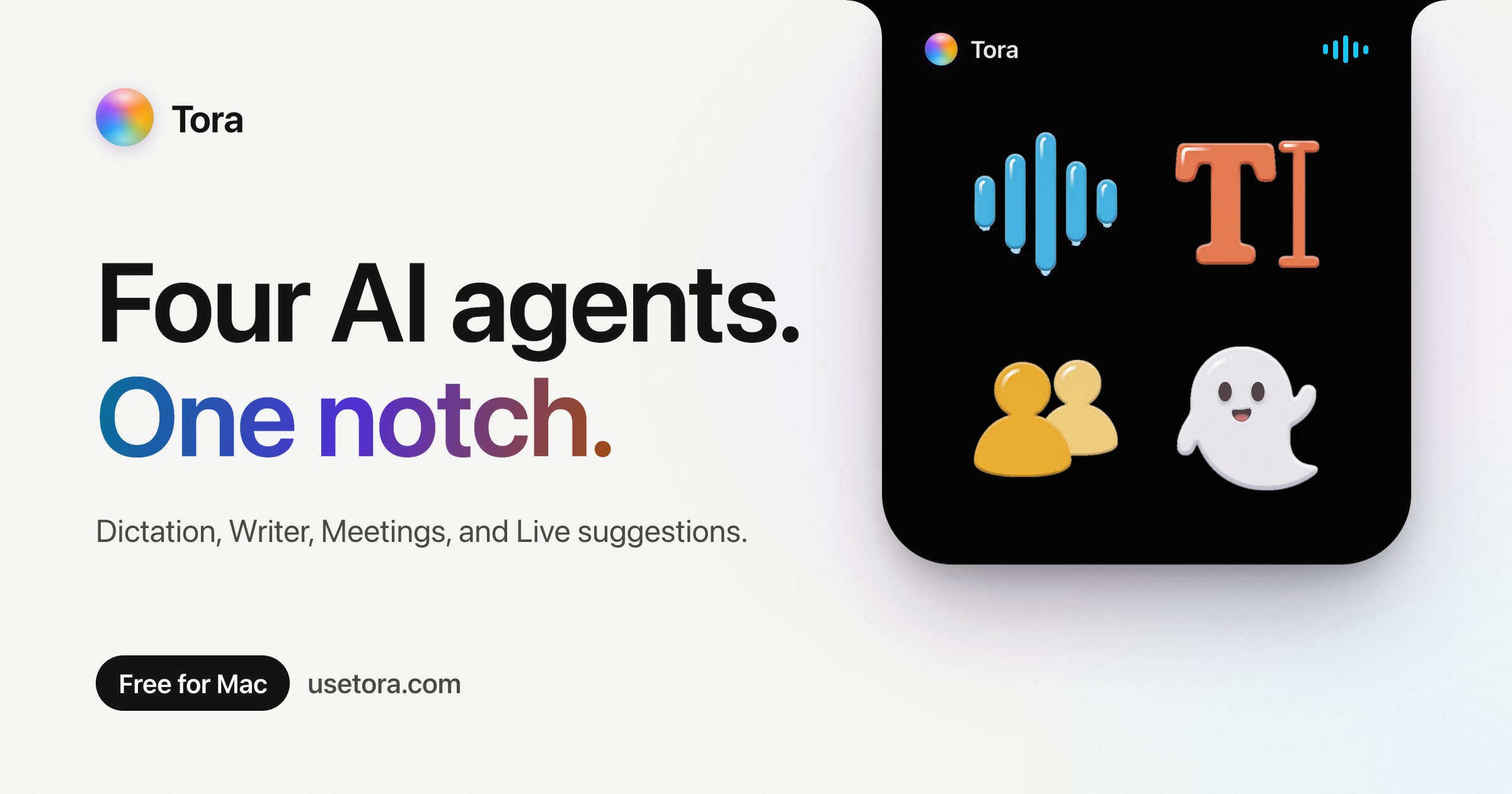
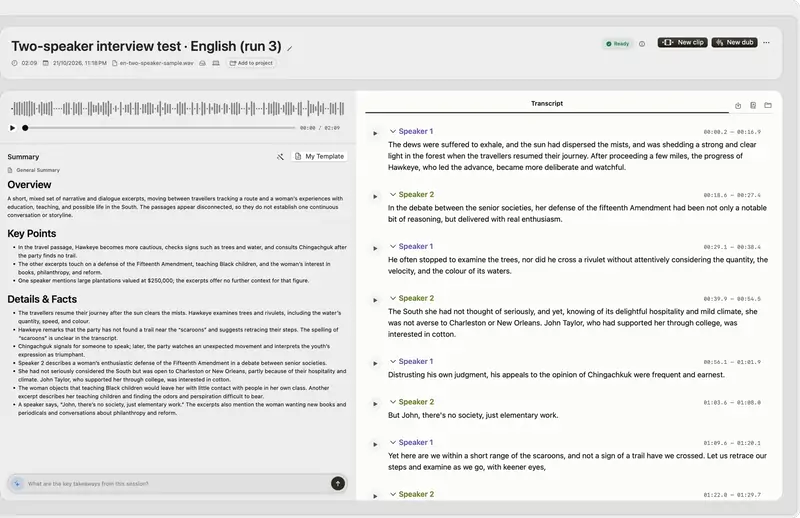
Od twórcy: Native Mac app for Apple silicon: on-device transcription, cited answers across your recordings, subtitles, clips, voiceover and a local MCP server. Try it for 14 days.
Wybierz Tora, jeśli chcesz, żeby działała natywnie na Apple silicon.
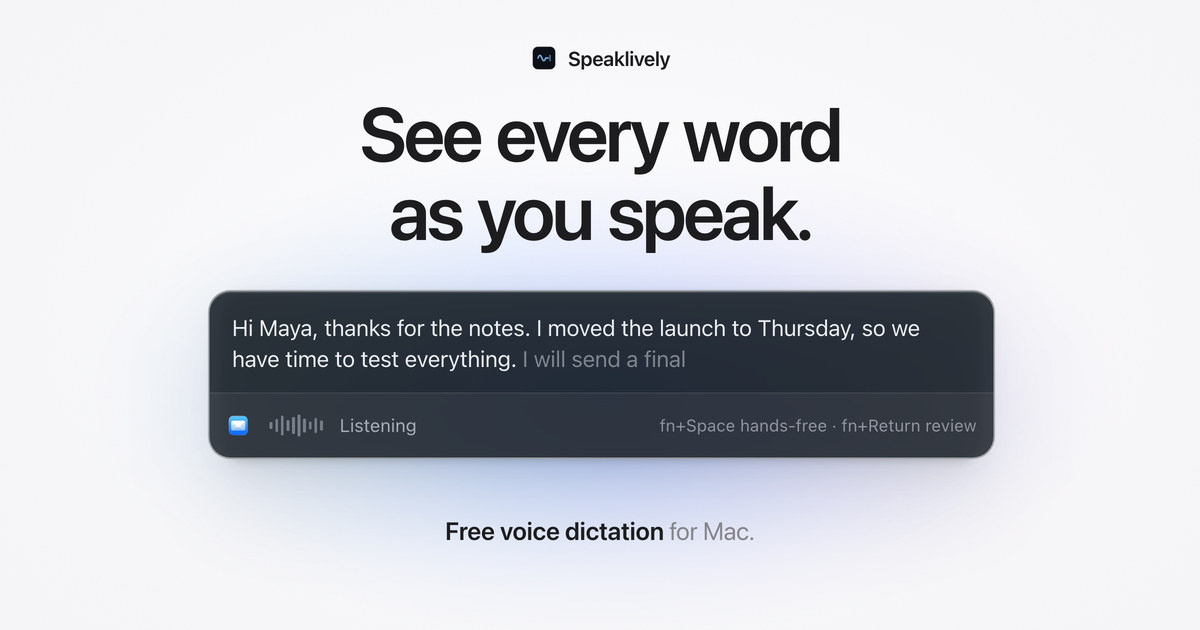
Wybierz Speaklively, jeśli potrzebujesz, żeby działała offline, tak jak mówi jej twórca.
Wybierz YapToText, jeśli chcesz otwarty kod źródłowy.
Na co zwrócić uwagę
Look for whether speech is turned into text on your Mac or on a server, which languages it supports, and how it handles long recordings.
Pytania
What is the best free dictation app for Mac?
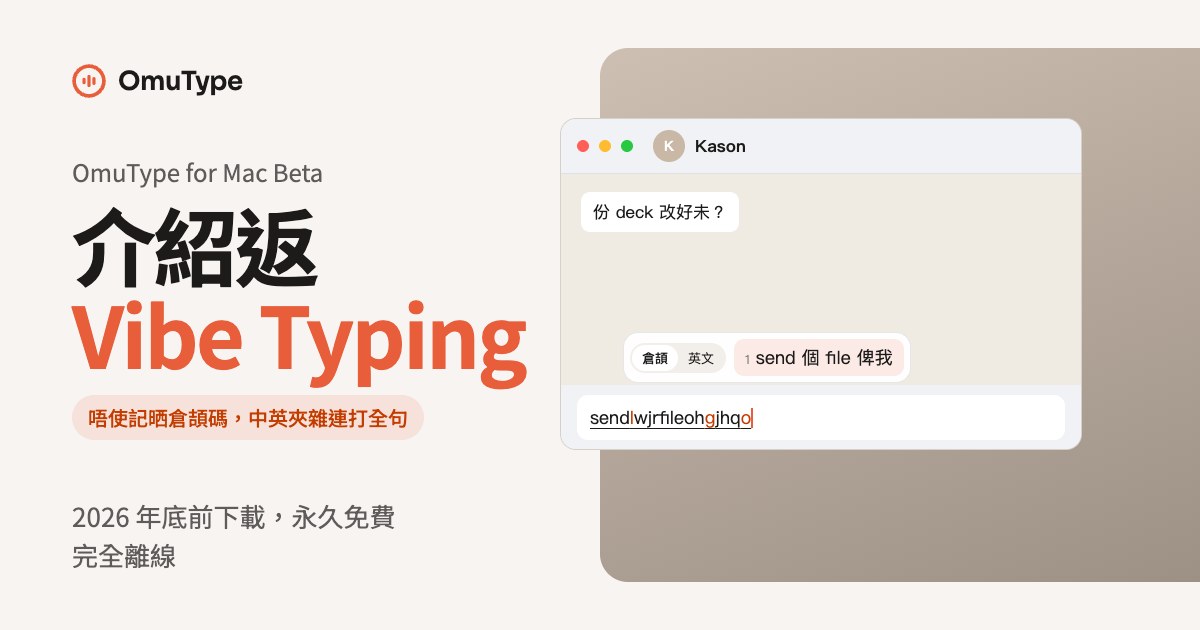
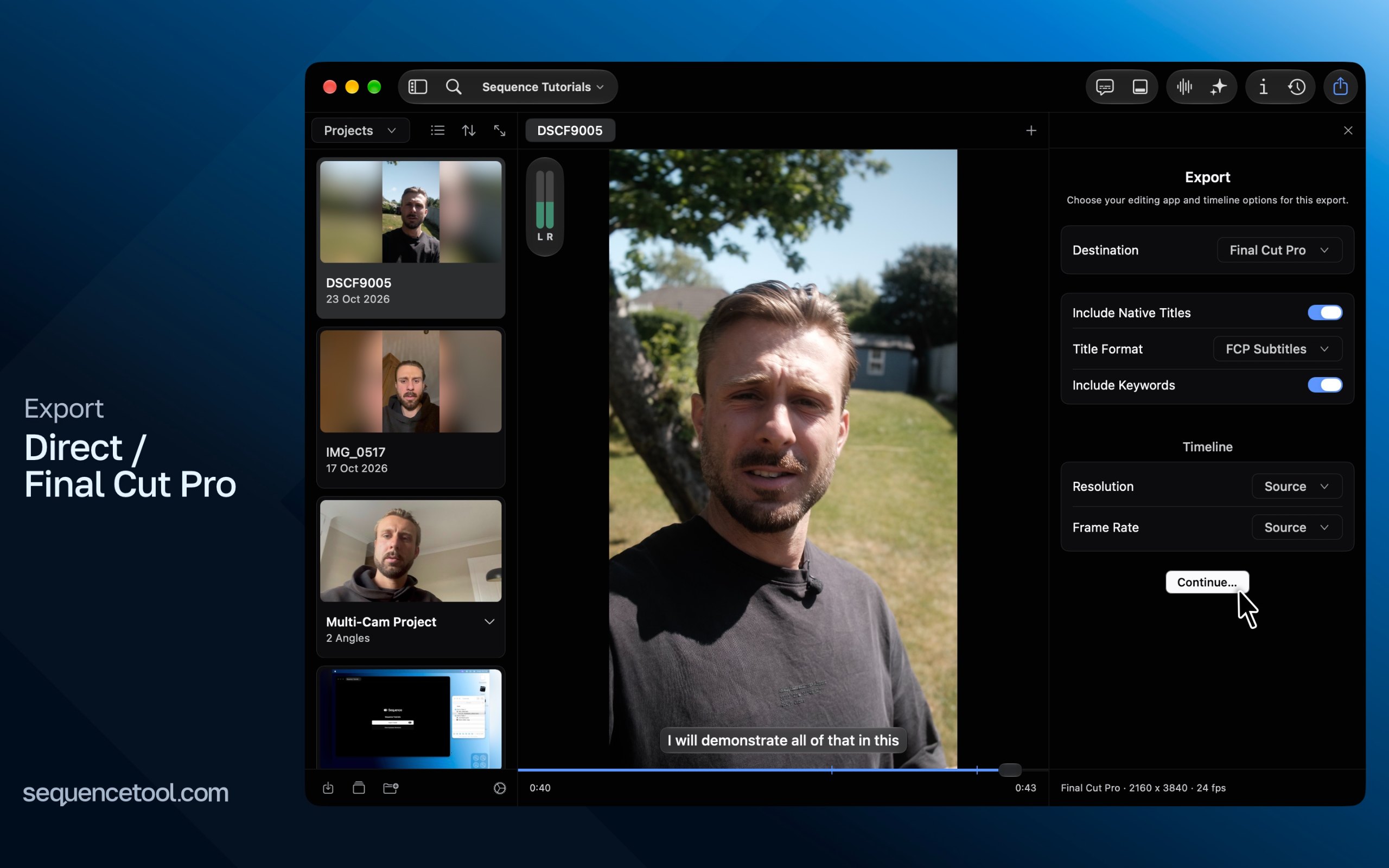
There is no single best one for everyone. MacPip lists 8: Vocena, Tora, Yappr, Speaklively, YapToText, OmuType for Mac, Sequence Tool, VoxStudio. If you want it free, look at Vocena. If you want it to run natively on Apple silicon, look at Tora. If you need it to work offline, as its maker says it does, look at Speaklively. If you want open source code, look at YapToText.
Which free dictation and transcription apps run natively on Apple silicon?
Według twórców lub według naszego sprawdzenia: Tora, Yappr, Speaklively, YapToText, OmuType for Mac, Sequence Tool, VoxStudio.
Which free dictation and transcription apps has MacPip checked?
Każda ma datowany raport na swojej stronie: Vocena.
Jak MacPip ustawia te aplikacje w kolejności?
Najpierw sprawdzone aplikacje, od najnowszego sprawdzenia, potem pozostałe według daty dodania. Płatność nigdy nie zmienia kolejności, a sponsorowane wiersze są oznaczone i trzymane osobno.