Updated Nov 6, 2026, from what MacPip lists today.
Krótka odpowiedź
Aplikacje z kategorii „Dyktowanie i transkrypcja” na Mac w MacPip: 4. Sprawdzone przez osobę: 1.Z darmową wersją: 2.Z licencją jednorazową: 3.Płatne w abonamencie: 3.There is no single best dictation app for everyone, so MacPip does not rank them.Jeśli chcesz darmową, zacznij od Vocena.
Apps a person checked come first, newest check first. Never ordered by payment.
What these 4 apps offer, by their listings. An app can offer several, so the bars do not add up to 4.
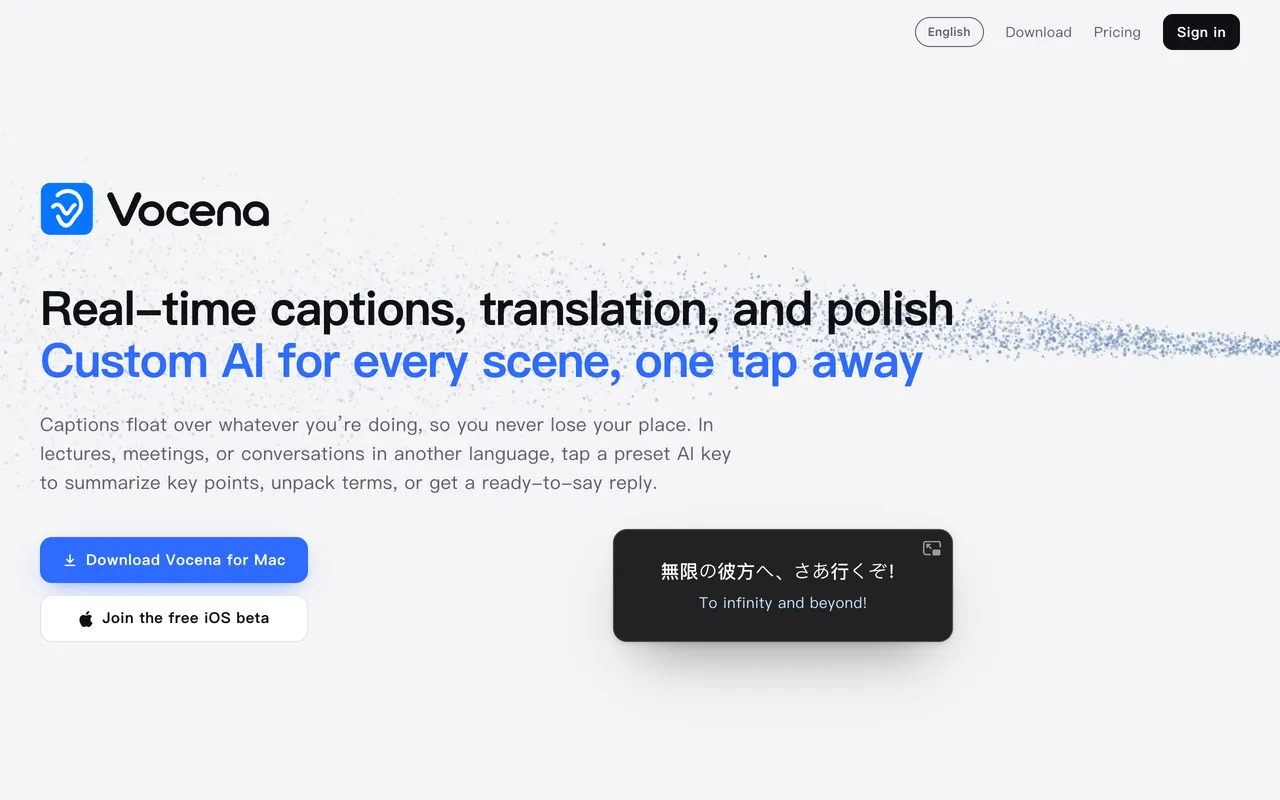
From its maker: Live captions for any sound your Mac plays or hears, with translation under each line. Captions are free with no time limit; translation is a one-time unlock.
Cena
Free, Plus Lifetime $29.99 once
Needs
macOS 15.5 lub nowszy
Its maker says it replaces
MacWhisper, Otter.ai, Notta, Apple Live Captions, Ava
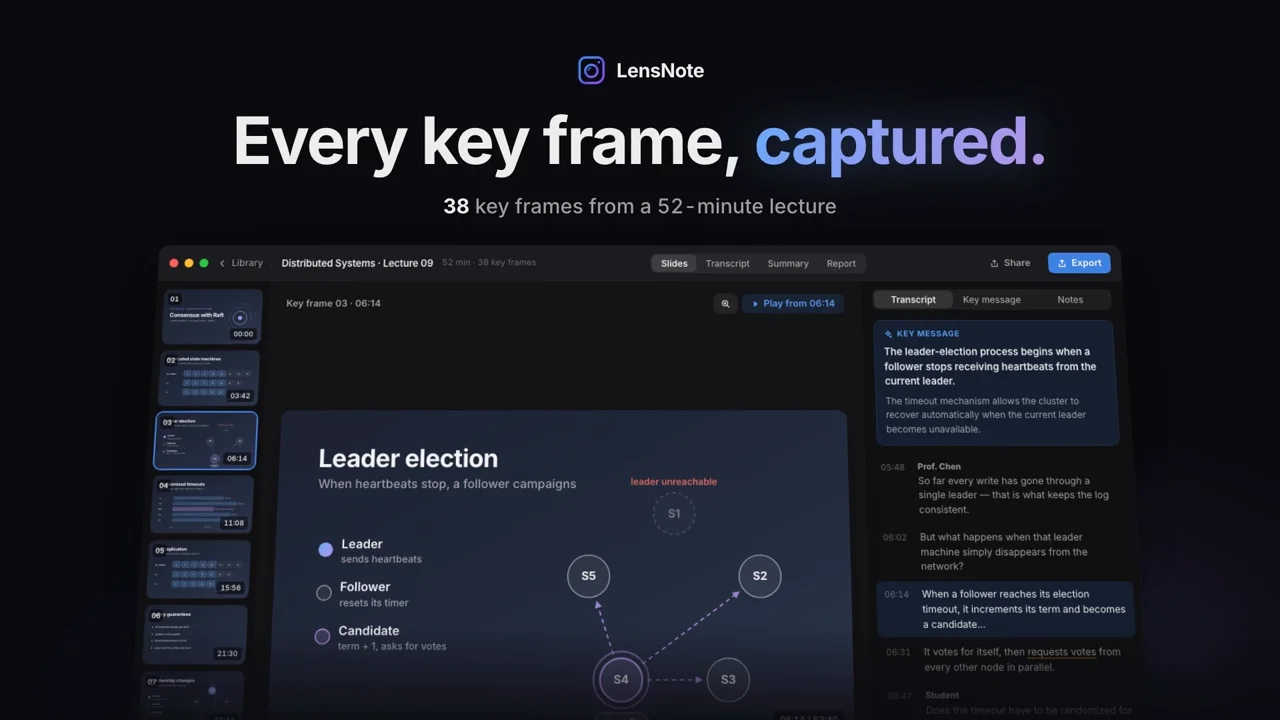
LensNote is an AI note taker for recorded lectures, meetings and long videos. It captures each distinct slide once, pairs it with what was said, and writes a key message per slide, plus a transcript, summary and action items. No bot joins your calls. It is a subscription at $30 a month, with a 14-day trial.
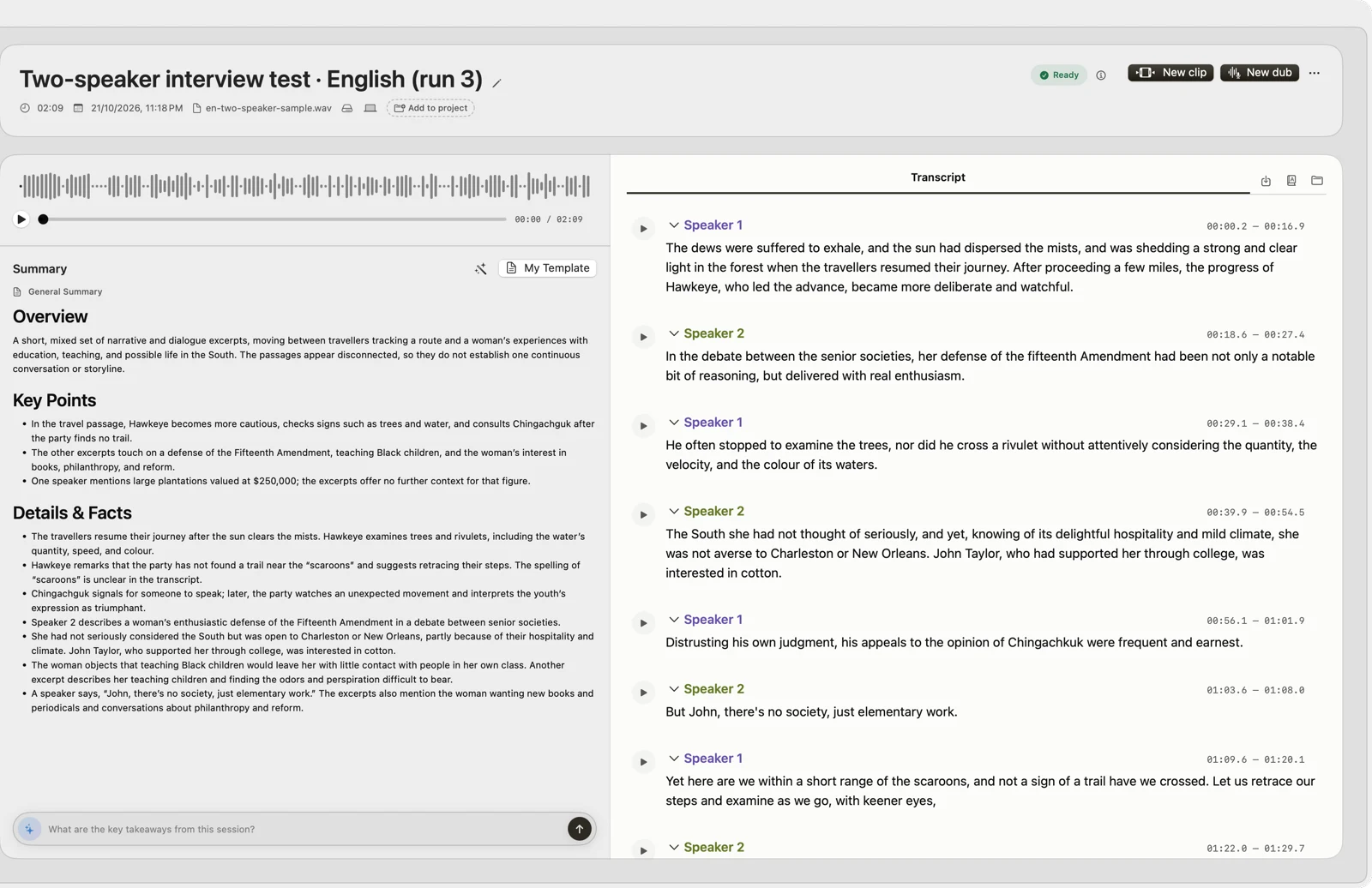
From its maker: Native Mac app for Apple silicon: on-device transcription, cited answers across your recordings, subtitles, clips, voiceover and a local MCP server. Try it for 14 days.
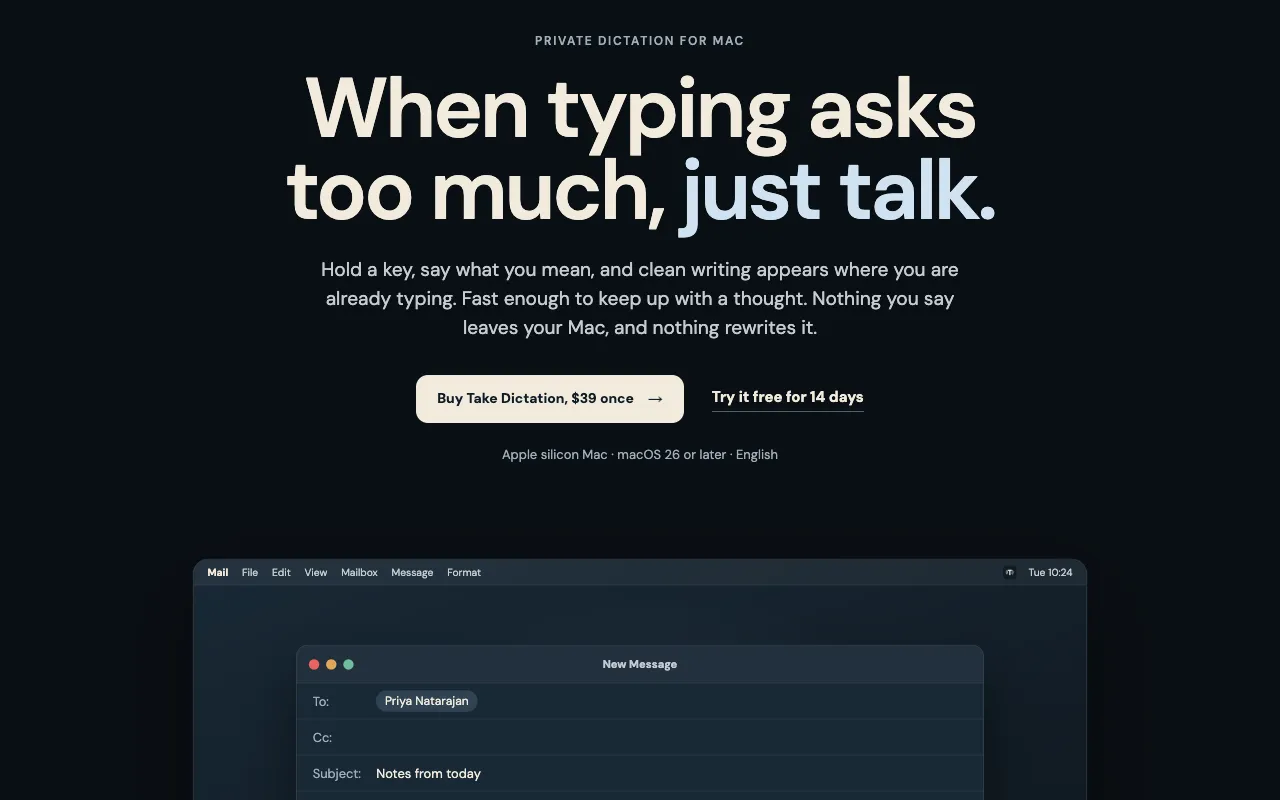
Wybierz Take Dictation, jeśli wolisz zapłacić raz niż płacić abonament.
Wybierz VoxStudio, jeśli chcesz, żeby działała natywnie na Apple silicon.
What to look for
Look for whether speech is turned into text on your Mac or on a server, which languages it supports, and how it handles long recordings.
Pytania
What is the best dictation app for Mac?
There is no single best one for everyone. MacPip lists 4: Vocena, LensNote, VoxStudio, Take Dictation. If you want it free, look at Vocena. If you would rather pay once than subscribe, look at Take Dictation. If you want it to run natively on Apple silicon, look at VoxStudio.
Czy są darmowe aplikacje z kategorii „Dyktowanie i transkrypcja” na Mac?
Tak. Z darmową wersją na MacPip: Vocena, VoxStudio.
Które aplikacje z kategorii „Dyktowanie i transkrypcja” na Mac mają cenę jednorazową?
Z opcją jednorazowego zakupu, by uniknąć abonamentu: Vocena, VoxStudio, Take Dictation.
Which dictation and transcription apps run natively on Apple silicon?
Według twórców lub według naszego sprawdzenia: VoxStudio, Take Dictation.
Które aplikacje z kategorii „Dyktowanie i transkrypcja” sprawdziła osoba?
Każda ma datowany raport na swojej stronie: Vocena.
Jak MacPip ustawia te aplikacje w kolejności?
Najpierw idą aplikacje, które sprawdziła osoba, od najnowszego sprawdzenia, a potem reszta według daty dodania. Płatność nigdy nie zmienia kolejności, a wiersze sponsorowane są oznaczone i trzymane osobno.