Merhaba, ben PipBu Featured uygulamalar notch'umda sırayla görünür.
iPipGönder

Listelemeler, geliştiricilerinin yazdığı dilde kalır.

MacPip'in en iyileri

Mac için tek seferlik satın alınan en iyi “Toplantılar ve Sunum” kategorisi uygulamaları

Güncellendi: 22 Kas 2026. MacPip'in bugün listelediklerinden.

Kısa cevap

MacPip lists 8 one-time purchase meeting and presenting apps for Mac, and MacPip has checked 1 of them.Bunlardan 5 tanesinin ücretsiz sürümü var.Hepsi tek seferlik lisans satıyor.Bunlardan 3 tanesi abonelikle satılır.There is no single best one-time purchase presentation app for everyone, so MacPip does not rank them.Ücretsiz olmasını istiyorsanız RemoteTime ile başlayın.

Kontrol edilen uygulamalar önce gelir, en yeni kontrol en önde. Asla ödemeye göre sıralanmaz.

Listelemelerine göre bu 8 uygulamanın sundukları. Bir uygulama birkaç şey sunabilir, bu yüzden çubukların toplamı 8 etmez.
Ücretsiz sürüm8 içinden 5
Bir kez ödeyin8 içinden 8
Abonelik8 içinden 3
Apple silicon'da yerel8 içinden 6
Açık kaynak8 içinden 0
Çevrimdışı çalışır8 içinden 2
Kontrol edildi8 içinden 1
Her listelemenin belirttiği şekliyle ABD doları cinsinden tek seferlik fiyat, en düşükten başlayarak. 4 uygulamanın sade bir dolar cinsinden tek seferlik fiyatı yok ve dışarıda bırakıldı. Listeleme belirtiyorsa lansman fiyatları sayılır.
TalkY$24,50

Karşılaştırma

UygulamaNe yaparFiyatÜcretsiz mi ücretli miApple siliconAçık kaynakYapan:Kontrol edildi
TalkYA teleprompter that keeps your script next to the camera on your Mac.Tek seferde $24,50Tek seferlikBelirtilmediHayırleo_mercerr30 Eki
PointerBeamA laser pointer for your Mac cursor. Hold Command to draw on screen while you present.14-day free trial, then $2.99 onceTek seferlikBelirtilmediHayırTheQuokkaCompanyBeklemede
RemoteTimeA native macOS menu-bar world clock for distributed teams.Free, Pro €9.99 onceÜcretsiz sürümTek seferlikEvet, yalnızca Apple silicon, geliştiricisine göreHayırRemoteTimeBeklemede
MetatronThe AI work assistant on your Mac that makes sure nothing slips.$59 once, free for 14 daysTek seferlikEvet, yalnızca Apple silicon, geliştiricisine göreHayırMetatronBeklemede
WispimThe script scrolls itself as you speakÜcretsizÜcretsiz sürümTek seferlikAbonelikEvet, Intel de dahil, geliştiricisine göreHayırZhenyaBeklemede
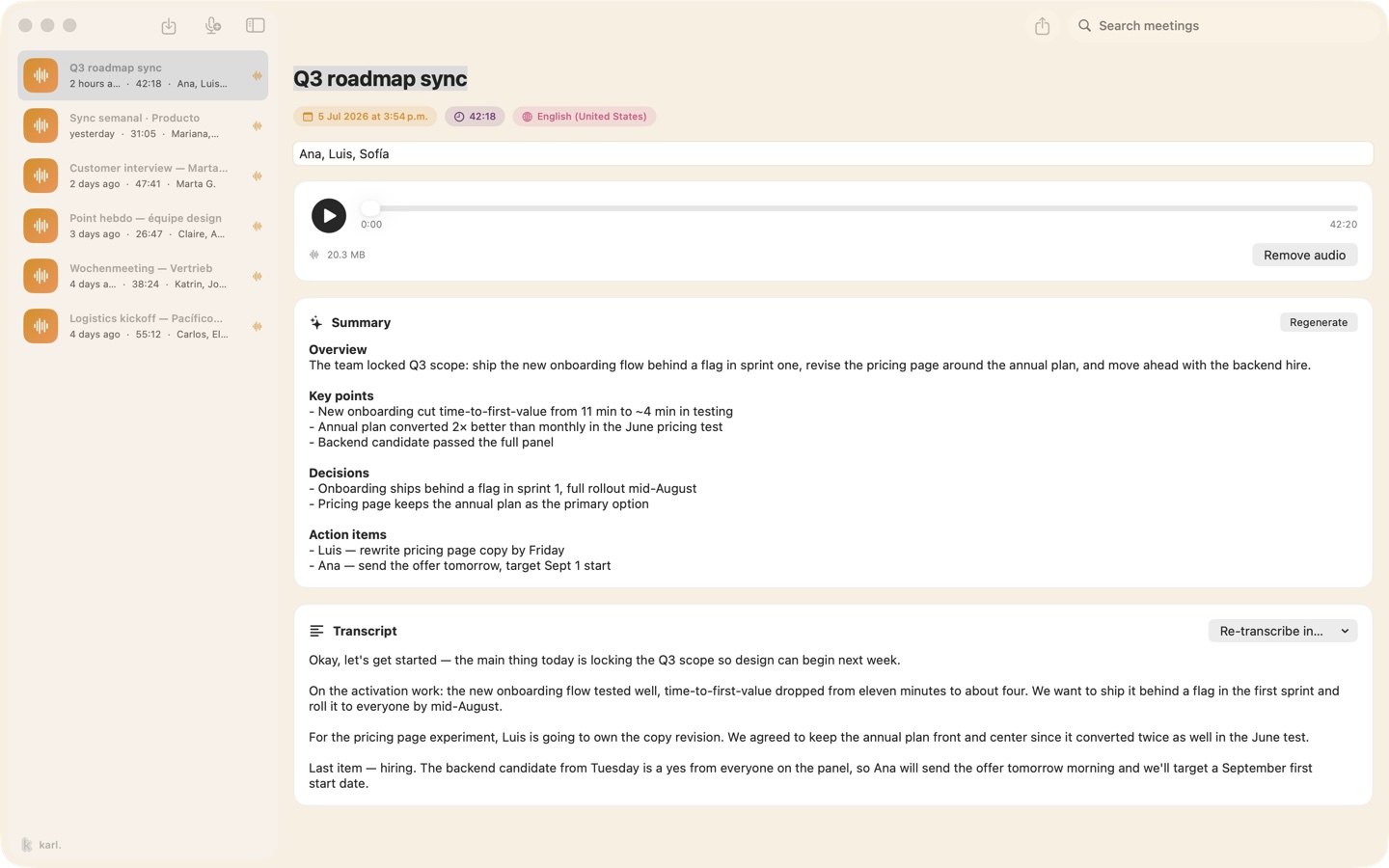
Karl: Meeting NotesMeeting notes made on your Mac. No bot, no account.Ücretsiz, Pro mevcutÜcretsiz sürümTek seferlikAbonelikEvet, yalnızca Apple silicon, geliştiricisine göreHayırBelirtilmediBeklemede
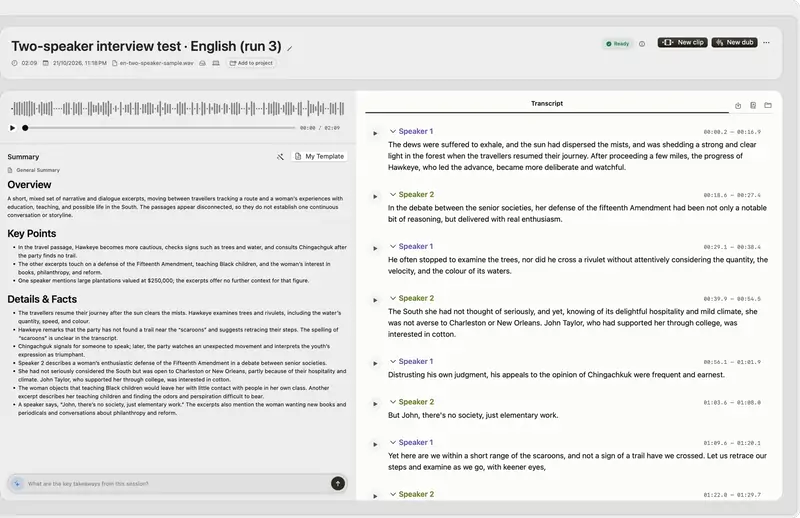
VoxStudioRecord, transcribe, search and edit audio and video on MacÜcretsiz, Pro mevcutÜcretsiz sürümTek seferlikAbonelikEvet, yalnızca Apple silicon, geliştiricisine göreHayırBelirtilmediBeklemede
JellyDrawMac ekranınıza çizin. Çizimler üzerinde bulundukları pencereye yapışık kalır.Free, with Pro at $9.99 one-timeÜcretsiz sürümTek seferlikEvet, yalnızca Apple silicon, geliştiricisine göreHayırJellyDrawBeklemede

Uygulamalar, tek tek

TalkY uygulama simgesi

TalkY

A teleprompter that keeps your script next to the camera on your Mac.

Bir kez ödeyinKontrol edildi: 30 Eki
Bir Mac'te TalkY

Yapımcısından: TalkY is a simple teleprompter for macOS that keeps your script right next to the camera, so you can keep eye contact while recording videos, presenting or speaking on camera. It stays invisible in screen recordings.

Fiyat
Tek seferde $24,50

MacPip'te TalkY Daha fazla toplantı ve sunum uygulaması

PointerBeam uygulama simgesi

PointerBeam

A laser pointer for your Mac cursor. Hold Command to draw on screen while you present.

Bir kez ödeyin
Bir Mac'te PointerBeam

Yapımcısından: PointerBeam puts a bright laser dot on your cursor so people can follow it during a presentation or screen share. Hold Command and move the mouse to draw on top of anything on screen.

Fiyat
14-day free trial, then $2.99 once
Gereksinim
macOS 14 Sonoma veya sonrası

MacPip'te PointerBeam Daha fazla üretkenlik uygulaması

RemoteTime uygulama simgesi

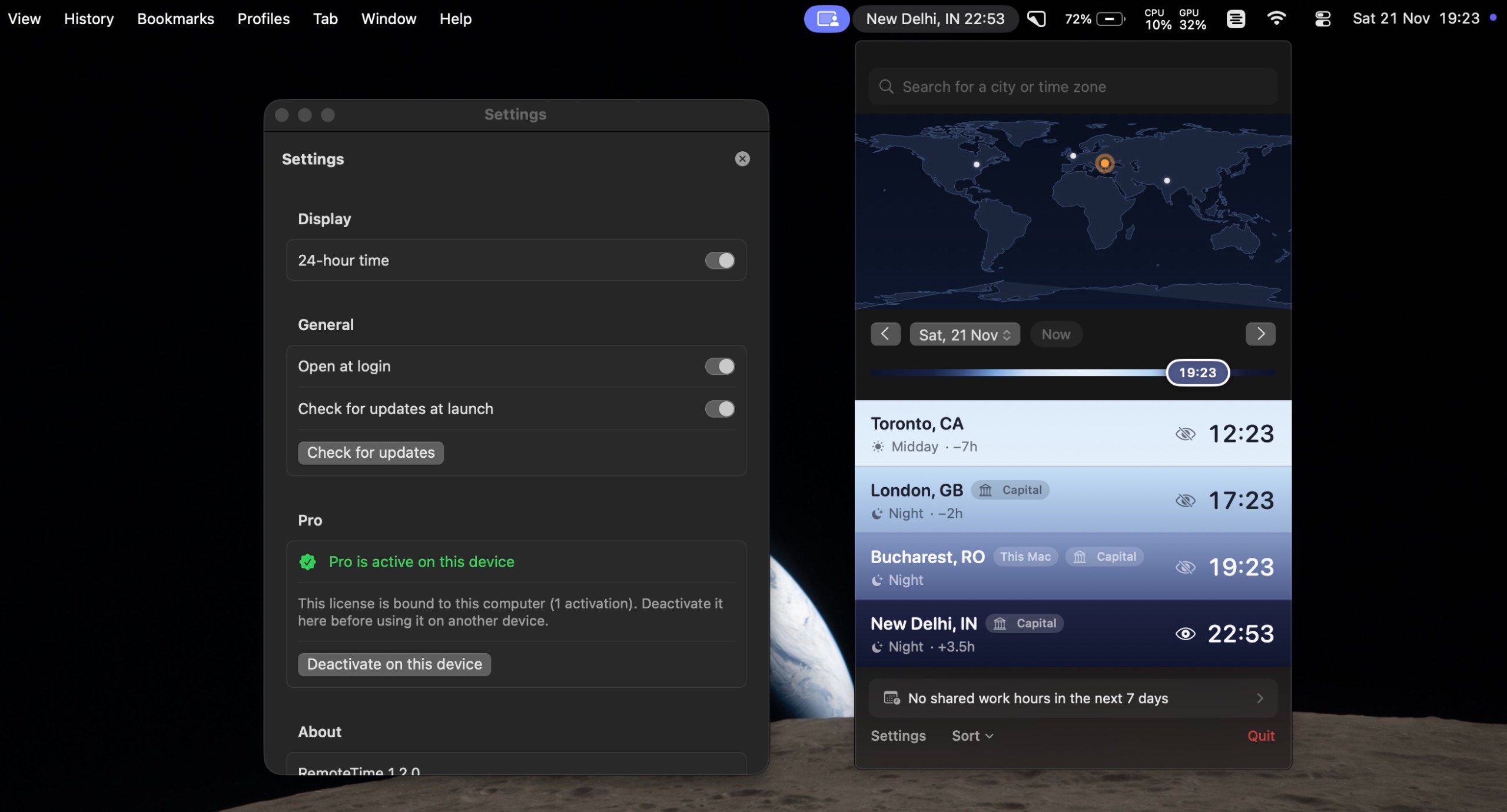
RemoteTime

A native macOS menu-bar world clock for distributed teams.

Ücretsiz sürümBir kez ödeyinApple siliconÇevrimdışı çalışır
Bir Mac'te RemoteTime

Yapımcısından: A native macOS menu-bar world clock for distributed teams. See the live time in every city on your team, drag a what-if marker to plan meetings, and find your shared work hours, DST-correct, fully offline.

Fiyat
Free, Pro €9.99 once
Gereksinim
macOS 14 Sonoma veya sonrası

MacPip'te RemoteTime Daha fazla toplantı ve sunum uygulaması

Metatron uygulama simgesi

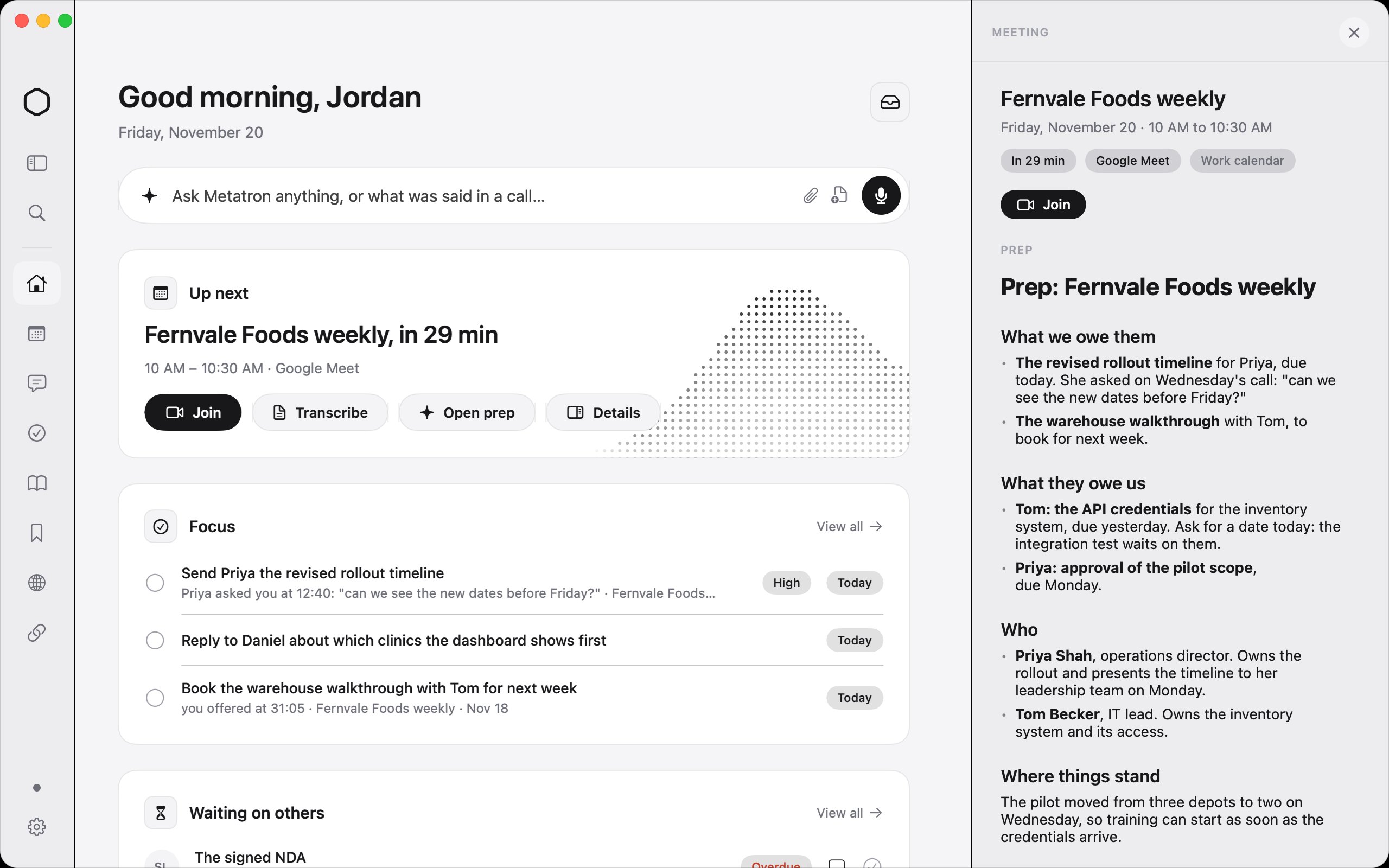
Metatron

The AI work assistant on your Mac that makes sure nothing slips.

Bir kez ödeyinApple silicon
Bir Mac'te Metatron
Yapan: MetatronSite

Yapımcısından: Metatron is an AI work assistant for your Mac. It records your calls with no bot, reads your work email, chats and apps, and keeps one list of what you promised and what you're owed, with who asked and when.

Fiyat
$59 once, free for 14 days
Gereksinim
macOS 26 Tahoe veya sonrası
Yapımcısına göre yerini aldığı uygulamalar
Granola, Otter.ai, Fireflies.ai, Read AI

MacPip'te Metatron Daha fazla yapay zeka uygulaması

Wispim uygulama simgesi

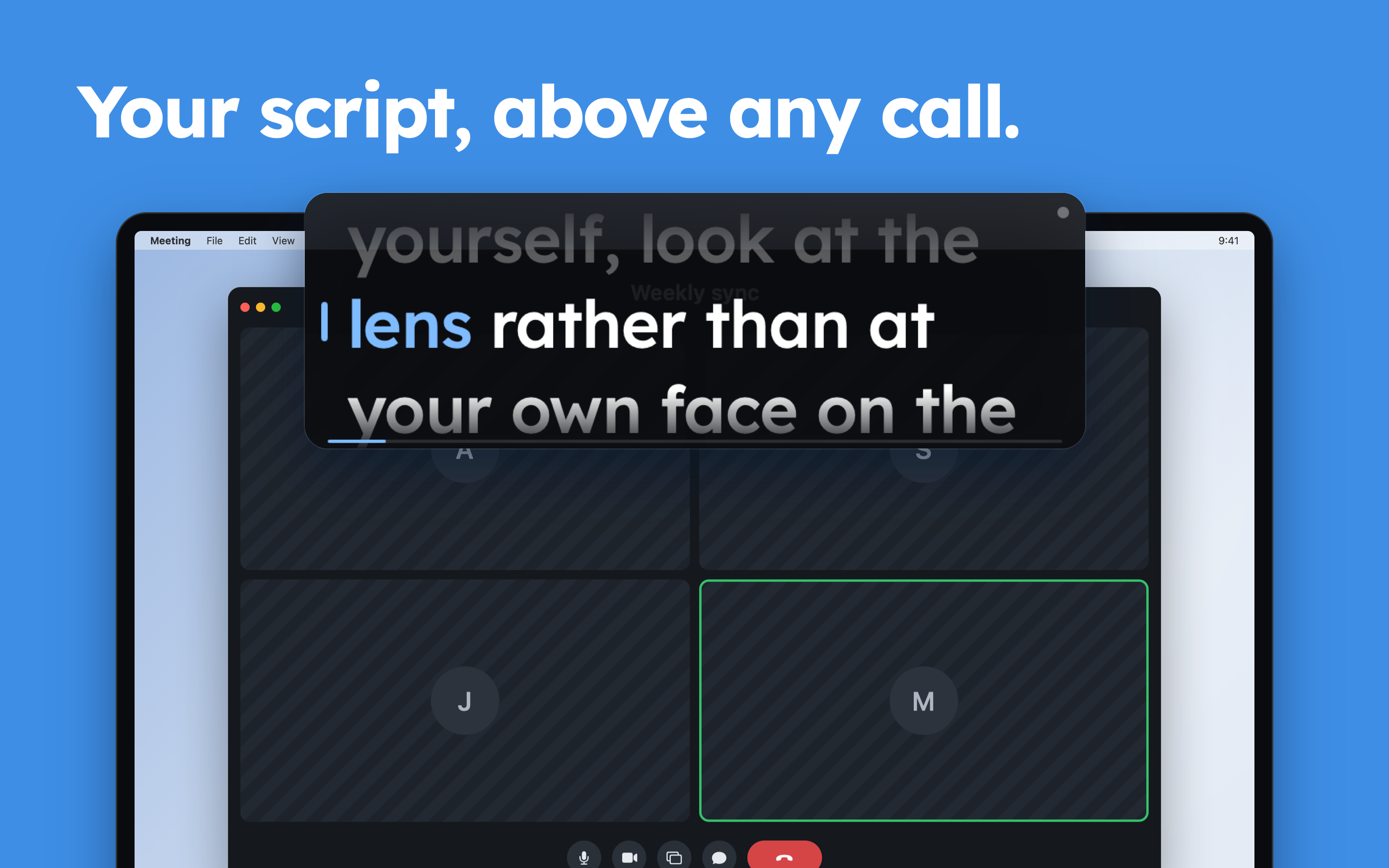
Wispim

The script scrolls itself as you speak

Ücretsiz sürümBir kez ödeyinAbonelikApple silicon
Bir Mac'te Wispim
Yapan: ZhenyaSite

Yapımcısından: Wispim is a teleprompter for meetings, presentations and webinars: the script sits in a floating panel above your call or your slides, right next to the camera. Most teleprompters scroll at a fixed speed and leave you chasing the text.

Fiyat
Ücretsiz
Gereksinim
macOS 13 Ventura veya sonrası

MacPip'te Wispim Daha fazla toplantı ve sunum uygulaması

Karl: Meeting Notes uygulama simgesi

Karl: Meeting Notes

Meeting notes made on your Mac. No bot, no account.

Ücretsiz sürümBir kez ödeyinAbonelikApple silicon
Bir Mac'te Karl: Meeting Notes

Yapımcısından: Karl turns meetings into notes without sending anything anywhere. On the Mac it records your microphone and the call's audio together, transcribes as you talk, and gives you a summary and action items when you stop, all on the device.

Fiyat
Ücretsiz, Pro mevcut
Gereksinim
macOS 26 veya sonrası

MacPip'te Karl: Meeting Notes Daha fazla toplantı ve sunum uygulaması

VoxStudio uygulama simgesi

VoxStudio

Record, transcribe, search and edit audio and video on Mac

Ücretsiz sürümBir kez ödeyinAbonelikApple silicon
Bir Mac'te VoxStudio

Yapımcısından: Native Mac app for Apple silicon: on-device transcription, cited answers across your recordings, subtitles, clips, voiceover and a local MCP server. Try it for 14 days.

Fiyat
Ücretsiz, Pro mevcut
Gereksinim
macOS 15 Sequoia veya sonrası

MacPip'te VoxStudio Daha fazla dikte ve transkripsiyon uygulaması

JellyDraw uygulama simgesi

JellyDraw

Mac ekranınıza çizin. Çizimler üzerinde bulundukları pencereye yapışık kalır.

Ücretsiz sürümBir kez ödeyinApple siliconÇevrimdışı çalışır
Bir Mac'te JellyDraw

Yapımcısından: JellyDraw is a menu bar app for drawing and highlighting over any app on your Mac. Each drawing sticks to the window it was drawn on, so when you move, resize or minimize the window, your marks go with it.

Fiyat
Free, with Pro at $9.99 one-time
Gereksinim
macOS 26 Tahoe veya sonrası
Yapımcısına göre yerini aldığı uygulamalar
Presentify, Epic Pen, ScreenBrush, ZoomIt

MacPip'te JellyDraw Daha fazla toplantı ve sunum uygulaması

Hangisini seçmeli

Nelere bakmalı

Look for which meeting apps it works with, whether it records anyone, and what it shows on a shared screen.

Sorular

What is the best one-time purchase presentation app for Mac?

There is no single best one for everyone. MacPip lists 8: TalkY, PointerBeam, RemoteTime, Metatron, Wispim, Karl: Meeting Notes, VoxStudio, JellyDraw. If you want it free, look at RemoteTime. If you would rather pay once than subscribe, look at TalkY. If you want it to run natively on Apple silicon, look at VoxStudio. If you need it to work offline, as its maker says it does, look at JellyDraw.

Which one-time purchase meeting and presenting apps run natively on Apple silicon?

Geliştiricilerinin sözüne göre veya bizim kontrolümüze göre: RemoteTime, Metatron, Wispim, Karl: Meeting Notes, VoxStudio, JellyDraw.

Which one-time purchase meeting and presenting apps has MacPip checked?

Her birinin sayfasında tarihli bir rapor var: TalkY.

MacPip bu uygulamaları nasıl sıralar?

Kontrol edilen uygulamalar önce gelir, en yeni kontrol en önde, ardından diğerleri eklendikleri tarihe göre. Ödeme sırayı asla değiştirmez; sponsorlu satırlar etiketlenir ve ayrı tutulur.

İlgili