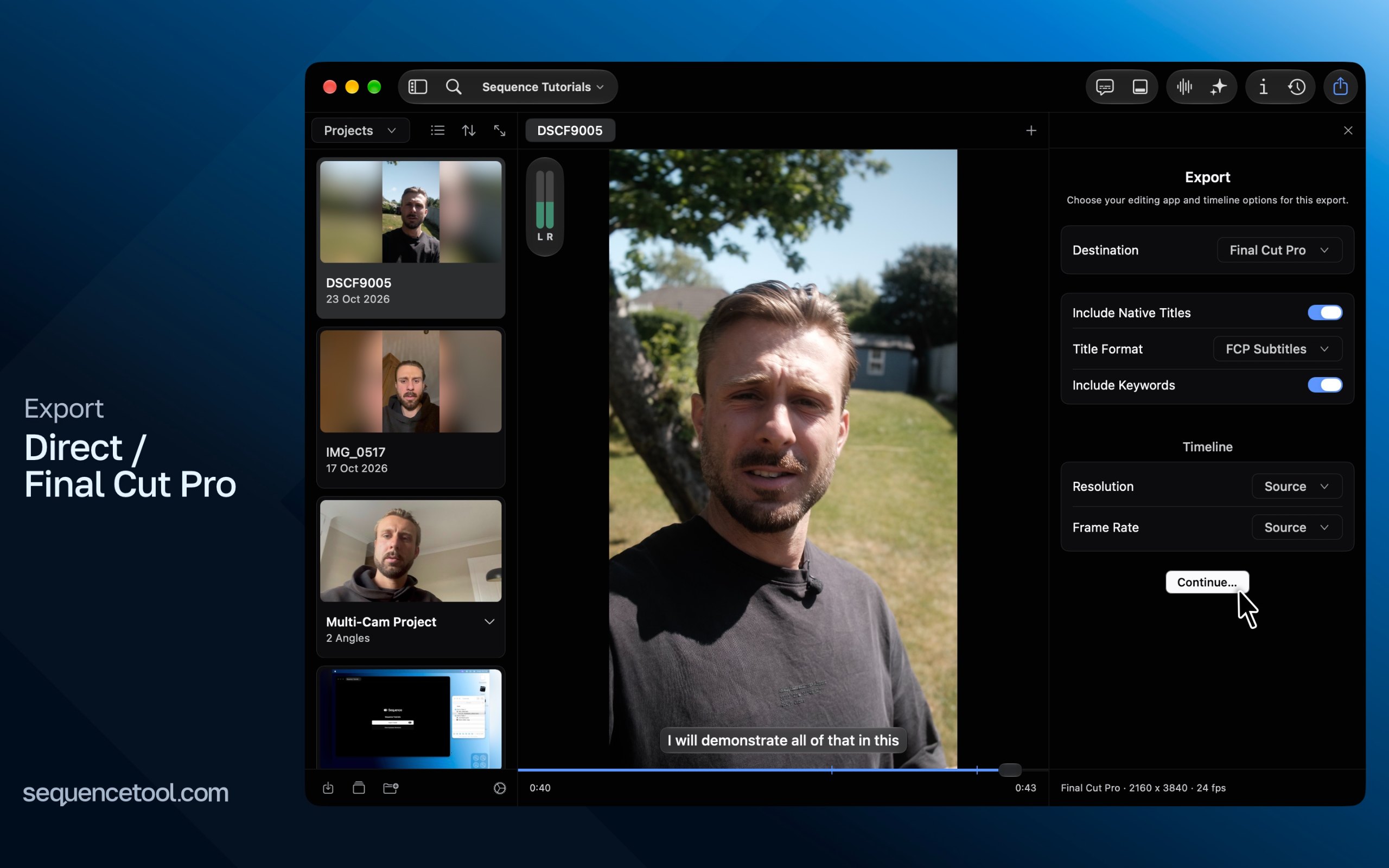
MacPip lists 9 free design and media apps for Mac, and MacPip has checked none of them yet.它们全都有免费版本。其中有 5 款出售一次性买断授权。其中有 3 款按订阅付费。There is no single best free design app for everyone, so MacPip does not rank them.如果你想要免费的,先看 Yaptake。
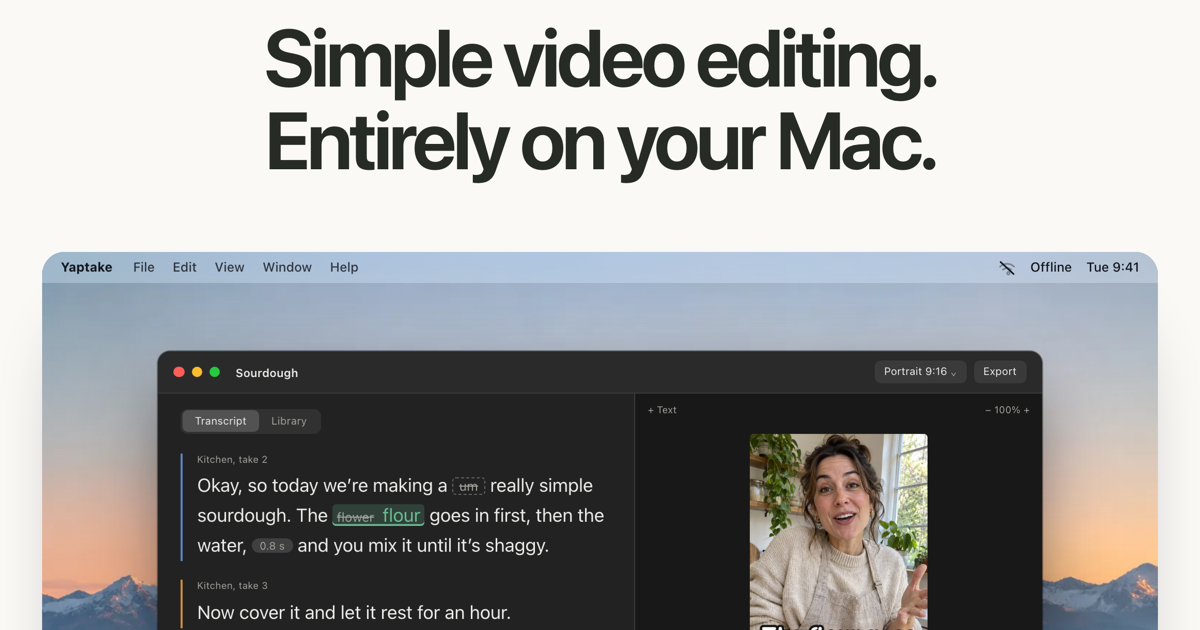
开发者的介绍: An offline Mac video editor with transcript cuts and captions. Cut unwanted words, tighten pauses and try 3 exports free, with no watermark or account.
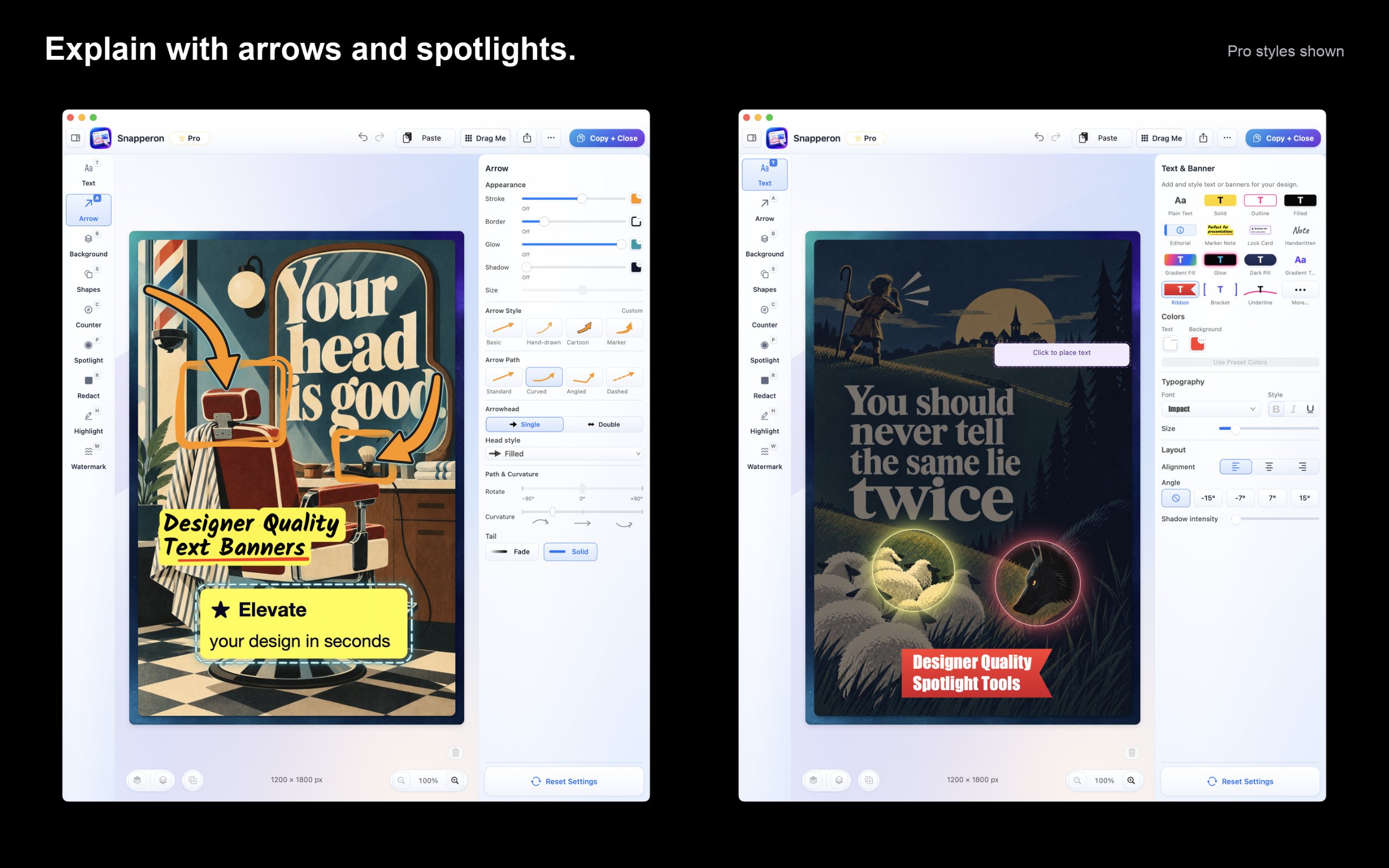
开发者的介绍: Capture screenshots or open images and PDF pages. Add styled arrows, banners, numbered steps, highlights, shapes, spotlights, freehand and redaction.
开发者的介绍: An open-source colour picker app for macOS Pika (pronounced pi·kuh, like picker) is an easy to use, open-source, native colour picker for macOS.
Look for the file formats it opens and exports, whether it needs an account, and how it handles large files.
问题
What is the best free design app for Mac?
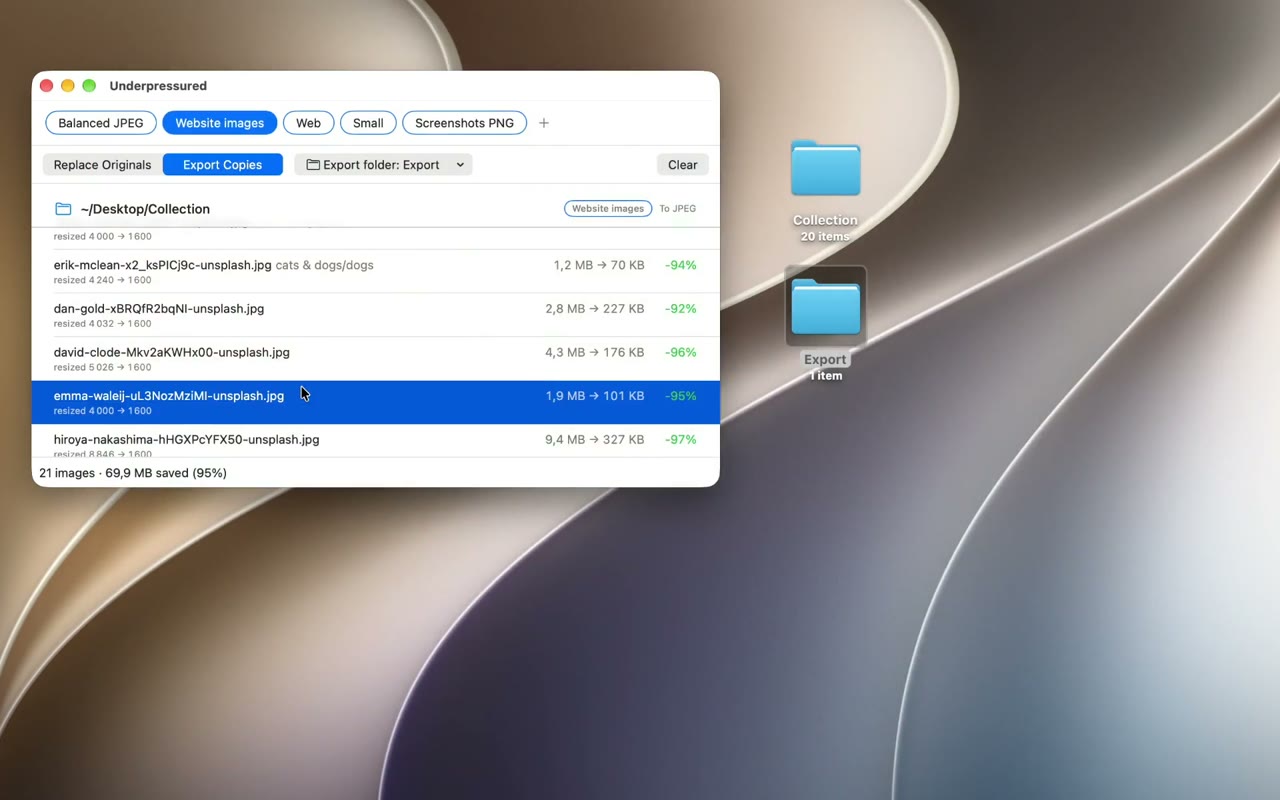
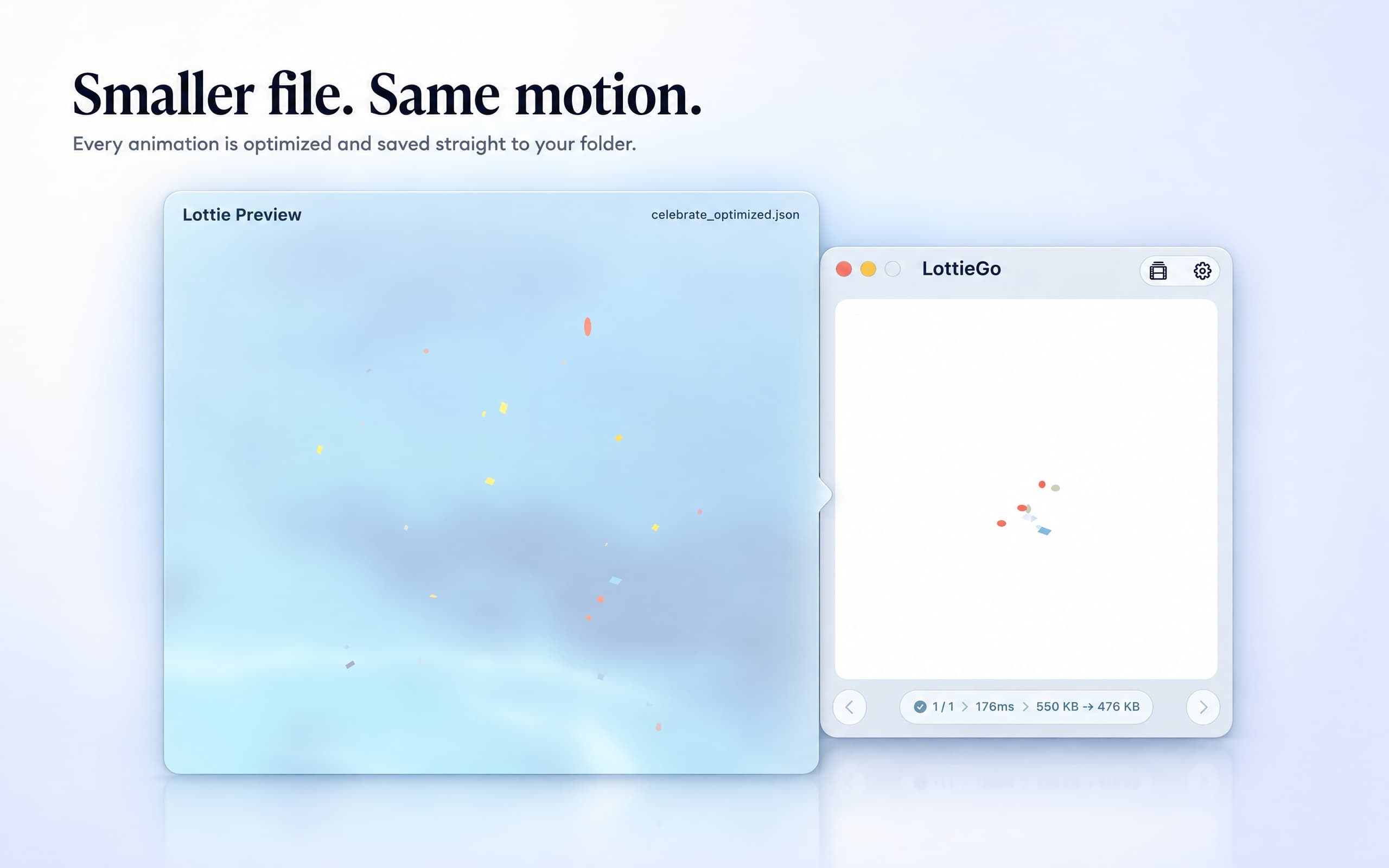
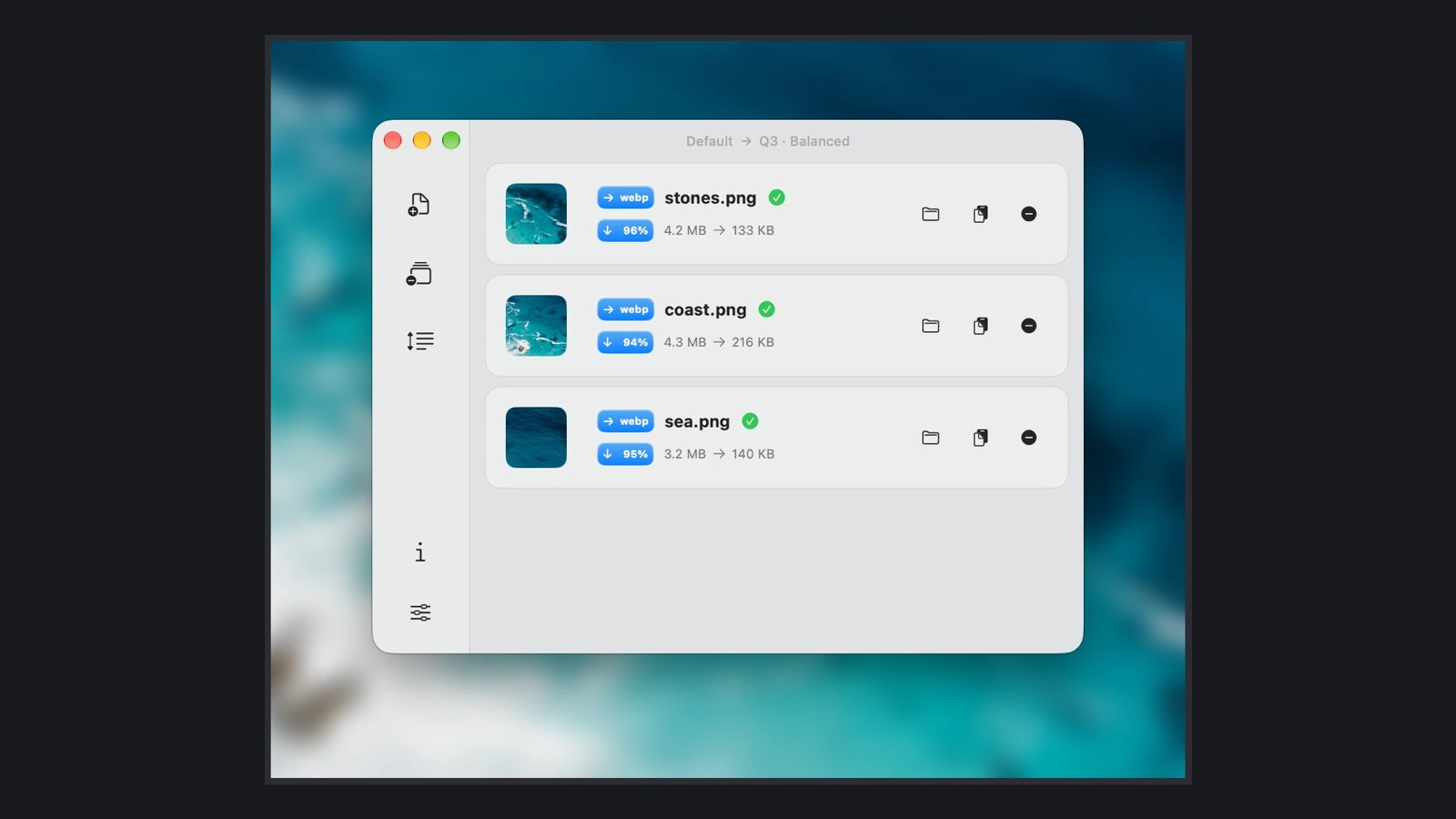
There is no single best one for everyone. MacPip lists 9: Yaptake, Underpressured, LottieGo, Zipic, Snapperon, Sequence Tool, PeerBrush, Featherview, Super High Fives. If you want it free, look at Yaptake. If you would rather pay once than subscribe, look at LottieGo. If you want it to run natively on Apple silicon, look at Zipic. If you need it to work offline, as its maker says it does, look at Sequence Tool. If you want open source code, look at Underpressured.
Which free design and media apps run natively on Apple silicon?