Hi, I'm PipThese Featured apps take turns in my notch.
iPipSubmit
Best of MacPip

Best free design and media apps for Mac

Updated Nov 17, 2026, from what MacPip lists today.

Short answer

MacPip lists 9 free design and media apps for Mac, and MacPip has checked none of them yet.All of them have a free version.5 of them sell a one-time license.3 of them are paid by subscription.There is no single best free design app for everyone, so MacPip does not rank them.If you want it free, start with Yaptake.

Checked apps come first, newest check first. Never ordered by payment.

What these 9 apps offer, by their listings. An app can offer several, so the bars do not add up to 9.
Free version9 of 9
Pay once5 of 9
Subscription3 of 9
Native to Apple silicon6 of 9
Open source4 of 9
Works offline5 of 9
Checked0 of 9

Compared

AppWhat it doesPriceFree or paidApple siliconOpen sourceMade byChecked
YaptakeAn offline Mac video editor with transcript cuts and captions.Free to edit; $9.99/mo or $79/yrFree versionSubscriptionNot statedNoYaptakePending
UnderpressuredUnderpressured compresses, converts, and resizes imagesFree and open sourceFree versionYes, Apple silicon only, its maker saysYesNot statedPending
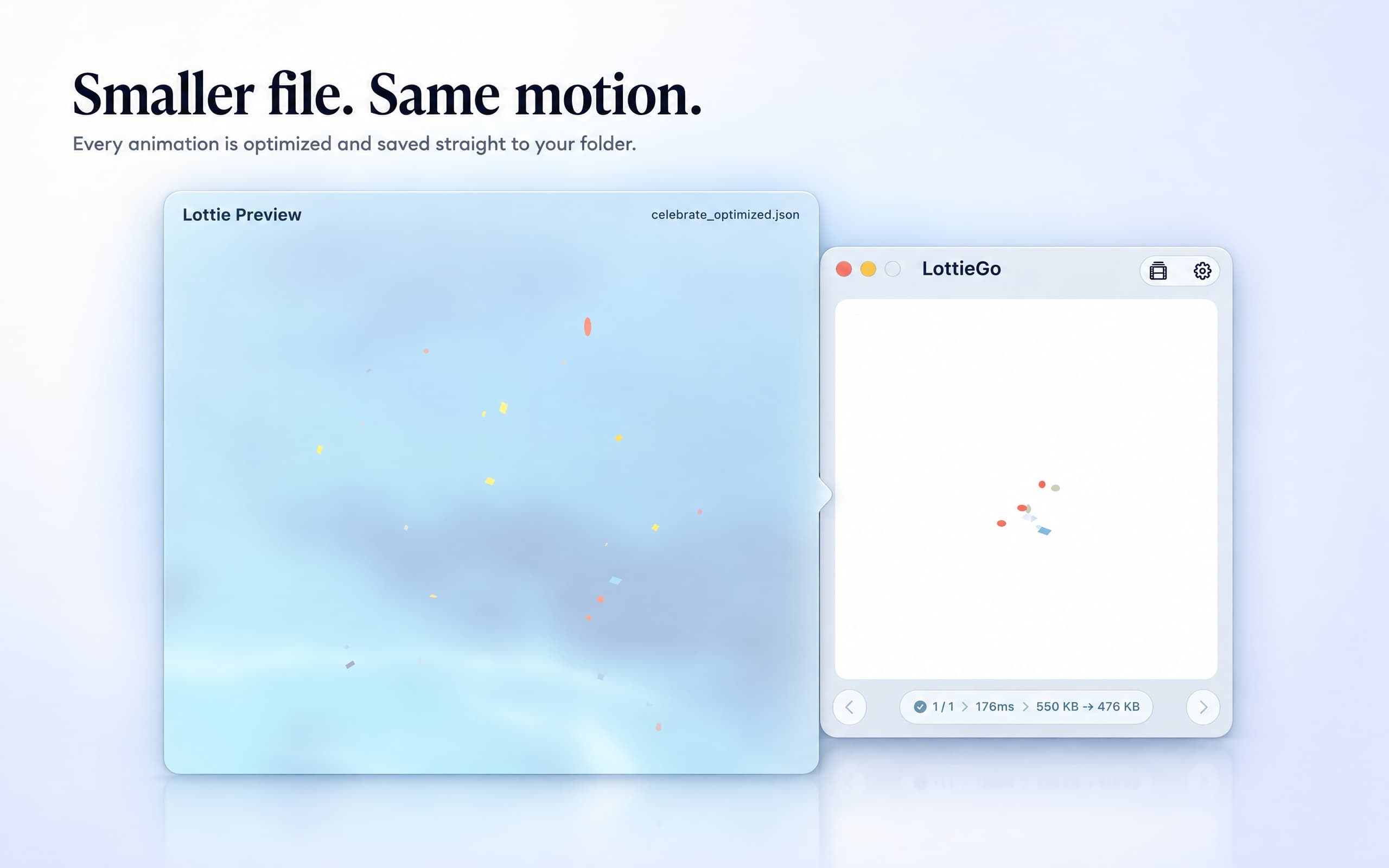
LottieGoShrink Lottie JSON files and export MP4, transparent MOV or GIFFree; Pro $4.99 one-timeFree versionOne-timeNot statedNo5KM Software Tech Co., Ltd.Pending
ZipicCompress, convert, and resize images locally with Zipic for Mac and Windows.Free; paid licenses from $19.99Free versionOne-timeYes, and Intel, its maker saysNo5KM TechPending
SnapperonMac screenshot annotation by hand or via local MCP for Claude Desktop and Codex Desktop.Free; Pro $2/mo, $19.99/yr, $38.99 onceFree versionOne-timeSubscriptionYes, Apple silicon only, its maker saysNoSnapperon TeamPending
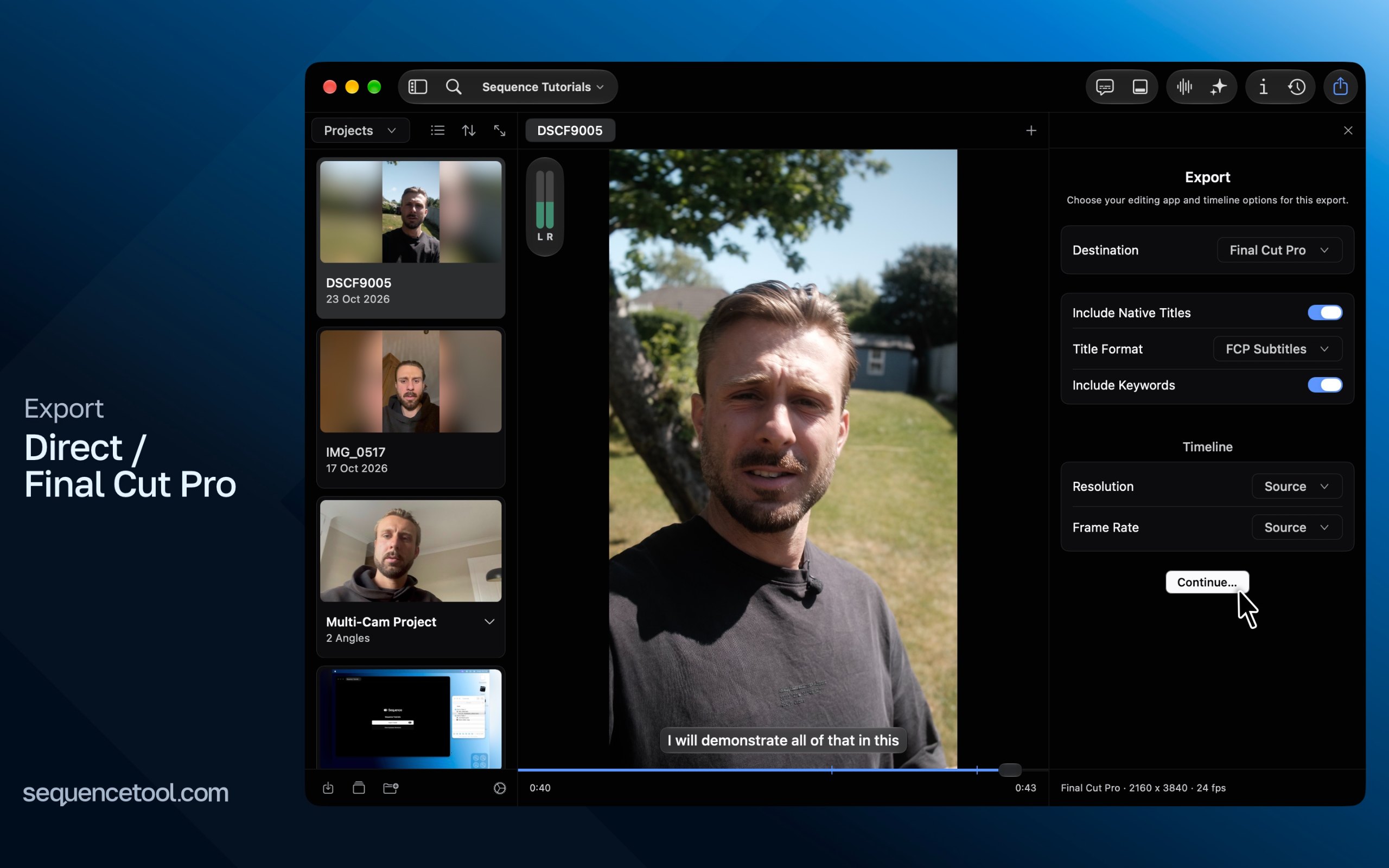
Sequence ToolShape podcasts and interviews from text on Mac.Free trial & lifetimeFree versionOne-timeSubscriptionYes, Apple silicon only, its maker saysNoNot statedPending
PeerBrushFree, open-source painting and layered PSD editing, with optional MCP collaboration.Free and open sourceFree versionYes, Apple silicon only, its maker saysYesNot statedPending
FeatherviewFree, open-source, keyboard-driven image viewer for macOS with batch conversion.FreeFree versionYes, and Intel, its maker saysYesJoachim RütterPending
Super High FivesAn open-source colour picker app for macOSFree and open sourceFree versionOne-timeNot statedYesNot statedPending

The apps, one by one

Yaptake app icon

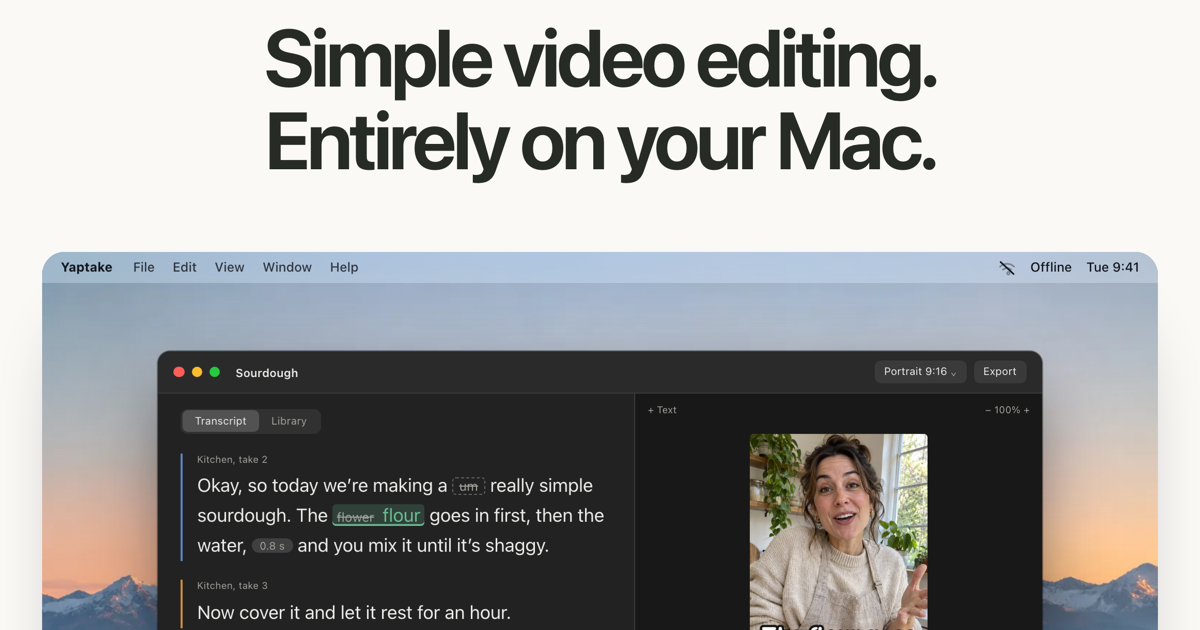
Yaptake

An offline Mac video editor with transcript cuts and captions.

Free versionSubscriptionWorks offline
Yaptake on a Mac

From its maker: An offline Mac video editor with transcript cuts and captions. Cut unwanted words, tighten pauses and try 3 exports free, with no watermark or account.

Price
Free to edit; $9.99/mo or $79/yr
Needs
macOS 26 Tahoe or later

Yaptake on MacPip More audio and video apps

Zipic app icon

Zipic

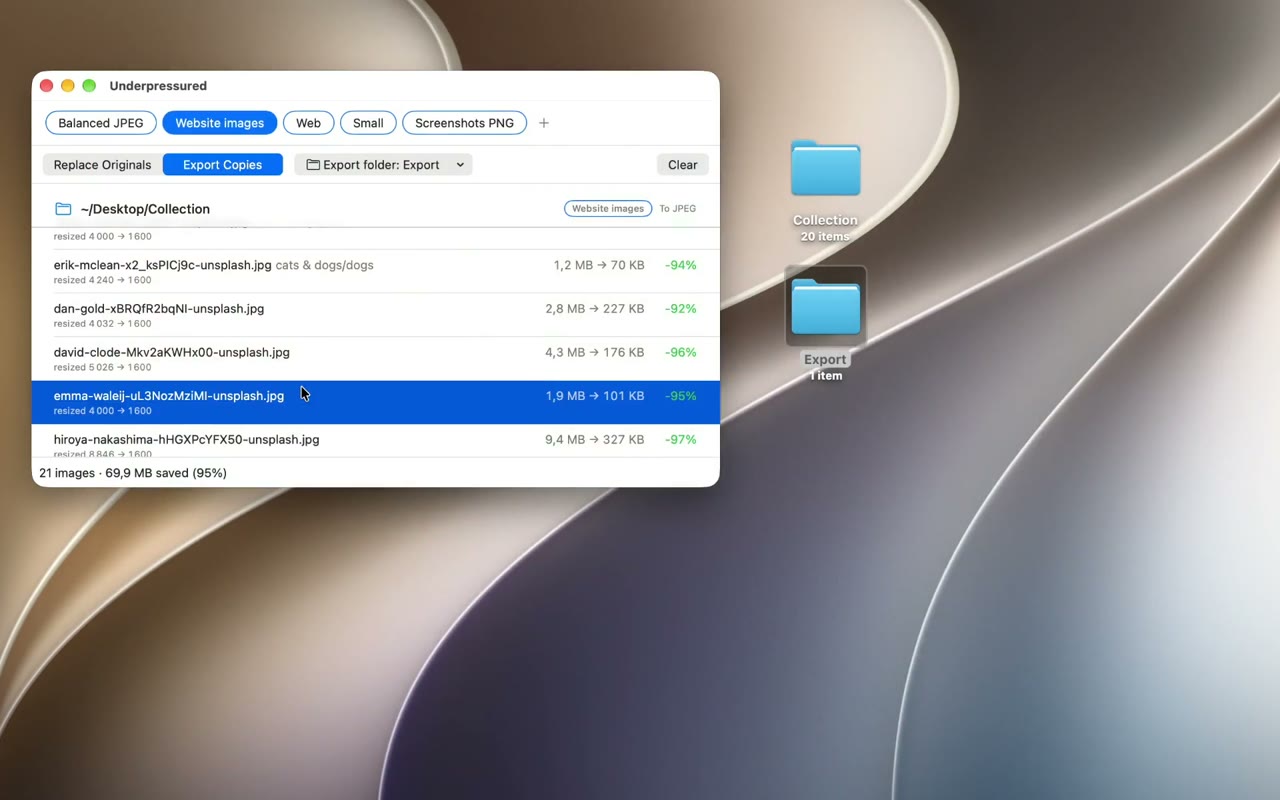
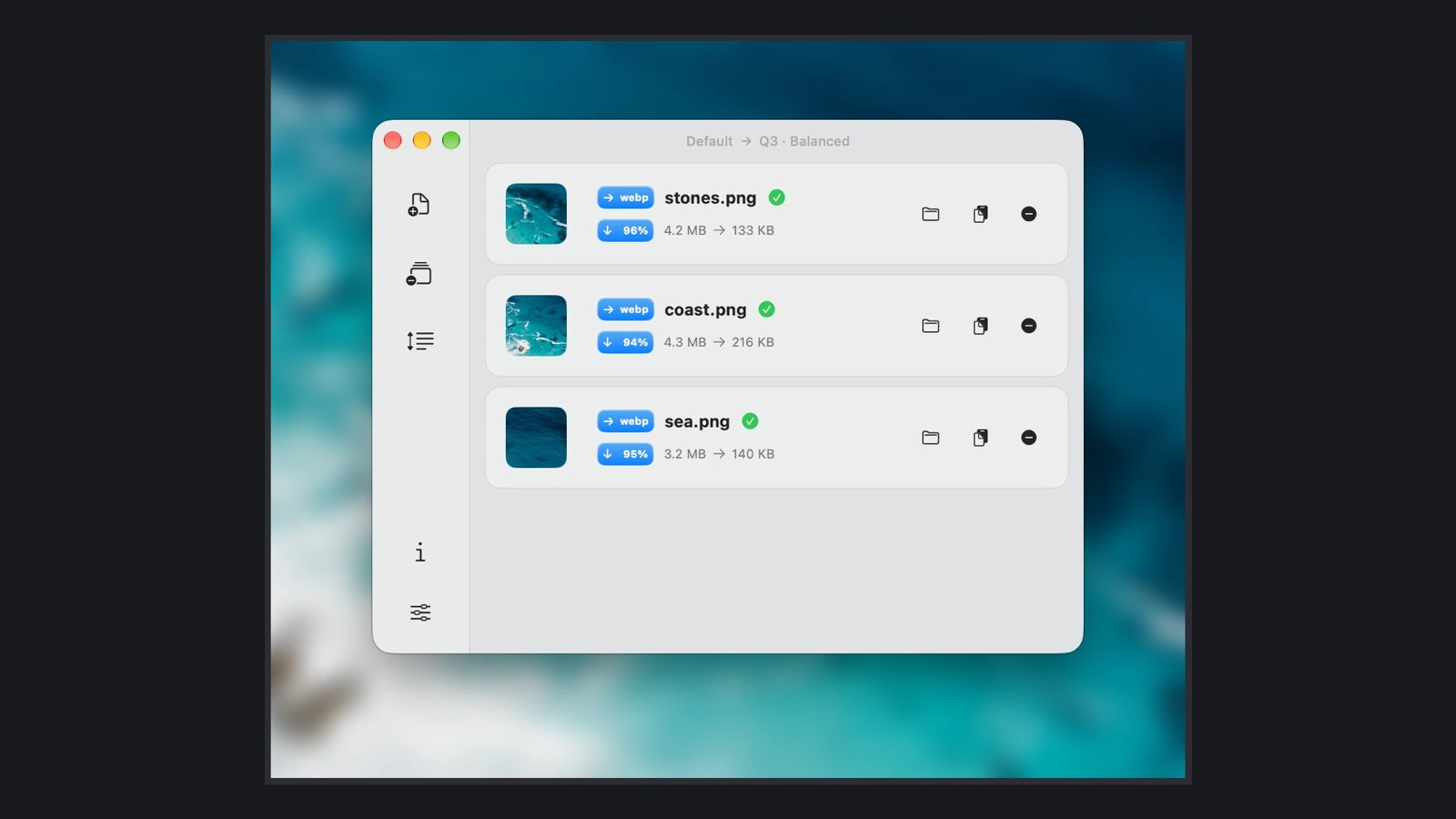
Compress, convert, and resize images locally with Zipic for Mac and Windows.

Free versionPay onceApple siliconWorks offline
Zipic on a Mac

From its maker: Compress, convert, and resize images locally with Zipic for Mac and Windows. Batch-process JPEG, PNG, WebP, HEIC, and more.

Price
Free; paid licenses from $19.99
Needs
macOS 13 Ventura or later

Zipic on MacPip More design and media apps

Snapperon app icon

Snapperon

Mac screenshot annotation by hand or via local MCP for Claude Desktop and Codex Desktop.

Free versionPay onceSubscriptionApple silicon
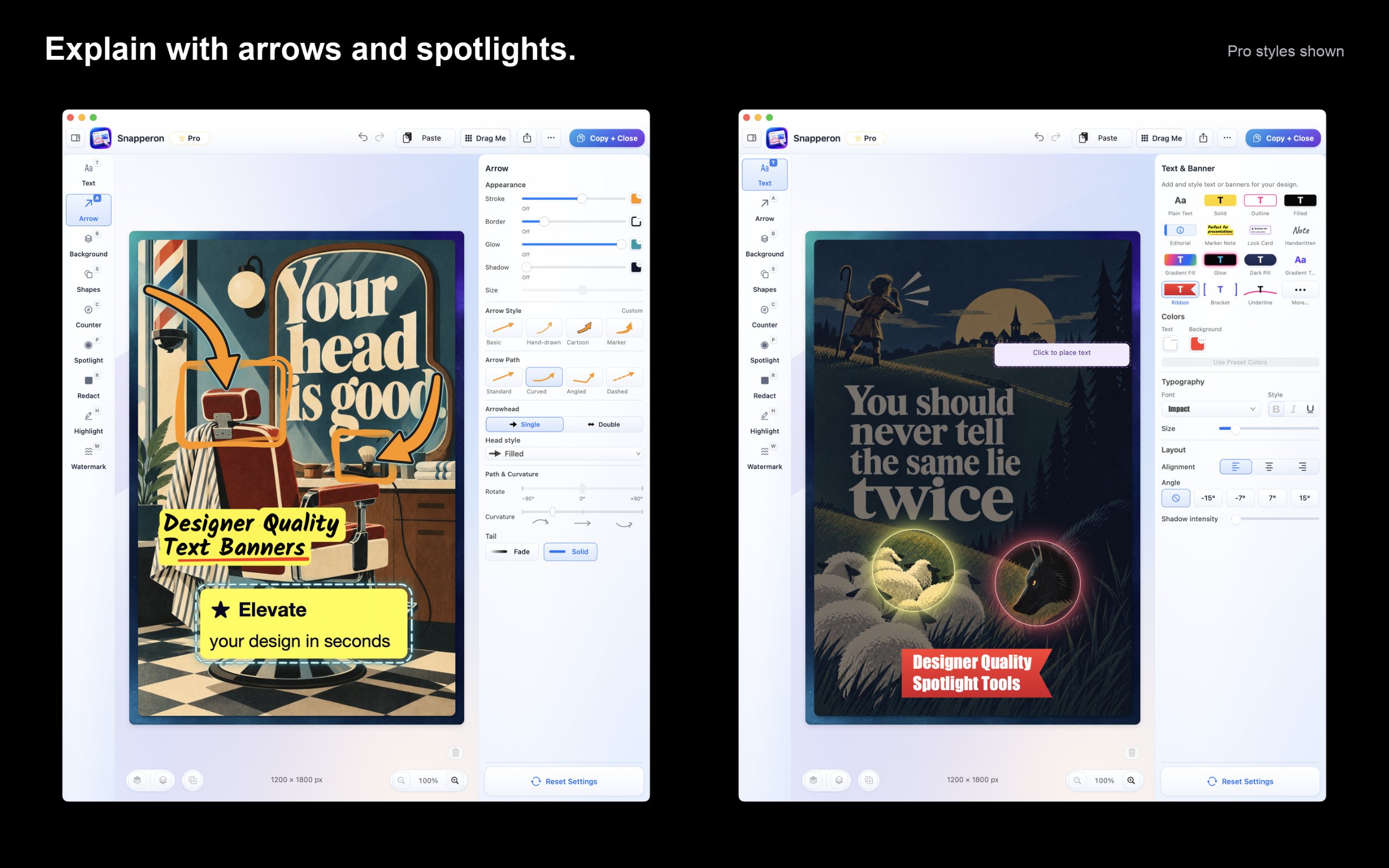
Snapperon on a Mac

From its maker: Capture screenshots or open images and PDF pages. Add styled arrows, banners, numbered steps, highlights, shapes, spotlights, freehand and redaction.

Price
Free; Pro $2/mo, $19.99/yr, $38.99 once
Needs
macOS 14 Sonoma or later

Snapperon on MacPip More screenshots apps

Sequence Tool app icon

Sequence Tool

Shape podcasts and interviews from text on Mac.

Free versionPay onceSubscriptionApple siliconWorks offline
Sequence Tool on a Mac

From its maker: Shape podcasts and interviews from text on Mac. Work with speakers, multiple cameras, reusable assets, audio cleanup, and editor handoffs.

Price
Free trial & lifetime
Needs
macOS 15 Sequoia or later
Its maker says it replaces
Descript

Sequence Tool on MacPip More audio and video apps

PeerBrush app icon

PeerBrush

Free, open-source painting and layered PSD editing, with optional MCP collaboration.

Free versionApple siliconOpen source
PeerBrush on a Mac

From its maker: A free, open-source image editor where you and connected AI agents work on the same editable document.

Price
Free and open source
Needs
macOS 11 Big Sur or later

PeerBrush on MacPip More design and media apps

Featherview app icon

Featherview

Free, open-source, keyboard-driven image viewer for macOS with batch conversion.

Free versionApple siliconOpen sourceWorks offline
Featherview on a Mac

From its maker: Free, open-source, keyboard-driven image viewer for macOS with batch conversion. The next photo is ready before you ask for it.

Price
Free
Needs
macOS 14 Sonoma or later
Its maker says it replaces
Preview, XnView MP

Featherview on MacPip More photos apps

Which one to pick

What to look for

Look for the file formats it opens and exports, whether it needs an account, and how it handles large files.

Questions

What is the best free design app for Mac?

There is no single best one for everyone. MacPip lists 9: Yaptake, Underpressured, LottieGo, Zipic, Snapperon, Sequence Tool, PeerBrush, Featherview, Super High Fives. If you want it free, look at Yaptake. If you would rather pay once than subscribe, look at LottieGo. If you want it to run natively on Apple silicon, look at Zipic. If you need it to work offline, as its maker says it does, look at Sequence Tool. If you want open source code, look at Underpressured.

Which free design and media apps run natively on Apple silicon?

By their makers' word or by our check: Underpressured, Zipic, Snapperon, Sequence Tool, PeerBrush, Featherview.

Which free design and media apps has MacPip checked?

None yet. They say Check pending until they are checked.

How does MacPip order these apps?

Checked apps come first, newest check first, then the rest by when they were added. Payment never changes the order, and sponsored rows are labeled and kept apart.

Related