عدد تطبيقات فئة «لوحة المفاتيح والفأرة» لنظام Mac على MacPip: 5. فحص شخص منها: 1.ما له نسخة مجانية: 3.ما يبيع ترخيصًا لمرة واحدة: 3.There is no single best keyboard or mouse app for everyone, so MacPip does not rank them.إذا أردته مجانيًا، فابدأ من هنا: InputConfig.
تأتي التطبيقات التي فحصها شخص أولًا، والأحدث فحصًا قبل غيره. لا ترتيب بالدفع أبدًا.
ما تقدمه هذه التطبيقات (5)، حسب صفحات إدراجها. قد يقدم التطبيق عدة أشياء، لذا لا يصل مجموع الأشرطة إلى 5.
نسخة مجانية3 من 5
دفع لمرة واحدة3 من 5
اشتراك0 من 5
أصلي لـ Apple silicon3 من 5
مفتوح المصدر1 من 5
يعمل دون اتصال2 من 5
فحصه شخص1 من 5
السعر لمرة واحدة بالدولار الأمريكي، كما تذكره كل صفحة إدراج، من الأقل إلى الأعلى. التطبيقات التي ليس لها سعر واضح بالدولار لمرة واحدة مستبعدة، وعددها 2. وتُحتسب أسعار الإطلاق حيث تذكرها صفحة الإدراج.
من صانعه: Scootch lets one keyboard and mouse control every computer on your desk, in any mix of Mac, Windows and Linux, and moves files between them in any direction. There is no switch box, account or subscription.
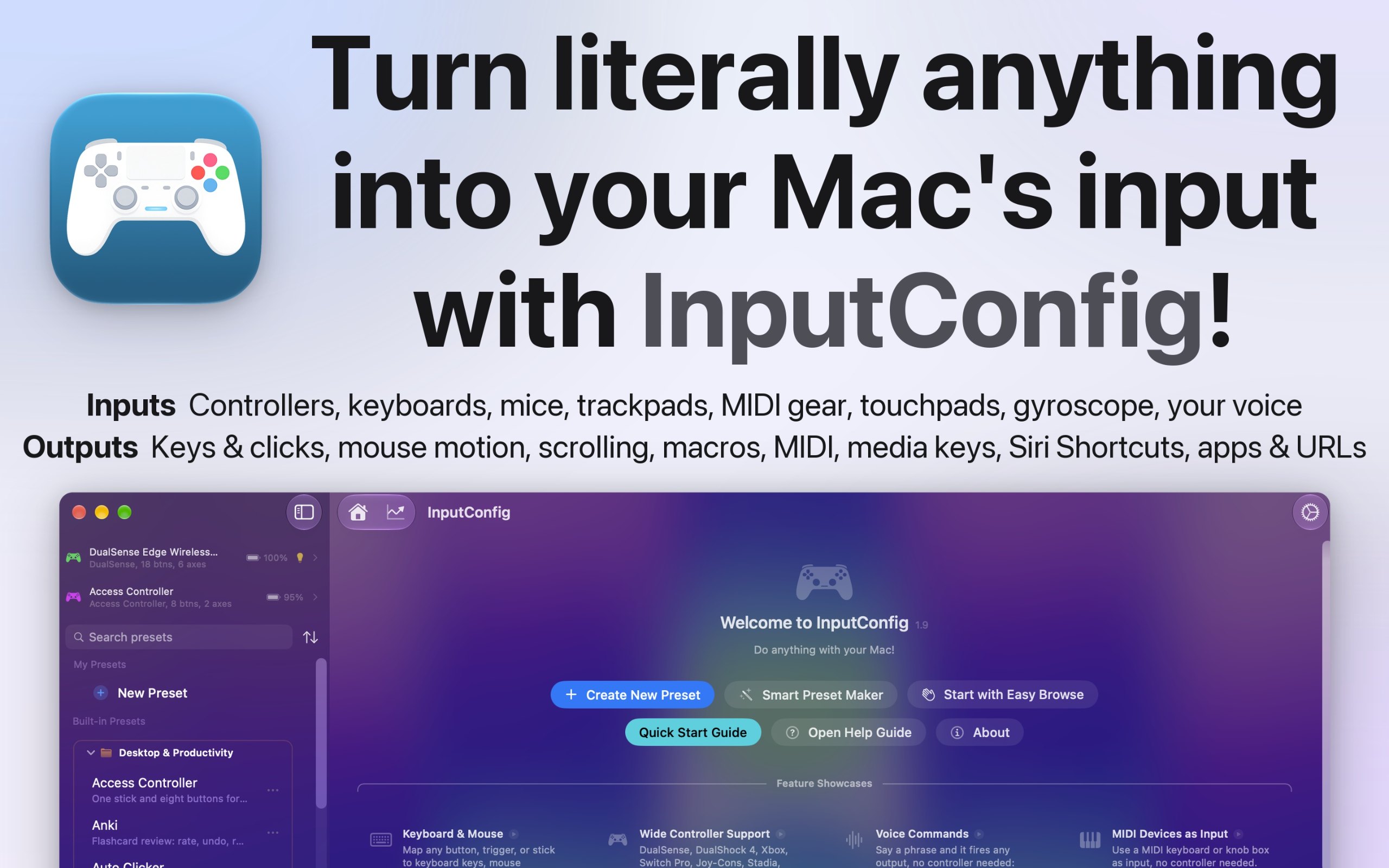
من صانعه: I built InputConfig because my hands don't work that well, and a keyboard and mouse ask for a kind of control I don't have. It's for anyone who would rather run their Mac with a game controller, an adaptive controller, or a MIDI keyboard, whether that's for accessibility, games, or music.
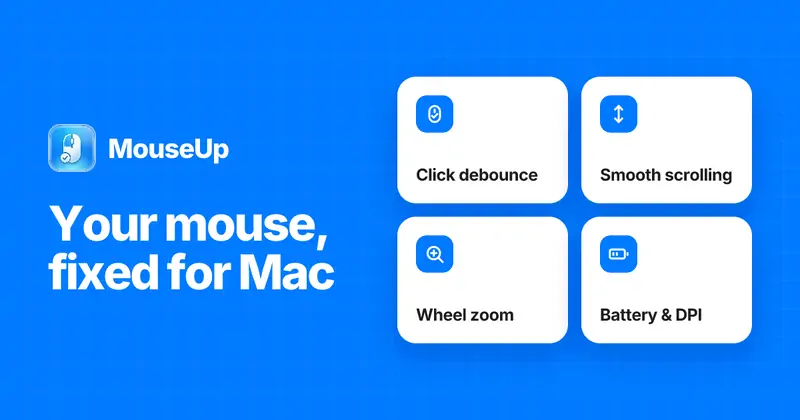
من صانعه: MouseUp (formerly Mac Mouse Fixer) makes any external mouse feel at home on macOS. It blocks the ghost double-clicks that worn switches cause, so one click is one click again, and turns every wheel notch into one smooth, trackpad-like glide.
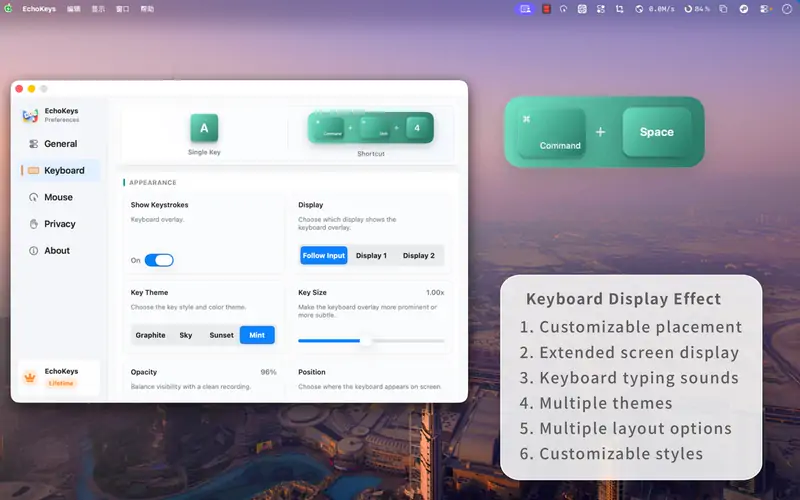
من صانعه: EchoKeys is a macOS utility designed for screen recording, livestreaming, tutorials, game capture, and product demos. It shows keyboard keys, modifier keys, shortcuts, and mouse clicks on screen in real time.
Look for which devices it supports, whether it needs Accessibility access, and whether settings survive a restart.
الأسئلة
What is the best keyboard or mouse app for Mac?
There is no single best one for everyone. MacPip lists 5: Scootch, InputConfig, WheelClick, MouseUp, EchoKeys. If you want it free, look at InputConfig. If you would rather pay once than subscribe, look at Scootch. If you want it to run natively on Apple silicon, look at WheelClick. If you need it to work offline, as its maker says it does, look at InputConfig. If you want open source code, look at InputConfig.
هل توجد تطبيقات مجانية من فئة «لوحة المفاتيح والفأرة» لنظام Mac؟
نعم. مع نسخة مجانية على MacPip: InputConfig, WheelClick, EchoKeys.
أي تطبيقات فئة «لوحة المفاتيح والفأرة» لنظام Mac لها سعر لمرة واحدة؟
مع خيار الدفع لمرة واحدة لتتجنب الاشتراك: Scootch, WheelClick, MouseUp.
Which keyboard and mouse apps run natively on Apple silicon?
بحسب قول صانعيها أو بحسب فحصنا: InputConfig, WheelClick, MouseUp.
أي تطبيقات فئة «لوحة المفاتيح والفأرة» فحصها شخص؟
لكل منها تقرير مؤرخ في صفحته: Scootch.
كيف ترتّب MacPip هذه التطبيقات؟
تأتي أولًا التطبيقات التي فحصها شخص، وأحدث فحص أولًا، ثم الباقي حسب تاريخ إضافتها. الدفع لا يغيّر الترتيب أبدًا، والصفوف الممولة موسومة ومفصولة.


 من صنع AfterimageDevالموقععلى X