MacPipにはMac向け「キーボードとマウス」カテゴリのアプリが5件掲載されていて、そのうち1件は人が確認しました。そのうち3件に無料版があります。そのうち3件は買い切りライセンスを販売しています。There is no single best keyboard or mouse app for everyone, so MacPip does not rank them.無料がいいなら、InputConfigから始めてください。
開発者より: Scootch lets one keyboard and mouse control every computer on your desk, in any mix of Mac, Windows and Linux, and moves files between them in any direction. There is no switch box, account or subscription.
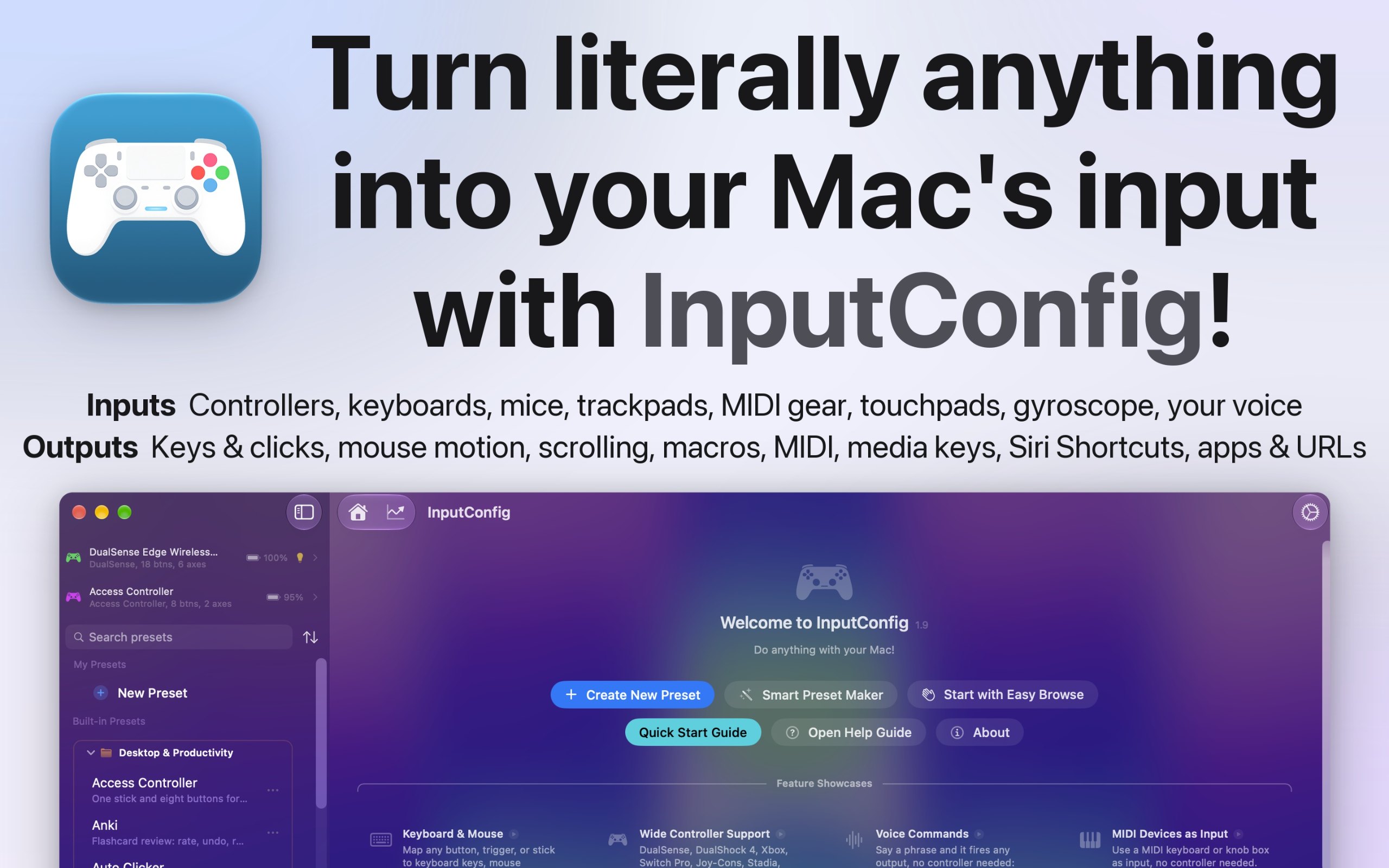
開発者より: I built InputConfig because my hands don't work that well, and a keyboard and mouse ask for a kind of control I don't have. It's for anyone who would rather run their Mac with a game controller, an adaptive controller, or a MIDI keyboard, whether that's for accessibility, games, or music.
開発者より: MouseUp (formerly Mac Mouse Fixer) makes any external mouse feel at home on macOS. It blocks the ghost double-clicks that worn switches cause, so one click is one click again, and turns every wheel notch into one smooth, trackpad-like glide.
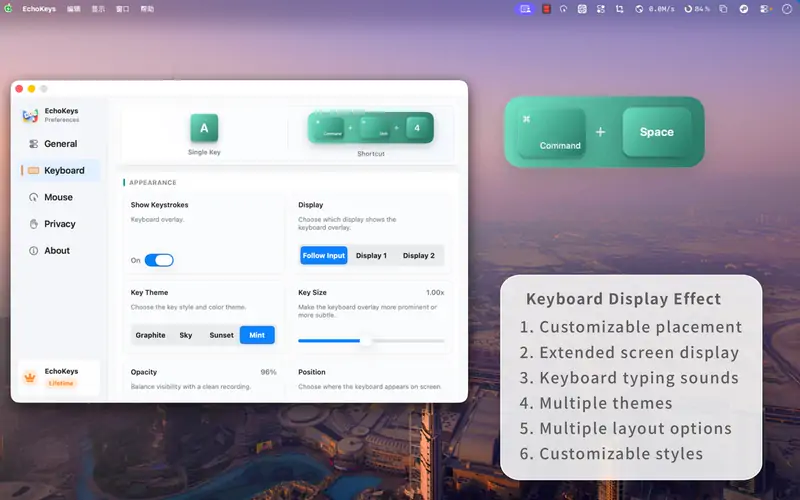
開発者より: EchoKeys is a macOS utility designed for screen recording, livestreaming, tutorials, game capture, and product demos. It shows keyboard keys, modifier keys, shortcuts, and mouse clicks on screen in real time.
Look for which devices it supports, whether it needs Accessibility access, and whether settings survive a restart.
質問
What is the best keyboard or mouse app for Mac?
There is no single best one for everyone. MacPip lists 5: Scootch, InputConfig, WheelClick, MouseUp, EchoKeys. If you want it free, look at InputConfig. If you would rather pay once than subscribe, look at Scootch. If you want it to run natively on Apple silicon, look at WheelClick. If you need it to work offline, as its maker says it does, look at InputConfig. If you want open source code, look at InputConfig.