Aggiornato il 9 nov 2026, da ciò che MacPip elenca oggi.
Risposta breve
MacPip elenca 5 app per Mac nella categoria «Tastiera e mouse» e una persona ne ha verificate 1.3 di esse hanno una versione gratuita.3 di queste si acquistano con una licenza una tantum.There is no single best keyboard or mouse app for everyone, so MacPip does not rank them.Se la vuoi gratis, inizia da InputConfig.
Le app verificate da una persona vengono prima, a partire dalla verifica più recente. L'ordine non dipende mai dai pagamenti.
Cosa offrono queste 5 app, secondo le loro schede. Un'app può offrire più cose, quindi le barre non sommano a 5.
Versione gratuita3 di 5
Paghi una volta3 di 5
Abbonamento0 di 5
Nativa per Apple silicon3 di 5
Open source1 di 5
Funziona offline2 di 5
Verificate da una persona1 di 5
Prezzo una tantum in dollari USA, come indicato da ogni scheda, dal più basso. App senza un semplice prezzo una tantum in dollari, escluse: 2. I prezzi di lancio contano quando la scheda lo dice.
Dal suo creatore: Scootch lets one keyboard and mouse control every computer on your desk, in any mix of Mac, Windows and Linux, and moves files between them in any direction. There is no switch box, account or subscription.
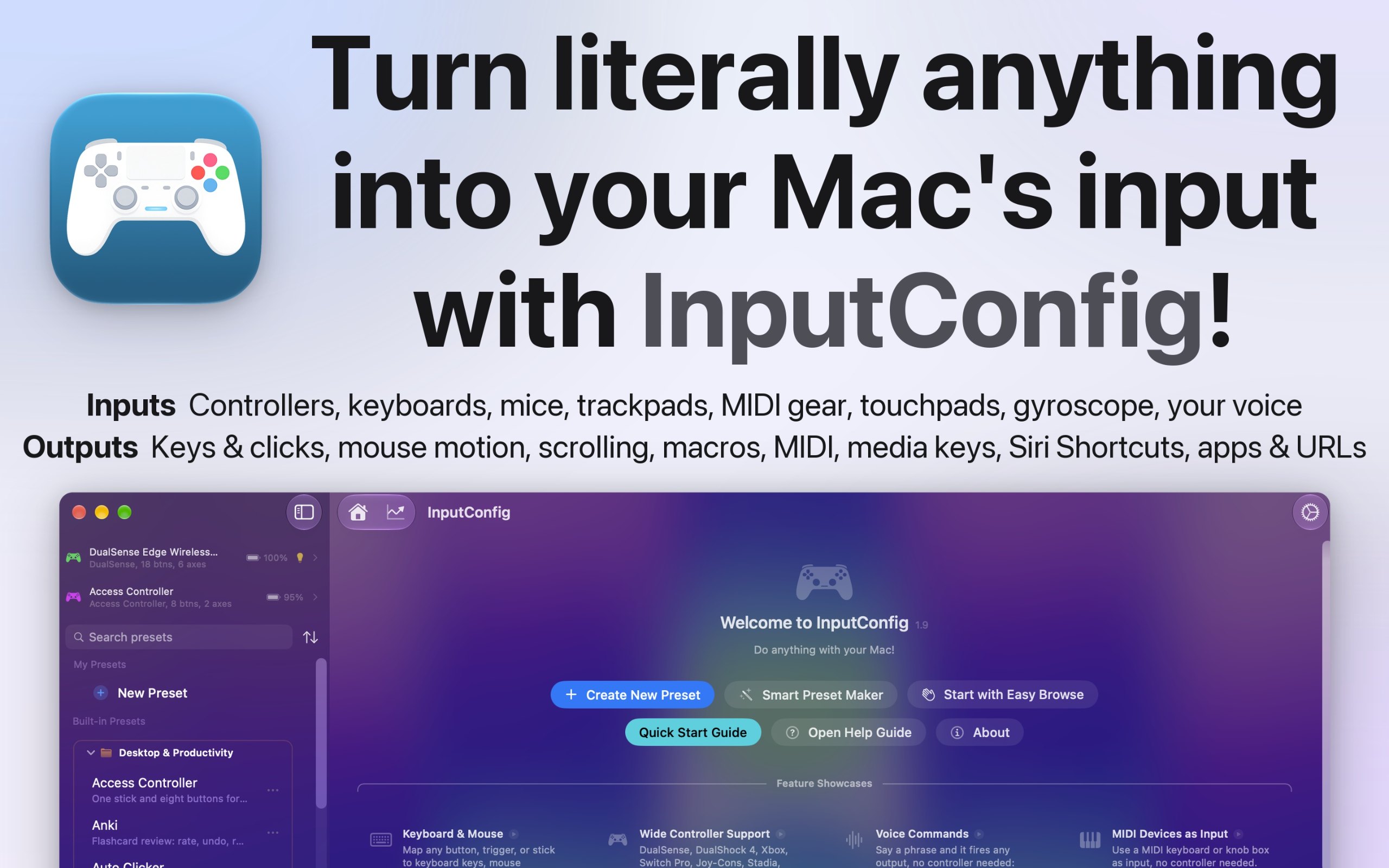
Dal suo creatore: I built InputConfig because my hands don't work that well, and a keyboard and mouse ask for a kind of control I don't have. It's for anyone who would rather run their Mac with a game controller, an adaptive controller, or a MIDI keyboard, whether that's for accessibility, games, or music.
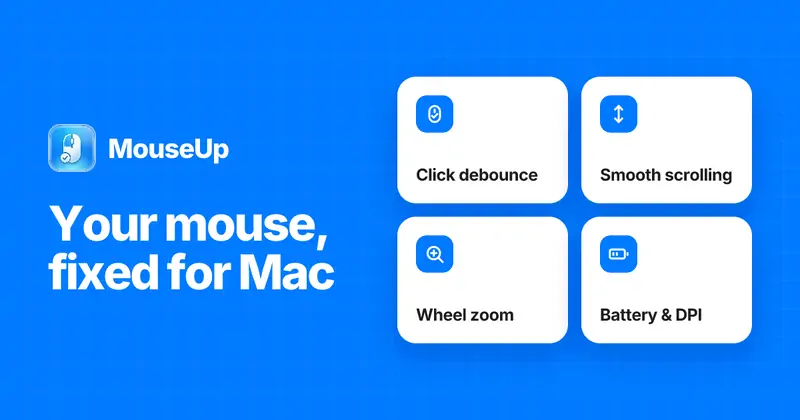
Dal suo creatore: MouseUp (formerly Mac Mouse Fixer) makes any external mouse feel at home on macOS. It blocks the ghost double-clicks that worn switches cause, so one click is one click again, and turns every wheel notch into one smooth, trackpad-like glide.
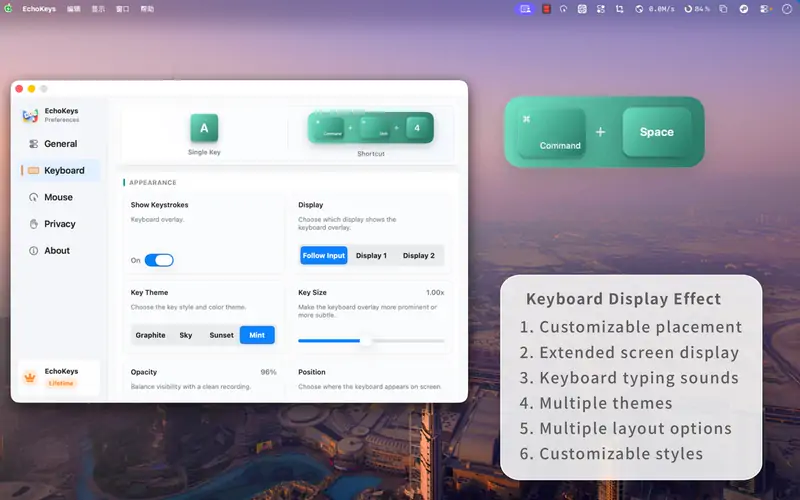
Dal suo creatore: EchoKeys is a macOS utility designed for screen recording, livestreaming, tutorials, game capture, and product demos. It shows keyboard keys, modifier keys, shortcuts, and mouse clicks on screen in real time.
Look for which devices it supports, whether it needs Accessibility access, and whether settings survive a restart.
Domande
What is the best keyboard or mouse app for Mac?
There is no single best one for everyone. MacPip lists 5: Scootch, InputConfig, WheelClick, MouseUp, EchoKeys. If you want it free, look at InputConfig. If you would rather pay once than subscribe, look at Scootch. If you want it to run natively on Apple silicon, look at WheelClick. If you need it to work offline, as its maker says it does, look at InputConfig. If you want open source code, look at InputConfig.
Esistono app gratuite della categoria «Tastiera e mouse» per Mac?
Sì. Con una versione gratuita su MacPip: InputConfig, WheelClick, EchoKeys.
Quali app per Mac della categoria «Tastiera e mouse» hanno un prezzo una tantum?
Con un'opzione una tantum, così puoi evitare l'abbonamento: Scootch, WheelClick, MouseUp.
Which keyboard and mouse apps run natively on Apple silicon?
Secondo i loro creatori o secondo la nostra verifica: InputConfig, WheelClick, MouseUp.
Quali app della categoria «Tastiera e mouse» sono state verificate da una persona?
Ognuna ha un report con la data sulla sua pagina: Scootch.
Come ordina MacPip queste app?
Prima ci sono le app che una persona ha verificato, con la verifica più recente in cima, poi le altre in base a quando sono state aggiunte. Il pagamento non cambia mai l'ordine, e le righe sponsorizzate sono etichettate e tenute separate.


 Creata da AfterimageDevSito webSu X