Updated Nov 9, 2026, from what MacPip lists today.
Short answer
MacPip lists 5 keyboard and mouse apps for Mac, and a person has checked 1 of them.3 of them have a free version.3 of them sell a one-time license.There is no single best keyboard or mouse app for everyone, so MacPip does not rank them.If you want it free, start with InputConfig.
Apps a person checked come first, newest check first. Never ordered by payment.
What these 5 apps offer, by their listings. An app can offer several, so the bars do not add up to 5.
Free version3 of 5
Pay once3 of 5
Subscription0 of 5
Native to Apple silicon3 of 5
Open source1 of 5
Works offline2 of 5
Checked by a person1 of 5
One-time price in US dollars, as each listing states it, lowest first. 2 apps have no plain dollar one-time price and are left out. Launch prices count where the listing says so.
From its maker: Scootch lets one keyboard and mouse control every computer on your desk, in any mix of Mac, Windows and Linux, and moves files between them in any direction. There is no switch box, account or subscription.
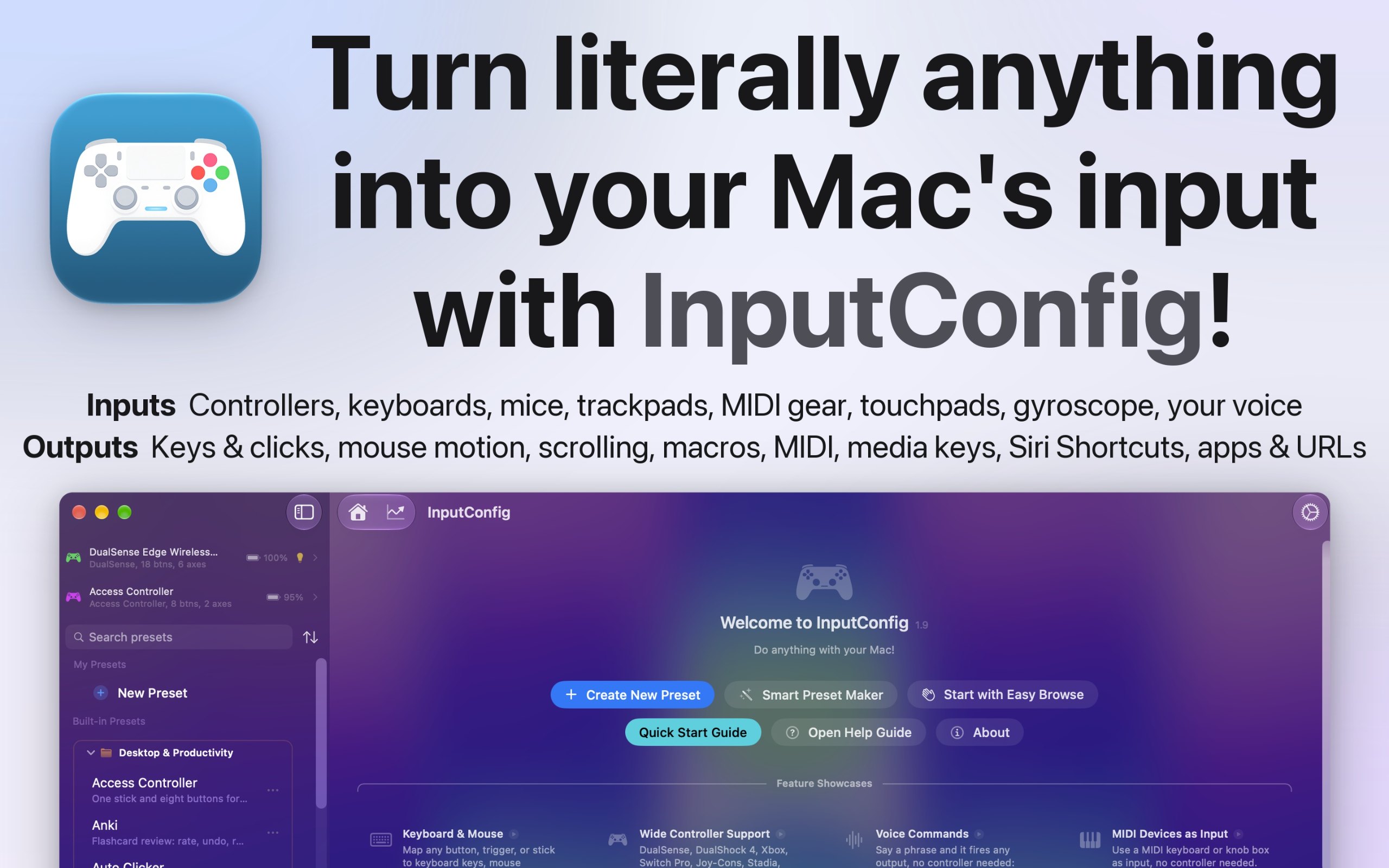
From its maker: I built InputConfig because my hands don't work that well, and a keyboard and mouse ask for a kind of control I don't have. It's for anyone who would rather run their Mac with a game controller, an adaptive controller, or a MIDI keyboard, whether that's for accessibility, games, or music.
From its maker: MouseUp (formerly Mac Mouse Fixer) makes any external mouse feel at home on macOS. It blocks the ghost double-clicks that worn switches cause, so one click is one click again, and turns every wheel notch into one smooth, trackpad-like glide.
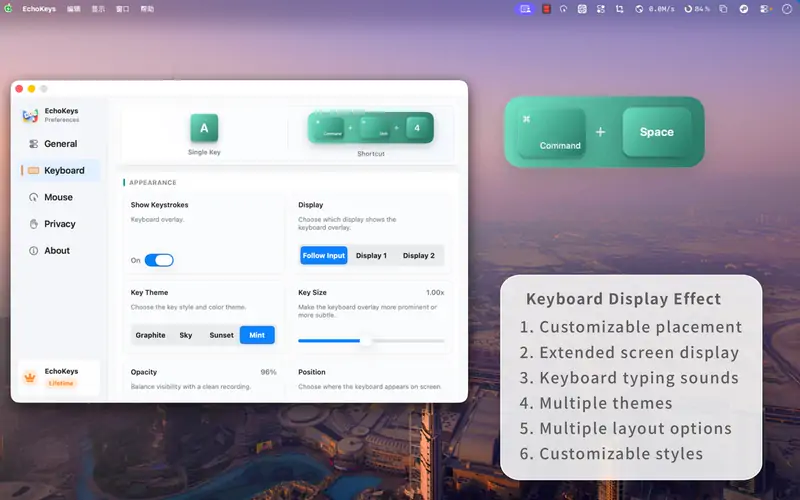
From its maker: EchoKeys is a macOS utility designed for screen recording, livestreaming, tutorials, game capture, and product demos. It shows keyboard keys, modifier keys, shortcuts, and mouse clicks on screen in real time.
Look for which devices it supports, whether it needs Accessibility access, and whether settings survive a restart.
Questions
What is the best keyboard or mouse app for Mac?
There is no single best one for everyone. MacPip lists 5: Scootch, InputConfig, WheelClick, MouseUp, EchoKeys. If you want it free, look at InputConfig. If you would rather pay once than subscribe, look at Scootch. If you want it to run natively on Apple silicon, look at WheelClick. If you need it to work offline, as its maker says it does, look at InputConfig. If you want open source code, look at InputConfig.
Are there free keyboard and mouse apps for Mac?
Yes. With a free version on MacPip: InputConfig, WheelClick, EchoKeys.
Which keyboard and mouse apps for Mac have a one-time price?
With a one-time option, so you can avoid a subscription: Scootch, WheelClick, MouseUp.
Which keyboard and mouse apps run natively on Apple silicon?
By their makers' word or by our check: InputConfig, WheelClick, MouseUp.
Which keyboard and mouse apps has a person checked?
Each has a dated report on its page: Scootch.
How does MacPip order these apps?
Apps a person has checked come first, newest check first, then the rest by when they were added. Payment never changes the order, and sponsored rows are labeled and kept apart.


 Made by AfterimageDevWebsiteOn X