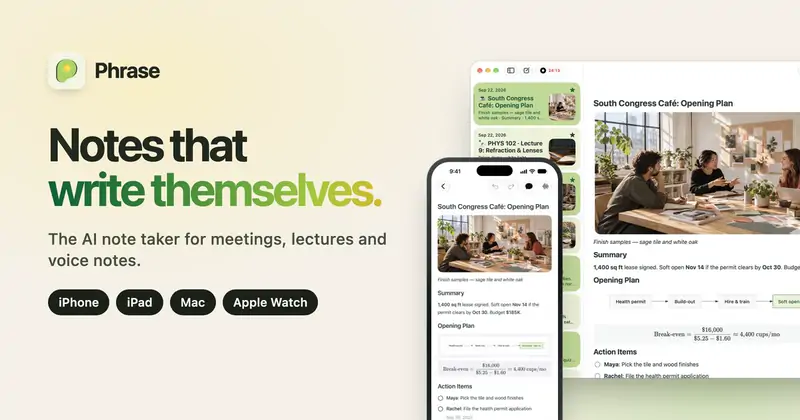
 PhraseThe AI note taker for meetings. Notes that write themselves.por
 CaseyFree up to 100 notes · Pro $20/mo
 Macdio - Live Radio & PodcastsDestacadasLive radio and podcasts in one app. Transcripts made on your device, Auto Shazam on AppleVisitar
 LivedioDestacadasPlay your own IPTV, M3U and Xtream playlists, media servers and cloud drivesVisitarTu app aquíUn Notch Spot, 79 US$ a la semana. Mira el tuyo primero.Verlo
Las fichas se mantienen en el idioma en que las escribieron sus creadores.
Use your phone as a laser pointer and slide remote
Nominee, MacPip Awards 2026VotarBadge for your site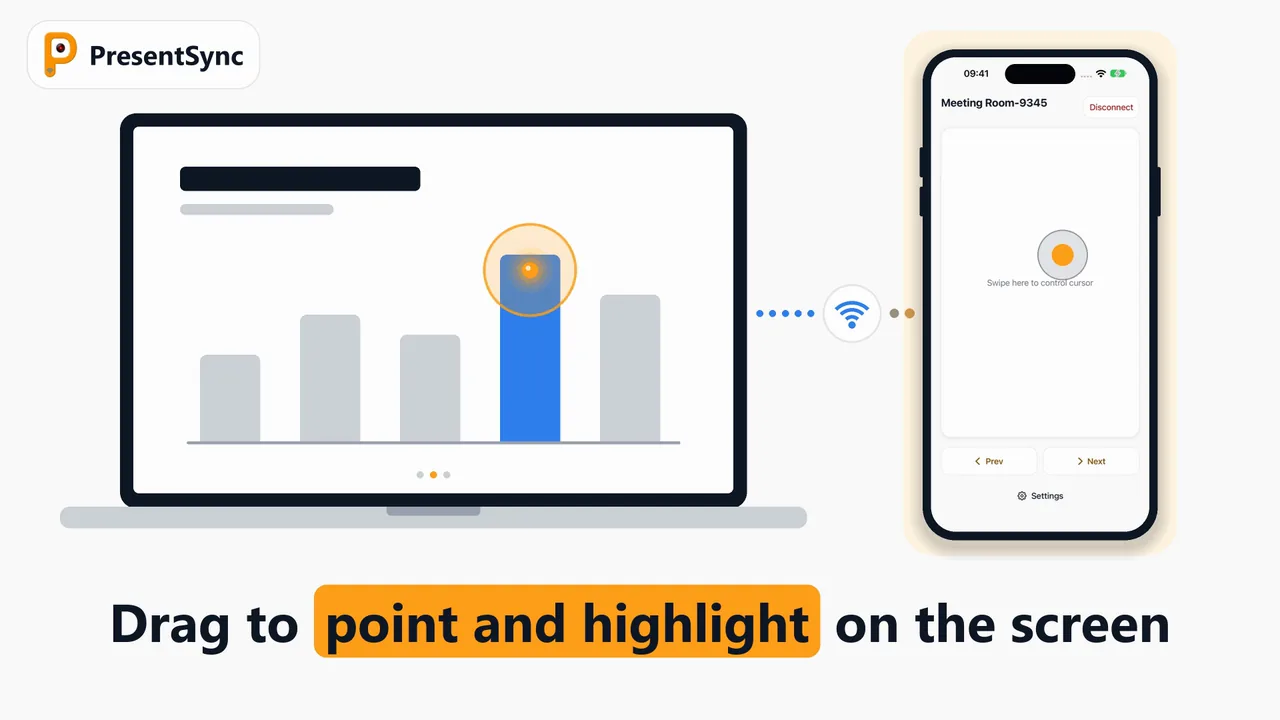
PresentSync es una app para Mac de la categoría «Reuniones y presentaciones»:Use your phone as a laser pointer and slide remote.Funciona en Apple silicon.Aún no se ha revisado.
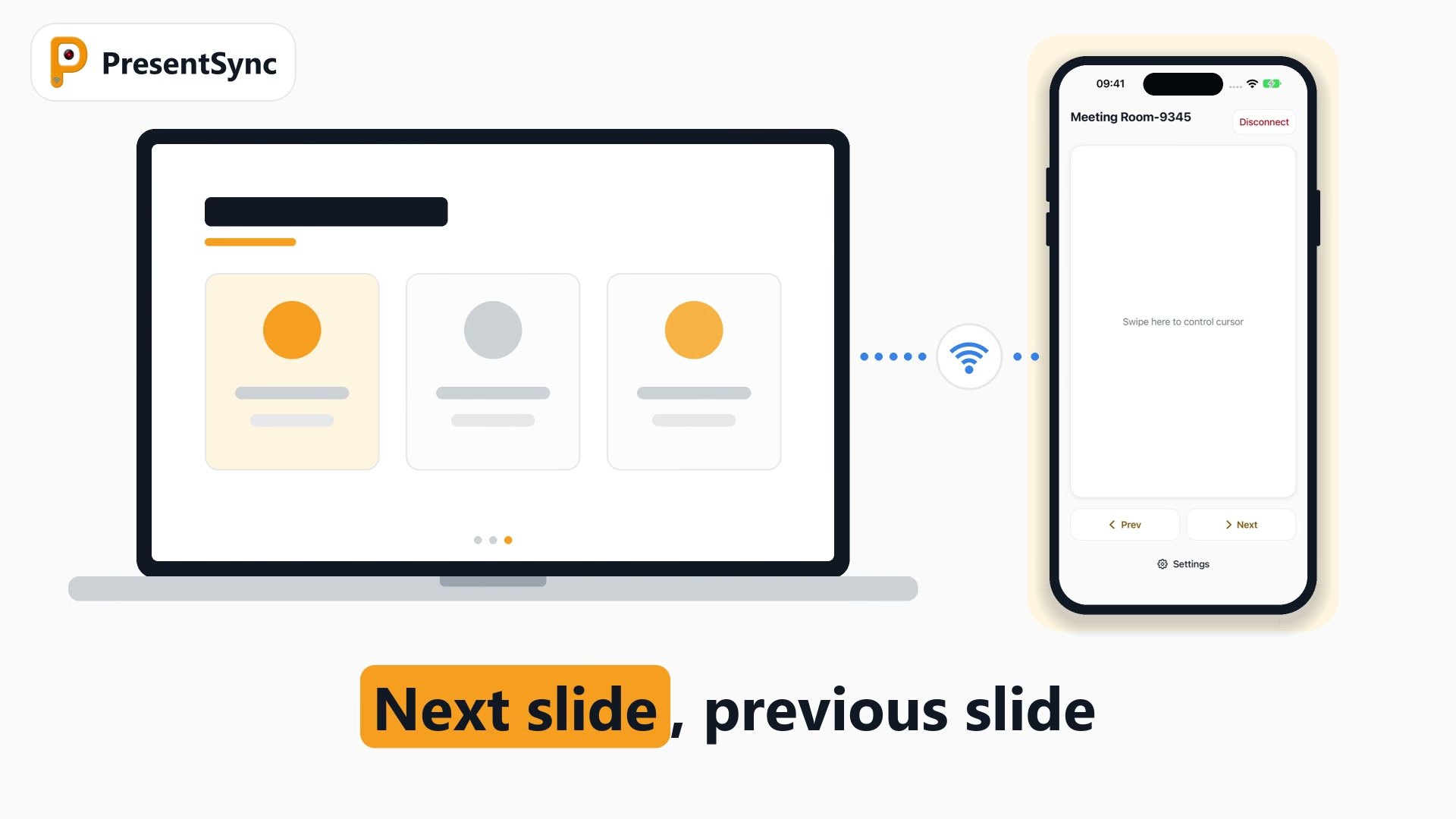
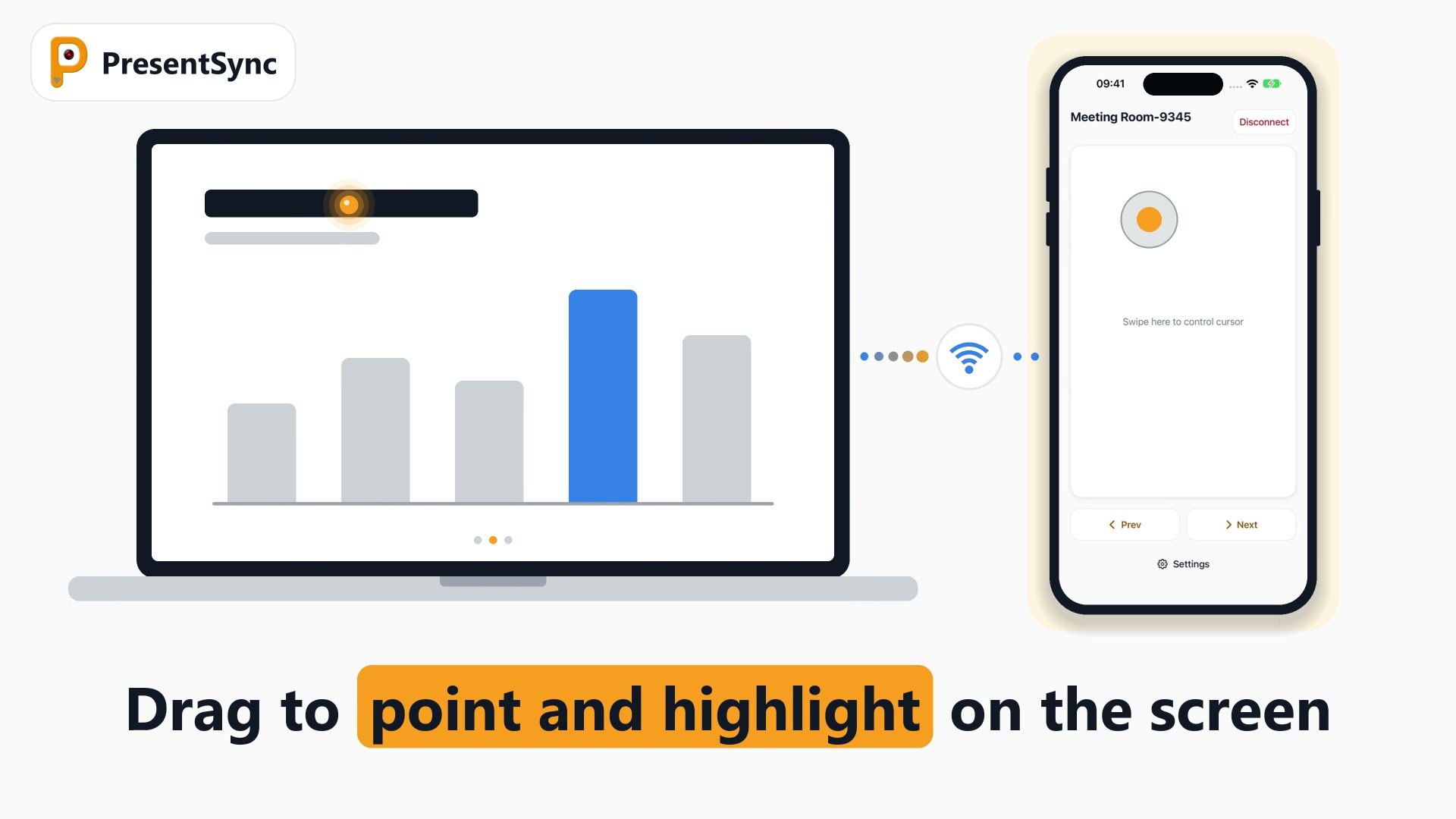
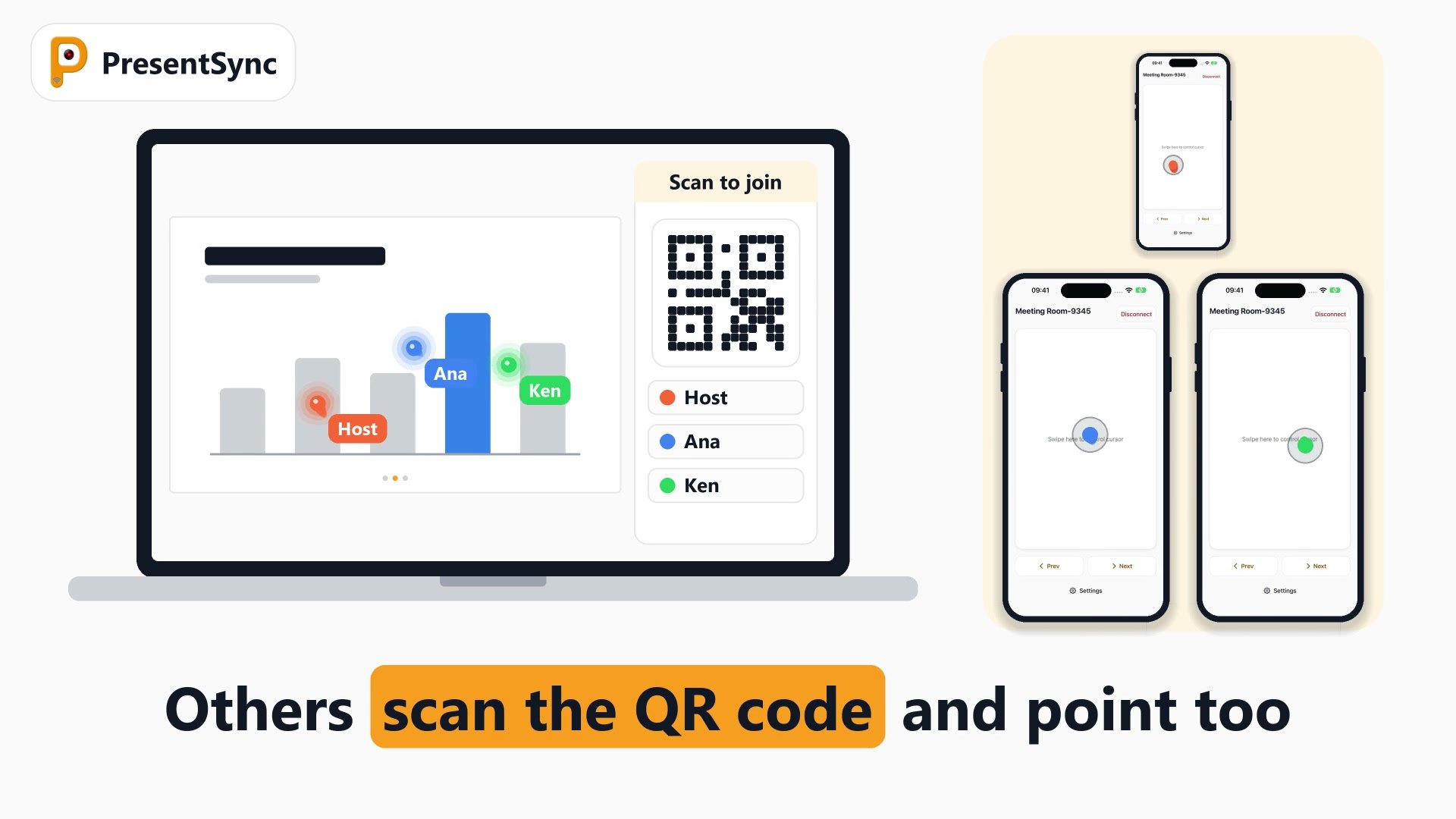
PresentSync turns an iPhone, iPad or Android phone into a slide remote and an on-screen pointer. Install the phone app and sign in, then install PresentSync on the Mac that runs the presentation and approve its sign-in by scanning a QR code. The phone and Mac need to be on the same local network.
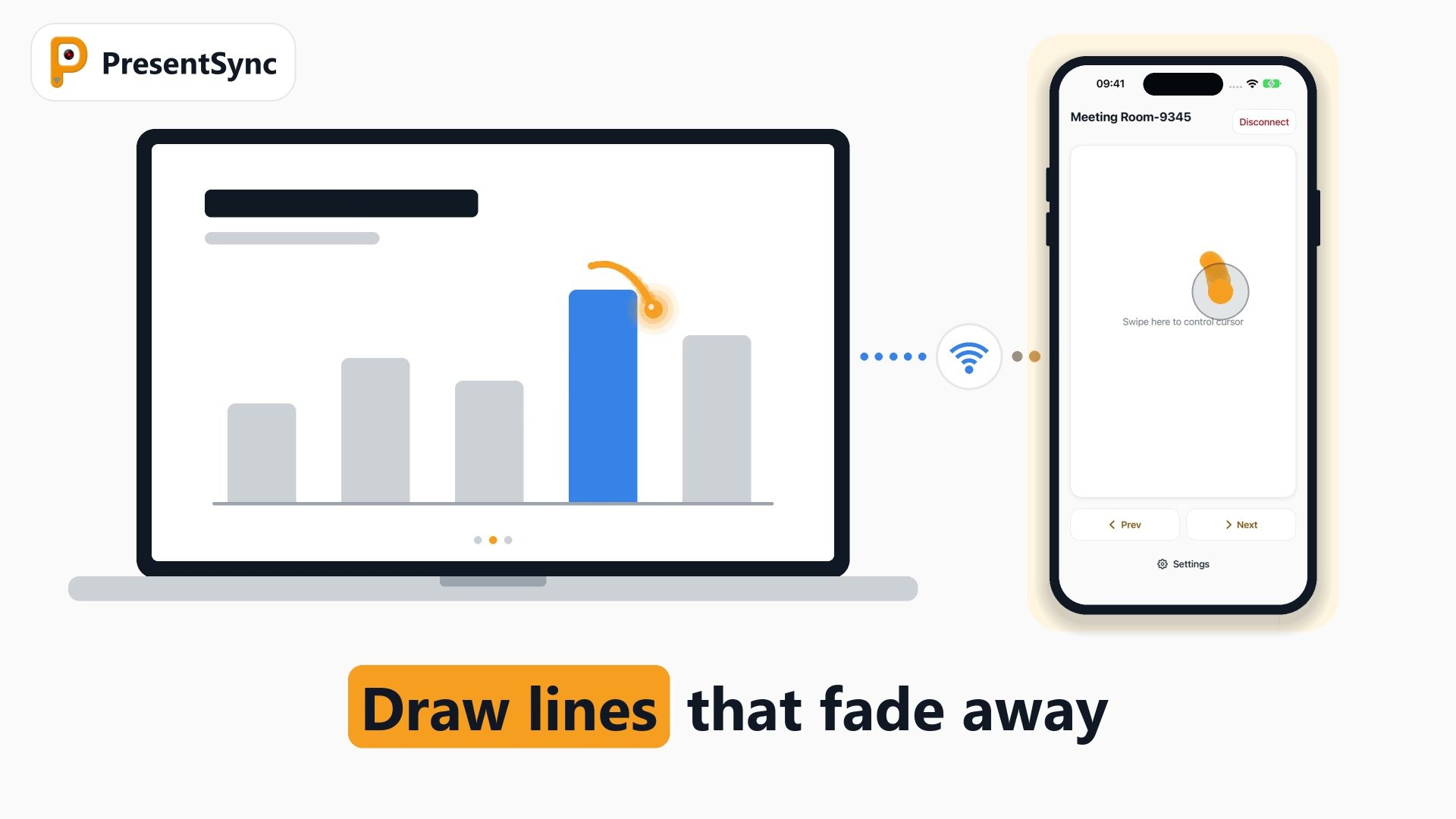
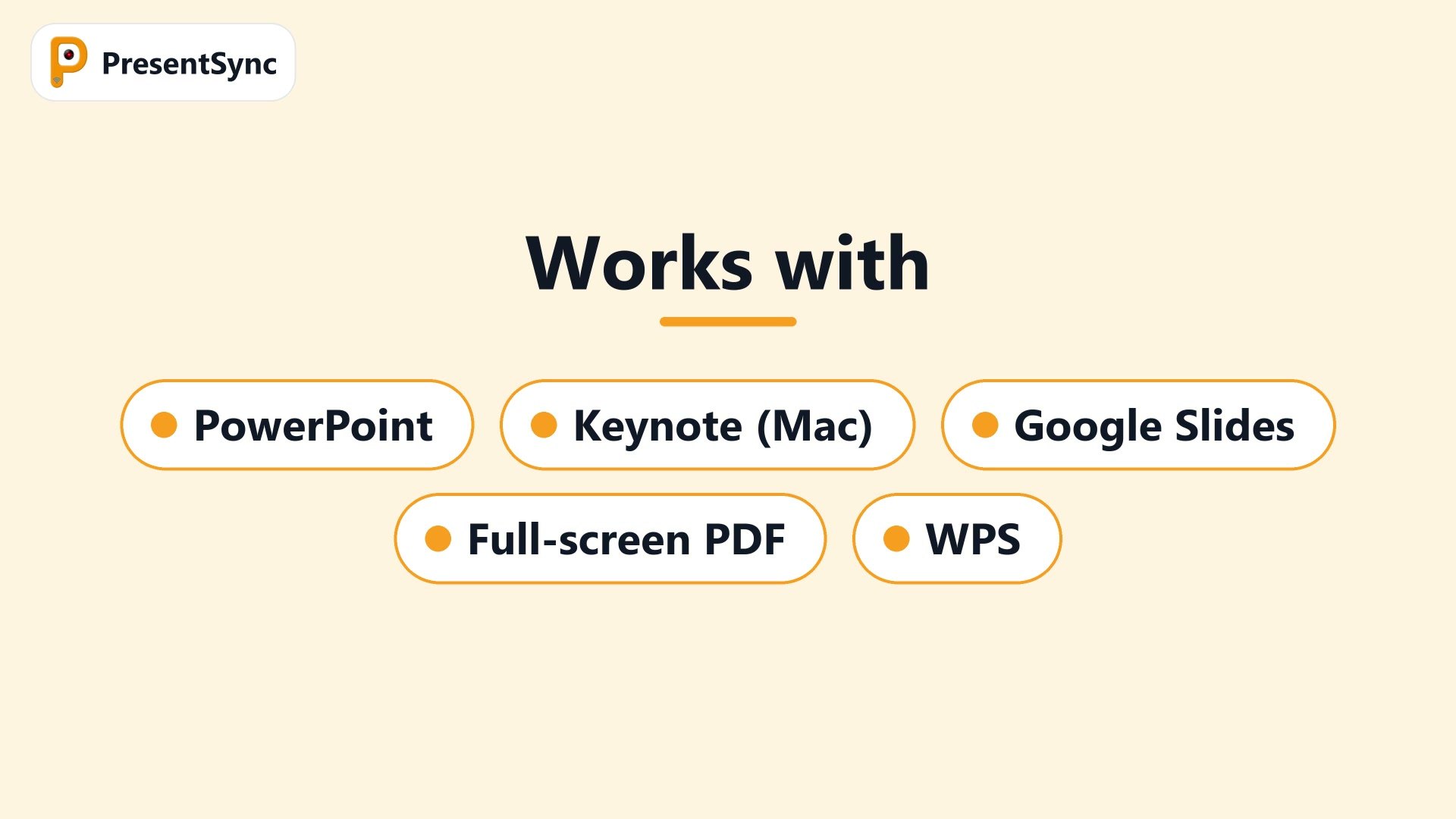
Tap previous or next a change slides in PowerPoint, Google Slides, Keynote or a full-screen PDF. Swipe to move a pointer on the screen, double-tap for a ripple, or press and hold to draw a line that fades after a few seconds. Others in the room can sign in, scan the meeting QR code and point too.
The phone does not show speaker notes, and hosting needs an account. The free plan includes 15 minutes of hosting a day, 1 meeting at a time, with up to 5 phones or tablets per meeting.
Una marca azul no garantiza la seguridad. Lee cómo saber si una app para Mac es segura.
Esta es tu app, así que aquí tienes su propia insignia para tu web. Enlaza a esta página, muestra tus votos reales y convierte tu app en Amiga de MacPip.


<a href="https://macpip.com/apps/presentsync?ref=badge"><img src="https://macpip.com/badge/presentsync.svg" height="58" alt="PresentSync is listed on MacPip"></a>
Pregúntale a tu IA sobre PresentSync, como “¿Vale la pena PresentSync?” Conecta MacPip
PhraseThe AI note taker for meetings. Notes that write themselves.por CaseyFree up to 100 notes · Pro $20/mo
 TalkYA teleprompter that keeps your script next to the camera…por
 leo_mercerr24,50 US$ una vez
 Amiga
 CurtainOne click to hide desktop iconspor DDominik Mészáros4,99 US$ una vez
 Amiga
 JellyDrawDraw on your Mac screen. Drawings stick to the window…por
 JellyDrawFree, with Pro at $9.99 one-time