 PhraseThe AI note taker for meetings. Notes that write themselves.autorius
 CaseyFree up to 100 notes · Pro $20/mo
 Macdio - Live Radio & PodcastsIšskirtinėsLive radio and podcasts in one app. Transcripts made on your device, Auto Shazam on AppleAplankyti
 LivedioIšskirtinėsPlay your own IPTV, M3U and Xtream playlists, media servers and cloud drivesAplankytiTavo programa čiaNotch Spot, 79 USD per savaitę. Pirma pažiūrėk savo.Žiūrėti
Įrašai lieka ta kalba, kuria juos parašė kūrėjai.
Use your phone as a laser pointer and slide remote
Nominee, MacPip Awards 2026BalsuotiBadge for your site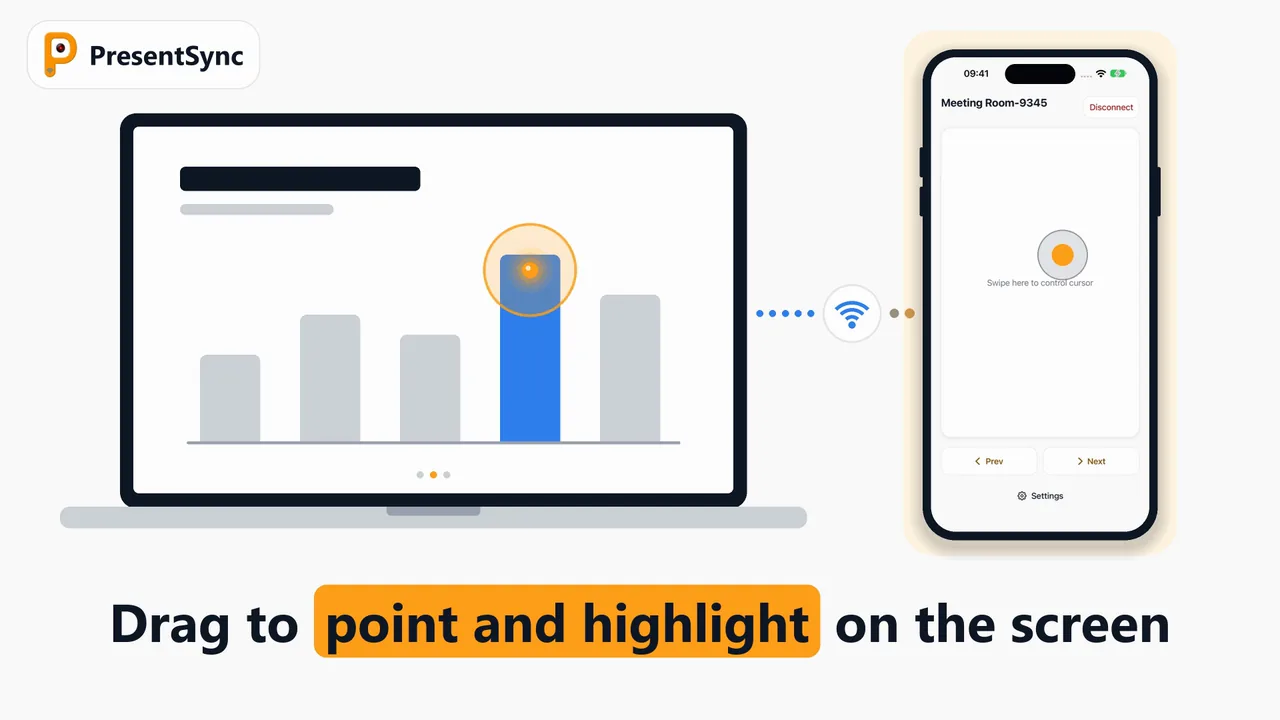
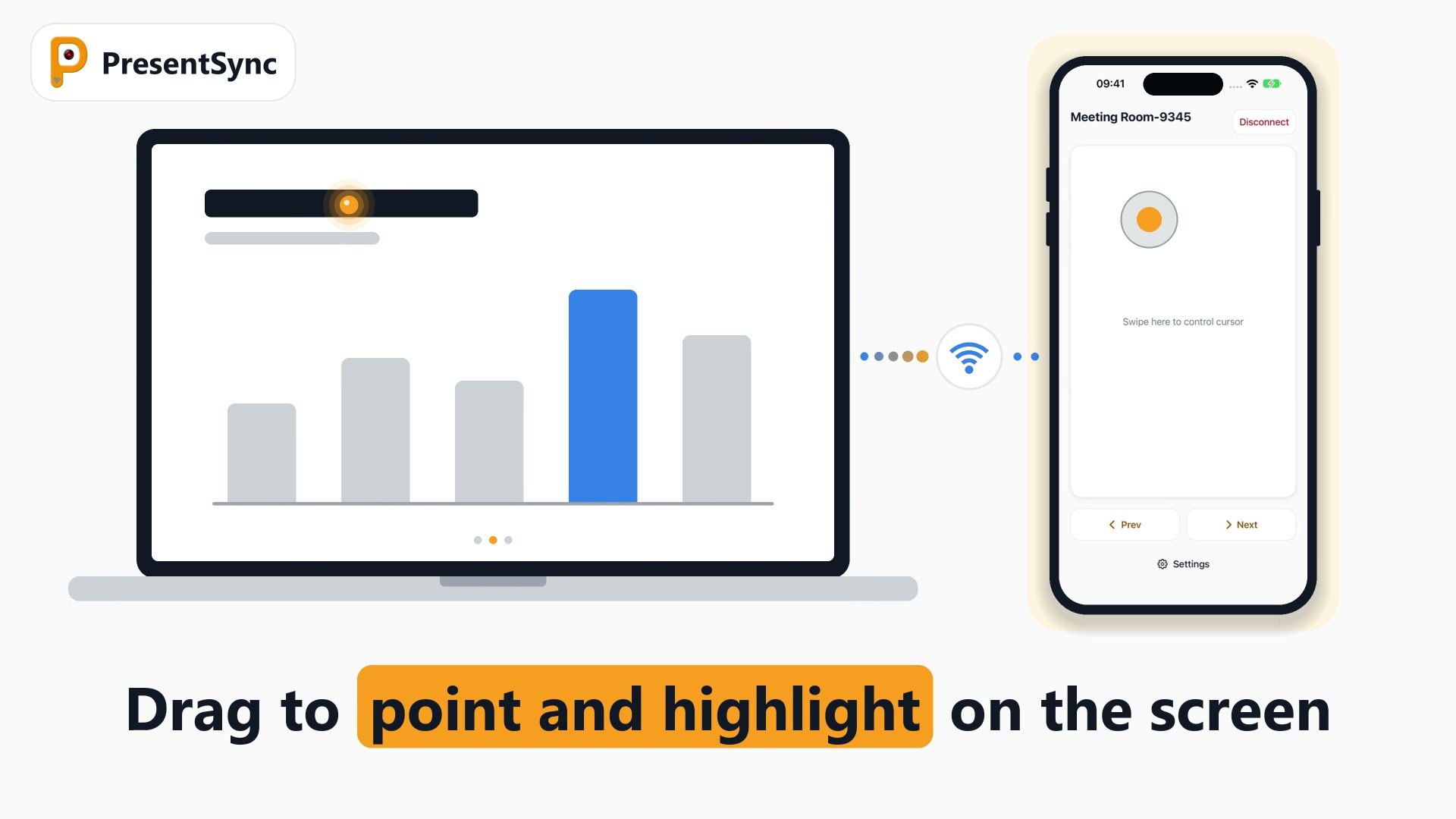
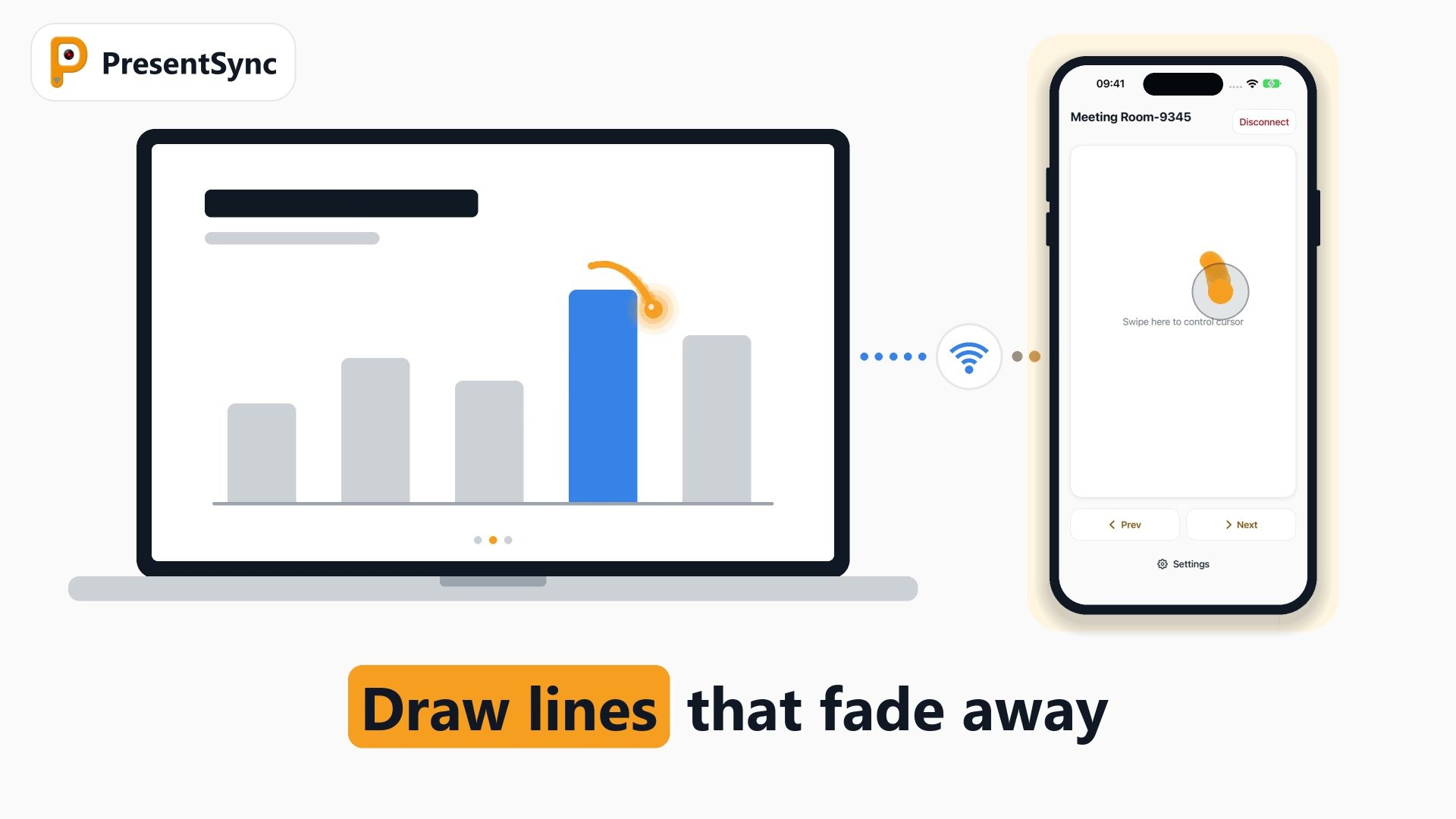
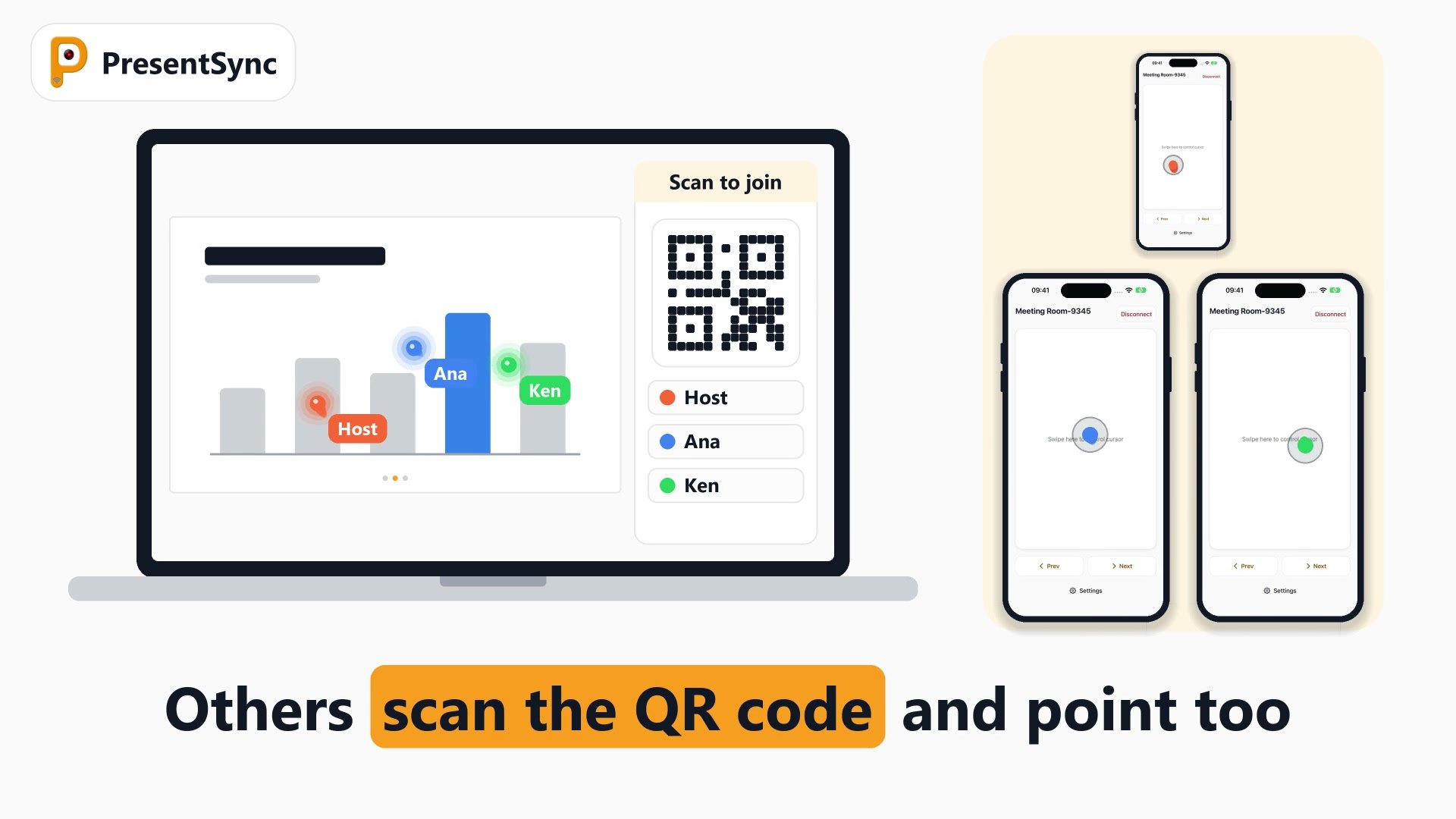
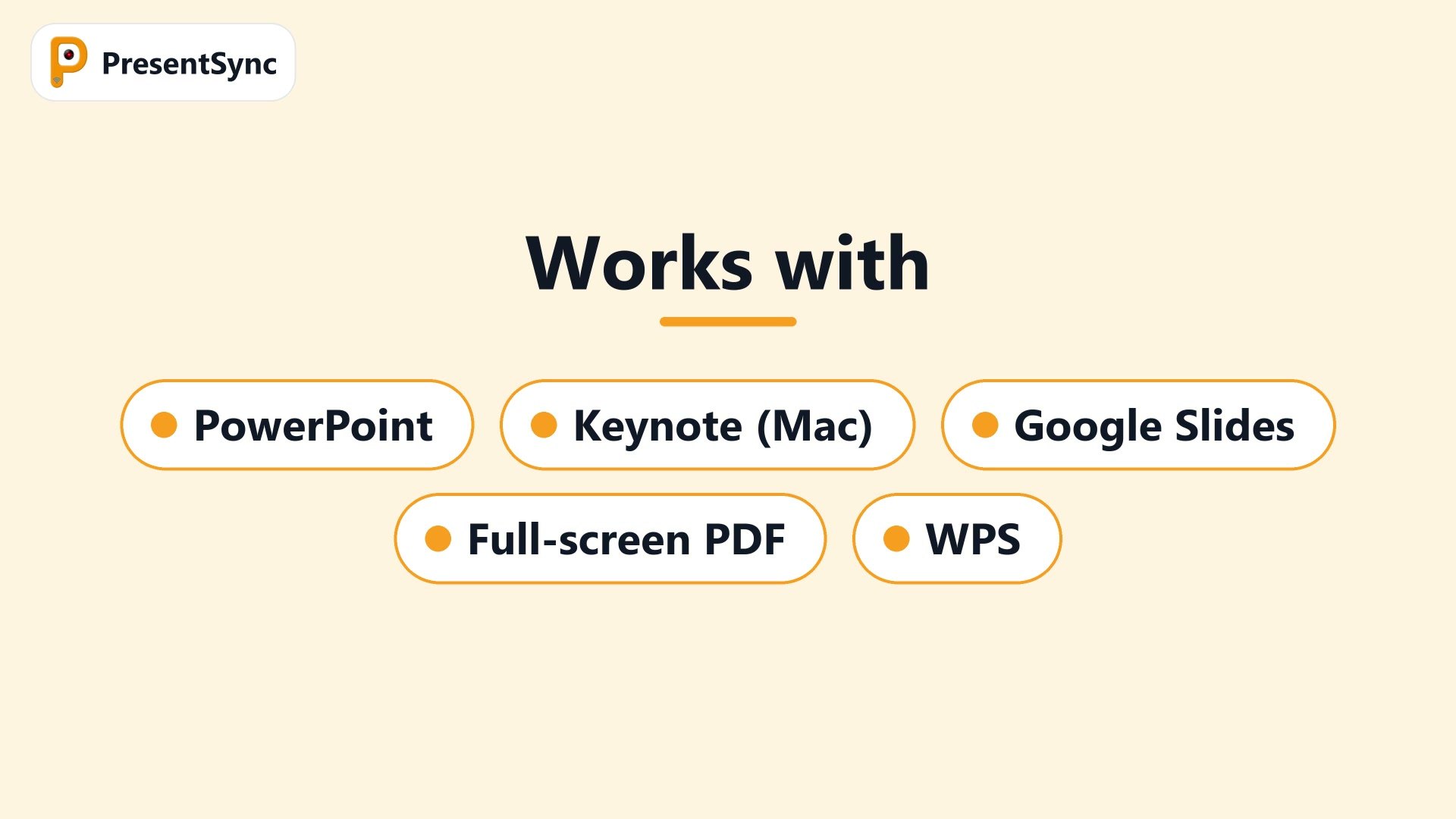
PresentSync yra „Susitikimai ir pristatymai“ kategorijos programa, skirta Mac:Use your phone as a laser pointer and slide remote.Veikia su Apple silicon.Ji dar nepatikrinta.
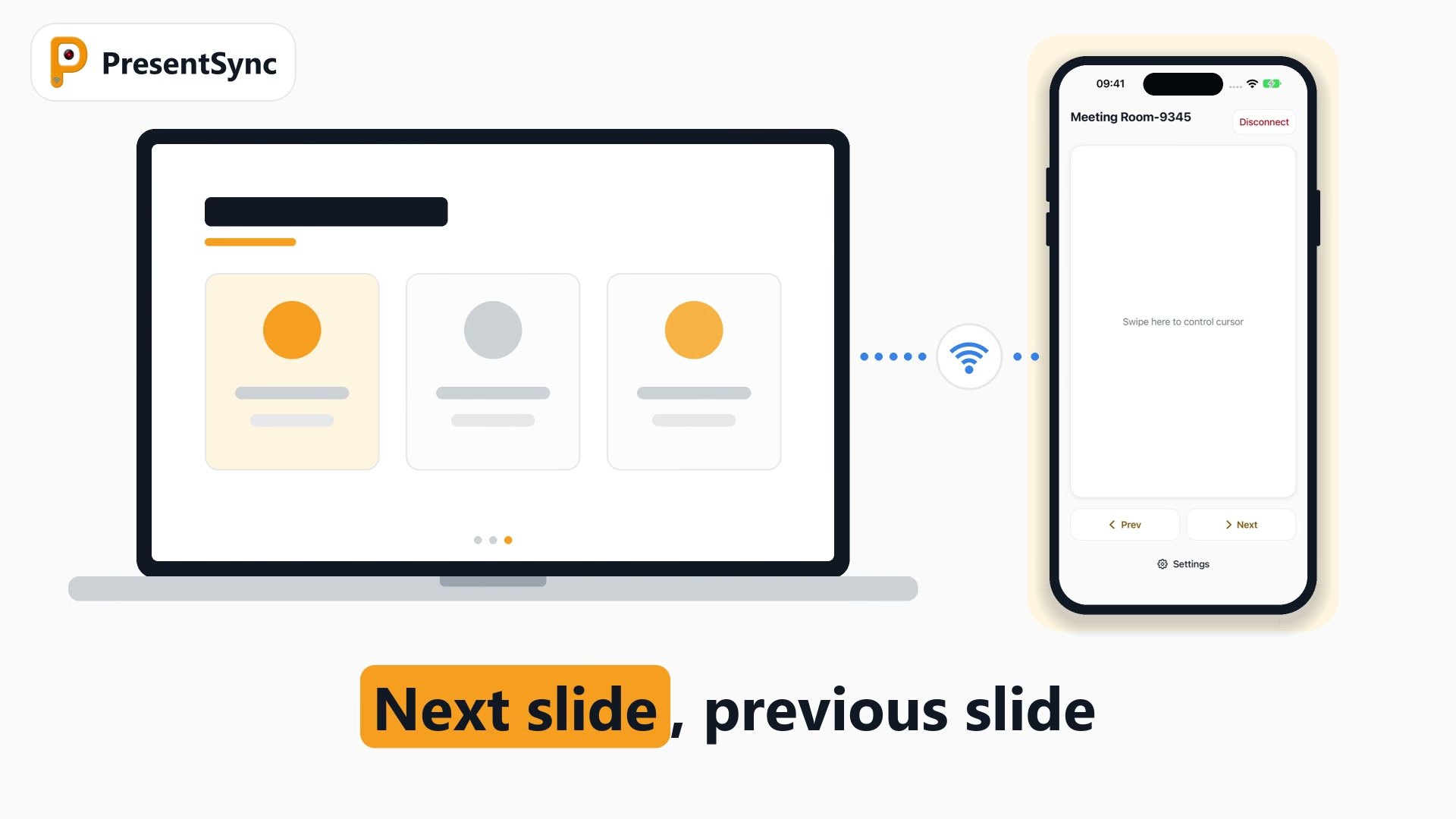
PresentSync turns an iPhone, iPad or Android phone into a slide remote and an on-screen pointer. Install the phone app and sign in, then install PresentSync on the Mac that runs the presentation and approve its sign-in by scanning a QR code. The phone and Mac need to be on the same local network.
Nuo Tap previous or next iki change slides in PowerPoint, Google Slides, Keynote or a full-screen PDF. Swipe to move a pointer on the screen, double-tap for a ripple, or press and hold to draw a line that fades after a few seconds. Others in the room can sign in, scan the meeting QR code and point too.
The phone does not show speaker notes, and hosting needs an account. The free plan includes 15 minutes of hosting a day, 1 meeting at a time, with up to 5 phones or tablets per meeting.
Varnelė nėra saugumo garantija. Skaityk kaip atpažinti, ar Mac programa saugi.
Tai tavo programa, tad štai jos ženkliukas tavo svetainei. Jis veda atgal į šį puslapį, rodo tikrus tavo balsus ir paverčia tavo programą MacPip draugu.


<a href="https://macpip.com/apps/presentsync?ref=badge"><img src="https://macpip.com/badge/presentsync.svg" height="58" alt="PresentSync is listed on MacPip"></a>
Klausk savo DI asistento apie PresentSync, pvz., „PresentSync: ar verta?“ Prijunk MacPip
PhraseThe AI note taker for meetings. Notes that write themselves.autorius CaseyFree up to 100 notes · Pro $20/mo
 TalkYA teleprompter that keeps your script next to the camera…autorius
 leo_mercerr24,50 USD vienu kartu
 Draugas
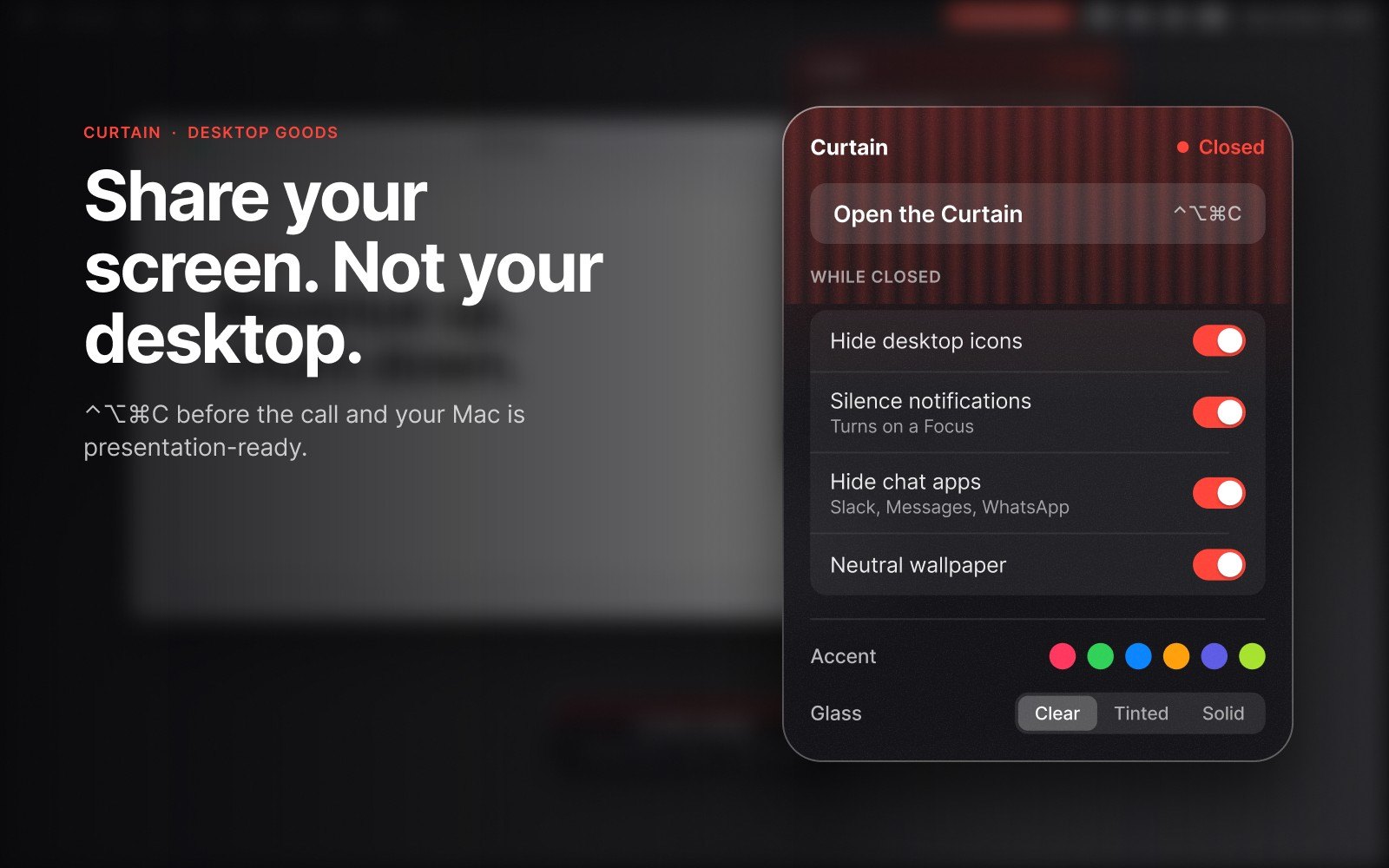
 CurtainOne click to hide desktop iconsautorius DDominik Mészáros4,99 USD vienu kartu
 Draugas
 JellyDrawDraw on your Mac screen. Drawings stick to the window…autorius
 JellyDrawFree, with Pro at $9.99 one-time