 PhraseThe AI note taker for meetings. Notes that write themselves.di
 CaseyFree up to 100 notes · Pro $20/mo
 Macdio - Live Radio & PodcastsIn evidenzaLive radio and podcasts in one app. Transcripts made on your device, Auto Shazam on AppleVisita
 LivedioIn evidenzaPlay your own IPTV, M3U and Xtream playlists, media servers and cloud drivesVisitaLa tua app quiUn Notch Spot, 79 USD a settimana. Guarda prima il tuo.Vedilo
Le schede restano nella lingua in cui i loro creatori le hanno scritte.
Use your phone as a laser pointer and slide remote
Nominee, MacPip Awards 2026VotaBadge for your site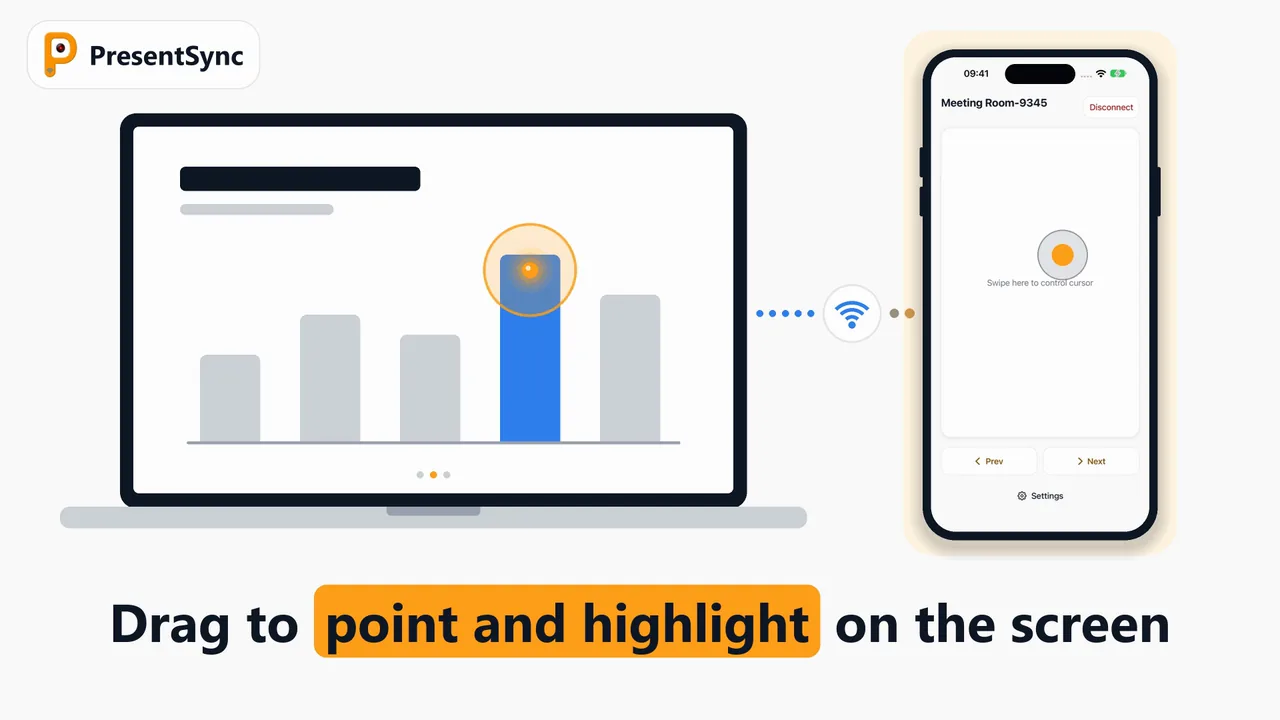
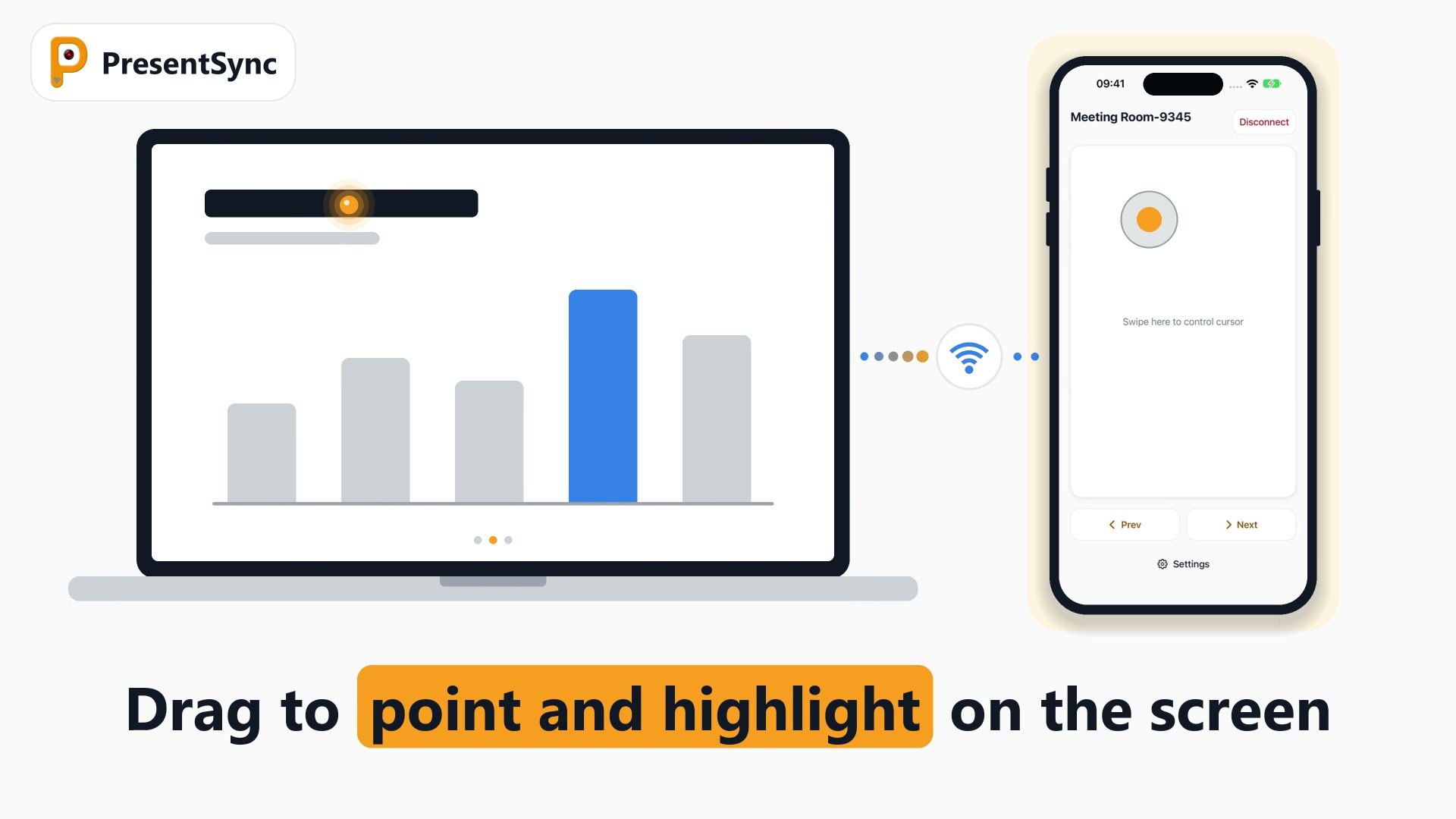
PresentSync è un'app per Mac della categoria «Riunioni e presentazioni»:Use your phone as a laser pointer and slide remote.Funziona su Apple silicon.Non è ancora stata verificata.
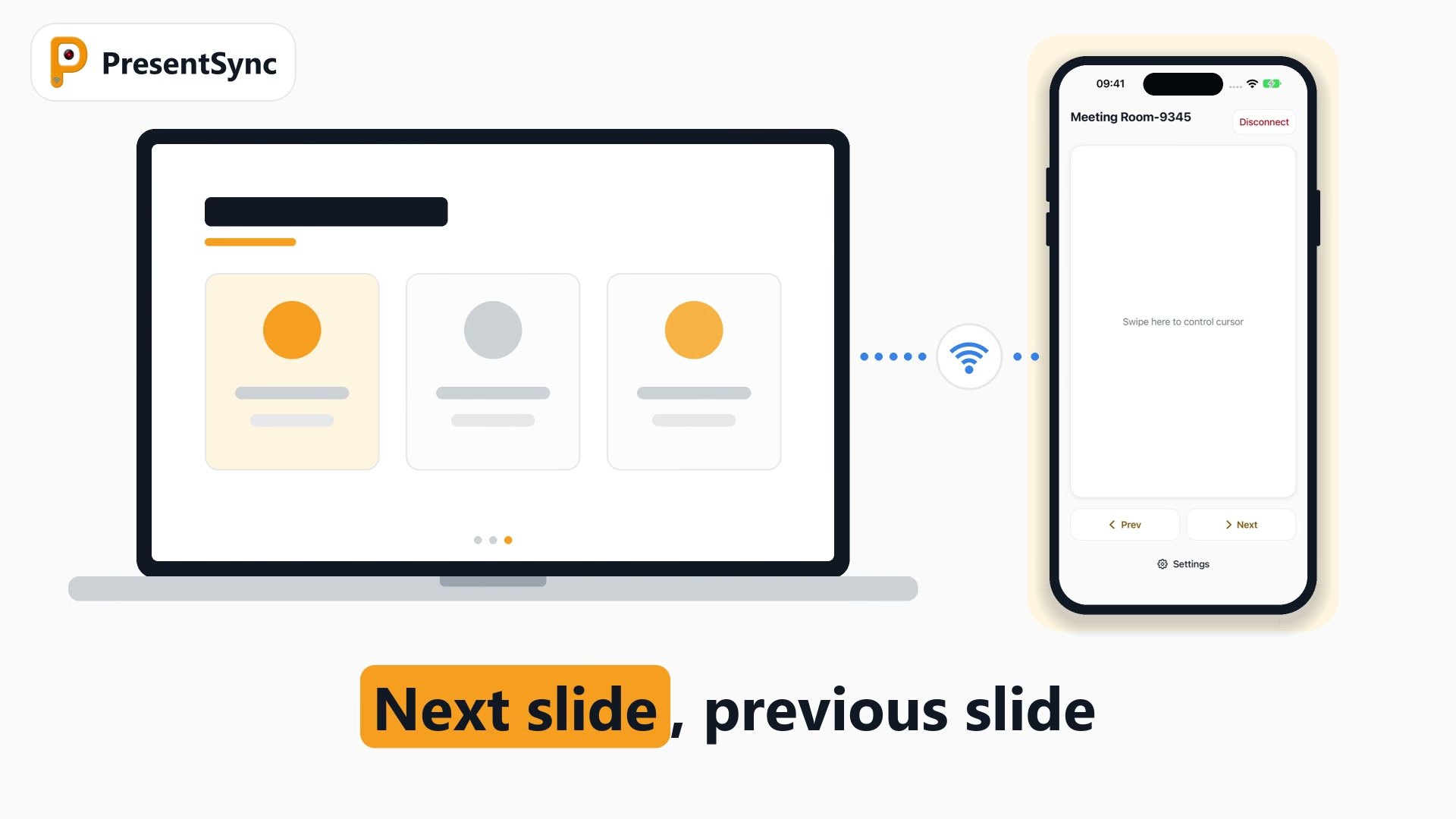
PresentSync turns an iPhone, iPad or Android phone into a slide remote and an on-screen pointer. Install the phone app and sign in, then install PresentSync on the Mac that runs the presentation and approve its sign-in by scanning a QR code. The phone and Mac need to be on the same local network.
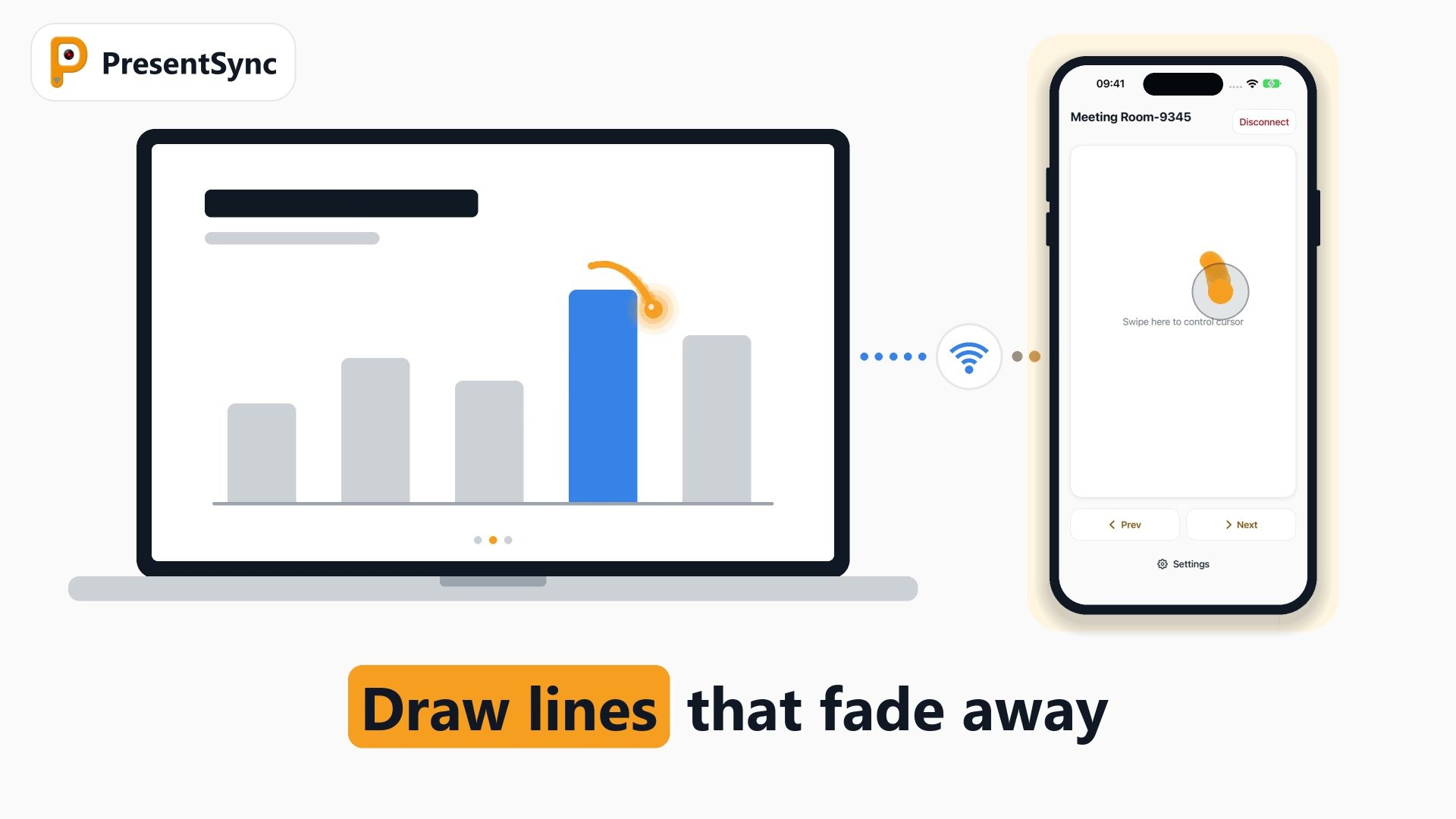
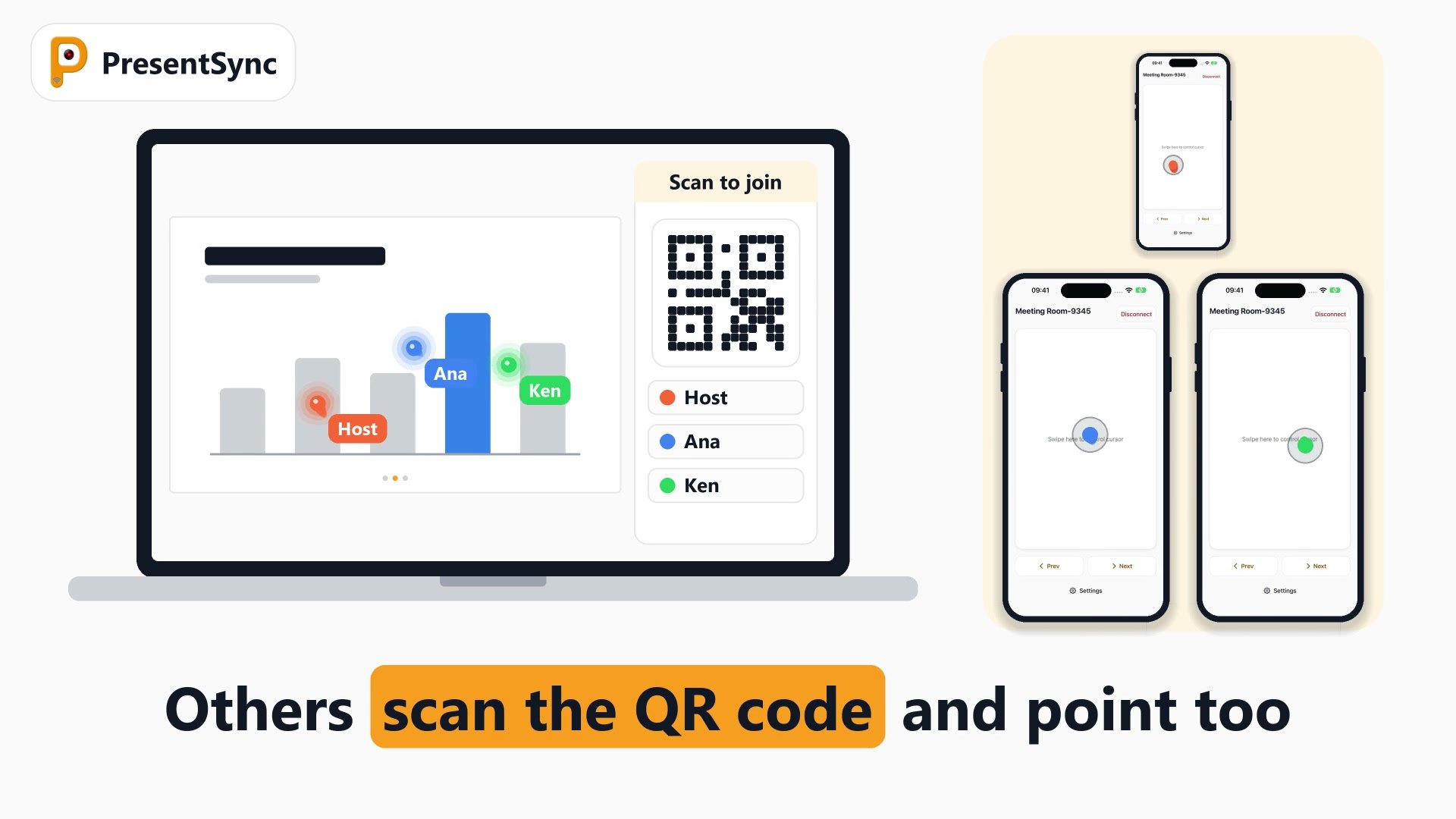
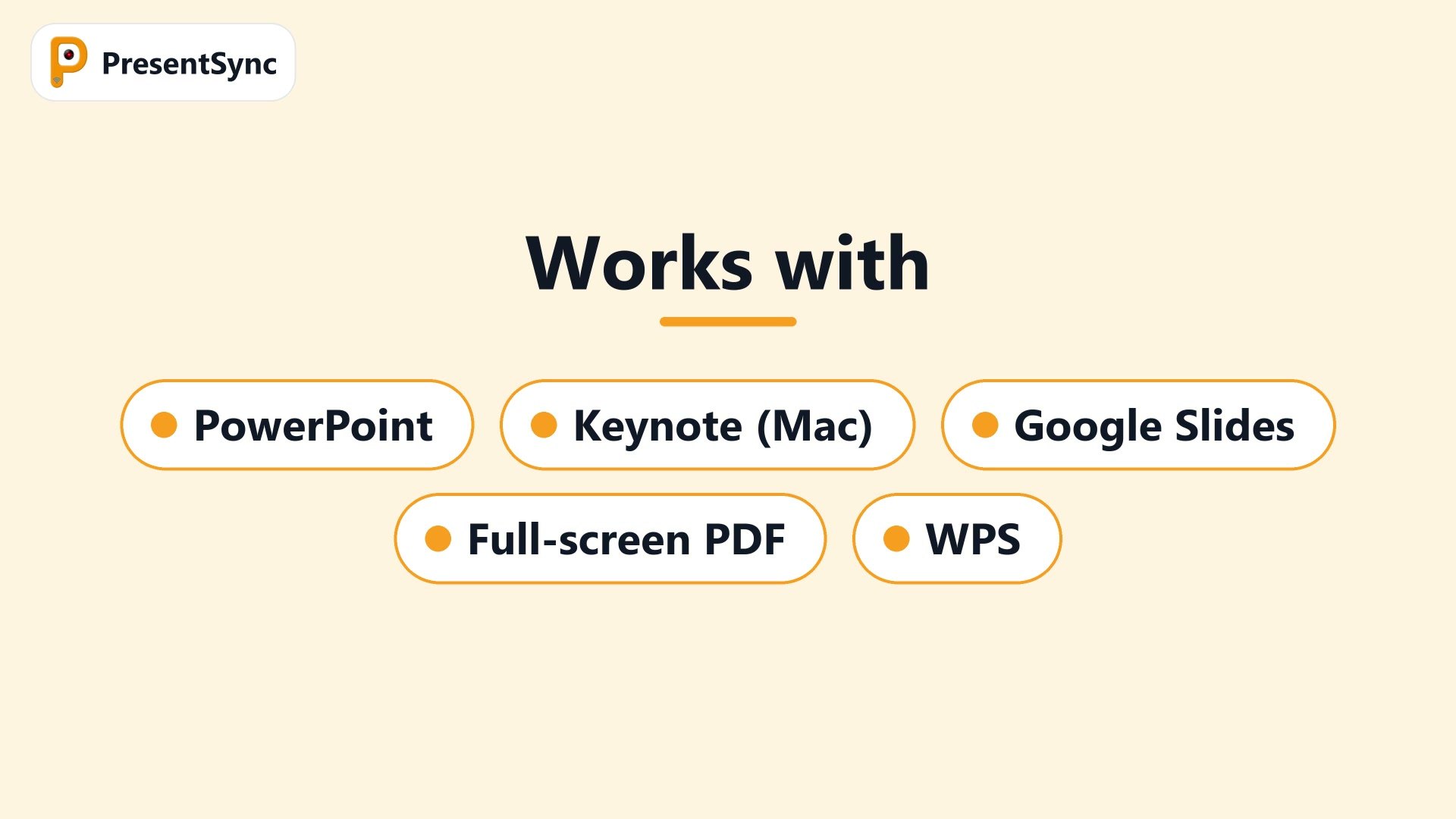
Da Tap previous or next a change slides in PowerPoint, Google Slides, Keynote or a full-screen PDF. Swipe to move a pointer on the screen, double-tap for a ripple, or press and hold to draw a line that fades after a few seconds. Others in the room can sign in, scan the meeting QR code and point too.
The phone does not show speaker notes, and hosting needs an account. The free plan includes 15 minutes of hosting a day, 1 meeting at a time, with up to 5 phones or tablets per meeting.
Una spunta non è una garanzia di sicurezza. Leggi come capire se un'app per Mac è sicura.
Questa è la tua app, quindi ecco il suo badge per il tuo sito. Rimanda a questa pagina, mostra i tuoi voti reali e rende la tua app Amica di MacPip.


<a href="https://macpip.com/apps/presentsync?ref=badge"><img src="https://macpip.com/badge/presentsync.svg" height="58" alt="PresentSync is listed on MacPip"></a>
Chiedi alla tua IA di PresentSync, ad esempio “PresentSync vale la pena?” Collega MacPip
PhraseThe AI note taker for meetings. Notes that write themselves.di CaseyFree up to 100 notes · Pro $20/mo
 TalkYA teleprompter that keeps your script next to the camera…di
 leo_mercerr24,50 USD una tantum
 Amica
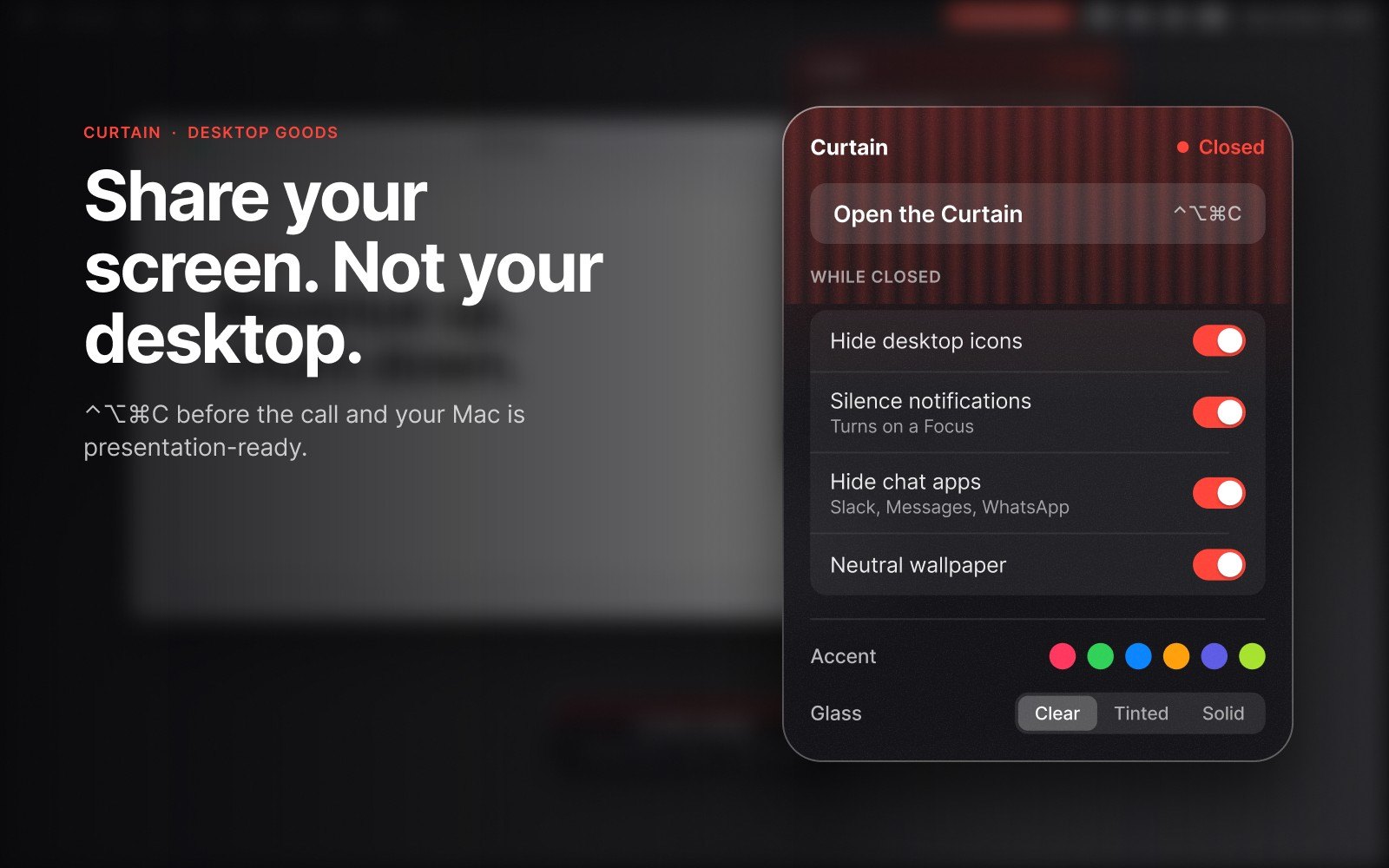
 CurtainOne click to hide desktop iconsdi DDominik Mészáros4,99 USD una tantum
 Amica
 JellyDrawDraw on your Mac screen. Drawings stick to the window…di
 JellyDrawFree, with Pro at $9.99 one-time