 PhraseThe AI note taker for meetings. Notes that write themselves.door
 CaseyFree up to 100 notes · Pro $20/mo
 Macdio - Live Radio & PodcastsUitgelichtLive radio and podcasts in one app. Transcripts made on your device, Auto Shazam on AppleBezoeken
 LivedioUitgelichtPlay your own IPTV, M3U and Xtream playlists, media servers and cloud drivesBezoekenJe app hierEen Notch Spot, US$ 79 per week. Bekijk eerst die van jou.Bekijken
Vermeldingen blijven in de taal waarin hun makers ze hebben geschreven.
Use your phone as a laser pointer and slide remote
Nominee, MacPip Awards 2026StemBadge for your site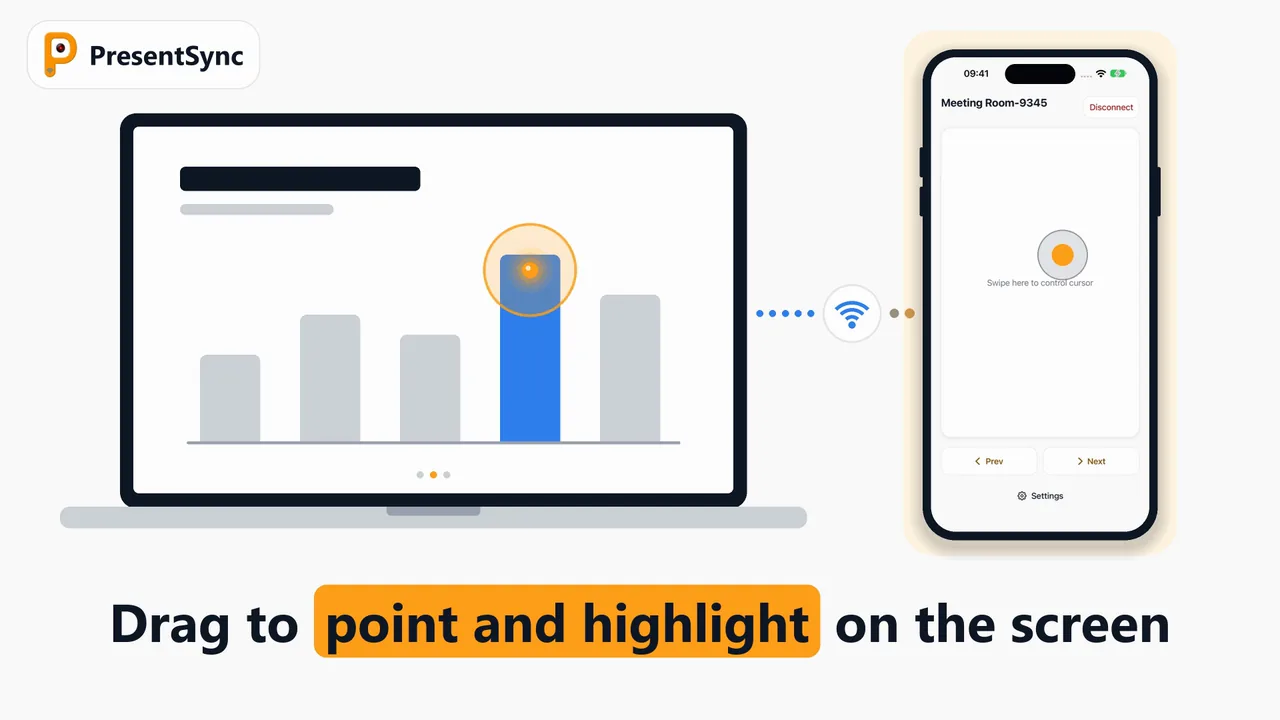
PresentSync is een Mac-app uit de categorie “Vergaderen en presenteren”:Use your phone as a laser pointer and slide remote.Werkt op Apple silicon.Hij is nog niet gecontroleerd.
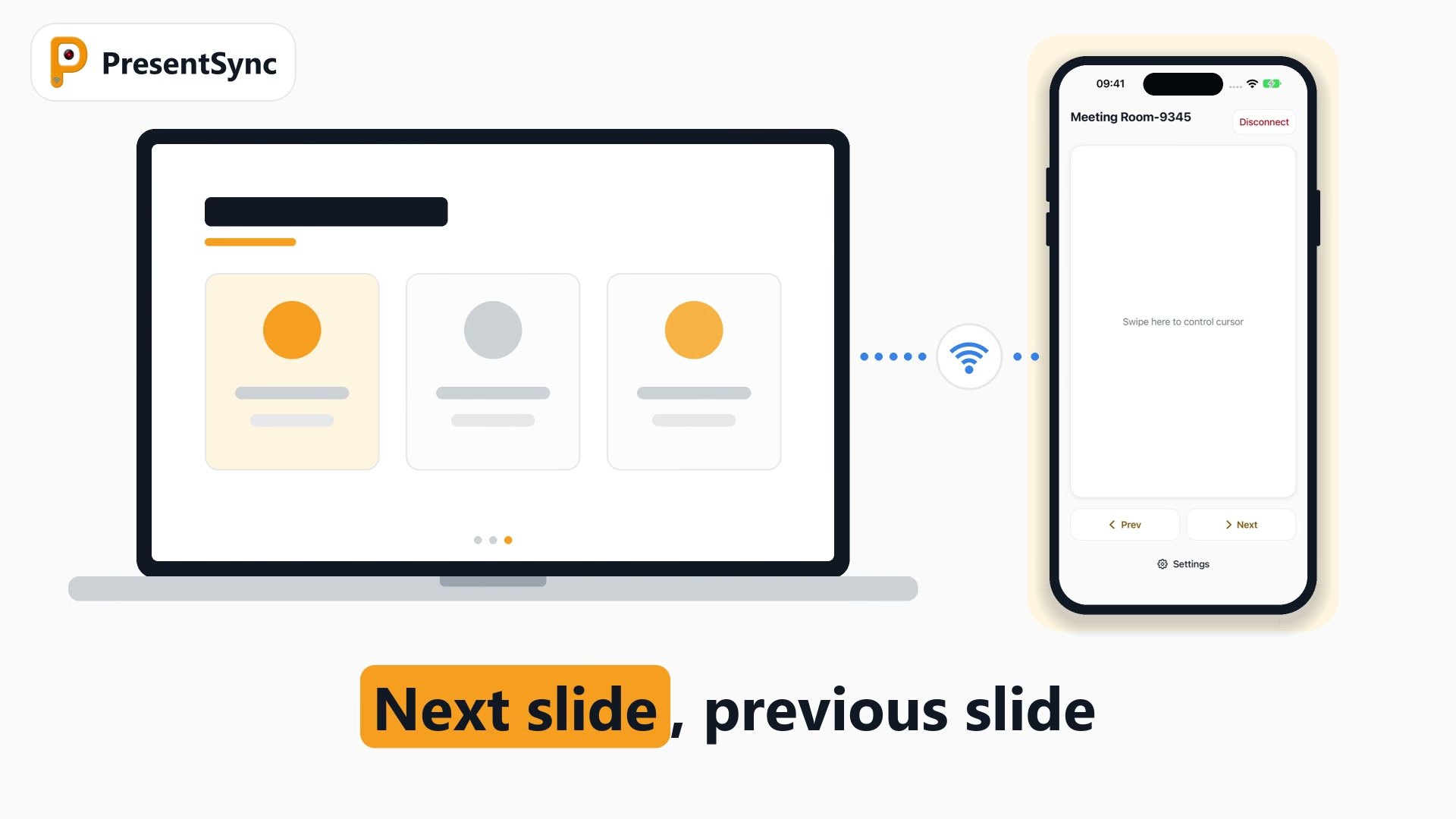
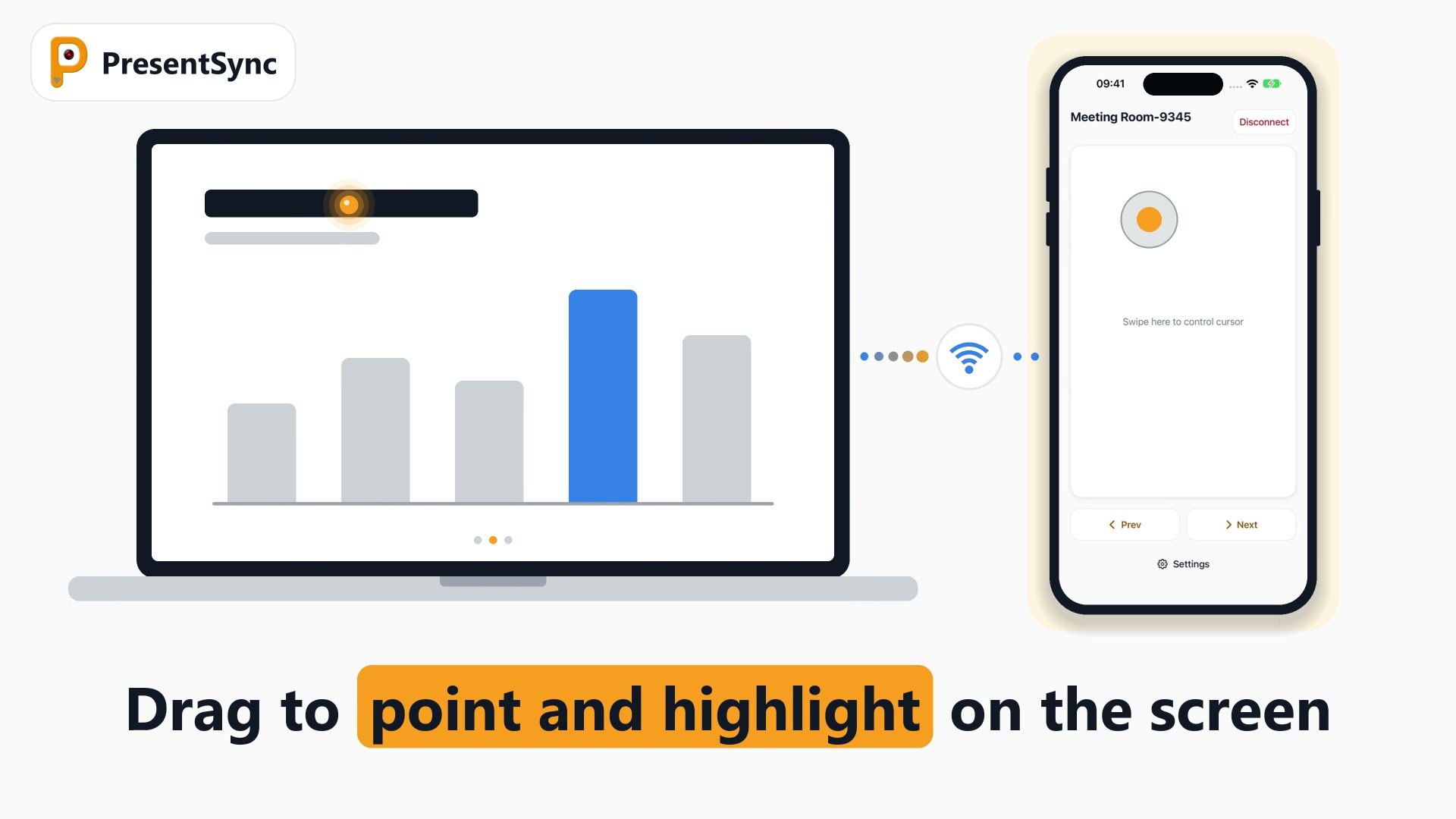
PresentSync turns an iPhone, iPad or Android phone into a slide remote and an on-screen pointer. Install the phone app and sign in, then install PresentSync on the Mac that runs the presentation and approve its sign-in by scanning a QR code. The phone and Mac need to be on the same local network.
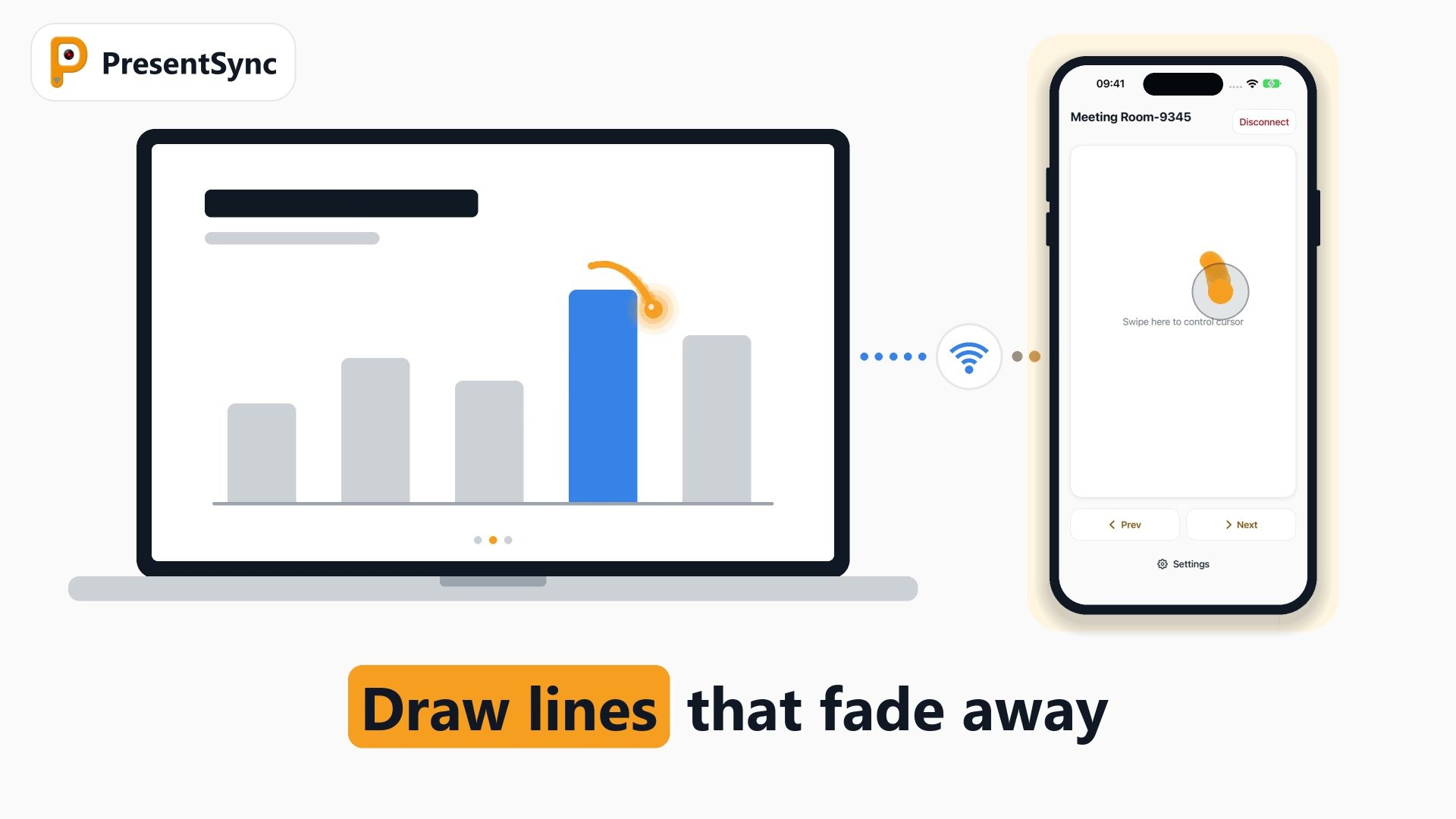
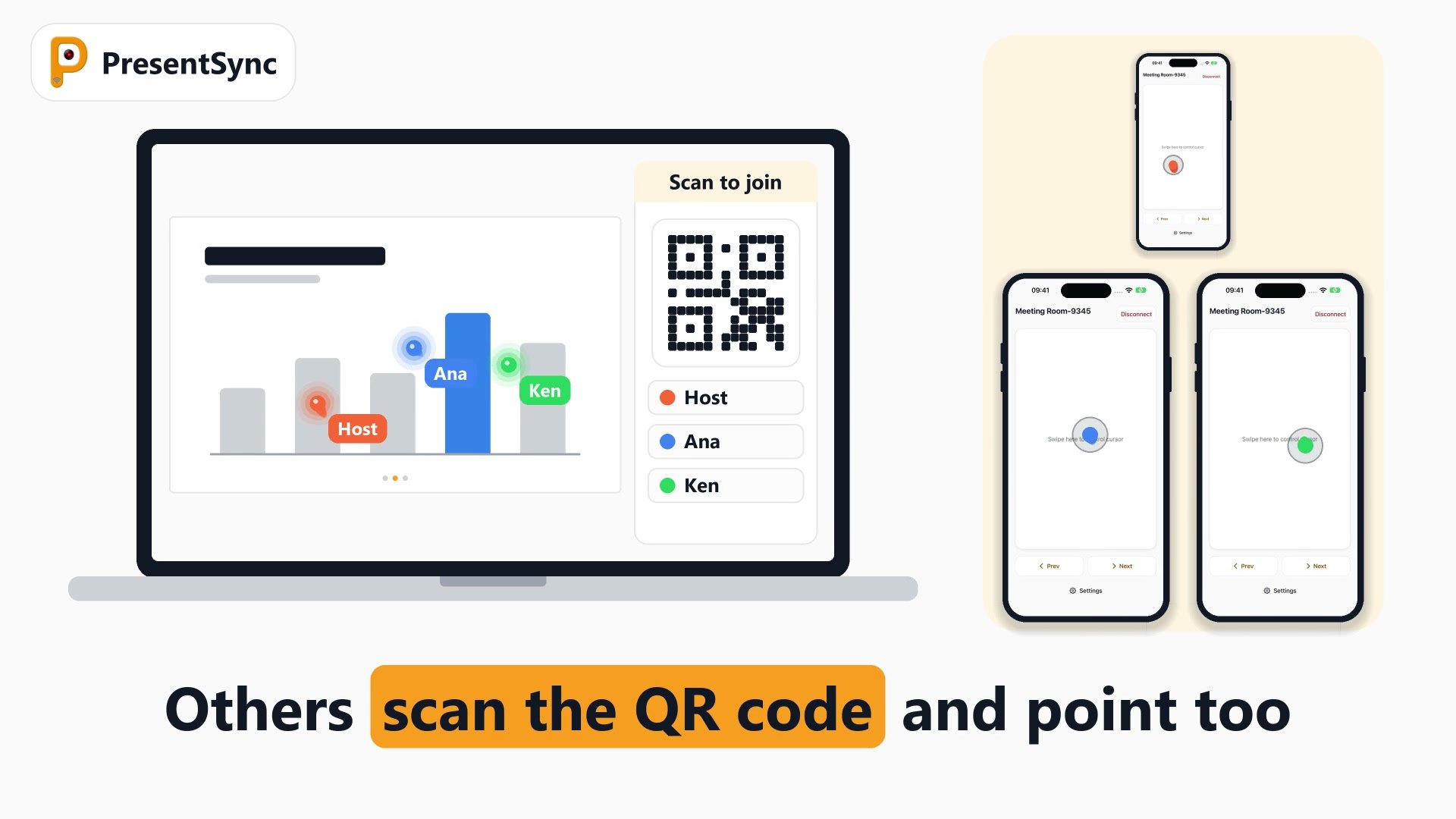
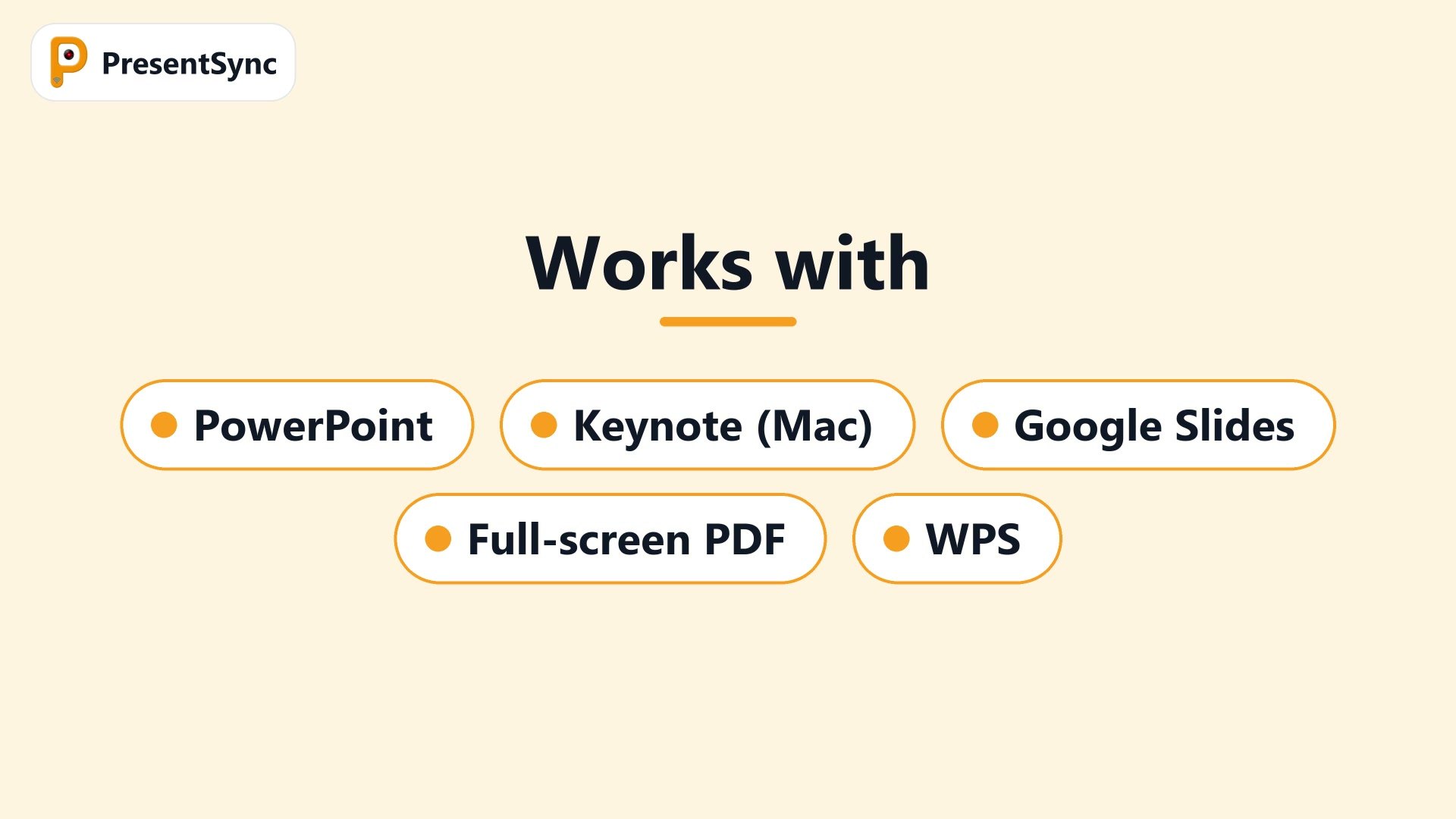
Tap previous or next tot change slides in PowerPoint, Google Slides, Keynote or a full-screen PDF. Swipe to move a pointer on the screen, double-tap for a ripple, or press and hold to draw a line that fades after a few seconds. Others in the room can sign in, scan the meeting QR code and point too.
The phone does not show speaker notes, and hosting needs an account. The free plan includes 15 minutes of hosting a day, 1 meeting at a time, with up to 5 phones or tablets per meeting.
Een vinkje is geen garantie voor veiligheid. Lees hoe je ziet of een Mac-app veilig is.
Dit is jouw app, dus hier is zijn eigen badge voor je site. Hij linkt terug naar deze pagina, toont je echte stemmen en maakt je app een Vriend van MacPip.


<a href="https://macpip.com/apps/presentsync?ref=badge"><img src="https://macpip.com/badge/presentsync.svg" height="58" alt="PresentSync is listed on MacPip"></a>
Vraag je AI naar PresentSync, zoals “Is PresentSync het waard?” Verbind MacPip
PhraseThe AI note taker for meetings. Notes that write themselves.door CaseyFree up to 100 notes · Pro $20/mo
 TalkYA teleprompter that keeps your script next to the camera…door
 leo_mercerrUS$ 24,50 eenmalig
 Vriend
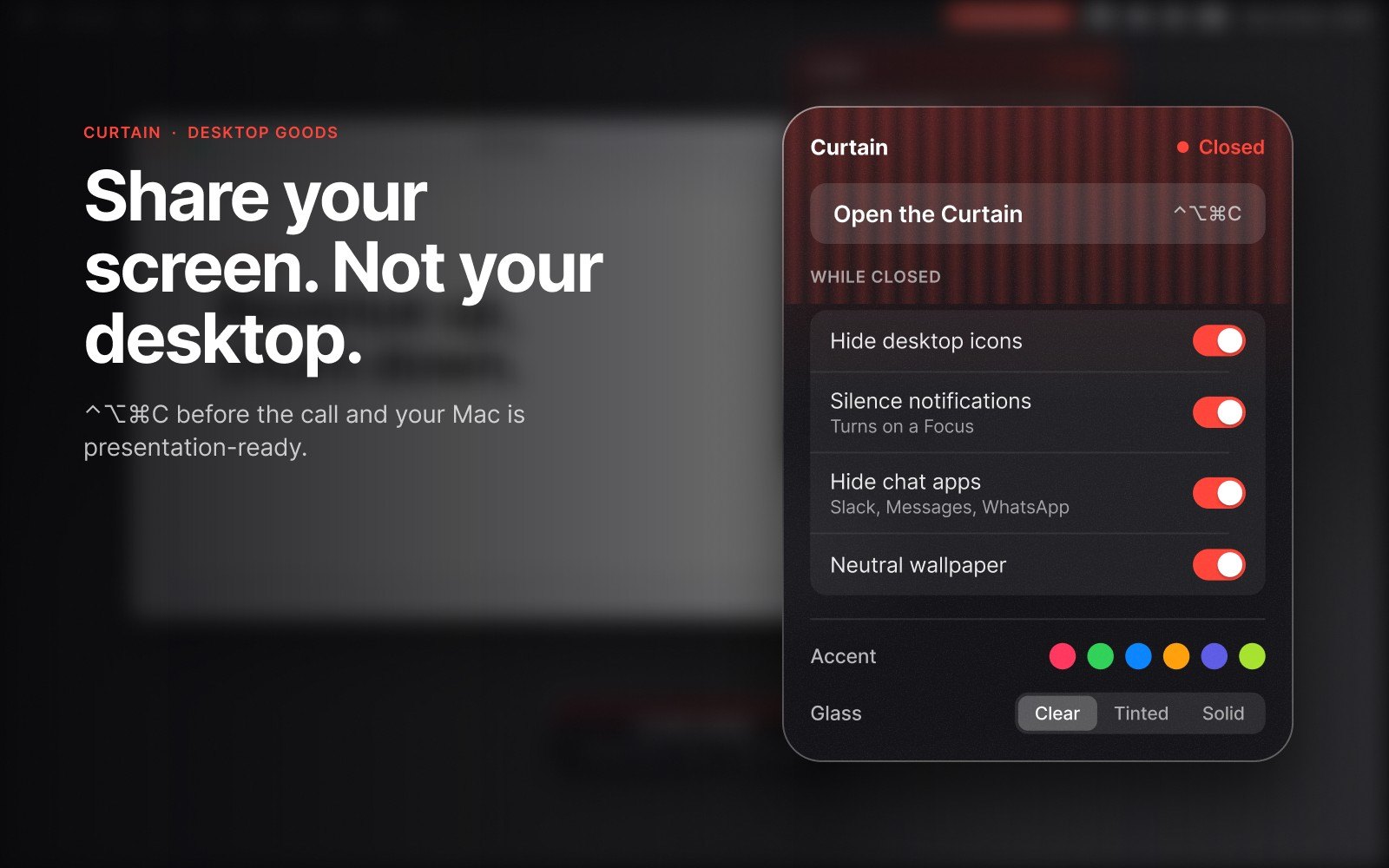
 CurtainOne click to hide desktop iconsdoor DDominik MészárosUS$ 4,99 eenmalig
 Vriend
 JellyDrawDraw on your Mac screen. Drawings stick to the window…door
 JellyDrawFree, with Pro at $9.99 one-time