MacPip lists 8 free meeting and presenting apps for Mac, and MacPip has checked 1 of them.모두 무료 버전이 있어요.그중 5개는 한 번 결제하는 라이선스를 판매해요.그중 4개는 구독으로 판매돼요.There is no single best free presentation app for everyone, so MacPip does not rank them.무료를 원한다면 이것부터 보세요: Phrase.
확인된 앱이 먼저 나오고, 최근에 확인한 앱이 앞에 와요. 결제로 순서를 정하지 않아요.
등록 정보 기준으로 본 앱 8개의 특징이에요. 한 앱이 여러 개에 해당할 수 있어서 막대를 모두 더해도 8개가 되지 않아요.
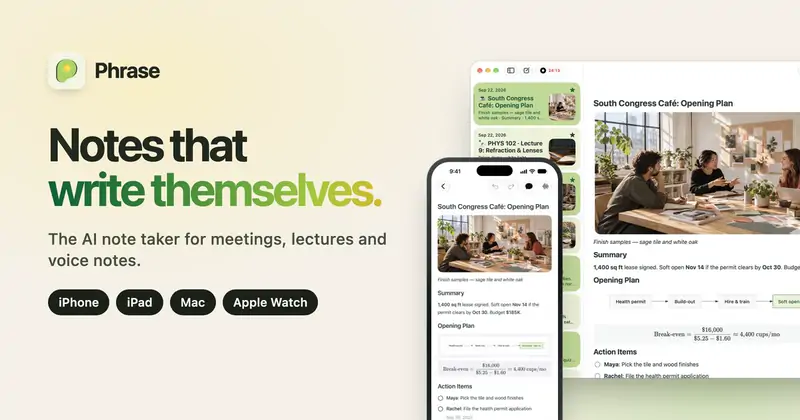
메이커의 말: Phrase is an AI note taker for meetings, lectures and voice notes on iPhone, iPad, Mac and Apple Watch. Tap record and stay in the conversation.
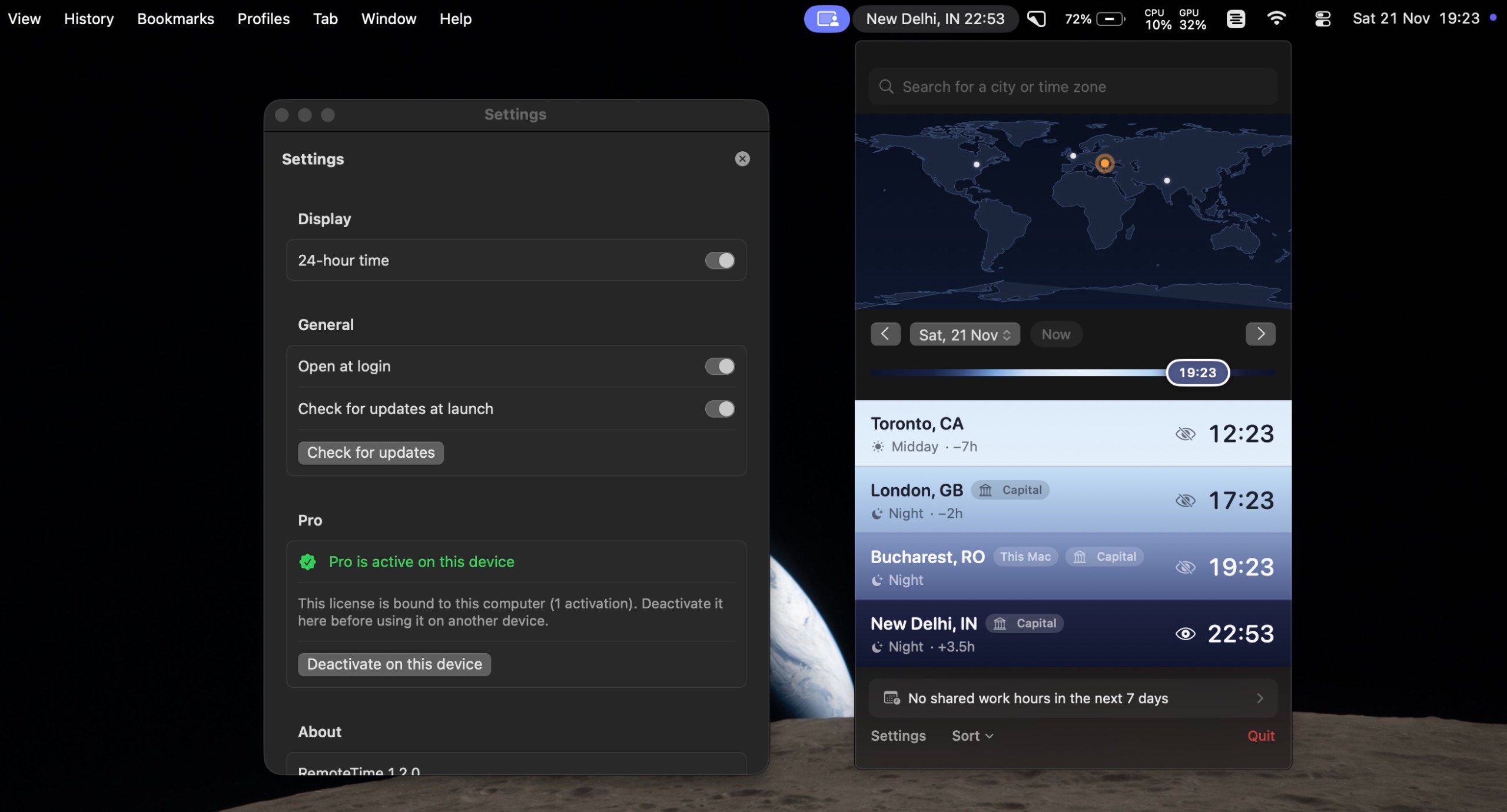
메이커의 말: A native macOS menu-bar world clock for distributed teams. See the live time in every city on your team, drag a what-if marker to plan meetings, and find your shared work hours, DST-correct, fully offline.
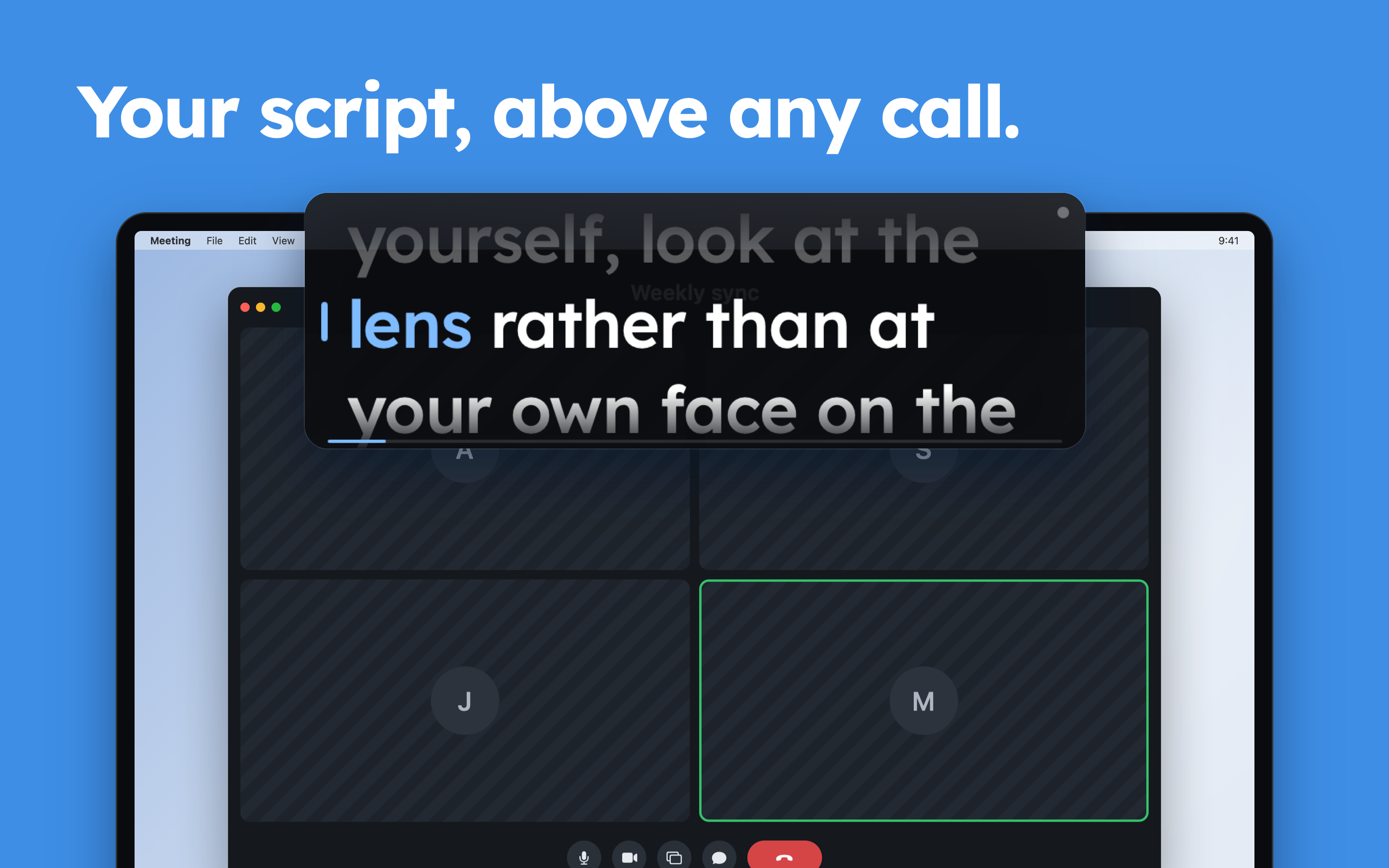
메이커의 말: Wispim is a teleprompter for meetings, presentations and webinars: the script sits in a floating panel above your call or your slides, right next to the camera. Most teleprompters scroll at a fixed speed and leave you chasing the text.
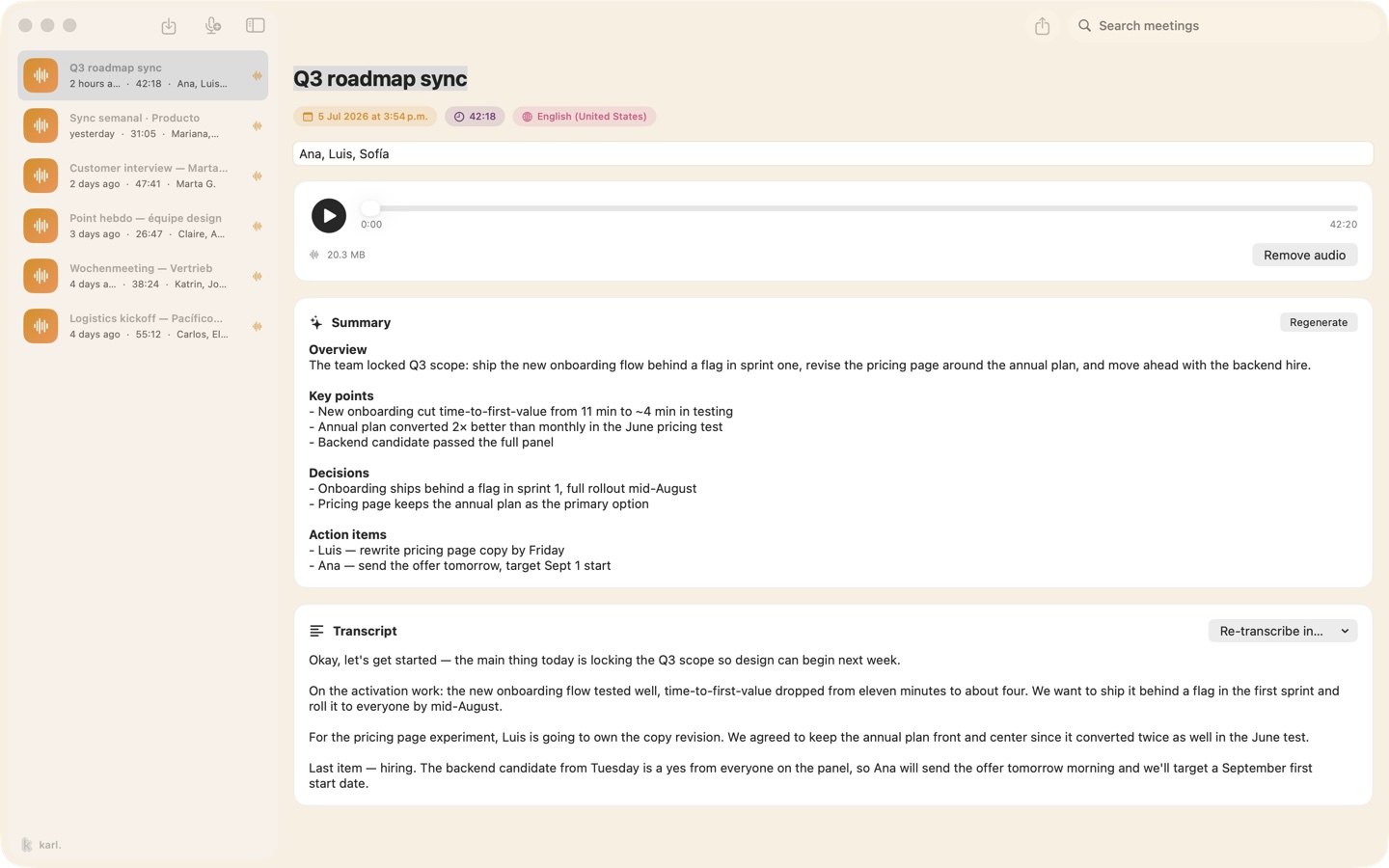
메이커의 말: Karl turns meetings into notes without sending anything anywhere. On the Mac it records your microphone and the call's audio together, transcribes as you talk, and gives you a summary and action items when you stop, all on the device.
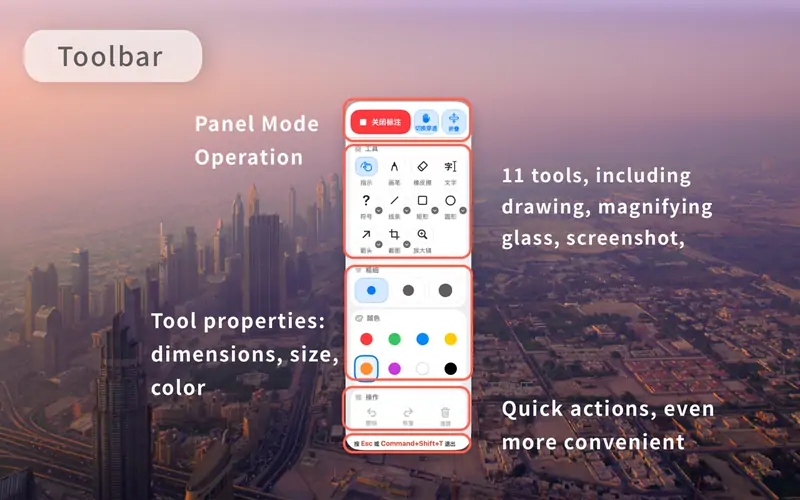
메이커의 말: Eligible new users can enjoy the first month free. TeachingInk is a Mac screen annotation tool designed for teachers, lecturers, trainers, and presenters.
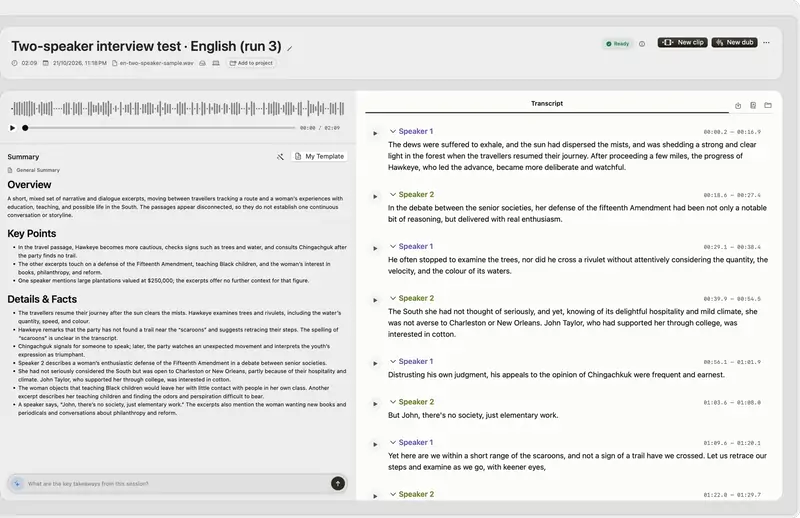
메이커의 말: Native Mac app for Apple silicon: on-device transcription, cited answers across your recordings, subtitles, clips, voiceover and a local MCP server. Try it for 14 days.
메이커의 말: JellyDraw is a menu bar app for drawing and highlighting over any app on your Mac. Each drawing sticks to the window it was drawn on, so when you move, resize or minimize the window, your marks go with it.
오프라인에서 작동해야 한다면 JellyDraw 앱을 고르세요. 메이커 말에 따르면 지원해요.
살펴볼 점
Look for which meeting apps it works with, whether it records anyone, and what it shows on a shared screen.
질문
What is the best free presentation app for Mac?
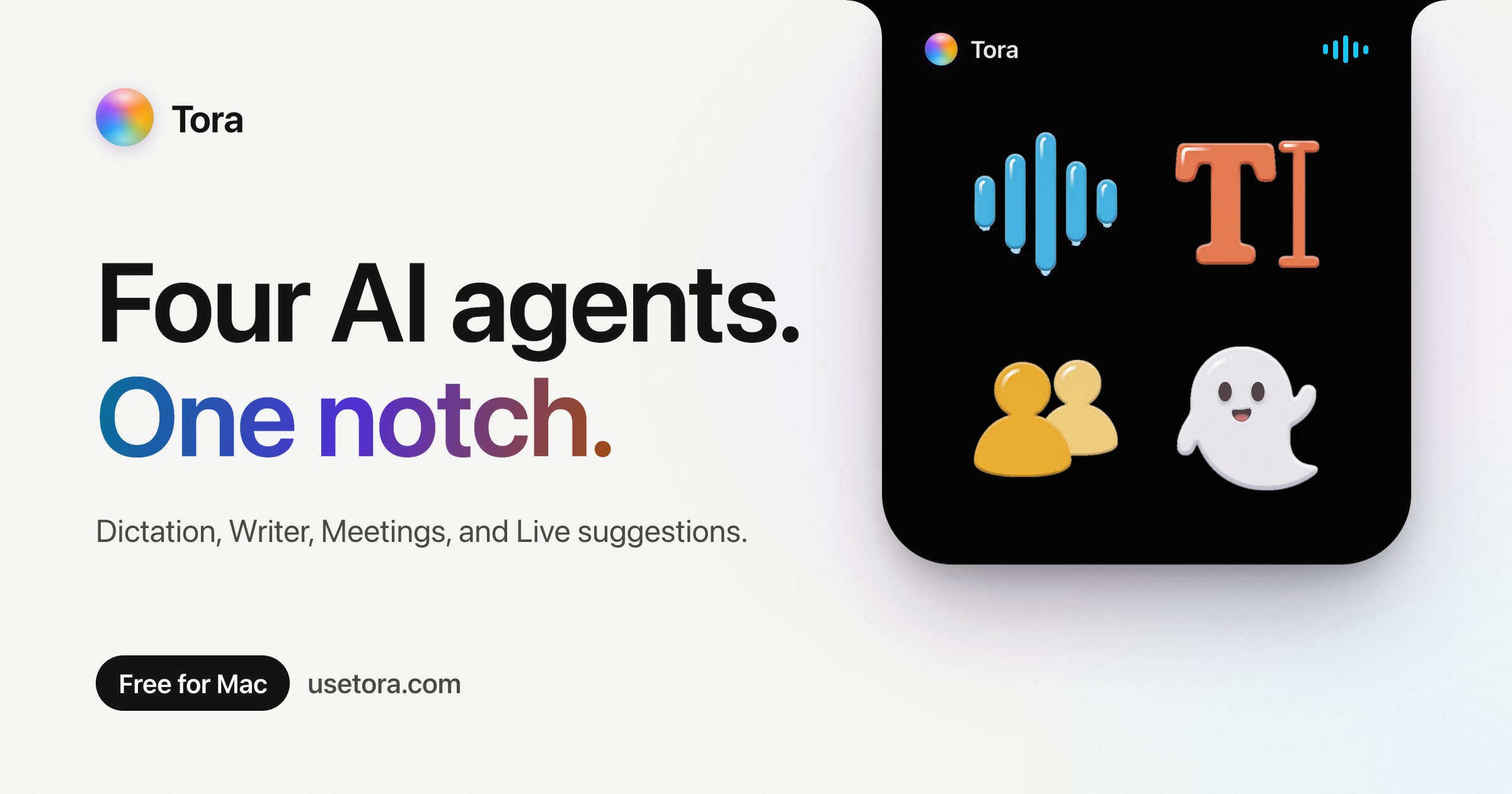
There is no single best one for everyone. MacPip lists 8: Phrase, RemoteTime, Wispim, Karl: Meeting Notes, Tora, TeachingInk, VoxStudio, JellyDraw. If you want it free, look at Phrase. If you would rather pay once than subscribe, look at RemoteTime. If you want it to run natively on Apple silicon, look at Tora. If you need it to work offline, as its maker says it does, look at JellyDraw.
Which free meeting and presenting apps run natively on Apple silicon?
메이커의 설명 또는 우리의 확인에 따른 앱: RemoteTime, Wispim, Karl: Meeting Notes, Tora, VoxStudio, JellyDraw.
Which free meeting and presenting apps has MacPip checked?
각 앱 페이지에 날짜가 적힌 리포트가 있어요: Phrase.
MacPip은 이 앱들을 어떻게 정렬하나요?
확인된 앱이 먼저 나오고, 최근에 확인한 앱이 앞에 오며, 나머지는 추가된 순서예요. 결제는 순서를 절대 바꾸지 않고, 스폰서 줄은 표시를 붙여 따로 둬요.