Die besten Apps der Kategorie „Netzwerk und VPN“ für Mac
Aktualisiert am 17. Nov. 2026, aus dem, was MacPip heute listet.
Kurze Antwort
MacPip lists 5 networking and VPN apps for Mac, and MacPip has checked none of them yet.2 davon haben eine kostenlose Version.3 davon verkaufen eine einmalige Lizenz.1 davon wird per Abo bezahlt.There is no single best networking app for everyone, so MacPip does not rank them.Wenn du sie kostenlos willst, fang mit LanScan an.
Geprüfte Apps kommen zuerst, die neueste Prüfung zuerst. Nie nach Bezahlung sortiert.
Was diese 5 Apps laut ihren Einträgen bieten. Eine App kann mehreres bieten, deshalb ergeben die Balken zusammen nicht 5.
Vom Maker: LanScan is a simple and efficient IPv4 & IPv6 network scanner that discovers all active devices on any subnet: the local one, or any public subnet that you configure. IPv4 Features: → Auto-detection of configured interfaces: Airport, Ethernet, Virtual interfaces ...
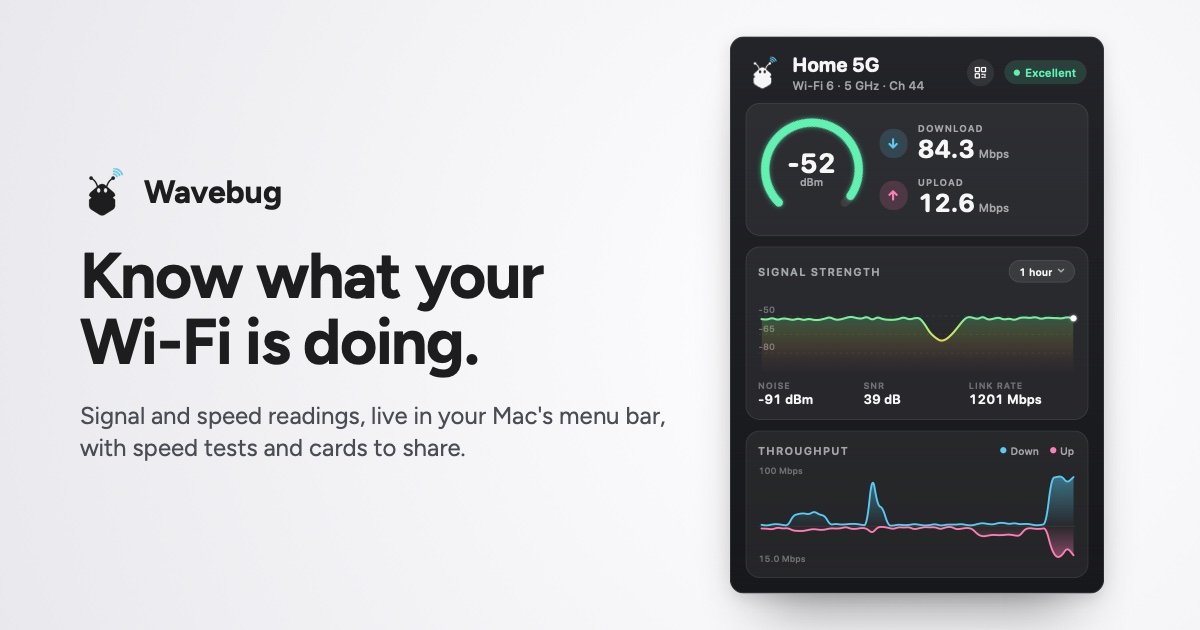
Vom Maker: Wavebug is a menu bar app for Mac that shows you what your Wi-Fi is actually doing. Click the icon for live signal strength, speeds and latency, with a plain-English verdict on whether a problem is your Wi-Fi, your provider, or an app hogging the connection.
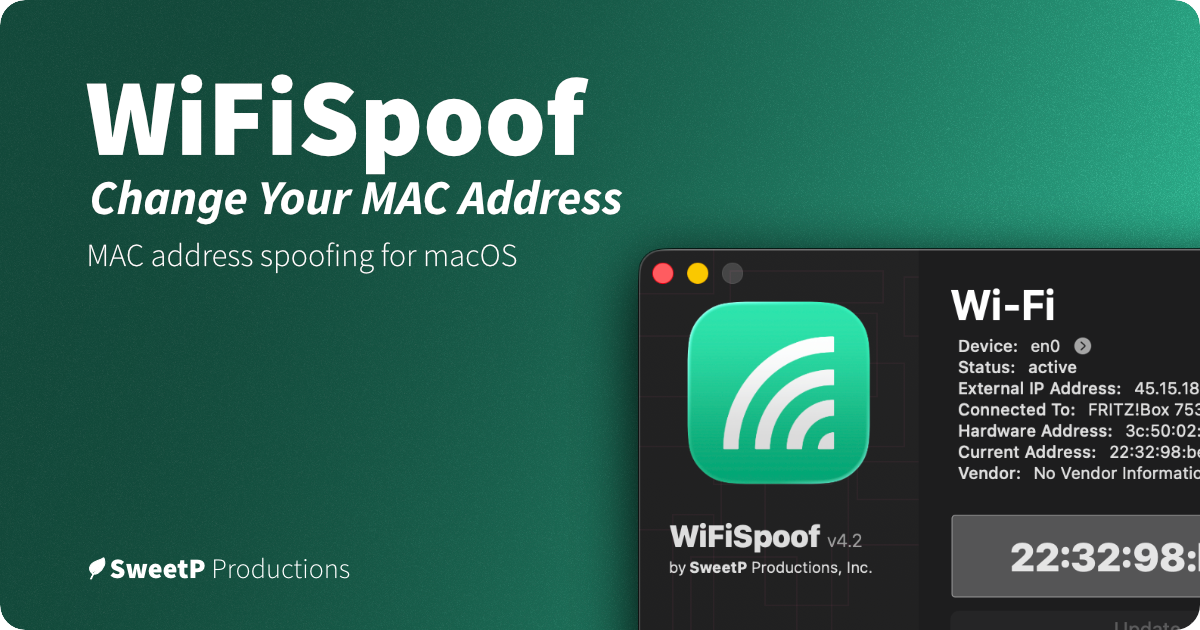
Vom Maker: WiFiSpoof lets you change or randomize your Mac’s Wi-Fi or Ethernet MAC address, create custom rules for favorite networks, and use global shortcuts. It can help protect privacy on public Wi-Fi and supports network security testing.
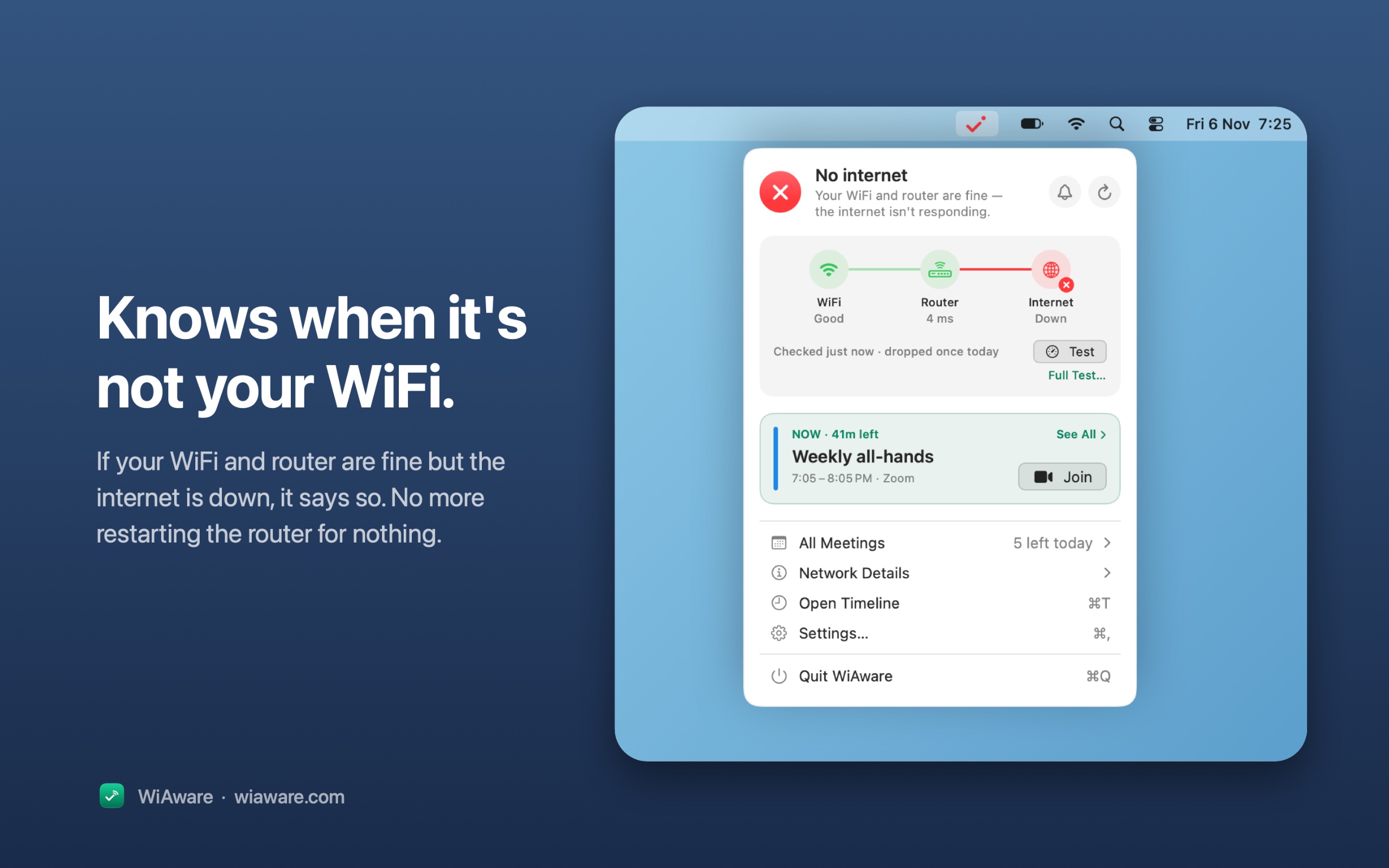
Vom Maker: WiAware lives in your Mac’s menu bar and tells you, in plain words, whether your connection is good enough for a call. The icon is the answer: a full wave means calls are fine, a broken wave means they may stutter, and a dot means they won’t work.
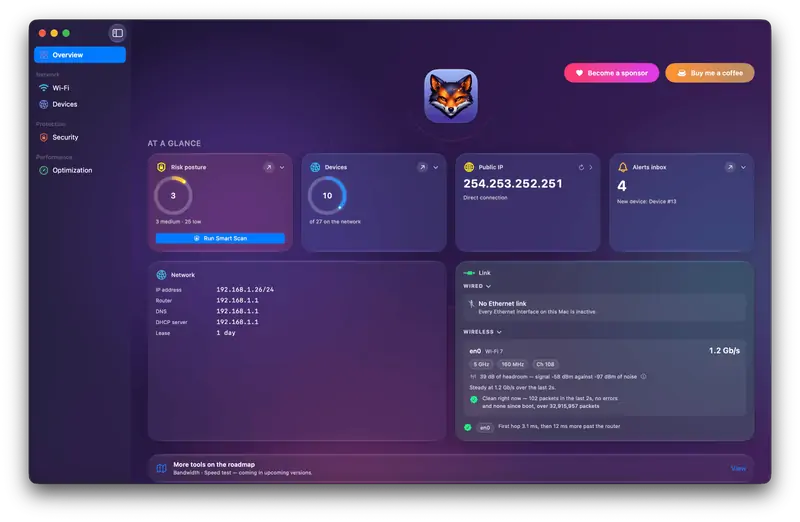
Vom Maker: Netfox turns raw network data into plain English on your Mac: decode every device, see what it exposes, and catch services left open. No cloud, no account.
Nimm Wavebug, wenn du lieber einmal zahlst, statt ein Abo abzuschließen.
Nimm WiFiSpoof, wenn sie nativ auf Apple silicon laufen soll.
Worauf du achten solltest
Look for what traffic it sees, who runs any servers it uses, and whether it needs a system extension.
Fragen
What is the best networking app for Mac?
There is no single best one for everyone. MacPip lists 5: LanScan, Wavebug, WiFiSpoof, WiAware, Netfox. If you want it free, look at LanScan. If you would rather pay once than subscribe, look at Wavebug. If you want it to run natively on Apple silicon, look at WiFiSpoof.
Gibt es kostenlose Apps der Kategorie „Netzwerk und VPN“ für Mac?
Ja. Mit kostenloser Version auf MacPip: LanScan, Netfox.
Welche Apps der Kategorie „Netzwerk und VPN“ für Mac haben einen Einmalpreis?
Mit Einmalkauf-Option, damit du ein Abo vermeiden kannst: Wavebug, WiFiSpoof, WiAware.
Which networking and VPN apps run natively on Apple silicon?
Nach Angabe der Maker oder nach unserer Prüfung: Wavebug, WiFiSpoof, Netfox.
Which networking and VPN apps has MacPip checked?
None yet. They say Check pending until they are checked.
Wie sortiert MacPip diese Apps?
Geprüfte Apps kommen zuerst, die neueste Prüfung zuerst, danach der Rest danach, wann er hinzugefügt wurde. Bezahlung ändert nie die Reihenfolge, und gesponserte Zeilen sind gekennzeichnet und getrennt.