Le migliori app della categoria «Rete e VPN» per Mac
Aggiornato il 17 nov 2026, da ciò che MacPip elenca oggi.
Risposta breve
MacPip lists 5 networking and VPN apps for Mac, and MacPip has checked none of them yet.2 di esse hanno una versione gratuita.3 di queste si acquistano con una licenza una tantum.1 di queste è in abbonamento.There is no single best networking app for everyone, so MacPip does not rank them.Se la vuoi gratis, inizia da LanScan.
Le app verificate vengono prima, a partire dalla verifica più recente. L'ordine non dipende mai dai pagamenti.
Cosa offrono queste 5 app, secondo le loro schede. Un'app può offrire più cose, quindi le barre non sommano a 5.
Dal suo creatore: LanScan is a simple and efficient IPv4 & IPv6 network scanner that discovers all active devices on any subnet: the local one, or any public subnet that you configure. IPv4 Features: → Auto-detection of configured interfaces: Airport, Ethernet, Virtual interfaces ...
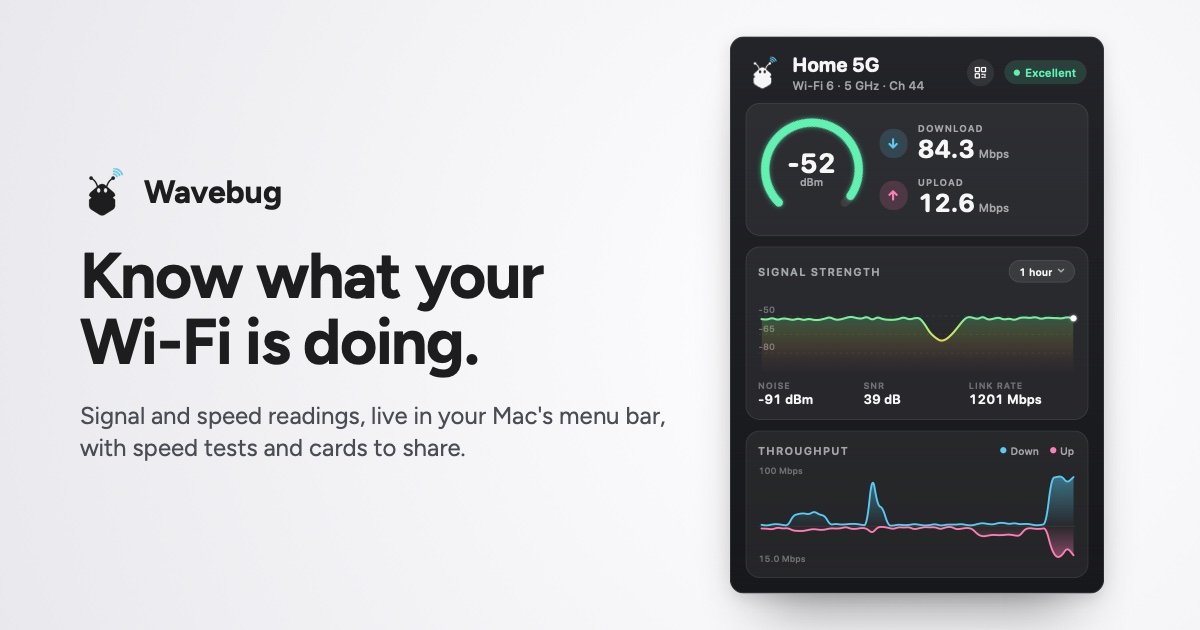
Dal suo creatore: Wavebug is a menu bar app for Mac that shows you what your Wi-Fi is actually doing. Click the icon for live signal strength, speeds and latency, with a plain-English verdict on whether a problem is your Wi-Fi, your provider, or an app hogging the connection.
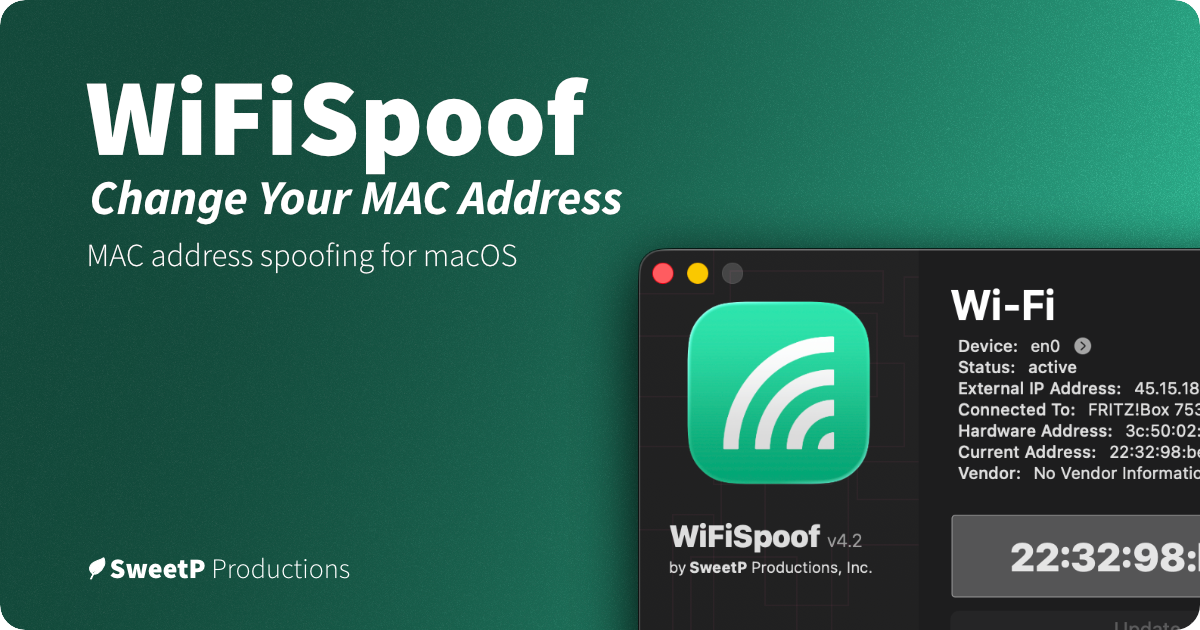
Dal suo creatore: WiFiSpoof lets you change or randomize your Mac’s Wi-Fi or Ethernet MAC address, create custom rules for favorite networks, and use global shortcuts. It can help protect privacy on public Wi-Fi and supports network security testing.
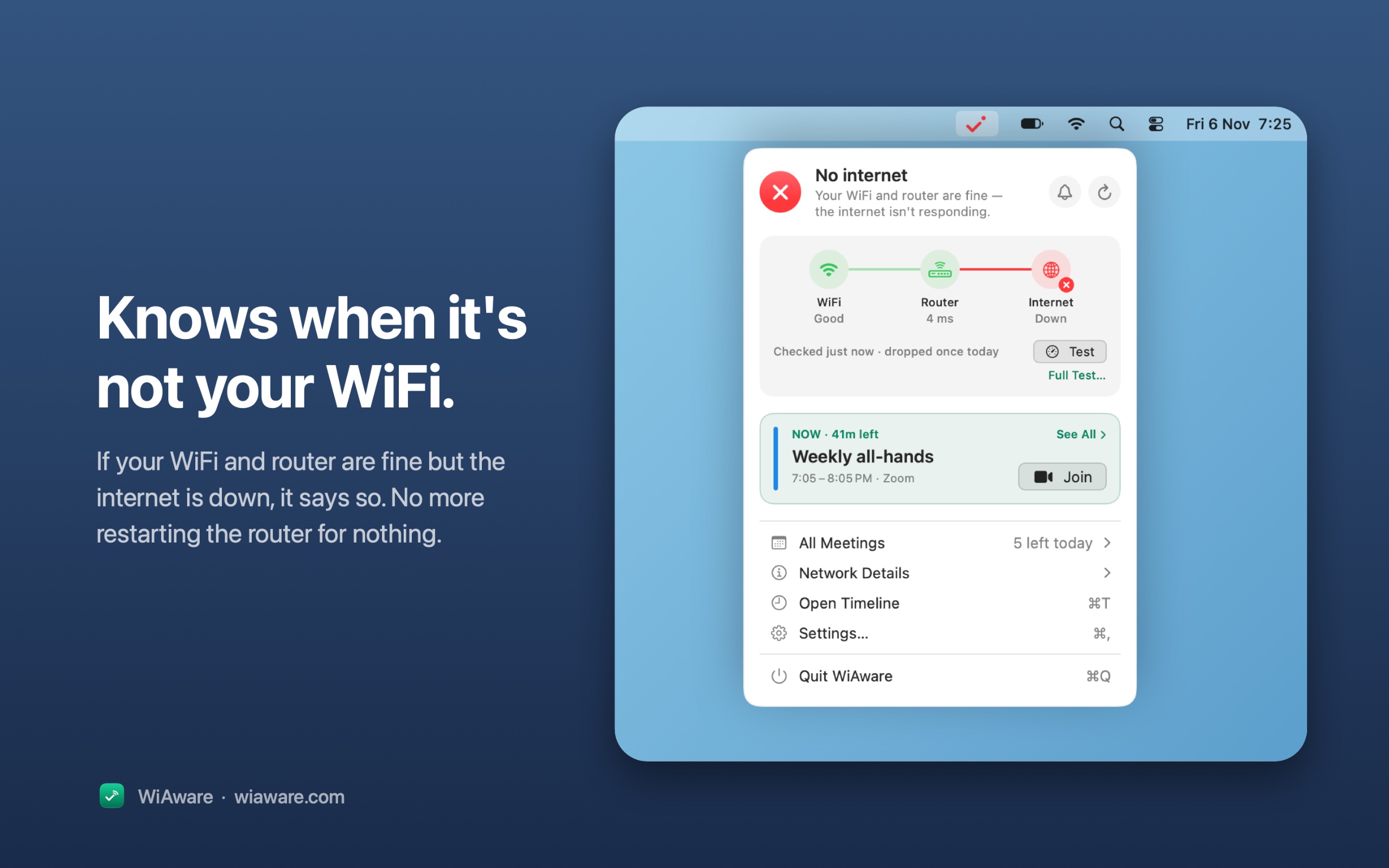
Dal suo creatore: WiAware lives in your Mac’s menu bar and tells you, in plain words, whether your connection is good enough for a call. The icon is the answer: a full wave means calls are fine, a broken wave means they may stutter, and a dot means they won’t work.
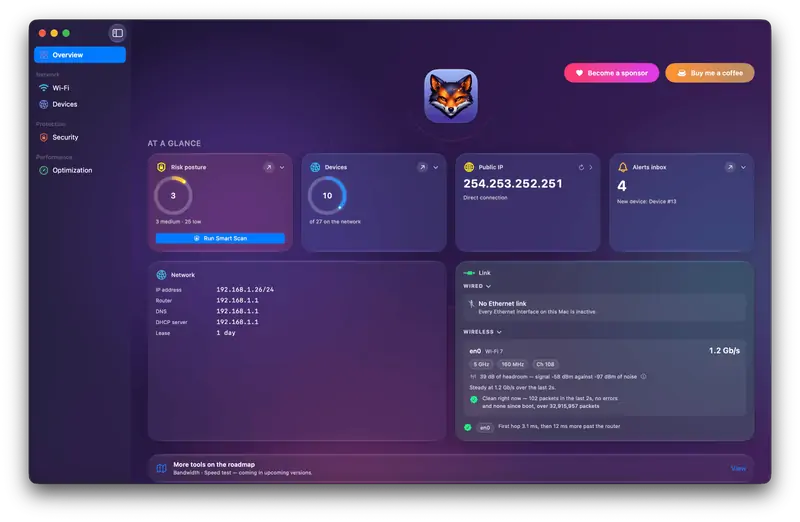
Dal suo creatore: Netfox turns raw network data into plain English on your Mac: decode every device, see what it exposes, and catch services left open. No cloud, no account.
Scegli Wavebug se preferisci pagare una volta sola invece di abbonarti.
Scegli WiFiSpoof se vuoi che giri in modo nativo su Apple silicon.
Cosa guardare
Look for what traffic it sees, who runs any servers it uses, and whether it needs a system extension.
Domande
What is the best networking app for Mac?
There is no single best one for everyone. MacPip lists 5: LanScan, Wavebug, WiFiSpoof, WiAware, Netfox. If you want it free, look at LanScan. If you would rather pay once than subscribe, look at Wavebug. If you want it to run natively on Apple silicon, look at WiFiSpoof.
Esistono app gratuite della categoria «Rete e VPN» per Mac?
Sì. Con una versione gratuita su MacPip: LanScan, Netfox.
Quali app per Mac della categoria «Rete e VPN» hanno un prezzo una tantum?
Con un'opzione una tantum, così puoi evitare l'abbonamento: Wavebug, WiFiSpoof, WiAware.
Which networking and VPN apps run natively on Apple silicon?
Secondo i loro creatori o secondo la nostra verifica: Wavebug, WiFiSpoof, Netfox.
Which networking and VPN apps has MacPip checked?
None yet. They say Check pending until they are checked.
Come ordina MacPip queste app?
Le app verificate vengono prima, a partire dalla verifica più recente, poi le altre in base a quando sono state aggiunte. I pagamenti non cambiano mai l'ordine, e le righe sponsorizzate sono etichettate e tenute a parte.