MacPip lists 5 networking and VPN apps for Mac, and MacPip has checked none of them yet.そのうち2件に無料版があります。そのうち3件は買い切りライセンスを販売しています。そのうち1件はサブスクリプション制です。There is no single best networking app for everyone, so MacPip does not rank them.無料がいいなら、LanScanから始めてください。
開発者より: LanScan is a simple and efficient IPv4 & IPv6 network scanner that discovers all active devices on any subnet: the local one, or any public subnet that you configure. IPv4 Features: → Auto-detection of configured interfaces: Airport, Ethernet, Virtual interfaces ...
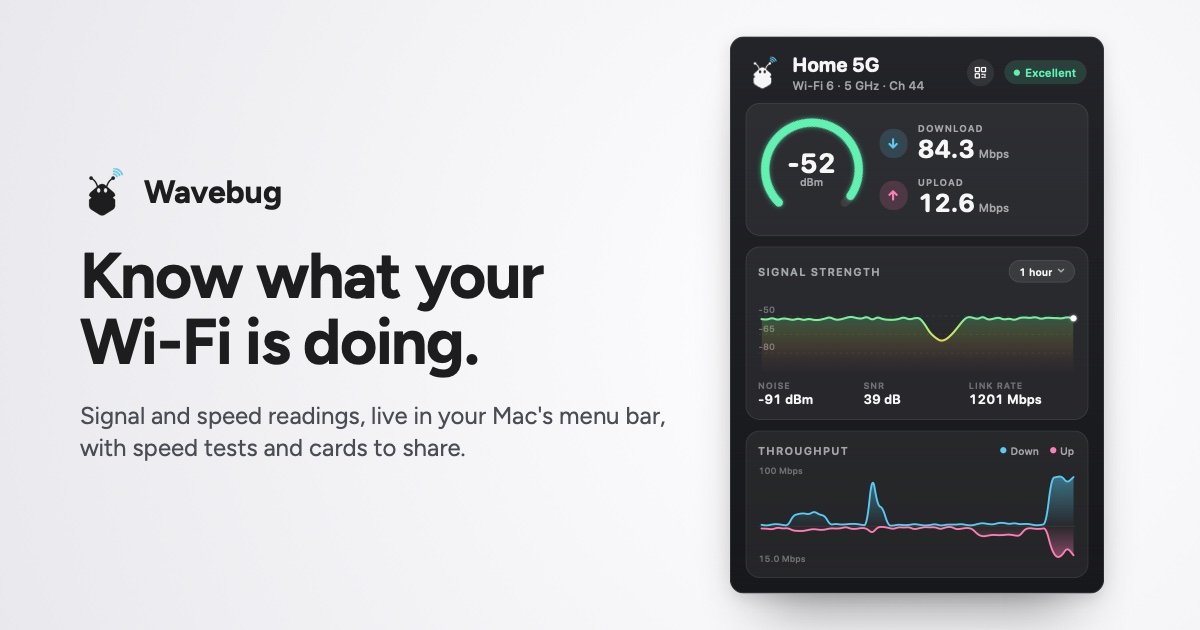
開発者より: Wavebug is a menu bar app for Mac that shows you what your Wi-Fi is actually doing. Click the icon for live signal strength, speeds and latency, with a plain-English verdict on whether a problem is your Wi-Fi, your provider, or an app hogging the connection.
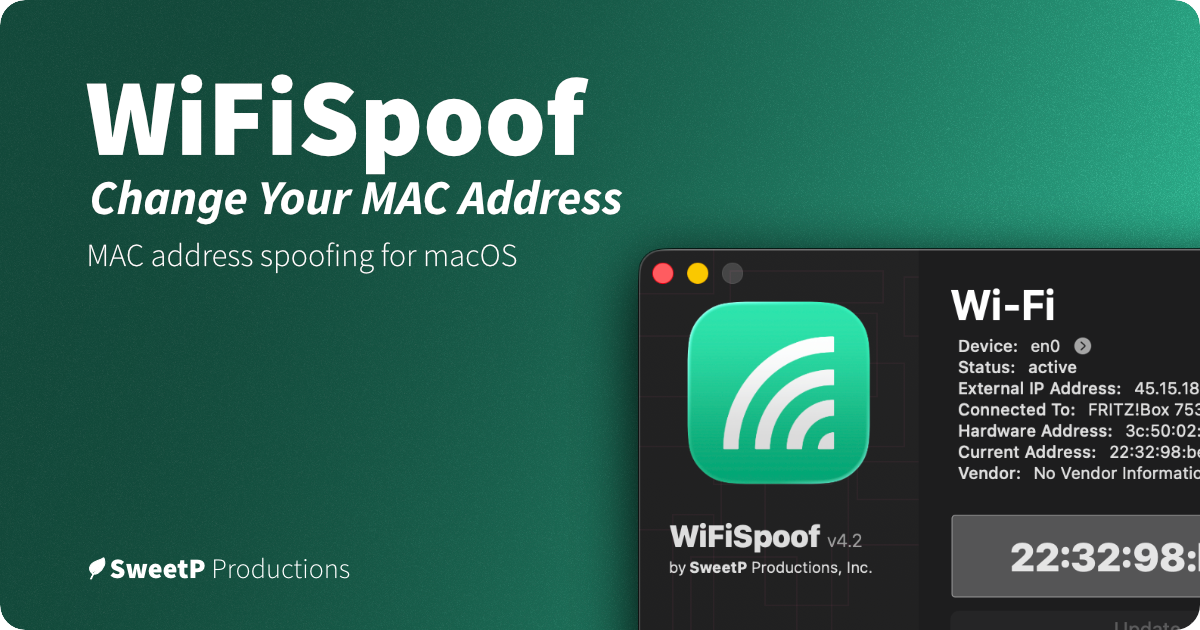
開発者より: WiFiSpoof lets you change or randomize your Mac’s Wi-Fi or Ethernet MAC address, create custom rules for favorite networks, and use global shortcuts. It can help protect privacy on public Wi-Fi and supports network security testing.
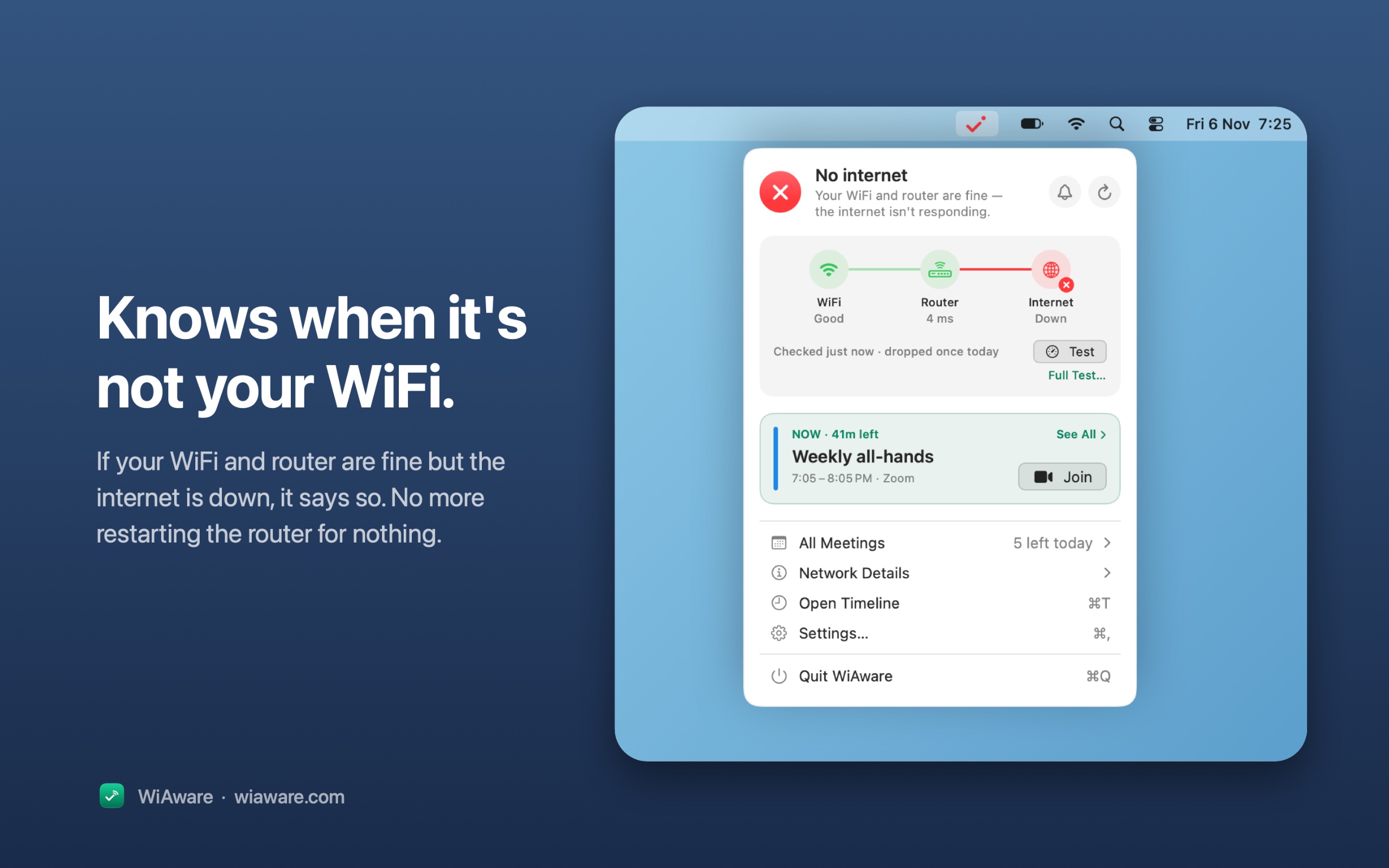
開発者より: WiAware lives in your Mac’s menu bar and tells you, in plain words, whether your connection is good enough for a call. The icon is the answer: a full wave means calls are fine, a broken wave means they may stutter, and a dot means they won’t work.
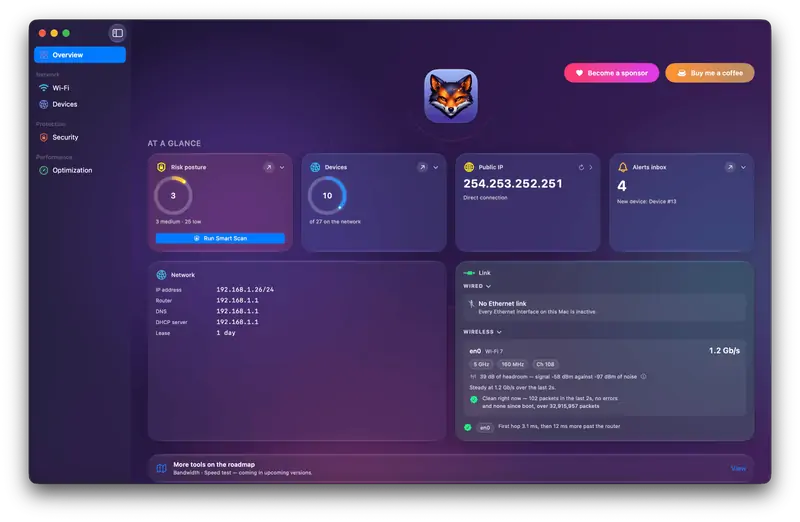
開発者より: Netfox turns raw network data into plain English on your Mac: decode every device, see what it exposes, and catch services left open. No cloud, no account.
Look for what traffic it sees, who runs any servers it uses, and whether it needs a system extension.
質問
What is the best networking app for Mac?
There is no single best one for everyone. MacPip lists 5: LanScan, Wavebug, WiFiSpoof, WiAware, Netfox. If you want it free, look at LanScan. If you would rather pay once than subscribe, look at Wavebug. If you want it to run natively on Apple silicon, look at WiFiSpoof.