Mac için en iyi “Ağ ve VPN” kategorisi uygulamaları
Güncellendi: 17 Kas 2026. MacPip'in bugün listelediklerinden.
Kısa cevap
MacPip lists 5 networking and VPN apps for Mac, and MacPip has checked none of them yet.Bunlardan 2 tanesinin ücretsiz sürümü var.Bunlardan 3 tanesi tek seferlik lisans satar.Bunlardan 1 tanesi abonelikle ücretlidir.There is no single best networking app for everyone, so MacPip does not rank them.Ücretsiz olmasını istiyorsanız LanScan ile başlayın.
Kontrol edilen uygulamalar önce gelir, en yeni kontrol en önde. Asla ödemeye göre sıralanmaz.
Listelemelerine göre bu 5 uygulamanın sundukları. Bir uygulama birkaç şey sunabilir, bu yüzden çubukların toplamı 5 etmez.
Yapımcısından: LanScan is a simple and efficient IPv4 & IPv6 network scanner that discovers all active devices on any subnet: the local one, or any public subnet that you configure. IPv4 Features: → Auto-detection of configured interfaces: Airport, Ethernet, Virtual interfaces ...
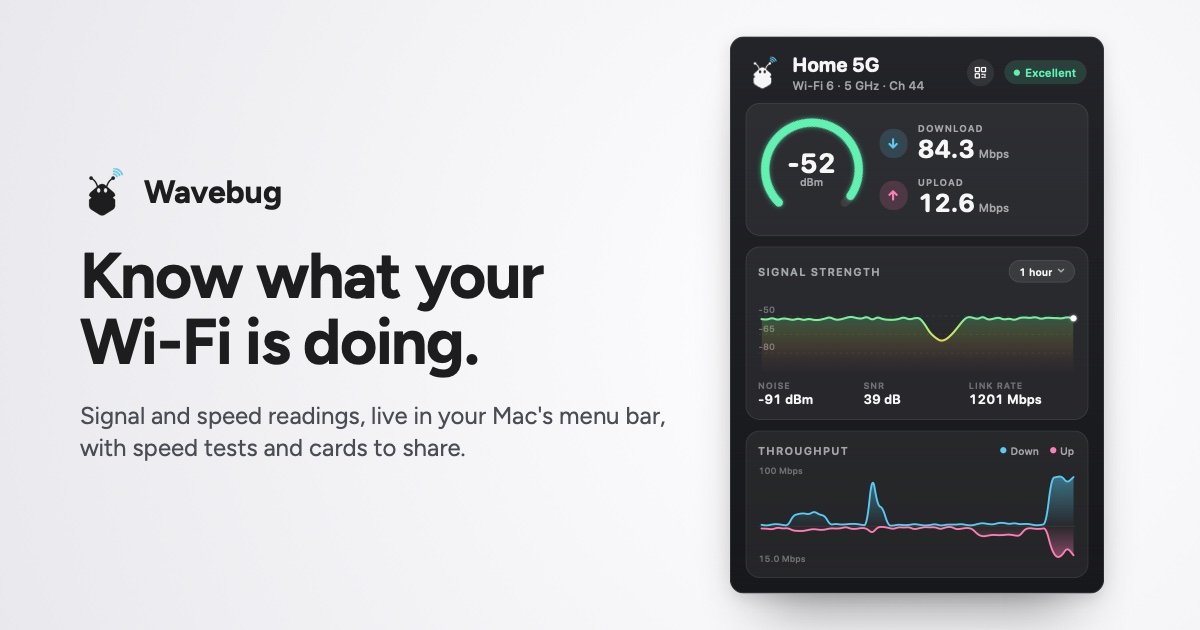
Yapımcısından: Wavebug is a menu bar app for Mac that shows you what your Wi-Fi is actually doing. Click the icon for live signal strength, speeds and latency, with a plain-English verdict on whether a problem is your Wi-Fi, your provider, or an app hogging the connection.
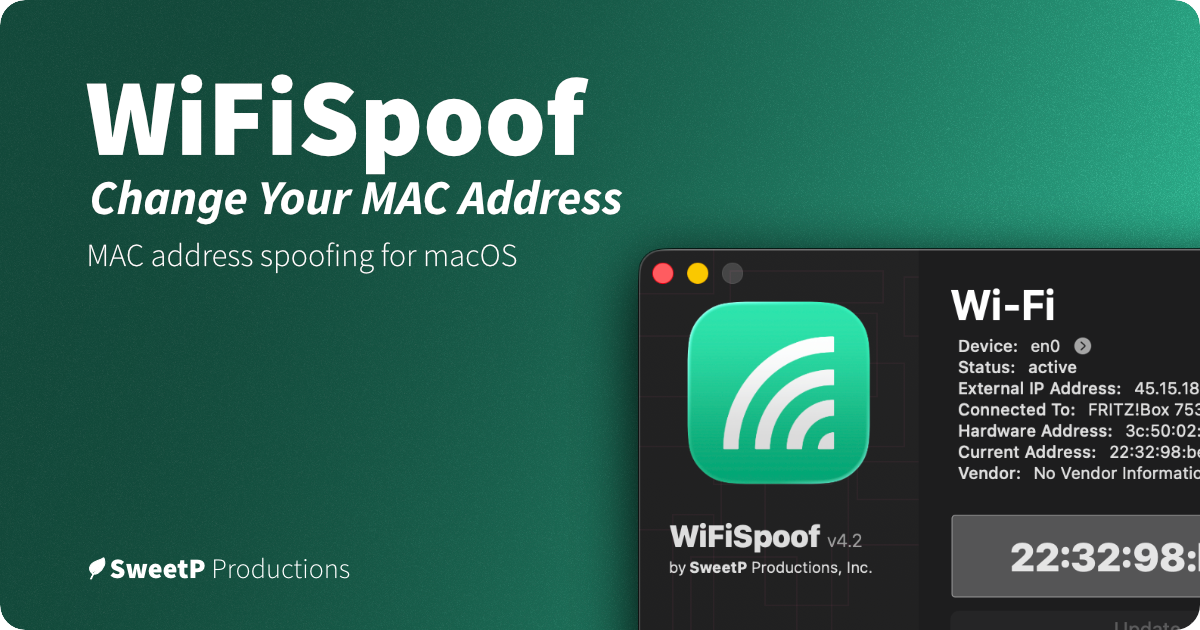
Yapımcısından: WiFiSpoof lets you change or randomize your Mac’s Wi-Fi or Ethernet MAC address, create custom rules for favorite networks, and use global shortcuts. It can help protect privacy on public Wi-Fi and supports network security testing.
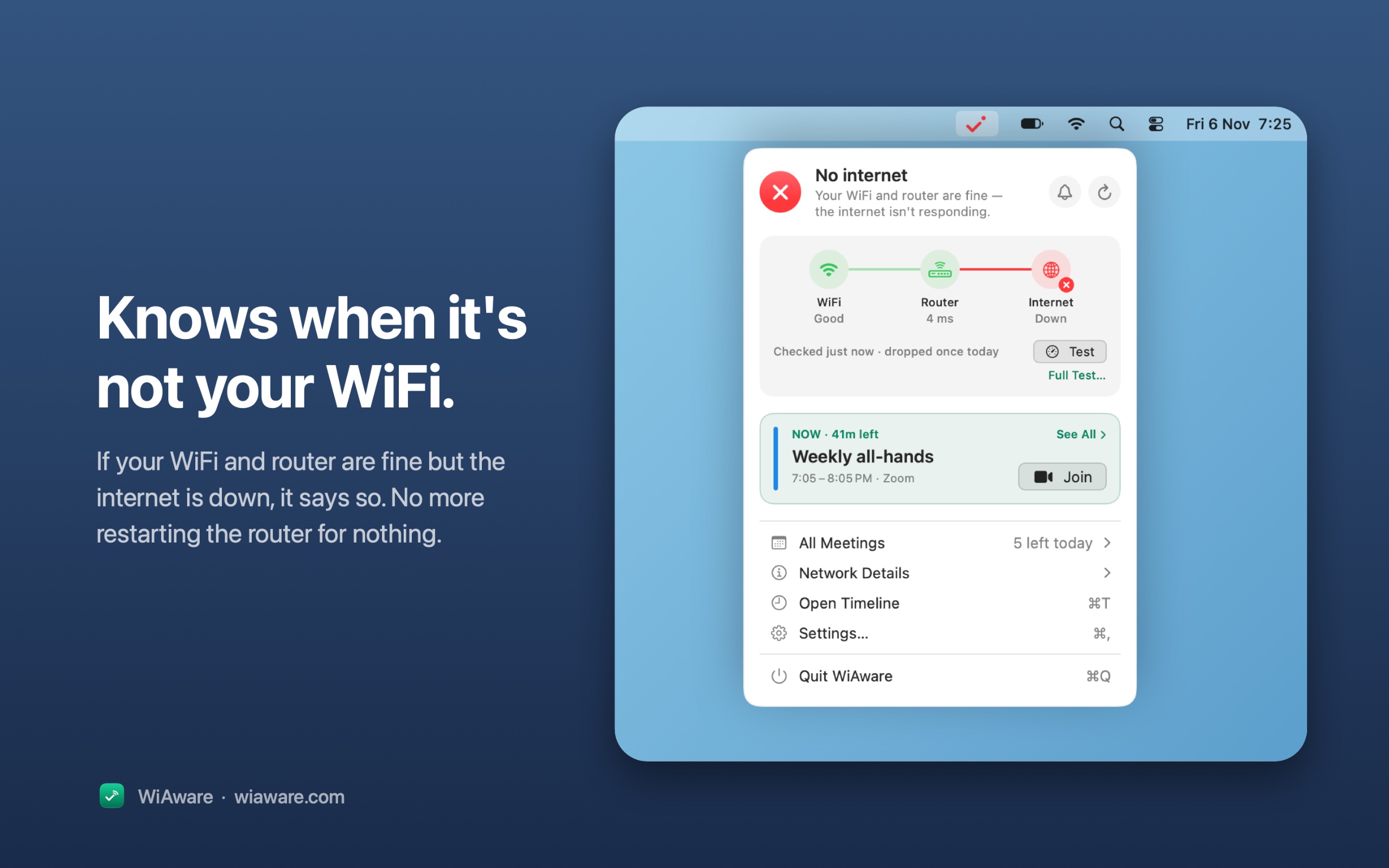
Yapımcısından: WiAware lives in your Mac’s menu bar and tells you, in plain words, whether your connection is good enough for a call. The icon is the answer: a full wave means calls are fine, a broken wave means they may stutter, and a dot means they won’t work.
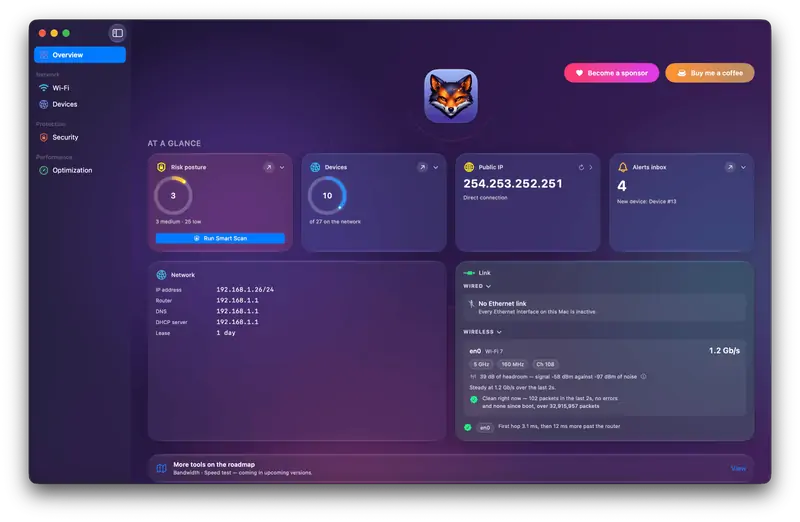
Yapımcısından: Netfox turns raw network data into plain English on your Mac: decode every device, see what it exposes, and catch services left open. No cloud, no account.
Ücretsiz olmasını istiyorsanız LanScan uygulamasını seçin.
Abone olmak yerine bir kez ödemeyi tercih ediyorsanız Wavebug uygulamasını seçin.
Apple silicon üzerinde yerel olarak çalışmasını istiyorsanız WiFiSpoof uygulamasını seçin.
Nelere bakmalı
Look for what traffic it sees, who runs any servers it uses, and whether it needs a system extension.
Sorular
What is the best networking app for Mac?
There is no single best one for everyone. MacPip lists 5: LanScan, Wavebug, WiFiSpoof, WiAware, Netfox. If you want it free, look at LanScan. If you would rather pay once than subscribe, look at Wavebug. If you want it to run natively on Apple silicon, look at WiFiSpoof.
Mac için “Ağ ve VPN” kategorisinde ücretsiz uygulamalar var mı?
Mac için “Ağ ve VPN” kategorisindeki hangi uygulamaların tek seferlik fiyatı var?
Tek seferlik seçenekle, abonelikten kaçınabilmeniz için: Wavebug, WiFiSpoof, WiAware.
Which networking and VPN apps run natively on Apple silicon?
Geliştiricilerinin sözüne göre veya bizim kontrolümüze göre: Wavebug, WiFiSpoof, Netfox.
Which networking and VPN apps has MacPip checked?
None yet. They say Check pending until they are checked.
MacPip bu uygulamaları nasıl sıralar?
Kontrol edilen uygulamalar önce gelir, en yeni kontrol en önde, ardından diğerleri eklendikleri tarihe göre. Ödeme sırayı asla değiştirmez; sponsorlu satırlar etiketlenir ve ayrı tutulur.