Atualizado em 17 de nov. de 2026, a partir do que o MacPip lista hoje.
Resposta curta
MacPip lists 5 networking and VPN apps for Mac, and MacPip has checked none of them yet.2 deles têm uma versão gratuita.3 deles vendem uma licença única.1 deles é pago por assinatura.There is no single best networking app for everyone, so MacPip does not rank them.Se você quer grátis, comece por LanScan.
Os apps verificados vêm primeiro, a verificação mais recente antes. Nunca ordenados por pagamento.
O que estes 5 apps oferecem, segundo as listagens. Um app pode oferecer várias coisas, então as barras não somam 5.
Do criador: LanScan is a simple and efficient IPv4 & IPv6 network scanner that discovers all active devices on any subnet: the local one, or any public subnet that you configure. IPv4 Features: → Auto-detection of configured interfaces: Airport, Ethernet, Virtual interfaces ...
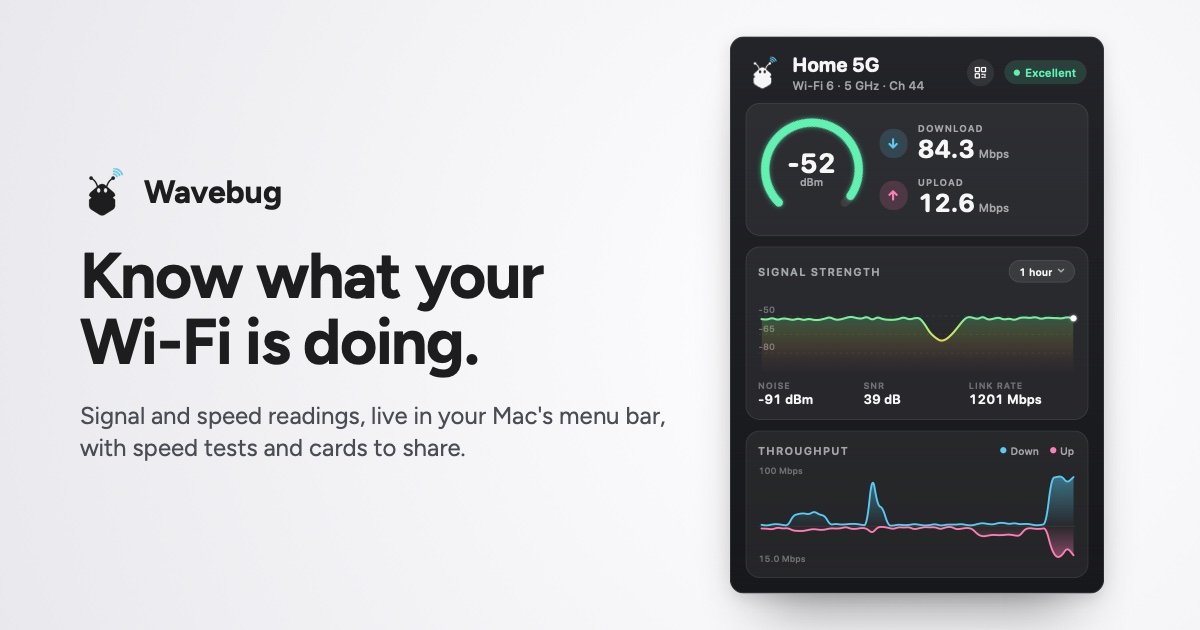
Do criador: Wavebug is a menu bar app for Mac that shows you what your Wi-Fi is actually doing. Click the icon for live signal strength, speeds and latency, with a plain-English verdict on whether a problem is your Wi-Fi, your provider, or an app hogging the connection.
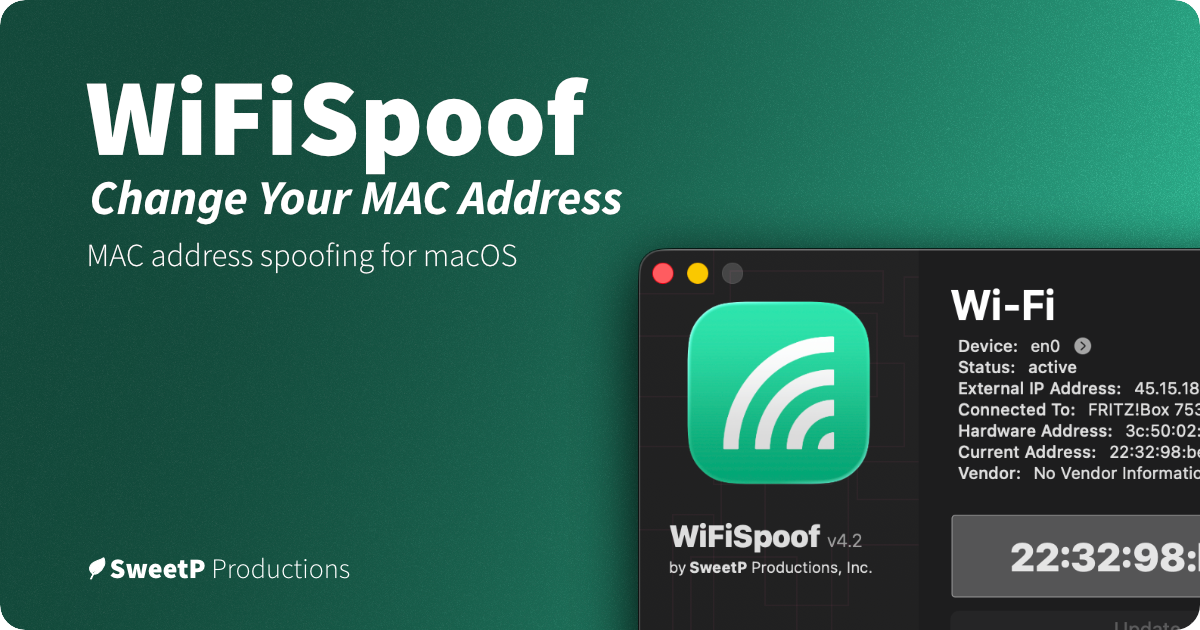
Do criador: WiFiSpoof lets you change or randomize your Mac’s Wi-Fi or Ethernet MAC address, create custom rules for favorite networks, and use global shortcuts. It can help protect privacy on public Wi-Fi and supports network security testing.
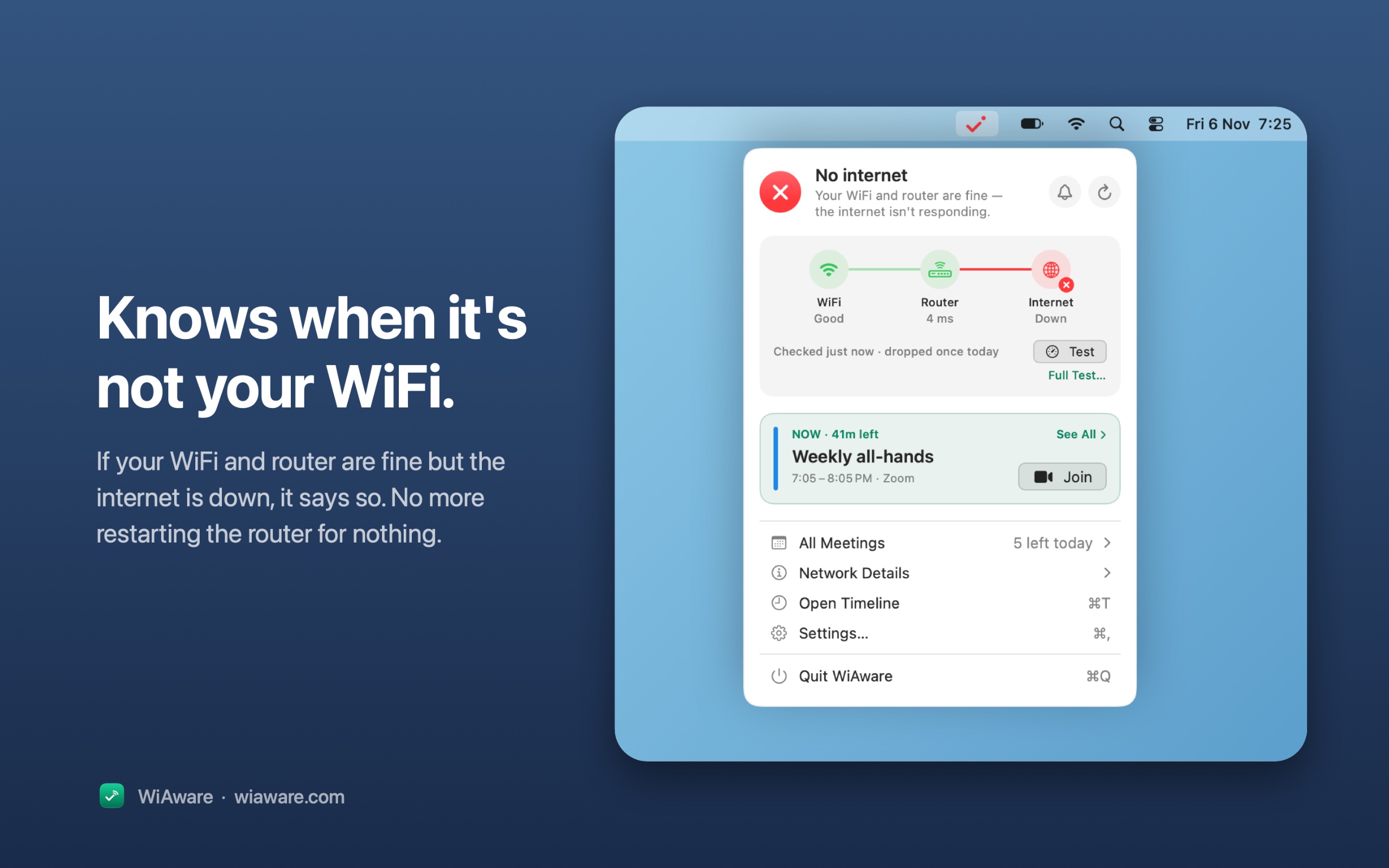
Do criador: WiAware lives in your Mac’s menu bar and tells you, in plain words, whether your connection is good enough for a call. The icon is the answer: a full wave means calls are fine, a broken wave means they may stutter, and a dot means they won’t work.
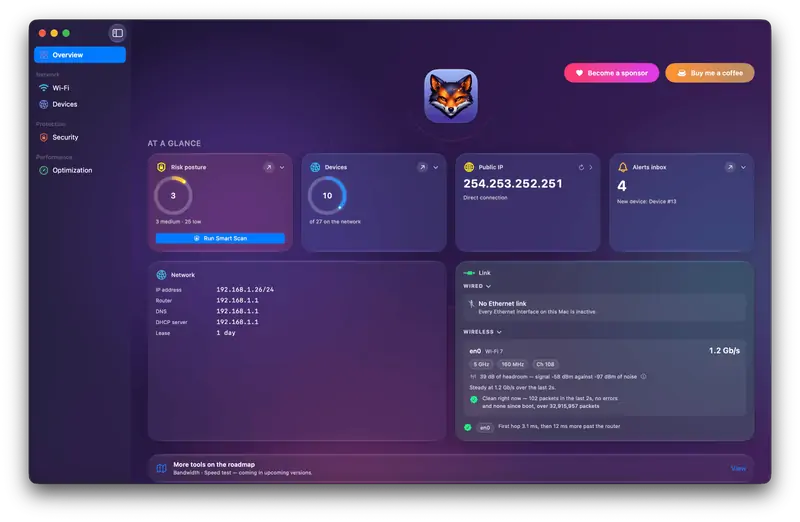
Do criador: Netfox turns raw network data into plain English on your Mac: decode every device, see what it exposes, and catch services left open. No cloud, no account.
Escolha Wavebug se você prefere pagar uma vez em vez de assinar.
Escolha WiFiSpoof se você quer que rode de forma nativa em Apple silicon.
O que observar
Look for what traffic it sees, who runs any servers it uses, and whether it needs a system extension.
Perguntas
What is the best networking app for Mac?
There is no single best one for everyone. MacPip lists 5: LanScan, Wavebug, WiFiSpoof, WiAware, Netfox. If you want it free, look at LanScan. If you would rather pay once than subscribe, look at Wavebug. If you want it to run natively on Apple silicon, look at WiFiSpoof.
Existem apps gratuitos da categoria “Rede e VPN” para Mac?
Sim. Com versão gratuita no MacPip: LanScan, Netfox.
Quais apps da categoria “Rede e VPN” para Mac têm preço único?
Com opção de pagamento único, para você evitar uma assinatura: Wavebug, WiFiSpoof, WiAware.
Which networking and VPN apps run natively on Apple silicon?
Pela palavra dos criadores ou pela nossa verificação: Wavebug, WiFiSpoof, Netfox.
Which networking and VPN apps has MacPip checked?
None yet. They say Check pending until they are checked.
Como o MacPip ordena estes apps?
Os apps verificados vêm primeiro, a verificação mais recente antes, depois o resto pela data em que foram adicionados. Pagamento nunca muda a ordem, e as linhas patrocinadas são identificadas e ficam separadas.