Les meilleures apps à achat unique de la catégorie « Clavier et souris » pour Mac
Mis à jour le 17 nov. 2026, à partir de ce que MacPip référence aujourd'hui.
Réponse courte
MacPip lists 8 one-time purchase keyboard and mouse apps for Mac, and MacPip has checked 1 of them.2 d'entre elles ont une version gratuite.Toutes vendent une licence à achat unique.There is no single best one-time purchase keyboard or mouse app for everyone, so MacPip does not rank them.Si vous la voulez gratuite, commencez par KeySound.
Les apps vérifiées passent en premier, la vérification la plus récente d'abord. Jamais classées par paiement.
Ce que proposent ces 8 apps, d'après leurs fiches. Une app peut proposer plusieurs choses, donc le total des barres ne fait pas 8.
Version gratuite2 sur 8
Paiement unique8 sur 8
Abonnement0 sur 8
Native Apple silicon7 sur 8
Open source1 sur 8
Fonctionne hors ligne3 sur 8
Vérifiée1 sur 8
Prix unique en dollars US, tel qu'indiqué par chaque fiche, du plus bas au plus élevé. Apps sans prix unique simple en dollars, donc exclues : 2. Les prix de lancement comptent quand la fiche le précise.
Selon son créateur : Scootch lets one keyboard and mouse control every computer on your desk, in any mix of Mac, Windows and Linux, and moves files between them in any direction. There is no switch box, account or subscription.
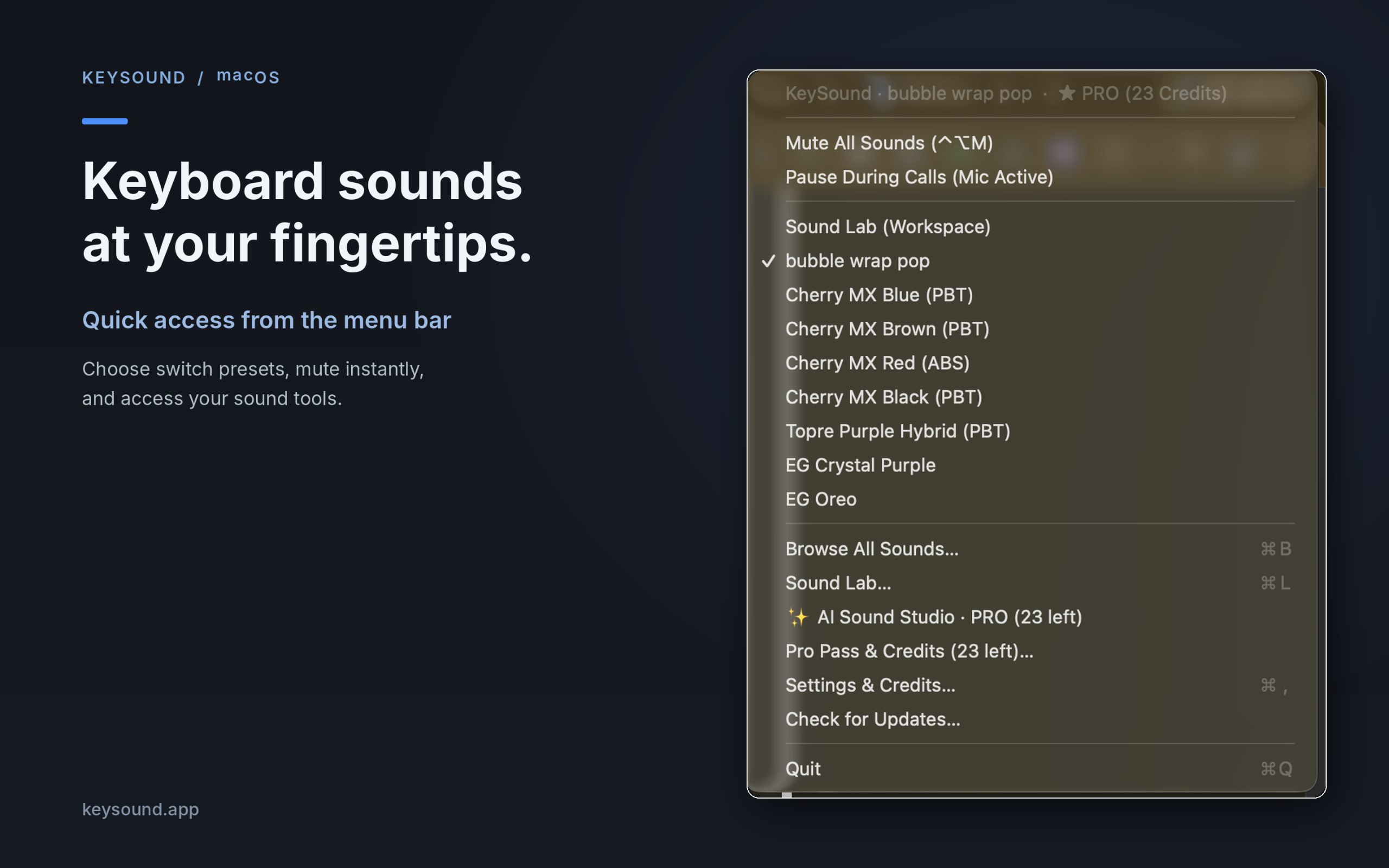
Selon son créateur : KeySound is a lightweight macOS menu-bar utility that makes your keyboard sound like mechanical switches. Choose from 10 recorded switch sound packs, create your own sound combinations using an offline three-layer mixer, and optionally generate new effects using text prompts in AI Sound Studio.
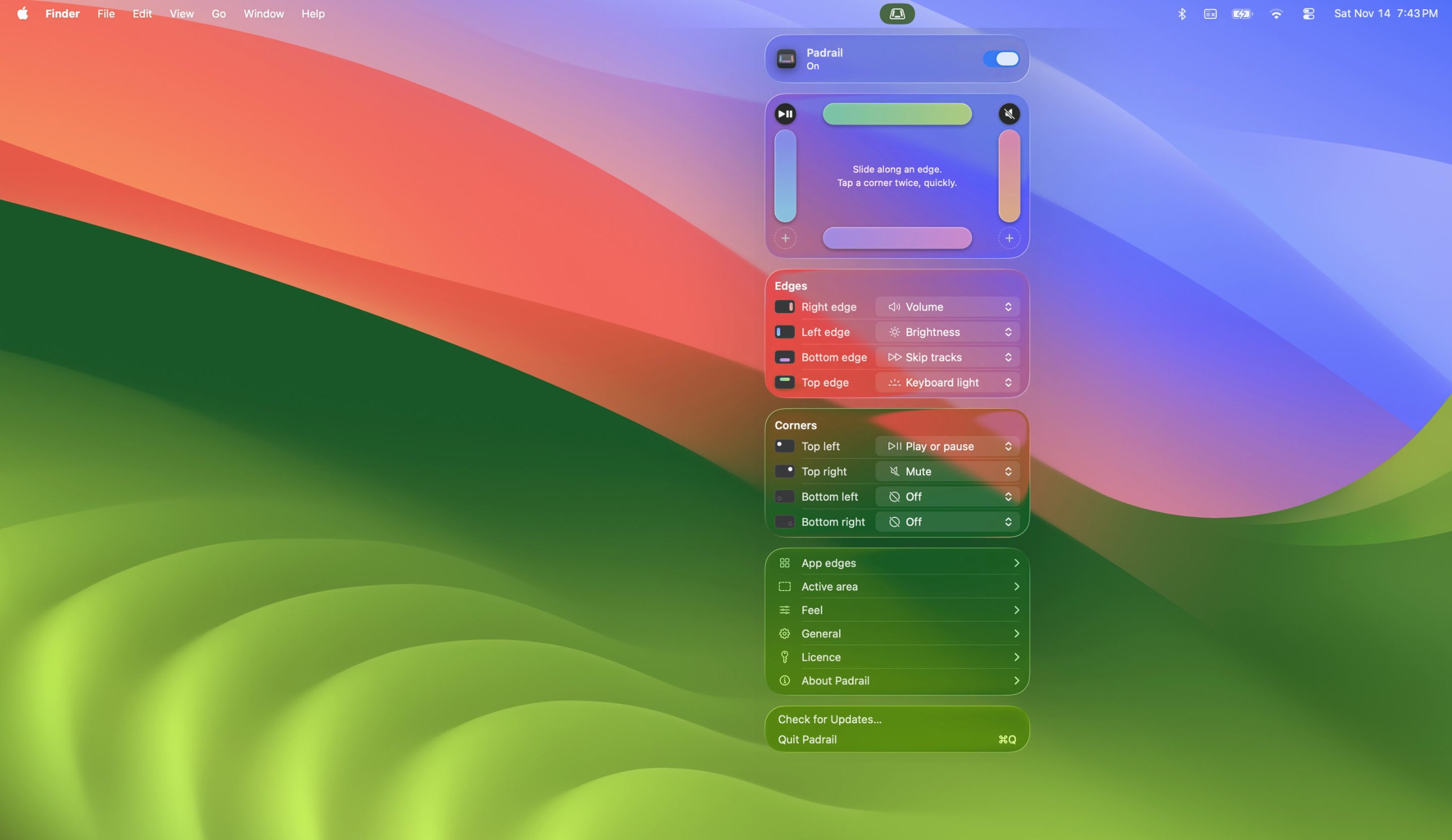
Selon son créateur : Padrail is a menu bar app that gives the edges and corners of your MacBook trackpad jobs of their own. Each step ticks under your finger, and the Mac's own level display shows the change.
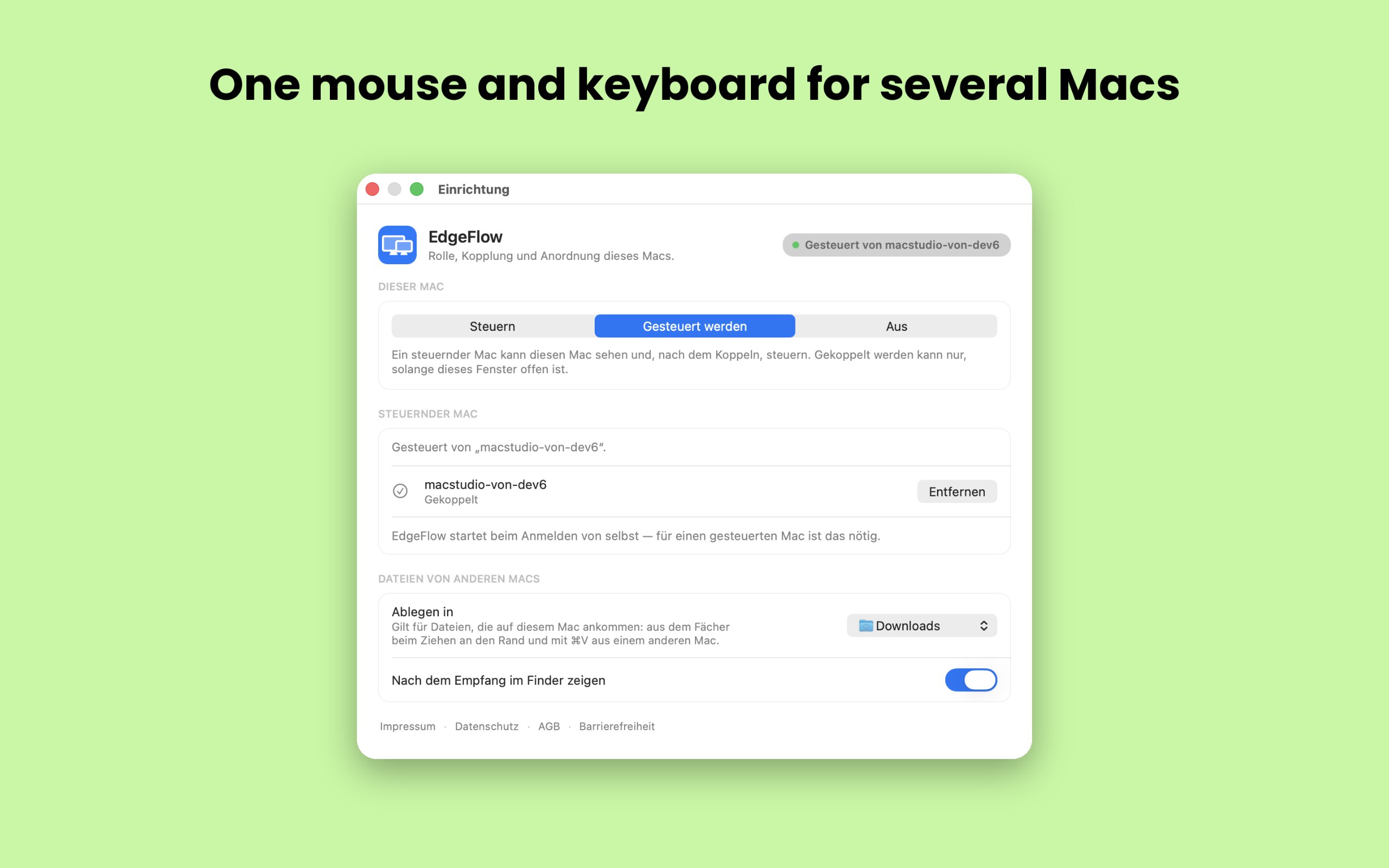
Selon son créateur : EdgeFlow lets you work on two or more Macs with a single mouse and keyboard. Move the pointer past the screen edge and it lands on the next Mac, with the keyboard following.
Selon son créateur : If you're looking for a more immersive experience on your Mac, FeelMyMac is for you. It adds a new level of interaction with your computer by adding haptic feedback and sound to your trackpad.
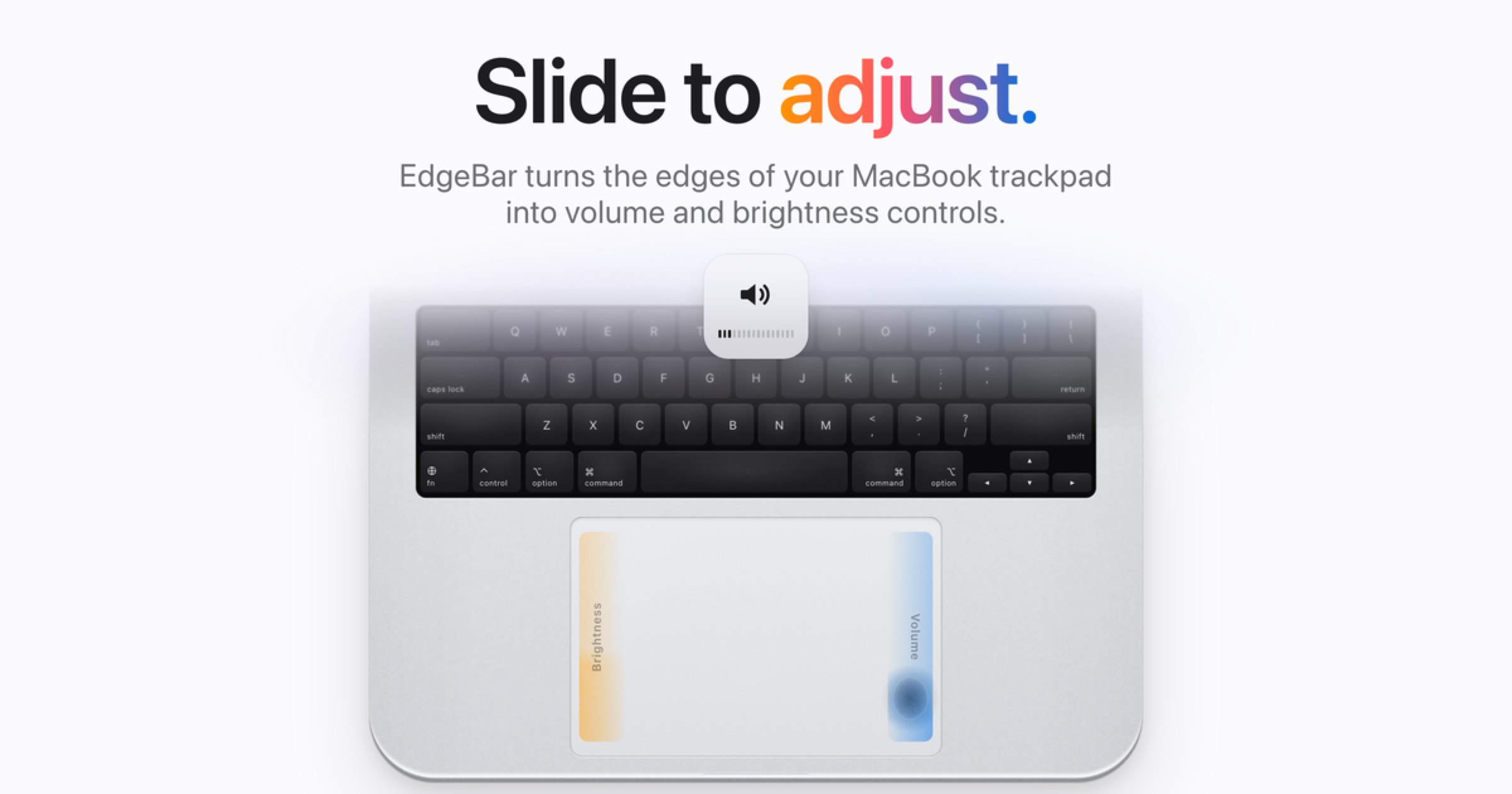
Selon son créateur : EdgeBar turns your MacBook trackpad edges into smooth volume and brightness controls. EdgeBar turns the edges of your MacBook trackpad into volume and brightness controls.
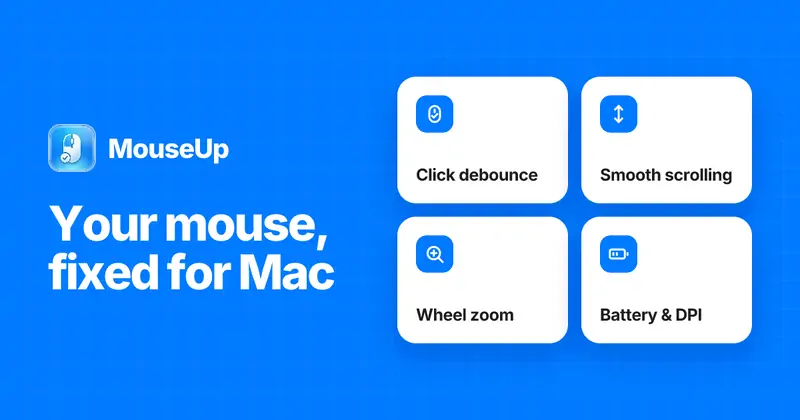
Selon son créateur : MouseUp (formerly Mac Mouse Fixer) makes any external mouse feel at home on macOS. It blocks the ghost double-clicks that worn switches cause, so one click is one click again, and turns every wheel notch into one smooth, trackpad-like glide.
Choisissez Scootch si vous préférez payer une fois plutôt que de vous abonner.
Choisissez Padrail si vous voulez qu'elle fonctionne nativement sur Apple silicon.
Choisissez FeelMyMac si vous avez besoin qu'elle fonctionne hors ligne, comme l'affirme son créateur.
Choisissez KeySound si vous voulez du code open source.
Ce qu'il faut regarder
Look for which devices it supports, whether it needs Accessibility access, and whether settings survive a restart.
Questions
What is the best one-time purchase keyboard or mouse app for Mac?
There is no single best one for everyone. MacPip lists 8: Scootch, KeySound, Padrail, EdgeFlow, FeelMyMac, EdgeBar, WheelClick, MouseUp. If you want it free, look at KeySound. If you would rather pay once than subscribe, look at Scootch. If you want it to run natively on Apple silicon, look at Padrail. If you need it to work offline, as its maker says it does, look at FeelMyMac. If you want open source code, look at KeySound.
Which one-time purchase keyboard and mouse apps run natively on Apple silicon?
D'après leurs créateurs ou d'après notre vérification : KeySound, Padrail, EdgeFlow, FeelMyMac, EdgeBar, WheelClick, MouseUp.
Which one-time purchase keyboard and mouse apps has MacPip checked?
Chacune a un rapport daté sur sa page : Scootch.
Comment MacPip classe-t-il ces apps ?
Les apps vérifiées passent en premier, la vérification la plus récente d'abord, puis les autres selon leur date d'ajout. Le paiement ne change jamais l'ordre, et les lignes sponsorisées sont signalées et mises à part.


 Créé par AfterimageDevSite webSur X