Mac için tek seferlik satın alınan en iyi “Klavye ve Fare” kategorisi uygulamaları
Güncellendi: 17 Kas 2026. MacPip'in bugün listelediklerinden.
Kısa cevap
MacPip lists 8 one-time purchase keyboard and mouse apps for Mac, and MacPip has checked 1 of them.Bunlardan 2 tanesinin ücretsiz sürümü var.Hepsi tek seferlik lisans satıyor.There is no single best one-time purchase keyboard or mouse app for everyone, so MacPip does not rank them.Ücretsiz olmasını istiyorsanız KeySound ile başlayın.
Kontrol edilen uygulamalar önce gelir, en yeni kontrol en önde. Asla ödemeye göre sıralanmaz.
Listelemelerine göre bu 8 uygulamanın sundukları. Bir uygulama birkaç şey sunabilir, bu yüzden çubukların toplamı 8 etmez.
Ücretsiz sürüm8 içinden 2
Bir kez ödeyin8 içinden 8
Abonelik8 içinden 0
Apple silicon'da yerel8 içinden 7
Açık kaynak8 içinden 1
Çevrimdışı çalışır8 içinden 3
Kontrol edildi8 içinden 1
Her listelemenin belirttiği şekliyle ABD doları cinsinden tek seferlik fiyat, en düşükten başlayarak. 2 uygulamanın sade bir dolar cinsinden tek seferlik fiyatı yok ve dışarıda bırakıldı. Listeleme belirtiyorsa lansman fiyatları sayılır.
Yapımcısından: Scootch lets one keyboard and mouse control every computer on your desk, in any mix of Mac, Windows and Linux, and moves files between them in any direction. There is no switch box, account or subscription.
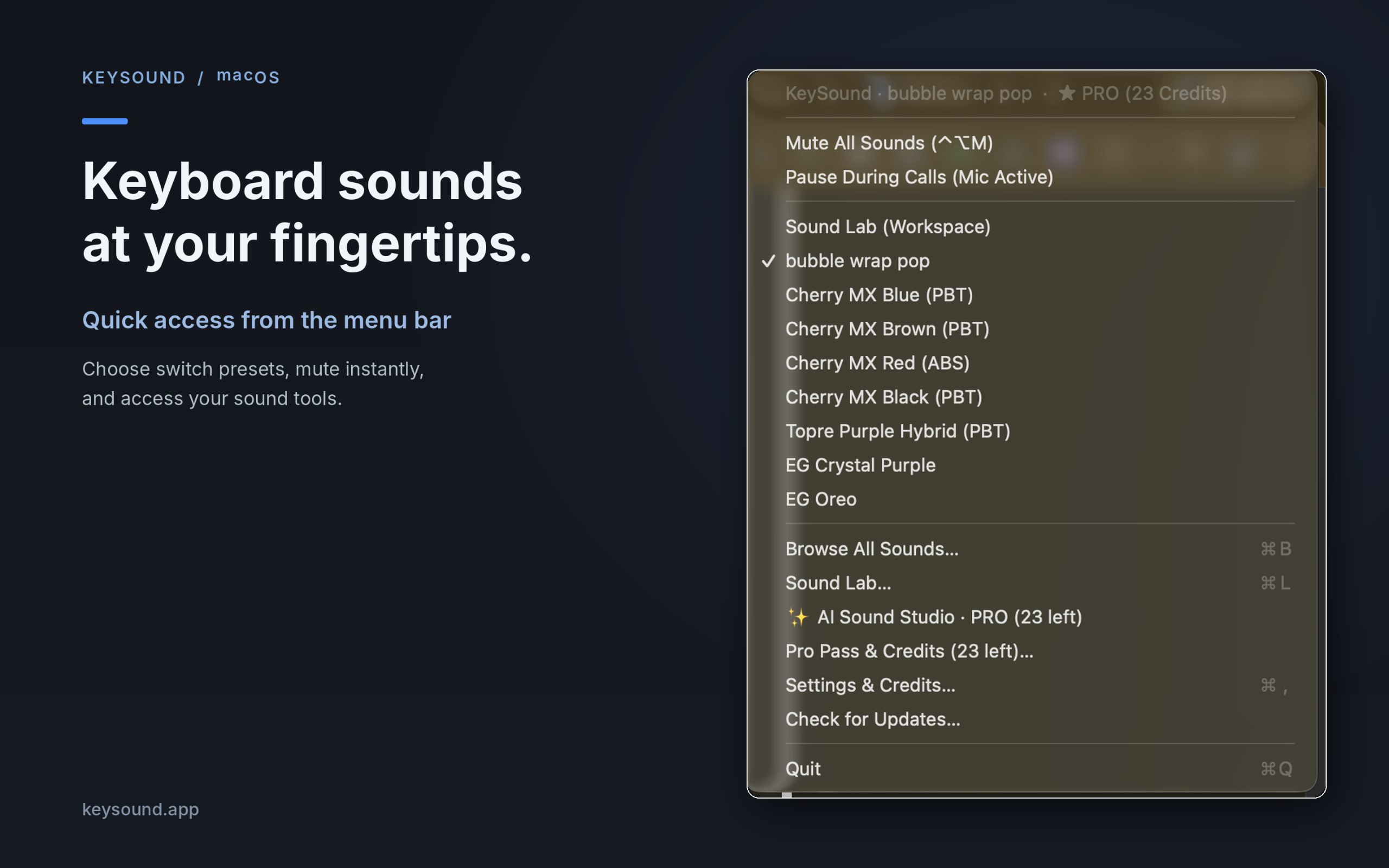
Yapımcısından: KeySound is a lightweight macOS menu-bar utility that makes your keyboard sound like mechanical switches. Choose from 10 recorded switch sound packs, create your own sound combinations using an offline three-layer mixer, and optionally generate new effects using text prompts in AI Sound Studio.
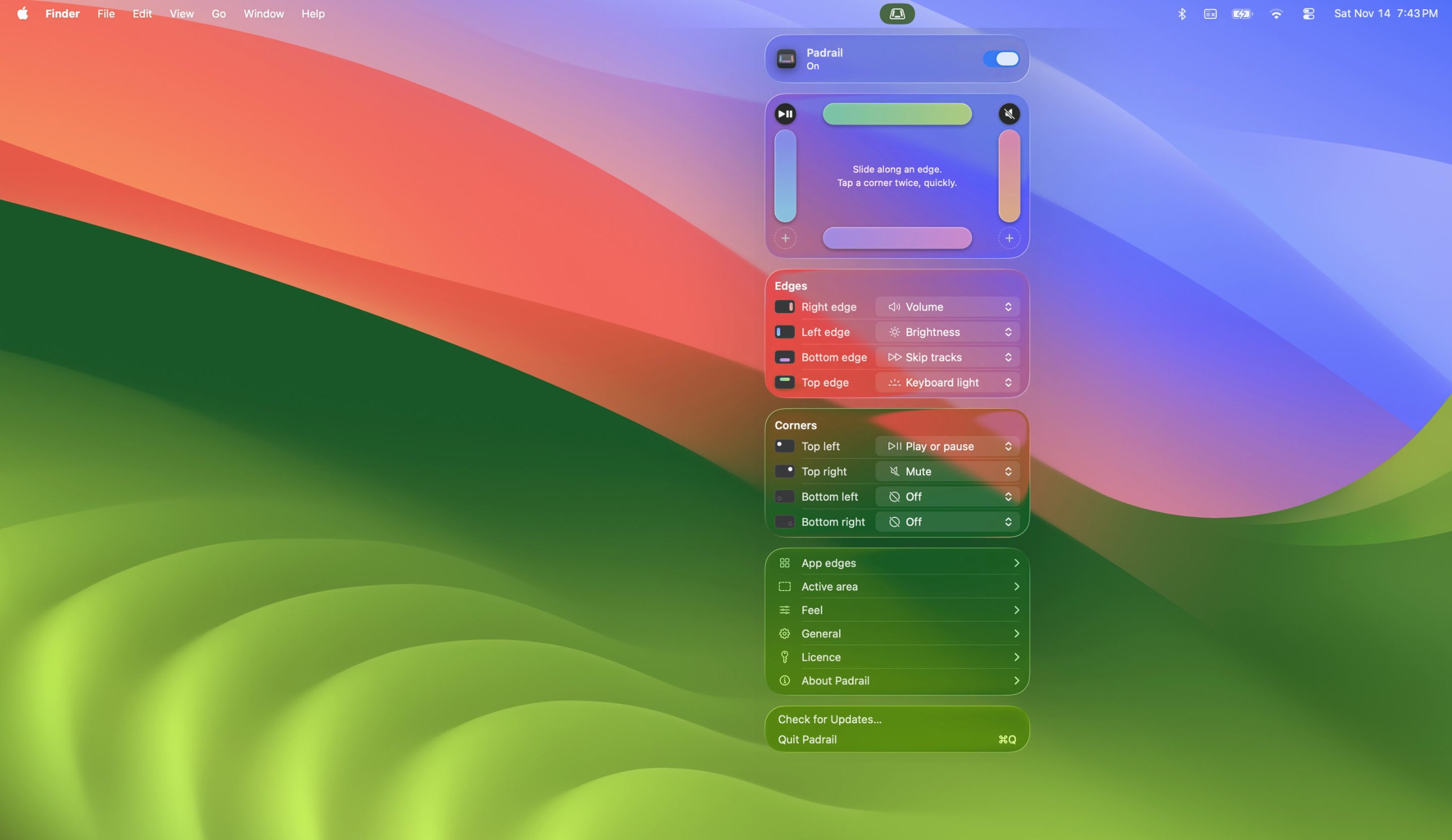
Yapımcısından: Padrail is a menu bar app that gives the edges and corners of your MacBook trackpad jobs of their own. Each step ticks under your finger, and the Mac's own level display shows the change.
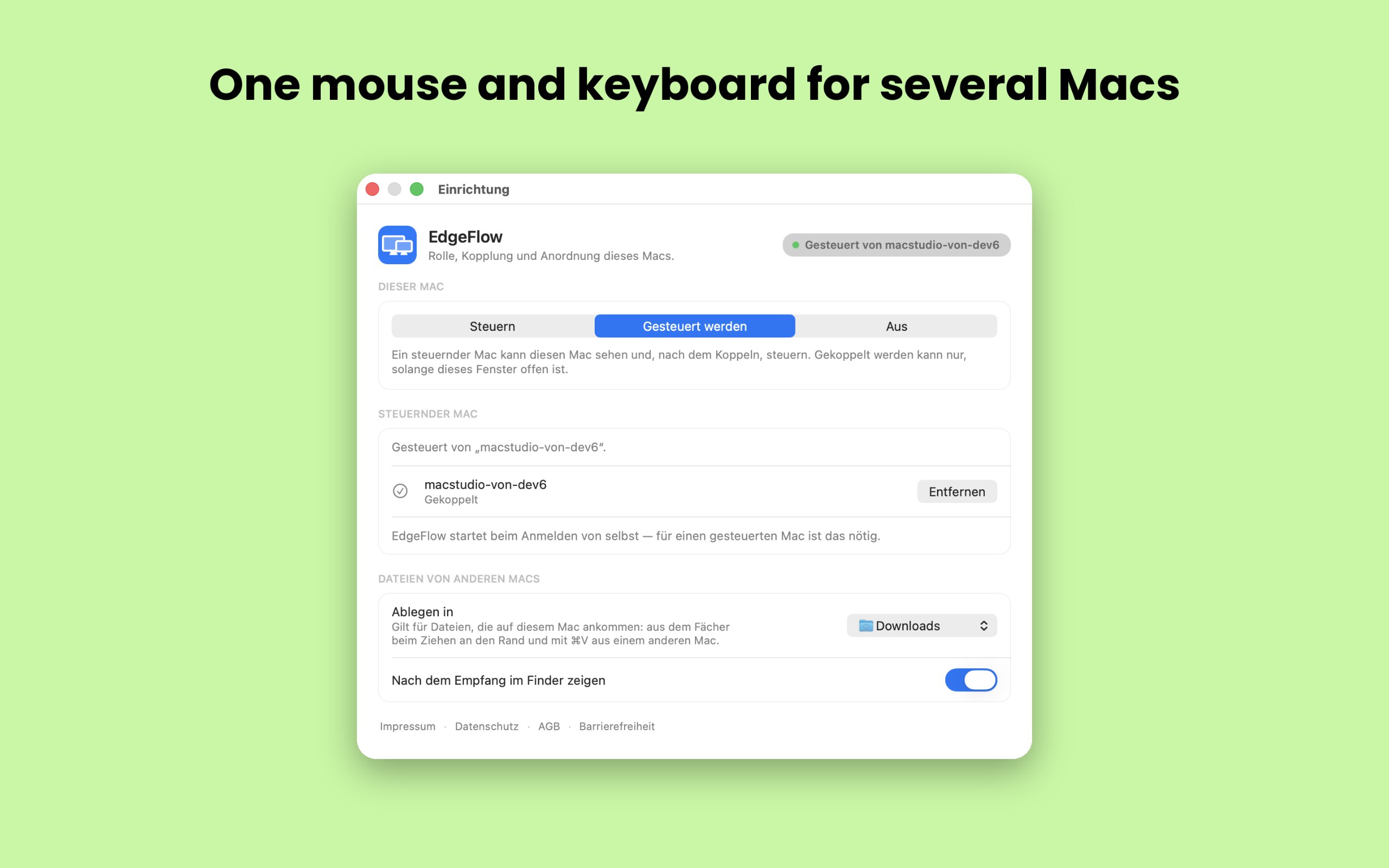
Yapımcısından: EdgeFlow lets you work on two or more Macs with a single mouse and keyboard. Move the pointer past the screen edge and it lands on the next Mac, with the keyboard following.
Yapımcısından: If you're looking for a more immersive experience on your Mac, FeelMyMac is for you. It adds a new level of interaction with your computer by adding haptic feedback and sound to your trackpad.
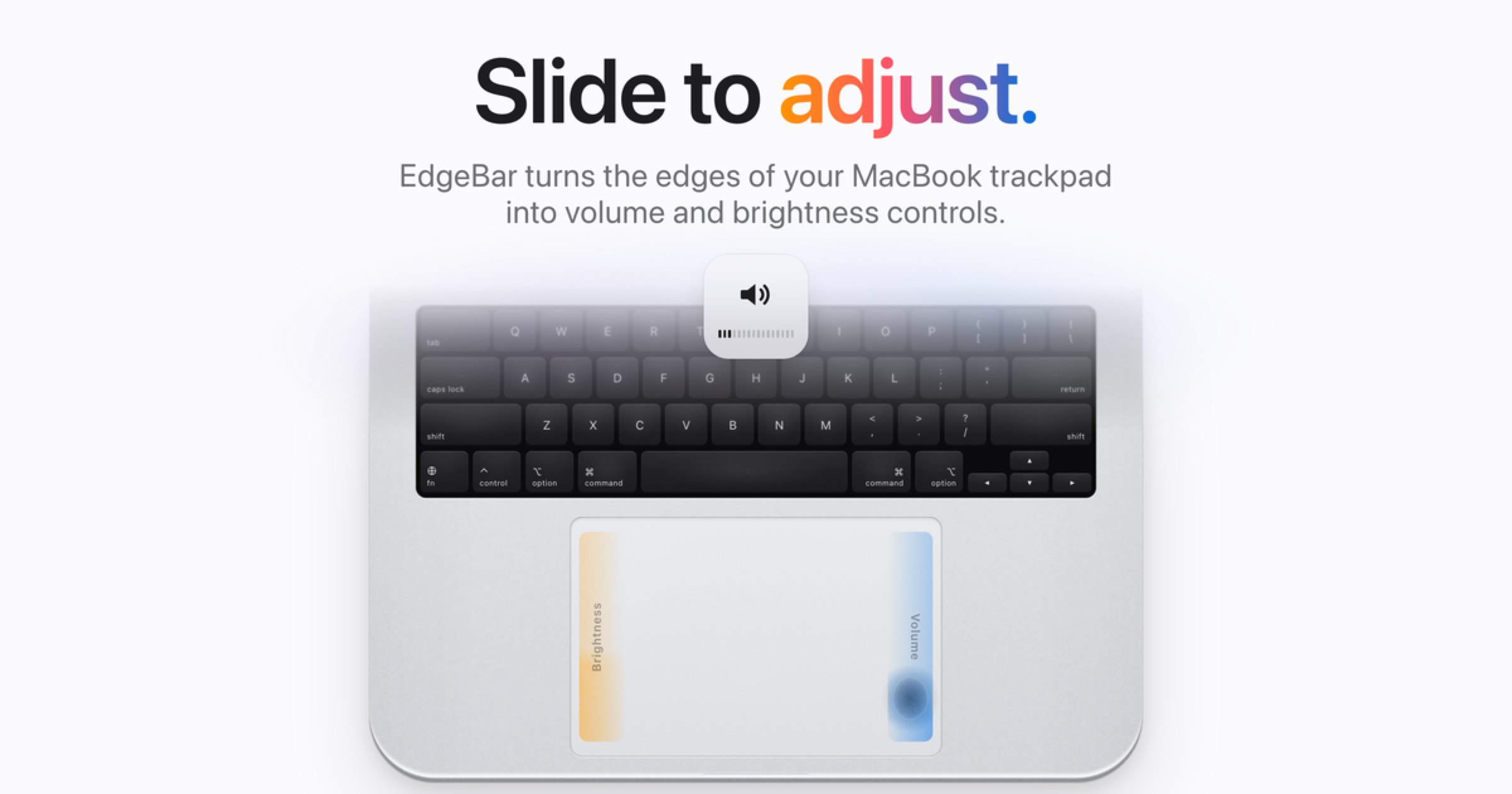
Yapımcısından: EdgeBar turns your MacBook trackpad edges into smooth volume and brightness controls. EdgeBar turns the edges of your MacBook trackpad into volume and brightness controls.
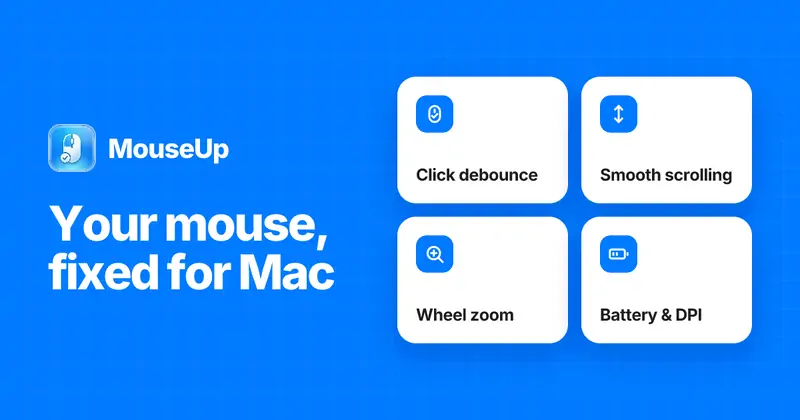
Yapımcısından: MouseUp (formerly Mac Mouse Fixer) makes any external mouse feel at home on macOS. It blocks the ghost double-clicks that worn switches cause, so one click is one click again, and turns every wheel notch into one smooth, trackpad-like glide.
Ücretsiz olmasını istiyorsanız KeySound uygulamasını seçin.
Abone olmak yerine bir kez ödemeyi tercih ediyorsanız Scootch uygulamasını seçin.
Apple silicon üzerinde yerel olarak çalışmasını istiyorsanız Padrail uygulamasını seçin.
Çevrimdışı çalışmasına ihtiyacınız varsa, geliştiricisinin söylediği gibi, FeelMyMac uygulamasını seçin.
Açık kaynak kod istiyorsanız KeySound uygulamasını seçin.
Nelere bakmalı
Look for which devices it supports, whether it needs Accessibility access, and whether settings survive a restart.
Sorular
What is the best one-time purchase keyboard or mouse app for Mac?
There is no single best one for everyone. MacPip lists 8: Scootch, KeySound, Padrail, EdgeFlow, FeelMyMac, EdgeBar, WheelClick, MouseUp. If you want it free, look at KeySound. If you would rather pay once than subscribe, look at Scootch. If you want it to run natively on Apple silicon, look at Padrail. If you need it to work offline, as its maker says it does, look at FeelMyMac. If you want open source code, look at KeySound.
Which one-time purchase keyboard and mouse apps run natively on Apple silicon?
Geliştiricilerinin sözüne göre veya bizim kontrolümüze göre: KeySound, Padrail, EdgeFlow, FeelMyMac, EdgeBar, WheelClick, MouseUp.
Which one-time purchase keyboard and mouse apps has MacPip checked?
Her birinin sayfasında tarihli bir rapor var: Scootch.
MacPip bu uygulamaları nasıl sıralar?
Kontrol edilen uygulamalar önce gelir, en yeni kontrol en önde, ardından diğerleri eklendikleri tarihe göre. Ödeme sırayı asla değiştirmez; sponsorlu satırlar etiketlenir ve ayrı tutulur.


 Yapan: AfterimageDevSiteX'te