Die besten Apps der Kategorie „Tastatur und Maus“ für Mac zum Einmalkauf
Aktualisiert am 17. Nov. 2026, aus dem, was MacPip heute listet.
Kurze Antwort
MacPip lists 8 one-time purchase keyboard and mouse apps for Mac, and MacPip has checked 1 of them.2 davon haben eine kostenlose Version.Alle verkaufen eine einmalige Lizenz.There is no single best one-time purchase keyboard or mouse app for everyone, so MacPip does not rank them.Wenn du sie kostenlos willst, fang mit KeySound an.
Geprüfte Apps kommen zuerst, die neueste Prüfung zuerst. Nie nach Bezahlung sortiert.
Was diese 8 Apps laut ihren Einträgen bieten. Eine App kann mehreres bieten, deshalb ergeben die Balken zusammen nicht 8.
Kostenlose Version2 von 8
Einmal zahlen8 von 8
Abo0 von 8
Nativ für Apple silicon7 von 8
Open Source1 von 8
Funktioniert offline3 von 8
Geprüft1 von 8
Einmalpreis in US-Dollar, wie im jeweiligen Eintrag angegeben, der niedrigste zuerst. 2 Apps haben keinen einfachen Einmalpreis in Dollar und fehlen. Launch-Preise zählen, wo der Eintrag es so angibt.
Vom Maker: Scootch lets one keyboard and mouse control every computer on your desk, in any mix of Mac, Windows and Linux, and moves files between them in any direction. There is no switch box, account or subscription.
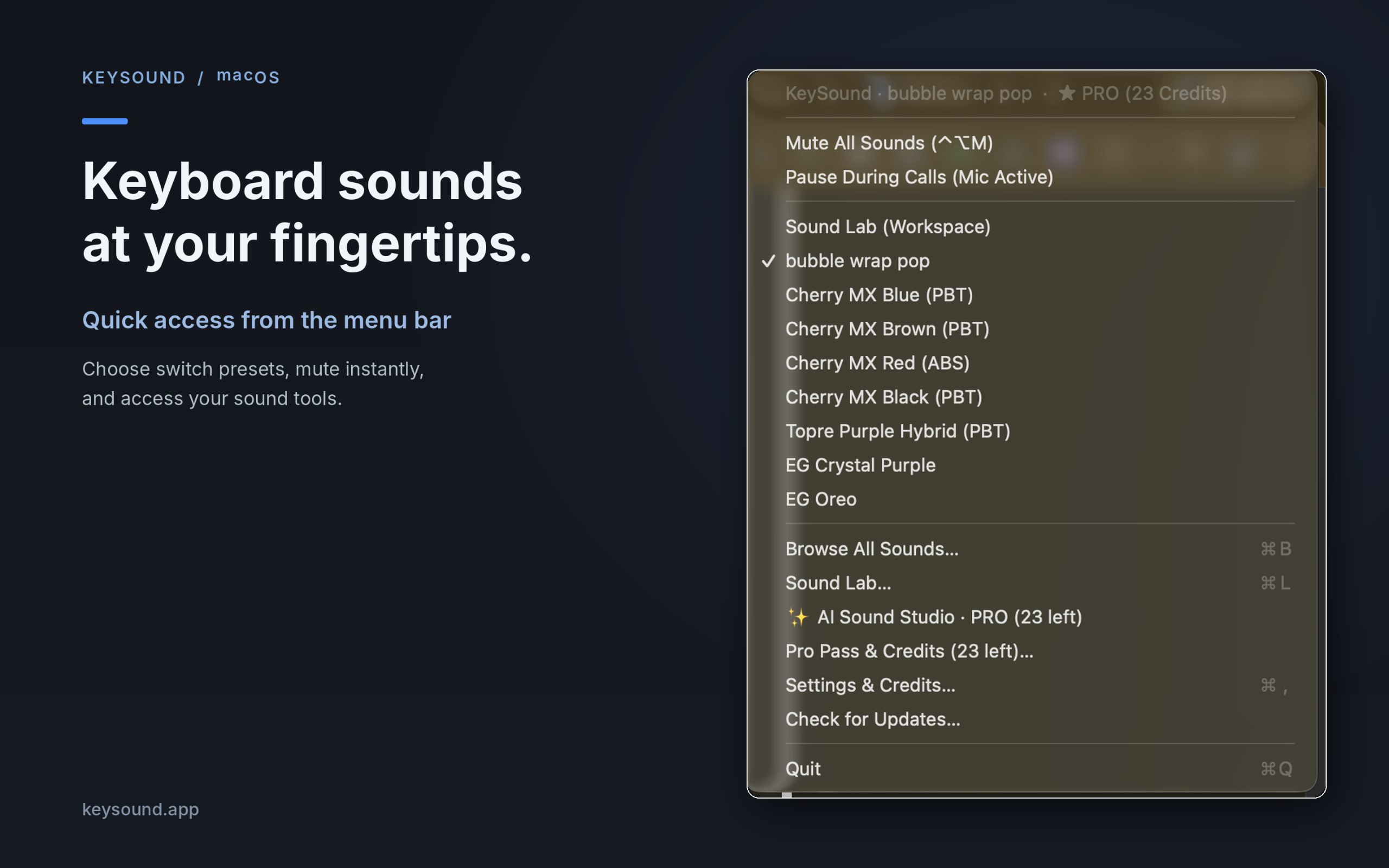
Vom Maker: KeySound is a lightweight macOS menu-bar utility that makes your keyboard sound like mechanical switches. Choose from 10 recorded switch sound packs, create your own sound combinations using an offline three-layer mixer, and optionally generate new effects using text prompts in AI Sound Studio.
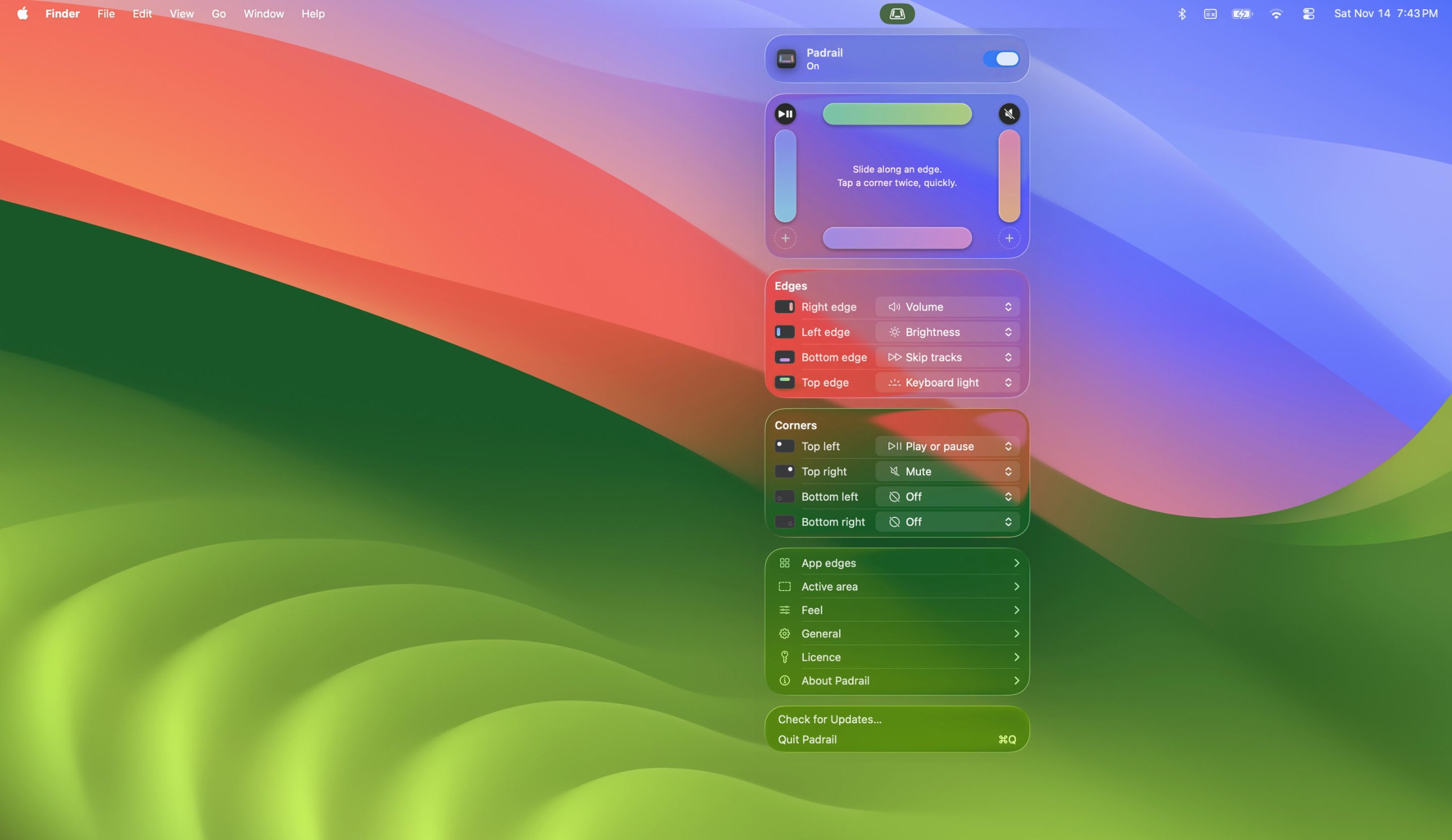
Vom Maker: Padrail is a menu bar app that gives the edges and corners of your MacBook trackpad jobs of their own. Each step ticks under your finger, and the Mac's own level display shows the change.
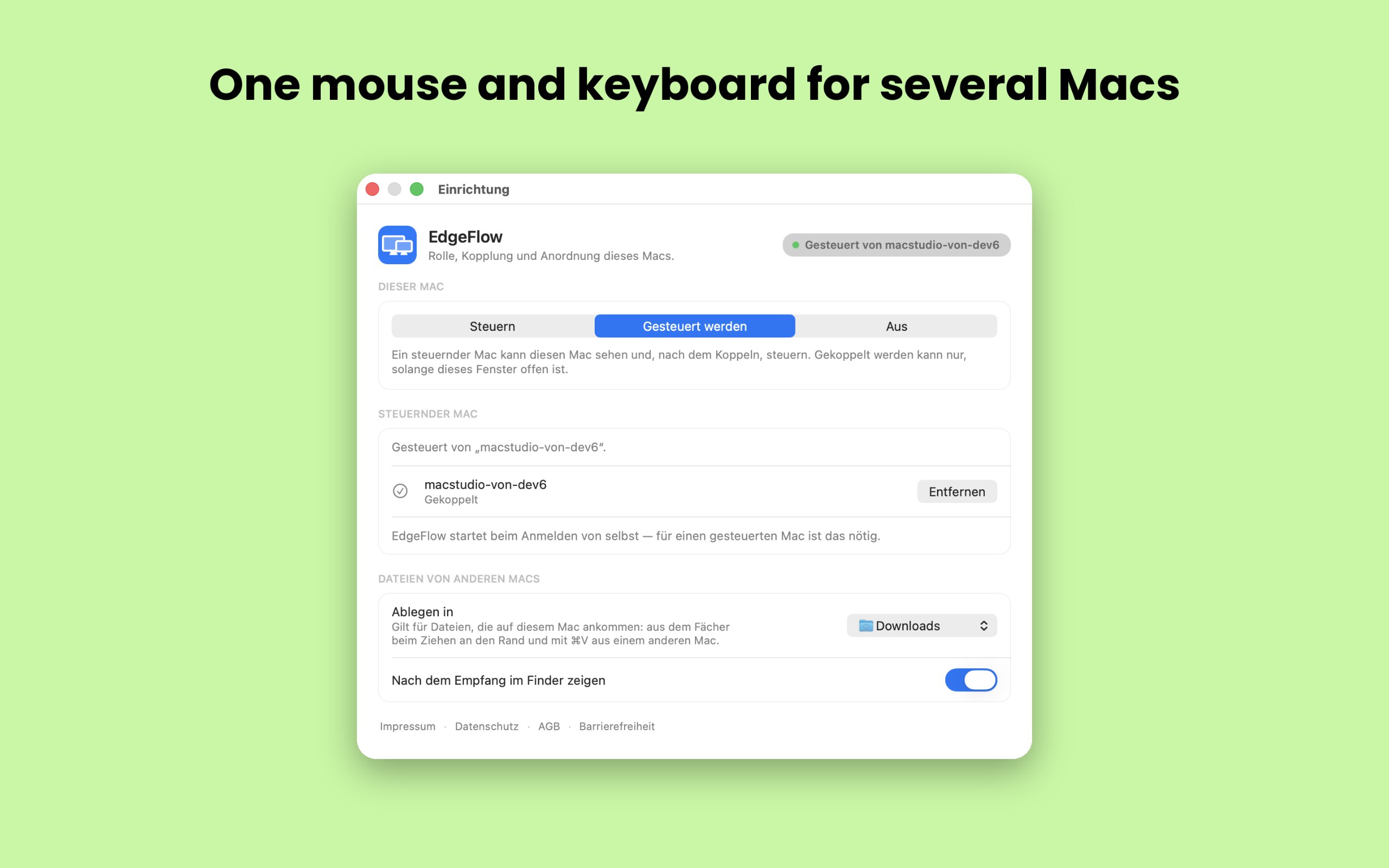
Vom Maker: EdgeFlow lets you work on two or more Macs with a single mouse and keyboard. Move the pointer past the screen edge and it lands on the next Mac, with the keyboard following.
Vom Maker: If you're looking for a more immersive experience on your Mac, FeelMyMac is for you. It adds a new level of interaction with your computer by adding haptic feedback and sound to your trackpad.
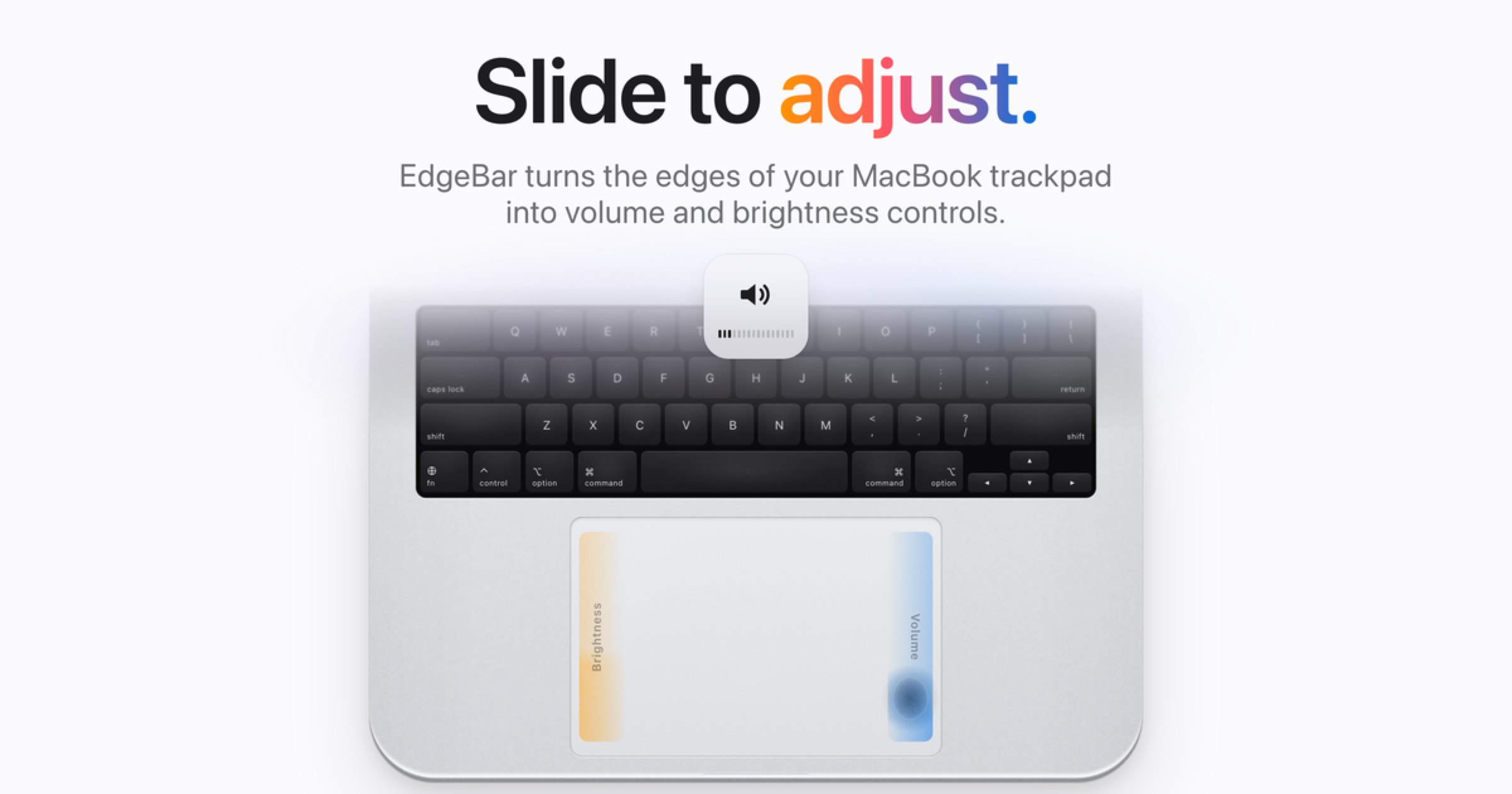
Vom Maker: EdgeBar turns your MacBook trackpad edges into smooth volume and brightness controls. EdgeBar turns the edges of your MacBook trackpad into volume and brightness controls.
Vom Maker: MouseUp (formerly Mac Mouse Fixer) makes any external mouse feel at home on macOS. It blocks the ghost double-clicks that worn switches cause, so one click is one click again, and turns every wheel notch into one smooth, trackpad-like glide.
Look for which devices it supports, whether it needs Accessibility access, and whether settings survive a restart.
Fragen
What is the best one-time purchase keyboard or mouse app for Mac?
There is no single best one for everyone. MacPip lists 8: Scootch, KeySound, Padrail, EdgeFlow, FeelMyMac, EdgeBar, WheelClick, MouseUp. If you want it free, look at KeySound. If you would rather pay once than subscribe, look at Scootch. If you want it to run natively on Apple silicon, look at Padrail. If you need it to work offline, as its maker says it does, look at FeelMyMac. If you want open source code, look at KeySound.
Which one-time purchase keyboard and mouse apps run natively on Apple silicon?
Nach Angabe der Maker oder nach unserer Prüfung: KeySound, Padrail, EdgeFlow, FeelMyMac, EdgeBar, WheelClick, MouseUp.
Which one-time purchase keyboard and mouse apps has MacPip checked?
Jede hat einen datierten Bericht auf ihrer Seite: Scootch.
Wie sortiert MacPip diese Apps?
Geprüfte Apps kommen zuerst, die neueste Prüfung zuerst, danach der Rest danach, wann er hinzugefügt wurde. Bezahlung ändert nie die Reihenfolge, und gesponserte Zeilen sind gekennzeichnet und getrennt.


 Gemacht von AfterimageDevWebsiteAuf X