Beste apps uit de categorie “Toetsenbord en muis” met een eenmalige aankoop voor Mac
Bijgewerkt op 17 nov 2026, uit wat MacPip vandaag vermeldt.
Kort antwoord
MacPip lists 8 one-time purchase keyboard and mouse apps for Mac, and MacPip has checked 1 of them.2 ervan hebben een gratis versie.Ze verkopen allemaal een eenmalige licentie.There is no single best one-time purchase keyboard or mouse app for everyone, so MacPip does not rank them.Als je een gratis app wilt, begin dan met KeySound.
Gecontroleerde apps komen eerst, de nieuwste controle bovenaan. Nooit gesorteerd op betaling.
Wat deze 8 apps bieden, volgens hun vermeldingen. Een app kan meerdere dingen bieden, dus de balken tellen niet op tot 8.
Gratis versie2 van 8
Eenmalig betalen8 van 8
Abonnement0 van 8
Native op Apple silicon7 van 8
Open source1 van 8
Werkt offline3 van 8
Gecontroleerd1 van 8
Eenmalige prijs in Amerikaanse dollars, zoals elke vermelding die noemt, laagste eerst. 2 apps hebben geen gewone eenmalige prijs in dollars en zijn weggelaten. Lanceringsprijzen tellen mee waar de vermelding dat zegt.
Van de maker: Scootch lets one keyboard and mouse control every computer on your desk, in any mix of Mac, Windows and Linux, and moves files between them in any direction. There is no switch box, account or subscription.
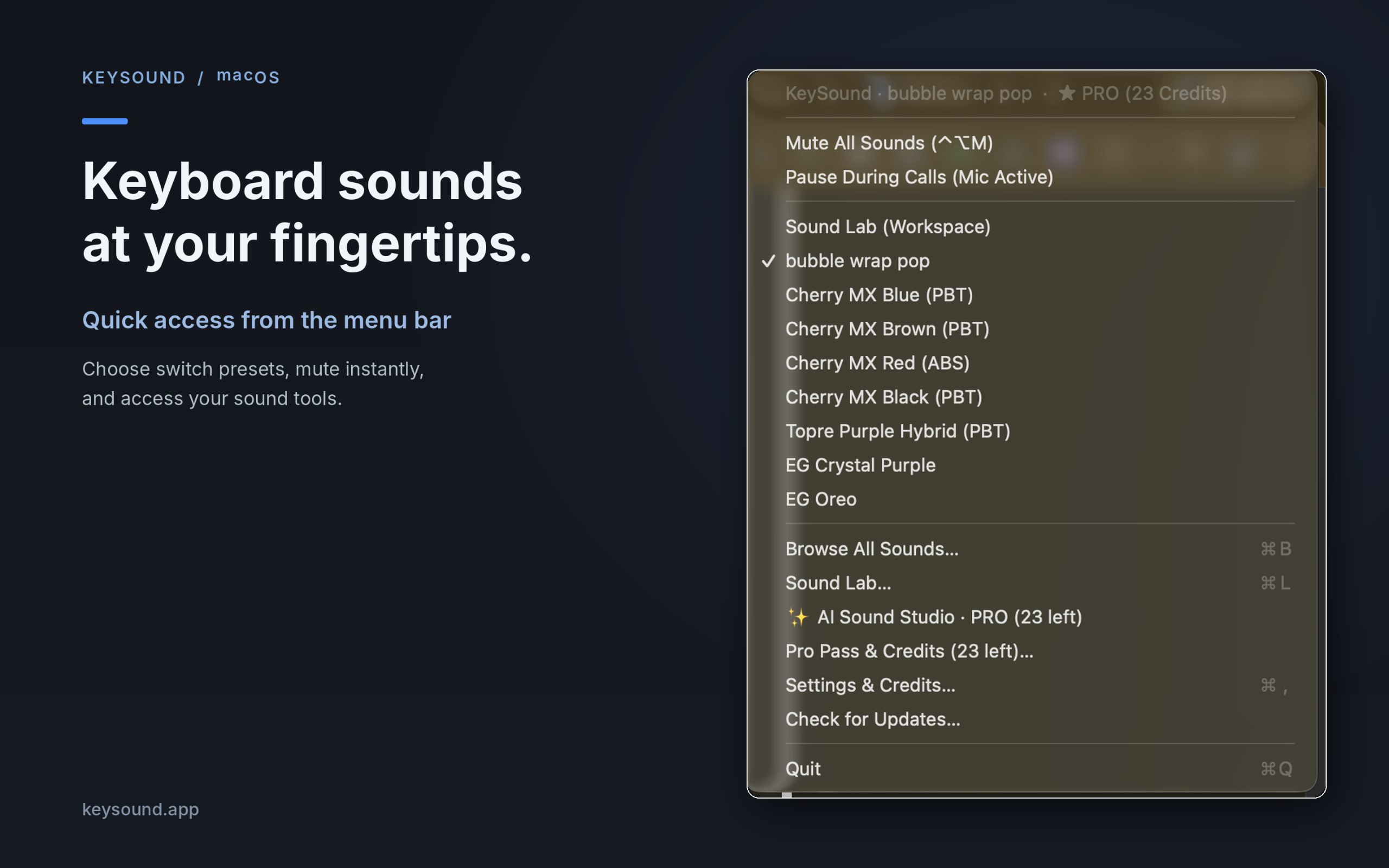
Van de maker: KeySound is a lightweight macOS menu-bar utility that makes your keyboard sound like mechanical switches. Choose from 10 recorded switch sound packs, create your own sound combinations using an offline three-layer mixer, and optionally generate new effects using text prompts in AI Sound Studio.
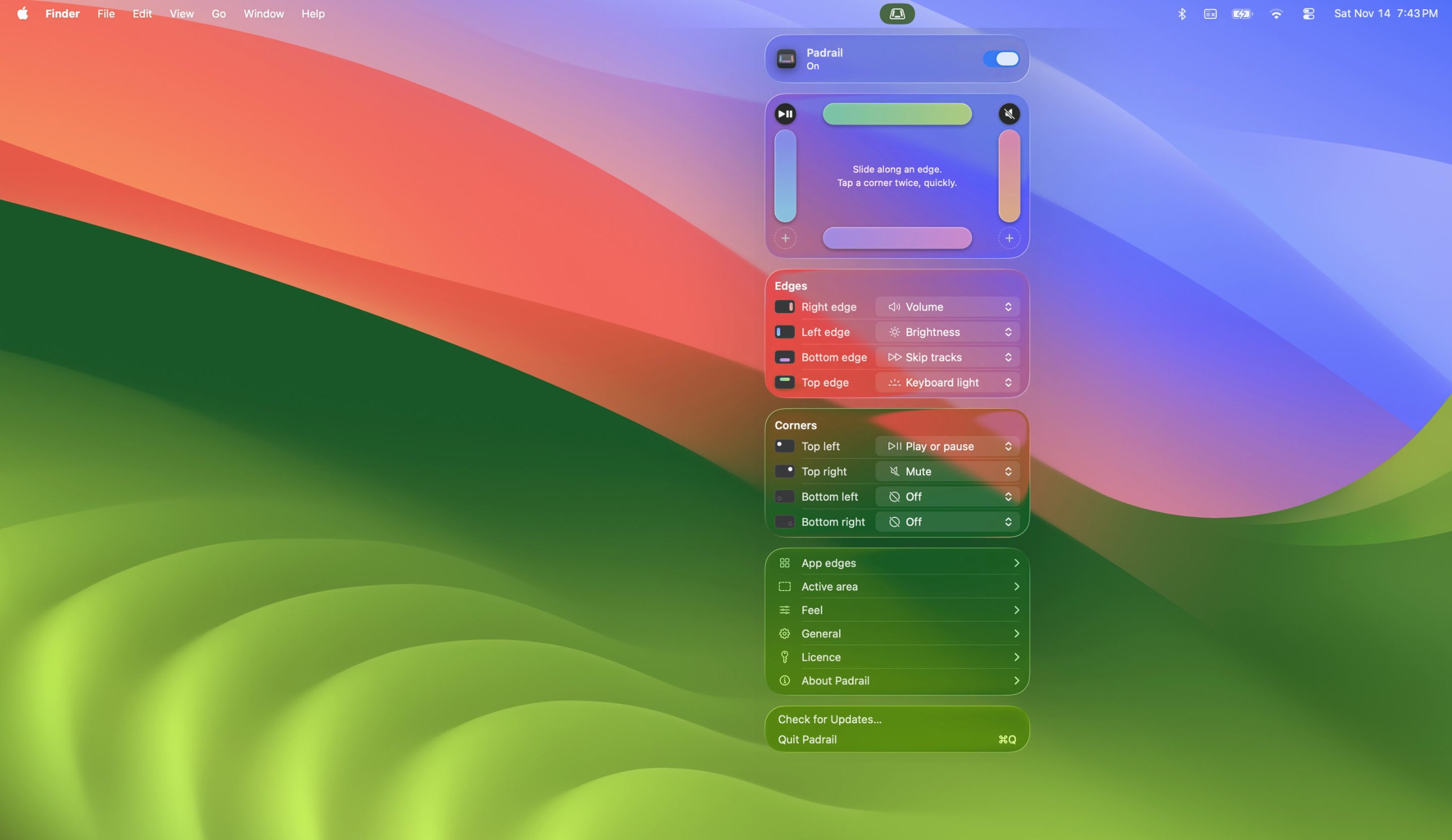
Van de maker: Padrail is a menu bar app that gives the edges and corners of your MacBook trackpad jobs of their own. Each step ticks under your finger, and the Mac's own level display shows the change.
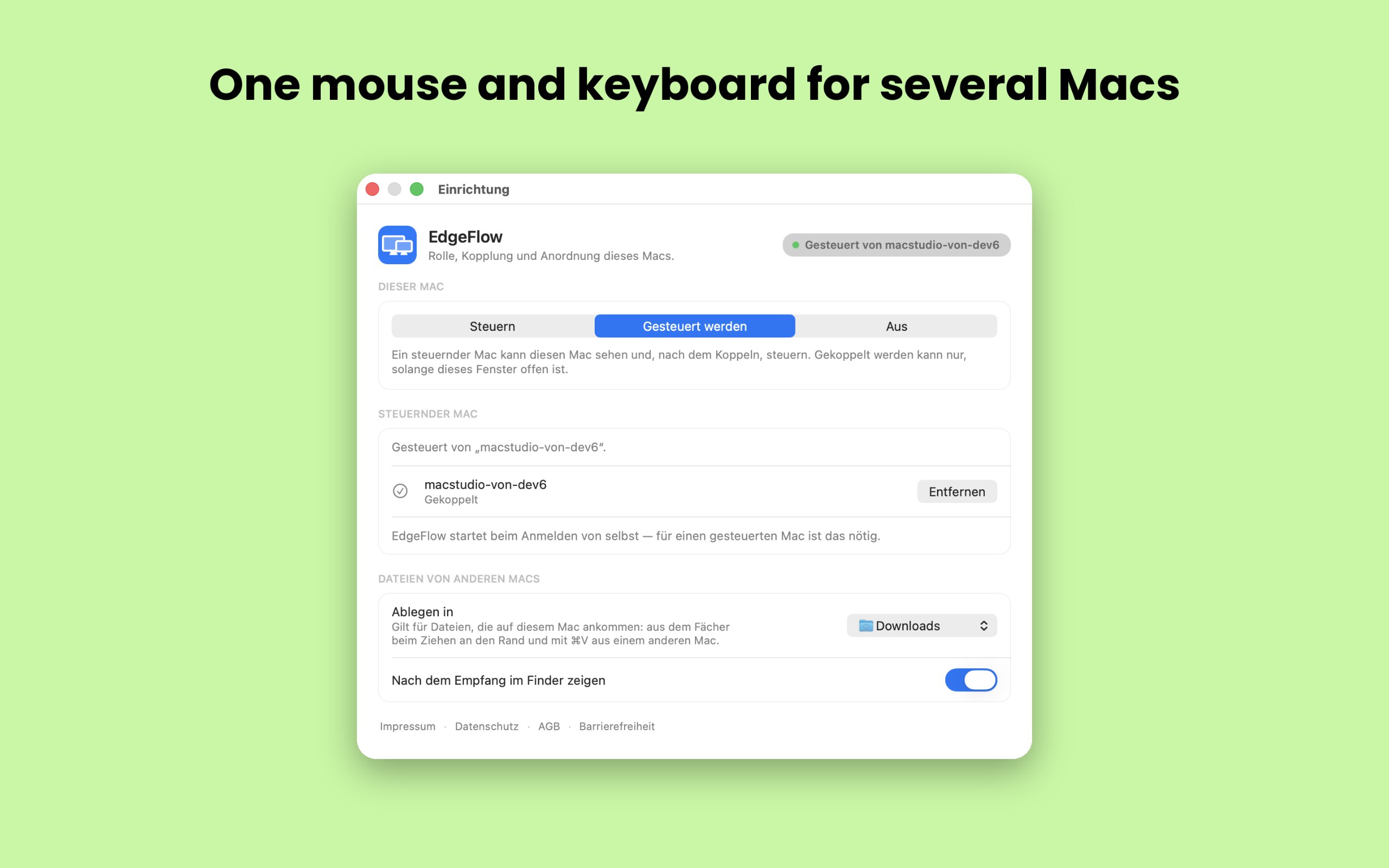
Van de maker: EdgeFlow lets you work on two or more Macs with a single mouse and keyboard. Move the pointer past the screen edge and it lands on the next Mac, with the keyboard following.
Van de maker: If you're looking for a more immersive experience on your Mac, FeelMyMac is for you. It adds a new level of interaction with your computer by adding haptic feedback and sound to your trackpad.
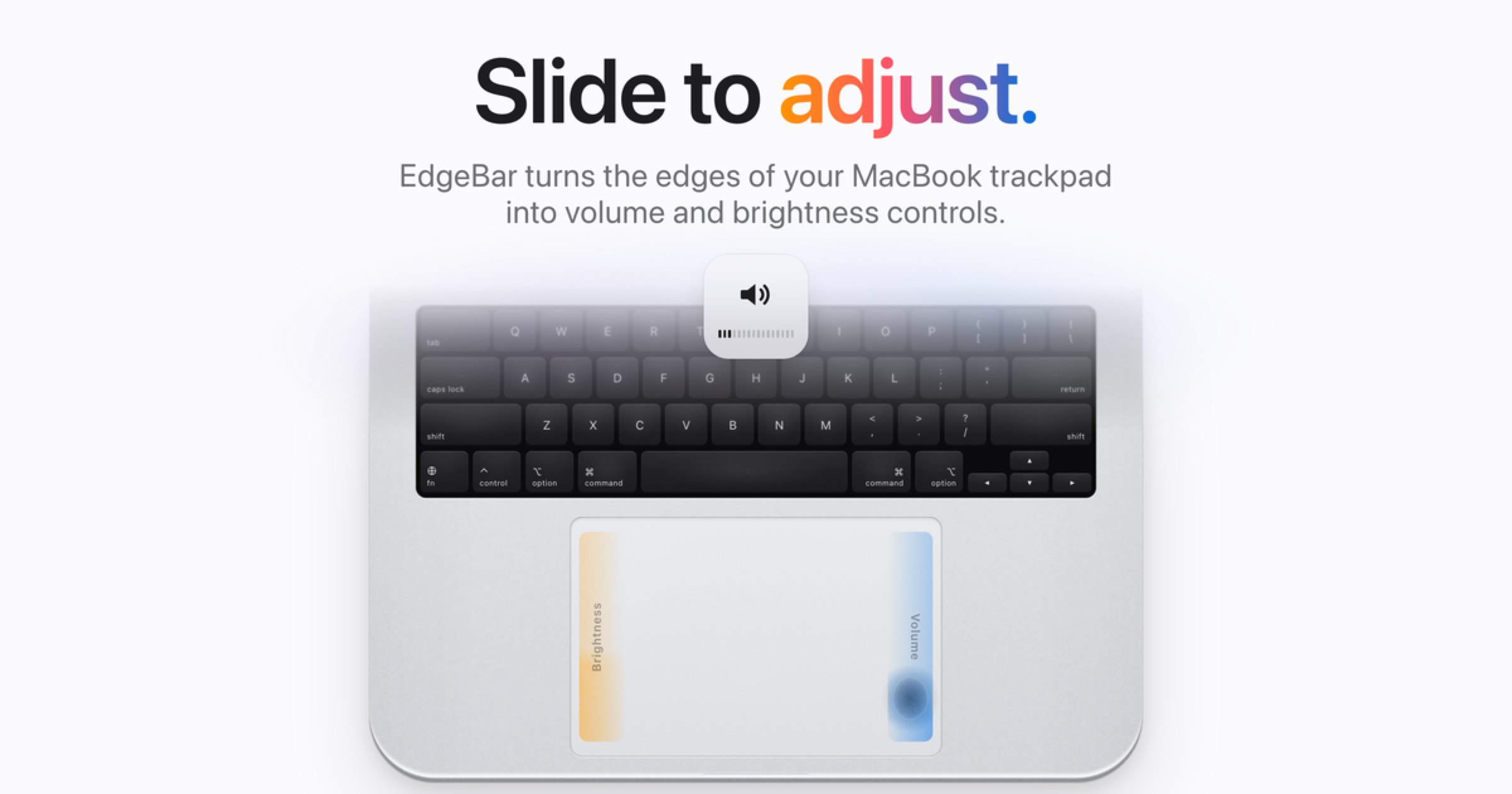
Van de maker: EdgeBar turns your MacBook trackpad edges into smooth volume and brightness controls. EdgeBar turns the edges of your MacBook trackpad into volume and brightness controls.
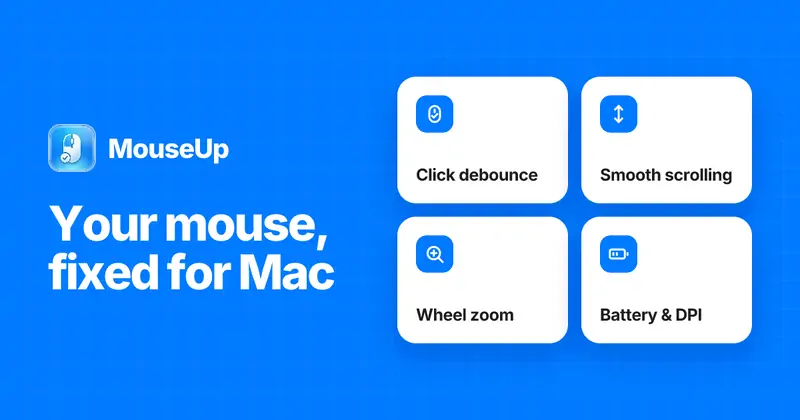
Van de maker: MouseUp (formerly Mac Mouse Fixer) makes any external mouse feel at home on macOS. It blocks the ghost double-clicks that worn switches cause, so one click is one click again, and turns every wheel notch into one smooth, trackpad-like glide.
Look for which devices it supports, whether it needs Accessibility access, and whether settings survive a restart.
Vragen
What is the best one-time purchase keyboard or mouse app for Mac?
There is no single best one for everyone. MacPip lists 8: Scootch, KeySound, Padrail, EdgeFlow, FeelMyMac, EdgeBar, WheelClick, MouseUp. If you want it free, look at KeySound. If you would rather pay once than subscribe, look at Scootch. If you want it to run natively on Apple silicon, look at Padrail. If you need it to work offline, as its maker says it does, look at FeelMyMac. If you want open source code, look at KeySound.
Which one-time purchase keyboard and mouse apps run natively on Apple silicon?
Volgens de makers of volgens onze controle: KeySound, Padrail, EdgeFlow, FeelMyMac, EdgeBar, WheelClick, MouseUp.
Which one-time purchase keyboard and mouse apps has MacPip checked?
Elke app heeft een gedateerd rapport op zijn pagina: Scootch.
Hoe sorteert MacPip deze apps?
Gecontroleerde apps komen eerst, de nieuwste controle bovenaan, daarna de rest op het moment dat ze zijn toegevoegd. Betalen verandert nooit de volgorde, en gesponsorde rijen hebben een label en staan apart.


 Gemaakt door AfterimageDevWebsiteOp X