Listelemeler, geliştiricilerinin yazdığı dilde kalır.


Hakkında
InputConfig, Mac için “Klavye ve Fare” kategorisinde bir uygulamadır:Use any controller as a keyboard and mouse.Fiyat: Free, optional tip jar.Apple silicon üzerinde çalışır.Henüz hiçbir kişi kontrol etmedi.
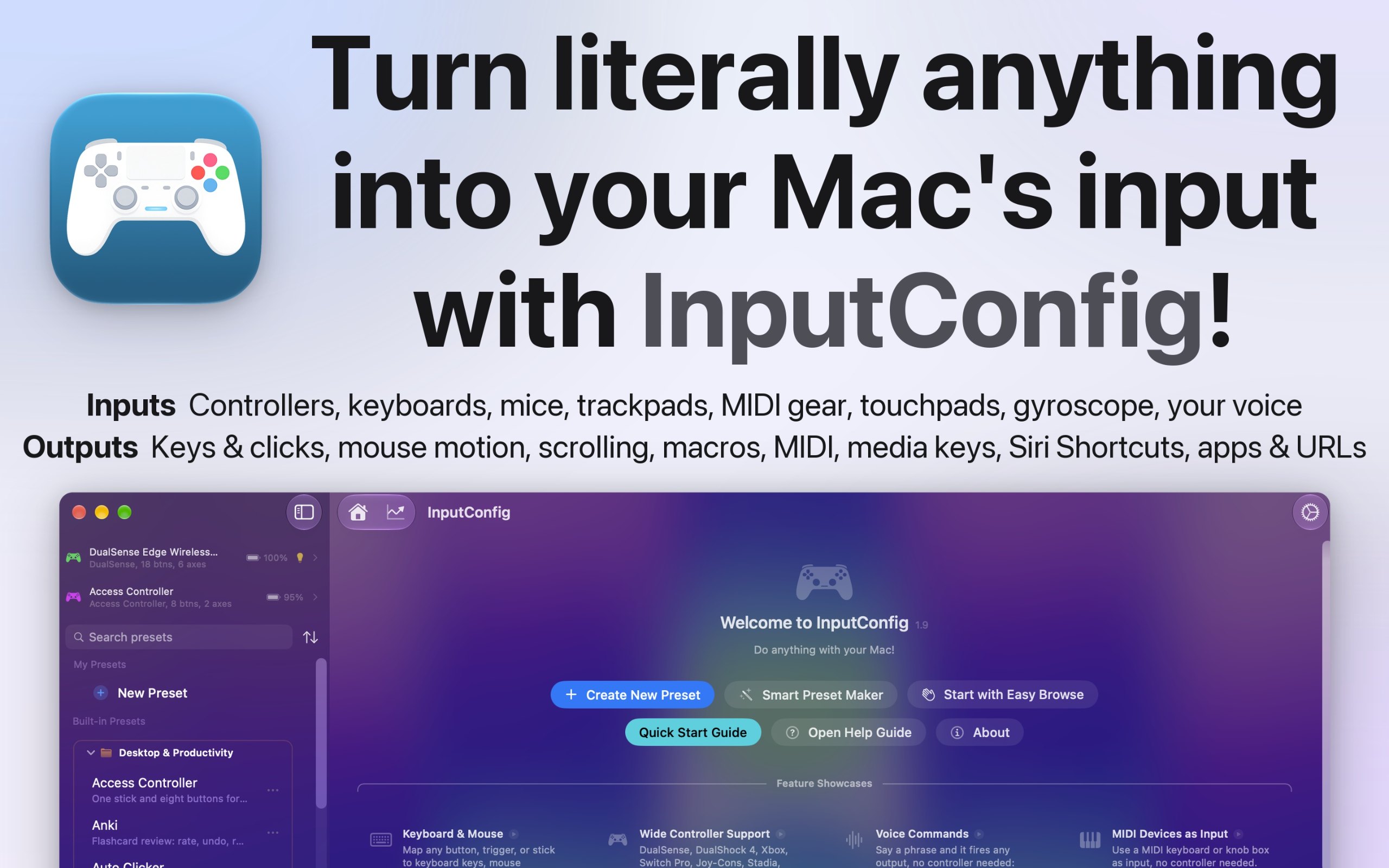
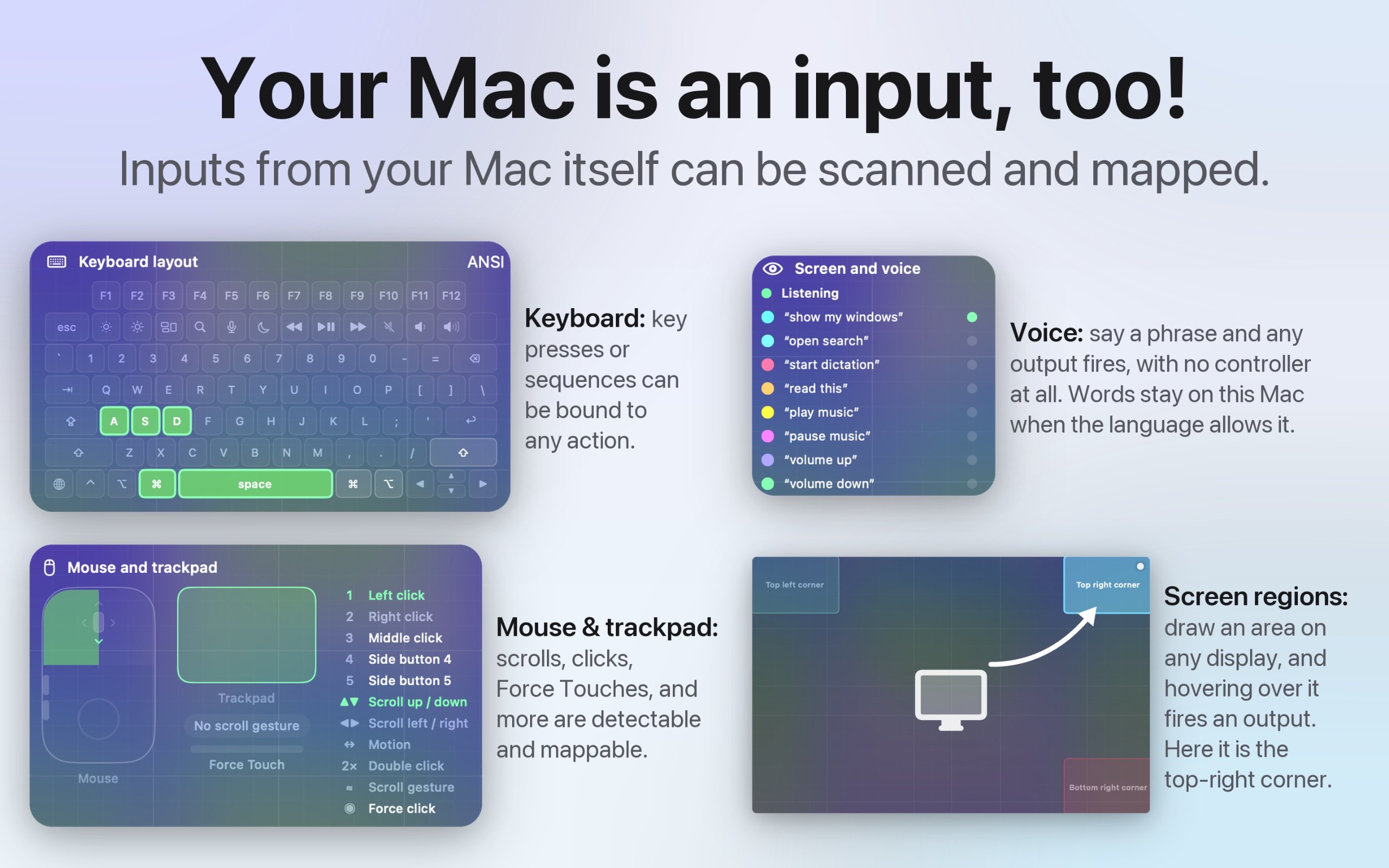
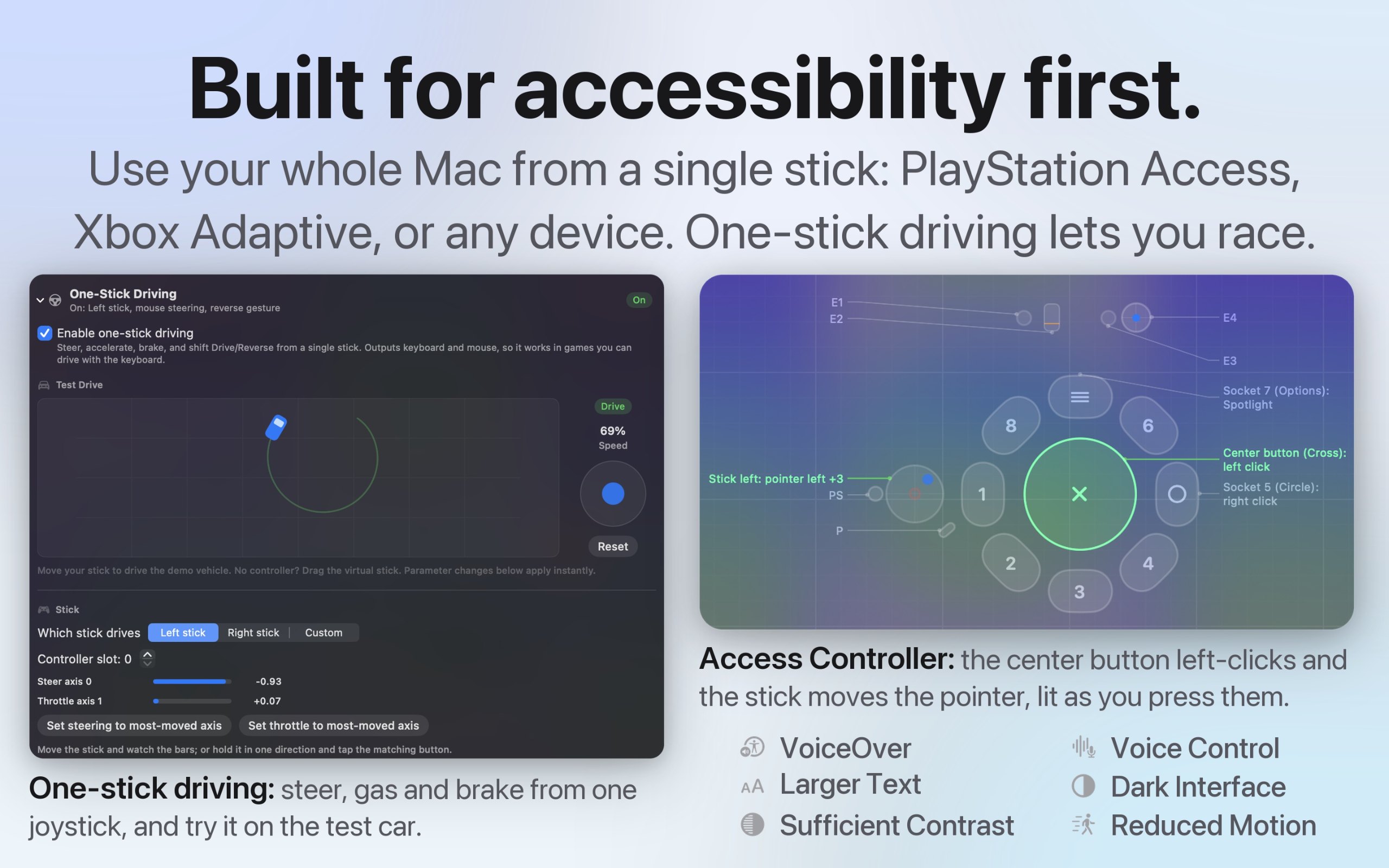
I built InputConfig because my hands don't work that well, and a keyboard and mouse ask for a kind of control I don't have. It's for anyone who would rather run their Mac with a game controller, an adaptive controller, or a MIDI keyboard, whether that's for accessibility, games, or music.
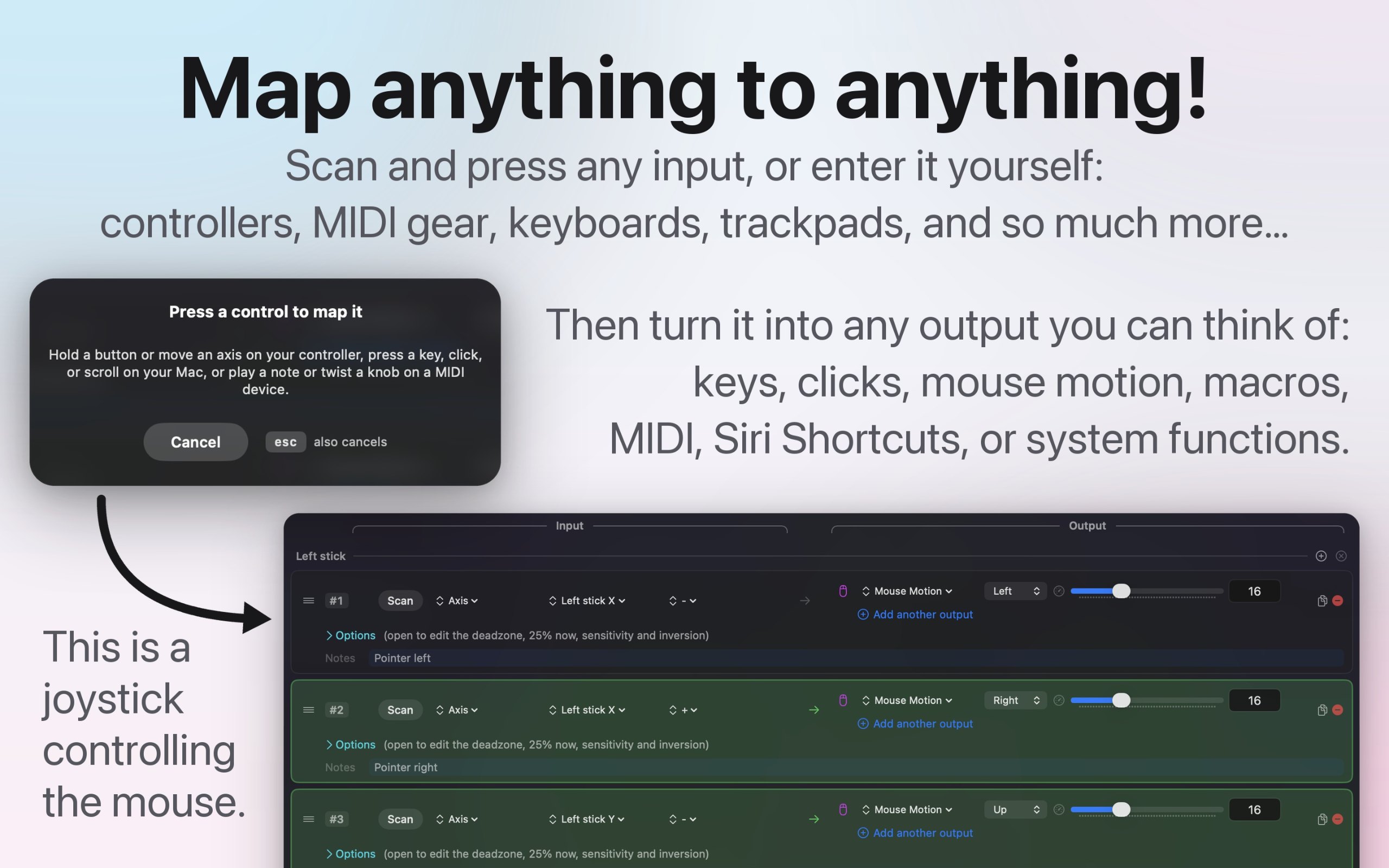
- Turns any game controller into a full keyboard and mouse, in every app
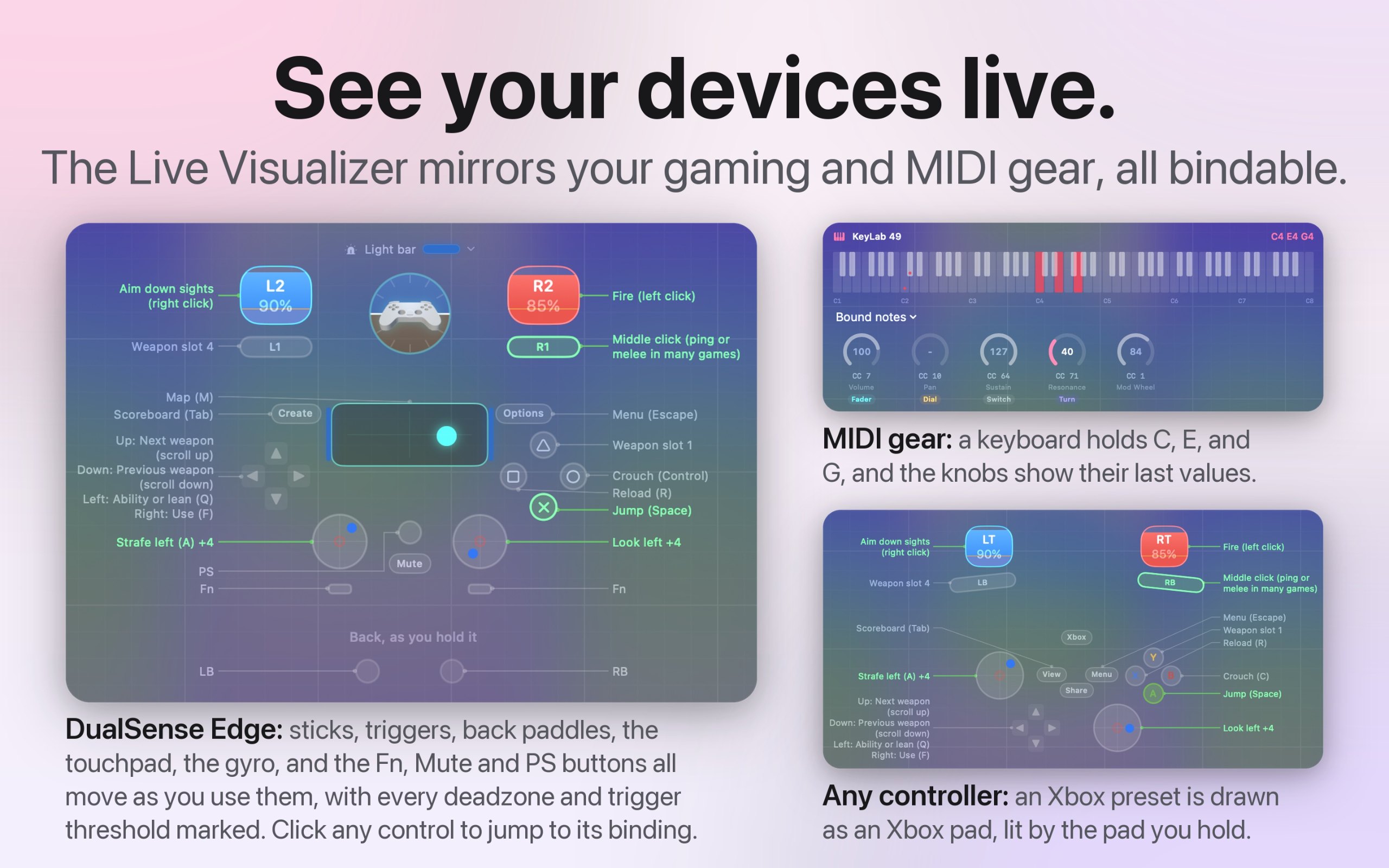
- Works with the PlayStation Access controller and Xbox Adaptive Controller
- Maps MIDI keyboards, pads, and knobs, and sends MIDI out
- A different preset for each app or game, switched automatically
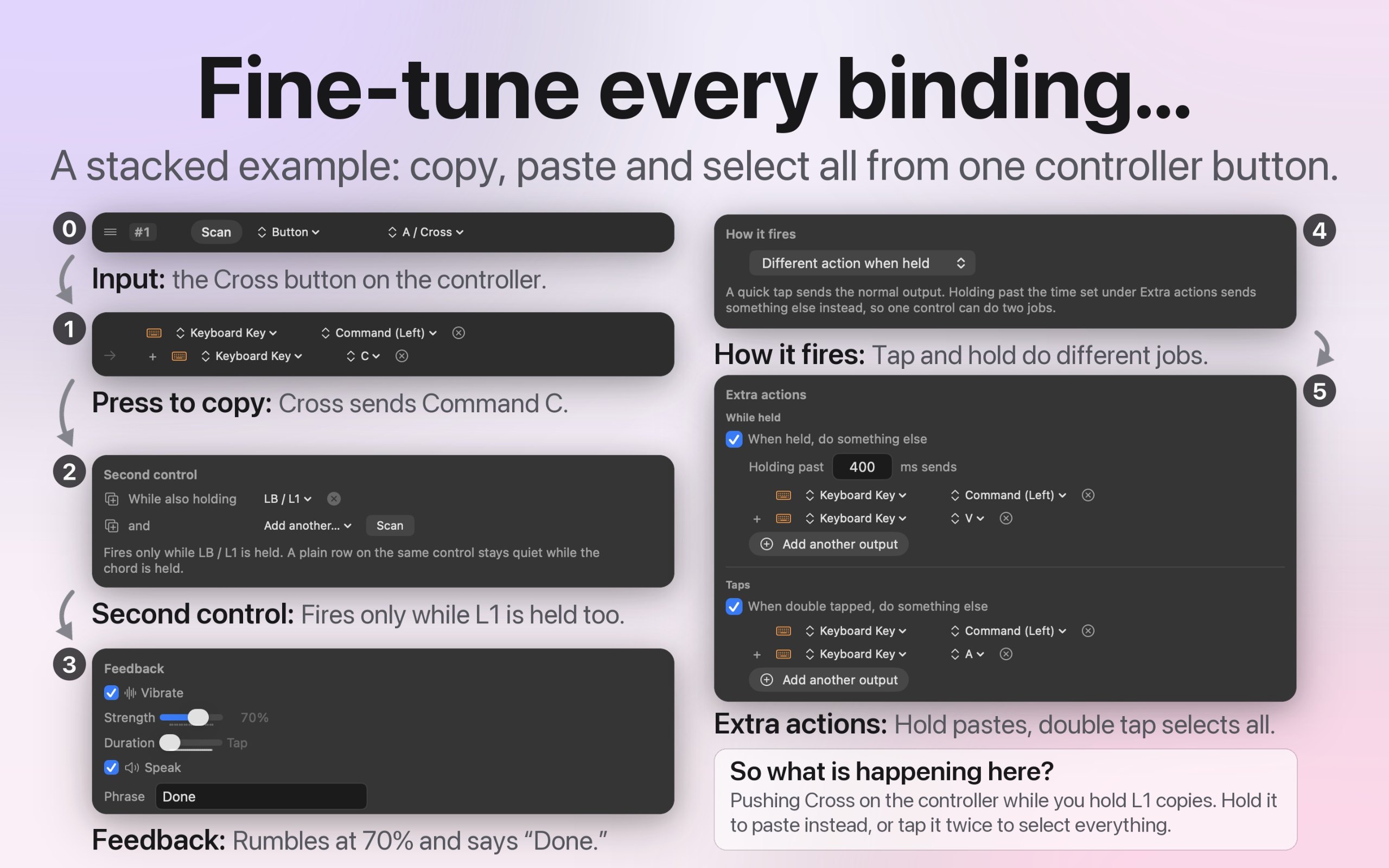
- Macros, shortcuts, typed text, and system actions from one button
- Deadzones and curves for every stick and trigger
- Open source, with no account and no tracking
- 27 languages, with VoiceOver support
Rozetini al
Bu senin uygulaman, işte siten için ona ait rozet. Bu sayfaya bağlantı verir, gerçek oylarını gösterir ve uygulamanı MacPip Dostu yapar.

<a href="https://macpip.com/apps/inputconfig?ref=badge"><img src="https://macpip.com/badge/inputconfig.svg" height="58" alt="InputConfig is listed on MacPip"></a>
Bilgiler
- Fiyat
- Free, optional tip jar
- Gerekli
- macOS 14 Sonoma veya sonrası
- Kullanılan teknoloji
- Yerel
- Çalıştığı sistem
- Apple silicon ve Intel
- Apple tarafından notarize edildi
- Evet, yapımcısına göre
- Çevrimdışı çalışır
- Evet, yapımcısına göre
- Açık kaynak
- Evet
- Diller
- English, Español, Deutsch, Français, 日本語, 中文, Português, Italiano, 한국어, Nederlands, Русский, Polski, Türkçe, Українська, Svenska, Dansk, Norsk, Suomi, Čeština, العربية, עברית, Bahasa Indonesia, Tiếng Việt, ไทย
- MacPip'te kontrol edildi
- Kontrol bekliyor
- Kategoriler
- Klavye ve Fare, Yardımcı programlar, Oyunlar
- Listed
- 9 Kasım Pazartesi
- Takip
Alternatif:
Bu listelerde
Sorular
- Does it work offline?
- Yes. Everything runs on your Mac, and the app makes no network connections at all.
- Is my data private?
- Yes. There's no account, no analytics, and no tracking. Your settings and presets stay on your Mac, and nothing you do in the app ever leaves it.
- Is there a free trial?
- There's no trial because nothing is locked. The whole app is free, and the optional tip jar doesn't unlock anything.
- Which Macs does it run on?
- Any Mac running macOS 14 Sonoma or later, on Apple silicon or Intel. It's one universal app from the Mac App Store, with no drivers to install.
- Which controllers work with it?
- Pretty much all of them: DualSense and DualSense Edge, DualShock 4, Xbox, Switch Pro, Joy-Cons, 8BitDo, the Steam Controller, the PlayStation Access controller, the Xbox Adaptive Controller, and any MFi or HID gamepad. MIDI keyboards and controllers work too.
Answers from the maker.
Daha fazla klavye ve fare uygulaması


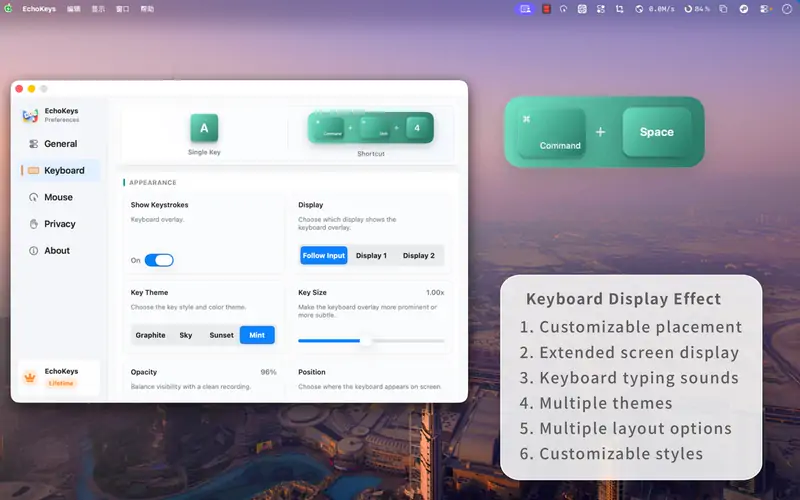
EchoKeysMake every shortcut visibleFree with in-app purchases
WheelClickYeniThe missing middle click for your Mac trackpad and Magic MouseFree forever, Pro $4.99 once