 ScootchOne keyboard and mouse for every computer on your desk, Mac included.przez
 @AfterimageDev29 USD jednorazowo
Wpisy zostają w języku, w którym napisali je ich twórcy.
InputConfig to aplikacja na Mac z kategorii „Klawiatura i mysz”:Use any controller as a keyboard and mouse.Cena: Free, optional tip jar.Działa na Apple silicon.Żadna osoba jeszcze jej nie sprawdziła.
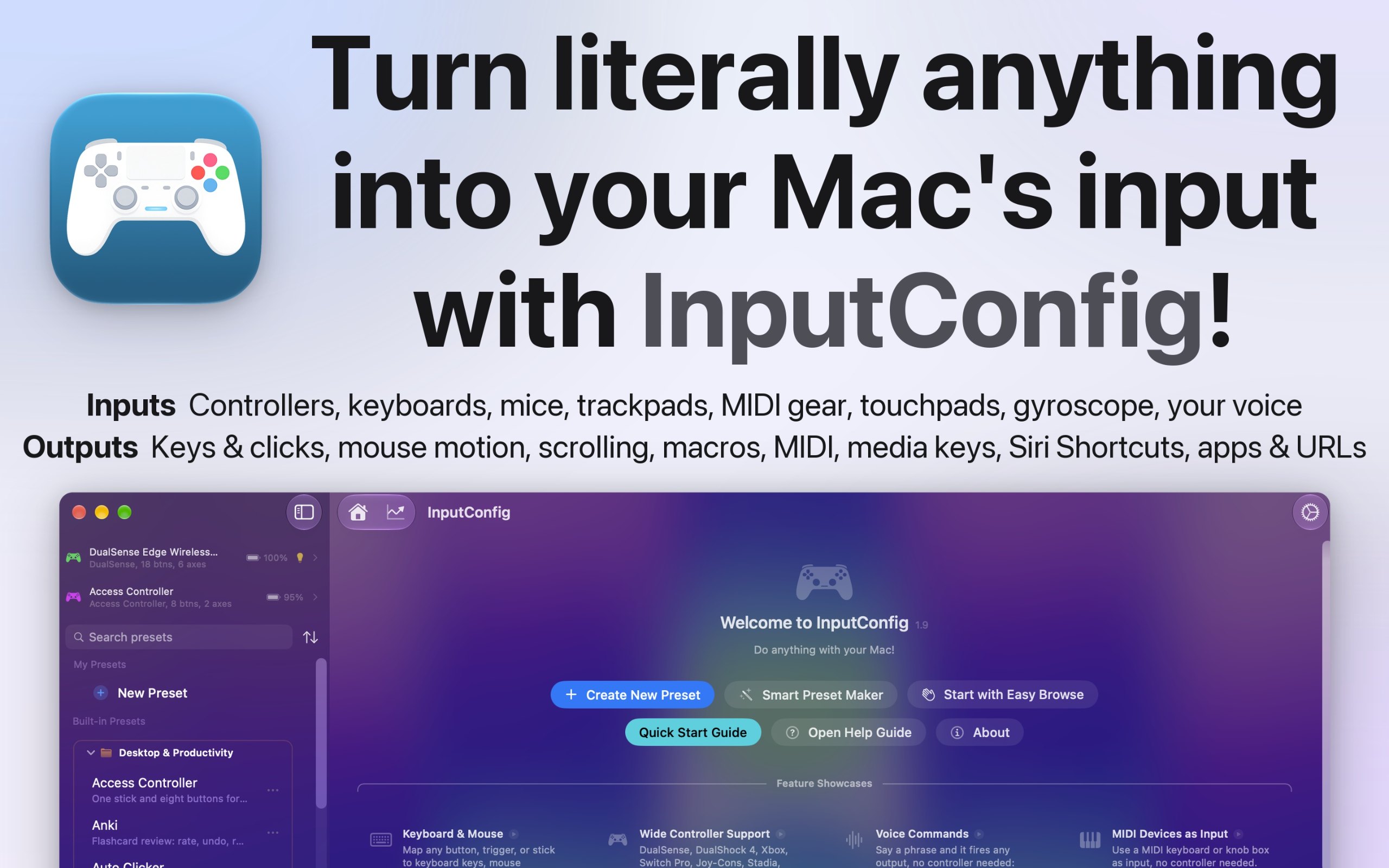
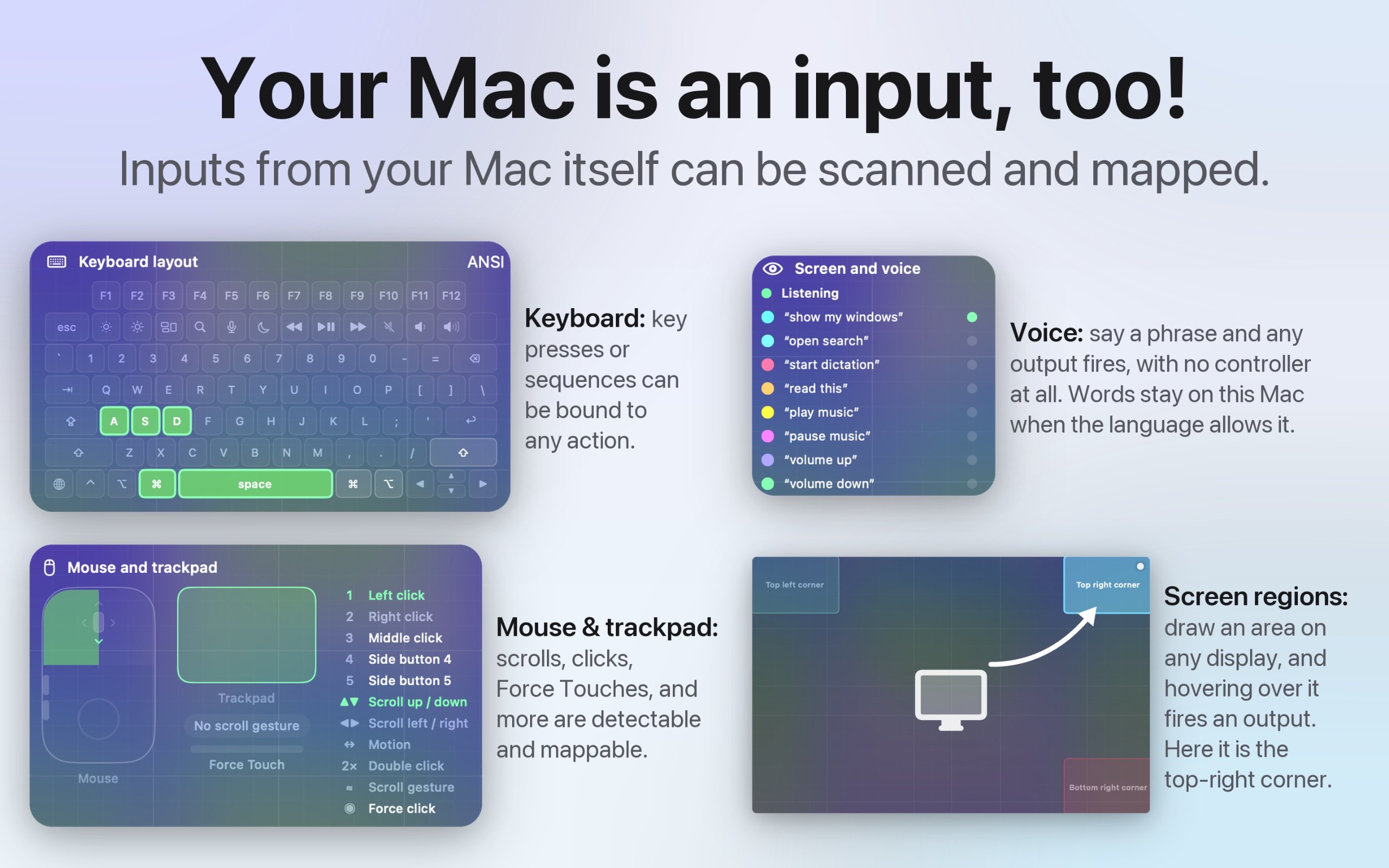
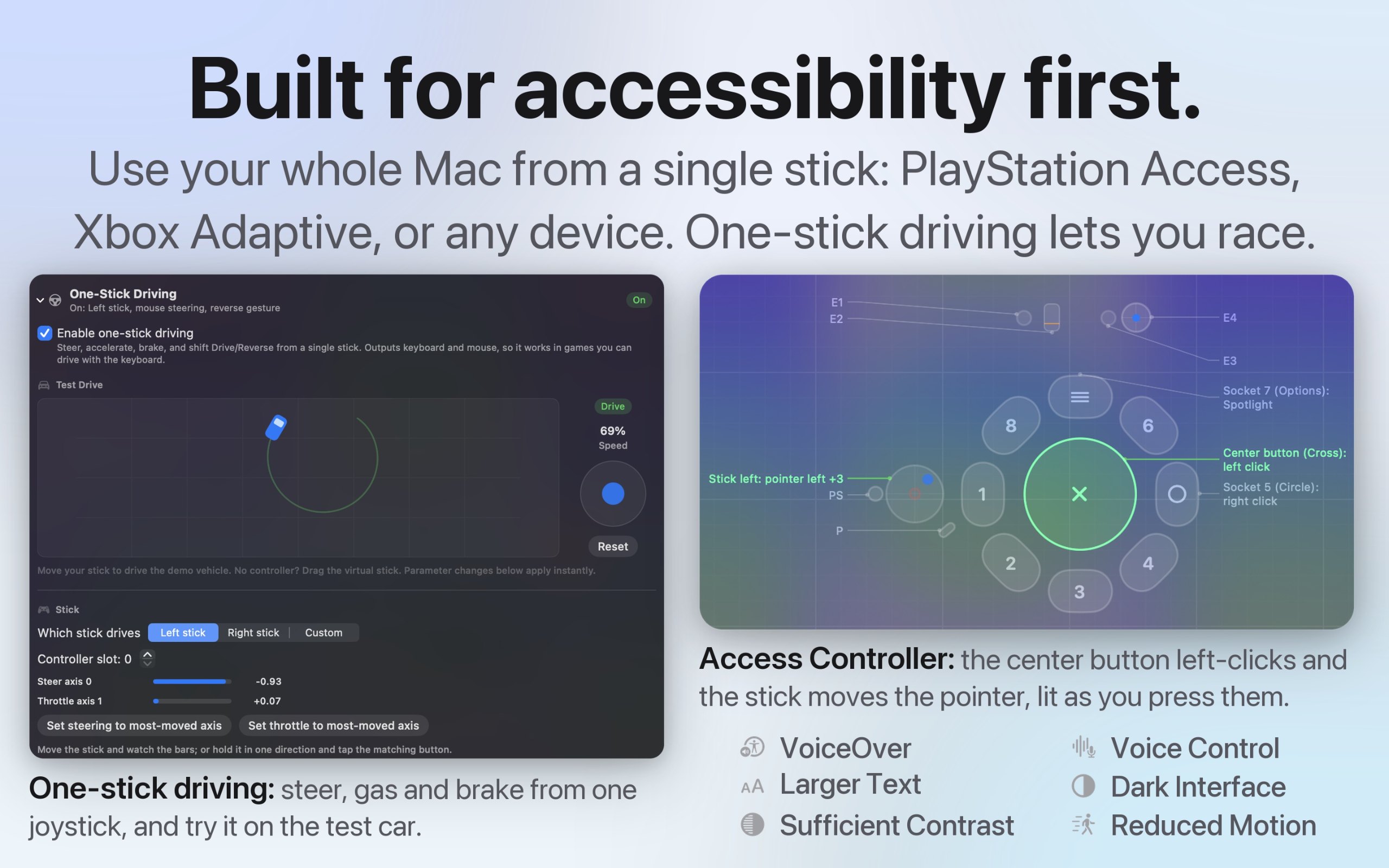
I built InputConfig because my hands don't work that well, and a keyboard and mouse ask for a kind of control I don't have. It's for anyone who would rather run their Mac with a game controller, an adaptive controller, or a MIDI keyboard, whether that's for accessibility, games, or music.
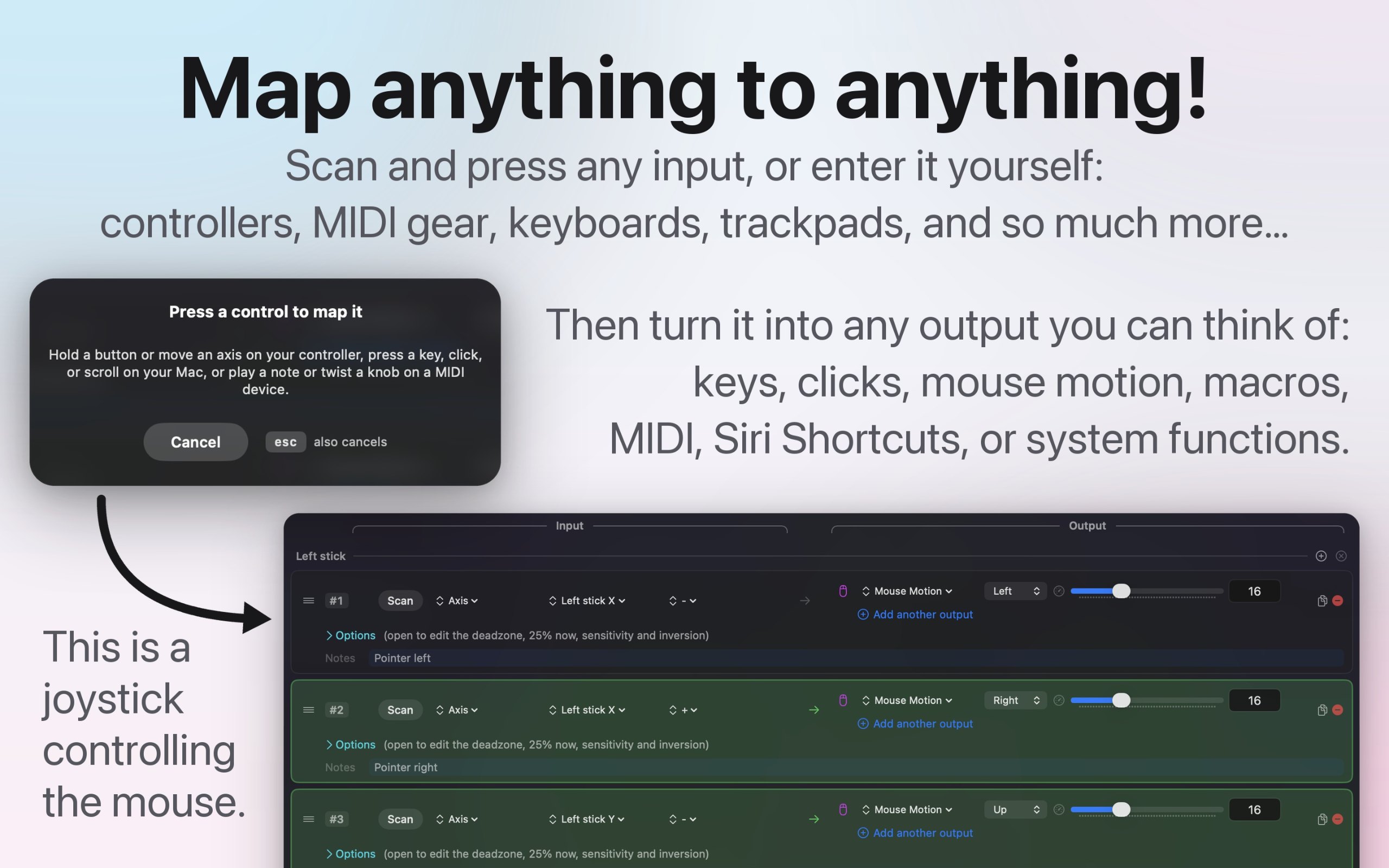
- Turns any game controller into a full keyboard and mouse, in every app
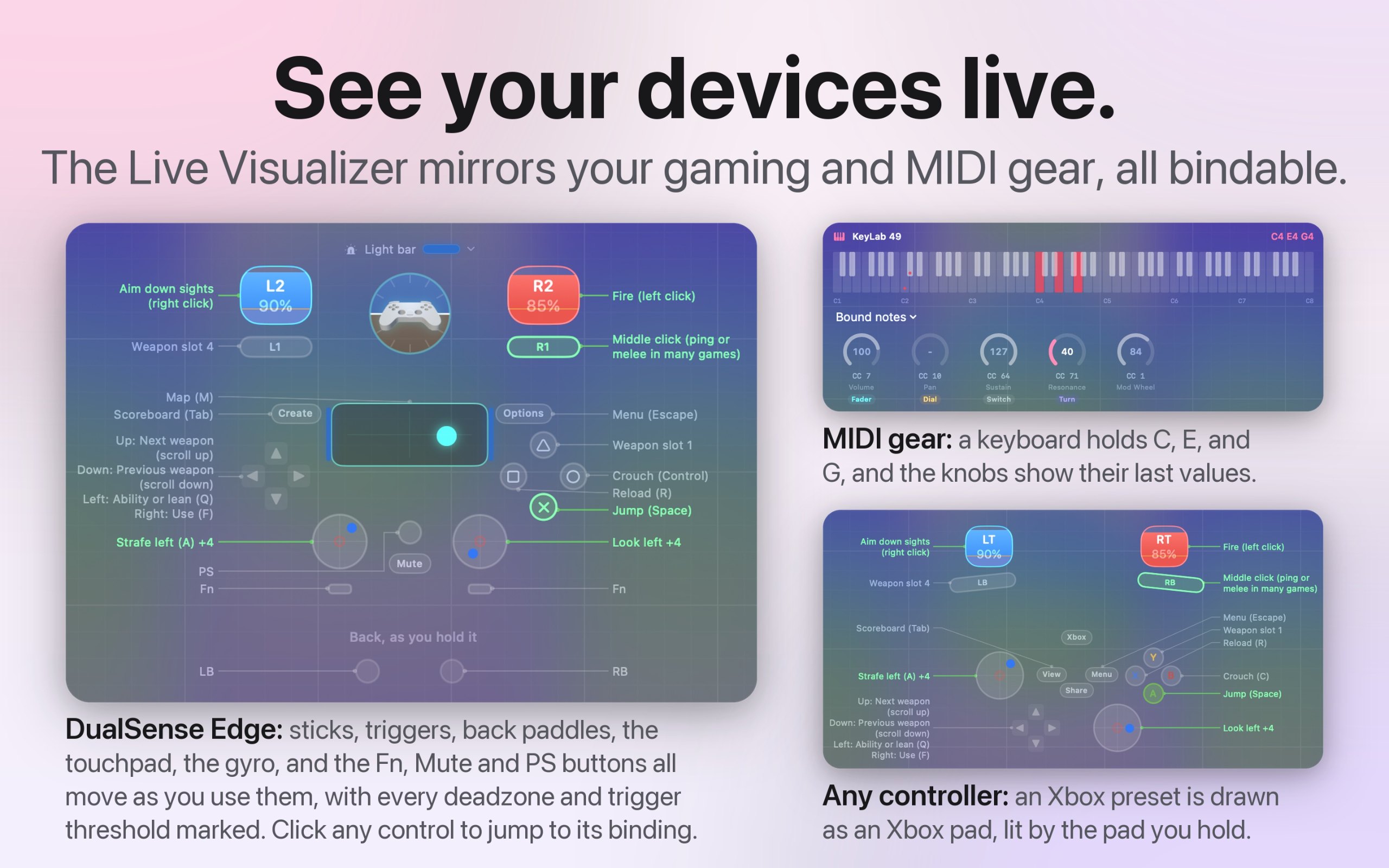
- Works with the PlayStation Access controller and Xbox Adaptive Controller
- Maps MIDI keyboards, pads, and knobs, and sends MIDI out
- A different preset for each app or game, switched automatically
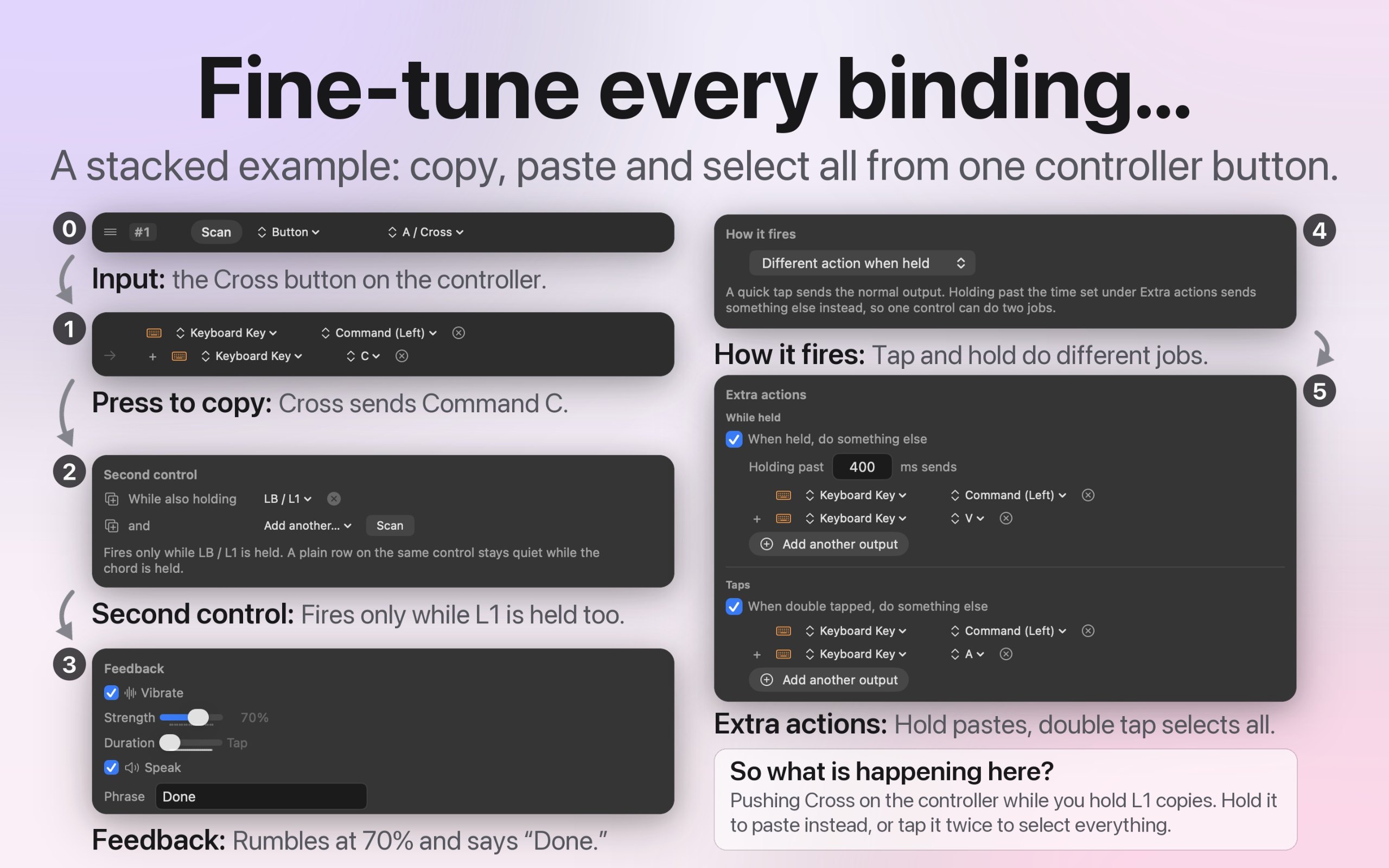
- Macros, shortcuts, typed text, and system actions from one button
- Deadzones and curves for every stick and trigger
- Open source, with no account and no tracking
- 27 languages, with VoiceOver support
To Twoja aplikacja, więc oto jej własny znaczek na Twoją stronę. Prowadzi z powrotem tutaj, pokazuje Twoje prawdziwe głosy i czyni Twoją aplikację Przyjacielem MacPip.


<a href="https://macpip.com/apps/inputconfig?ref=badge"><img src="https://macpip.com/badge/inputconfig.svg" height="58" alt="InputConfig is listed on MacPip"></a>
Answers from the maker.