 ShediA Mac cleaner for developers that explains every item before it goes.by
 @Abdiraimov_$9.99 once

Tidymint is a cleanup and maintenance app for Mac:Free, open-source Mac cleaner with no tracking.Price: Free and open source.It runs on Apple silicon.A person checked it on Nov 3, 2026.
Tidymint is a free, open-source Mac cleaner with no tracking. It shows what fills your disk space, explains each item, and moves only what you pick to the Trash, so the last cleanup can be undone. It is for anyone whose Mac keeps running low on disk space and who wants to see exactly what will be removed before it happens.
Features:
- Smart Scan: caches, logs, npm cache and old downloads, each group labeled safe, review or locked
- Clean by App: Zalo, Telegram, WhatsApp, Slack, Chrome, Edge, Coc Coc, CapCut, VS Code and Outlook
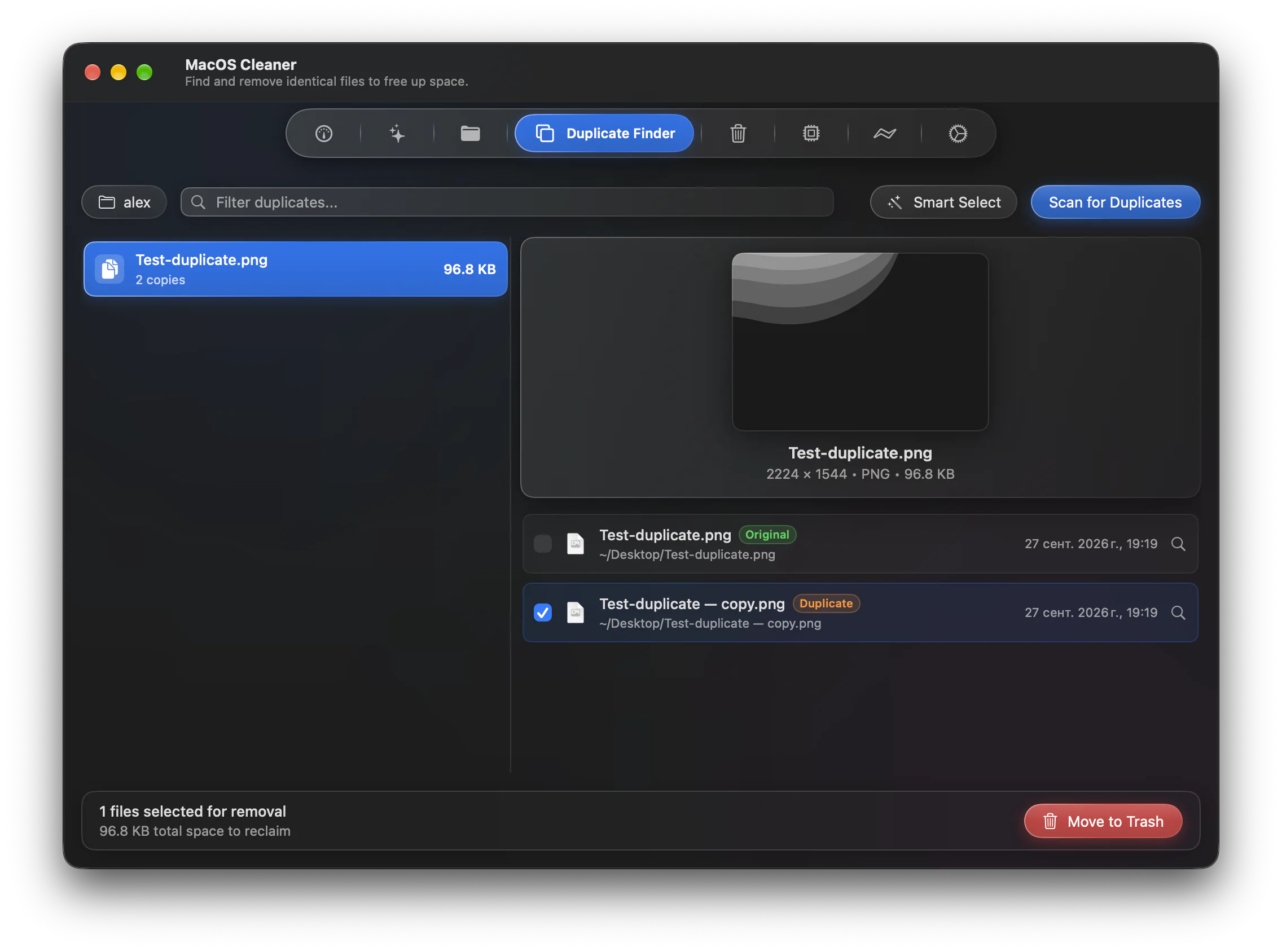
- Duplicates and Large Files, on your Mac and on connected external drives
- Space Lens: a bubble map of any connected drive
- Uninstaller with search that also removes an app's leftovers
- Quick Look and Show in Finder from every list
- Startup items, a free-space history chart and an optional menu bar indicator
- About 46 MB of memory in the background
Works offline and needs no account. English and Vietnamese. macOS 14 or later, Apple silicon and Intel. Not notarized yet, so on first launch choose Open Anyway in System Settings.
This is your app, so here is its own badge for your site. It links back to this page, shows your real votes, and makes your app a Friend of MacPip.


<a href="https://macpip.com/apps/tidymint?ref=badge"><img src="https://macpip.com/badge/tidymint.svg" height="58" alt="Tidymint is listed on MacPip"></a>
Answers from the maker.