
 MacWallCinematic 4K live wallpapers, built for Macby MMacWall Team$12.99 once
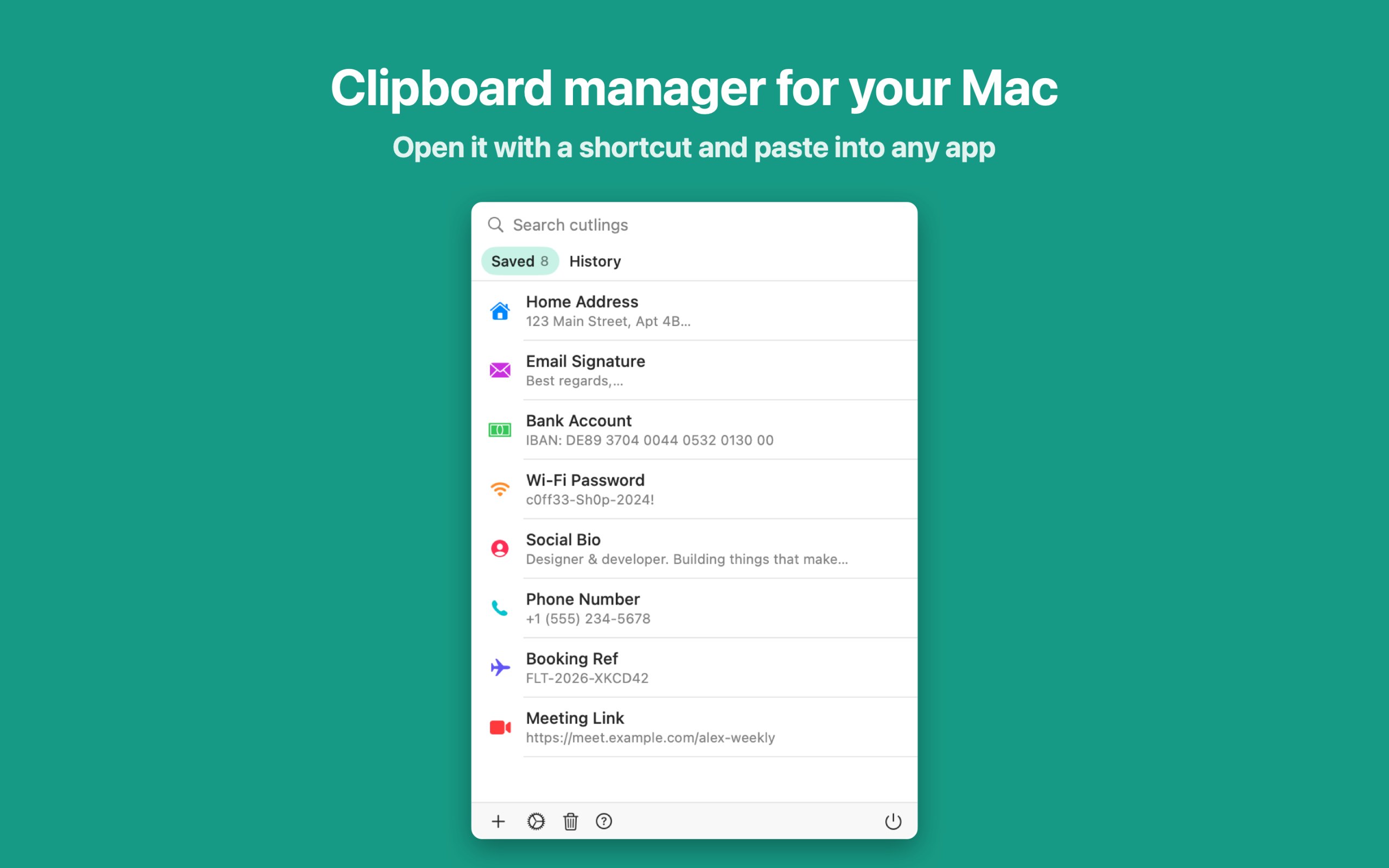
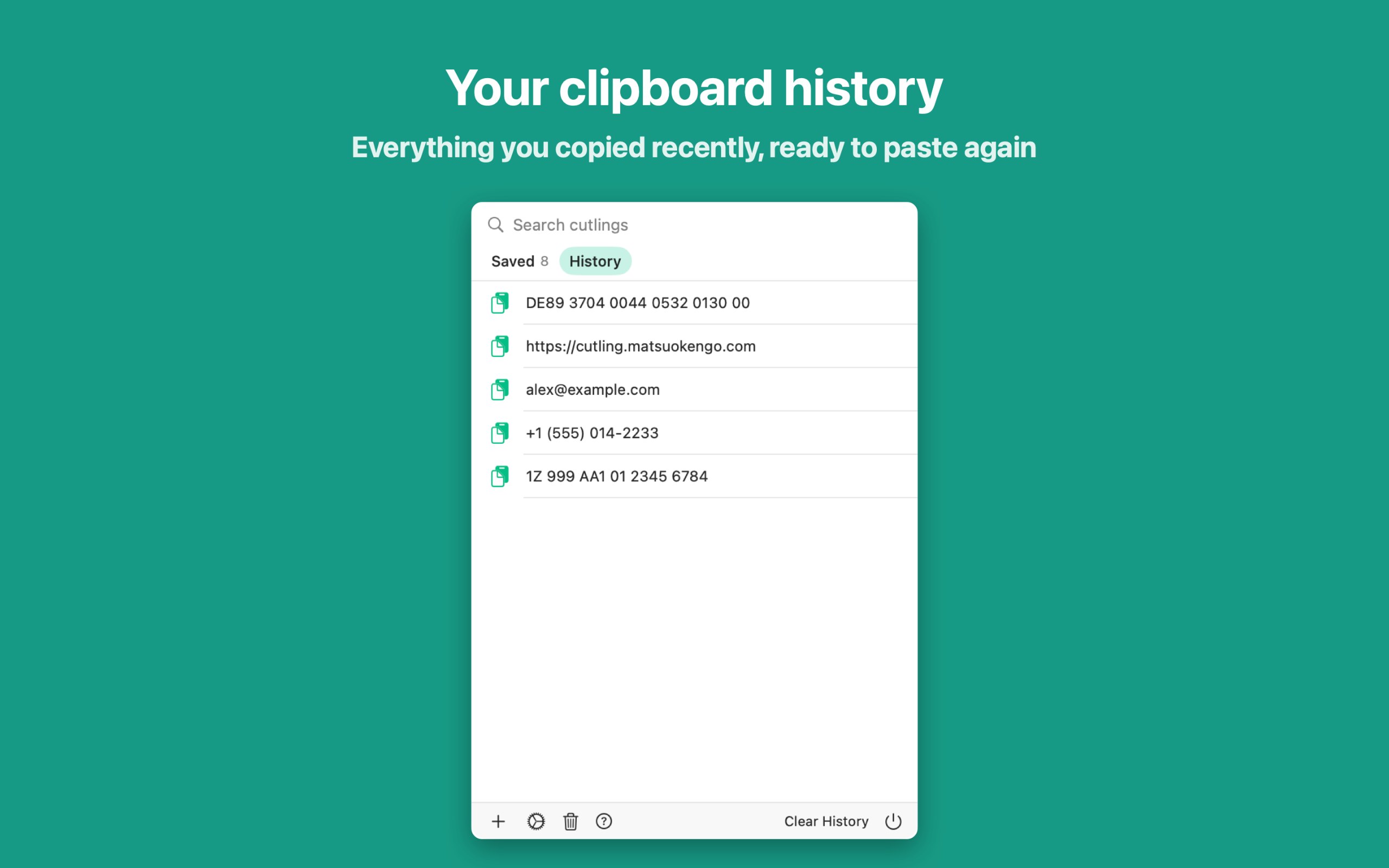
Cutling is a utility app for Mac:Cutling puts your most-used text one tap away.It runs on Apple silicon.It has not been checked yet.
Cutling puts your most-used text one tap away. Add a lightweight keyboard extension and instantly insert saved snippets — addresses, bank details, email signatures, IDs, or anything you type repeatedly — without leaving the app you're in.
How it works
Open Cutling. Create your snippets. Enable the keyboard. That's it. When you need to fill in your address or share account details, switch to the Cutling keyboard and tap the snippet. Done.
Why Cutling?
No account required. No ads. No tracking. Just a fast, private utility that saves you from retyping the same things over and over.
— Save addresses, bank info, IDs, bios, and more
— Paste from any app via the keyboard extension
— Sync across all your devices with iCloud
— Set expiration dates to auto-remove temporary snippets
A tick is not a safety guarantee. Read how to tell if a Mac app is safe.
This is your app, so here is its own badge for your site. It links back to this page, shows your real votes, and makes your app a Friend of MacPip.


<a href="https://macpip.com/apps/cutling?ref=badge"><img src="https://macpip.com/badge/cutling.svg" height="58" alt="Cutling is listed on MacPip"></a>
Ask your AI about Cutling, like “Is Cutling worth it?” Connect MacPip
MacWallCinematic 4K live wallpapers, built for Macby MMacWall Team$12.99 once
 PhosphorPhosphor for Mac is a native display utilityby
 Arnav KulshreshthaFree, Pro $19.99 once
 Friend
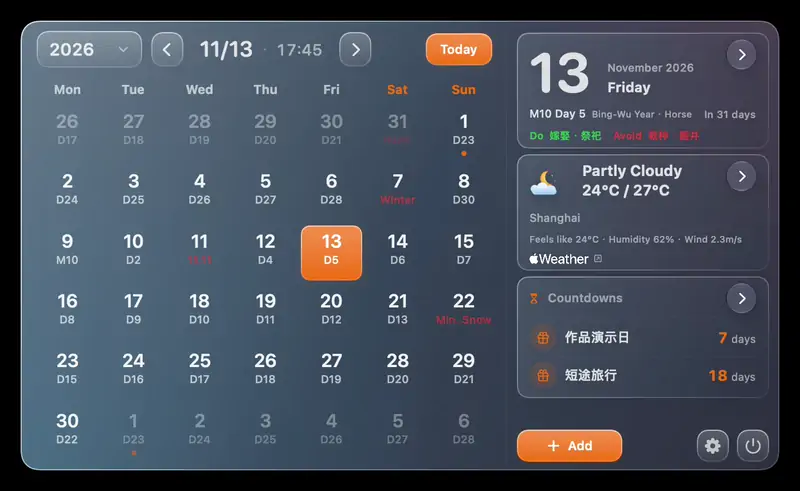
 AirCalendarCheck the date, see what’s coming up and keep your tasks close at hand.by 昆昆 王Free, Pro $1.99 once
 #1Nov 12
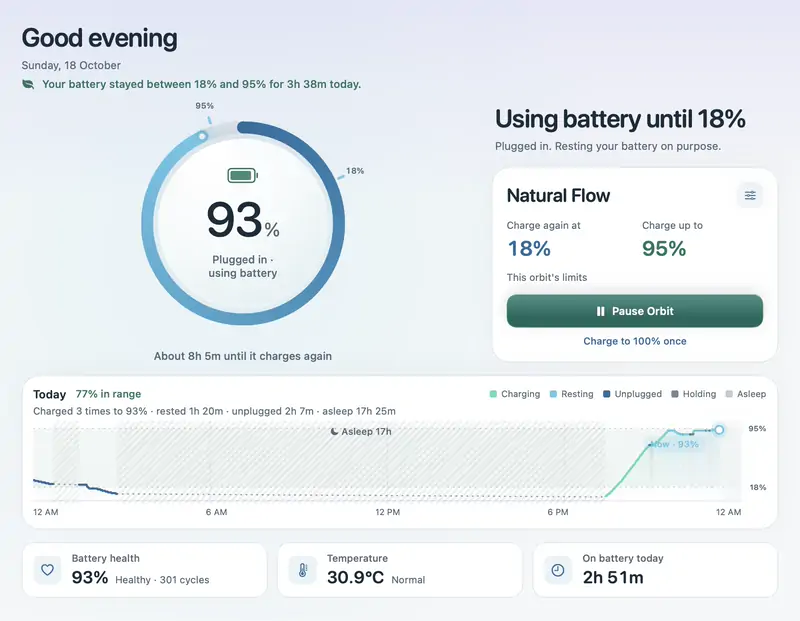
 Battery OrbitCharge limits for a MacBook that stays plugged in, plus keep awake and phone control.BLACK FRIDAY 46% offby
 @navin4501$7.99 once, 3-day free trialFRIEND OF MACPIP