
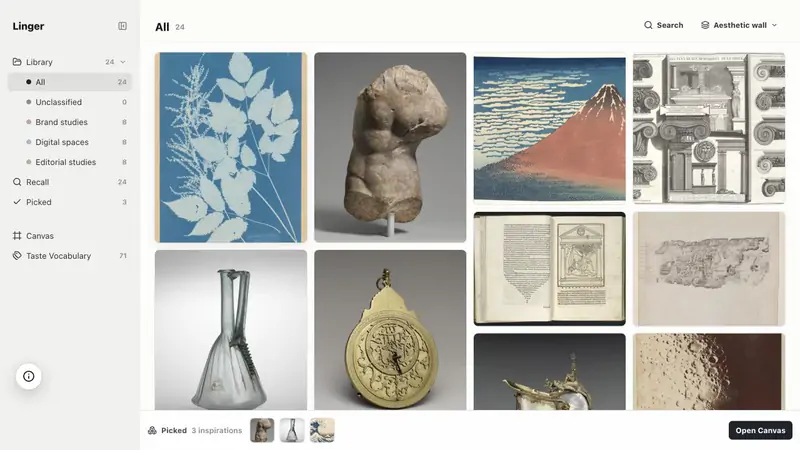
 LingerSave what moves you. Recall it in your own words.by LLucius Miao, BlackHarbor Analytics Limited$39 once (Lifetime $79). 14-day free tri


Maquette Studio is a design and media app for Mac:Pose a 3D figure, frame it through a real lens, and draw from it.It has not been checked yet.
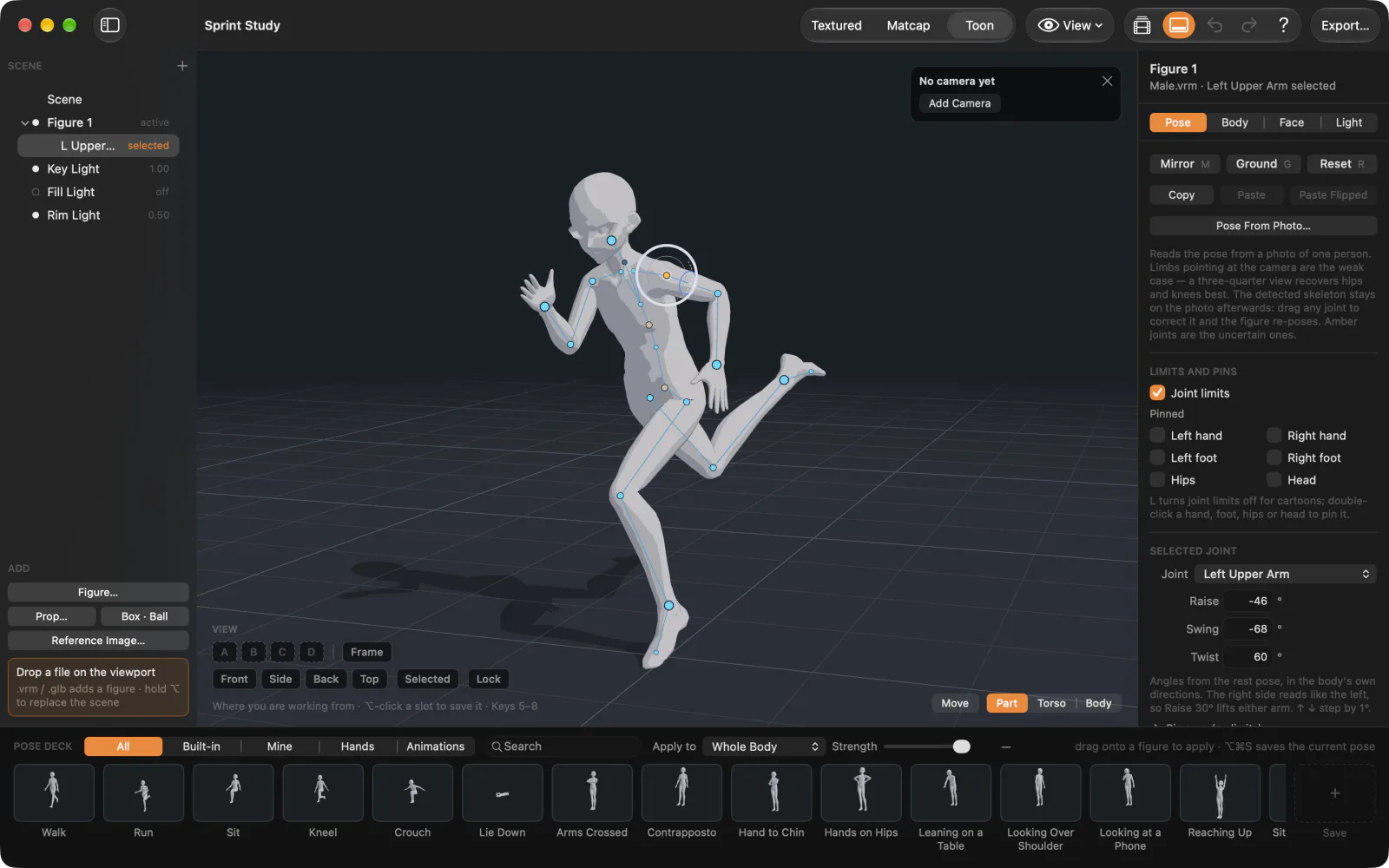
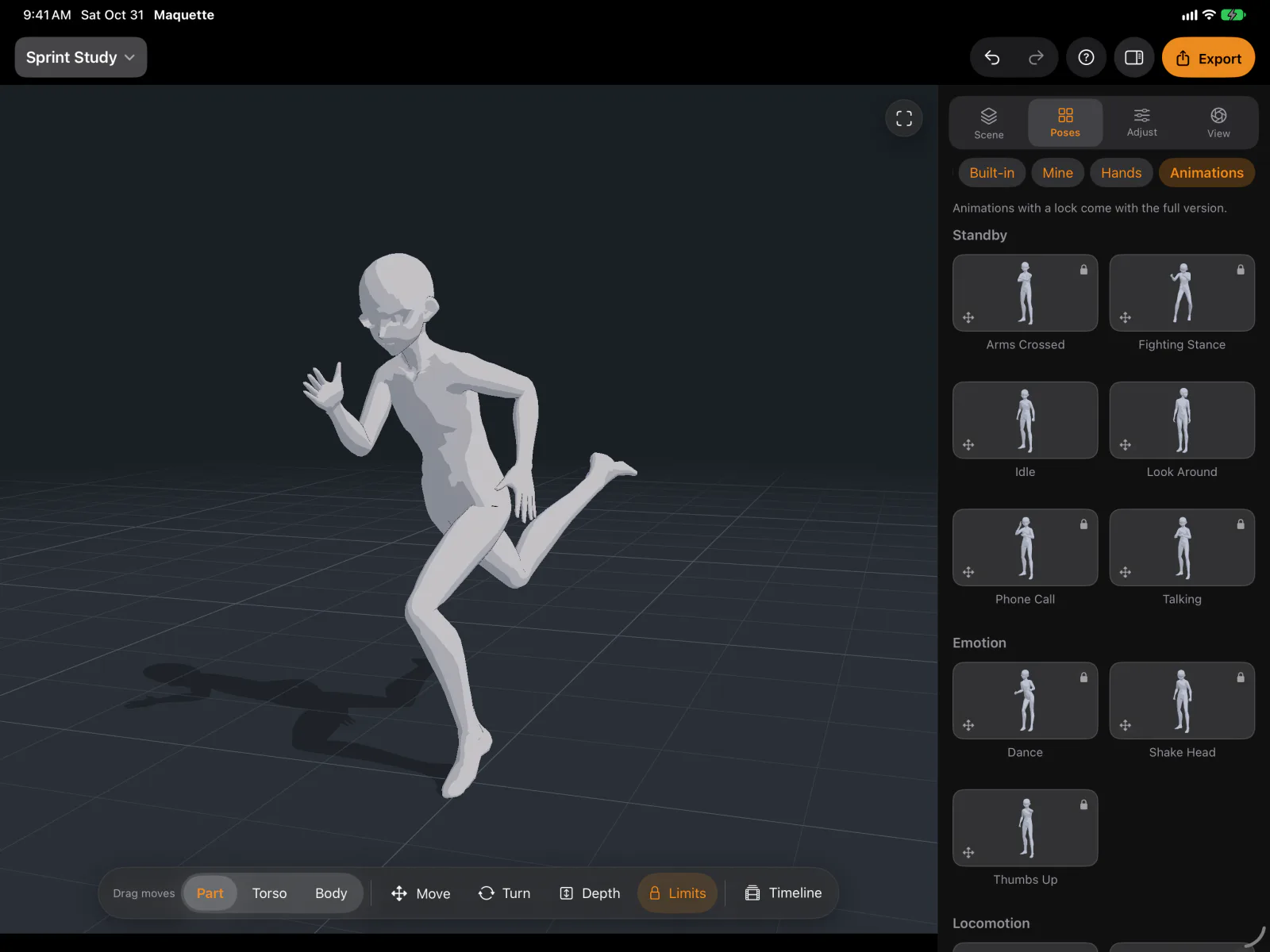
Maquette Studio is a 3D pose and scene reference tool for artists. Pose a figure by hand, frame it through a real lens, light it the way you mean to paint it, and draw from the result.
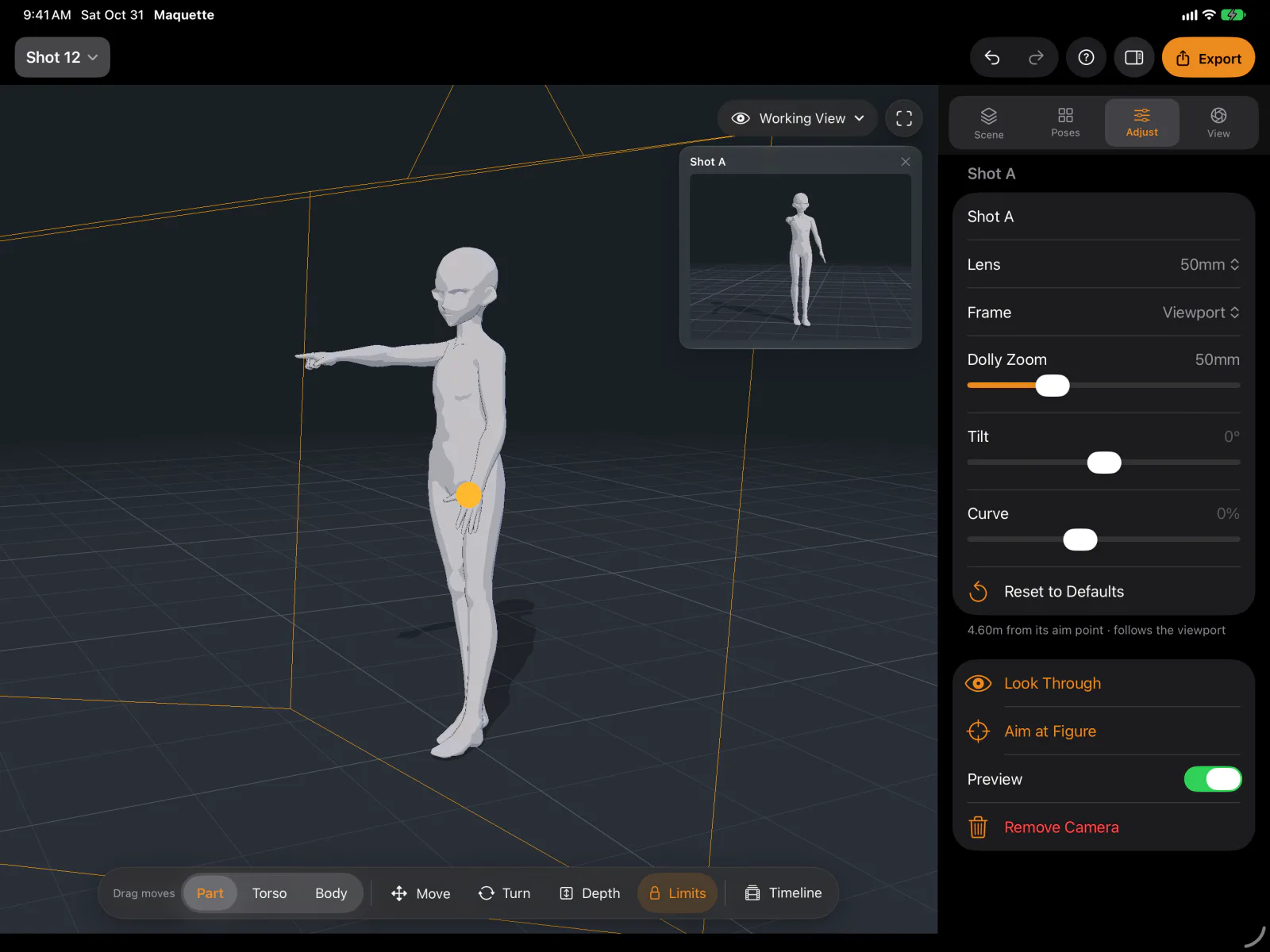
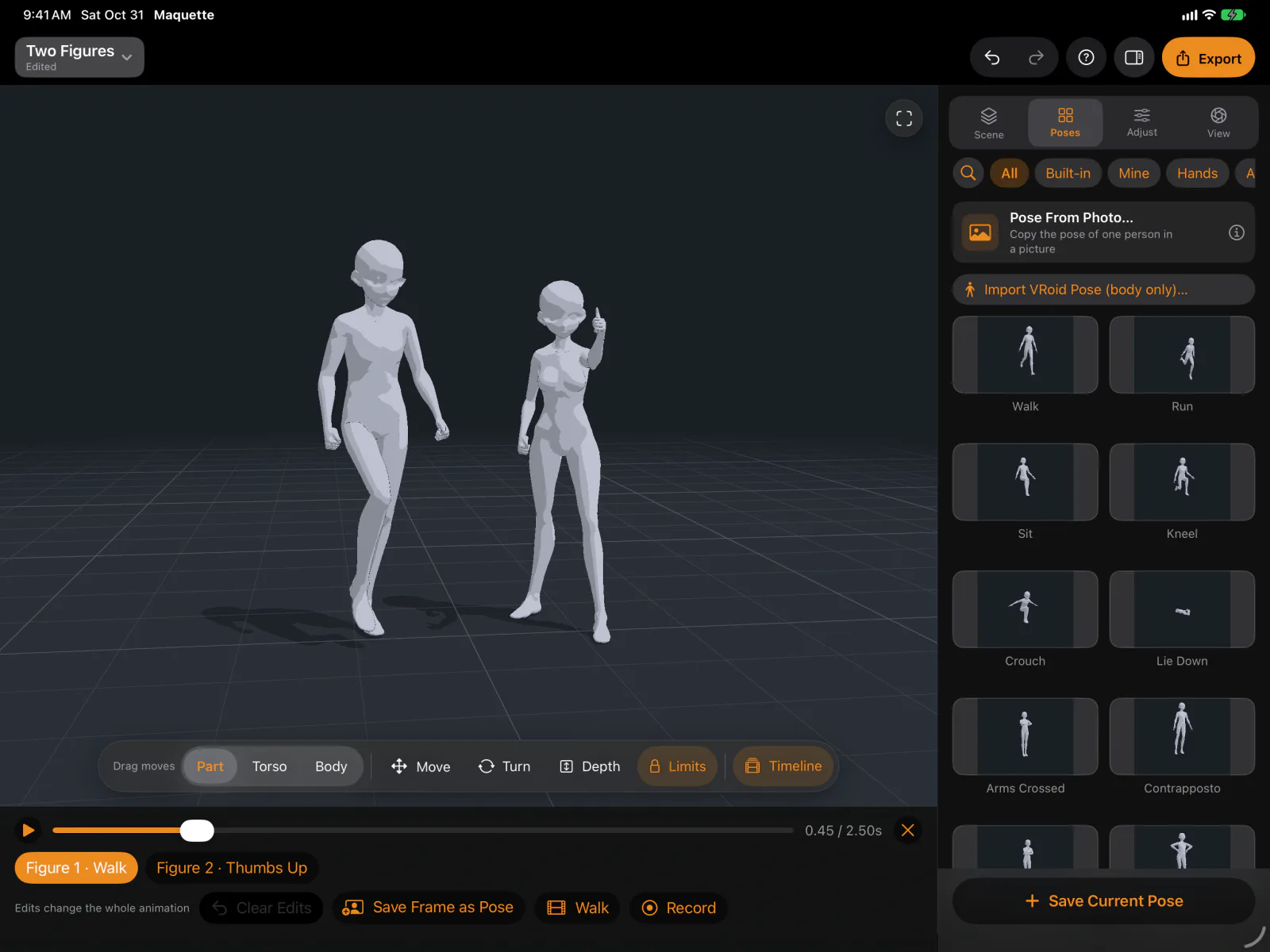
Drag a hand or foot and the limb follows within human joint limits. Start from a pose library, or pick a photo and the pose is found on your Mac. Set focal length, depth of field and toon, matcap or textured shading. Block out scenes with props and animate figures on one timeline.
Free to download. A one-time purchase, shared by Mac, iPad and iPhone, adds line art, tone layer and depth map exports, more figures, VRM and GLB import, the animation catalog, and an MCP server so an AI assistant can pose the open scene.
No account, no ads, no tracking.
A tick is not a safety guarantee. Read how to tell if a Mac app is safe.
This is your app, so here is its own badge for your site. It links back to this page, shows your real votes, and makes your app a Friend of MacPip.


<a href="https://macpip.com/apps/maquette-studio?ref=badge"><img src="https://macpip.com/badge/maquette-studio.svg" height="58" alt="Maquette Studio is listed on MacPip"></a>
Ask your AI about Maquette Studio, like “Is Maquette Studio worth it?” Connect MacPip
LingerSave what moves you. Recall it in your own words.by LLucius Miao, BlackHarbor Analytics Limited$39 once (Lifetime $79). 14-day free tri 20% off
 Moodydesign library for your screenshots and links.by
 Nikhil Yadav10

 ColorWellApp StoreColorWell is a macOS color picker and palette generator…by
 SweetP Productions$9.99 once, 2-week free trial
 30% off
 DabbitDabbit is a pixel-exact, color-managed color picker…by
 Michael AndreuzzaFrom $19 once, 5-day free trial