
 ScootchOne keyboard and mouse for every computer on your desk, Mac included.by
 @AfterimageDev$29 once
Nobody has earned pips this month yet. Vote, comment or review to be the first.
The board did not load. Open it for the full list.
$100 Claude Max to the first to earn 2,000 pips, Nov 11 to Dec 10
See the full boardPips come from voting, comments and reviews. Never from paying.
Not affiliated with Anthropic.
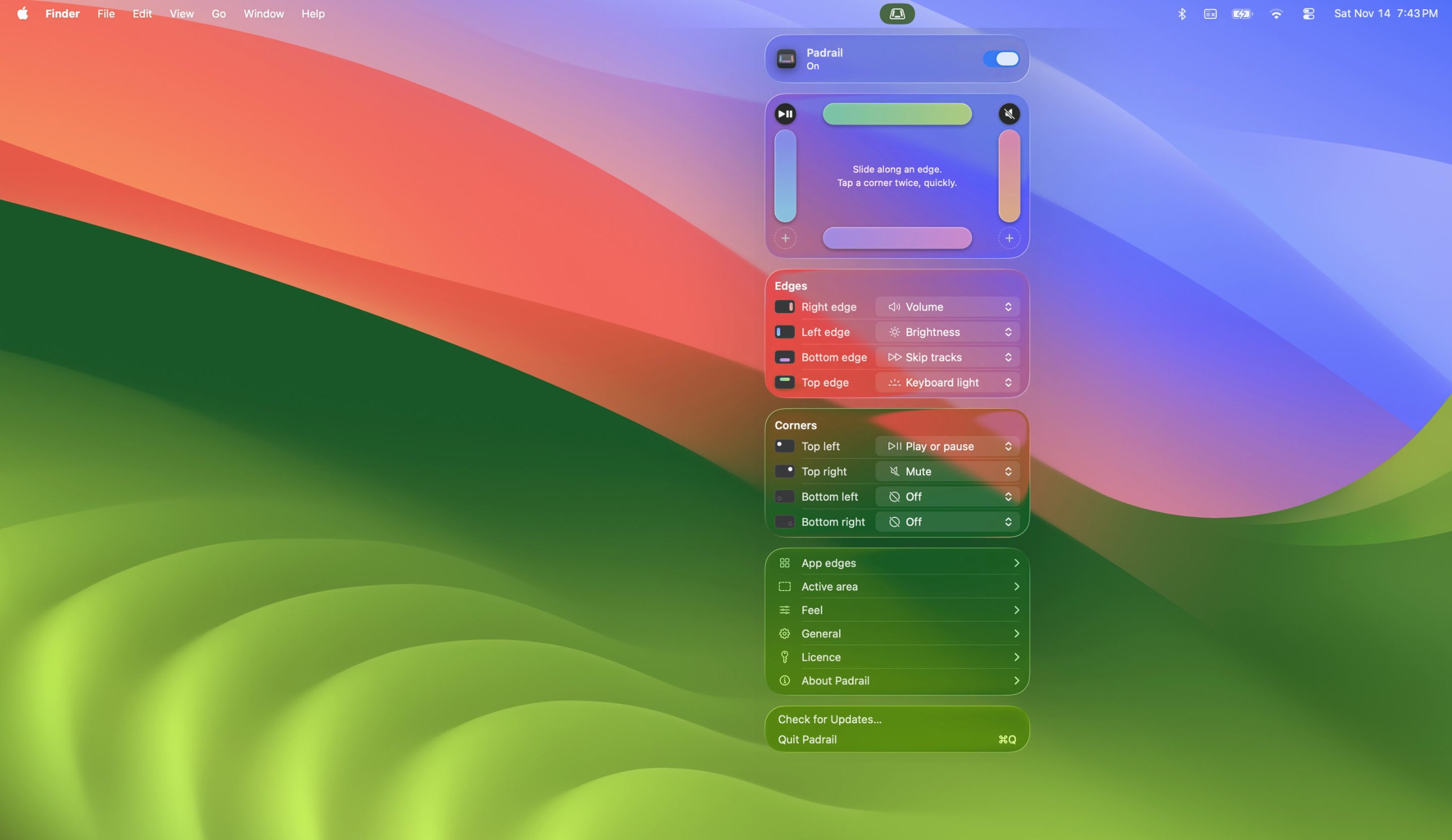
Padrail is a keyboard and mouse app for Mac:Trackpad volume, brightness and keyboard light.It runs on Apple silicon.It has not been checked yet.
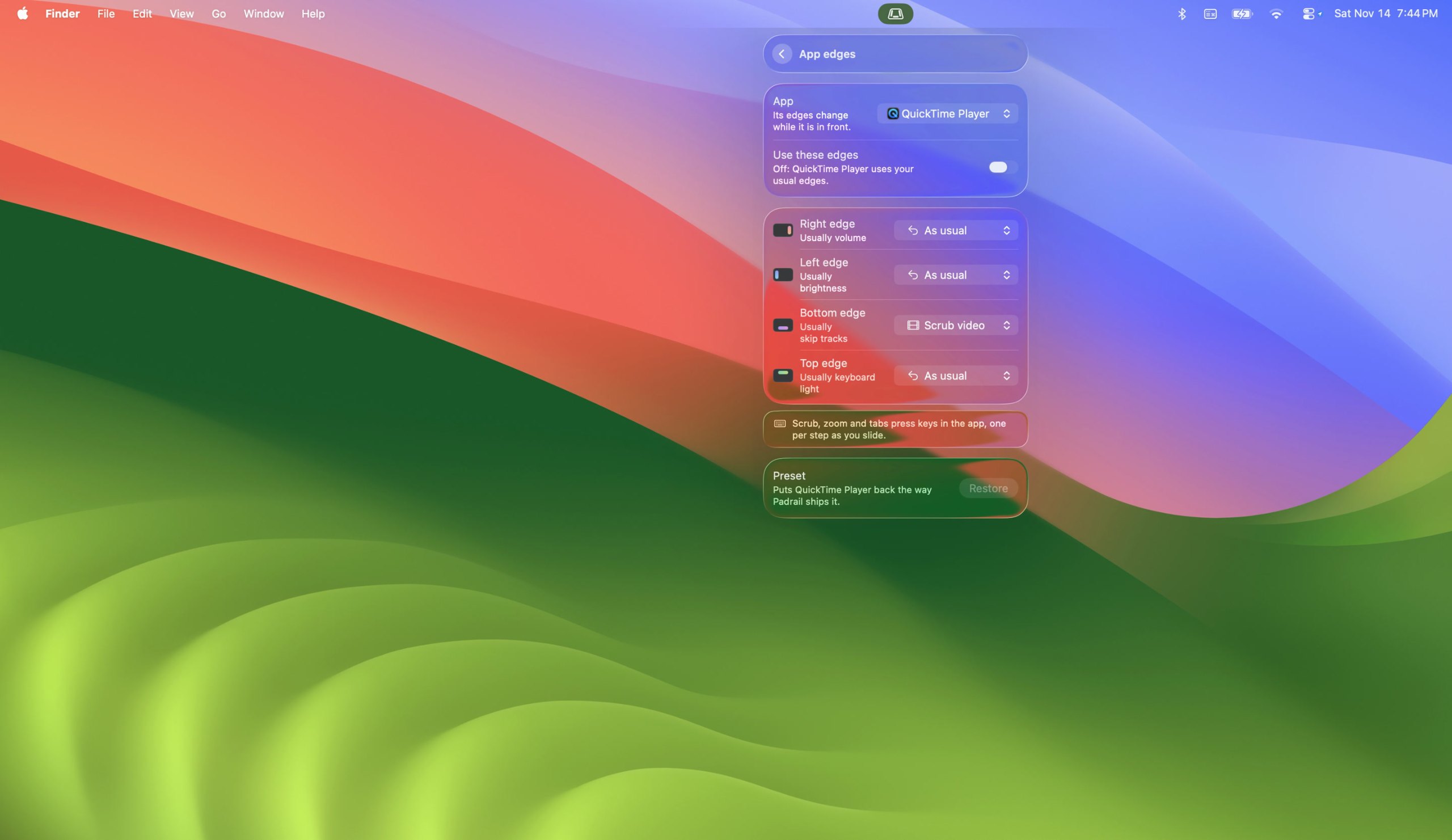
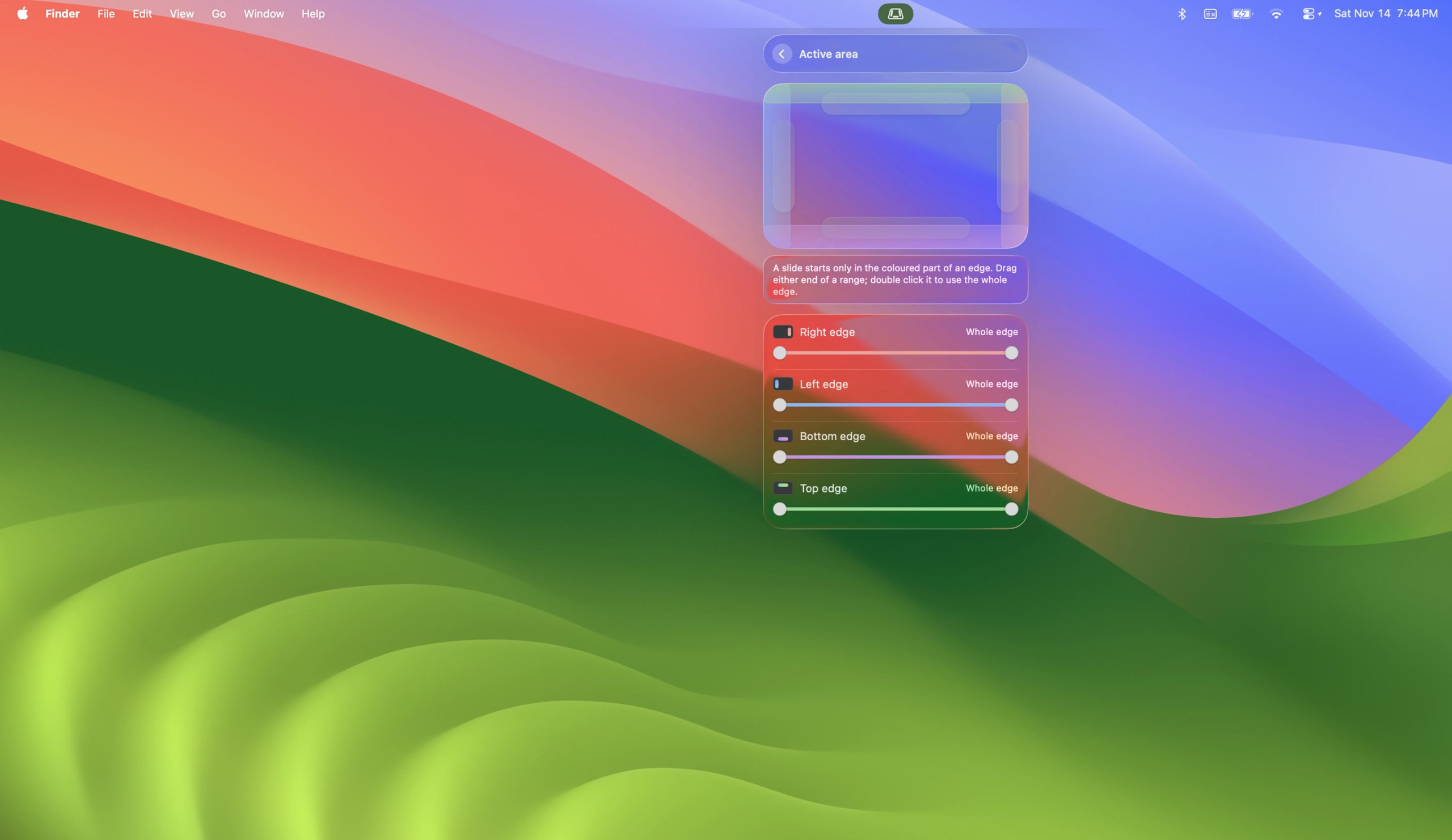
Padrail is a menu bar app that gives the edges and corners of your MacBook trackpad jobs of their own. Each step ticks under your finger, and the Mac's own level display shows the change. The middle of the trackpad stays a normal trackpad.
One time purchase for up to 3 Macs, every update included, full refund within 14 days.
This is your app, so here is its own badge for your site. It links back to this page, shows your real votes, and makes your app a Friend of MacPip.


<a href="https://macpip.com/apps/padrail?ref=badge"><img src="https://macpip.com/badge/padrail.svg" height="58" alt="Padrail is listed on MacPip"></a>
Ask your AI about Padrail, like “Is Padrail worth it?” Connect MacPip
Answers from the maker.
ScootchOne keyboard and mouse for every computer on your desk, Mac included.by @AfterimageDev$29 once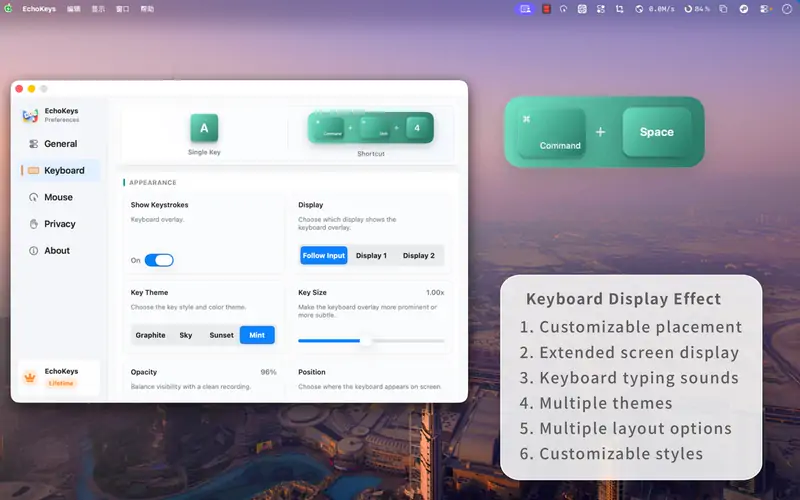 Friend
 EchoKeysMake every shortcut visibleFree with in-app purchases
 Friend
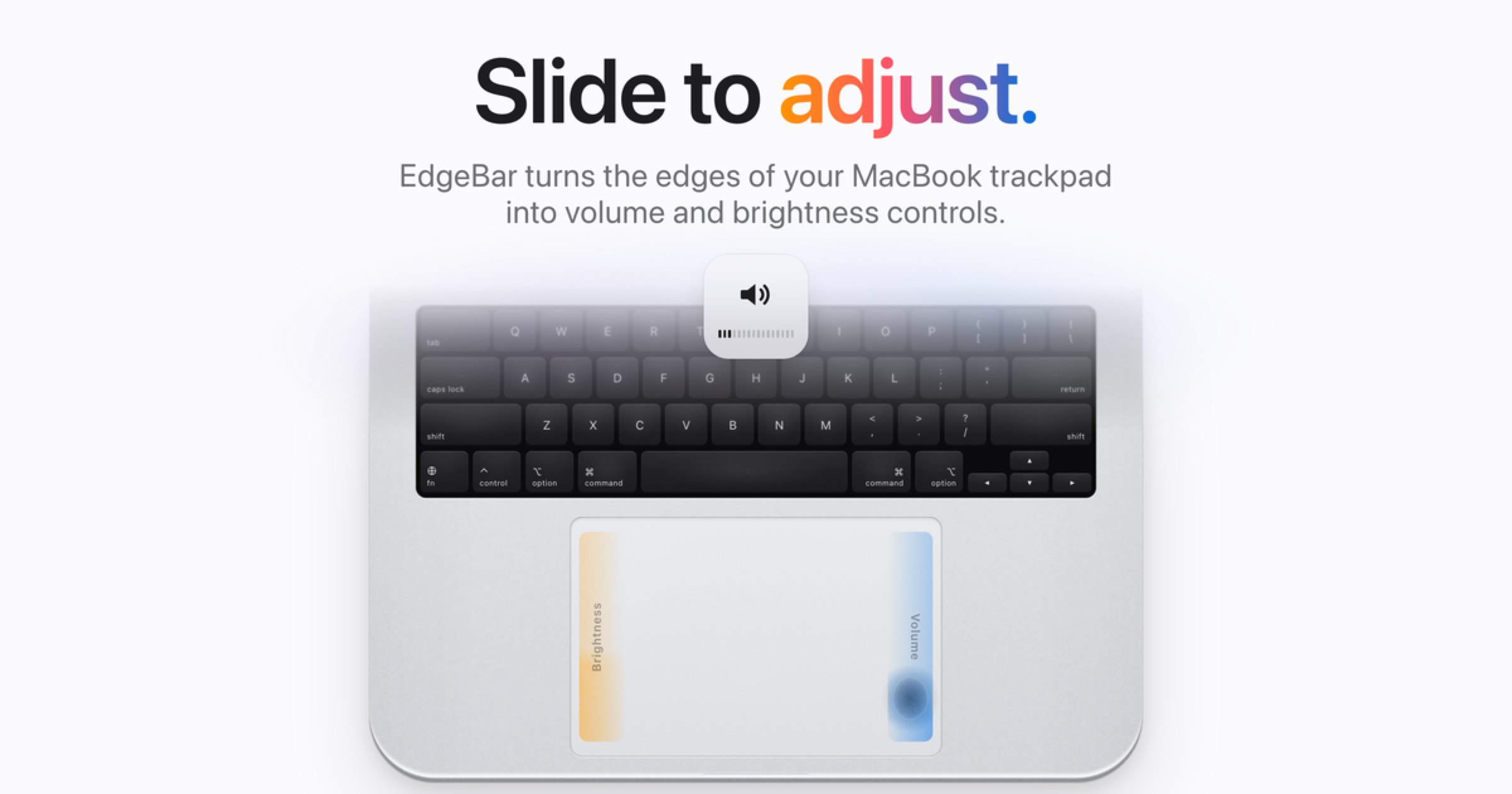
 EdgeBarEdgeBar turns your MacBook trackpad edges into smooth volume and brightness controls.by
 @bhardwajshash$9 once, then $14
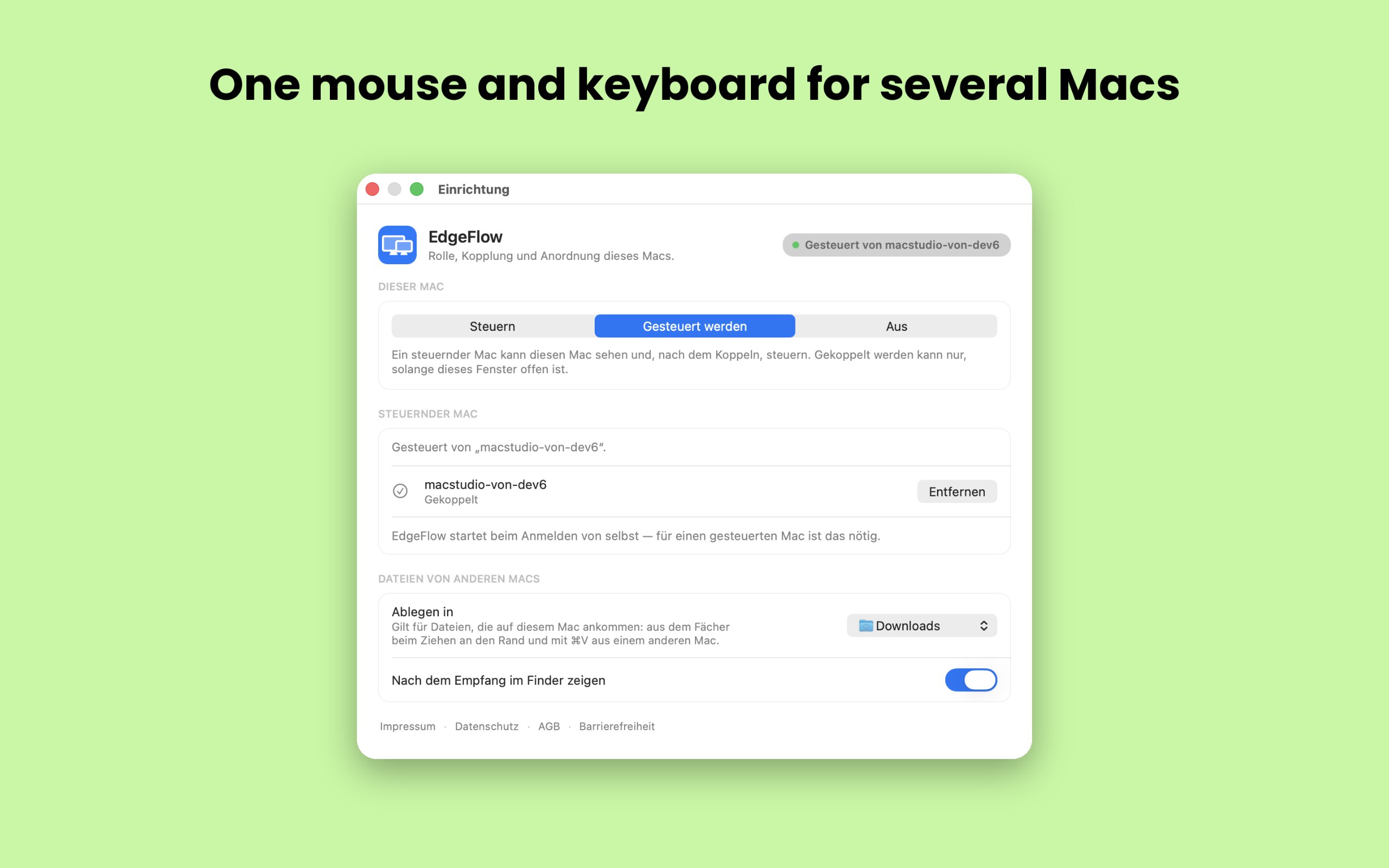
 EdgeFlowOne mouse and keyboard for several Macs, even with different Apple IDs.🇩🇪€39.99 once, 14-day free trial