

 New
 BouquetApp StoreNewA native S3 browser that makes buckets feel like Finder…by SSVEN JOHAN EINAR ANDERSSONFree
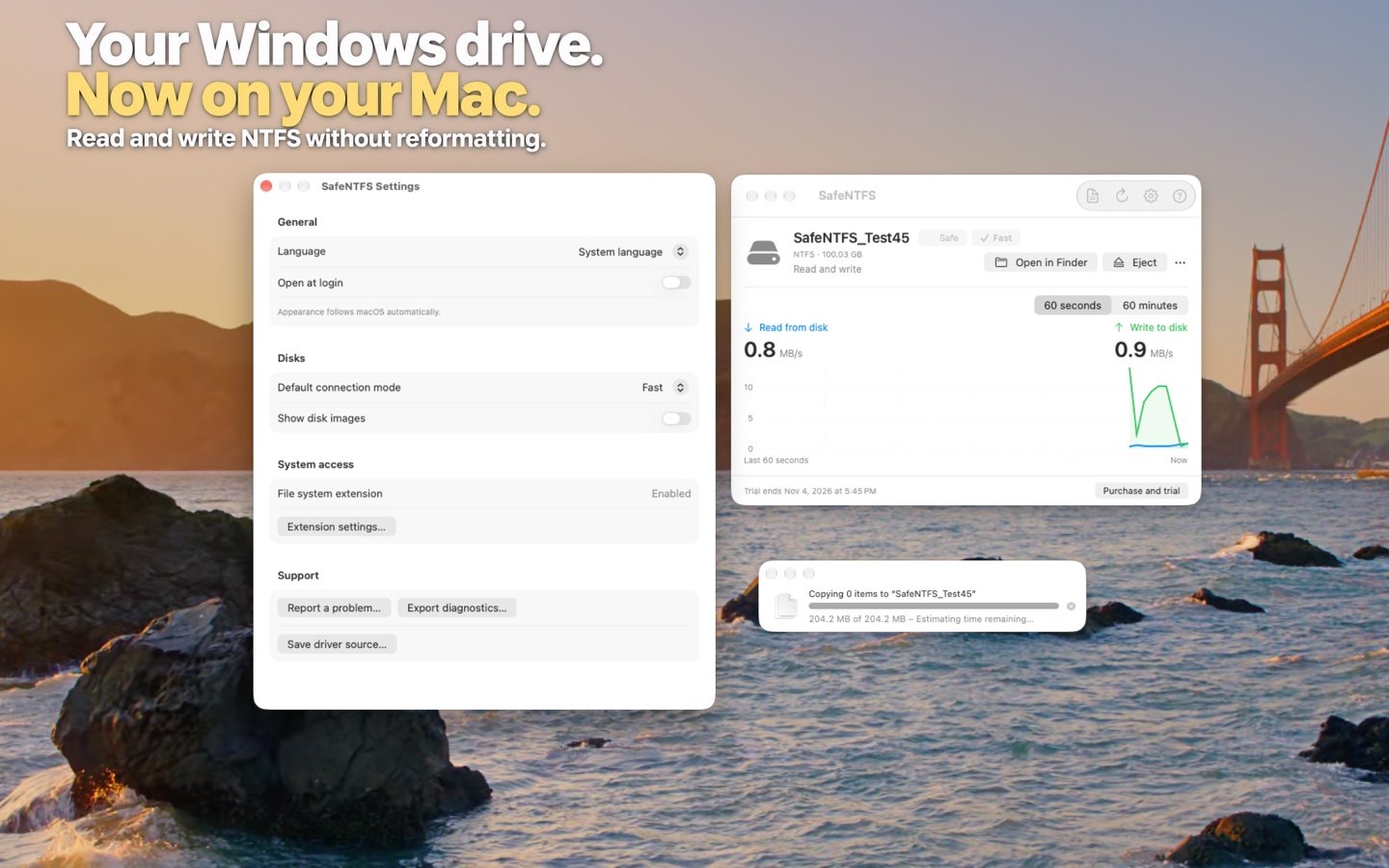
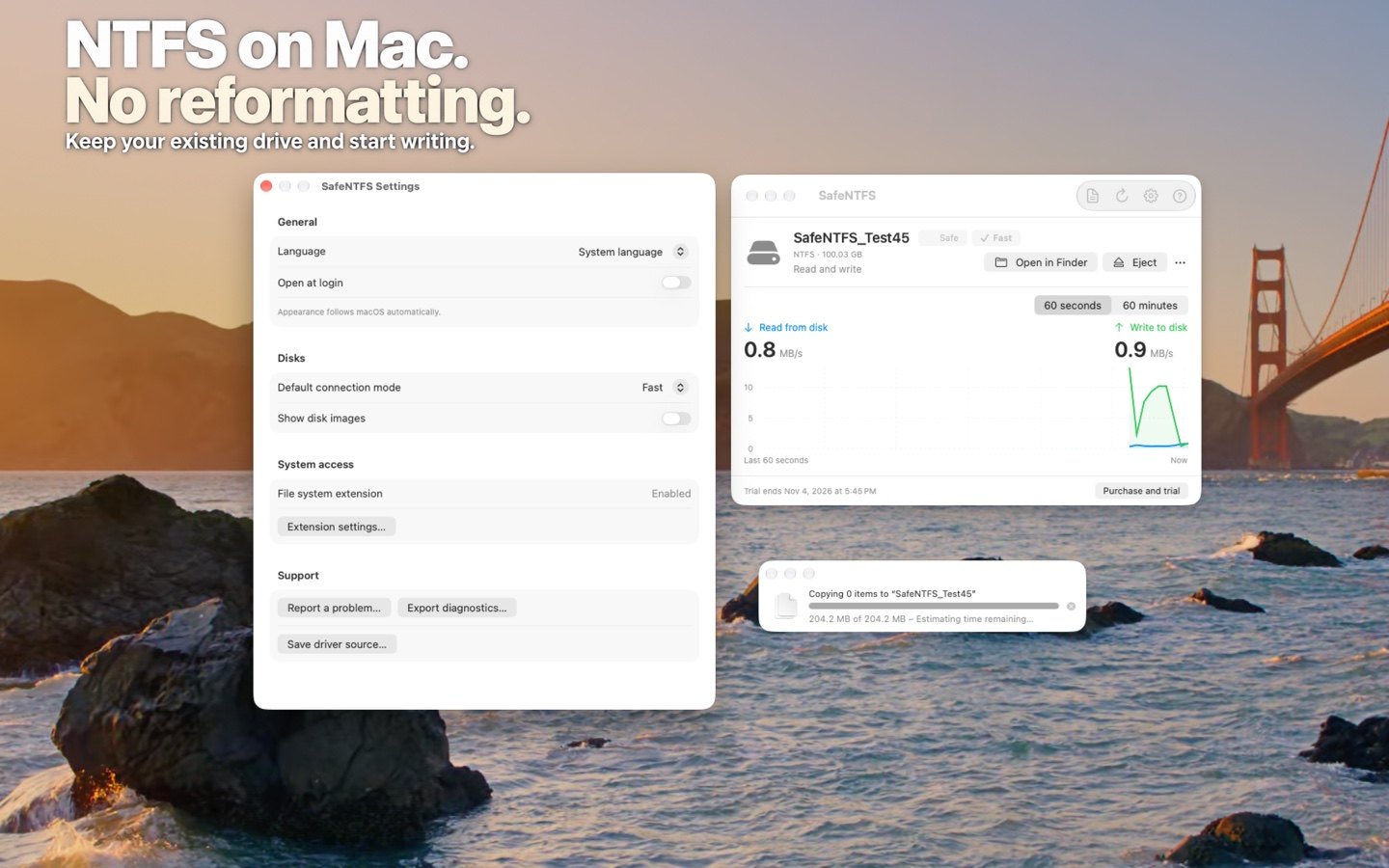
SafeNTFS is a file and storage app for Mac:Write to NTFS drives in Finder on your Mac.It runs on Apple silicon.It has not been checked yet.
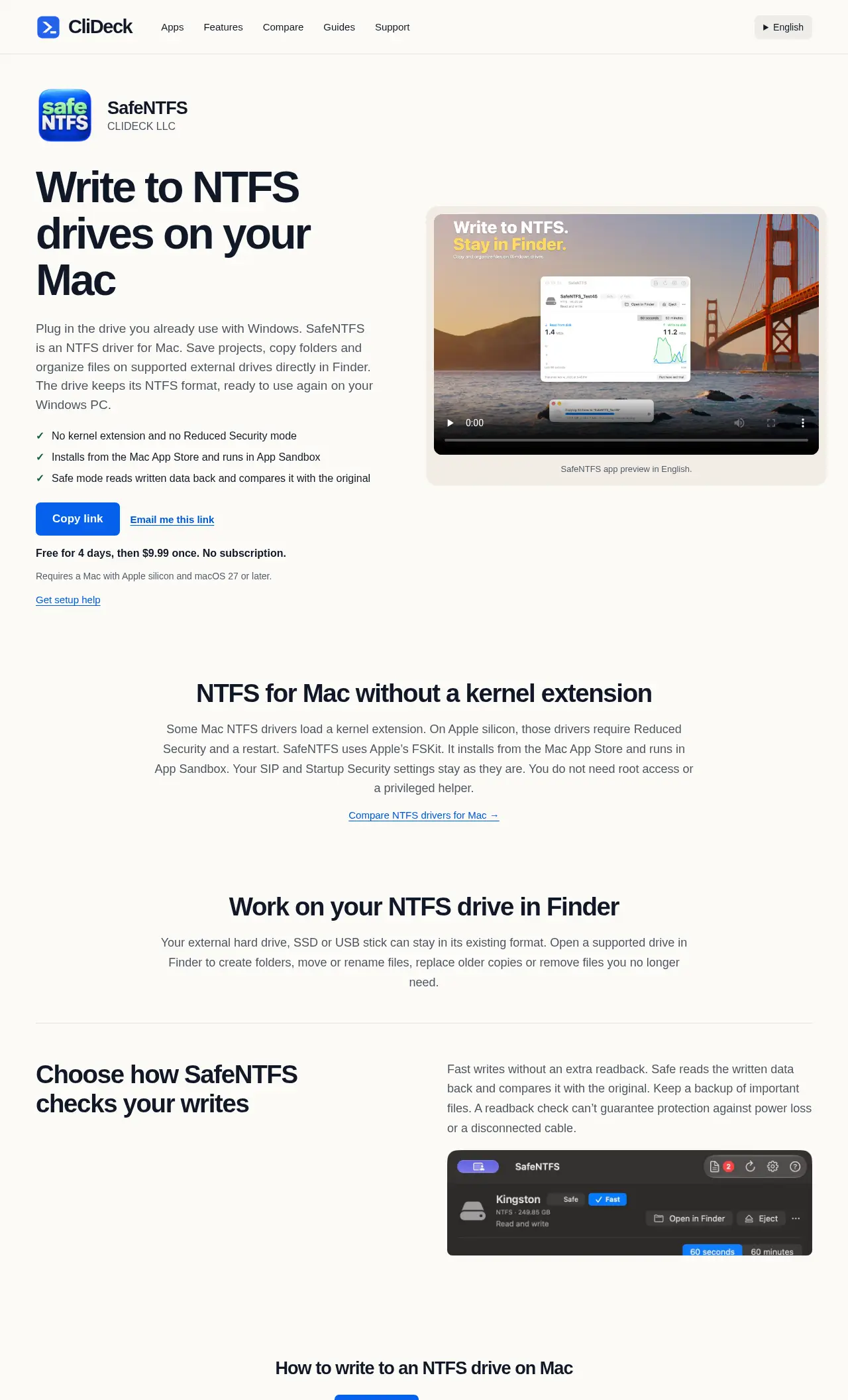
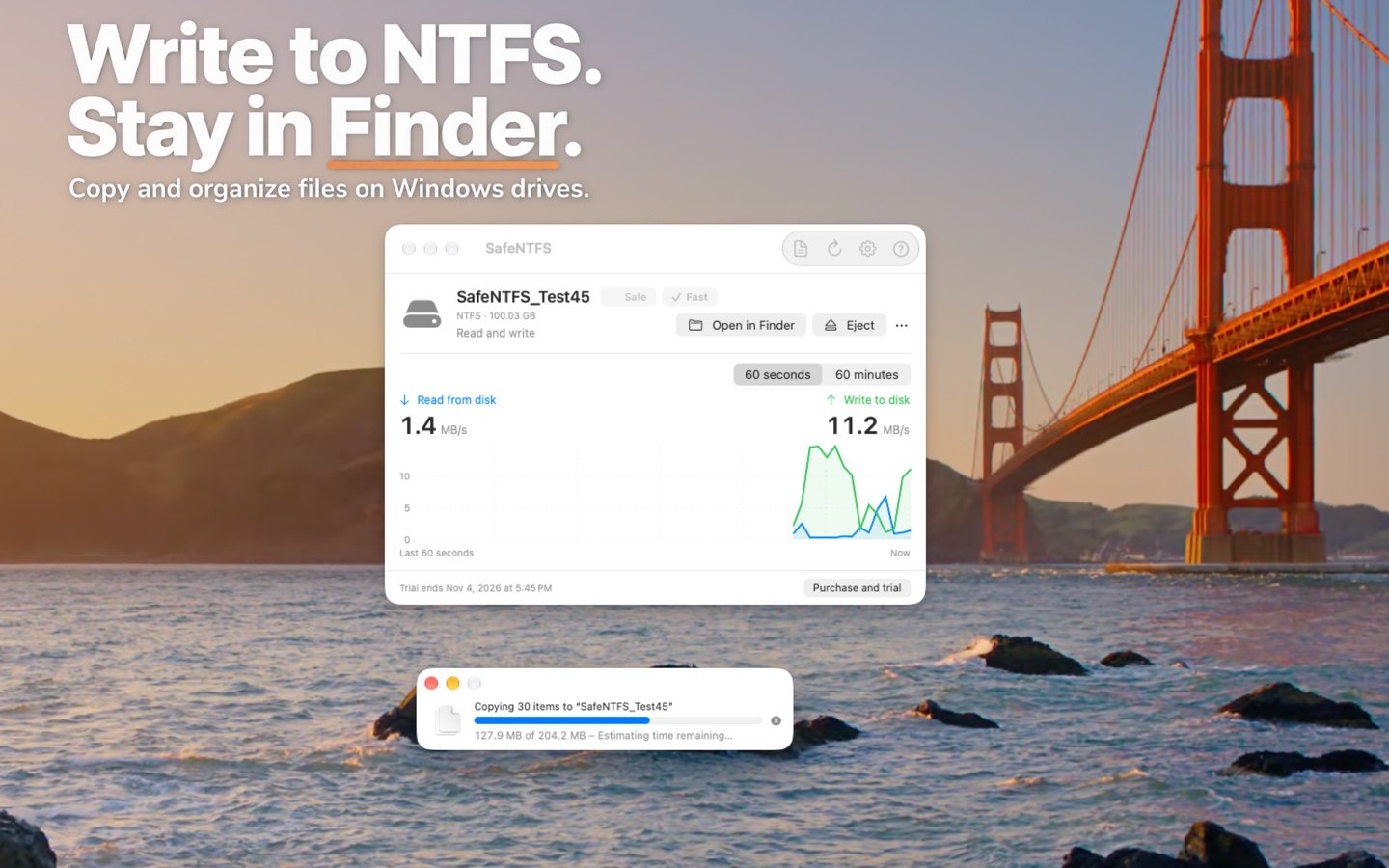
SafeNTFS gives Finder write access to supported external NTFS drives. Copy a project onto a Windows-formatted drive, create folders, rename files, or update existing files on your Mac. The drive keeps its NTFS format, so you can plug it back into a Windows PC.
The app uses Apple's FSKit and runs in the App Sandbox. Setup does not require a kernel extension or Reduced Security. Fast mode writes without an extra readback. Safe mode rereads the written data and compares it with the original.
SafeNTFS requires an Apple silicon Mac running macOS 27 or later. It does not format drives or repair NTFS. Install it from the Mac App Store, try it free for four days, and unlock Lifetime Access with a one-time $9.99 purchase in the US. There is no subscription.
A tick is not a safety guarantee. Read how to tell if a Mac app is safe.
This is your app, so here is its own badge for your site. It links back to this page, shows your real votes, and makes your app a Friend of MacPip.


<a href="https://macpip.com/apps/safentfs?ref=badge"><img src="https://macpip.com/badge/safentfs.svg" height="58" alt="SafeNTFS is listed on MacPip"></a>
Ask your AI about SafeNTFS, like “Is SafeNTFS worth it?” Connect MacPip
NewBouquetApp StoreNewA native S3 browser that makes buckets feel like Finder…by SSVEN JOHAN EINAR ANDERSSONFree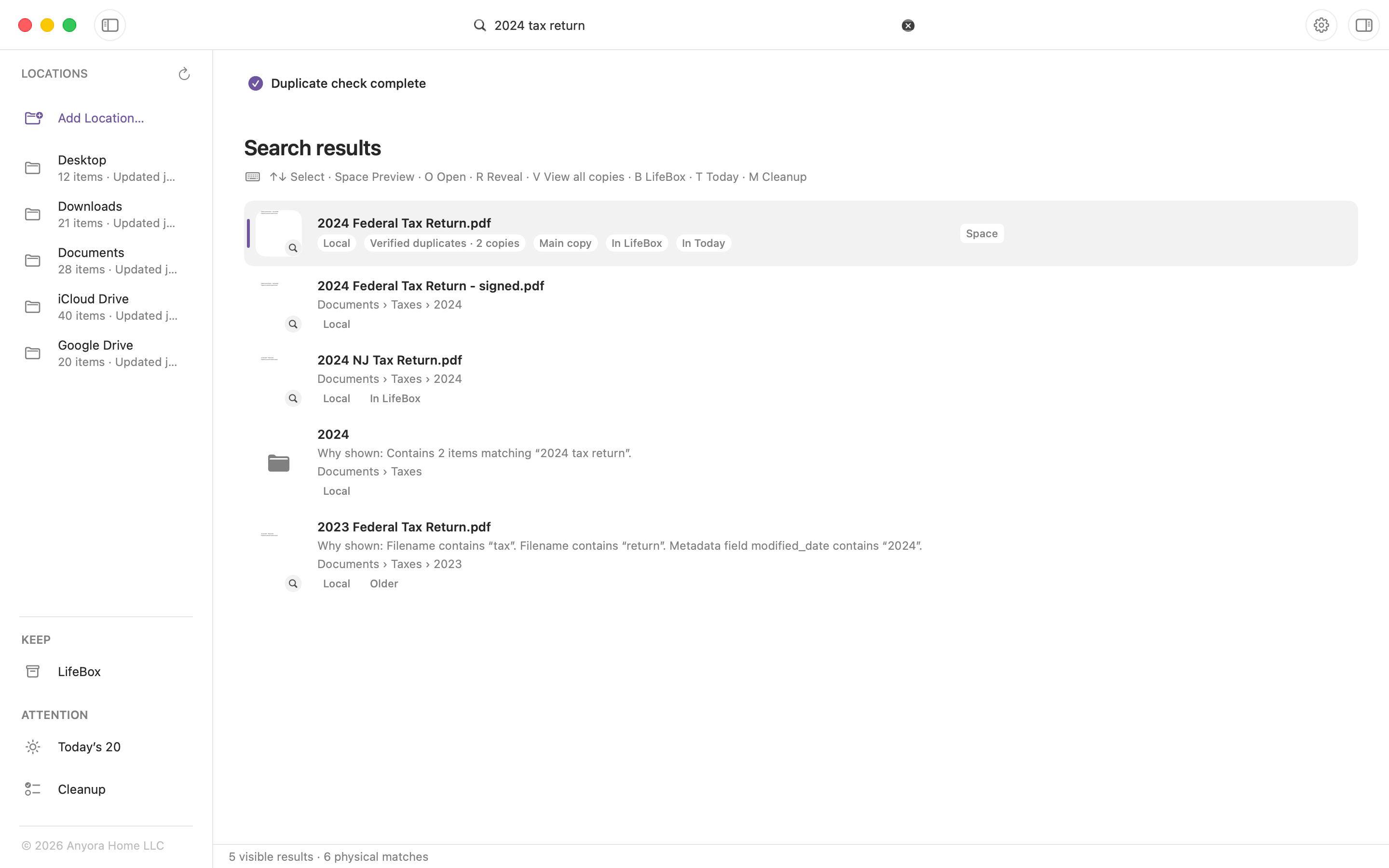
 File IndexApp StoreSearch the folders and cloud drives you choose.by AAnyora HomeFree with in-app purchases
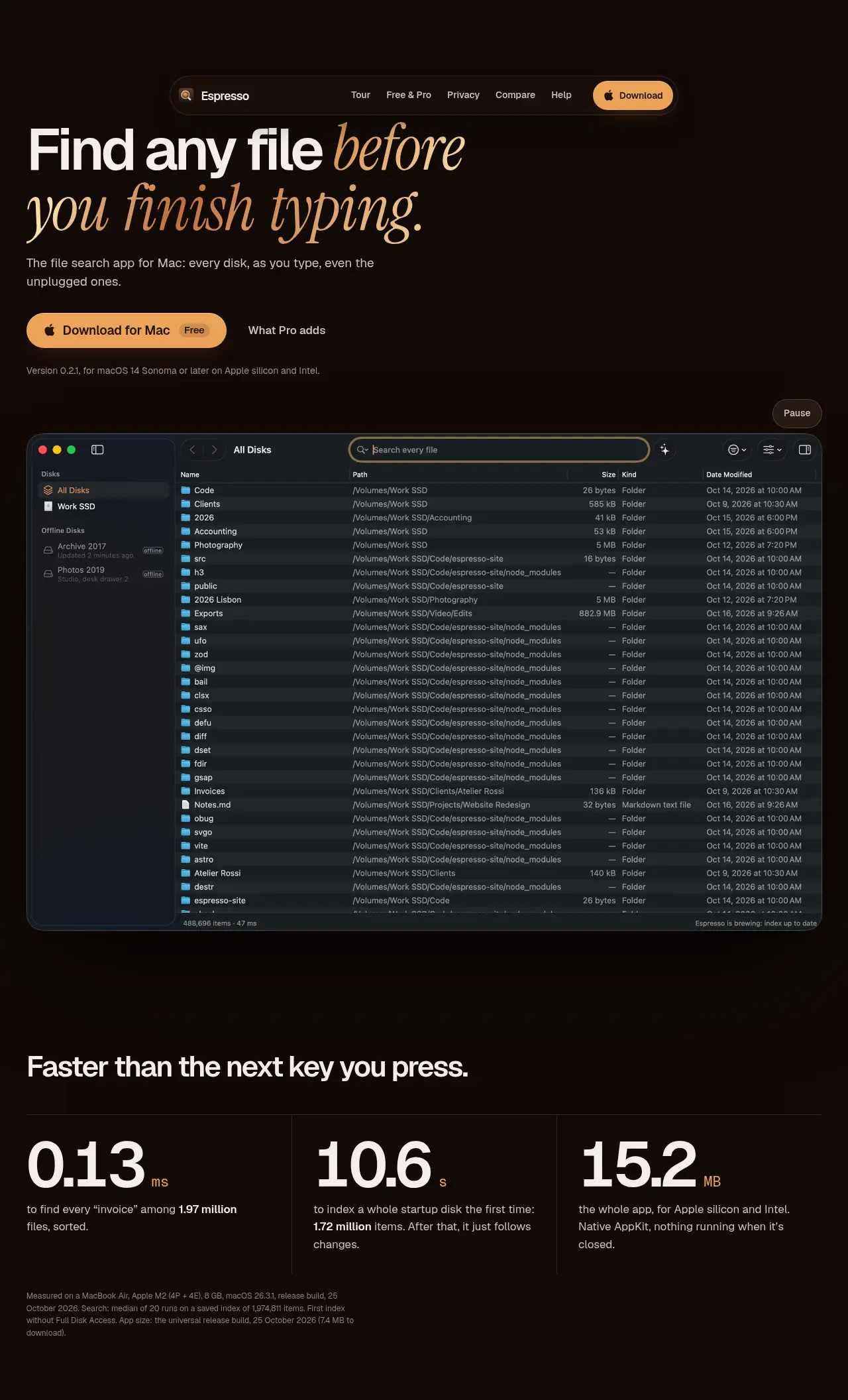
 EspressoEspresso is the Everything-style file search app for Macby
 Moka SolutionsFree for personal use, Pro €19 once
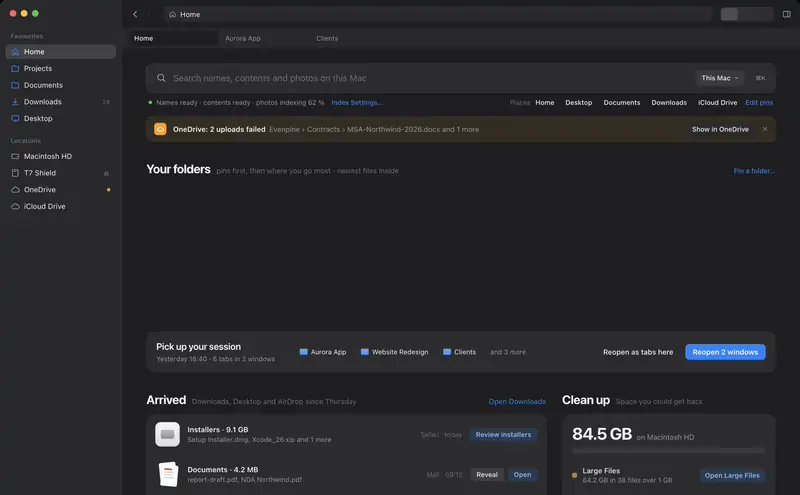
 BranchwayFinder, rebuilt for people who live in their filesby EEvenpine$19 one-time, free trial