SponsorSign inSubmit
Best of MacPip

Best one-time purchase file and storage apps for Mac

Updated Nov 8, 2026, from what MacPip lists today.

Short answer

MacPip lists 12 one-time purchase file and storage apps for Mac, and a person has checked 3 of them.4 of them have a free version.All of them sell a one-time license.There is no single best one-time purchase file management app for everyone, so MacPip does not rank them.If you want it free, start with Espresso.

Apps a person checked come first, newest check first. Never ordered by payment.

What these 12 apps offer, by their listings. An app can offer several, so the bars do not add up to 12.
Free version4 of 12
Pay once12 of 12
Subscription0 of 12
Native to Apple silicon8 of 12
Open source0 of 12
Works offline7 of 12
Checked by a person3 of 12
One-time price in US dollars, as each listing states it, lowest first. 2 apps have no plain dollar one-time price and are left out. Launch prices count where the listing says so.
Arkivor$9.99

Compared

AppWhat it doesPriceFree or paidApple siliconOpen sourceMade byChecked
AtticScreenshots and downloads put themselves away.$5 once (launch), then $9 and $15One-timeYes, and Intel, its maker saysNoPablo Fernández JiménezNov 3
EspressoEspresso is the Everything-style file search app for MacFree for personal use, Pro €19 onceFree versionOne-timeYes, and Intel, its maker saysNoMoka SolutionsNov 3
BranchwayFinder, rebuilt for people who live in their files$19 one-time, free trialOne-timeNot statedNoEvenpineOct 31
BucketMateModern S3 client with a clean UI and powerful multi-provider tools.From $29 once, free trialOne-timeYes, and Intel, its maker saysNoDavid TranPending
ArkivorOpen ZIP, RAR and 7Z archives on your Mac$9.99 onceOne-timeNot statedNoKamil AltunPending
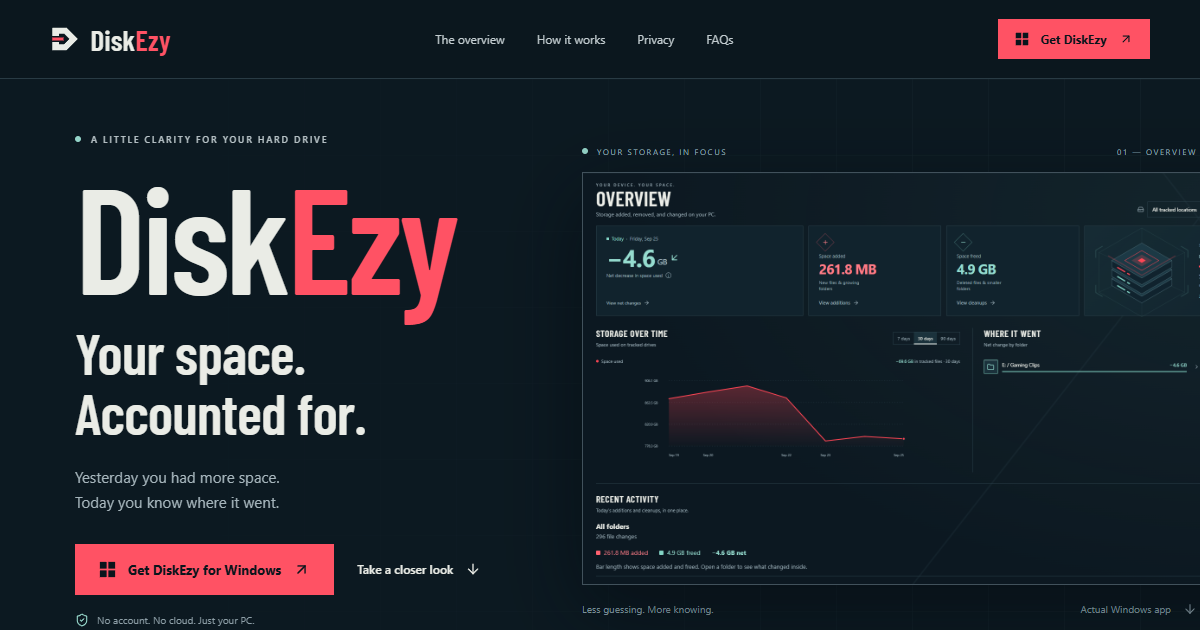
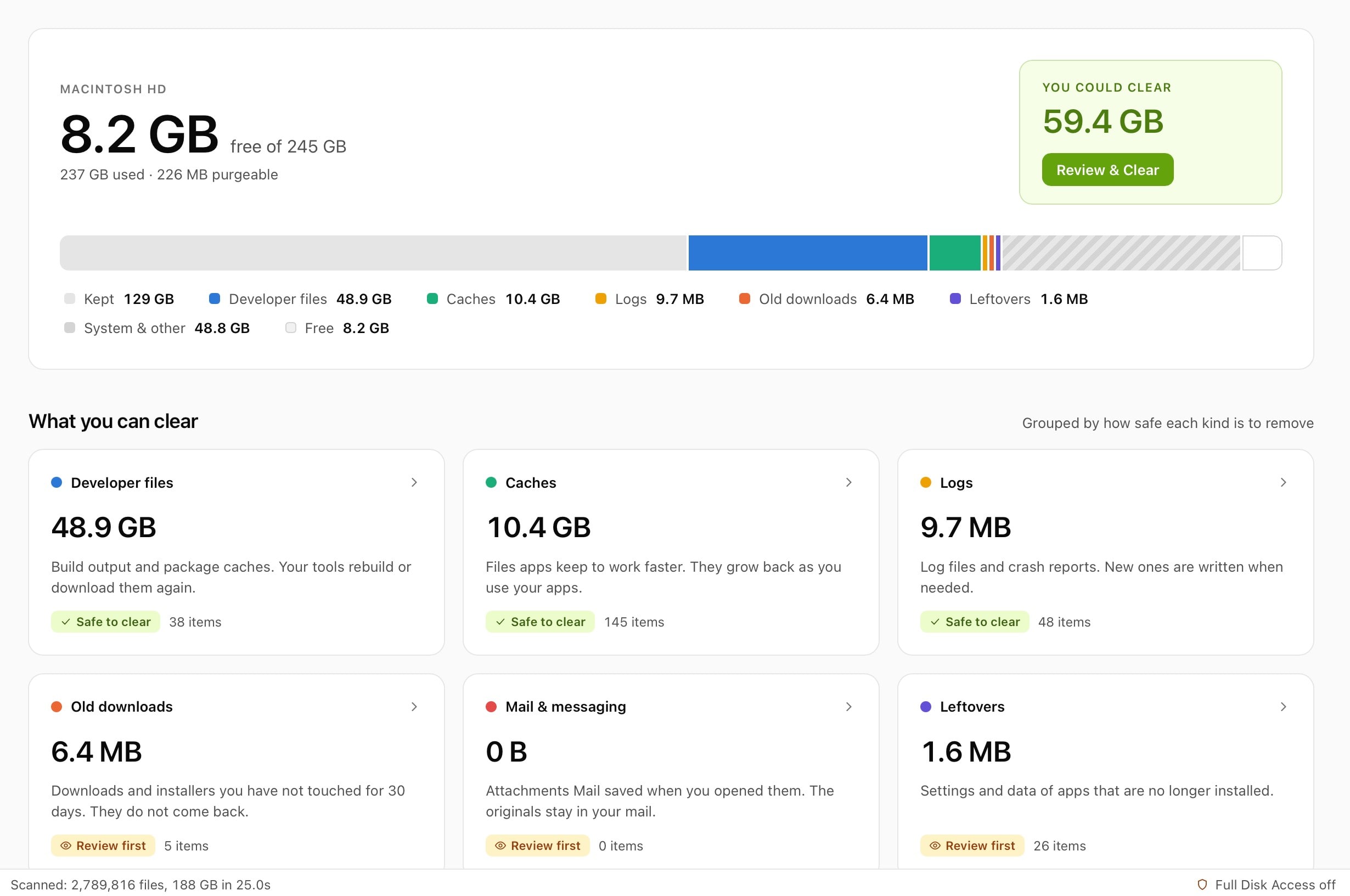
DiskEzySee what’s growing on your disk.$5 onceOne-timeNot statedNoNot statedPending
MyMacStorageDisk cleanup for Mac.$14.99 onceOne-timeYes, and Intel, its maker saysNoNot statedPending
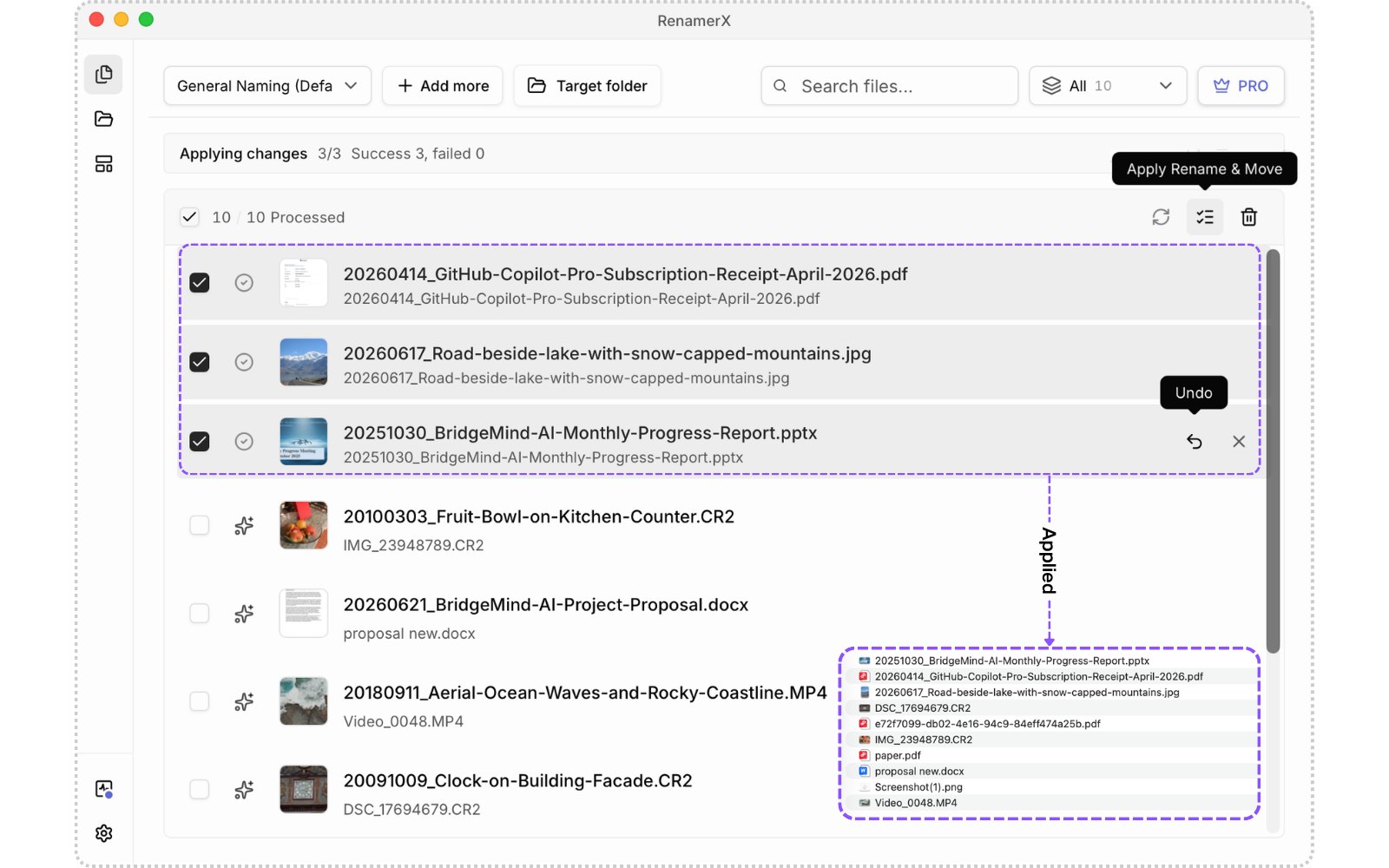
RenamerXRename and organize messy files with local-first AI.Free, Pro $36 onceFree versionOne-timeYes, and Intel, its maker saysNoNot statedPending
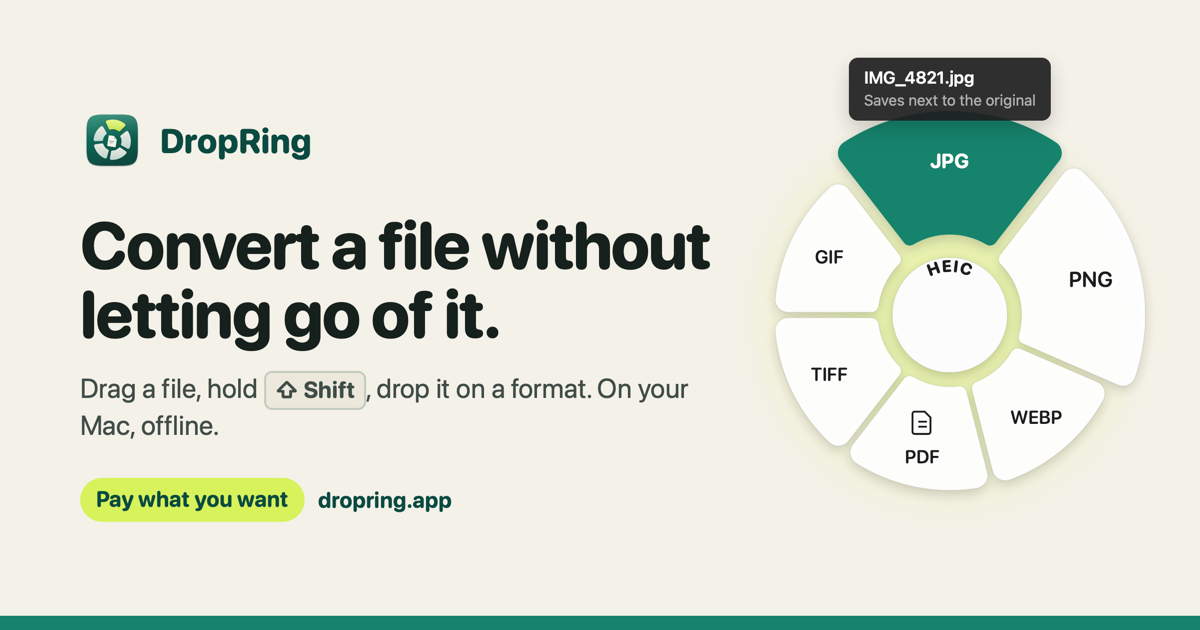
DropRingA macOS menu bar app that converts files in the middle of a dragFree and open sourceFree versionOne-timeNot statedNoDaryl BleachPending
Local Music OrganizerFind duplicates, repair Music.app libraries and analyze audio on Mac.$29.99 once, 3-day free trialOne-timeYes, and Intel, its maker saysNoSergey BelenkyPending
BeckonA Mac app that puts your Dock in a ring around the pointerFree, Pro $24 once, 14-day trialFree versionOne-timeYes, and Intel, its maker saysNoNot statedPending
SwitchbackWindows Explorer workflows in the real Finder: folder tree, typeable path, Task Manager$24.99 once, 14-day free trialOne-timeYes, and Intel, its maker saysNoGavin ShipmanPending

The apps, one by one

Attic

Screenshots and downloads put themselves away.

Pay onceApple siliconChecked Nov 3
Attic on a Mac

Attic tidies up after you. Old screenshots and downloads move to a folder on your Mac by themselves, and nothing is ever deleted. No cloud and no account. It is $5 once at its launch price, then $9 and $15.

Price
$5 once (launch), then $9 and $15
Needs
macOS 14 Sonoma or later

Attic on MacPip More Menu Bar apps

Espresso

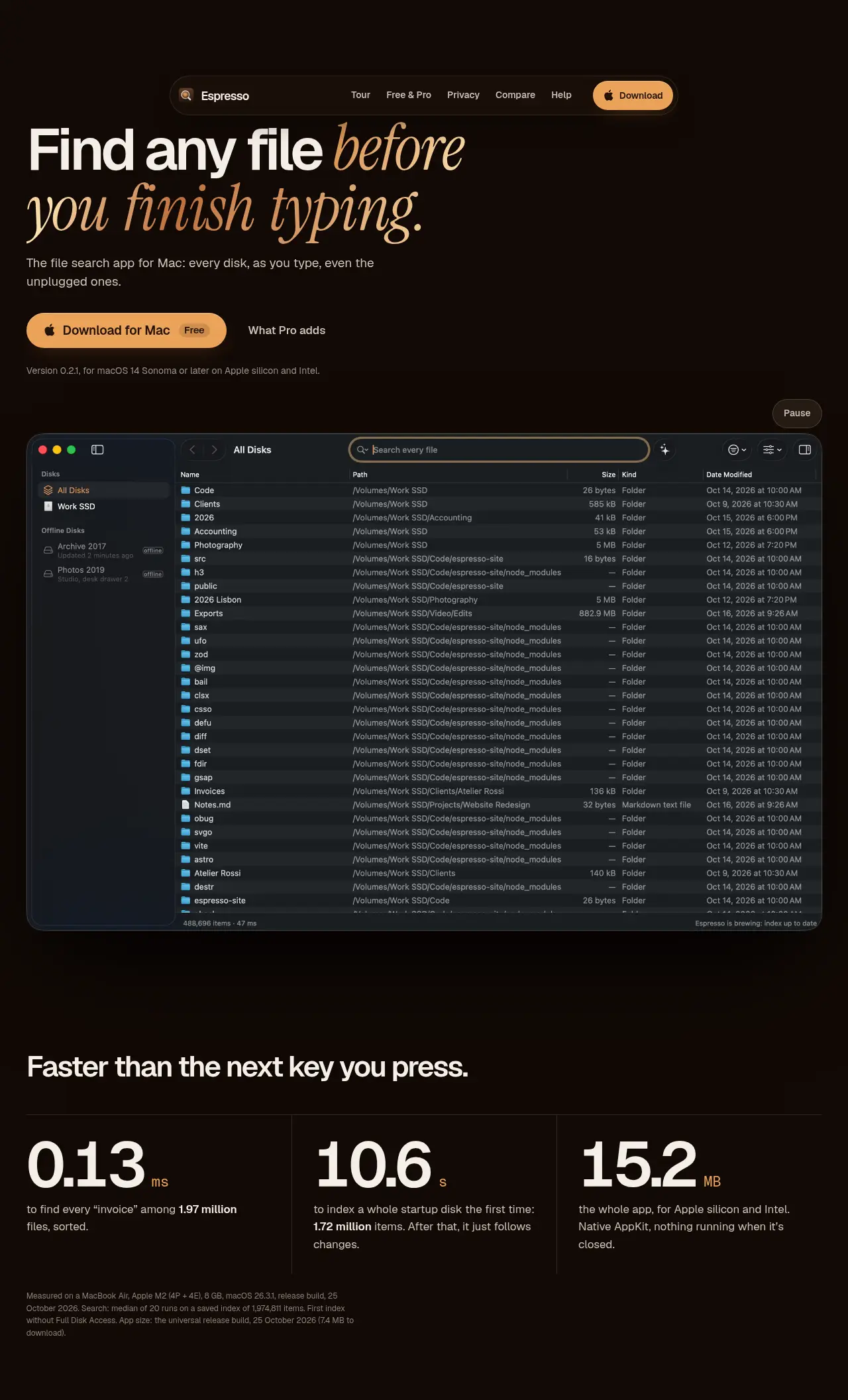
Espresso is the Everything-style file search app for Mac

Free versionPay onceApple siliconWorks offlineChecked Nov 3
Espresso on a Mac

From its maker: Espresso is the Everything-style file search app for Mac: every file on every disk as you type, even disks that aren’t connected. Native, private, free for personal use.

Price
Free for personal use, Pro €19 once
Needs
macOS 14 Sonoma or later

Espresso on MacPip More Files and Storage apps

Branchway

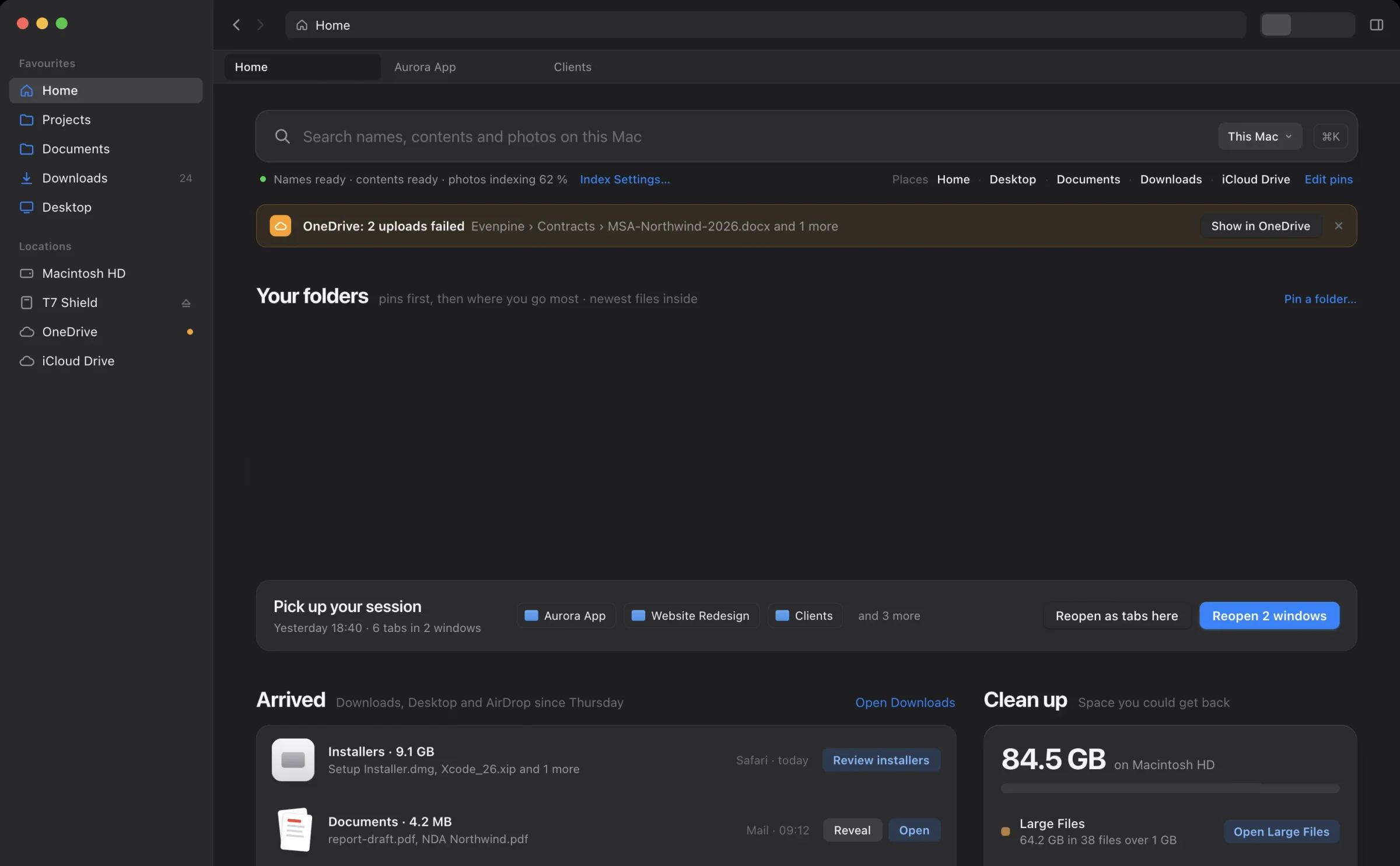
Finder, rebuilt for people who live in their files

Pay onceChecked Oct 31
Branchway on a Mac

From its maker: Branchway is a native Mac file manager for people who spend their day in folders. It keeps everything Finder does well and adds what it never had.

Price
$19 one-time, free trial
Needs
macOS 14+
Its maker says it replaces
Finder, ForkLift, Path Finder, Commander One

Branchway on MacPip More Files and Storage apps

BucketMate

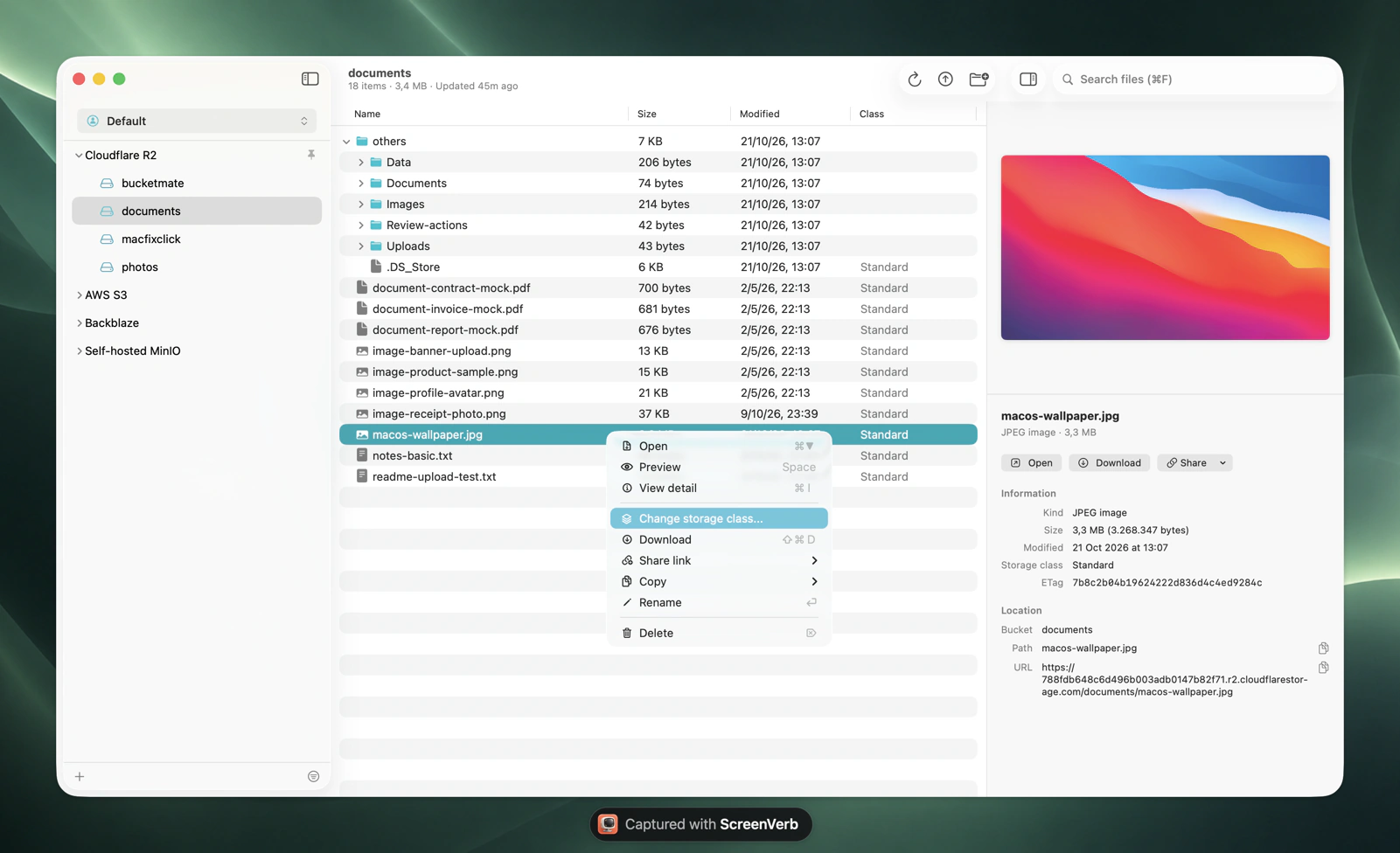
Modern S3 client with a clean UI and powerful multi-provider tools.

Pay onceApple silicon
BucketMate on a Mac

From its maker: BucketMate is a fast, native S3 client for Mac, with iOS and web versions too. Connect AWS S3, Cloudflare R2, Backblaze B2, Google Cloud Storage, DigitalOcean Spaces, Wasabi, MinIO, Supabase, Hetzner, Tigris and any S3-compatible endpoint in one place.

Deal
40% off Lifetime, until Dec 1
Price
From $29 once, free trial
Needs
macOS 14 Sonoma or later
Its maker says it replaces
Cyberduck, Transmit, ForkLift, S3 Browser

BucketMate on MacPip More Developer Tools apps

RenamerX

Rename and organize messy files with local-first AI.

Free versionPay onceApple silicon
RenamerX on a Mac

From its maker: Rename and organize messy files with local-first AI. Review every filename suggestion, apply safely, and undo when needed.

Price
Free, Pro $36 once
Needs
macOS 13 Ventura 或更高版本

RenamerX on MacPip More Files and Storage apps

DropRing

A macOS menu bar app that converts files in the middle of a drag

Free versionPay onceWorks offline
DropRing on a Mac

From its maker: A macOS menu bar app that converts files in the middle of a drag: drag a file, hold Shift, and drop it on a format. Images, documents, video and audio are converted on the Mac, offline.

Price
Free and open source
Needs
macOS 14 Sonoma or later

DropRing on MacPip More Files and Storage apps

Local Music Organizer

Find duplicates, repair Music.app libraries and analyze audio on Mac.

Pay onceApple siliconWorks offline
Local Music Organizer on a Mac

From its maker: Local Music Organizer is a native macOS toolkit for large offline Music.app collections. Its SQLite index helps find missing files, duplicate records, repeated playlist entries, incomplete albums, missing artwork and playlists.

Price
$29.99 once, 3-day free trial
Needs
macOS 14 Sonoma or later

Local Music Organizer on MacPip More Music apps

Beckon

A Mac app that puts your Dock in a ring around the pointer

Free versionPay onceApple siliconWorks offline
Beckon on a Mac

Beckon puts your Dock in a ring around the pointer. Hold Option-Space, flick toward an app and let go. The ring holds windows with live thumbnails, pinned apps, folders, websites, Shortcuts and files, and the real Dock can stay hidden. It is free, with Pro at $24 once and a 14-day trial.

Price
Free, Pro $24 once, 14-day trial
Needs
macOS 14 Sonoma or later
Its maker says it replaces
Outpost launcher

Beckon on MacPip More Files and Storage apps

Switchback

Windows Explorer workflows in the real Finder: folder tree, typeable path, Task Manager

Pay onceApple silicon
Switchback on a Mac

From its maker: For people who moved from Windows. Switchback adds Explorer habits to the Finder you already use instead of replacing it.

Price
$24.99 once, 14-day free trial
Needs
macOS 13 Ventura or later
Its maker says it replaces
Finder, Path Finder, ForkLift

Switchback on MacPip More Files and Storage apps

Which one to pick

What to look for

Look for what it does to your files before it does it, an undo, and whether it works with cloud folders.

Questions

What is the best one-time purchase file management app for Mac?

There is no single best one for everyone. MacPip lists 12: Attic, Espresso, Branchway, BucketMate, Arkivor, DiskEzy, MyMacStorage, RenamerX, DropRing, Local Music Organizer, Beckon, Switchback. If you want it free, look at Espresso. If you would rather pay once than subscribe, look at Attic. If you want it to run natively on Apple silicon, look at Espresso. If you need it to work offline, as its maker says it does, look at Espresso.

Are there free one-time purchase file and storage apps for Mac?

Yes. With a free version on MacPip: Espresso, RenamerX, DropRing, Beckon.

Which one-time purchase file and storage apps run natively on Apple silicon?

By their makers' word or by our check: Attic, Espresso, BucketMate, MyMacStorage, RenamerX, Local Music Organizer, Beckon, Switchback.

Which one-time purchase file and storage apps has a person checked?

Each has a dated report on its page: Attic, Espresso, Branchway.

How does MacPip order these apps?

Apps a person has checked come first, newest check first, then the rest by when they were added. Payment never changes the order, and sponsored rows are labeled and kept apart.

Related