

 Friend
 CoralProductivity for Claude Code and Codex agentsby
 Coral ClaudeFree, Pro from $8/month, 7-day trial50% off

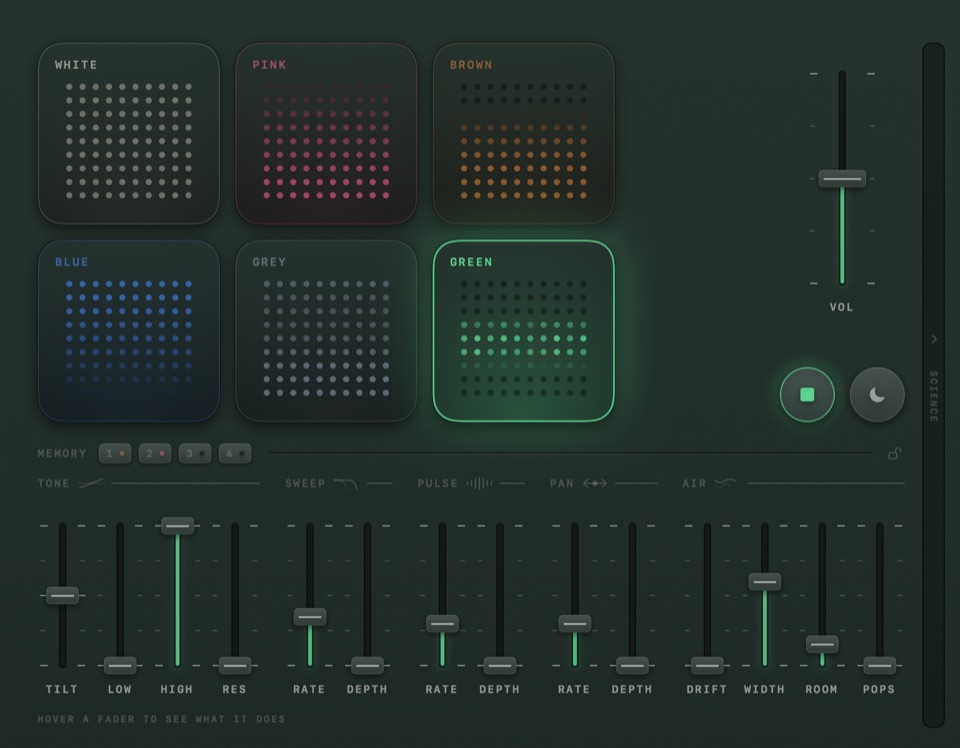
Smirr is a productivity app for Mac, made in the United Kingdom.A background noise machine you can fine-tune.It runs on Apple silicon.It has not been checked yet.
A noise generator that lives in your Mac's menu bar.
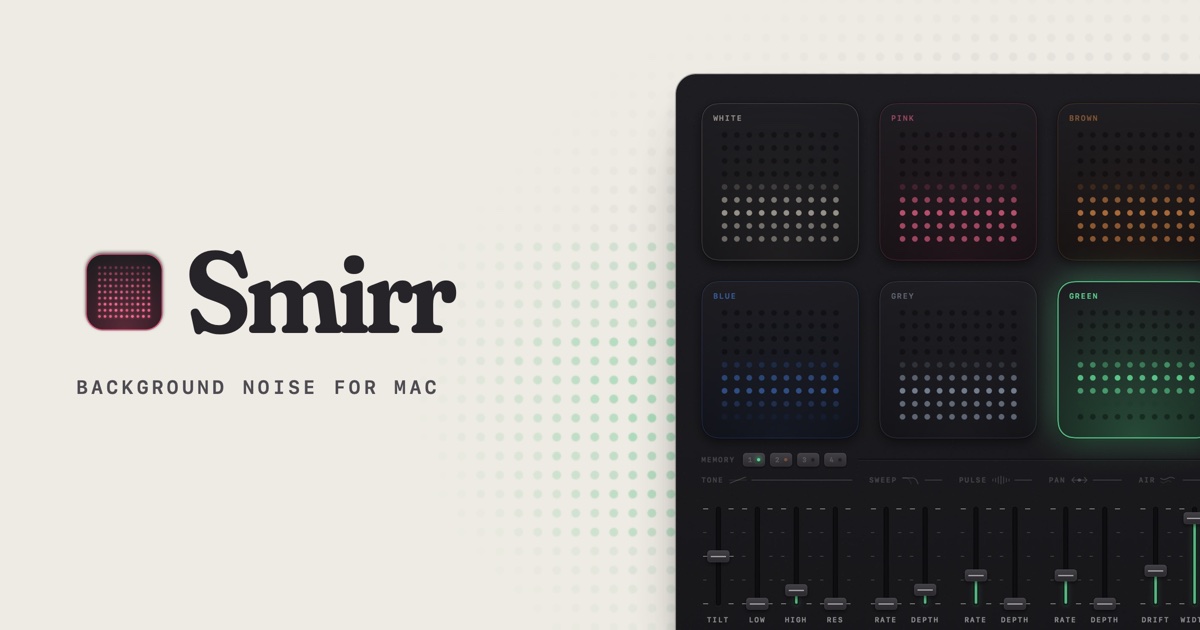
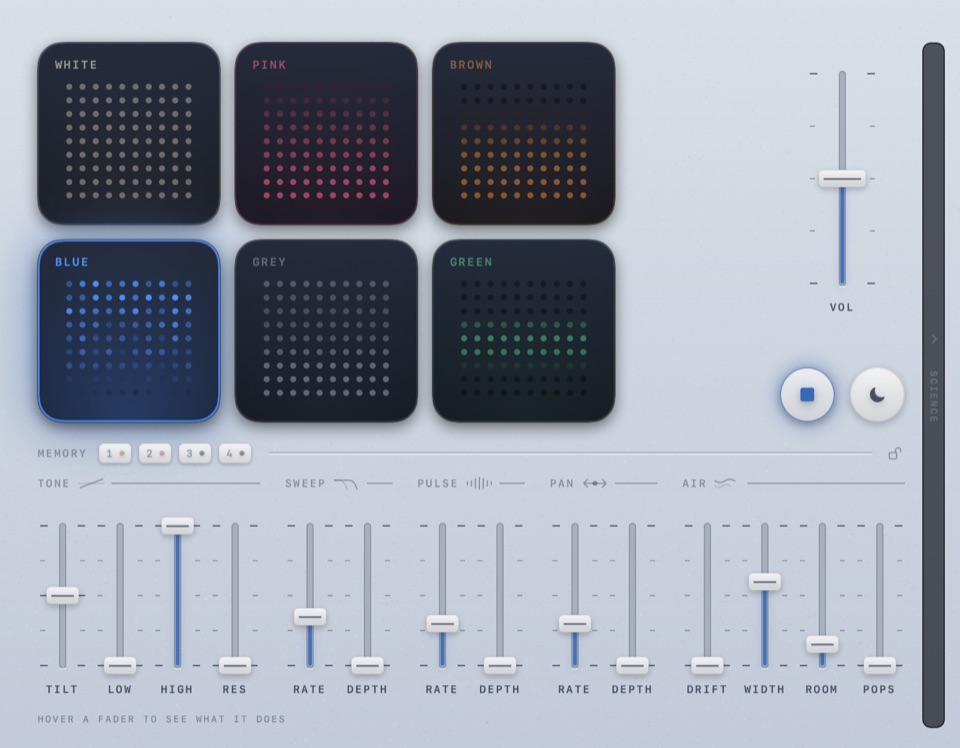
Choose from six colours of noise (white, pink, brown, blue, grey and green) and shape it using 17 faders until it feels right to your ears. Adjust frequency highs/lows, add slow rolling waves, a side-to-side stereo drift, a gentle crackling noise, a low chord underneath, and more.
The sound is all produced live in the app, so it never loops, and there are no adverts to break your concentration, like in a long YouTube noise video.
Smirr also features a sleep timer, headphone volume cap, presets (Rain, Surf, Campfire, Night Flight, Cathedral) and the ability to save your own sounds and share them as links with other Smirr users.
Free 3-day trial that only counts on the days you listen, and then a one-off £4.99/$5.99 for up to two Macs.
A tick is not a safety guarantee. Read how to tell if a Mac app is safe.
This is your app, so here is its own badge for your site. It links back to this page, shows your real votes, and makes your app a Friend of MacPip.


<a href="https://macpip.com/apps/smirr?ref=badge"><img src="https://macpip.com/badge/smirr.svg" height="58" alt="Smirr is listed on MacPip"></a>
Ask your AI about Smirr, like “Is Smirr worth it?” Connect MacPip
FriendCoralProductivity for Claude Code and Codex agentsby Coral ClaudeFree, Pro from $8/month, 7-day trial50% off #1Nov 9
 CopyPastaCopyPasta is a private-by-default clipboard manager for macOS that opens from the notch.by
 @AmasCreates$14.99 once, 7-day free trialFRIEND OF MACPIP

 AuratorAurator turns your voice into clean text in every app on your Macby
 @ndmrauFrom $29 once, 7-day free trial
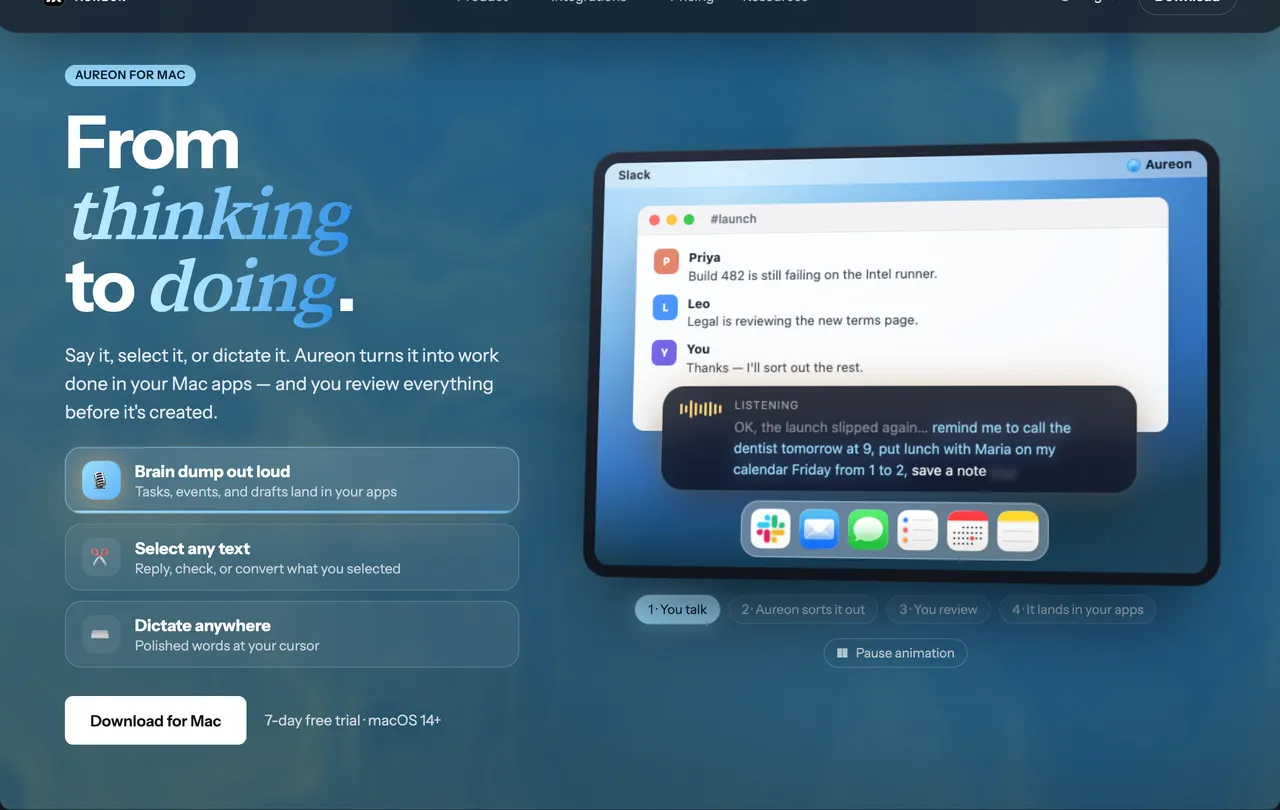
 AureonSay what you need. Aureon routes it to your Mac apps.by IInAureon$6.99+/mo · 7-day trial