Updated Nov 23, 2026, from what MacPip lists today.
Short answer
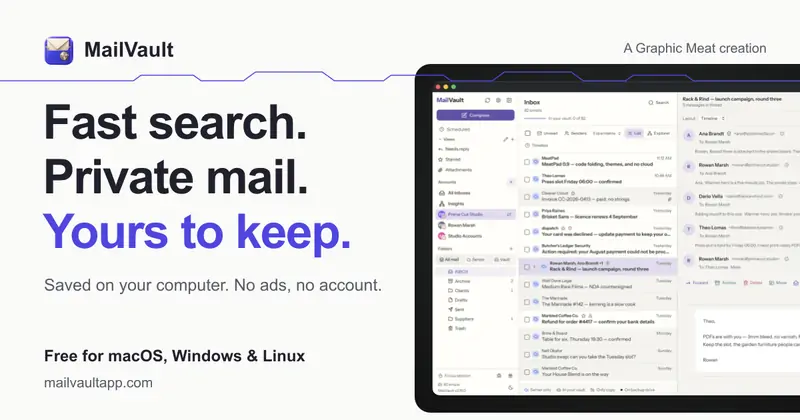
MacPip lists 5 email apps for Mac, and MacPip has checked 2 of them.1 of them has a free version.4 of them sell a one-time license.2 of them are sold by subscription.There is no single best email app for everyone, so MacPip does not rank them.If you want it free, start with MailVault.
Checked apps come first, newest check first. Never ordered by payment.
What these 5 apps offer, by their listings. An app can offer several, so the bars do not add up to 5.
Free version1 of 5
Pay once4 of 5
Subscription2 of 5
Native to Apple silicon2 of 5
Open source0 of 5
Works offline1 of 5
Checked2 of 5
One-time price in US dollars, as each listing states it, lowest first. 1 app has no plain dollar one-time price and is left out. Launch prices count where the listing says so.
From its maker: A free, private email app for macOS, Windows and Linux. Your mail stays on your computer, trackers are flagged, backups are yours, and almost everything can be customized.
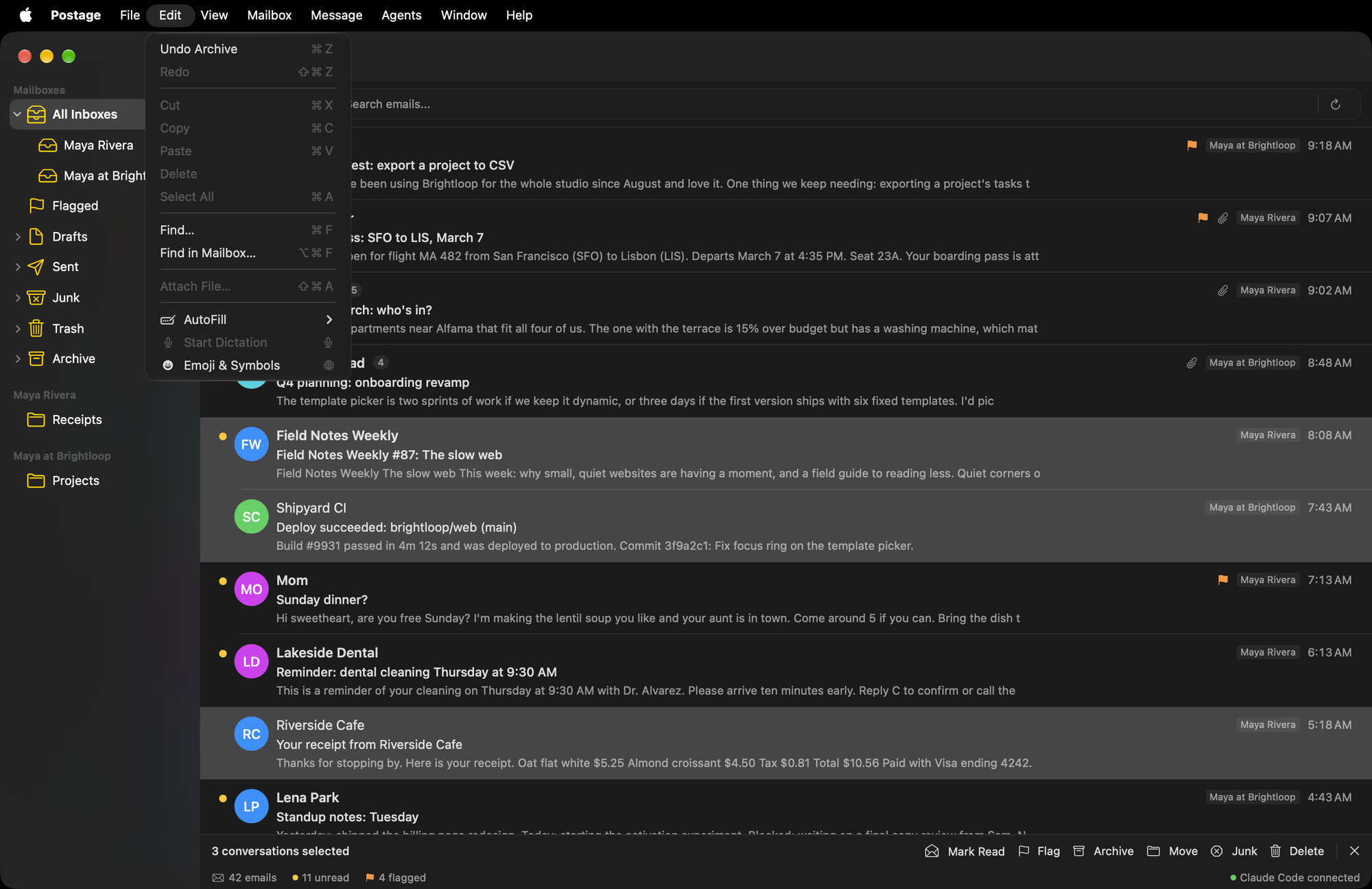
From its maker: Postage is a fast, native Mac email client for Gmail, iCloud, Fastmail, Yahoo and any IMAP account, with an MCP server built in. Turn it on and Claude Code, Codex, Claude Desktop, Cursor, VS Code, Windsurf, Zed or Gemini CLI can search, sort and draft your mail through 127.0.0.1 only.
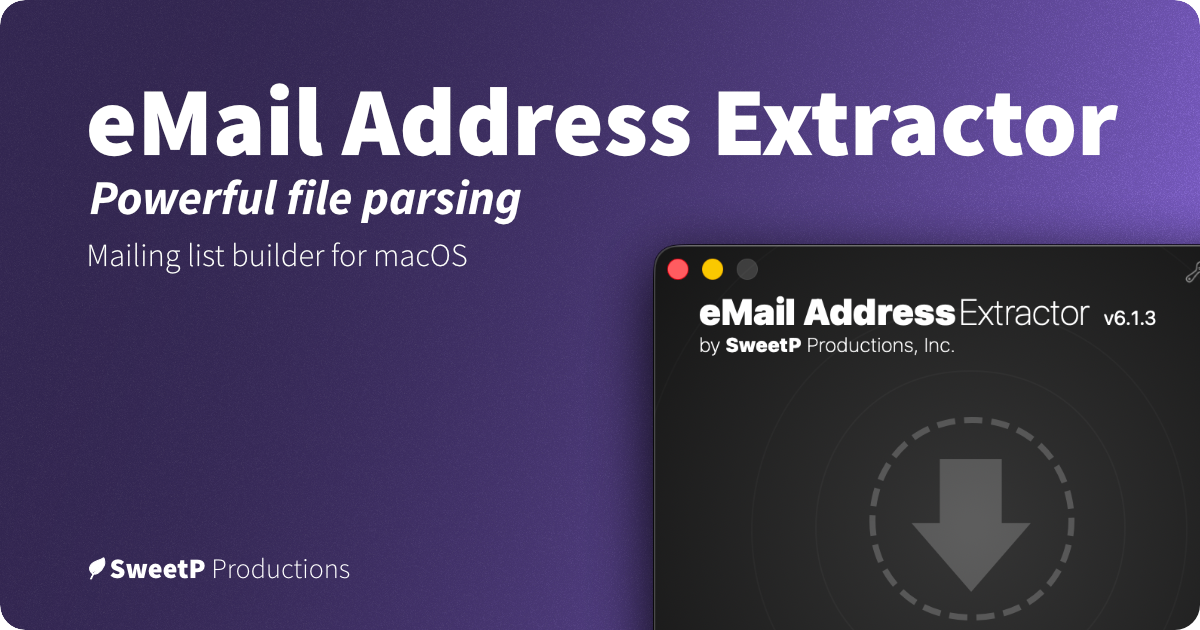
From its maker: eMail Address Extractor builds mailing lists by extracting email addresses from documents, archives, Apple Mail and websites, with deduplication and CSV or TXT output.
Pick Mail Flourish if you would rather pay once than subscribe.
What to look for
Look for which accounts it supports, whether mail passes through its own servers, and how search works offline.
Questions
What is the best email app for Mac?
There is no single best one for everyone. MacPip lists 5: Mail Flourish, MailVault, LocalInbox, Postage, eMail Address Extractor. If you want it free, look at MailVault. If you would rather pay once than subscribe, look at Mail Flourish.
Are there free email apps for Mac?
Yes. With a free version on MacPip: MailVault.
Which email apps for Mac have a one-time price?
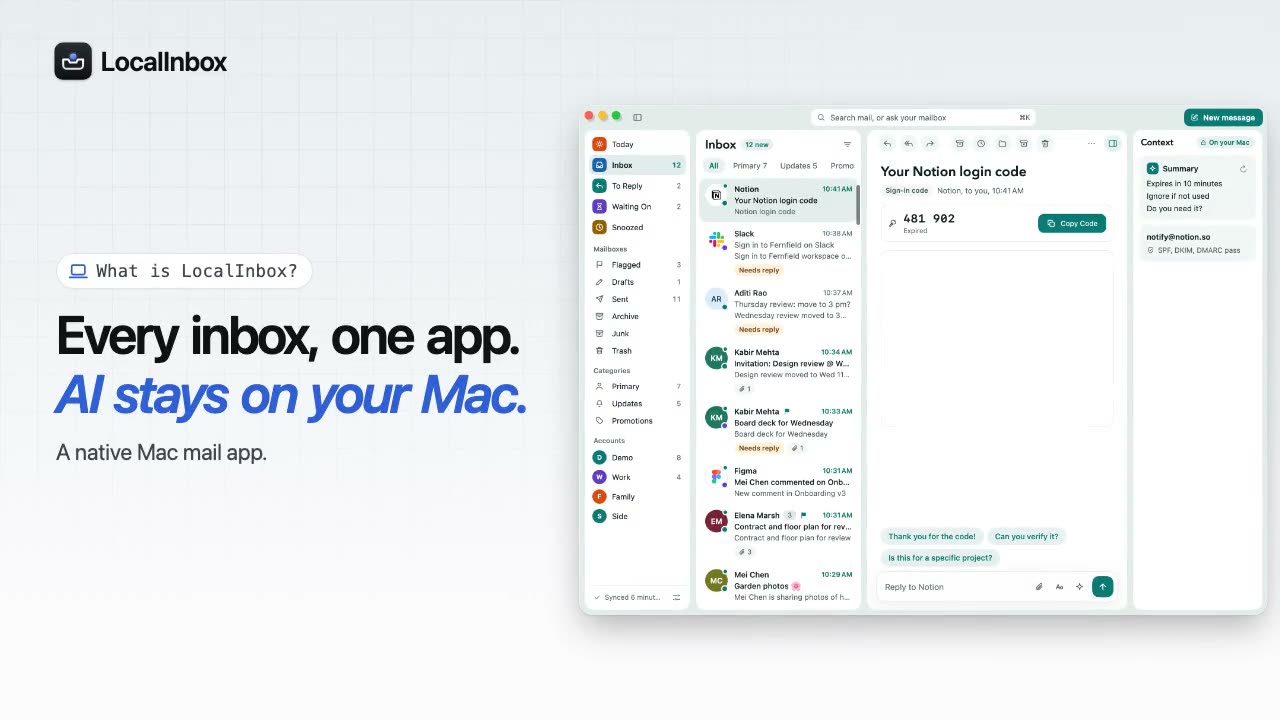
With a one-time option, so you can avoid a subscription: Mail Flourish, LocalInbox, Postage, eMail Address Extractor.
Which email apps run natively on Apple silicon?
By their makers' word or by our check: LocalInbox, eMail Address Extractor.
Which email apps has MacPip checked?
Each has a dated report on its page: Mail Flourish, MailVault.
How does MacPip order these apps?
Checked apps come first, newest check first, then the rest by when they were added. Payment never changes the order, and sponsored rows are labeled and kept apart.