Updated Nov 10, 2026, from what MacPip lists today.
Short answer
MacPip lists 5 security and privacy apps for Mac, and a person has checked 1 of them.3 of them have a free version.2 of them sell a one-time license.2 of them are paid by subscription.There is no single best security app for everyone, so MacPip does not rank them.If you want it free, start with Scrim.
Apps a person checked come first, newest check first. Never ordered by payment.
What these 5 apps offer, by their listings. An app can offer several, so the bars do not add up to 5.
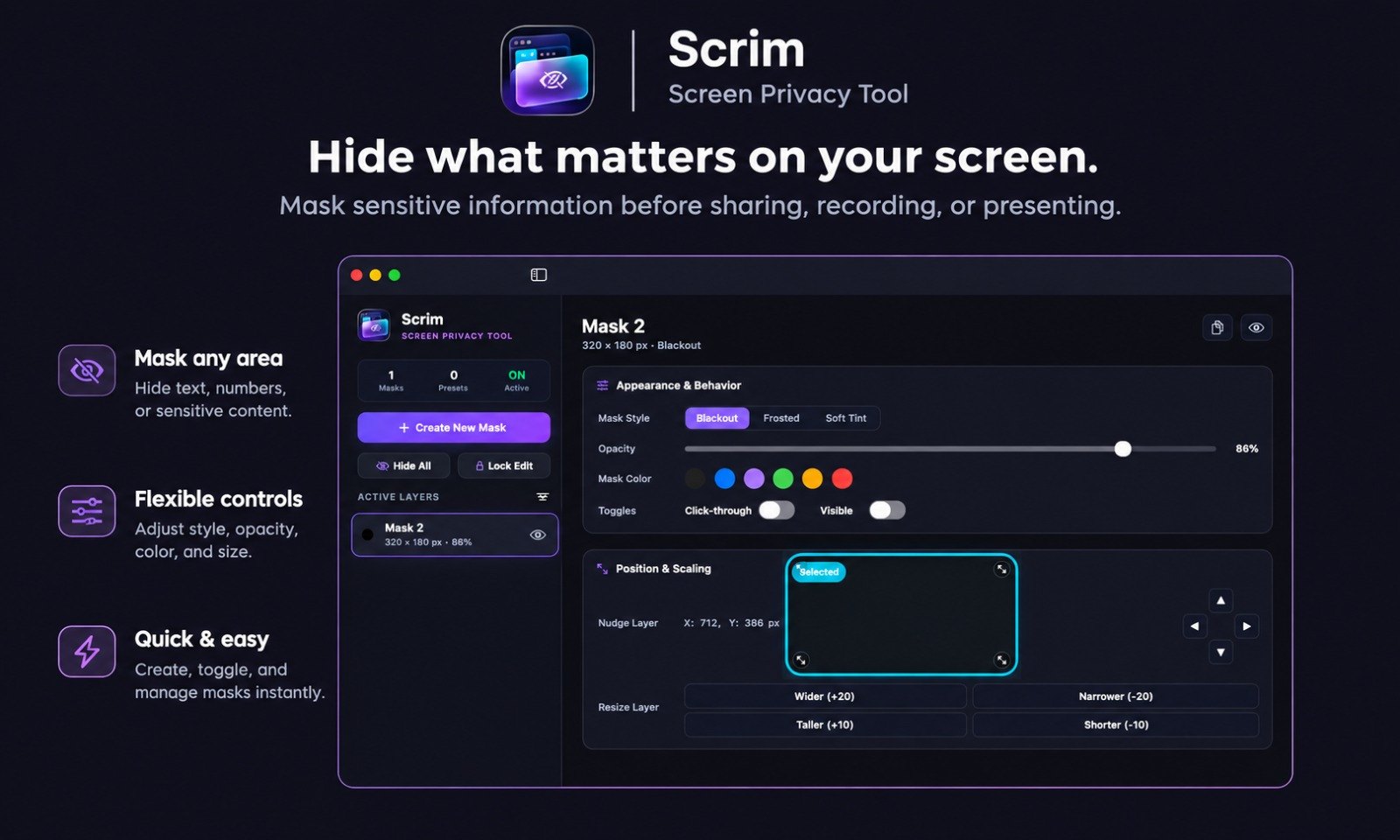
From its maker: Scrim is a macOS screen privacy utility that creates persistent, floating overlay masks to hide sensitive on-screen content during screen sharing, presentations, livestreams, and demos. Built natively in Swift for macOS Sequoia, it runs entirely offline with zero telemetry.
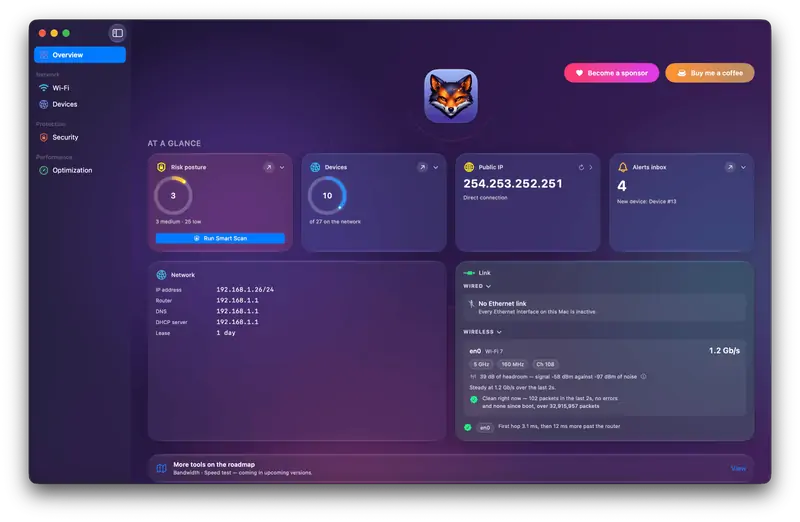
From its maker: Netfox turns raw network data into plain English on your Mac: decode every device, see what it exposes, and catch services left open. No cloud, no account.
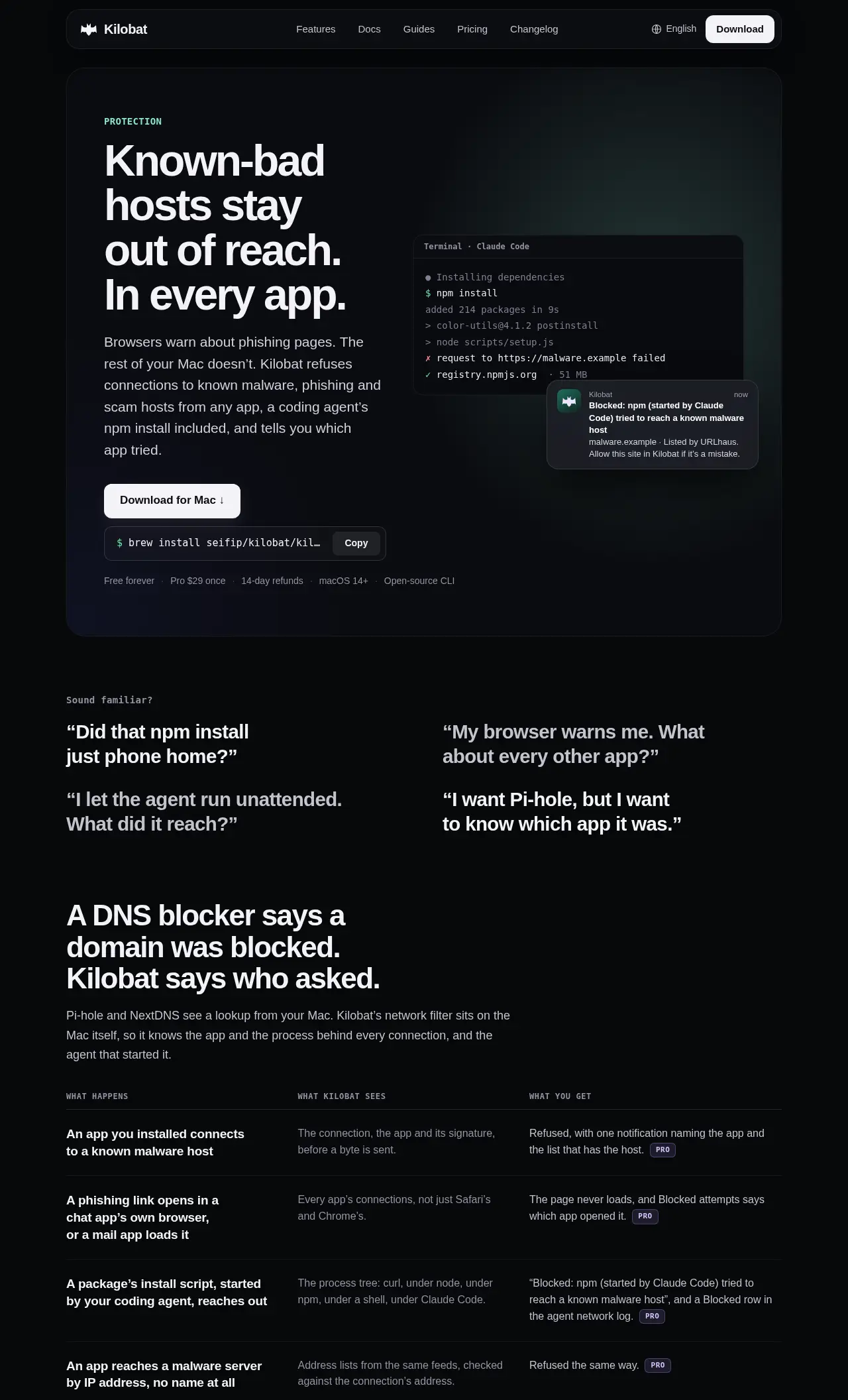
Kilobat watches your Mac's network connections and tells you which app, process or recognized coding agent is behind each one. It can block destinations on public malware, phishing and scam lists, and it can block trackers too.
Tracker blocking is free. Threat blocking and the agent guard need Pro, which is $29 once, with a 7-day trial. Its maker, Philip Seifi, is plain about the limits: it does not scan files, and a threat that is on no list can still get through.
The desktop app is proprietary, and a separate command line tool is open source under GPL-3.0. It runs on Apple silicon and Intel and needs macOS 14 Sonoma or later.
Pick Kilobat if you would rather pay once than subscribe.
Pick Cover if you want it to run natively on Apple silicon.
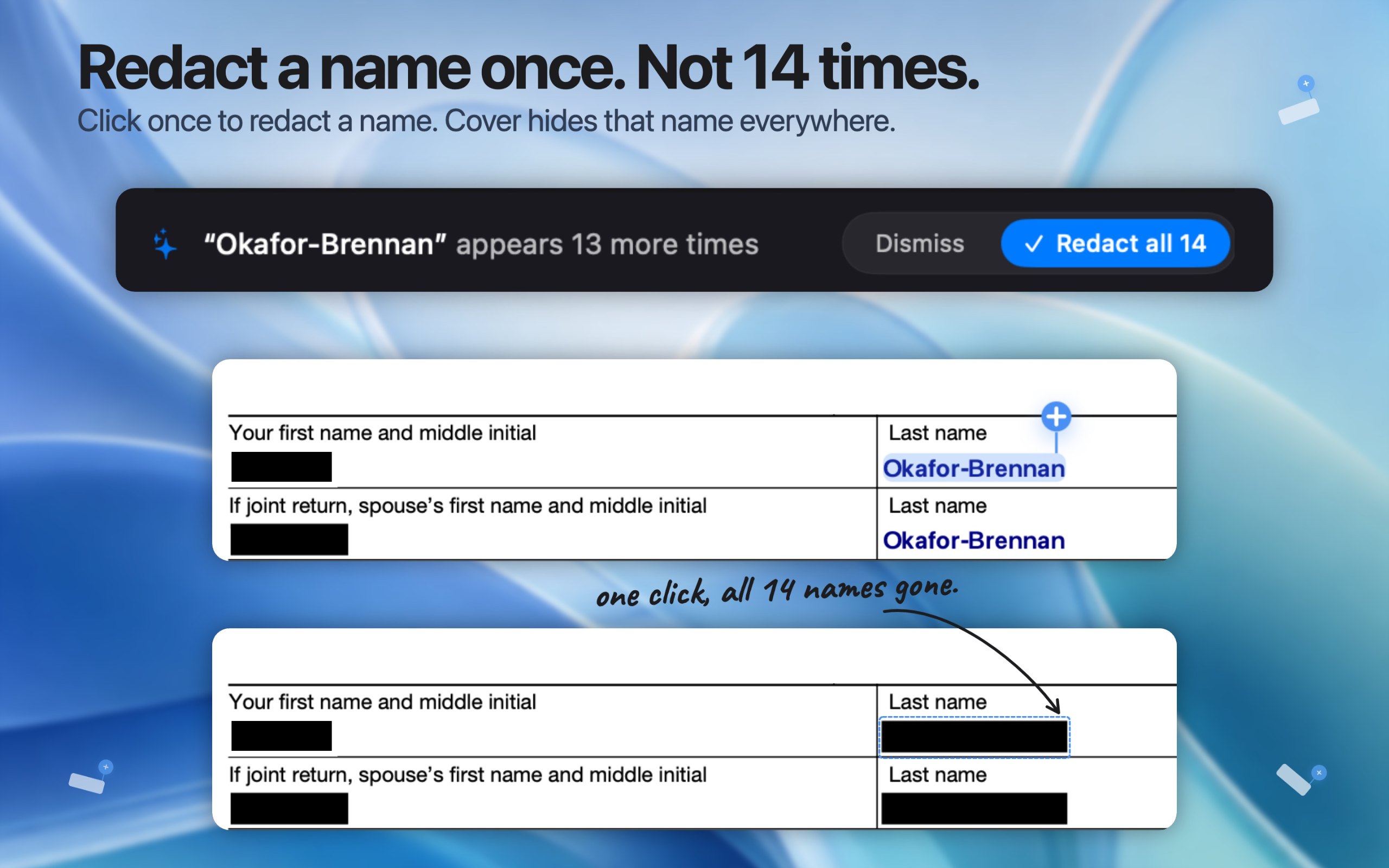
Pick Cover if you need it to work offline, as its maker says it does.
What to look for
Look for who makes it, exactly what it monitors or blocks, and whether it is signed and notarized.
Questions
What is the best security app for Mac?
There is no single best one for everyone. MacPip lists 5: Agent Ridge, Cover, Scrim, Netfox, Kilobat. If you want it free, look at Scrim. If you would rather pay once than subscribe, look at Kilobat. If you want it to run natively on Apple silicon, look at Cover. If you need it to work offline, as its maker says it does, look at Cover.
Are there free security and privacy apps for Mac?
Yes. With a free version on MacPip: Scrim, Netfox, Kilobat.
Which security and privacy apps for Mac have a one-time price?
With a one-time option, so you can avoid a subscription: Scrim, Kilobat.
Which security and privacy apps run natively on Apple silicon?
By their makers' word or by our check: Cover, Scrim, Netfox, Kilobat.
Which security and privacy apps has a person checked?
Each has a dated report on its page: Agent Ridge.
How does MacPip order these apps?
Apps a person has checked come first, newest check first, then the rest by when they were added. Payment never changes the order, and sponsored rows are labeled and kept apart.
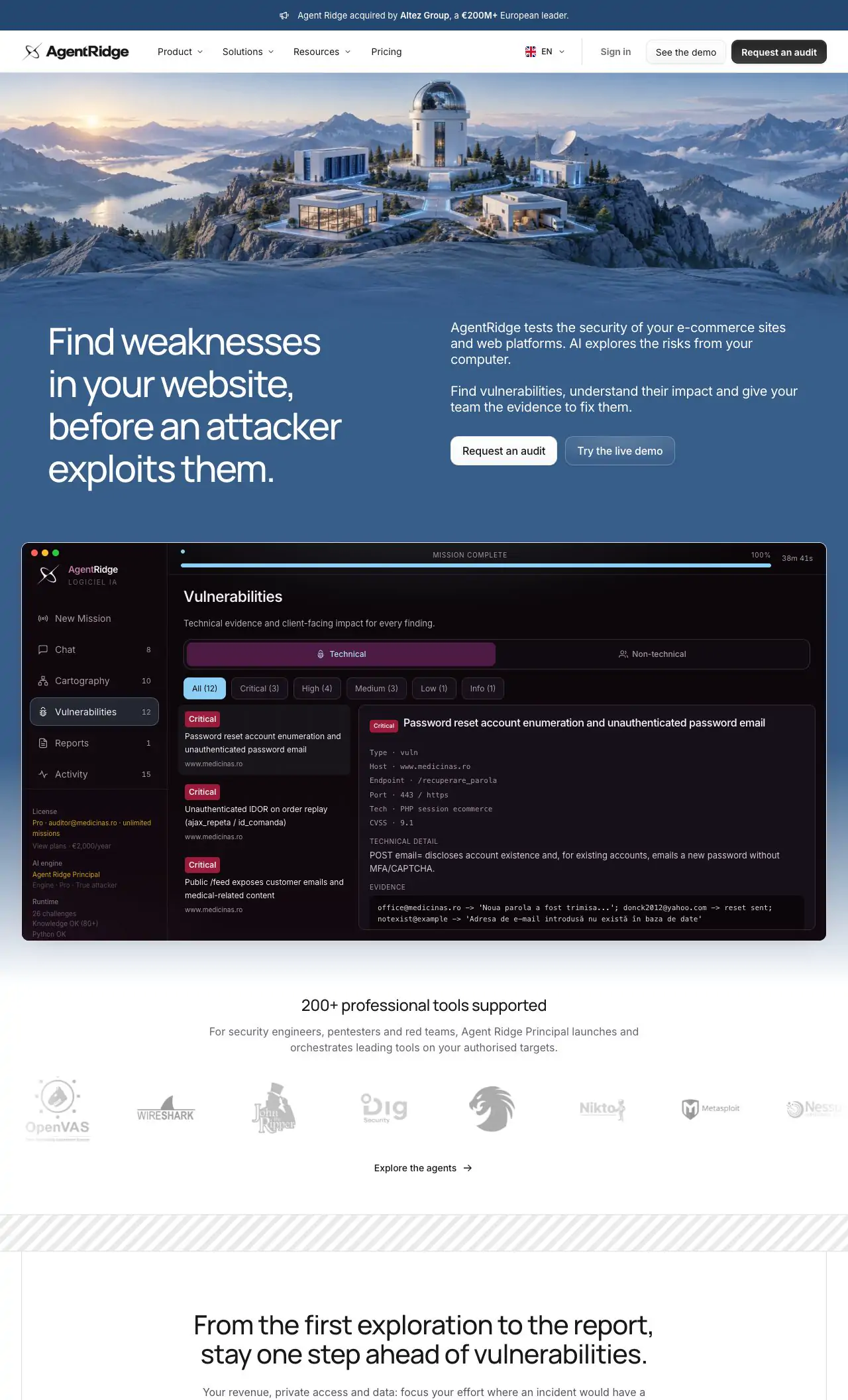
 Made by Agent RidgeWebsiteOn X