SponsorSign inSubmit
Best of MacPip

Best free utilities for Mac

Updated Nov 8, 2026, from what MacPip lists today.

Short answer

MacPip lists 10 free utilities for Mac, and a person has checked 2 of them.All of them have a free version.3 of them sell a one-time license.1 of them is paid by subscription.There is no single best free utility for everyone, so MacPip does not rank them.If you want it free, start with UsageBeacon.

Apps a person checked come first, newest check first. Never ordered by payment.

What these 10 apps offer, by their listings. An app can offer several, so the bars do not add up to 10.
Free version10 of 10
Pay once3 of 10
Subscription1 of 10
Native to Apple silicon5 of 10
Open source3 of 10
Works offline2 of 10
Checked by a person2 of 10
One-time price in US dollars, as each listing states it, lowest first. 7 apps have no plain dollar one-time price and are left out. Launch prices count where the listing says so.
Phosphor$19.99

Compared

AppWhat it doesPriceFree or paidApple siliconOpen sourceMade byChecked
UsageBeaconSee your remaining Cursor, Claude, and Codex usage budgets right in the Mac menu bar.Free and open sourceFree versionNot statedYesDavid CohenNov 3
PhosphorPhosphor for Mac is a native display utilityFree, Pro $19.99 onceFree versionOne-timeNot statedNoArnav KulshreshthaOct 31
CliptureClipture is a lightweight screenshot tool built for macOS.Free with in-app purchasesFree versionNot statedNo昆 王Pending
PasteNook ClipboardPasteNook is a beautiful and smart clipboard history tool designed for macOS.Free with in-app purchasesFree versionNot statedNo昆 王Pending
AirCalendarCheck the date, see what’s coming up and keep your tasks close at hand.Free, Pro $1.99 onceFree versionOne-timeNot statedNo昆 王Pending
Disk ReviewerReview-first cleaner: inspect caches, leftovers and similar photos; nothing preselected.Free with in-app purchasesFree versionYes, and Intel, its maker saysNoApis Systems LLCPending
TouchNowStream and control your Mac from your iPhone or iPadFree on Wi-Fi; remote $2.99/moFree versionSubscriptionYes, and Intel, its maker saysNoNot statedPending
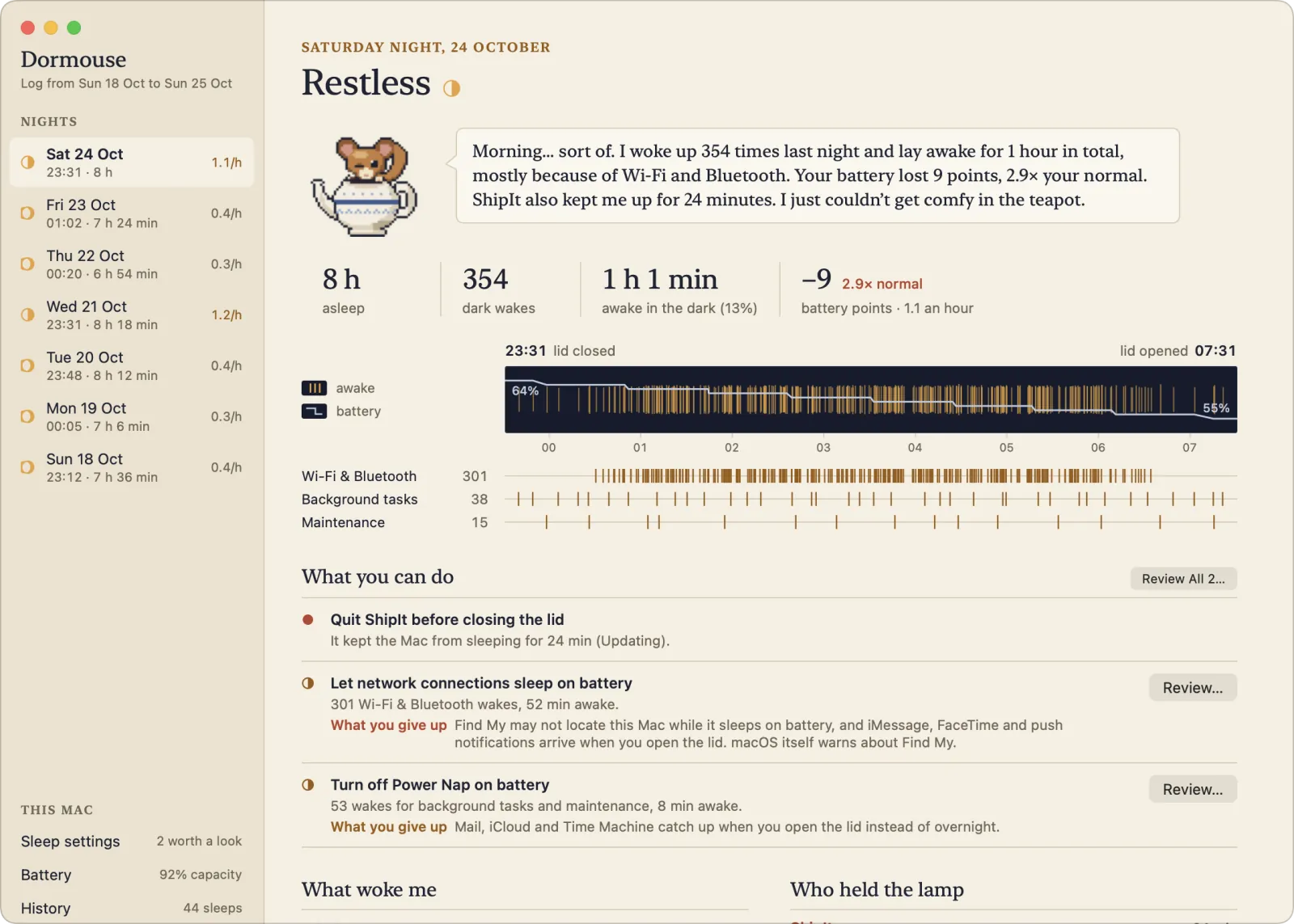
DormouseKeep your MacBook from draining while it sleeps.Free, Pro $4.99 once, 14-day trialFree versionOne-timeYes, and Intel, its maker saysNoHalis Eren Özgür / eren.clickPending
MacOS CleanerFree native Mac cleaner and uninstallerFree and source-availableFree versionYes, Apple silicon only, its maker saysYesAleksandr Tk (AlexTkDev)Pending
OpenNavoFree, open-source Homebrew GUI for Mac with built-in malware scanning.Free and open sourceFree versionYes, and Intel, its maker saysYesNot statedPending

The apps, one by one

UsageBeacon

See your remaining Cursor, Claude, and Codex usage budgets right in the Mac menu bar.

Free versionOpen sourceChecked Nov 3
UsageBeacon on a Mac

UsageBeacon turns your Cursor, Claude and Codex usage into remaining percentages, budgets and reset windows in the menu bar, so you know before you hit a limit. It is free and open source, and needs macOS 14 Sonoma or later.

Price
Free and open source
Needs
macOS 14 Sonoma or later
Its maker says it replaces
SessionWatcher

UsageBeacon on MacPip More Menu Bar apps

Clipture

Clipture is a lightweight screenshot tool built for macOS.

Free version
Clipture on a Mac
Made by 昆 王App Store

From its maker: Clipture is a lightweight screenshot tool built for macOS. It brings screenshots, scrolling capture, text recognition, QR code recognition, translation, and annotation together in one clear workflow.

Price
Free with in-app purchases
Needs
macOS 12 Monterey or later

Clipture on MacPip More Utilities apps

PasteNook Clipboard

PasteNook is a beautiful and smart clipboard history tool designed for macOS.

Free version
PasteNook Clipboard on a Mac
Made by 昆 王App Store

From its maker: PasteNook is a beautiful and smart clipboard history tool designed for macOS. It helps you save, search and reuse the text, links, images, files and work materials you copy every day.

Price
Free with in-app purchases
Needs
macOS 14 Sonoma or later

PasteNook Clipboard on MacPip More Utilities apps

AirCalendar

Check the date, see what’s coming up and keep your tasks close at hand.

Free versionPay once
AirCalendar on a Mac
Made by 昆 王Website

From its maker: Check the date, see what’s coming up and keep your tasks close at hand. AirCalendar brings a monthly calendar, lunar dates, holidays, events and to-dos to your Mac menu bar.

Price
Free, Pro $1.99 once
Needs
macOS 14 Sonoma or later

AirCalendar on MacPip More Utilities apps

Disk Reviewer

Review-first cleaner: inspect caches, leftovers and similar photos; nothing preselected.

Free versionApple siliconWorks offline
Disk Reviewer on a Mac

From its maker: Disk Reviewer is a review-first Mac cleaner that lists caches, app leftovers and similar photos with their size and full path; nothing is preselected. The free core includes Smart Scan, Applications, Similar Photos and a menu-bar space monitor.

Price
Free with in-app purchases
Needs
macOS 13 Ventura or later

Disk Reviewer on MacPip More Utilities apps

TouchNow

Stream and control your Mac from your iPhone or iPad

Free versionSubscriptionApple silicon
TouchNow on a Mac

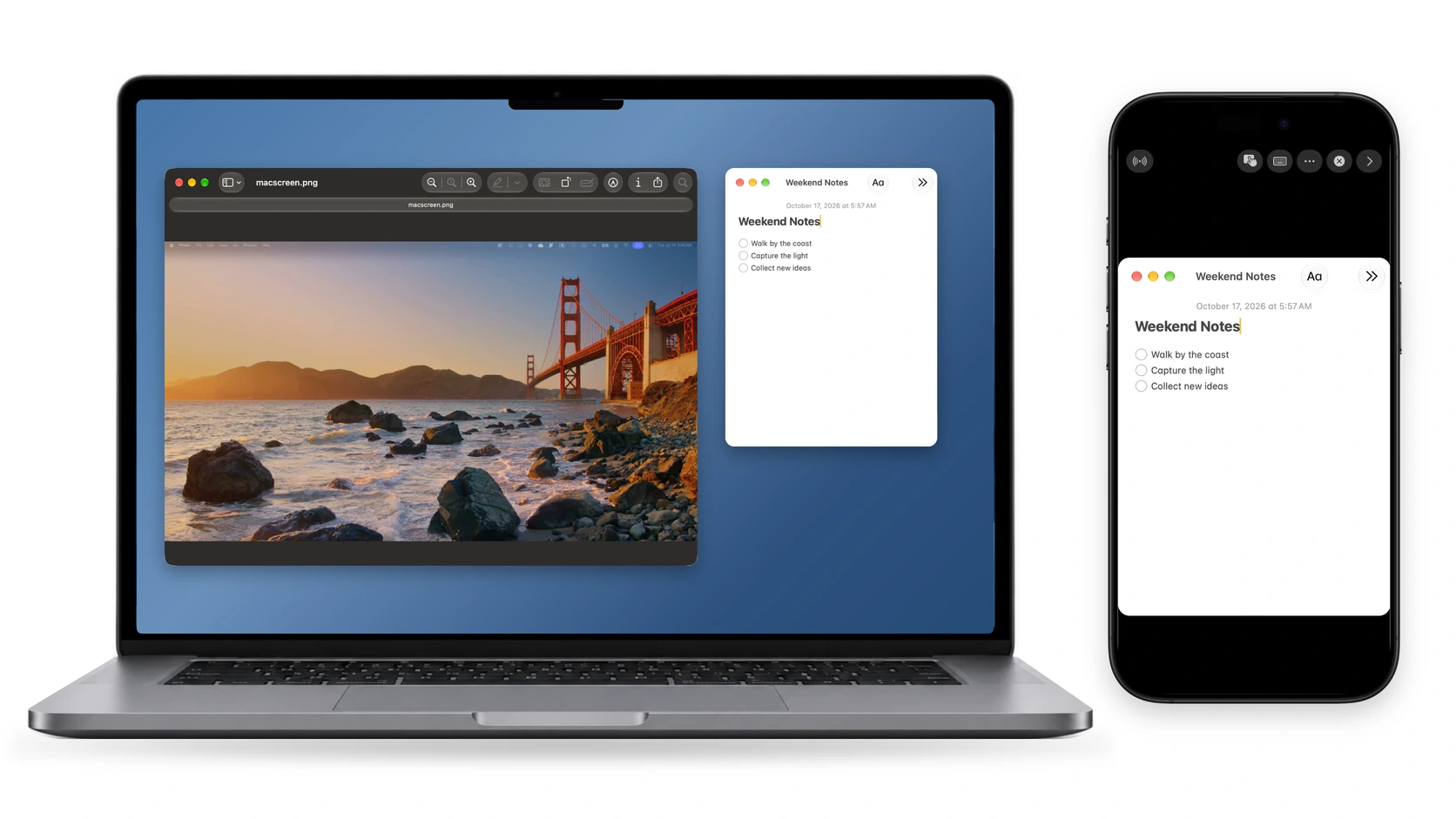
From its maker: Stream and control your Mac from your iPhone or iPad with trackpad, direct touch, a full Mac keyboard and a customizable game controller. Use an iPhone or iPad as a second display.

Price
Free on Wi-Fi; remote $2.99/mo
Needs
macOS 13 Ventura or later

TouchNow on MacPip More Utilities apps

MacOS Cleaner

Free native Mac cleaner and uninstaller

Free versionApple siliconOpen sourceWorks offline
MacOS Cleaner on a Mac

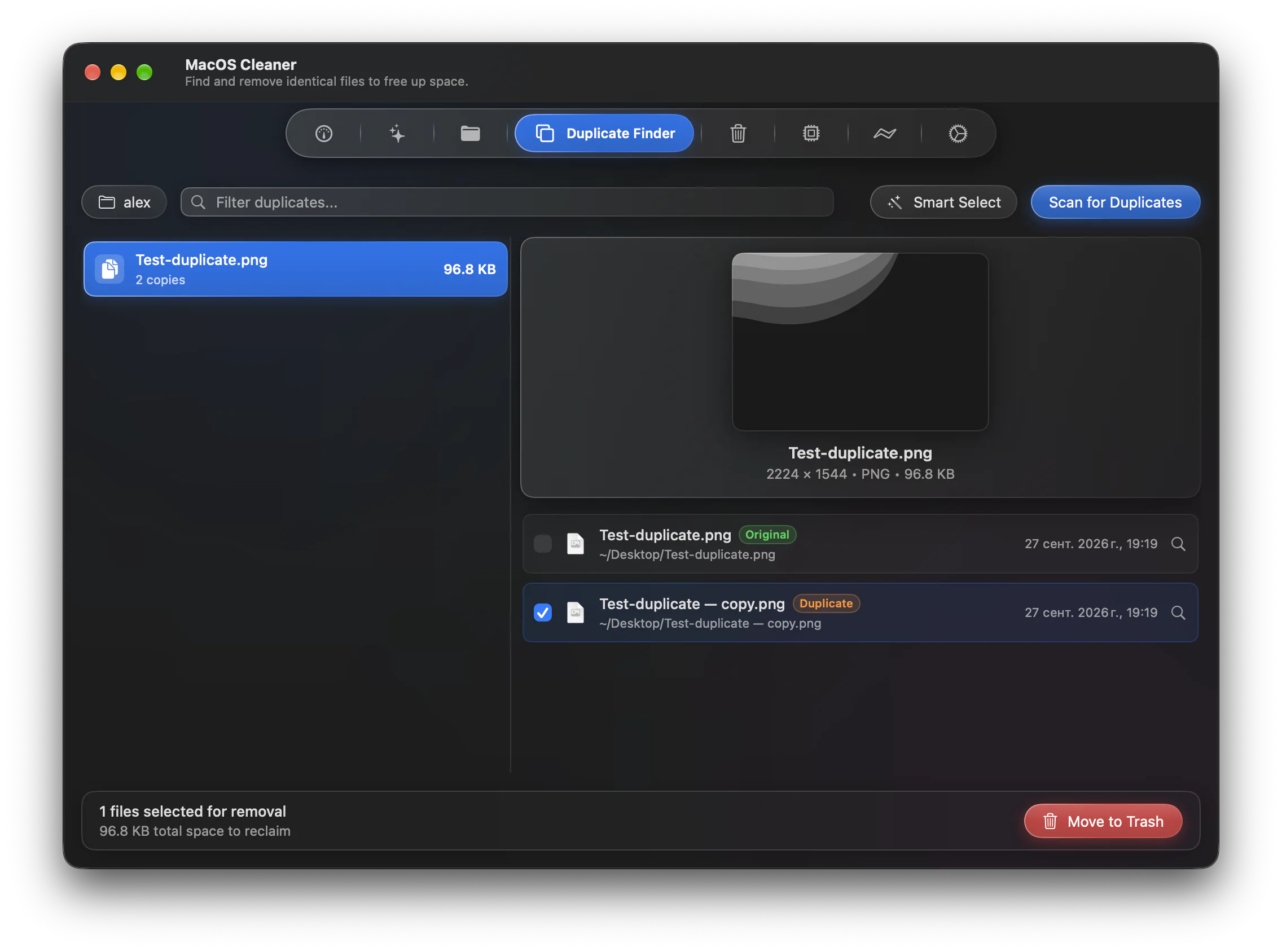
From its maker: MacOS Cleaner is a free, native cleaner and uninstaller for macOS 26+, built with Swift 6 and SwiftUI. It scans 55 cleanup categories, including Xcode, Docker and other developer toolchains and local AI model caches, finds app leftovers and duplicates (SHA-256), and includes a disk analyzer.

Price
Free and source-available
Needs
macOS 26 Tahoe или новее
Its maker says it replaces
CleanMyMac, AppCleaner, Pearcleaner, DaisyDisk, Mole

MacOS Cleaner on MacPip More Cleanup and Maintenance apps

OpenNavo

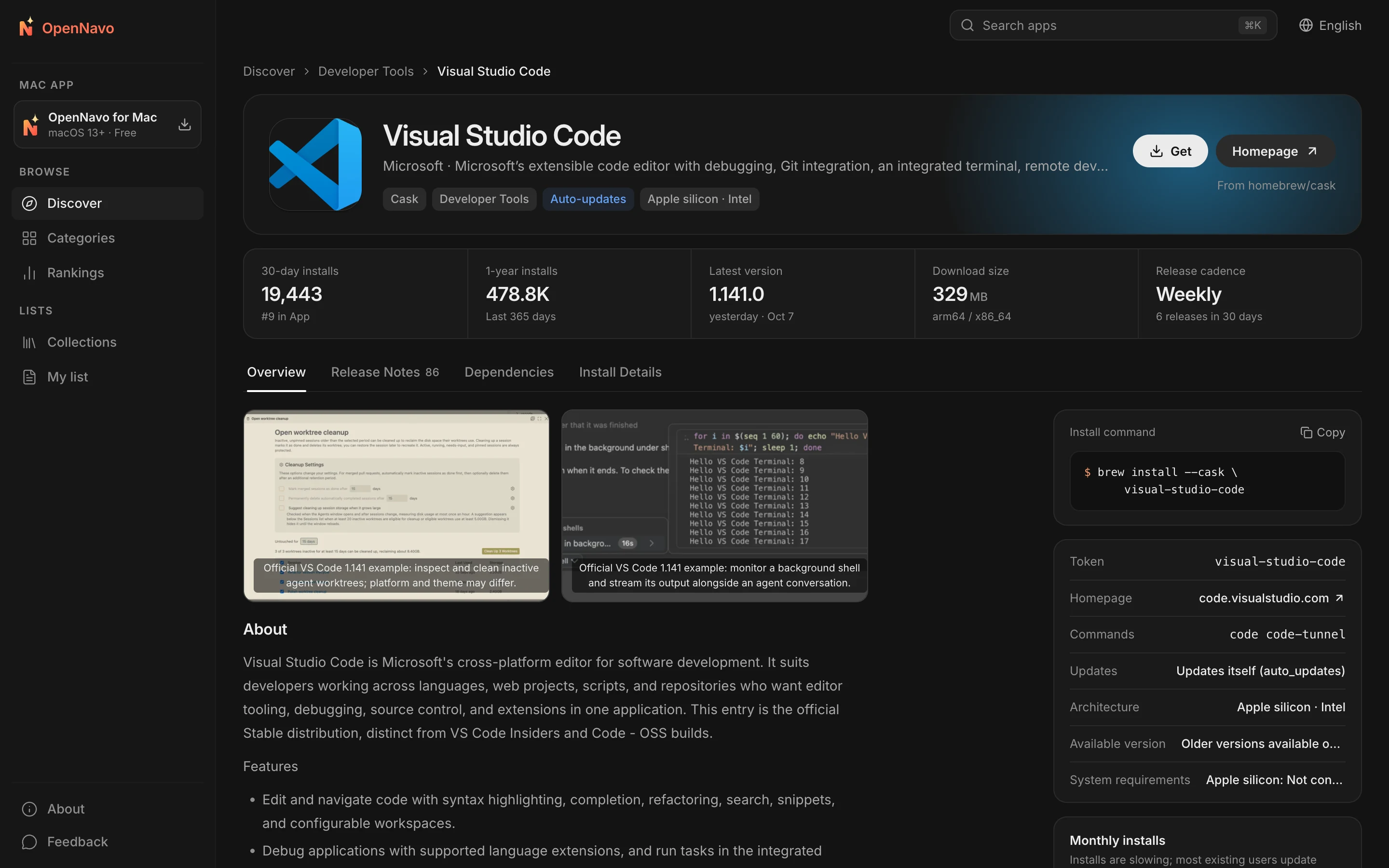
Free, open-source Homebrew GUI for Mac with built-in malware scanning.

Free versionApple siliconOpen source
OpenNavo on a Mac

From its maker: OpenNavo is a free, open-source Homebrew GUI for Mac. It installs and updates 5,000+ Mac apps in one click, scans installers with ClamAV locally before installation, and includes an app firewall, startup manager, disk cleanup and hardware monitoring.

Price
Free and open source
Needs
macOS 13 Ventura or later

OpenNavo on MacPip More Utilities apps

Which one to pick

What to look for

Look for a clear statement of what it accesses, a recent update for your macOS version, and an easy way to uninstall it.

Questions

What is the best free utility for Mac?

There is no single best one for everyone. MacPip lists 10: UsageBeacon, Phosphor, Clipture, PasteNook Clipboard, AirCalendar, Disk Reviewer, TouchNow, Dormouse, MacOS Cleaner, OpenNavo. If you want it free, look at UsageBeacon. If you would rather pay once than subscribe, look at Phosphor. If you want open source code, look at UsageBeacon.

Which free utilities for Mac have a one-time price?

With a one-time option, so you can avoid a subscription: Phosphor, AirCalendar, Dormouse.

Which free utilities run natively on Apple silicon?

By their makers' word or by our check: Disk Reviewer, TouchNow, Dormouse, MacOS Cleaner, OpenNavo.

Which free utilities has a person checked?

Each has a dated report on its page: UsageBeacon, Phosphor.

How does MacPip order these apps?

Apps a person has checked come first, newest check first, then the rest by when they were added. Payment never changes the order, and sponsored rows are labeled and kept apart.

Related