Salut, je suis PipCes apps Featured passent à tour de rôle dans mon notch.
iPipSoumettre

Les fiches restent dans la langue dans laquelle leurs créateurs les ont écrites.
Sordina
Icône de l'app Sordina
Parcourir

Sordina

Per-app audio volume from the menu bar

Justin, créateur de SordinaCréée parJustinNV 1
Free, Pro €9.99 oncemacOS 14 Sonoma+Apple silicon et IntelFonctionne hors ligneAudio et vidéo
Nominee, MacPip Awards 2026Vote
sordina.app/?utm_source=macpip&ref=macpipImage du site, faites défiler pour tout voirOuvrir ↗︎
The Sordina website
Sordina, capture d'écran 1 sur 6Sordina, capture d'écran 2 sur 6Sordina, capture d'écran 3 sur 6Sordina, capture d'écran 4 sur 6Sordina, capture d'écran 5 sur 6Sordina, capture d'écran 6 sur 6

À propos de cette app

Sordina est une app pour Mac de la catégorie « Audio et vidéo ». Origine : Pays-Bas.Per-app audio volume from the menu bar.Elle fonctionne sur Apple silicon.Elle n'a pas encore été vérifiée.

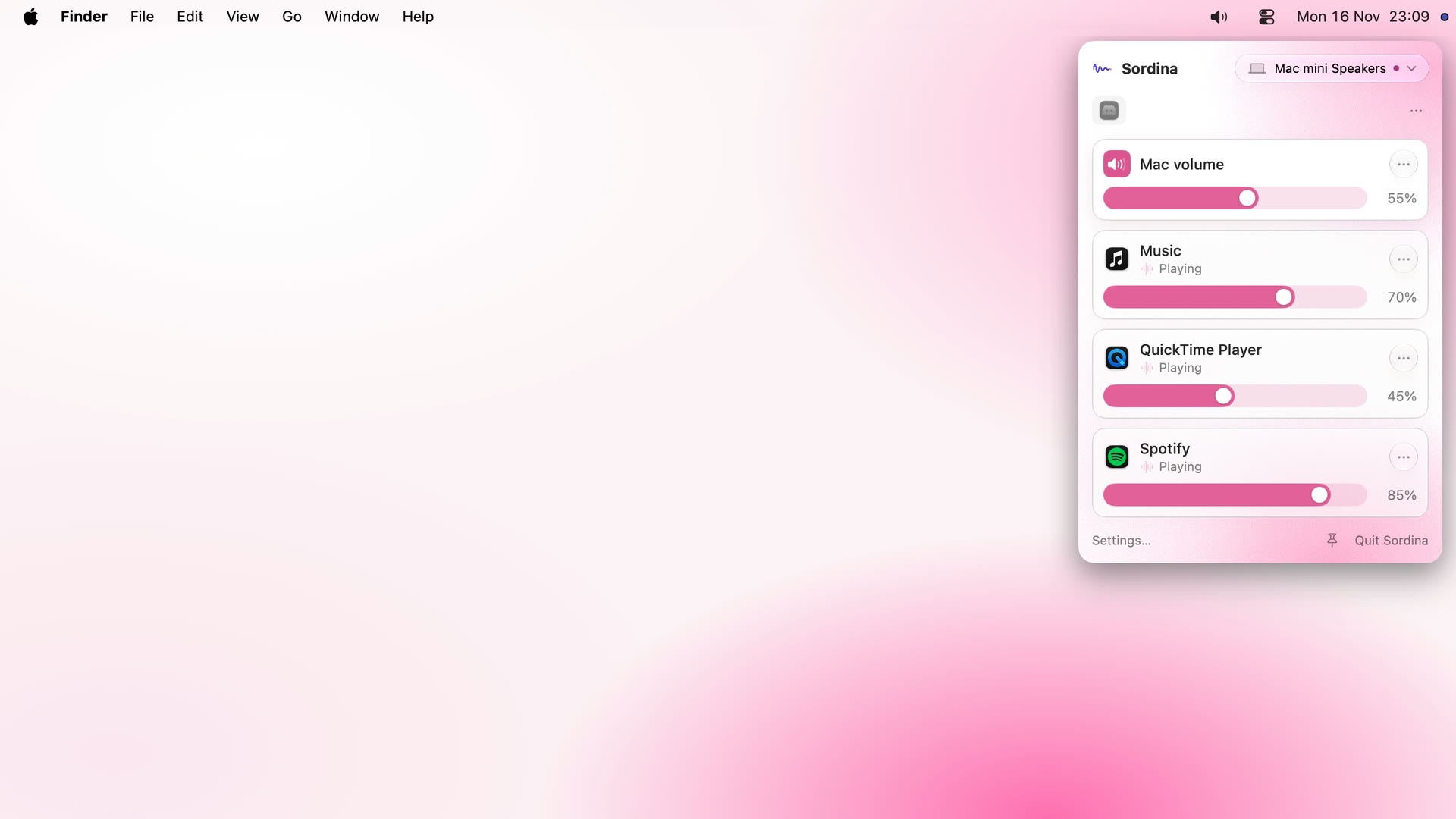
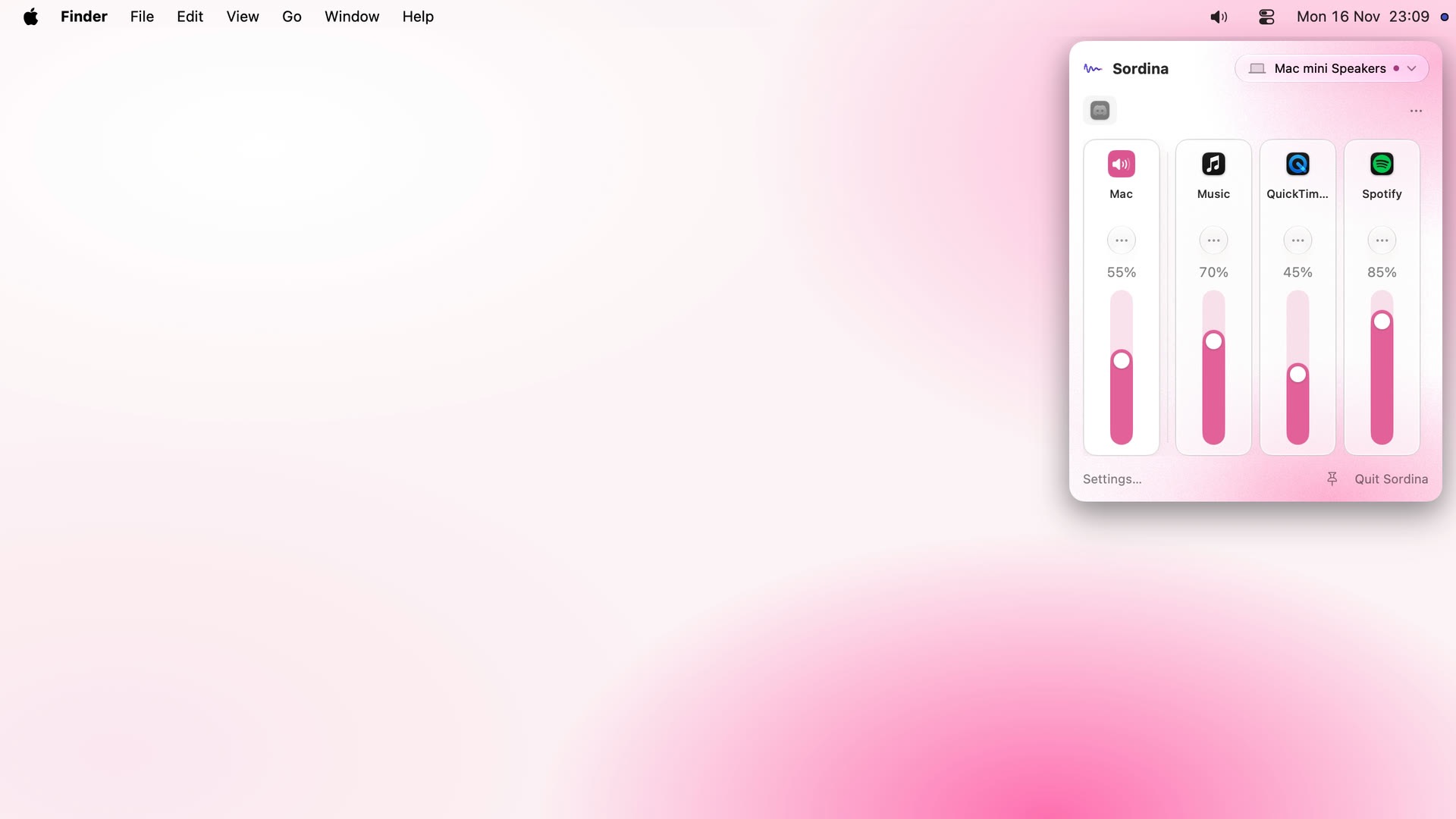
Sordina gives every app on your Mac its own volume slider and mute, right from the menu bar.

  • Raccourcis clavier de Free: a slider and mute for every app, pins, a mixer layout and
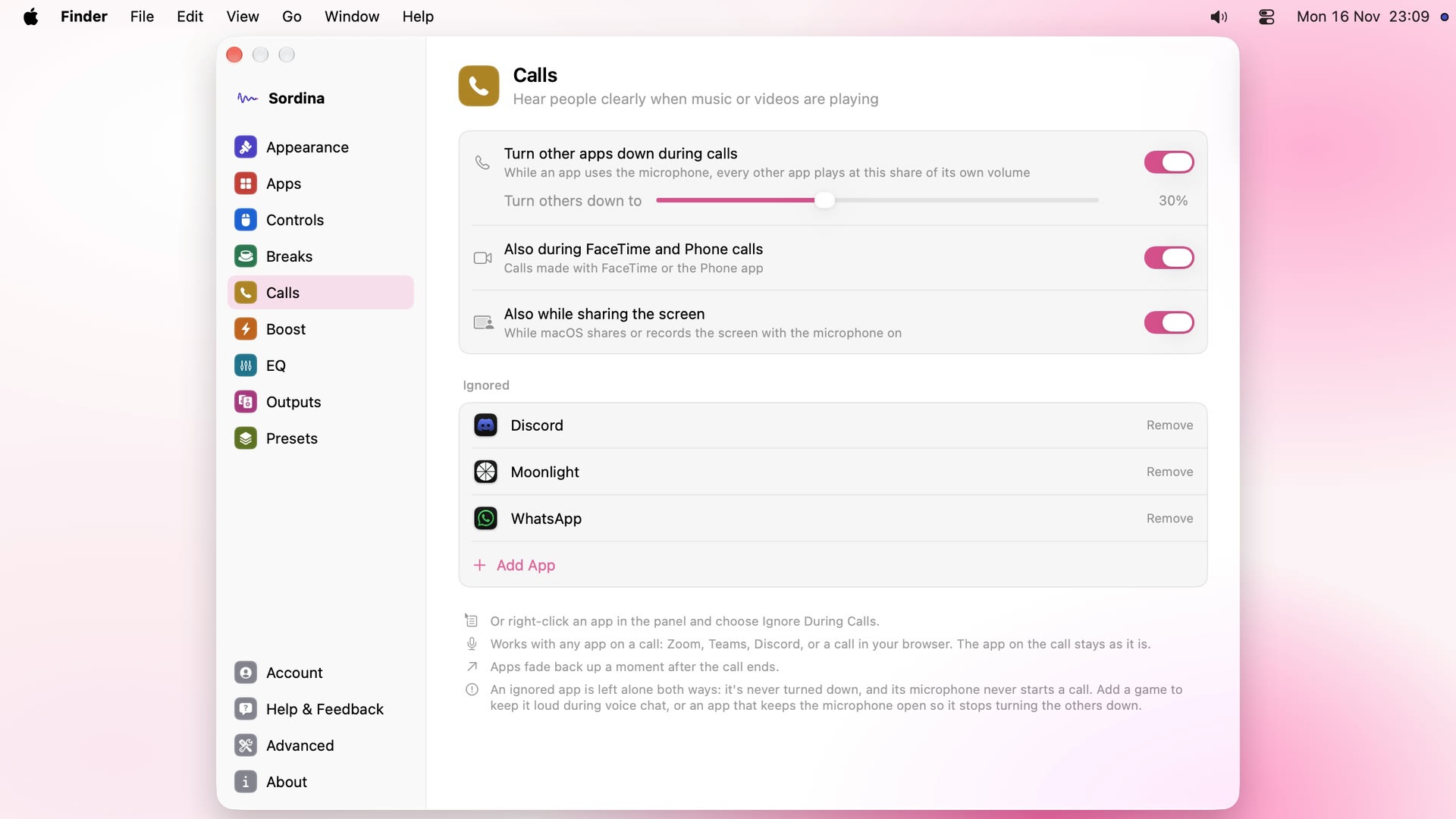
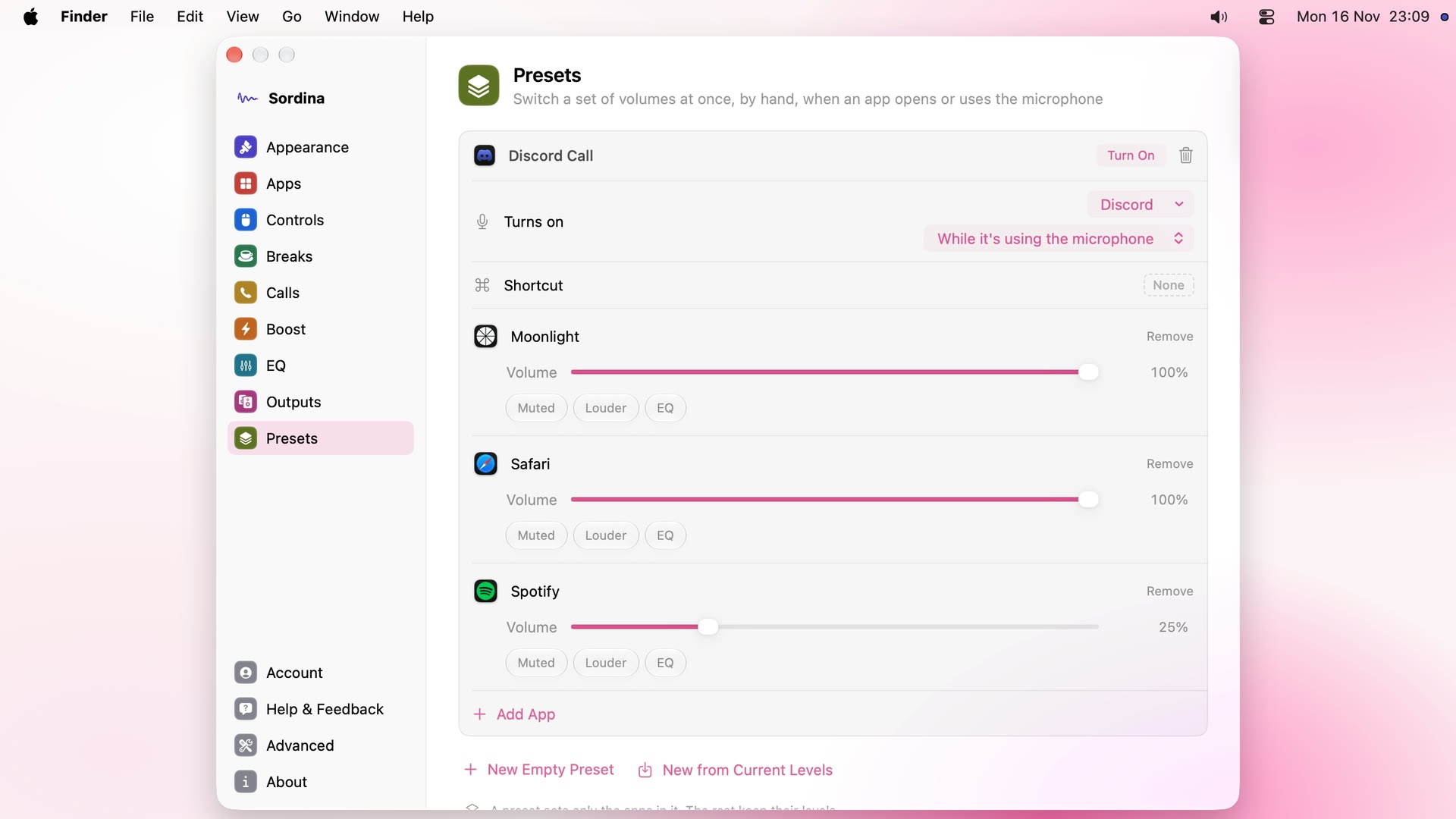
  • Pro: other apps turn down automatically during calls
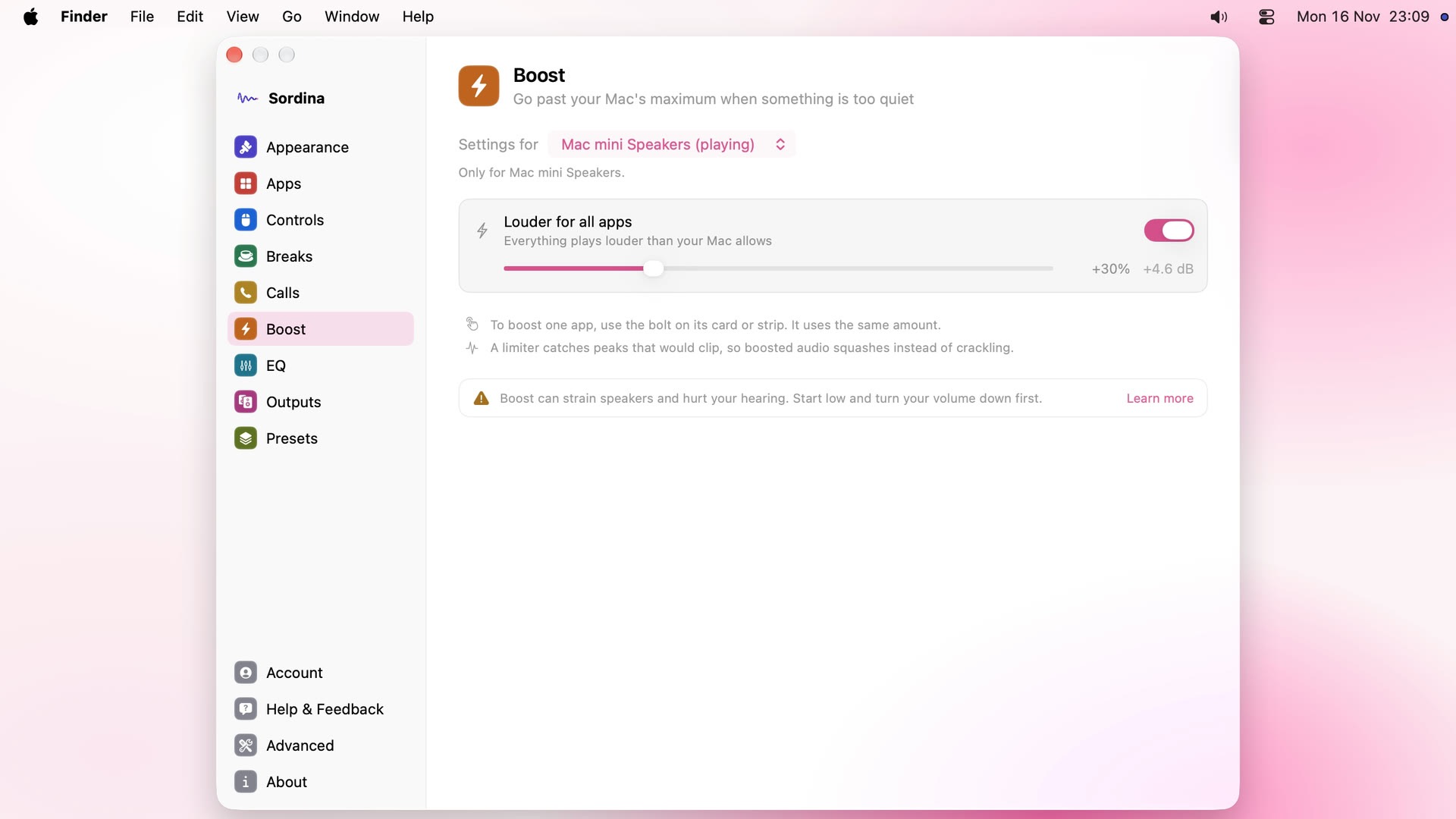
  • Pro: louder than the Mac's maximum, with a limiter
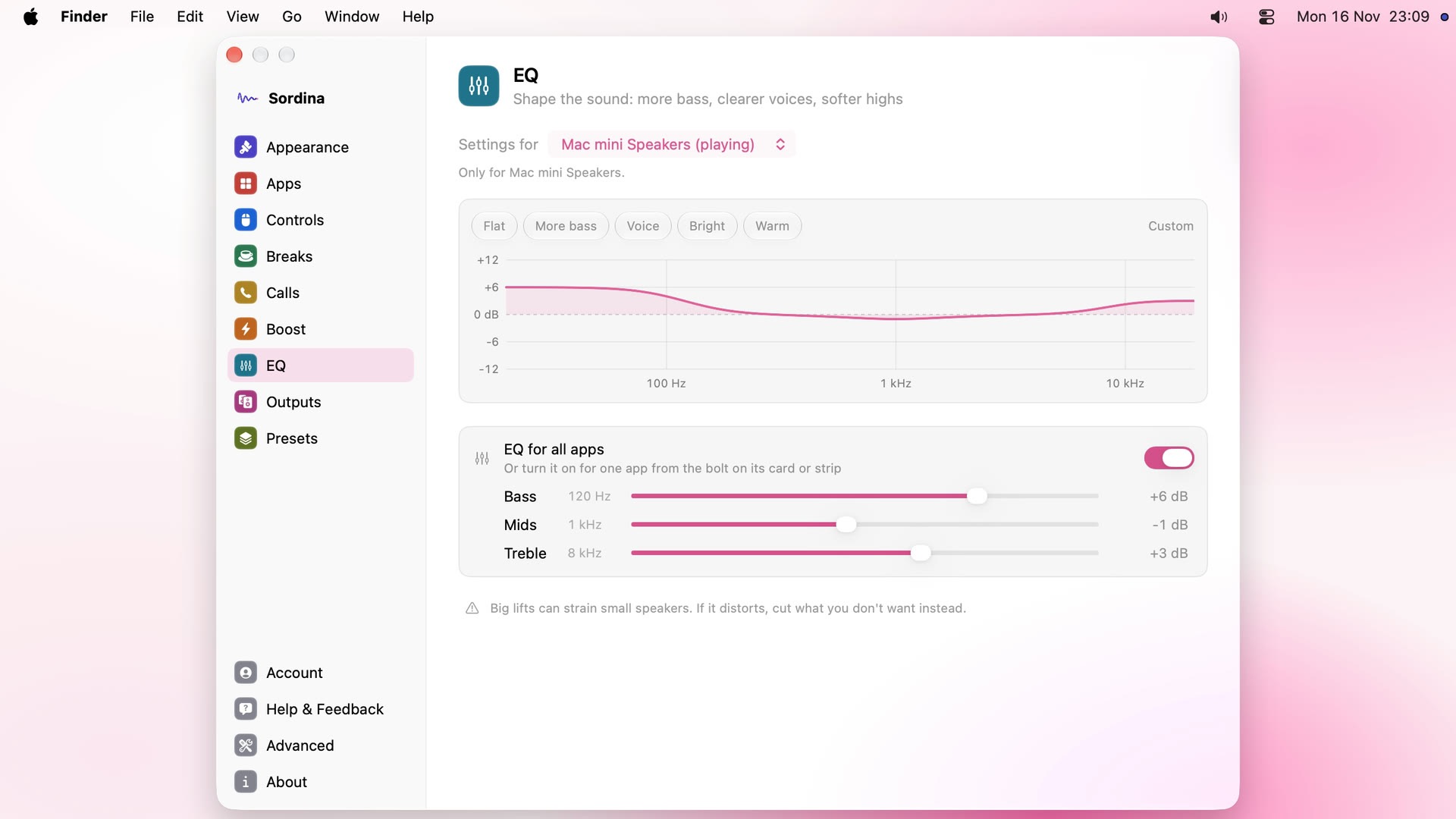
  • Pro: an EQ for every app or one, presets, and settings for each output

Does it install an audio driver? No. It uses macOS's own audio taps, and apps you don't touch play straight through.

Does it work with Zoom, Teams and Spotify? Yes, and with any other app that plays sound.

Is Pro a subscription? No, it's €9.99 once, with every update included.

Faits

Prix
Free, Pro €9.99 once
Nécessite
macOS 14 Sonoma ou plus récent
Créé avec
Native
Fonctionne sur
Apple silicon et Intel
Notarisée par Apple
Oui, selon son créateur
Fonctionne hors ligne
Oui, selon son créateur
Langue
English
Lancée
mercredi 25 novembre
Ce que nous avons vérifié
Vérification en attente : pas encore vérifiée

Une coche n'est pas une garantie de sécurité. Lisez comment savoir si une app Mac est sûre.

Questions

Does it work offline?
Yes. Everything works without an internet connection, since the sliders, mutes and settings all run on your Mac. Sordina goes online for only three things: a daily update check, checking a Pro licence, and sending a message from Help & Feedback when you press Send. Pro stays unlocked for 7 days offline after its last check.
Is my data private?
Yes. Your audio never leaves your Mac and is never recorded or saved: Sordina changes each app's level live, on your Mac. The app has no account, no analytics and no tracking, and your volumes and settings stay on your Mac. When you activate a Pro key, the key and your Mac's model name (like "MacBook Pro") go to Dodo Payments, who sell Sordina Pro.
Is there a free trial?
There's a free version rather than a trial, and it doesn't expire: a slider and mute for every app, pins, the mixer layout and keyboard shortcuts. Sordina Pro is €9.99 once, with every update included and no subscription. If Pro isn't right for you, you can ask for a refund within 7 days.
Which Macs does it run on?
Any Mac with macOS 14.2 Sonoma or later, on Apple silicon or Intel. One Pro key works on one Mac, and you can move it to another Mac from Settings › Account.
Why does it ask for System Audio Recording?
To change one app's volume, Sordina passes that app's sound through itself, and macOS calls that permission "System Audio Recording". Nothing is recorded, saved or sent anywhere. Sordina uses macOS's own audio taps, so there's no audio driver to install, and apps you don't touch play straight through.

Réponses du créateur.

Alternatives et listes 3 apps, 8 listes
Interrogez votre IA sur Sordina ChatGPT, Claude, Perplexity, Grok, Gemini
Demander à l'IAMD

Interrogez votre IA sur Sordina, par exemple « Est-ce que Sordina vaut le coup ? » Connecter MacPip

Autres apps d'audio et vidéo