Cześć, jestem PipTe aplikacje Featured zmieniają się w moim notchu.
iPipZgłoś

Wpisy zostają w języku, w którym napisali je ich twórcy.
Sordina
Ikona aplikacji: Sordina
Przeglądaj

Sordina

Per-app audio volume from the menu bar

Justin, twórca SordinaAutor:JustinLV 1
Free, Pro €9.99 oncemacOS 14 Sonoma+Apple silicon i IntelDziała offlineAudio i wideo
Nominee, MacPip Awards 2026Głosuj
sordina.app/?utm_source=macpip&ref=macpipObraz strony, przewijaj, by zobaczyć całośćOtwórz ↗︎
The Sordina website
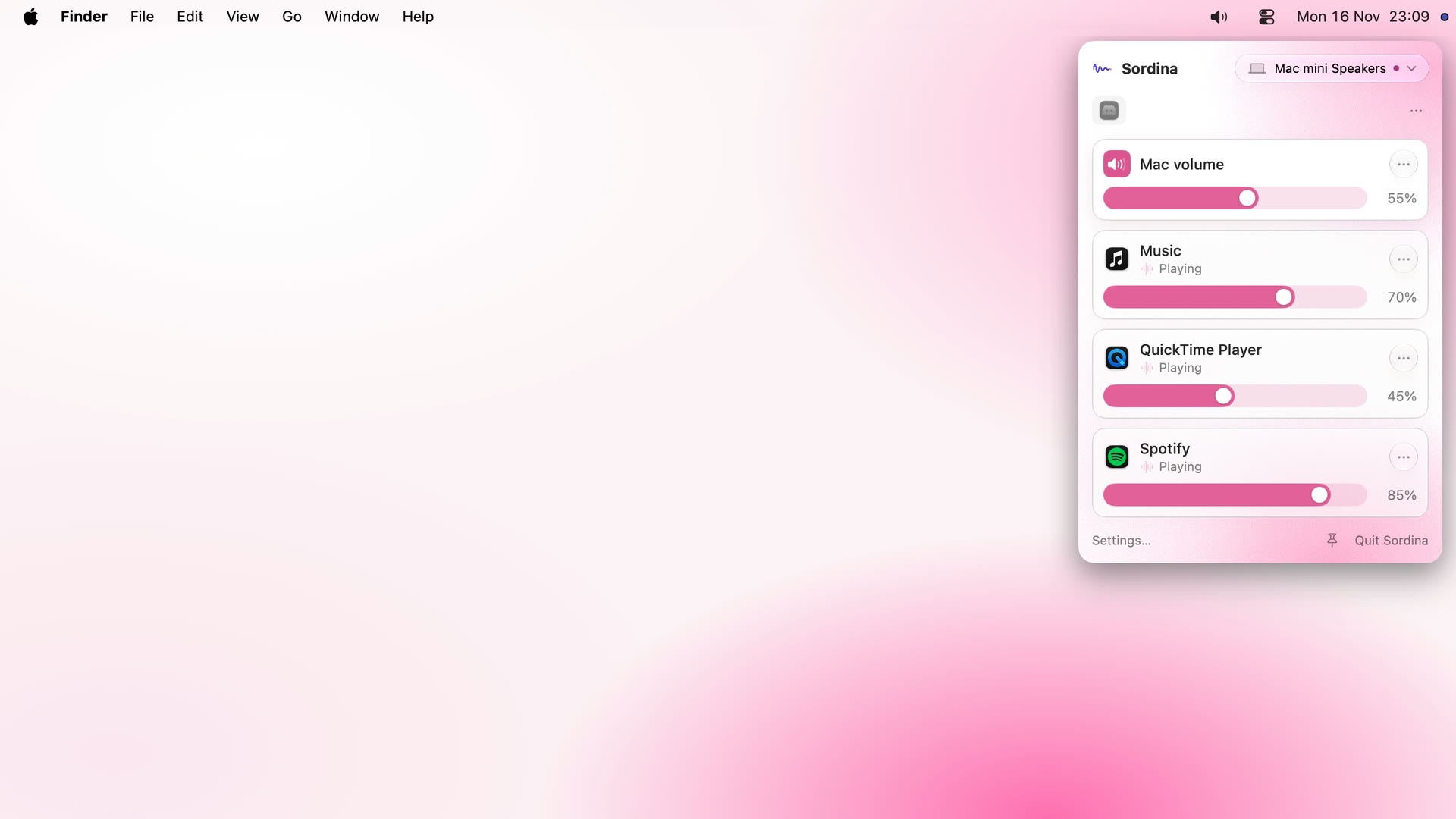
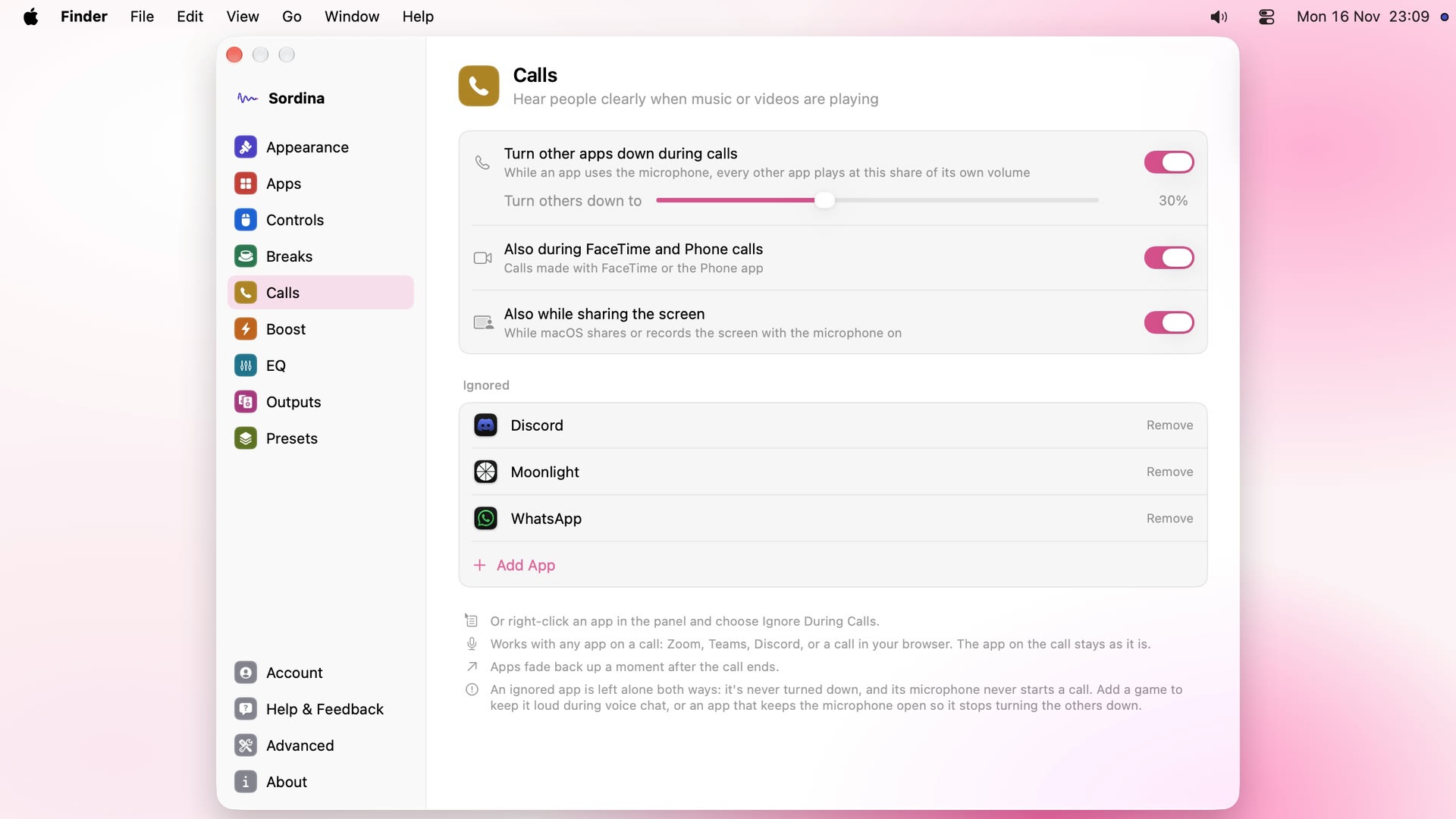
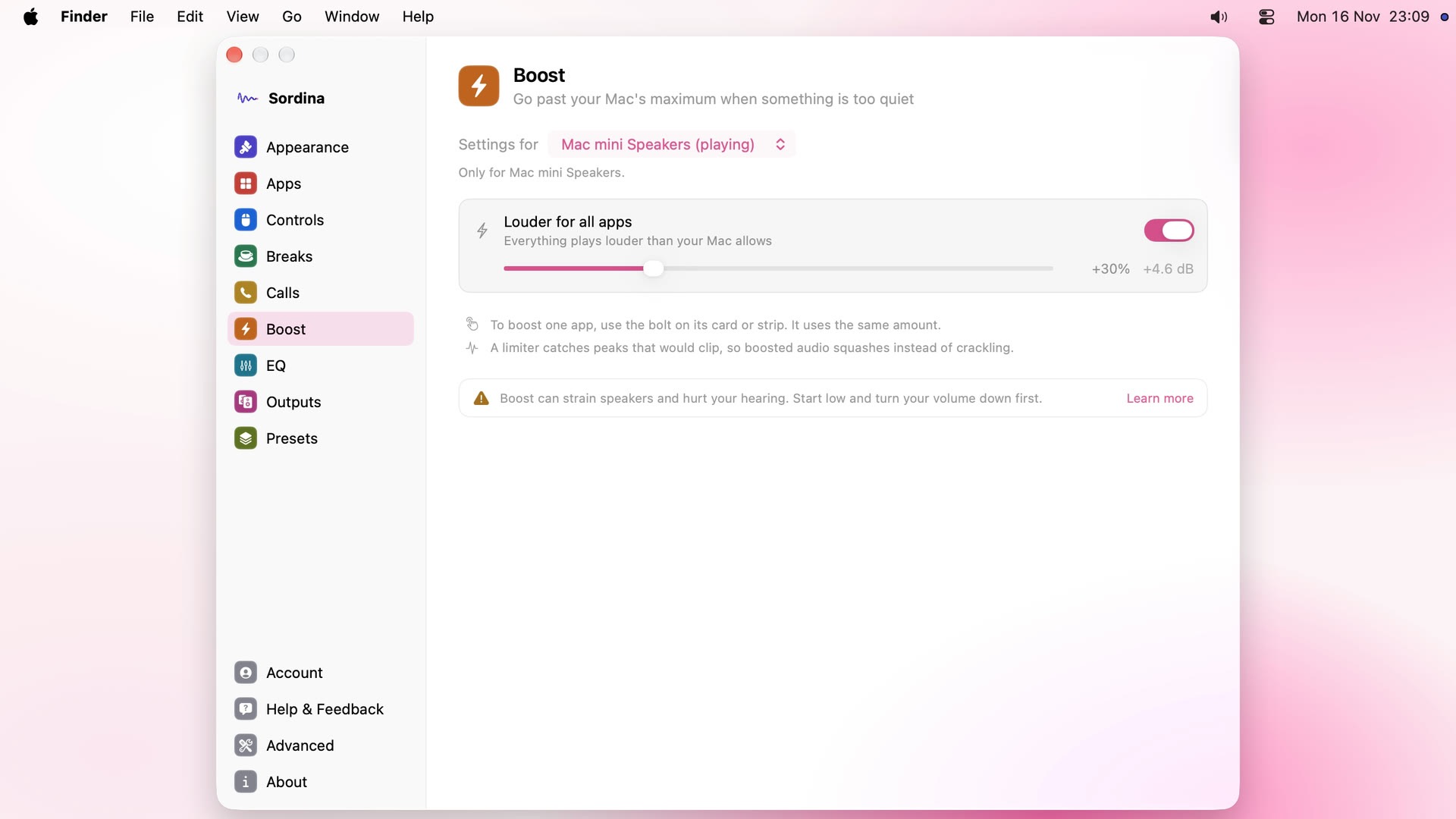
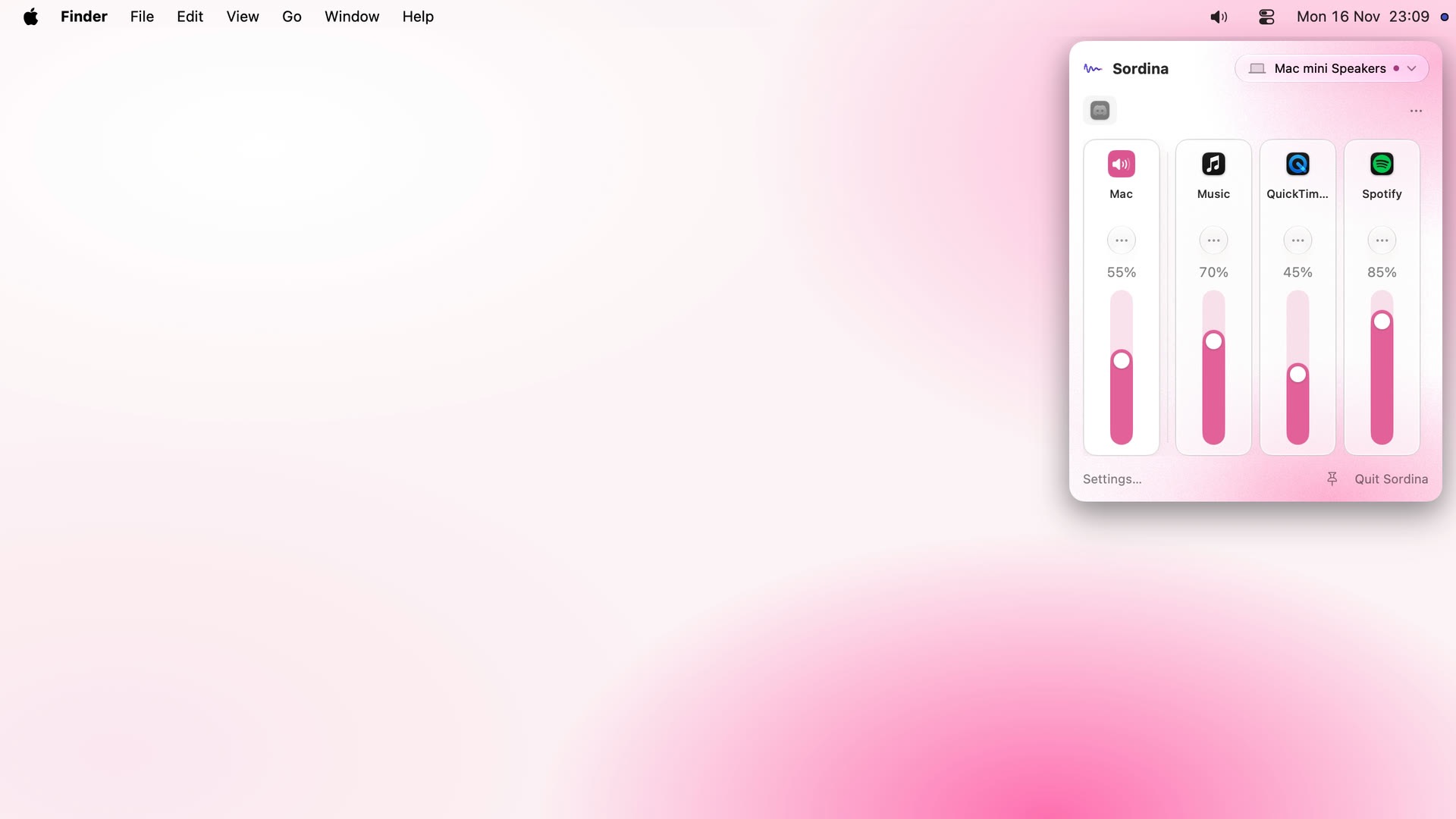
Sordina: zrzut ekranu 1 z 6Sordina: zrzut ekranu 2 z 6Sordina: zrzut ekranu 3 z 6Sordina: zrzut ekranu 4 z 6Sordina: zrzut ekranu 5 z 6Sordina: zrzut ekranu 6 z 6

O tej aplikacji

Sordina to aplikacja na Mac z kategorii „Audio i wideo”, kraj pochodzenia: Holandia.Per-app audio volume from the menu bar.Działa na Apple silicon.Nie została jeszcze sprawdzona.

Sordina gives every app on your Mac its own volume slider and mute, right from the menu bar.

  • Skróty klawiszowe: Free: a slider and mute for every app, pins, a mixer layout and
  • Pro: other apps turn down automatically during calls
  • Pro: louder than the Mac's maximum, with a limiter
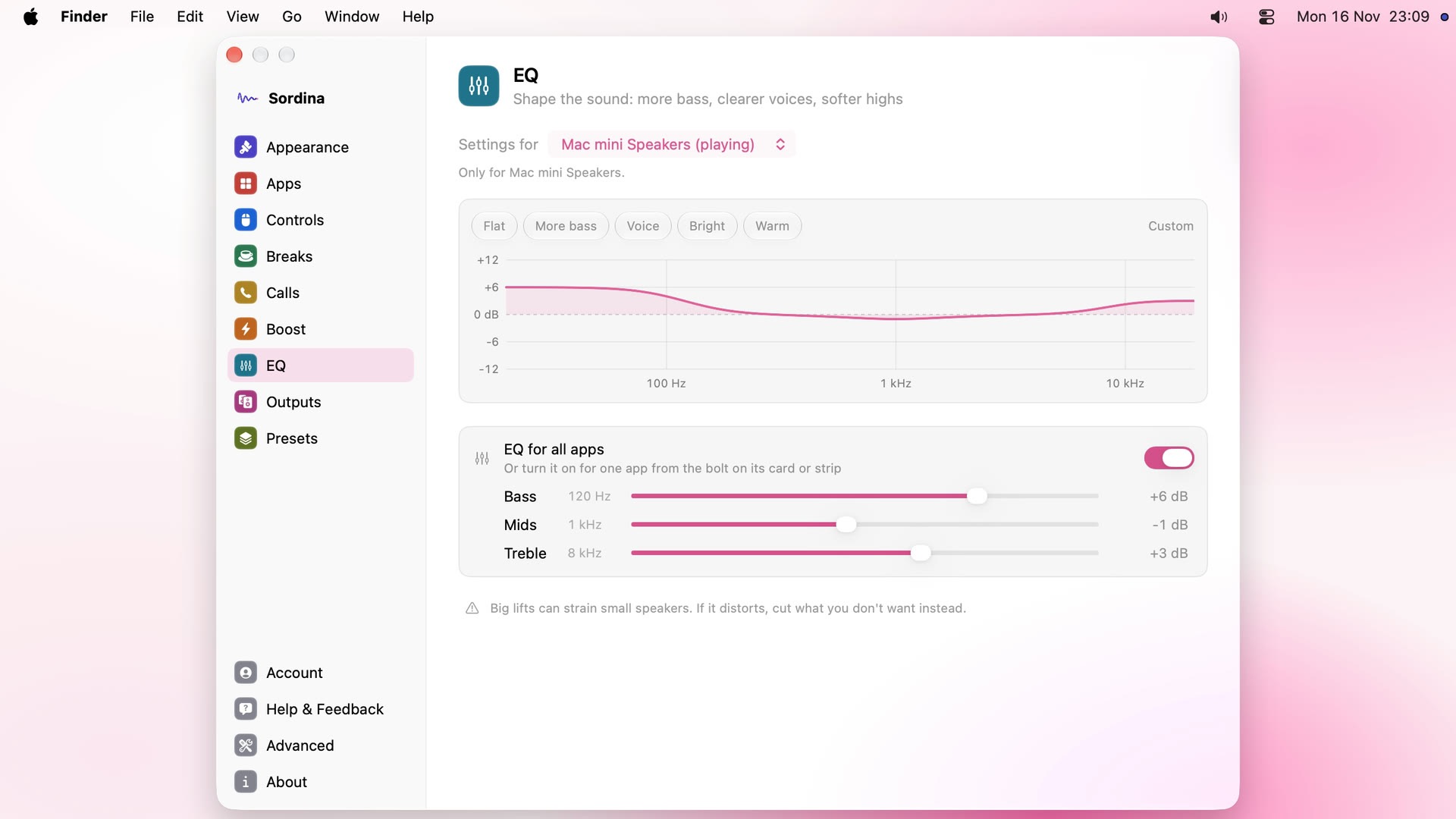
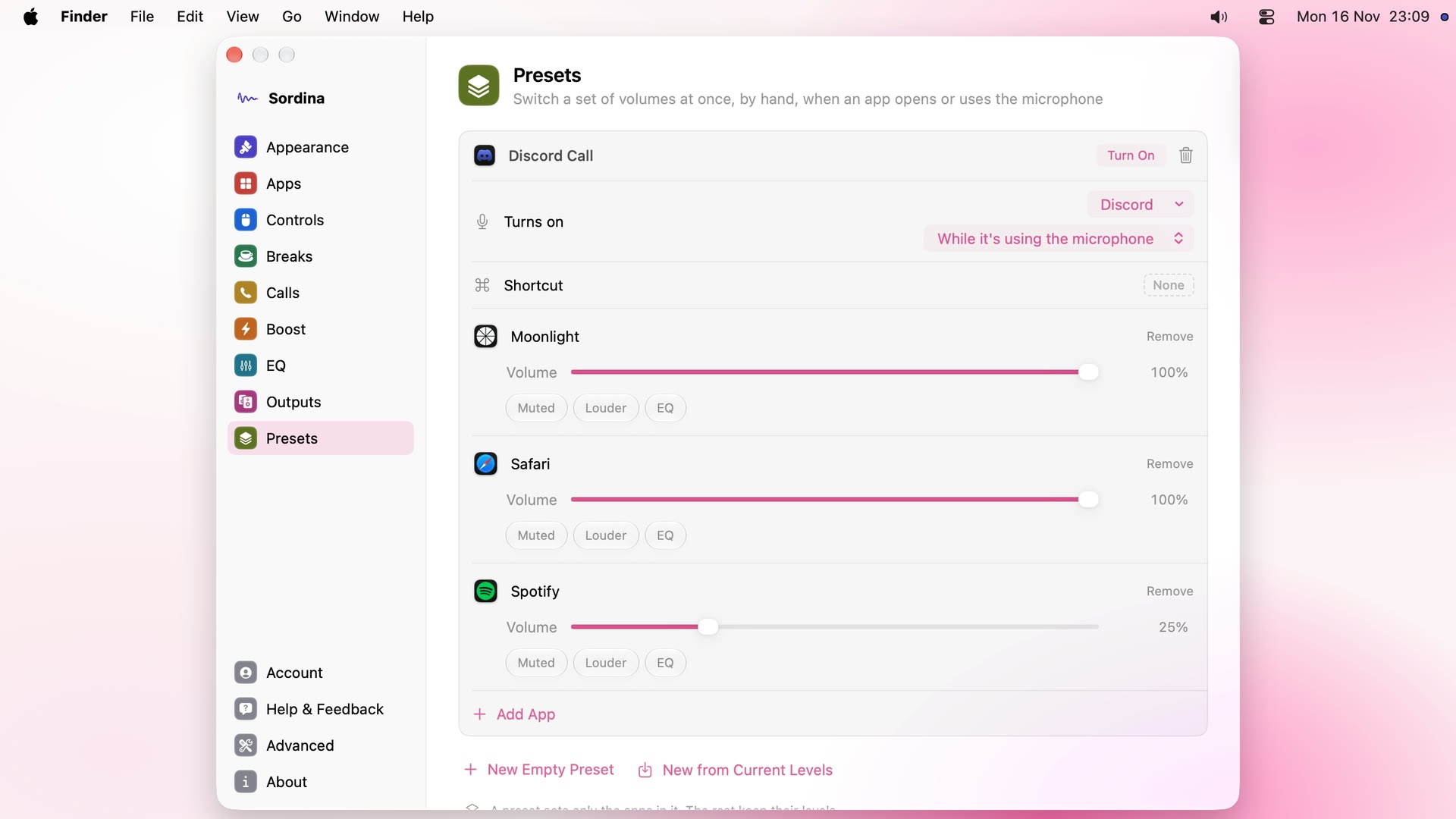
  • Pro: an EQ for every app or one, presets, and settings for each output

Does it install an audio driver? No. It uses macOS's own audio taps, and apps you don't touch play straight through.

Does it work with Zoom, Teams and Spotify? Yes, and with any other app that plays sound.

Is Pro a subscription? No, it's €9.99 once, with every update included.

Fakty

Cena
Free, Pro €9.99 once
Wymaga
macOS 14 Sonoma lub nowszy
Zbudowane za pomocą
Natywna
Kraj pochodzenia
Holandia
Działa na
Apple silicon i Intel
Notaryzowana przez Apple
Tak, według twórcy
Działa offline
Tak, według twórcy
Język
English
Wystartowana
środa, 25 listopada
Co sprawdziliśmy
Oczekuje na sprawdzenie: jeszcze niesprawdzona

Niebieski ptaszek nie gwarantuje bezpieczeństwa. Przeczytaj jak poznać, czy aplikacja na Mac jest bezpieczna.

Pytania

Does it work offline?
Yes. Everything works without an internet connection, since the sliders, mutes and settings all run on your Mac. Sordina goes online for only three things: a daily update check, checking a Pro licence, and sending a message from Help & Feedback when you press Send. Pro stays unlocked for 7 days offline after its last check.
Is my data private?
Yes. Your audio never leaves your Mac and is never recorded or saved: Sordina changes each app's level live, on your Mac. The app has no account, no analytics and no tracking, and your volumes and settings stay on your Mac. When you activate a Pro key, the key and your Mac's model name (like "MacBook Pro") go to Dodo Payments, who sell Sordina Pro.
Is there a free trial?
There's a free version rather than a trial, and it doesn't expire: a slider and mute for every app, pins, the mixer layout and keyboard shortcuts. Sordina Pro is €9.99 once, with every update included and no subscription. If Pro isn't right for you, you can ask for a refund within 7 days.
Which Macs does it run on?
Any Mac with macOS 14.2 Sonoma or later, on Apple silicon or Intel. One Pro key works on one Mac, and you can move it to another Mac from Settings › Account.
Why does it ask for System Audio Recording?
To change one app's volume, Sordina passes that app's sound through itself, and macOS calls that permission "System Audio Recording". Nothing is recorded, saved or sent anywhere. Sordina uses macOS's own audio taps, so there's no audio driver to install, and apps you don't touch play straight through.

Odpowiedzi twórcy.

Alternatywy i listy aplikacje: 3, listy: 8
Zapytaj swoją AI o aplikację Sordina ChatGPT, Claude, Perplexity, Grok, Gemini
Zapytaj AIMD

Zapytaj swojego asystenta AI o Sordina, np. „Sordina: czy warto?” Połącz MacPip

Więcej aplikacji audio i wideo