Hallo, ich bin PipDiese Featured-Apps wechseln sich in meinem Notch ab.
iPipEinreichen

Einträge bleiben in der Sprache, in der ihre Maker sie geschrieben haben.
Sordina
App-Symbol von Sordina
Stöbern

Sordina

Per-app audio volume from the menu bar

Justin, Maker von SordinaGemacht vonJustinLV 1
Free, Pro €9.99 oncemacOS 14 Sonoma+Apple silicon und IntelFunktioniert offlineAudio und Video
Nominee, MacPip Awards 2026Abstimmen
sordina.app/?utm_source=macpip&ref=macpipBild der Website, scrollen, um alles zu sehenÖffnen ↗︎
The Sordina website
Sordina, Screenshot 1 von 6Sordina, Screenshot 2 von 6Sordina, Screenshot 3 von 6Sordina, Screenshot 4 von 6Sordina, Screenshot 5 von 6Sordina, Screenshot 6 von 6

Über diese App

Sordina ist eine Mac-App aus der Kategorie „Audio und Video“. Herkunft: Niederlande.Per-app audio volume from the menu bar.Sie läuft auf Apple silicon.Sie wurde noch nicht geprüft.

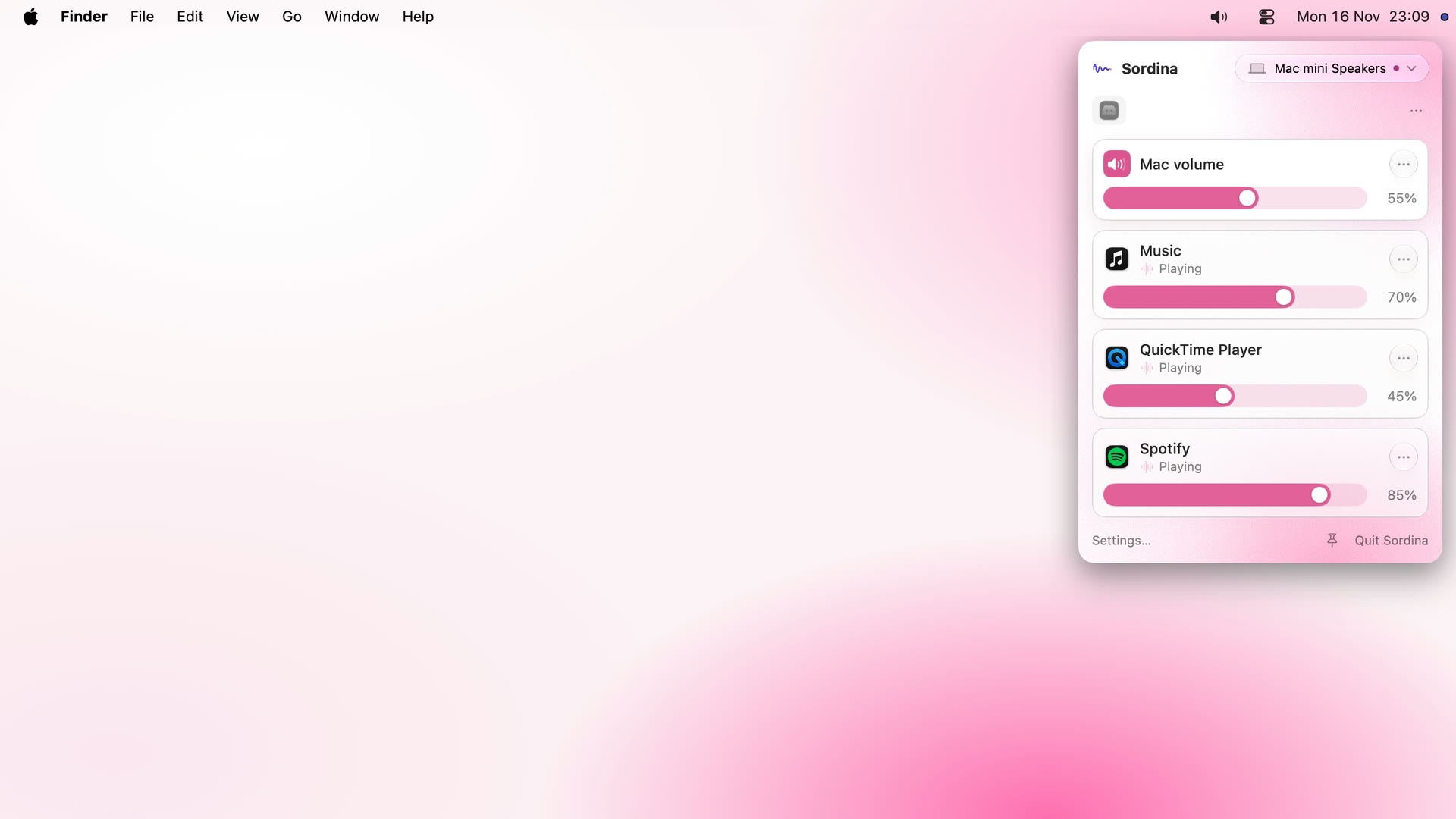
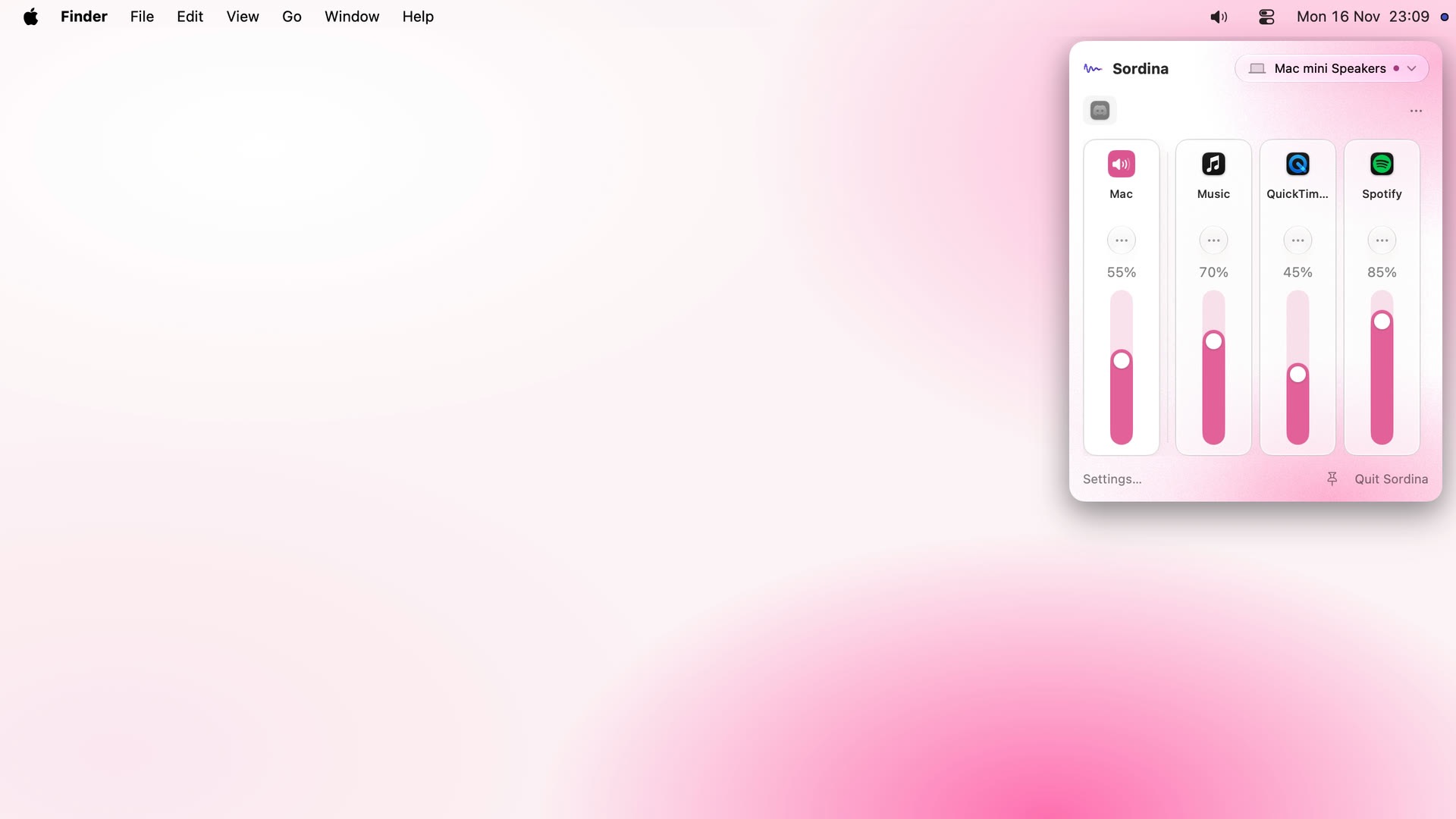
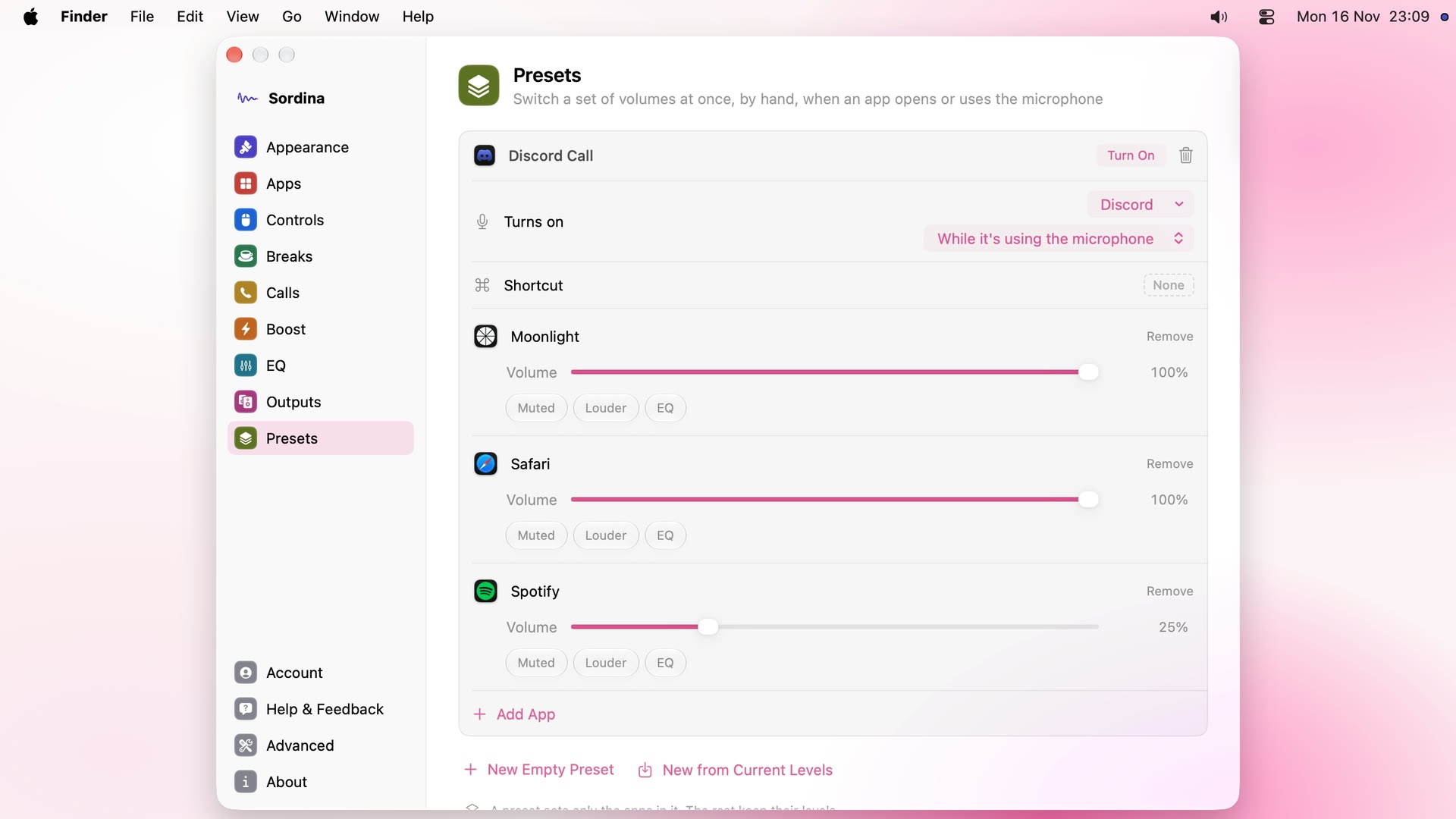
Sordina gives every app on your Mac its own volume slider and mute, right from the menu bar.

  • Tastaturkurzbefehle für Free: a slider and mute for every app, pins, a mixer layout and
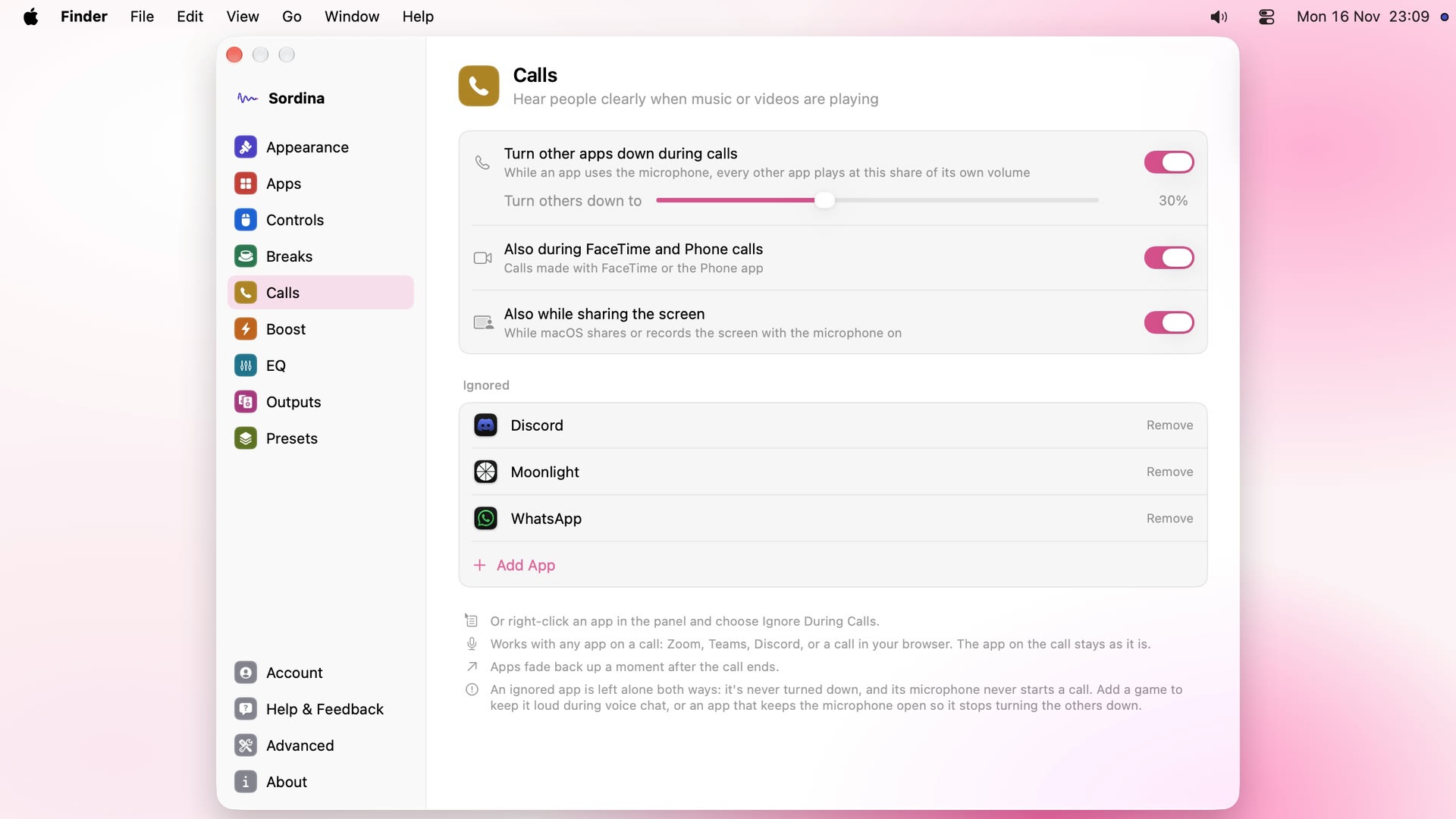
  • Pro: other apps turn down automatically during calls
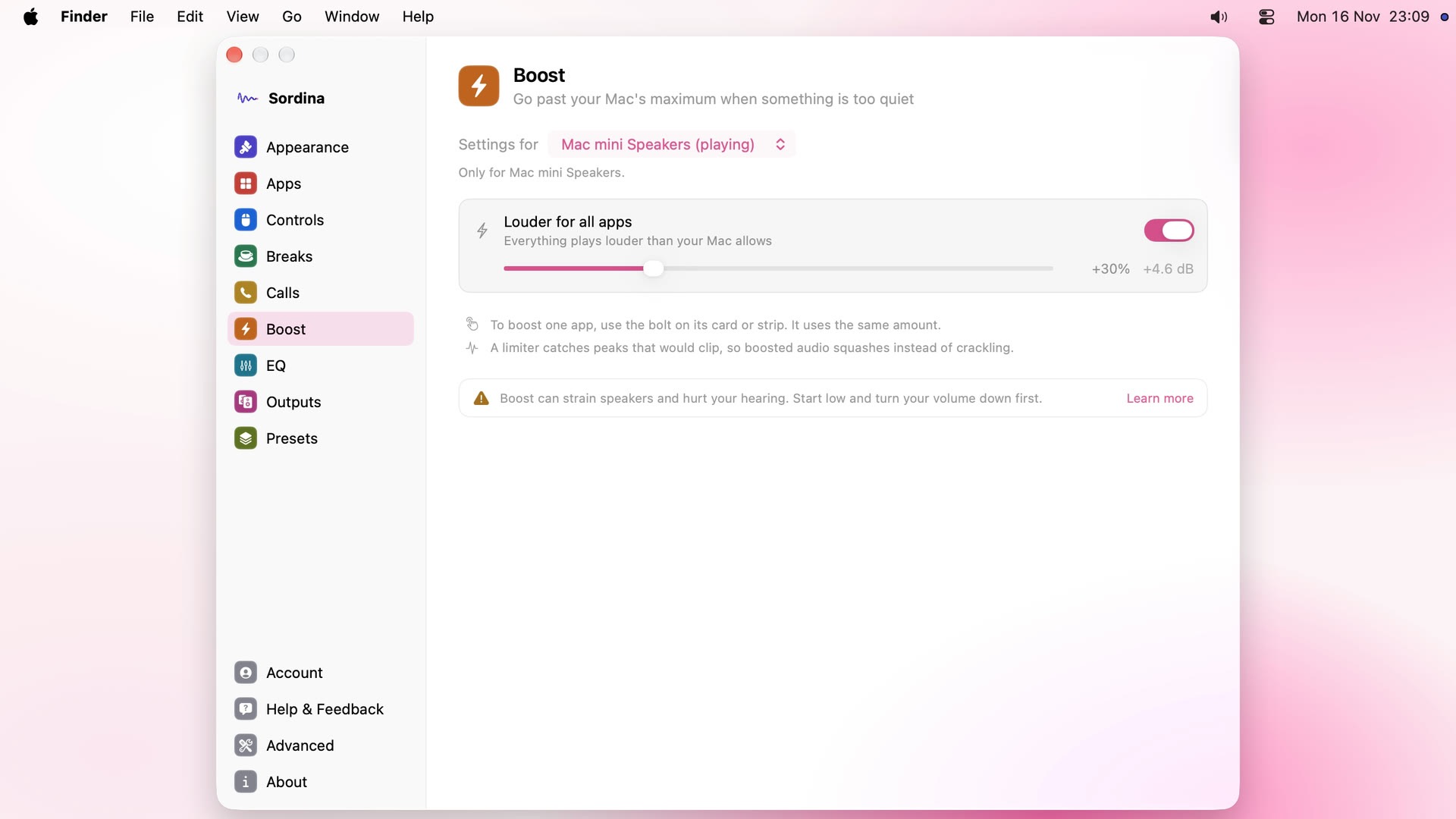
  • Pro: louder than the Mac's maximum, with a limiter
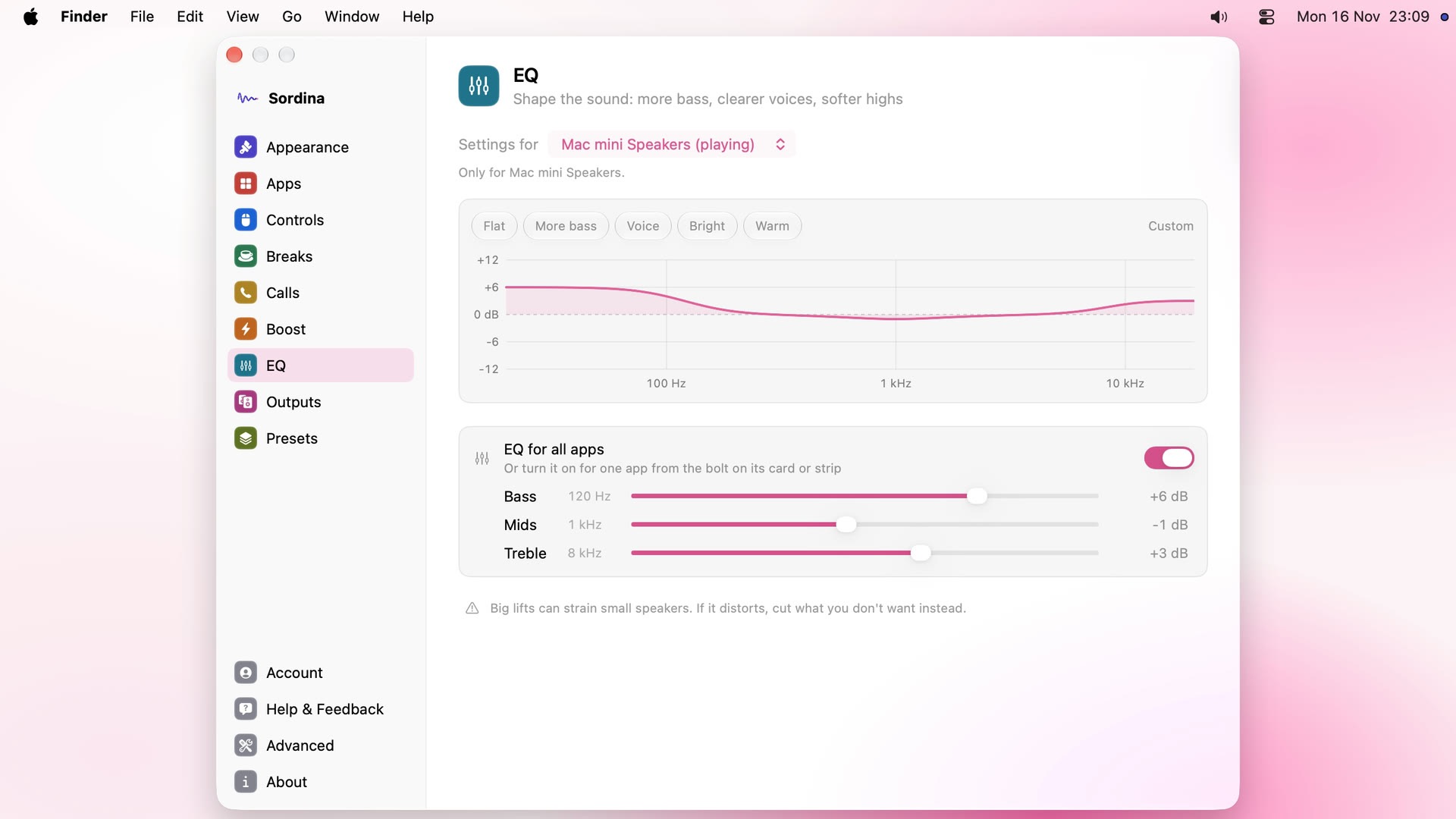
  • Pro: an EQ for every app or one, presets, and settings for each output

Does it install an audio driver? No. It uses macOS's own audio taps, and apps you don't touch play straight through.

Does it work with Zoom, Teams and Spotify? Yes, and with any other app that plays sound.

Is Pro a subscription? No, it's €9.99 once, with every update included.

Fakten

Preis
Free, Pro €9.99 once
Benötigt
macOS 14 Sonoma oder neuer
Gebaut mit
Nativ
Läuft auf
Apple silicon und Intel
Von Apple notarisiert
Ja, laut Maker
Funktioniert offline
Ja, laut Maker
Sprache
English
Gelauncht
Mittwoch, 25. November
Was wir geprüft haben
Prüfung ausstehend: noch nicht geprüft

Ein Haken ist keine Sicherheitsgarantie. Lies wie du erkennst, ob eine Mac-App sicher ist.

Fragen

Does it work offline?
Yes. Everything works without an internet connection, since the sliders, mutes and settings all run on your Mac. Sordina goes online for only three things: a daily update check, checking a Pro licence, and sending a message from Help & Feedback when you press Send. Pro stays unlocked for 7 days offline after its last check.
Is my data private?
Yes. Your audio never leaves your Mac and is never recorded or saved: Sordina changes each app's level live, on your Mac. The app has no account, no analytics and no tracking, and your volumes and settings stay on your Mac. When you activate a Pro key, the key and your Mac's model name (like "MacBook Pro") go to Dodo Payments, who sell Sordina Pro.
Is there a free trial?
There's a free version rather than a trial, and it doesn't expire: a slider and mute for every app, pins, the mixer layout and keyboard shortcuts. Sordina Pro is €9.99 once, with every update included and no subscription. If Pro isn't right for you, you can ask for a refund within 7 days.
Which Macs does it run on?
Any Mac with macOS 14.2 Sonoma or later, on Apple silicon or Intel. One Pro key works on one Mac, and you can move it to another Mac from Settings › Account.
Why does it ask for System Audio Recording?
To change one app's volume, Sordina passes that app's sound through itself, and macOS calls that permission "System Audio Recording". Nothing is recorded, saved or sent anywhere. Sordina uses macOS's own audio taps, so there's no audio driver to install, and apps you don't touch play straight through.

Antworten vom Maker.

Alternativen und Listen 3 Apps, 8 Listen
Frag deine KI nach Sordina ChatGPT, Claude, Perplexity, Grok, Gemini
KI fragenMD

Frag deine KI nach Sordina, etwa „Lohnt sich Sordina?“ MacPip verbinden

Weitere Apps für Audio und Video