iPipОтправить

Карточки остаются на том языке, на котором их написали создатели.
Sordina
Иконка приложения: Sordina
Каталог

Sordina

Per-app audio volume from the menu bar

Justin, создатель SordinaАвтор:JustinLV 1
Free, Pro €9.99 oncemacOS 14 Sonoma+Apple silicon и IntelРаботает офлайнАудио и видео
Nominee, MacPip Awards 2026Голос
sordina.app/?utm_source=macpip&ref=macpipСнимок сайта: прокрутите, чтобы увидеть его целикомОткрыть ↗︎
The Sordina website
Sordina: скриншот 1 из 6Sordina: скриншот 2 из 6Sordina: скриншот 3 из 6Sordina: скриншот 4 из 6Sordina: скриншот 5 из 6Sordina: скриншот 6 из 6

О приложении

Sordina, приложение для Mac в категории «Аудио и видео», сделанное в стране Нидерланды.Per-app audio volume from the menu bar.Работает на Apple silicon.Его ещё не проверили.

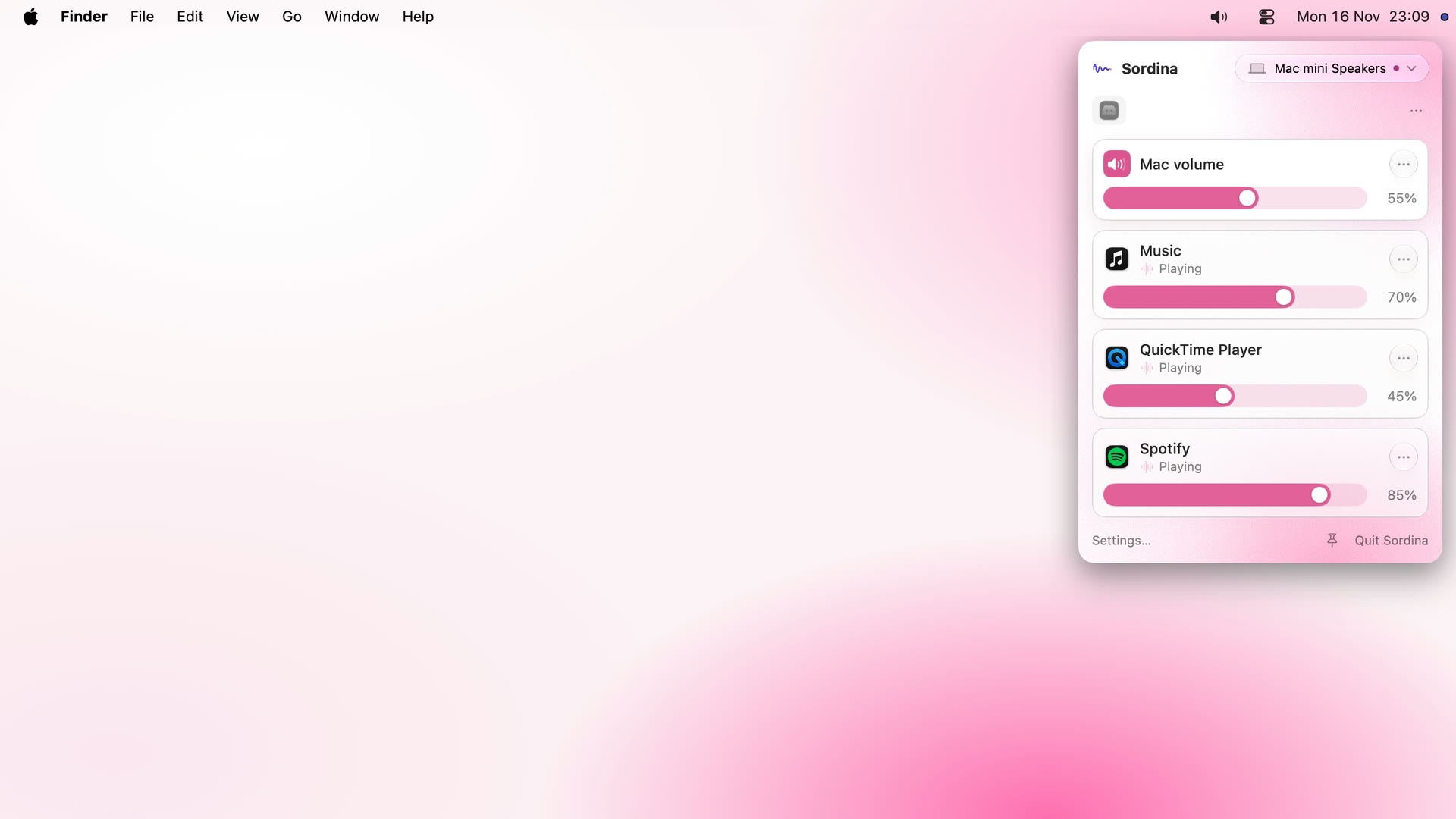
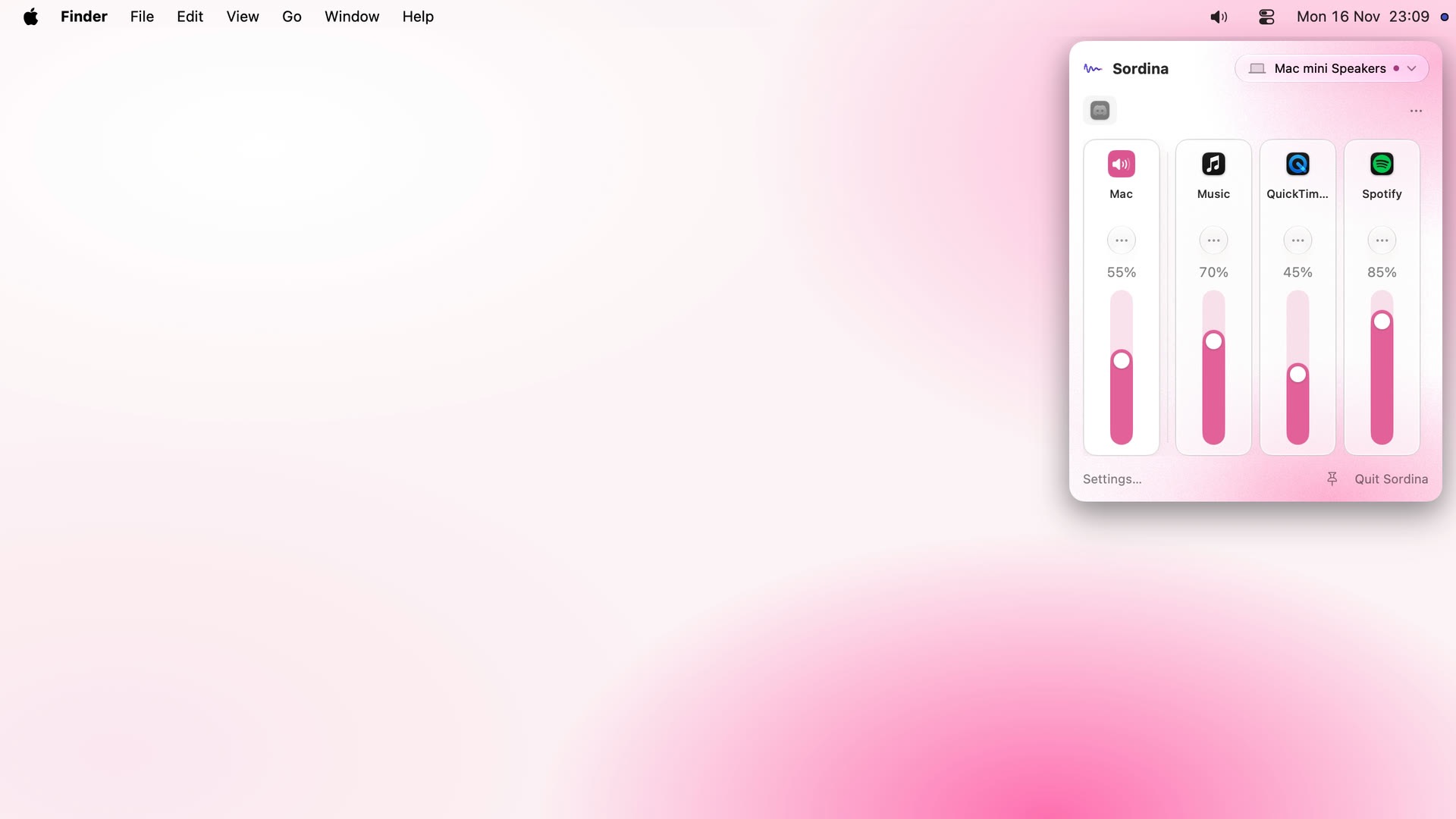
Sordina gives every app on your Mac its own volume slider and mute, right from the menu bar.

  • Сочетания клавиш: Free: a slider and mute for every app, pins, a mixer layout and
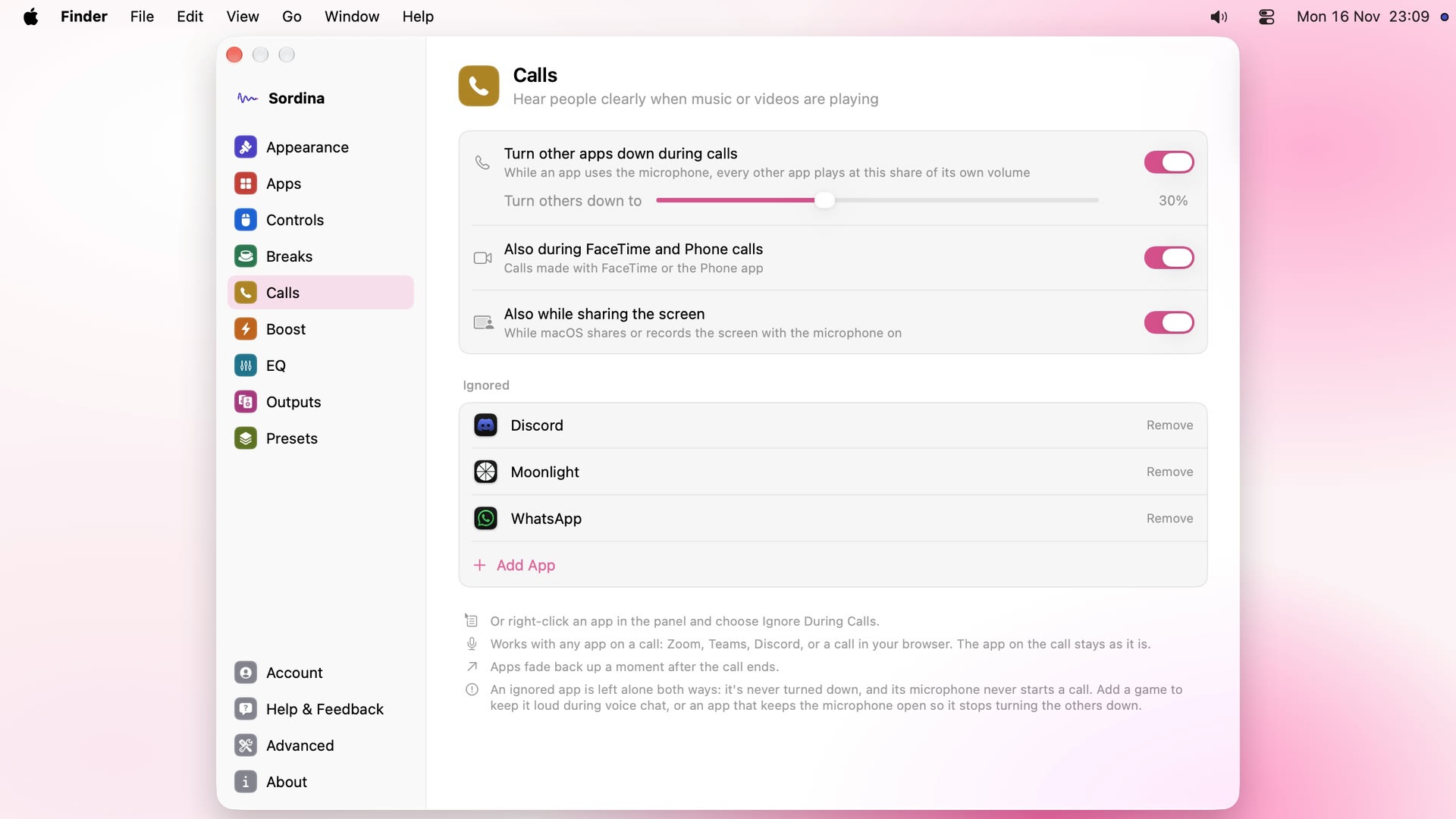
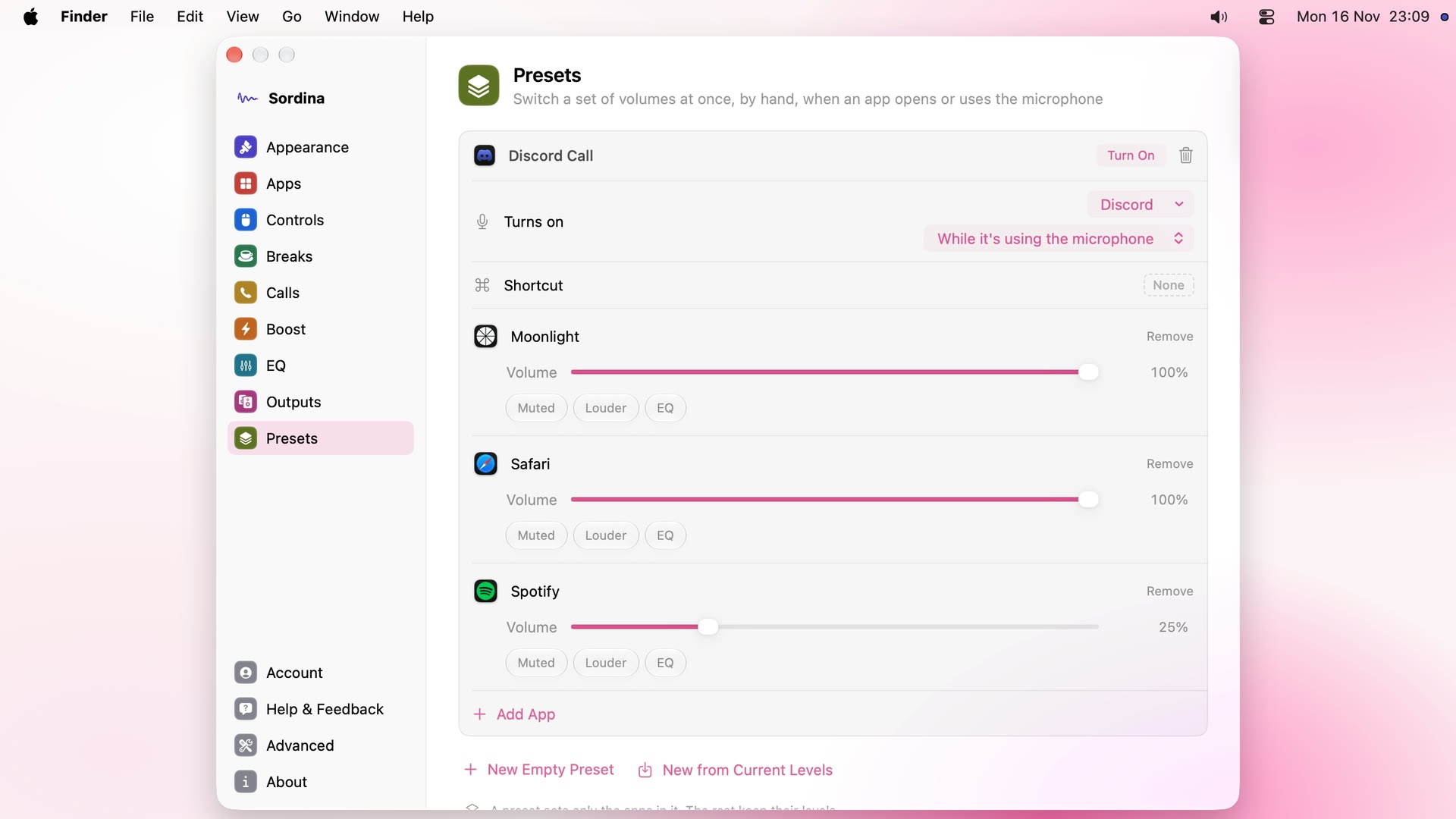
  • Pro: other apps turn down automatically during calls
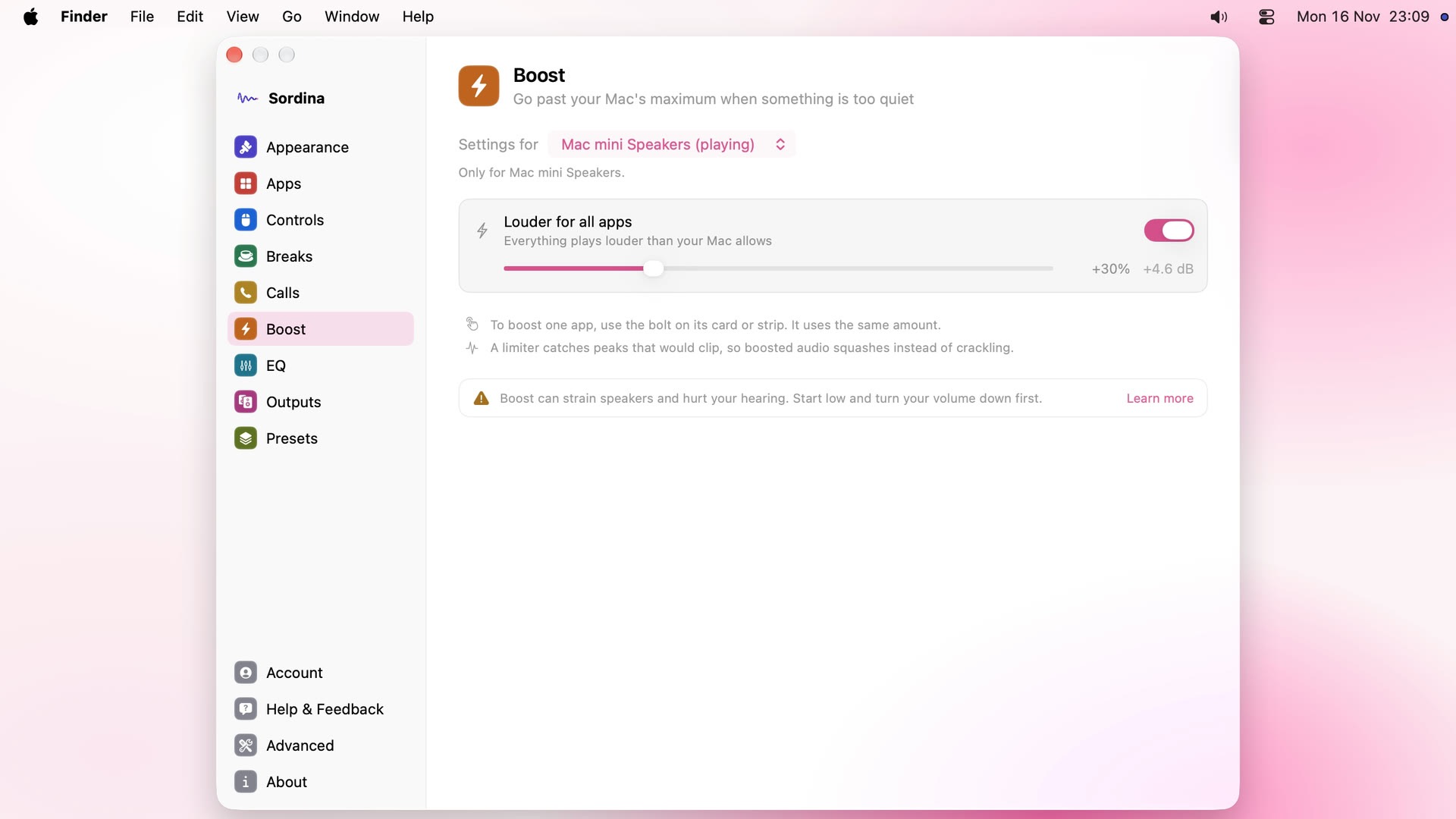
  • Pro: louder than the Mac's maximum, with a limiter
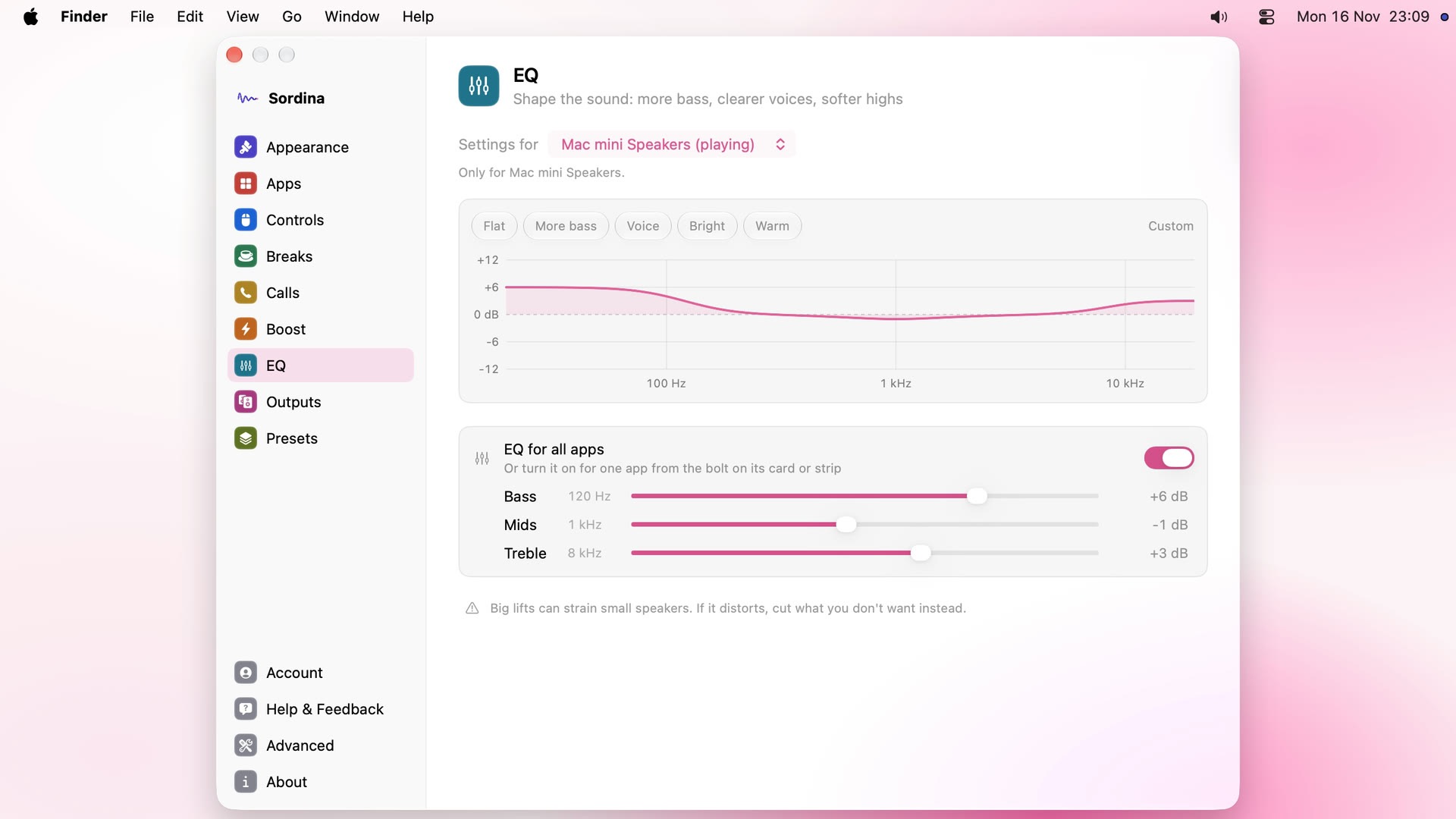
  • Pro: an EQ for every app or one, presets, and settings for each output

Does it install an audio driver? No. It uses macOS's own audio taps, and apps you don't touch play straight through.

Does it work with Zoom, Teams and Spotify? Yes, and with any other app that plays sound.

Is Pro a subscription? No, it's €9.99 once, with every update included.

Факты

Цена
Free, Pro €9.99 once
Требования
macOS 14 Sonoma или новее
Сделано с помощью
Нативное
Работает на
Apple silicon и Intel
Нотаризовано Apple
Да, по словам создателя
Работает офлайн
Да, по словам создателя
Язык
English
Дата запуска
среда, 25 ноября
Что мы проверили
Ждёт проверки: ещё не проверено

Галочка не гарантирует безопасность. Подробнее: как понять, безопасно ли Mac-приложение.

Вопросы

Does it work offline?
Yes. Everything works without an internet connection, since the sliders, mutes and settings all run on your Mac. Sordina goes online for only three things: a daily update check, checking a Pro licence, and sending a message from Help & Feedback when you press Send. Pro stays unlocked for 7 days offline after its last check.
Is my data private?
Yes. Your audio never leaves your Mac and is never recorded or saved: Sordina changes each app's level live, on your Mac. The app has no account, no analytics and no tracking, and your volumes and settings stay on your Mac. When you activate a Pro key, the key and your Mac's model name (like "MacBook Pro") go to Dodo Payments, who sell Sordina Pro.
Is there a free trial?
There's a free version rather than a trial, and it doesn't expire: a slider and mute for every app, pins, the mixer layout and keyboard shortcuts. Sordina Pro is €9.99 once, with every update included and no subscription. If Pro isn't right for you, you can ask for a refund within 7 days.
Which Macs does it run on?
Any Mac with macOS 14.2 Sonoma or later, on Apple silicon or Intel. One Pro key works on one Mac, and you can move it to another Mac from Settings › Account.
Why does it ask for System Audio Recording?
To change one app's volume, Sordina passes that app's sound through itself, and macOS calls that permission "System Audio Recording". Nothing is recorded, saved or sent anywhere. Sordina uses macOS's own audio taps, so there's no audio driver to install, and apps you don't touch play straight through.

Ответы создателя приложения.

Аналоги и списки приложения: 3, списки: 8
Спросите свой ИИ о приложении Sordina ChatGPT, Claude, Perplexity, Grok, Gemini
Спросить ИИMD

Спросите свой ИИ про Sordina, например: «Стоит ли Sordina того?» Подключите MacPip

Ещё приложения для аудио и видео