
 Friend
 CoralProductivity for Claude Code and Codex agentsby
 Coral ClaudeFree, Pro from $8/month, 7-day trial


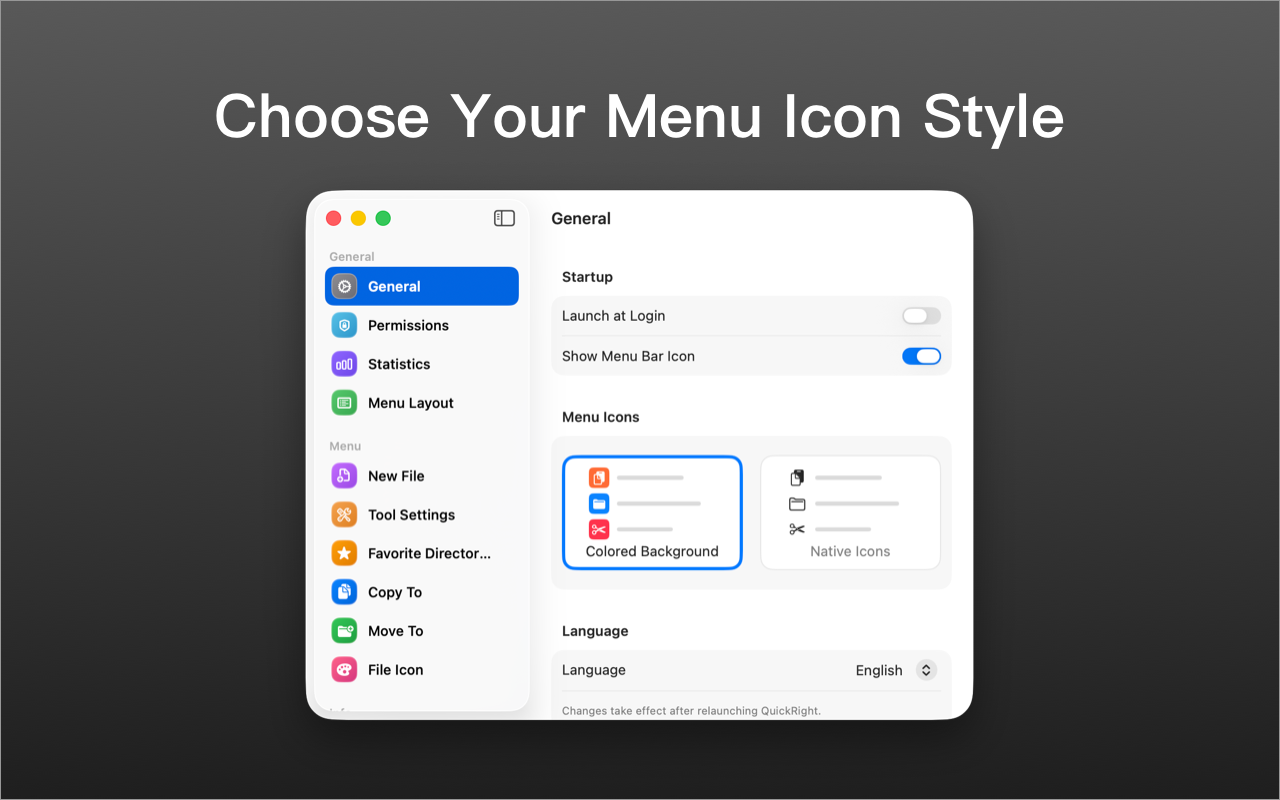

QuickRight is a productivity app for Mac:QuickRight adds file creation, terminal access.It has not been checked yet.
QuickRight adds the file actions macOS never put in Finder's right-click menu. Create a text, Markdown, Word, Excel, PowerPoint or Pages file, or start an HTML, Python, Swift or shell file, right where you are, and add your own templates. Cut, paste and move files without dragging, copy a full path in one click, open the current folder in Terminal, iTerm2, Warp or Ghostty, open a file in VS Code, convert and compress images, compute a SHA-256 hash, toggle hidden files. Everything is one click away - no workflow editor to configure. Free, no subscription, no account, no analytics.
A tick is not a safety guarantee. Read how to tell if a Mac app is safe.
This is your app, so here is its own badge for your site. It links back to this page, shows your real votes, and makes your app a Friend of MacPip.


<a href="https://macpip.com/apps/quickright?ref=badge"><img src="https://macpip.com/badge/quickright.svg" height="58" alt="QuickRight is listed on MacPip"></a>
Ask your AI about QuickRight, like “Is QuickRight worth it?” Connect MacPip
FriendCoralProductivity for Claude Code and Codex agentsby Coral ClaudeFree, Pro from $8/month, 7-day trial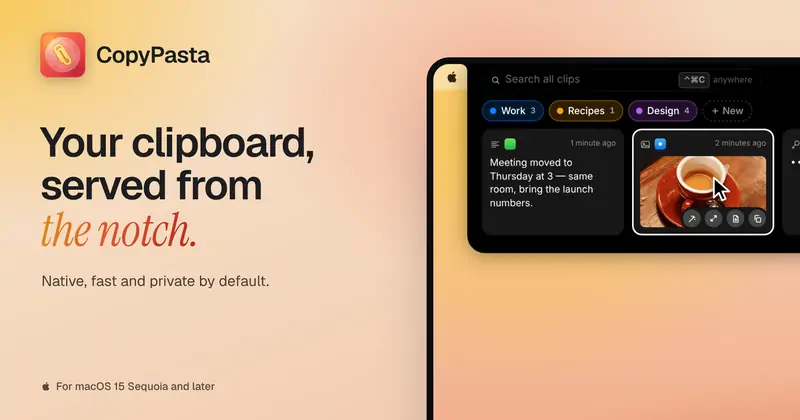 #1Nov 9
 CopyPastaCopyPasta is a private-by-default clipboard manager…by
 @AmasCreates$14.99 once, 7-day free trial

 AuratorAurator turns your voice into clean text in every app…by
 @ndmrauFrom $29 once, 7-day free trial
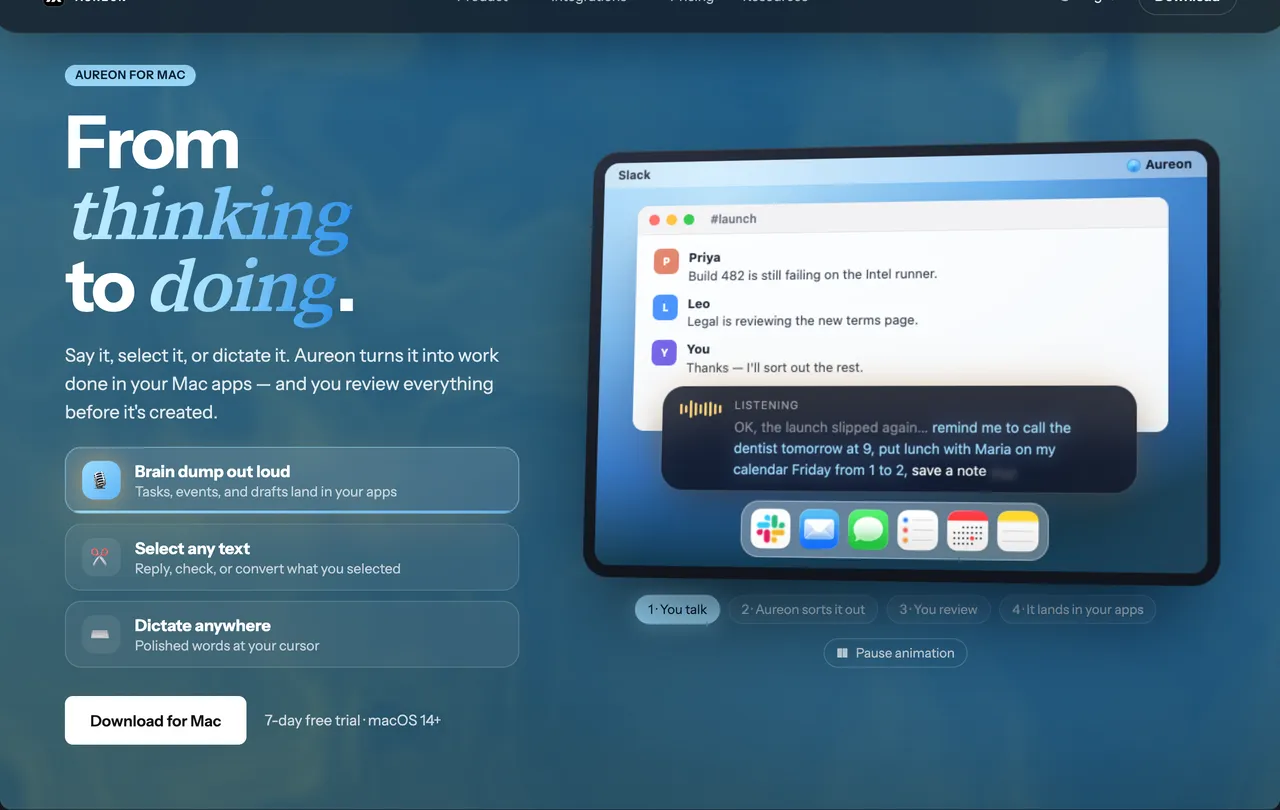
 AureonSay what you need. Aureon routes it to your Mac apps.by IInAureon$6.99+/mo · 7-day trial