Las mejores apps gratis de la categoría «Teclado y ratón» para Mac
Actualizado el 23 nov 2026, a partir de lo que MacPip tiene hoy.
Respuesta corta
MacPip lists 8 free keyboard and mouse apps for Mac, and MacPip has checked 1 of them.Todas tienen una versión gratuita.2 de ellas venden una licencia de pago único.There is no single best free keyboard or mouse app for everyone, so MacPip does not rank them.Si lo quieres gratis, empieza por What Can't I Press?.
Las apps revisadas van primero, empezando por la revisión más reciente. Nunca ordenadas por pago.
Lo que ofrecen estas 8 apps, según sus fichas. Una app puede ofrecer varias cosas, así que las barras no suman 8.
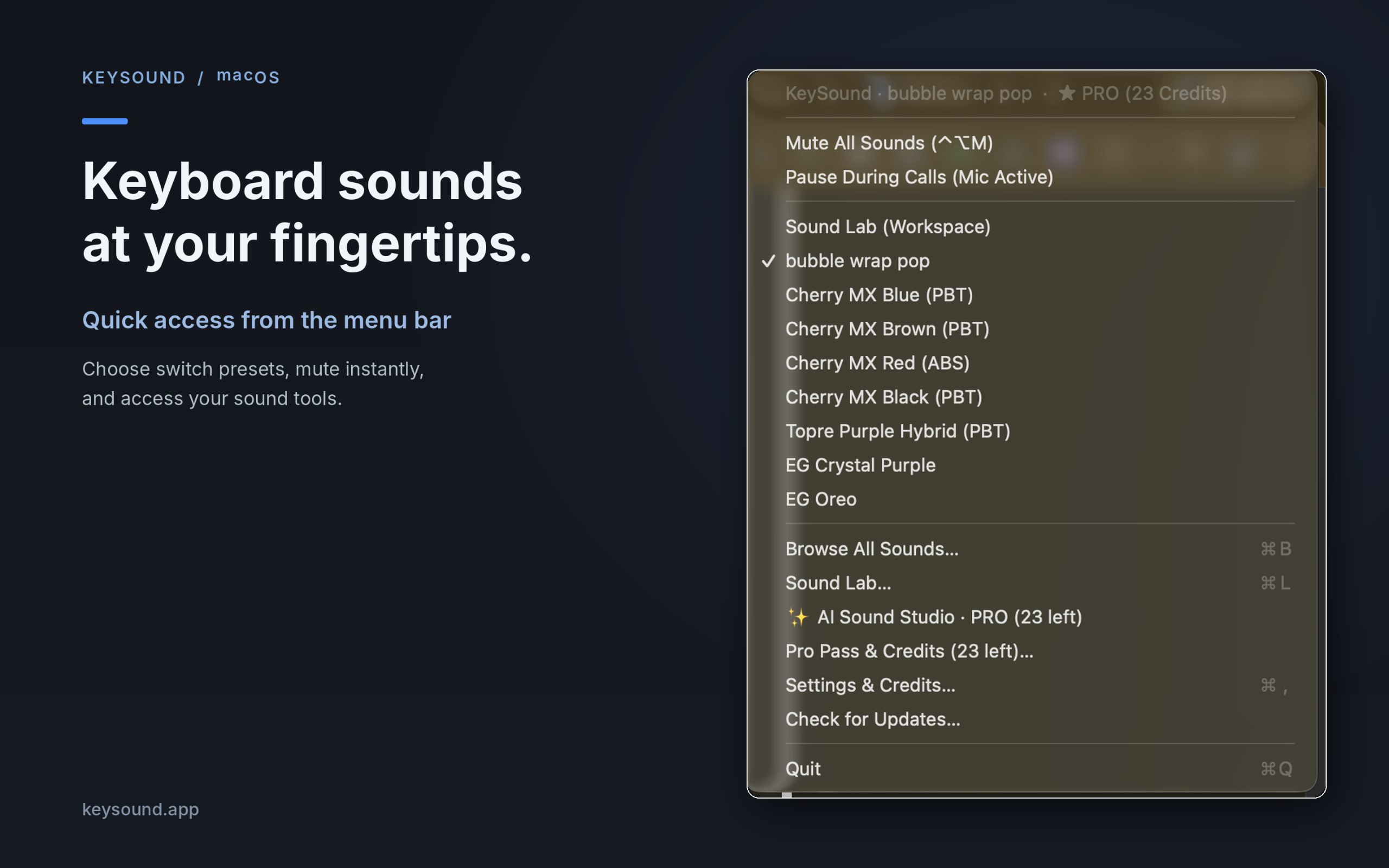
De su creador: KeySound is a lightweight macOS menu-bar utility that makes your keyboard sound like mechanical switches. Choose from 10 recorded switch sound packs, create your own sound combinations using an offline three-layer mixer, and optionally generate new effects using text prompts in AI Sound Studio.
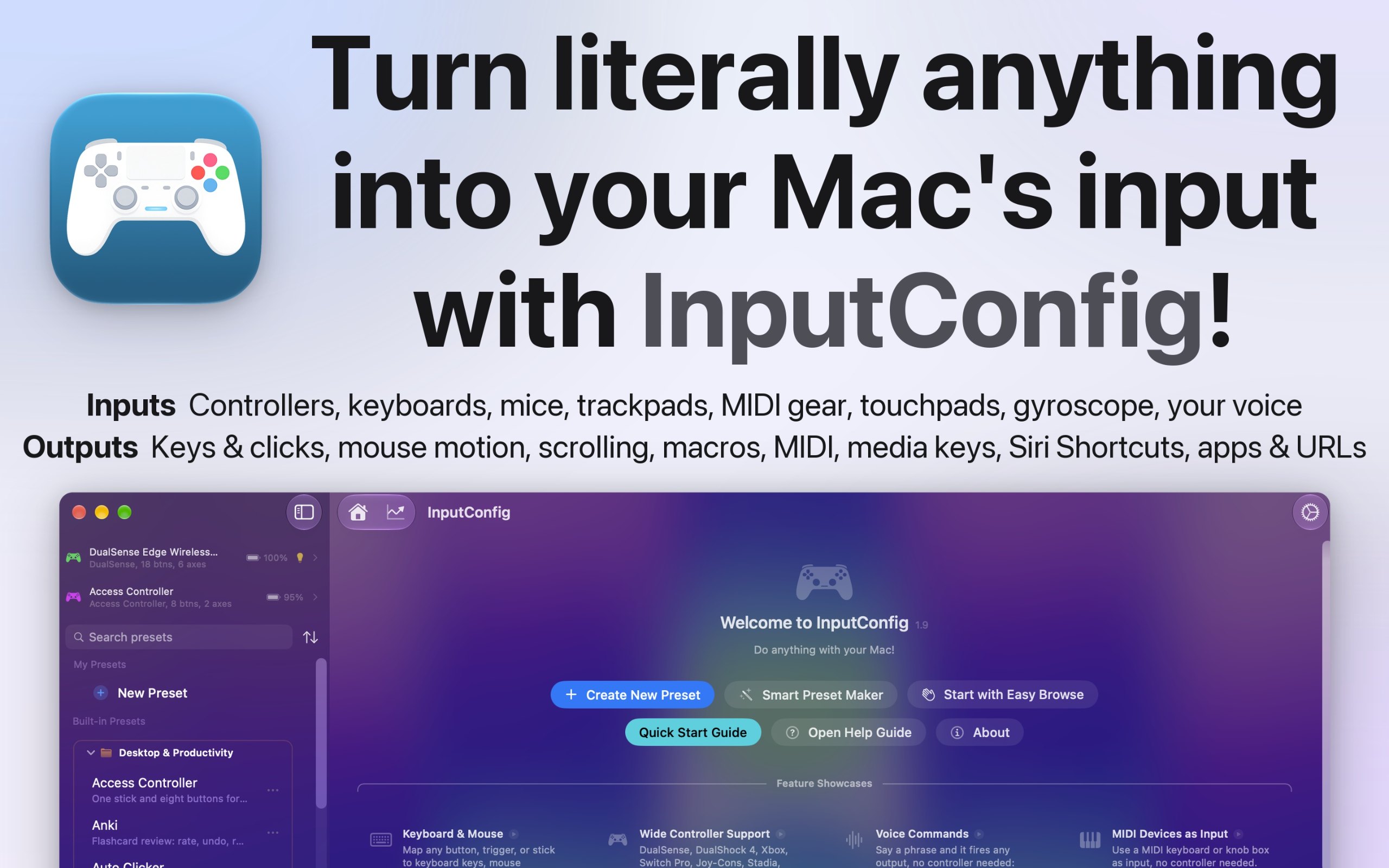
De su creador: InputConfig, a free Mac App Store program, exists because my hands don't work that well, and a keyboard and mouse ask for a kind of control I don't have. It's for anyone who would rather run their Mac with a game controller, an adaptive controller, or a MIDI keyboard, whether it's for accessibility, games, music, or fun.
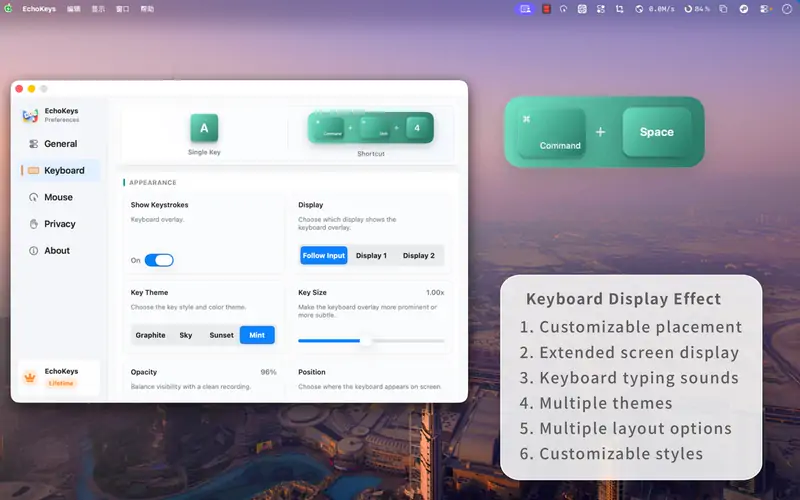
De su creador: EchoKeys is a macOS utility designed for screen recording, livestreaming, tutorials, game capture, and product demos. It shows keyboard keys, modifier keys, shortcuts, and mouse clicks on screen in real time.
Look for which devices it supports, whether it needs Accessibility access, and whether settings survive a restart.
Preguntas
What is the best free keyboard or mouse app for Mac?
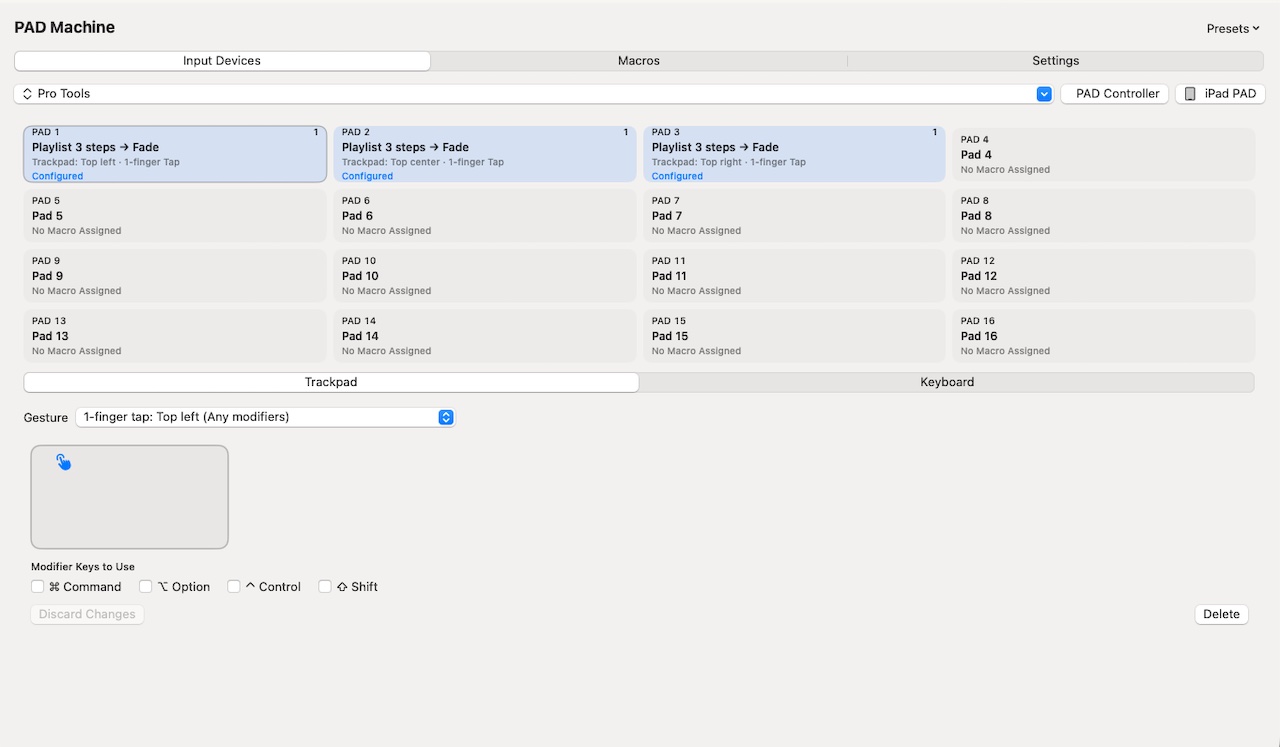
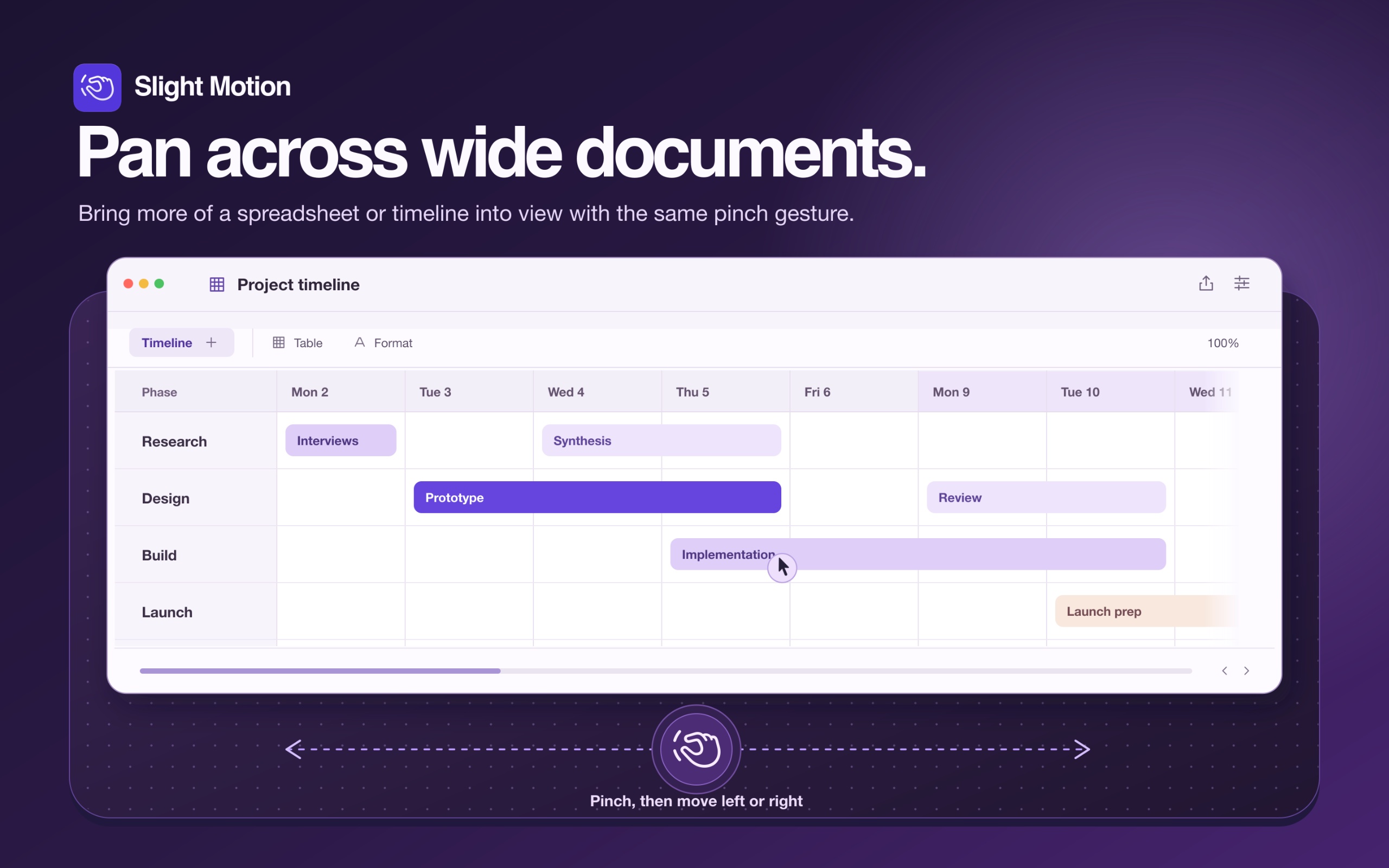
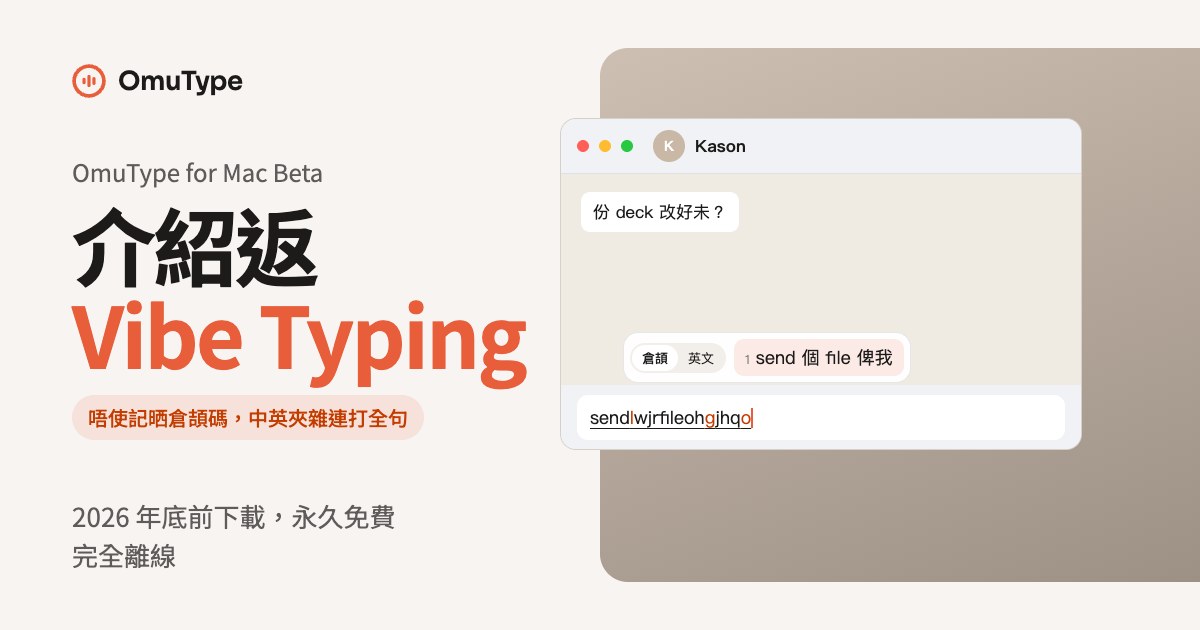
There is no single best one for everyone. MacPip lists 8: What Can't I Press?, PAD Machine, Slight Motion, KeySound, OmuType for Mac, InputConfig, WheelClick, EchoKeys. If you want it free, look at What Can't I Press?. If you would rather pay once than subscribe, look at KeySound. If you want it to run natively on Apple silicon, look at OmuType for Mac. If you need it to work offline, as its maker says it does, look at InputConfig. If you want open source code, look at What Can't I Press?.
Which free keyboard and mouse apps run natively on Apple silicon?
Según sus creadores o según nuestra revisión: KeySound, OmuType for Mac, InputConfig, WheelClick.
Which free keyboard and mouse apps has MacPip checked?
Cada una tiene un informe con fecha en su página: What Can't I Press?.
¿Cómo ordena MacPip estas apps?
Las apps revisadas van primero, empezando por la revisión más reciente, y después el resto según cuándo se añadieron. El pago nunca cambia el orden, y las filas patrocinadas llevan etiqueta y van aparte.