Melhores apps grátis da categoria “Teclado e mouse” para Mac
Atualizado em 23 de nov. de 2026, a partir do que o MacPip lista hoje.
Resposta curta
MacPip lists 8 free keyboard and mouse apps for Mac, and MacPip has checked 1 of them.Todos têm uma versão gratuita.2 deles vendem uma licença única.There is no single best free keyboard or mouse app for everyone, so MacPip does not rank them.Se você quer grátis, comece por What Can't I Press?.
Os apps verificados vêm primeiro, a verificação mais recente antes. Nunca ordenados por pagamento.
O que estes 8 apps oferecem, segundo as listagens. Um app pode oferecer várias coisas, então as barras não somam 8.
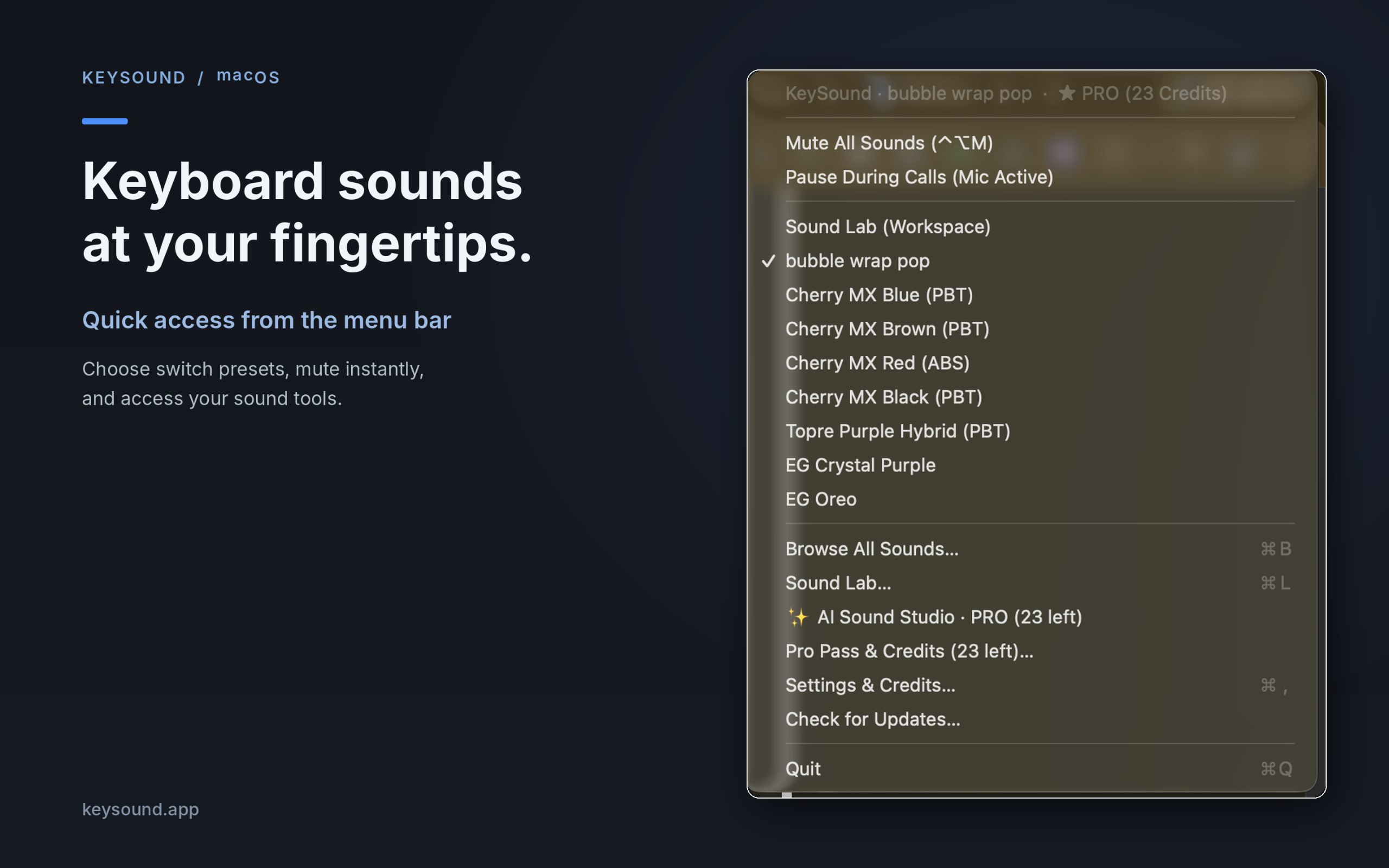
Do criador: KeySound is a lightweight macOS menu-bar utility that makes your keyboard sound like mechanical switches. Choose from 10 recorded switch sound packs, create your own sound combinations using an offline three-layer mixer, and optionally generate new effects using text prompts in AI Sound Studio.
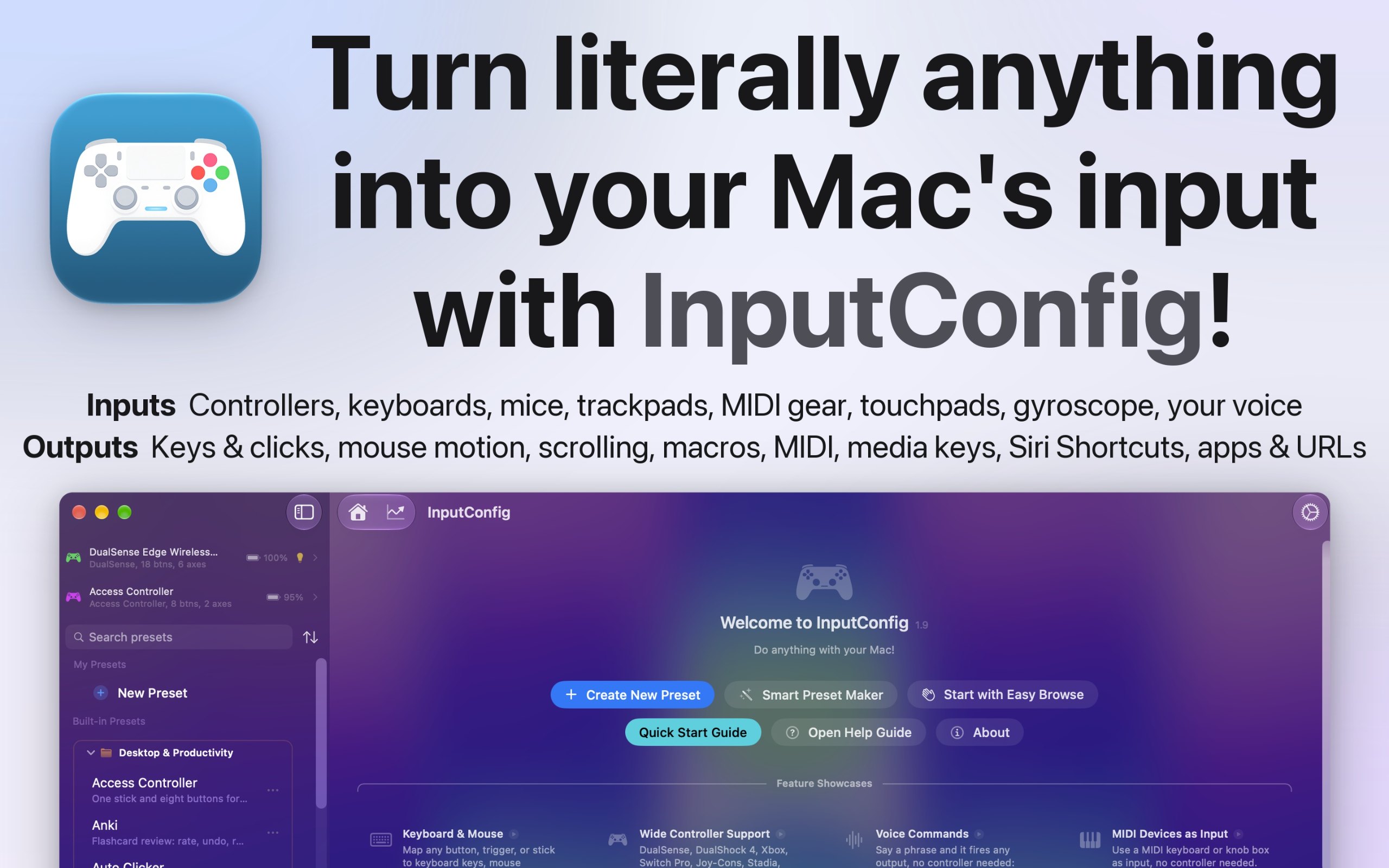
Do criador: InputConfig, a free Mac App Store program, exists because my hands don't work that well, and a keyboard and mouse ask for a kind of control I don't have. It's for anyone who would rather run their Mac with a game controller, an adaptive controller, or a MIDI keyboard, whether it's for accessibility, games, music, or fun.
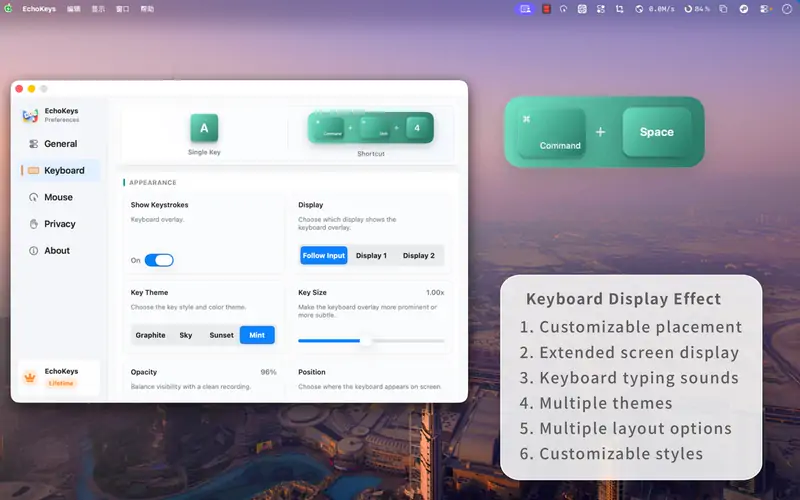
Do criador: EchoKeys is a macOS utility designed for screen recording, livestreaming, tutorials, game capture, and product demos. It shows keyboard keys, modifier keys, shortcuts, and mouse clicks on screen in real time.
Look for which devices it supports, whether it needs Accessibility access, and whether settings survive a restart.
Perguntas
What is the best free keyboard or mouse app for Mac?
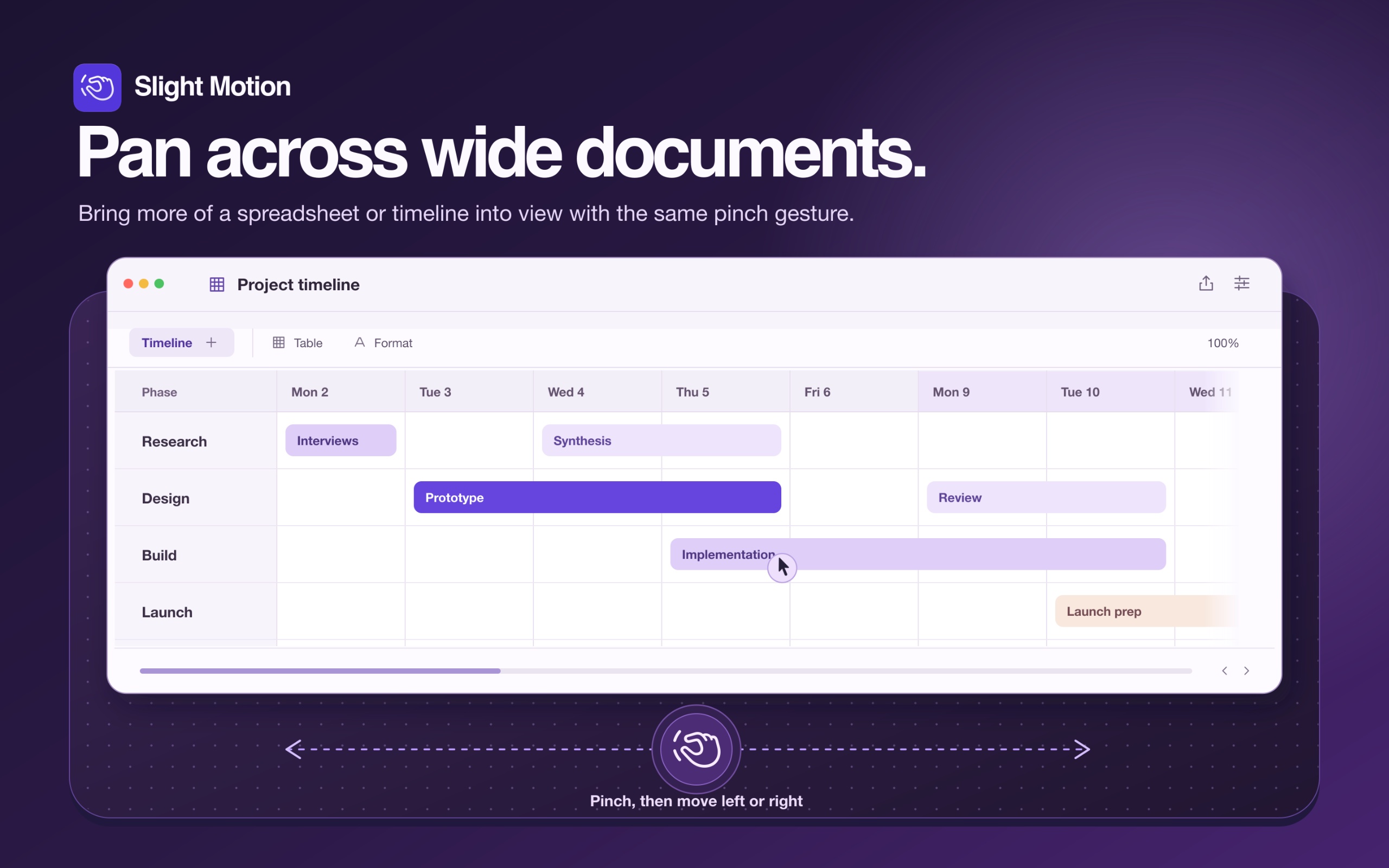
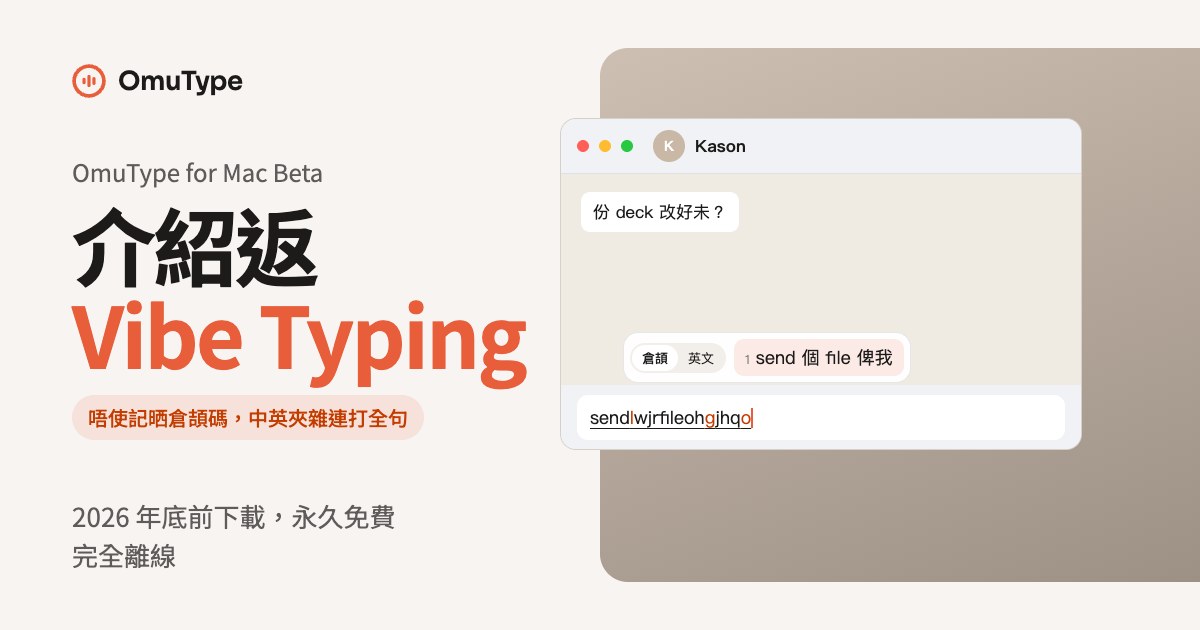
There is no single best one for everyone. MacPip lists 8: What Can't I Press?, PAD Machine, Slight Motion, KeySound, OmuType for Mac, InputConfig, WheelClick, EchoKeys. If you want it free, look at What Can't I Press?. If you would rather pay once than subscribe, look at KeySound. If you want it to run natively on Apple silicon, look at OmuType for Mac. If you need it to work offline, as its maker says it does, look at InputConfig. If you want open source code, look at What Can't I Press?.
Which free keyboard and mouse apps run natively on Apple silicon?
Pela palavra dos criadores ou pela nossa verificação: KeySound, OmuType for Mac, InputConfig, WheelClick.
Which free keyboard and mouse apps has MacPip checked?
Cada um tem um relatório datado na sua página: What Can't I Press?.
Como o MacPip ordena estes apps?
Os apps verificados vêm primeiro, a verificação mais recente antes, depois o resto pela data em que foram adicionados. Pagamento nunca muda a ordem, e as linhas patrocinadas são identificadas e ficam separadas.