What Can't I Press?
Keyboard commands reserved by JAWS, NVDA, Narrator, VoiceOver and Orca
무료 버전오픈 소스11월 23일에 확인됨
만든 사람: Eric Bailey웹사이트
메이커의 말: Keyboard commands reserved by JAWS, NVDA, Narrator, VoiceOver, and Orca.
- 가격
- 무료 및 오픈 소스
등록 정보는 메이커가 쓴 언어 그대로 남아요.
2026년 11월 23일 업데이트, 오늘 MacPip에 등록된 앱 기준.
MacPip lists 8 free keyboard and mouse apps for Mac, and MacPip has checked 1 of them.모두 무료 버전이 있어요.그중 2개는 한 번 결제하는 라이선스를 판매해요.There is no single best free keyboard or mouse app for everyone, so MacPip does not rank them.무료를 원한다면 이것부터 보세요: What Can't I Press?.
확인된 앱이 먼저 나오고, 최근에 확인한 앱이 앞에 와요. 결제로 순서를 정하지 않아요.
| 앱 | 하는 일 | 가격 | 무료 또는 유료 | Apple silicon | 오픈 소스 | 제작 | 확인됨 |
|---|---|---|---|---|---|---|---|
| What Can't I Press? | Keyboard commands reserved by JAWS, NVDA, Narrator, VoiceOver and Orca | 무료 및 오픈 소스 | 무료 버전 | 명시되지 않음 | 예 | Eric Bailey | 11월 23일 |
| PAD Machine | Turn everyday input devices into a customizable macro controller for your Mac. | 무료 | 무료 버전 | 명시되지 않음 | 아니요 | Hiroshi Kojima | 대기 중 |
| Slight Motion | Pinch에서 scroll gestures for Mac로. | 무료 | 무료 버전 | 명시되지 않음 | 아니요 | 명시되지 않음 | 대기 중 |
| KeySound | Realistic mechanical keyboard sounds and customizable typing sound mixes for Mac | Free, Pro $9.99 once | 무료 버전일회성 | 네, 메이커 말에 따르면 Intel도 지원해요 | 예 | 명시되지 않음 | 대기 중 |
| OmuType for Mac | Type whole sentences in Cangjie or Quick with English mixed in, no picking | 무료 | 무료 버전 | 네, 메이커 말에 따르면 Apple silicon만 지원해요 | 아니요 | Alano Tech | 대기 중 |
| InputConfig | Map controllers & MIDI to keyboard and mouse | Free, optional tip jar | 무료 버전 | 네, 메이커 말에 따르면 Intel도 지원해요 | 예 | Ryleigh Newman | 대기 중 |
| WheelClick | The missing middle click for your Mac trackpad and Magic Mouse | Free forever, Pro $4.99 once | 무료 버전일회성 | 네, 메이커 말에 따르면 Intel도 지원해요 | 아니요 | Arthur Ginzburg | 대기 중 |
| EchoKeys | Make every shortcut visible | Free with in-app purchases | 무료 버전 | 명시되지 않음 | 아니요 | 昆 王 | 대기 중 |
Keyboard commands reserved by JAWS, NVDA, Narrator, VoiceOver and Orca
메이커의 말: Keyboard commands reserved by JAWS, NVDA, Narrator, VoiceOver, and Orca.
Turn everyday input devices into a customizable macro controller for your Mac.
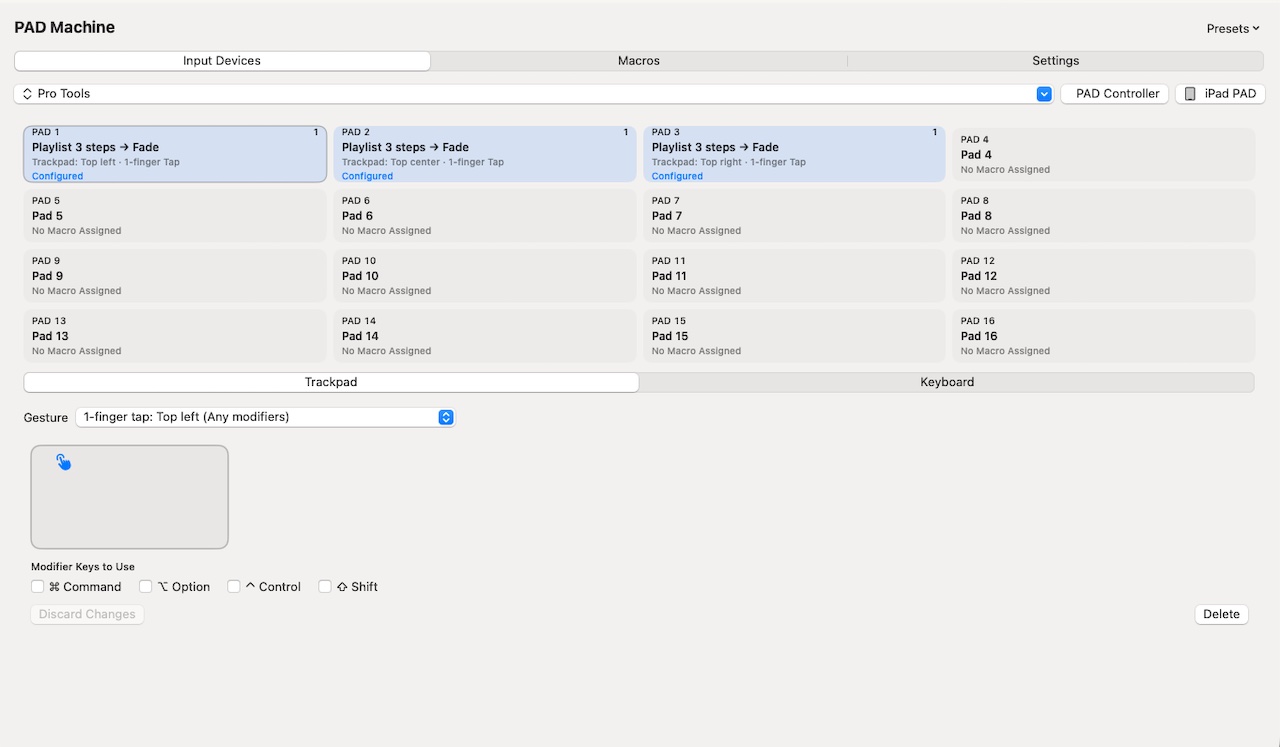
메이커의 말: Turn everyday input devices into a customizable macro controller for your Mac. No dedicated hardware required.

Pinch에서 scroll gestures for Mac로.
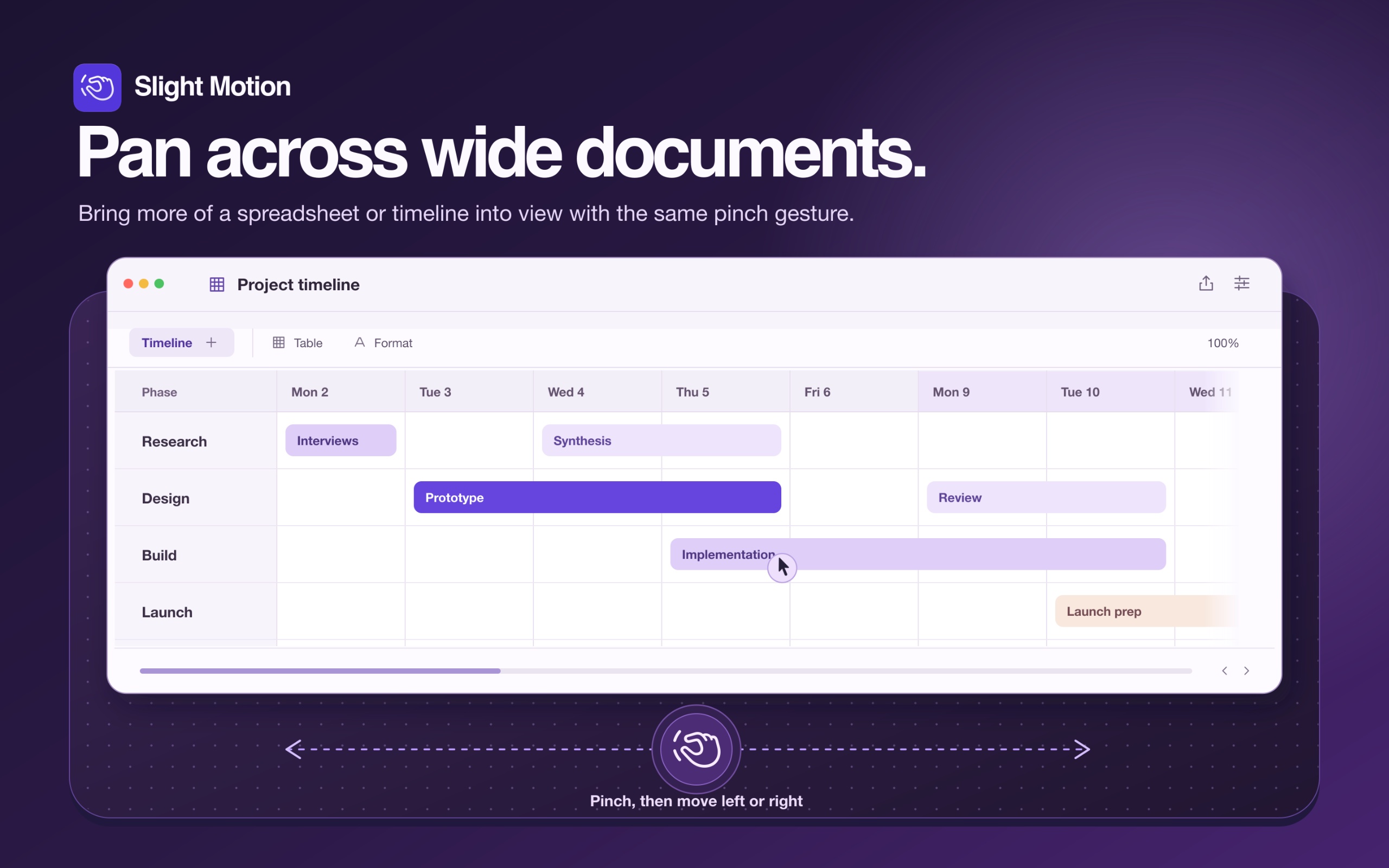
메이커의 말: Pinch, move, and release. Scroll articles, PDFs, and more with a simple pinch of your fingers.
Realistic mechanical keyboard sounds and customizable typing sound mixes for Mac
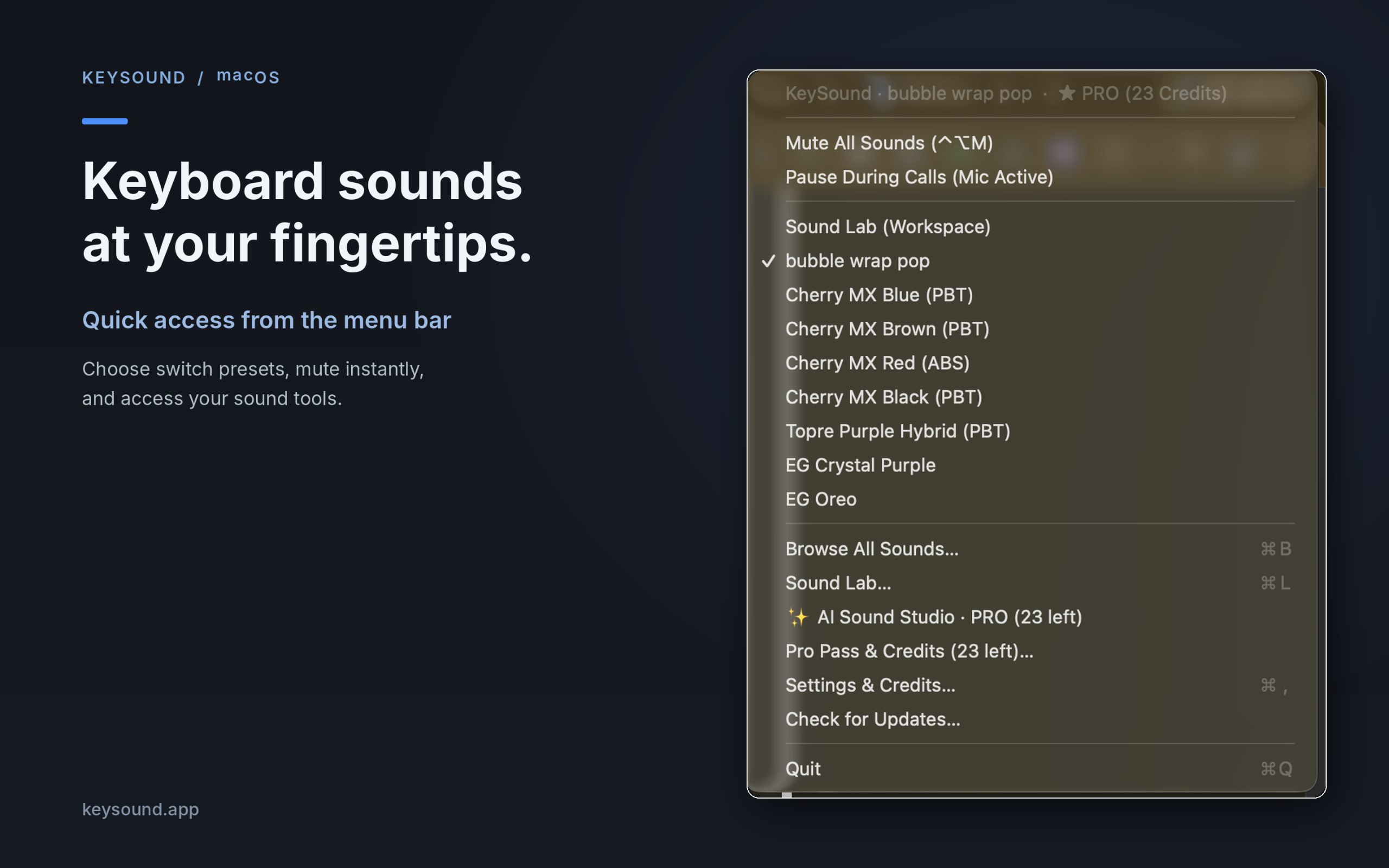
메이커의 말: KeySound is a lightweight macOS menu-bar utility that makes your keyboard sound like mechanical switches. Choose from 10 recorded switch sound packs, create your own sound combinations using an offline three-layer mixer, and optionally generate new effects using text prompts in AI Sound Studio.

Type whole sentences in Cangjie or Quick with English mixed in, no picking
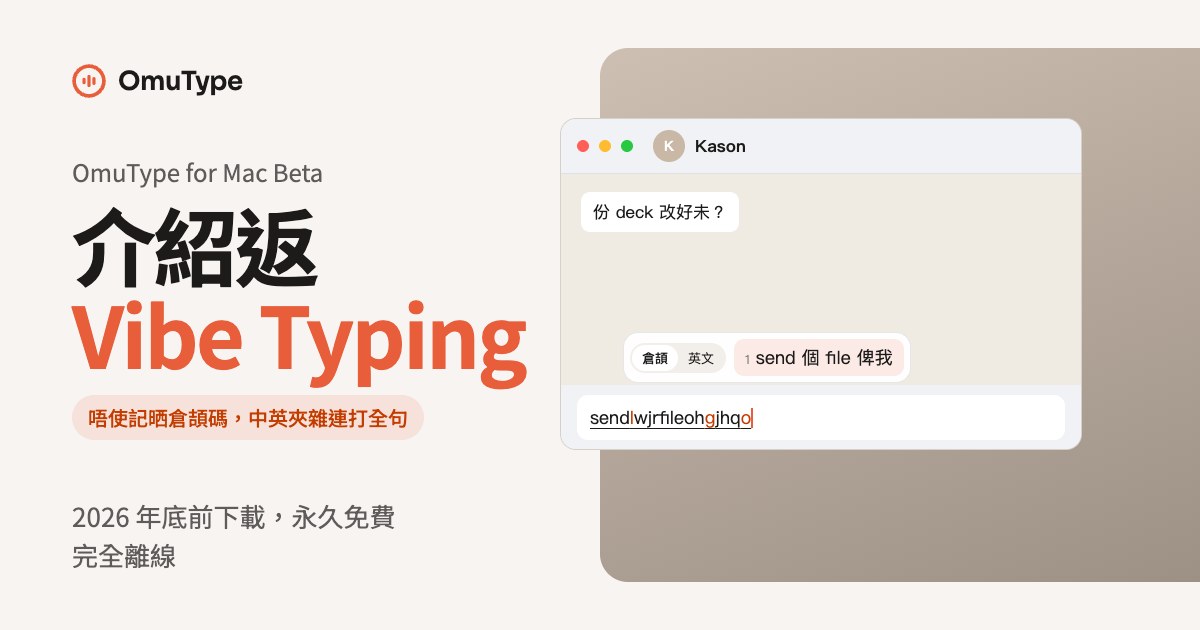
From its maker: OmuType for Mac · Vibe Typing: no need에서 remember every Cangjie code. Type whole sentences, Chinese and English mixed로.
Map controllers & MIDI to keyboard and mouse
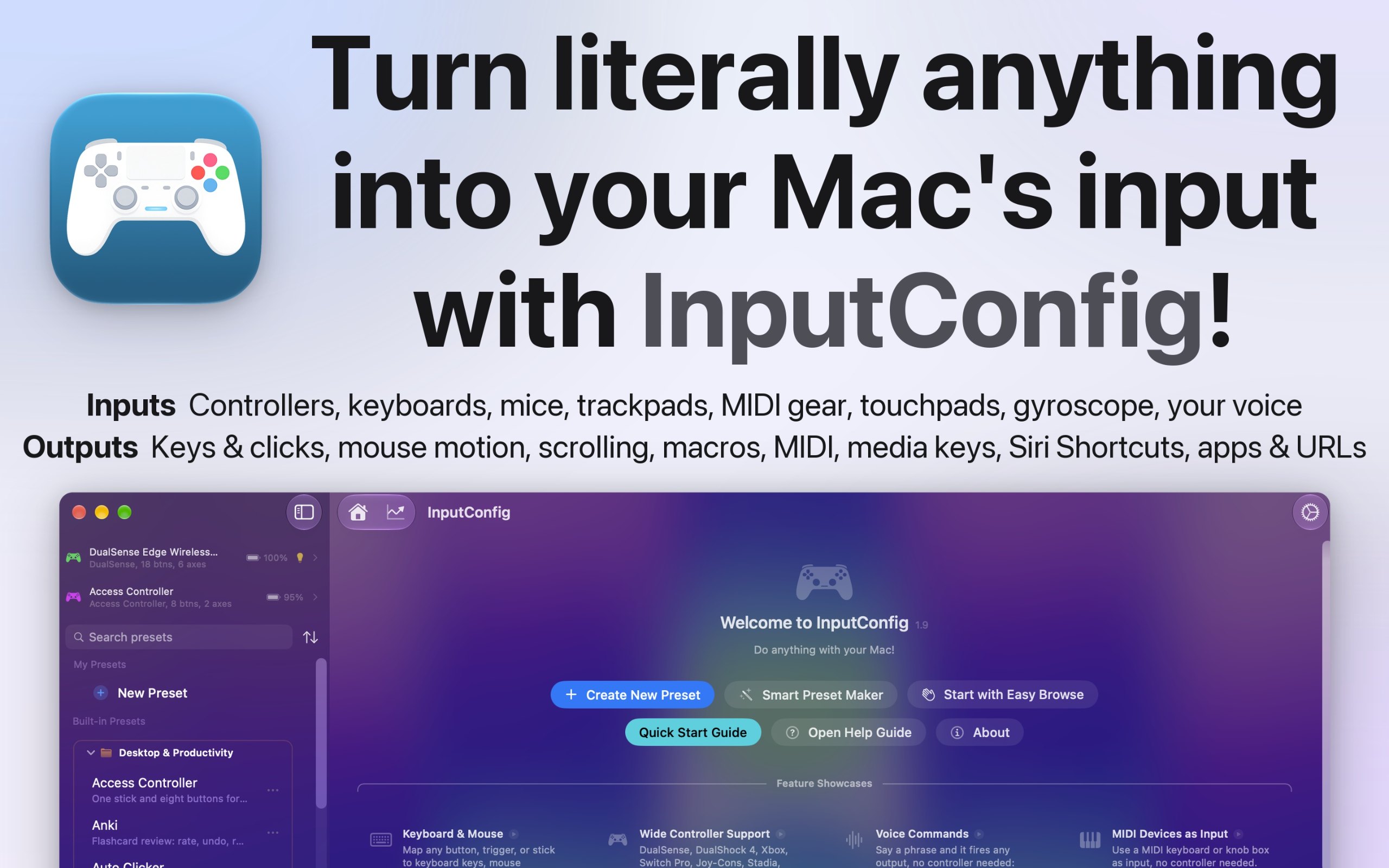
메이커의 말: InputConfig, a free Mac App Store program, exists because my hands don't work that well, and a keyboard and mouse ask for a kind of control I don't have. It's for anyone who would rather run their Mac with a game controller, an adaptive controller, or a MIDI keyboard, whether it's for accessibility, games, music, or fun.
The missing middle click for your Mac trackpad and Magic Mouse

메이커의 말: Your Mac has no middle button. WheelClick gives it one, on the trackpad and on the Magic Mouse.
Make every shortcut visible
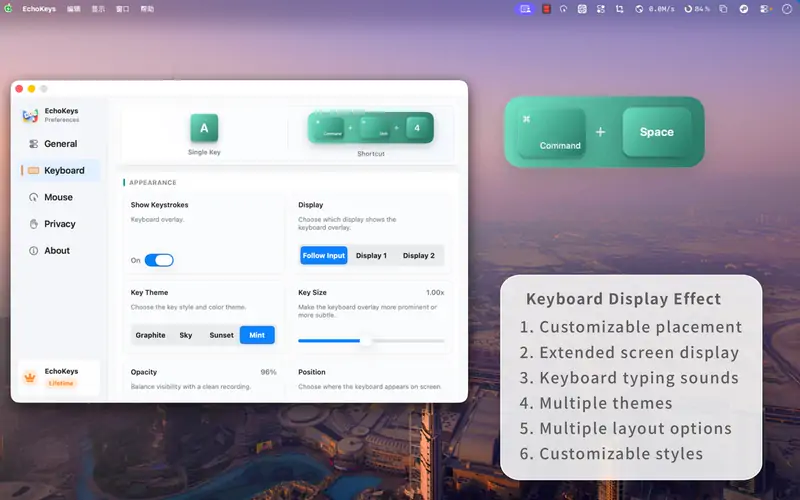
메이커의 말: EchoKeys is a macOS utility designed for screen recording, livestreaming, tutorials, game capture, and product demos. It shows keyboard keys, modifier keys, shortcuts, and mouse clicks on screen in real time.
Look for which devices it supports, whether it needs Accessibility access, and whether settings survive a restart.
There is no single best one for everyone. MacPip lists 8: What Can't I Press?, PAD Machine, Slight Motion, KeySound, OmuType for Mac, InputConfig, WheelClick, EchoKeys. If you want it free, look at What Can't I Press?. If you would rather pay once than subscribe, look at KeySound. If you want it to run natively on Apple silicon, look at OmuType for Mac. If you need it to work offline, as its maker says it does, look at InputConfig. If you want open source code, look at What Can't I Press?.
메이커의 설명 또는 우리의 확인에 따른 앱: KeySound, OmuType for Mac, InputConfig, WheelClick.
각 앱 페이지에 날짜가 적힌 리포트가 있어요: What Can't I Press?.
확인된 앱이 먼저 나오고, 최근에 확인한 앱이 앞에 오며, 나머지는 추가된 순서예요. 결제는 순서를 절대 바꾸지 않고, 스폰서 줄은 표시를 붙여 따로 둬요.