Mac için en iyi ücretsiz “Klavye ve Fare” kategorisi uygulamaları
Güncellendi: 23 Kas 2026. MacPip'in bugün listelediklerinden.
Kısa cevap
MacPip lists 8 free keyboard and mouse apps for Mac, and MacPip has checked 1 of them.Hepsinin ücretsiz sürümü var.Bunlardan 2 tanesi tek seferlik lisans satar.There is no single best free keyboard or mouse app for everyone, so MacPip does not rank them.Ücretsiz olmasını istiyorsanız What Can't I Press? ile başlayın.
Kontrol edilen uygulamalar önce gelir, en yeni kontrol en önde. Asla ödemeye göre sıralanmaz.
Listelemelerine göre bu 8 uygulamanın sundukları. Bir uygulama birkaç şey sunabilir, bu yüzden çubukların toplamı 8 etmez.
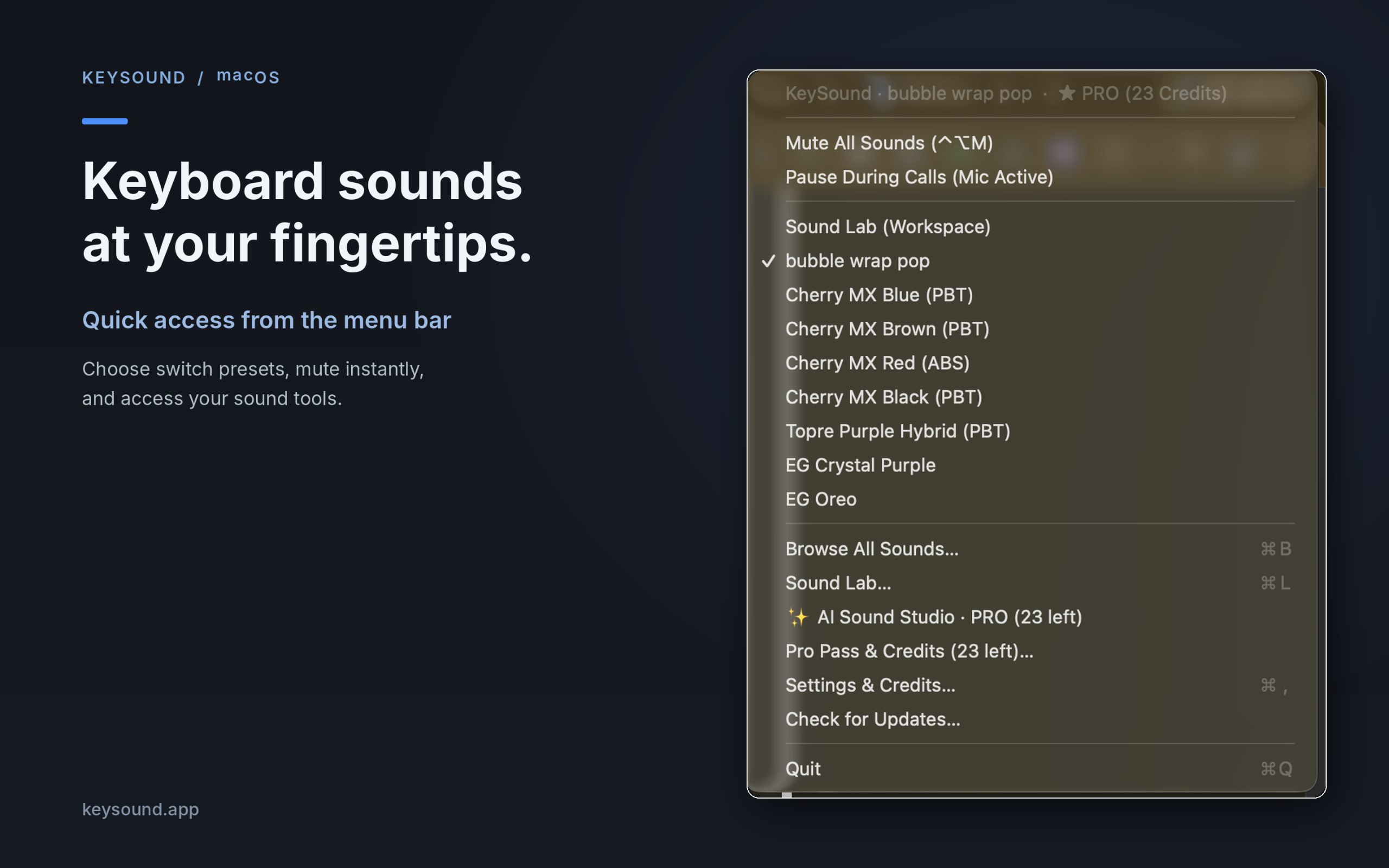
Yapımcısından: KeySound is a lightweight macOS menu-bar utility that makes your keyboard sound like mechanical switches. Choose from 10 recorded switch sound packs, create your own sound combinations using an offline three-layer mixer, and optionally generate new effects using text prompts in AI Sound Studio.
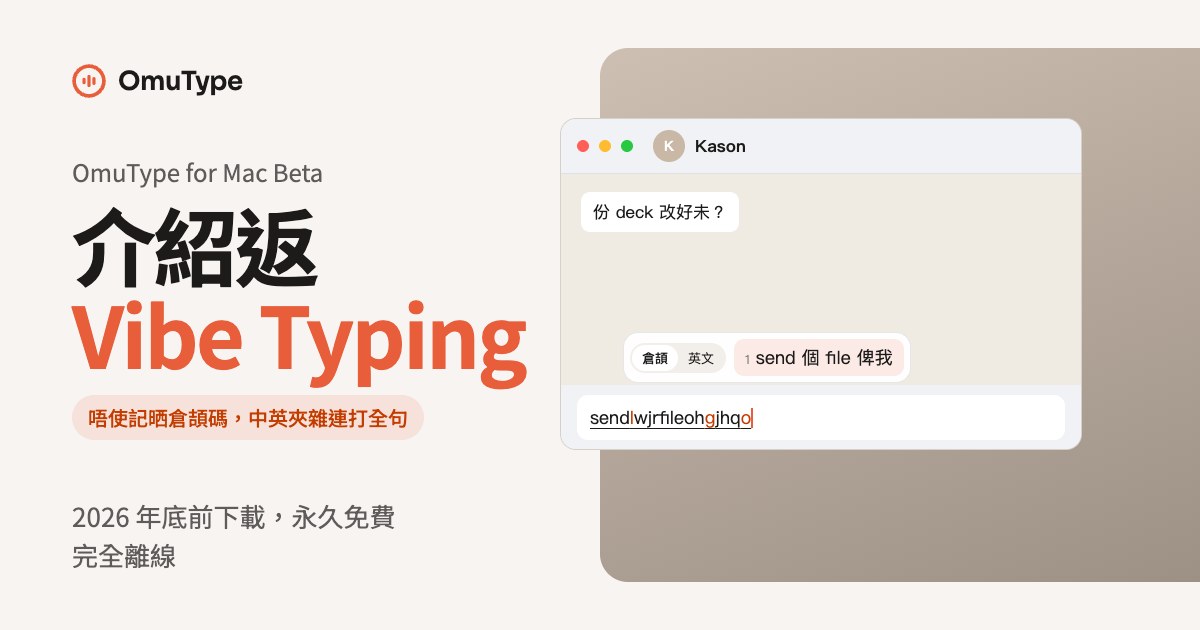
From its maker: OmuType for Mac · Vibe Typing: no need değerinden remember every Cangjie code. Type whole sentences, Chinese and English mixed değerine.
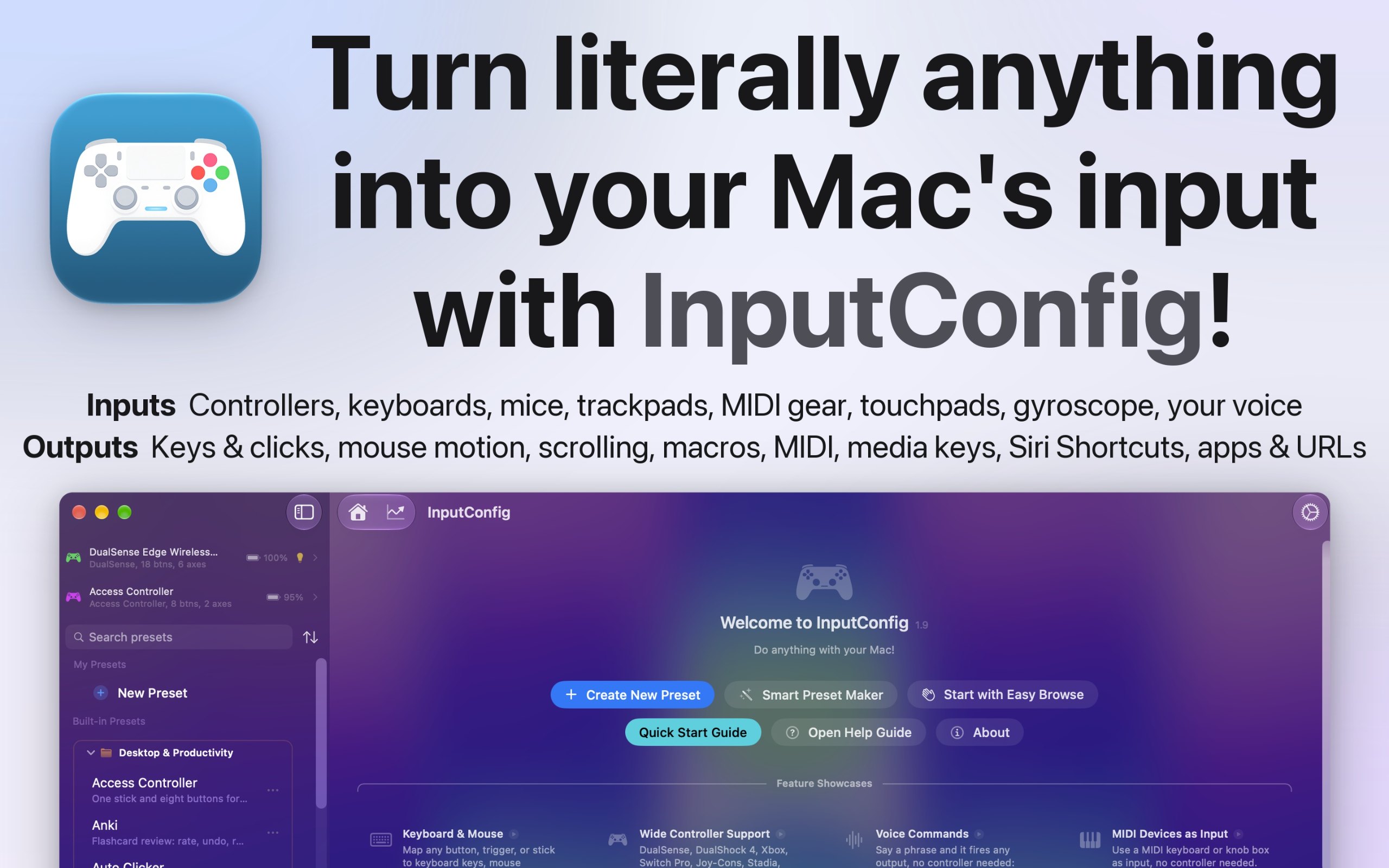
Yapımcısından: InputConfig, a free Mac App Store program, exists because my hands don't work that well, and a keyboard and mouse ask for a kind of control I don't have. It's for anyone who would rather run their Mac with a game controller, an adaptive controller, or a MIDI keyboard, whether it's for accessibility, games, music, or fun.
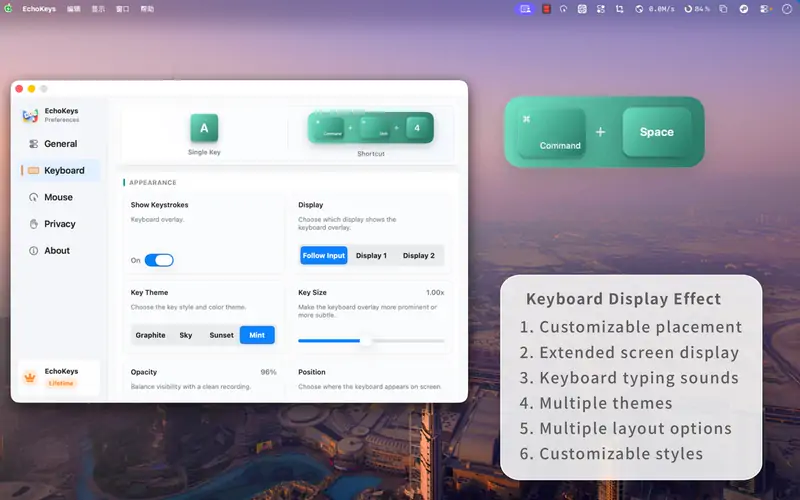
Yapımcısından: EchoKeys is a macOS utility designed for screen recording, livestreaming, tutorials, game capture, and product demos. It shows keyboard keys, modifier keys, shortcuts, and mouse clicks on screen in real time.
Look for which devices it supports, whether it needs Accessibility access, and whether settings survive a restart.
Sorular
What is the best free keyboard or mouse app for Mac?
There is no single best one for everyone. MacPip lists 8: What Can't I Press?, PAD Machine, Slight Motion, KeySound, OmuType for Mac, InputConfig, WheelClick, EchoKeys. If you want it free, look at What Can't I Press?. If you would rather pay once than subscribe, look at KeySound. If you want it to run natively on Apple silicon, look at OmuType for Mac. If you need it to work offline, as its maker says it does, look at InputConfig. If you want open source code, look at What Can't I Press?.
Which free keyboard and mouse apps run natively on Apple silicon?
Geliştiricilerinin sözüne göre veya bizim kontrolümüze göre: KeySound, OmuType for Mac, InputConfig, WheelClick.
Which free keyboard and mouse apps has MacPip checked?
Her birinin sayfasında tarihli bir rapor var: What Can't I Press?.
MacPip bu uygulamaları nasıl sıralar?
Kontrol edilen uygulamalar önce gelir, en yeni kontrol en önde, ardından diğerleri eklendikleri tarihe göre. Ödeme sırayı asla değiştirmez; sponsorlu satırlar etiketlenir ve ayrı tutulur.