Ciao, sono PipQueste app Featured si alternano nel mio notch.
iPipInvia

Le schede restano nella lingua in cui i loro creatori le hanno scritte.

I migliori di MacPip

Le migliori app gratuite della categoria «Tastiera e mouse» per Mac

Aggiornato il 23 nov 2026, da ciò che MacPip elenca oggi.

Risposta breve

MacPip lists 8 free keyboard and mouse apps for Mac, and MacPip has checked 1 of them.Tutte hanno una versione gratuita.2 di queste si acquistano con una licenza una tantum.There is no single best free keyboard or mouse app for everyone, so MacPip does not rank them.Se la vuoi gratis, inizia da What Can't I Press?.

Le app verificate vengono prima, a partire dalla verifica più recente. L'ordine non dipende mai dai pagamenti.

Cosa offrono queste 8 app, secondo le loro schede. Un'app può offrire più cose, quindi le barre non sommano a 8.
Versione gratuita8 di 8
Paghi una volta2 di 8
Abbonamento0 di 8
Nativa per Apple silicon4 di 8
Open source3 di 8
Funziona offline2 di 8
Verificata1 di 8

A confronto

AppChe cosa faPrezzoGratis o a pagamentoApple siliconOpen sourceRealizzato daVerificata
What Can't I Press?Keyboard commands reserved by JAWS, NVDA, Narrator, VoiceOver and OrcaGratuito e open sourceVersione gratuitaNon indicatoSìEric Bailey23 nov
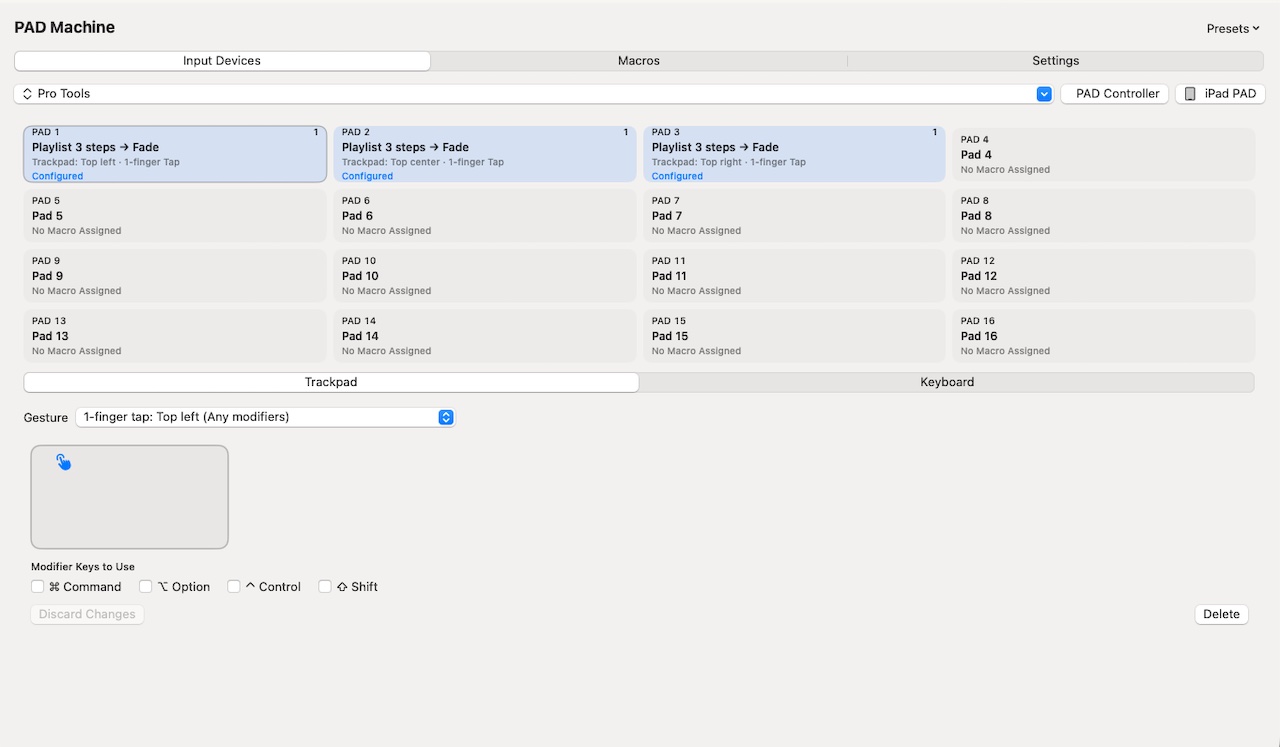
PAD MachineTurn everyday input devices into a customizable macro controller for your Mac.GratisVersione gratuitaNon indicatoNoHiroshi KojimaIn sospeso
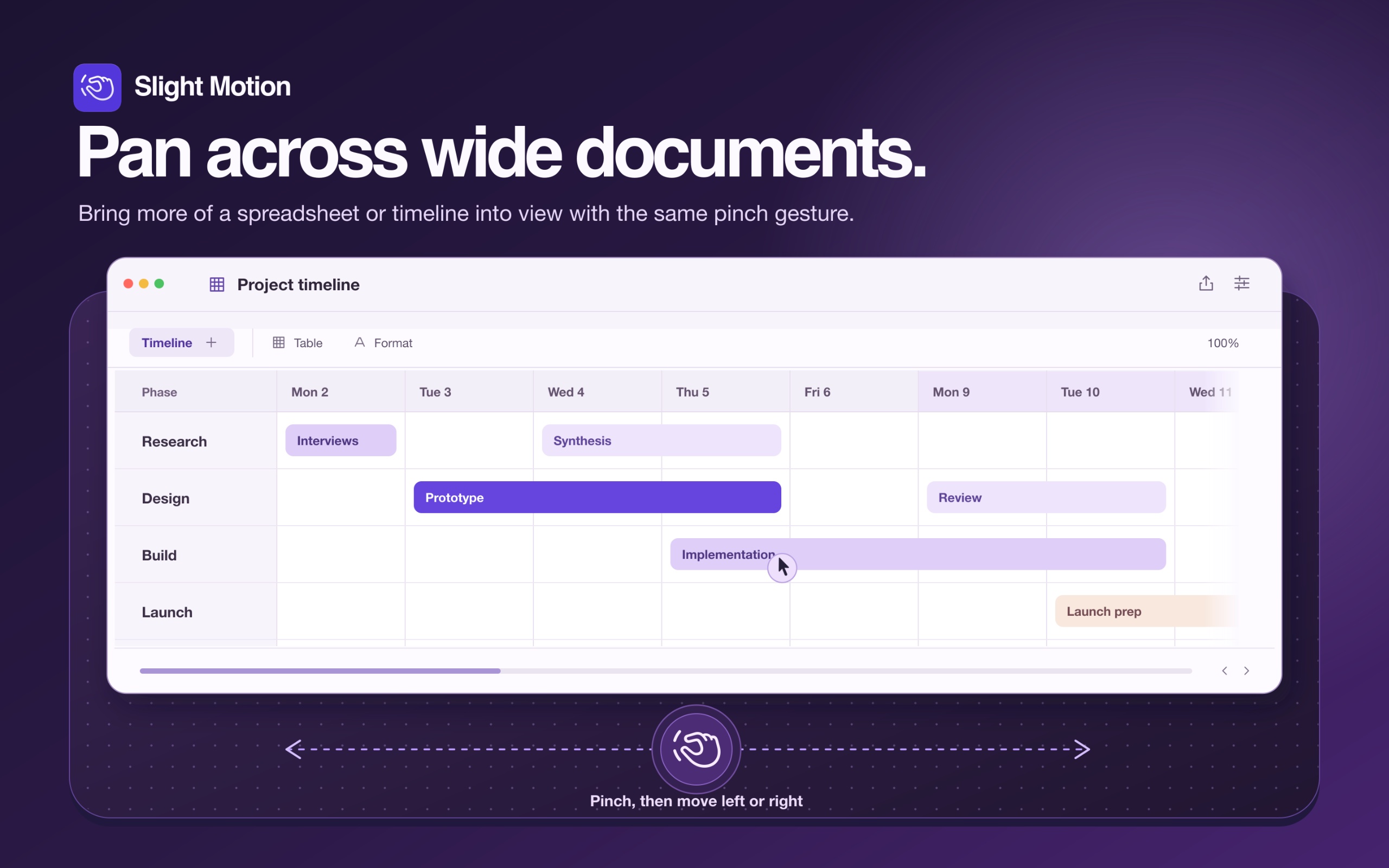
Slight MotionDa Pinch a scroll gestures for Mac.GratisVersione gratuitaNon indicatoNoNon indicatoIn sospeso
KeySoundRealistic mechanical keyboard sounds and customizable typing sound mixes for MacFree, Pro $9.99 onceVersione gratuitaUna tantumSì, e anche su Intel, secondo il suo creatoreSìNon indicatoIn sospeso
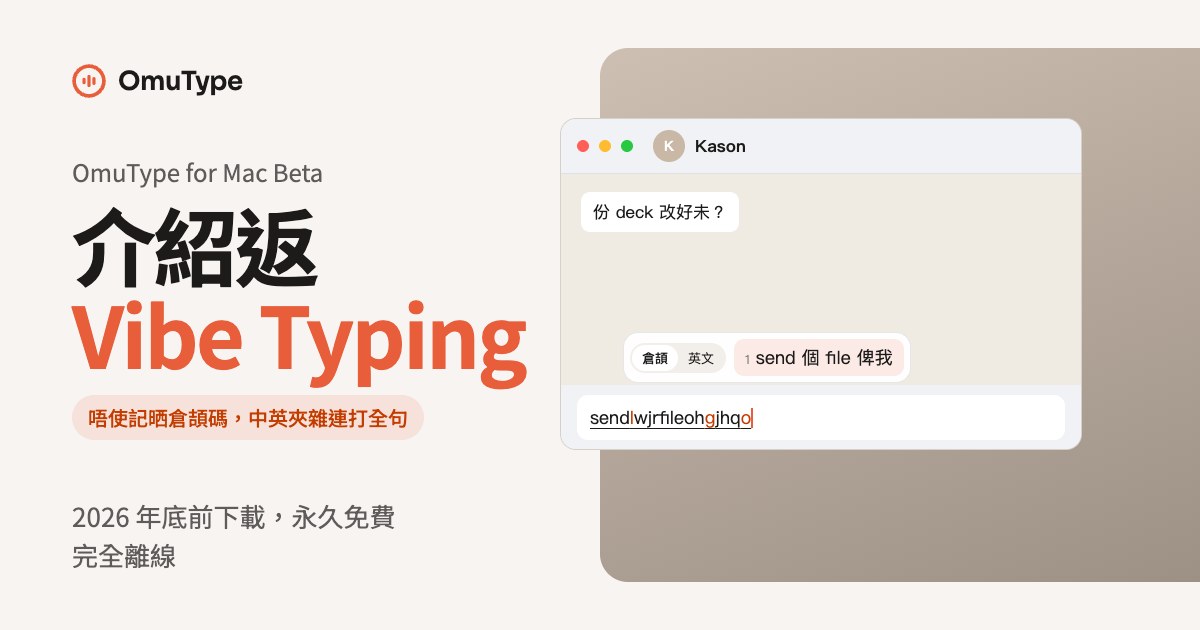
OmuType for MacType whole sentences in Cangjie or Quick with English mixed in, no pickingGratisVersione gratuitaSì, solo Apple silicon, secondo il suo creatoreNoAlano TechIn sospeso
InputConfigMap controllers & MIDI to keyboard and mouseFree, optional tip jarVersione gratuitaSì, e anche su Intel, secondo il suo creatoreSìRyleigh NewmanIn sospeso
WheelClickThe missing middle click for your Mac trackpad and Magic MouseFree forever, Pro $4.99 onceVersione gratuitaUna tantumSì, e anche su Intel, secondo il suo creatoreNoArthur GinzburgIn sospeso
EchoKeysMake every shortcut visibleFree with in-app purchasesVersione gratuitaNon indicatoNo昆 王In sospeso

Le app, una per una

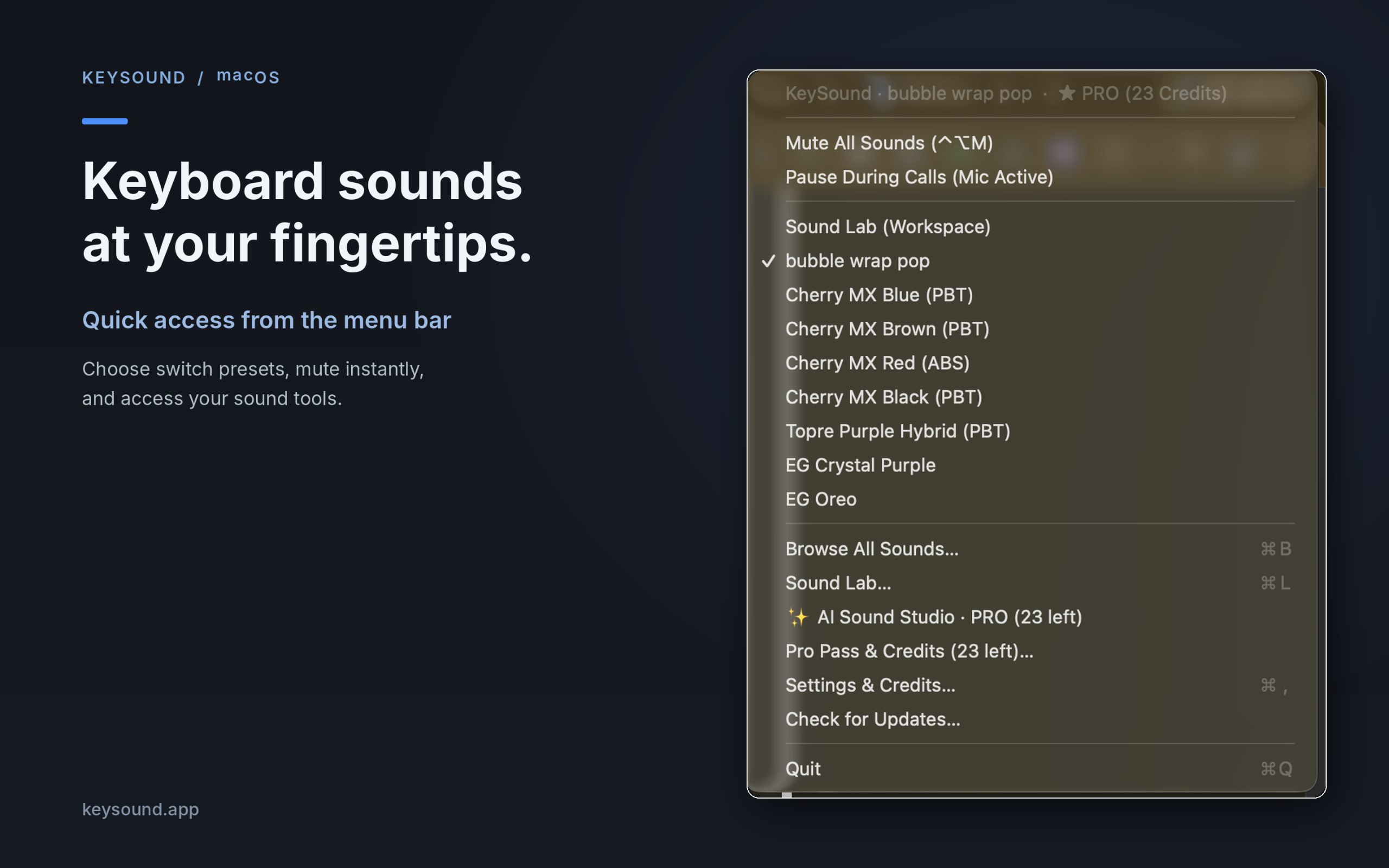
Icona dell'app KeySound

KeySound

Realistic mechanical keyboard sounds and customizable typing sound mixes for Mac

Versione gratuitaPaghi una voltaApple siliconOpen source
KeySound su un Mac

Dal suo creatore: KeySound is a lightweight macOS menu-bar utility that makes your keyboard sound like mechanical switches. Choose from 10 recorded switch sound packs, create your own sound combinations using an offline three-layer mixer, and optionally generate new effects using text prompts in AI Sound Studio.

Prezzo
Free, Pro $9.99 once
Richiede
macOS 13 Ventura o successivo

KeySound su MacPip Altre app per tastiera e mouse

Icona dell'app InputConfig

InputConfig

Map controllers & MIDI to keyboard and mouse

Versione gratuitaApple siliconOpen sourceFunziona offline
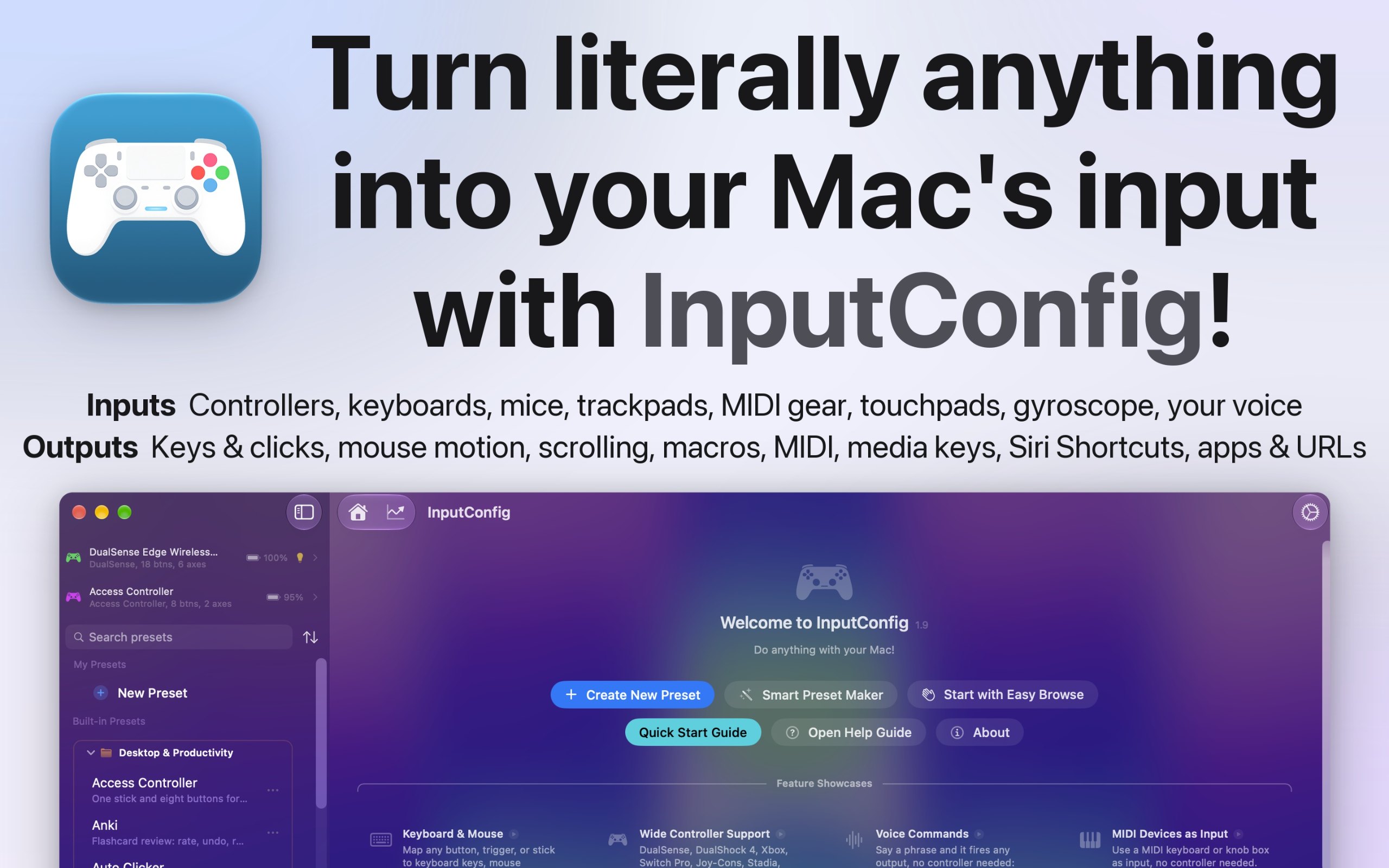
InputConfig su un Mac

Dal suo creatore: InputConfig, a free Mac App Store program, exists because my hands don't work that well, and a keyboard and mouse ask for a kind of control I don't have. It's for anyone who would rather run their Mac with a game controller, an adaptive controller, or a MIDI keyboard, whether it's for accessibility, games, music, or fun.

Prezzo
Free, optional tip jar
Richiede
macOS 14 Sonoma o successivo
Secondo il creatore sostituisce
Joystick Mapper, Gamepad Mapper, JoyMapper, ControllerKeys, ConMapper, Enjoyable, Controlly, JoyToKey, reWASD

InputConfig su MacPip Altre app per tastiera e mouse

Icona dell'app WheelClick

WheelClick

The missing middle click for your Mac trackpad and Magic Mouse

Versione gratuitaPaghi una voltaApple siliconFunziona offline
WheelClick su un Mac

Dal suo creatore: Your Mac has no middle button. WheelClick gives it one, on the trackpad and on the Magic Mouse.

Prezzo
Free forever, Pro $4.99 once
Richiede
macOS 12 Monterey o successivo
Secondo il creatore sostituisce
MiddleClick, Middle, MiddleDrag, BetterTouchTool

WheelClick su MacPip Altre app per tastiera e mouse

Icona dell'app EchoKeys

EchoKeys

Make every shortcut visible

Versione gratuita
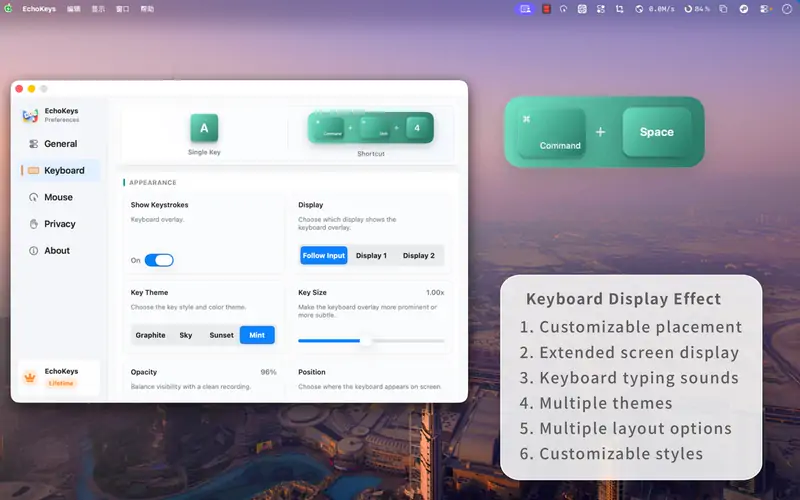
EchoKeys su un Mac
Creato da 昆 王Sito web

Dal suo creatore: EchoKeys is a macOS utility designed for screen recording, livestreaming, tutorials, game capture, and product demos. It shows keyboard keys, modifier keys, shortcuts, and mouse clicks on screen in real time.

Prezzo
Free with in-app purchases
Richiede
macOS 14 Sonoma o successivo

EchoKeys su MacPip Altre app per tastiera e mouse

Quale scegliere

Cosa guardare

Look for which devices it supports, whether it needs Accessibility access, and whether settings survive a restart.

Domande

What is the best free keyboard or mouse app for Mac?

There is no single best one for everyone. MacPip lists 8: What Can't I Press?, PAD Machine, Slight Motion, KeySound, OmuType for Mac, InputConfig, WheelClick, EchoKeys. If you want it free, look at What Can't I Press?. If you would rather pay once than subscribe, look at KeySound. If you want it to run natively on Apple silicon, look at OmuType for Mac. If you need it to work offline, as its maker says it does, look at InputConfig. If you want open source code, look at What Can't I Press?.

Which free keyboard and mouse apps run natively on Apple silicon?

Secondo i loro creatori o secondo la nostra verifica: KeySound, OmuType for Mac, InputConfig, WheelClick.

Which free keyboard and mouse apps has MacPip checked?

Ognuna ha un report con la data sulla sua pagina: What Can't I Press?.

Come ordina MacPip queste app?

Le app verificate vengono prima, a partire dalla verifica più recente, poi le altre in base a quando sono state aggiunte. I pagamenti non cambiano mai l'ordine, e le righe sponsorizzate sono etichettate e tenute a parte.

Correlati