Beste gratis apps uit de categorie “Toetsenbord en muis” voor Mac
Bijgewerkt op 23 nov 2026, uit wat MacPip vandaag vermeldt.
Kort antwoord
MacPip lists 8 free keyboard and mouse apps for Mac, and MacPip has checked 1 of them.Ze hebben allemaal een gratis versie.2 ervan verkopen een eenmalige licentie.There is no single best free keyboard or mouse app for everyone, so MacPip does not rank them.Als je een gratis app wilt, begin dan met What Can't I Press?.
Gecontroleerde apps komen eerst, de nieuwste controle bovenaan. Nooit gesorteerd op betaling.
Wat deze 8 apps bieden, volgens hun vermeldingen. Een app kan meerdere dingen bieden, dus de balken tellen niet op tot 8.
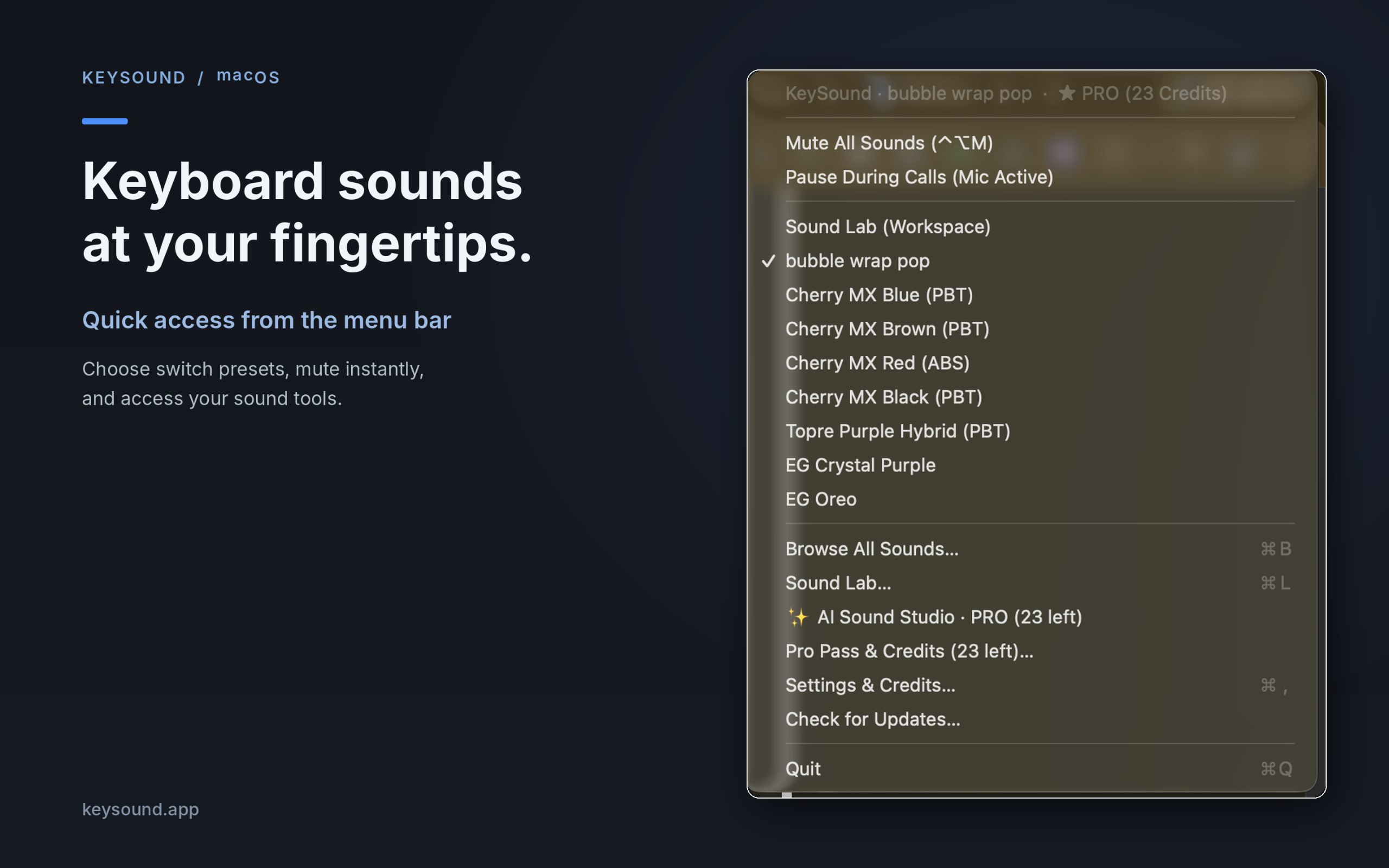
Van de maker: KeySound is a lightweight macOS menu-bar utility that makes your keyboard sound like mechanical switches. Choose from 10 recorded switch sound packs, create your own sound combinations using an offline three-layer mixer, and optionally generate new effects using text prompts in AI Sound Studio.
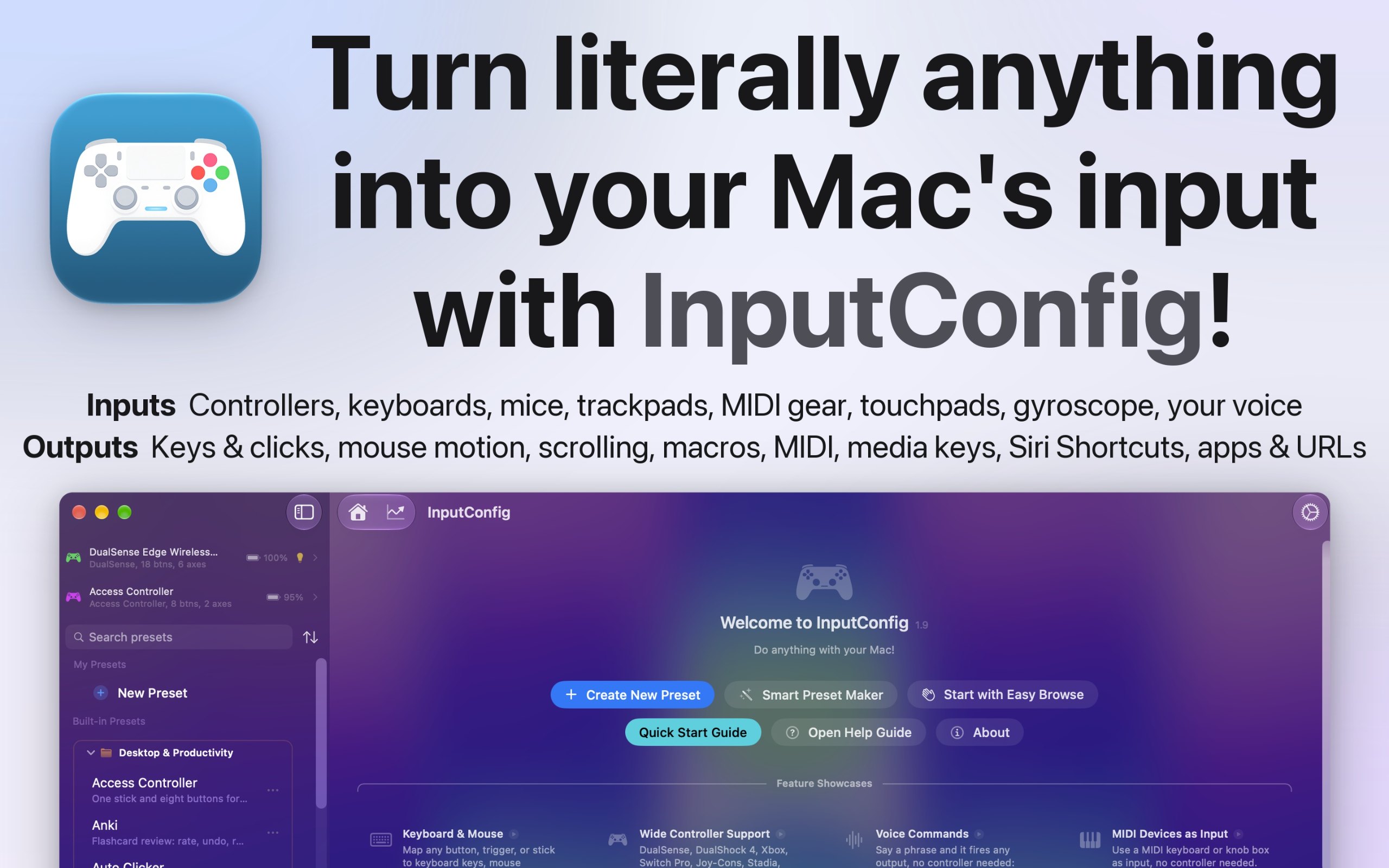
Van de maker: InputConfig, a free Mac App Store program, exists because my hands don't work that well, and a keyboard and mouse ask for a kind of control I don't have. It's for anyone who would rather run their Mac with a game controller, an adaptive controller, or a MIDI keyboard, whether it's for accessibility, games, music, or fun.
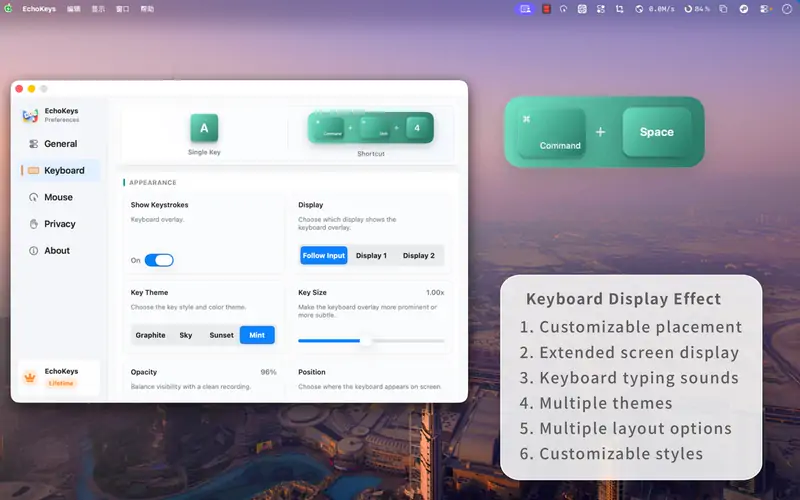
Van de maker: EchoKeys is a macOS utility designed for screen recording, livestreaming, tutorials, game capture, and product demos. It shows keyboard keys, modifier keys, shortcuts, and mouse clicks on screen in real time.
Look for which devices it supports, whether it needs Accessibility access, and whether settings survive a restart.
Vragen
What is the best free keyboard or mouse app for Mac?
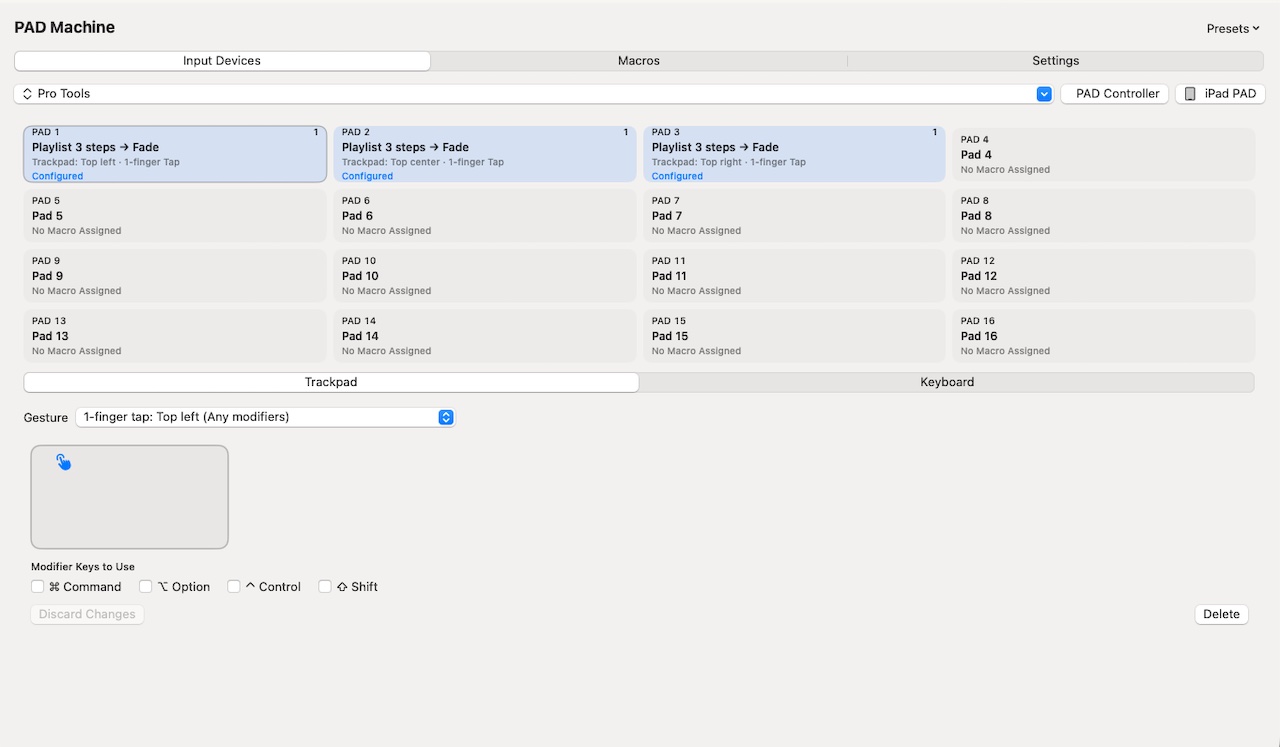
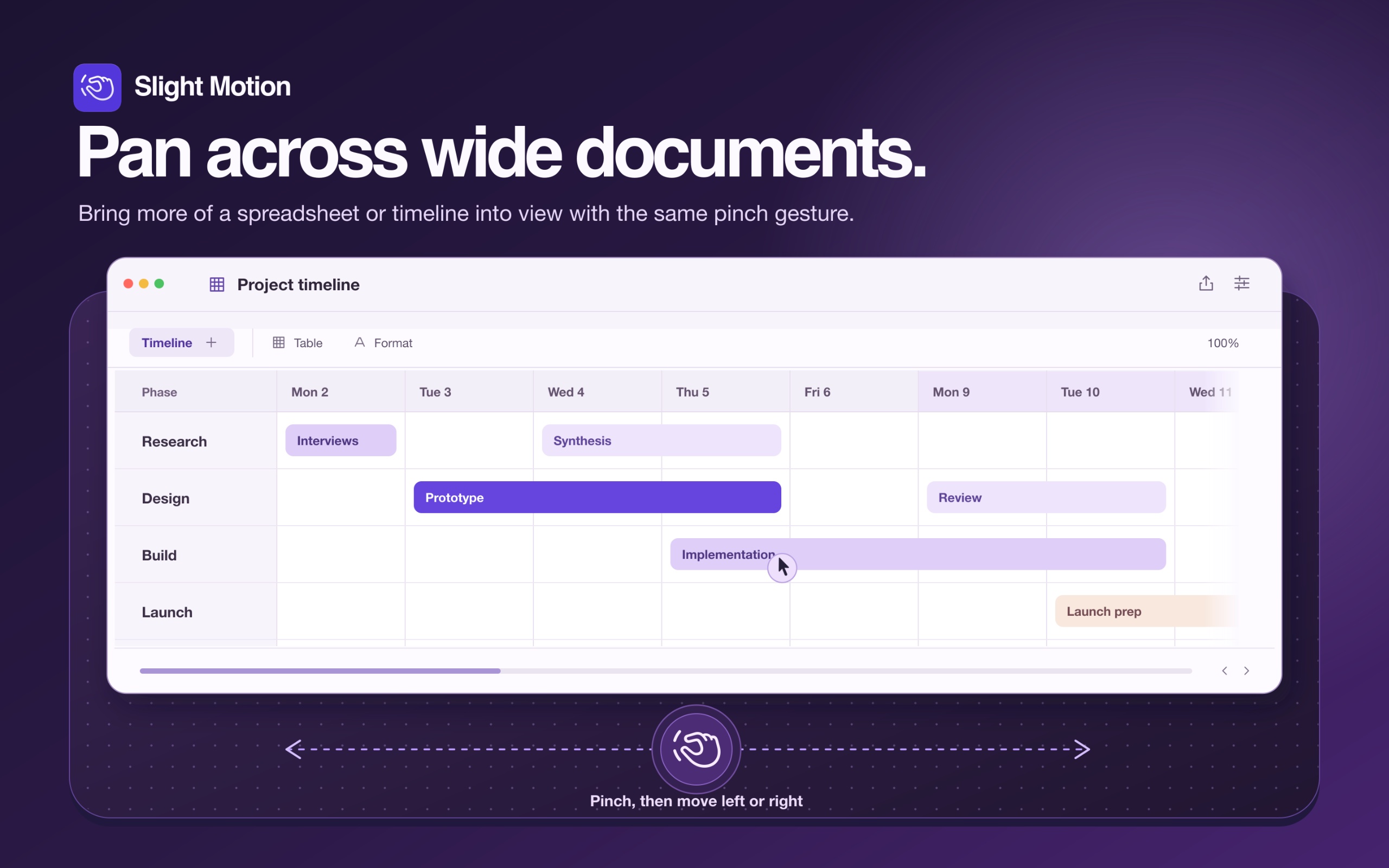
There is no single best one for everyone. MacPip lists 8: What Can't I Press?, PAD Machine, Slight Motion, KeySound, OmuType for Mac, InputConfig, WheelClick, EchoKeys. If you want it free, look at What Can't I Press?. If you would rather pay once than subscribe, look at KeySound. If you want it to run natively on Apple silicon, look at OmuType for Mac. If you need it to work offline, as its maker says it does, look at InputConfig. If you want open source code, look at What Can't I Press?.
Which free keyboard and mouse apps run natively on Apple silicon?
Volgens de makers of volgens onze controle: KeySound, OmuType for Mac, InputConfig, WheelClick.
Which free keyboard and mouse apps has MacPip checked?
Elke app heeft een gedateerd rapport op zijn pagina: What Can't I Press?.
Hoe sorteert MacPip deze apps?
Gecontroleerde apps komen eerst, de nieuwste controle bovenaan, daarna de rest op het moment dat ze zijn toegevoegd. Betalen verandert nooit de volgorde, en gesponsorde rijen hebben een label en staan apart.