Najlepsze darmowe aplikacje z kategorii „Klawiatura i mysz” na Mac
Zaktualizowano 23 lis 2026, na podstawie tego, co MacPip ma dziś w katalogu.
Krótka odpowiedź
MacPip lists 8 free keyboard and mouse apps for Mac, and MacPip has checked 1 of them.Wszystkie mają darmową wersję.Z licencją jednorazową: 2.There is no single best free keyboard or mouse app for everyone, so MacPip does not rank them.Jeśli chcesz darmową, zacznij od What Can't I Press?.
Najpierw sprawdzone aplikacje, od najnowszego sprawdzenia. Nigdy według płatności.
Co oferują te aplikacje (8) według ich wpisów. Aplikacja może oferować kilka rzeczy, więc słupki nie sumują się do 8.
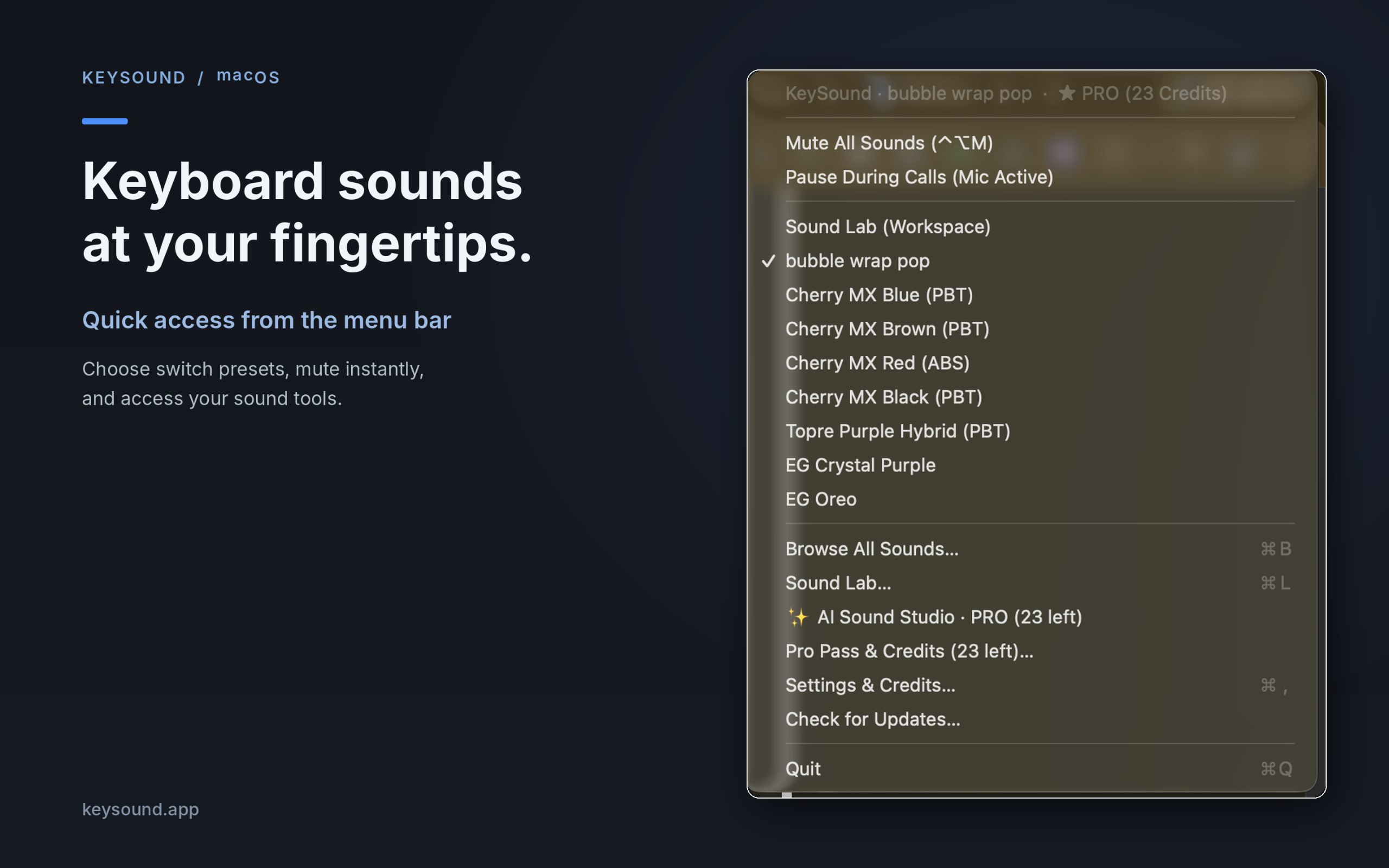
Od twórcy: KeySound is a lightweight macOS menu-bar utility that makes your keyboard sound like mechanical switches. Choose from 10 recorded switch sound packs, create your own sound combinations using an offline three-layer mixer, and optionally generate new effects using text prompts in AI Sound Studio.
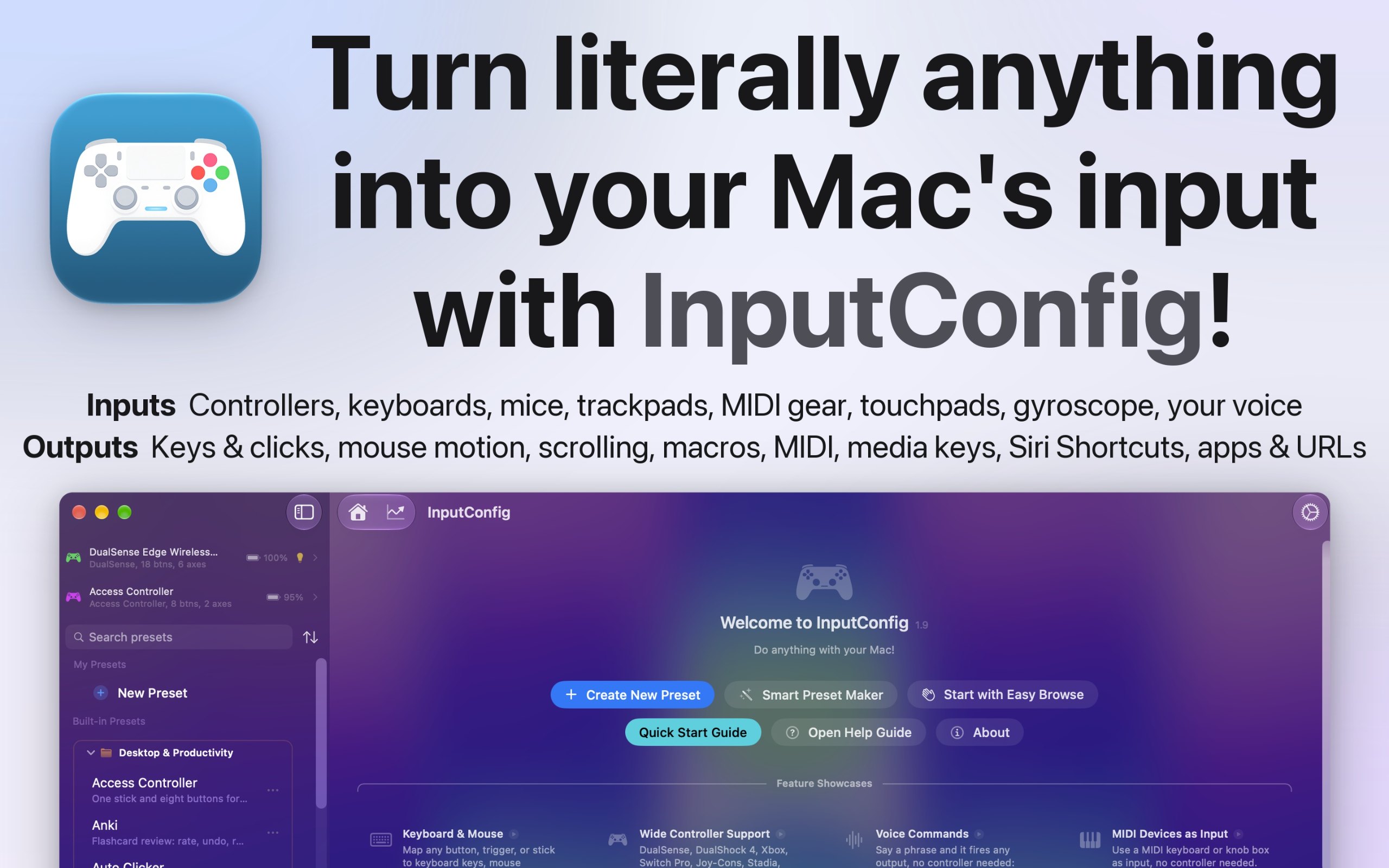
Od twórcy: InputConfig, a free Mac App Store program, exists because my hands don't work that well, and a keyboard and mouse ask for a kind of control I don't have. It's for anyone who would rather run their Mac with a game controller, an adaptive controller, or a MIDI keyboard, whether it's for accessibility, games, music, or fun.
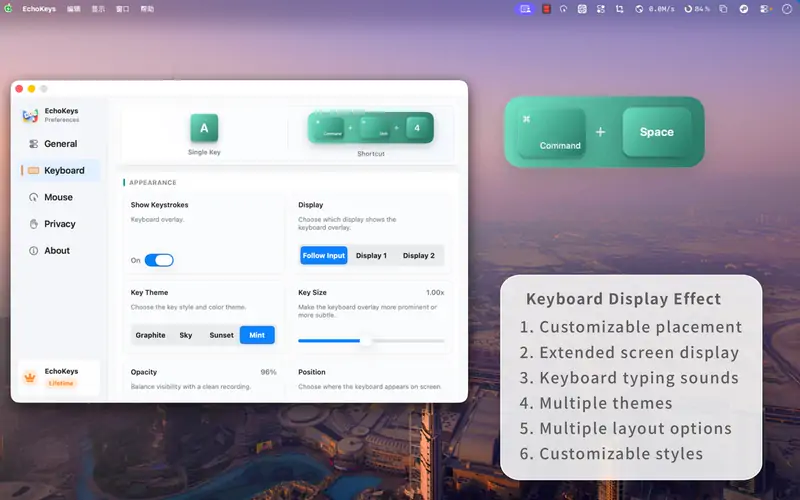
Od twórcy: EchoKeys is a macOS utility designed for screen recording, livestreaming, tutorials, game capture, and product demos. It shows keyboard keys, modifier keys, shortcuts, and mouse clicks on screen in real time.
Look for which devices it supports, whether it needs Accessibility access, and whether settings survive a restart.
Pytania
What is the best free keyboard or mouse app for Mac?
There is no single best one for everyone. MacPip lists 8: What Can't I Press?, PAD Machine, Slight Motion, KeySound, OmuType for Mac, InputConfig, WheelClick, EchoKeys. If you want it free, look at What Can't I Press?. If you would rather pay once than subscribe, look at KeySound. If you want it to run natively on Apple silicon, look at OmuType for Mac. If you need it to work offline, as its maker says it does, look at InputConfig. If you want open source code, look at What Can't I Press?.
Which free keyboard and mouse apps run natively on Apple silicon?
Według twórców lub według naszego sprawdzenia: KeySound, OmuType for Mac, InputConfig, WheelClick.
Which free keyboard and mouse apps has MacPip checked?
Każda ma datowany raport na swojej stronie: What Can't I Press?.
Jak MacPip ustawia te aplikacje w kolejności?
Najpierw sprawdzone aplikacje, od najnowszego sprawdzenia, potem pozostałe według daty dodania. Płatność nigdy nie zmienia kolejności, a sponsorowane wiersze są oznaczone i trzymane osobno.